
Steps
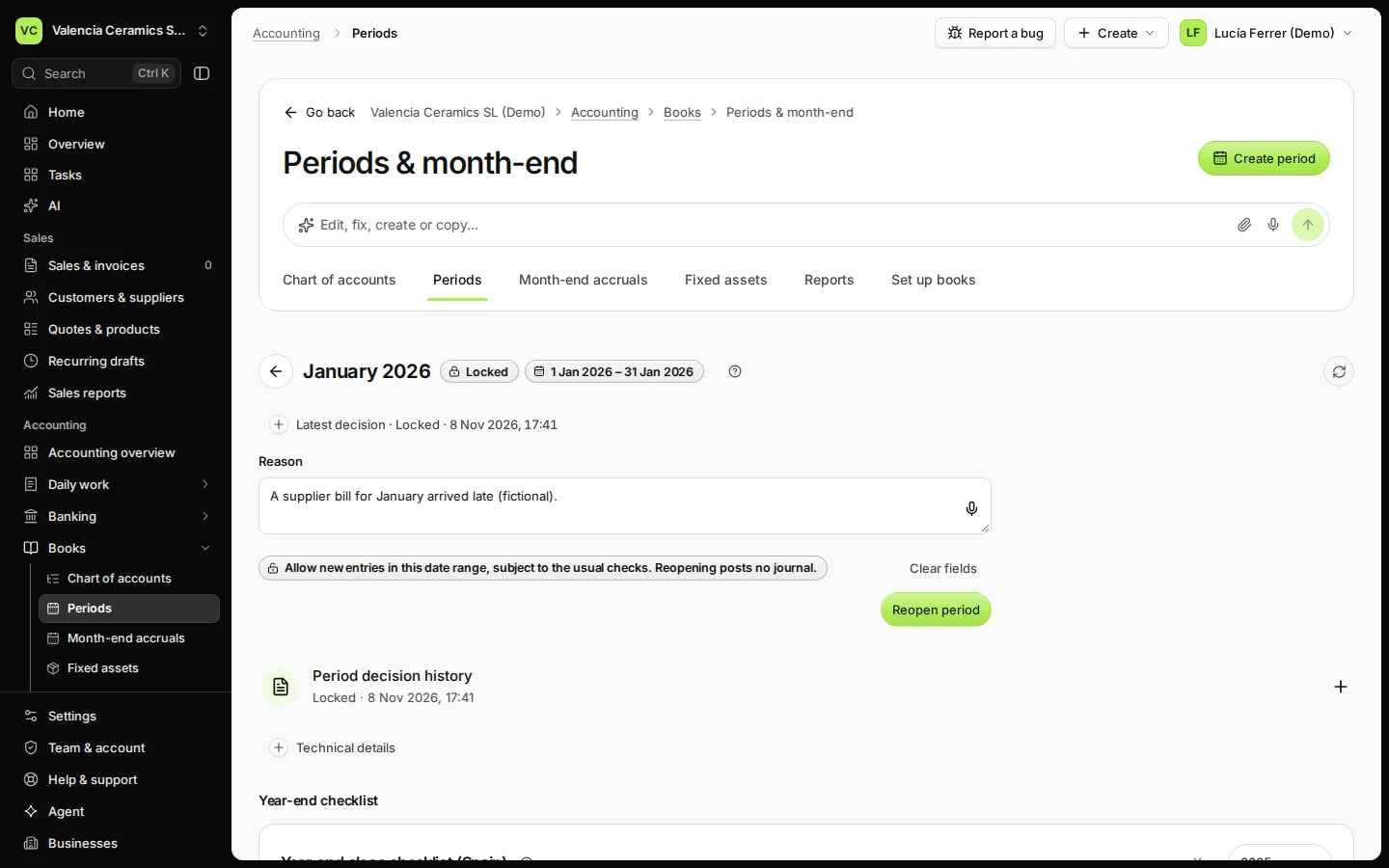
Open Periods from Books and choose the locked month.
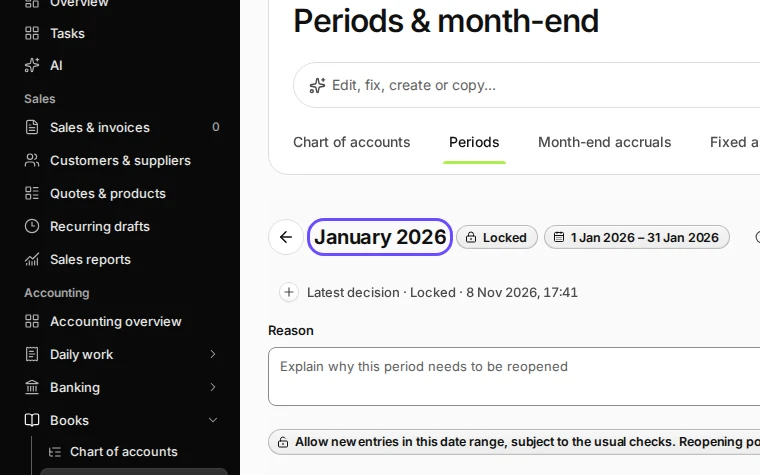
Step 1 in Deline (Spain business, fictional data) · See the whole screen Under Reopen this period, write why you are reopening it.
For example a supplier bill for that month arrived late.
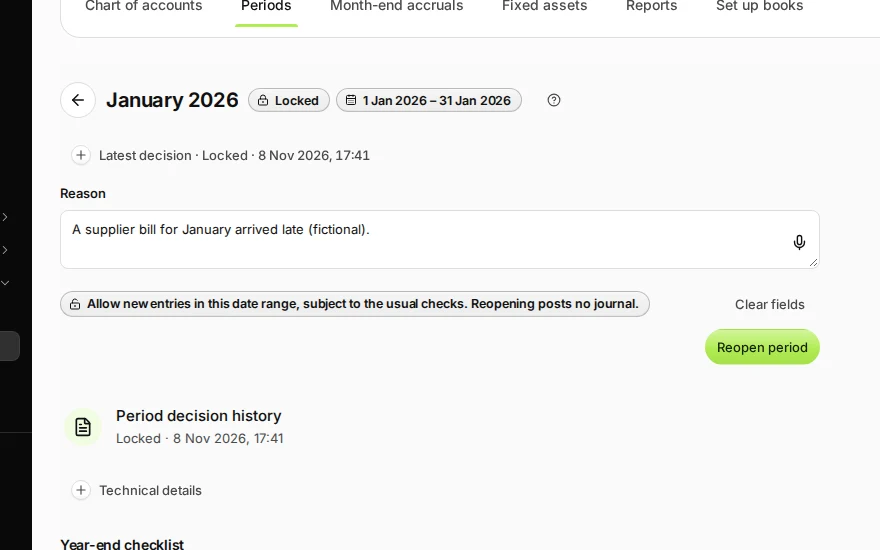
Step 2 in Deline (Spain business, fictional data) · See the whole screen Press Reopen period and confirm.
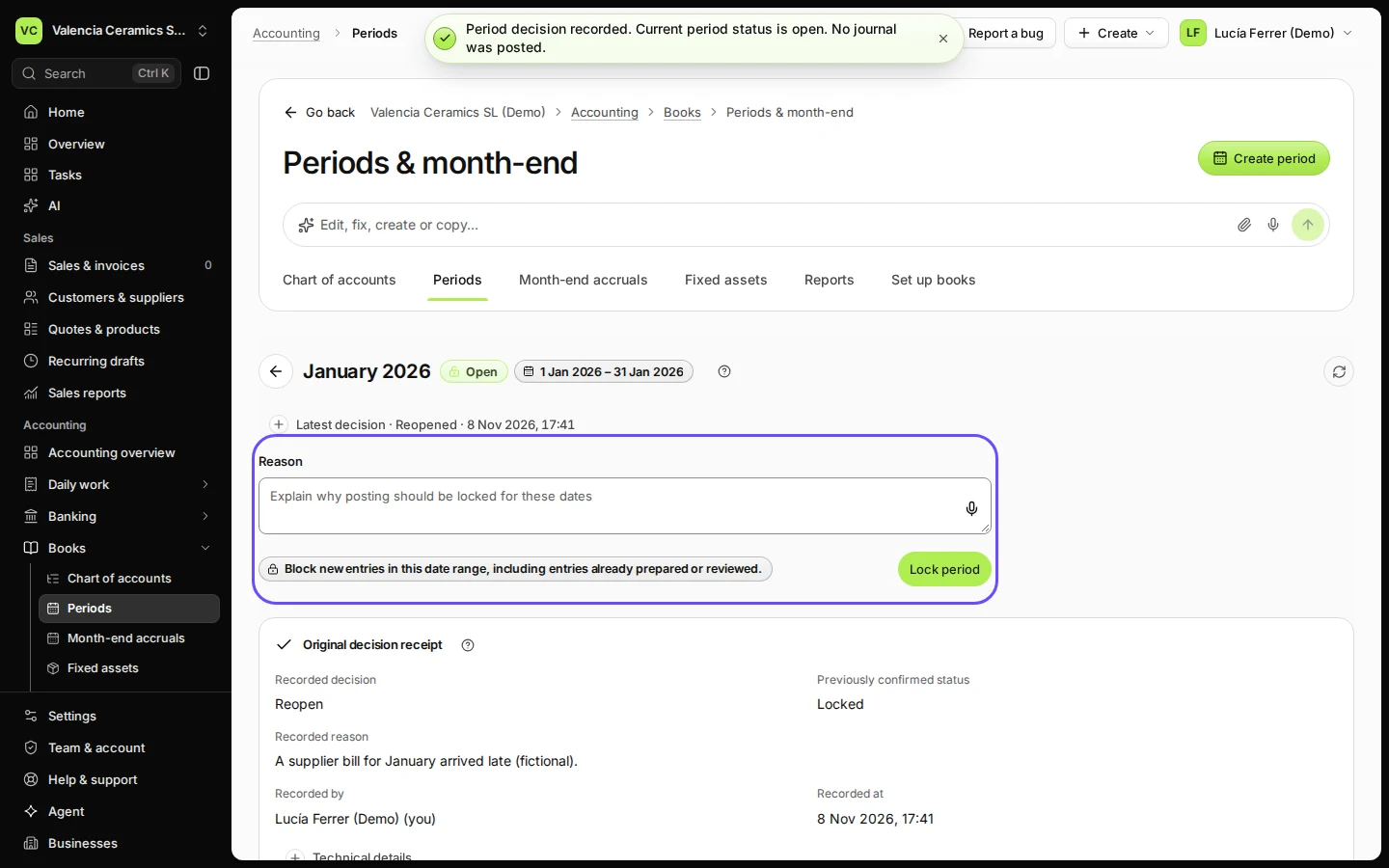
Lock the month again when you are done.
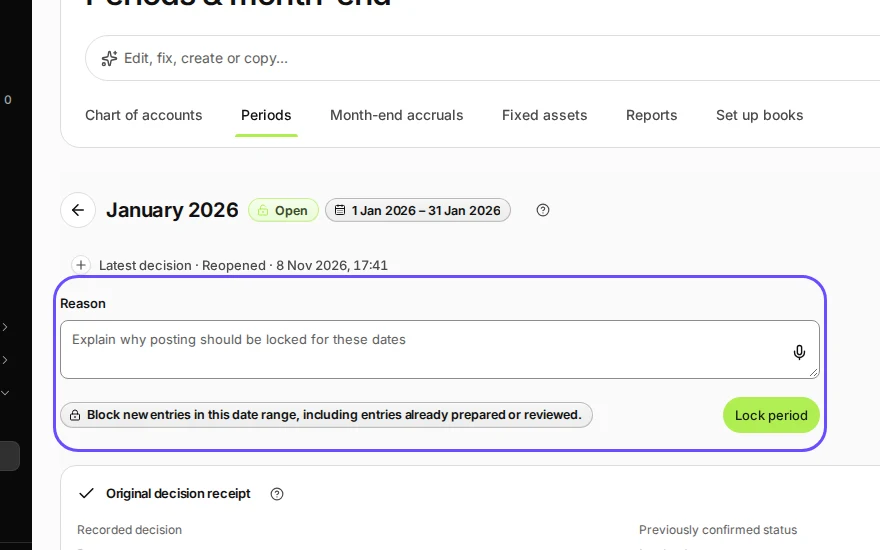
Step 3 in Deline (Spain business, fictional data) · See the whole screen
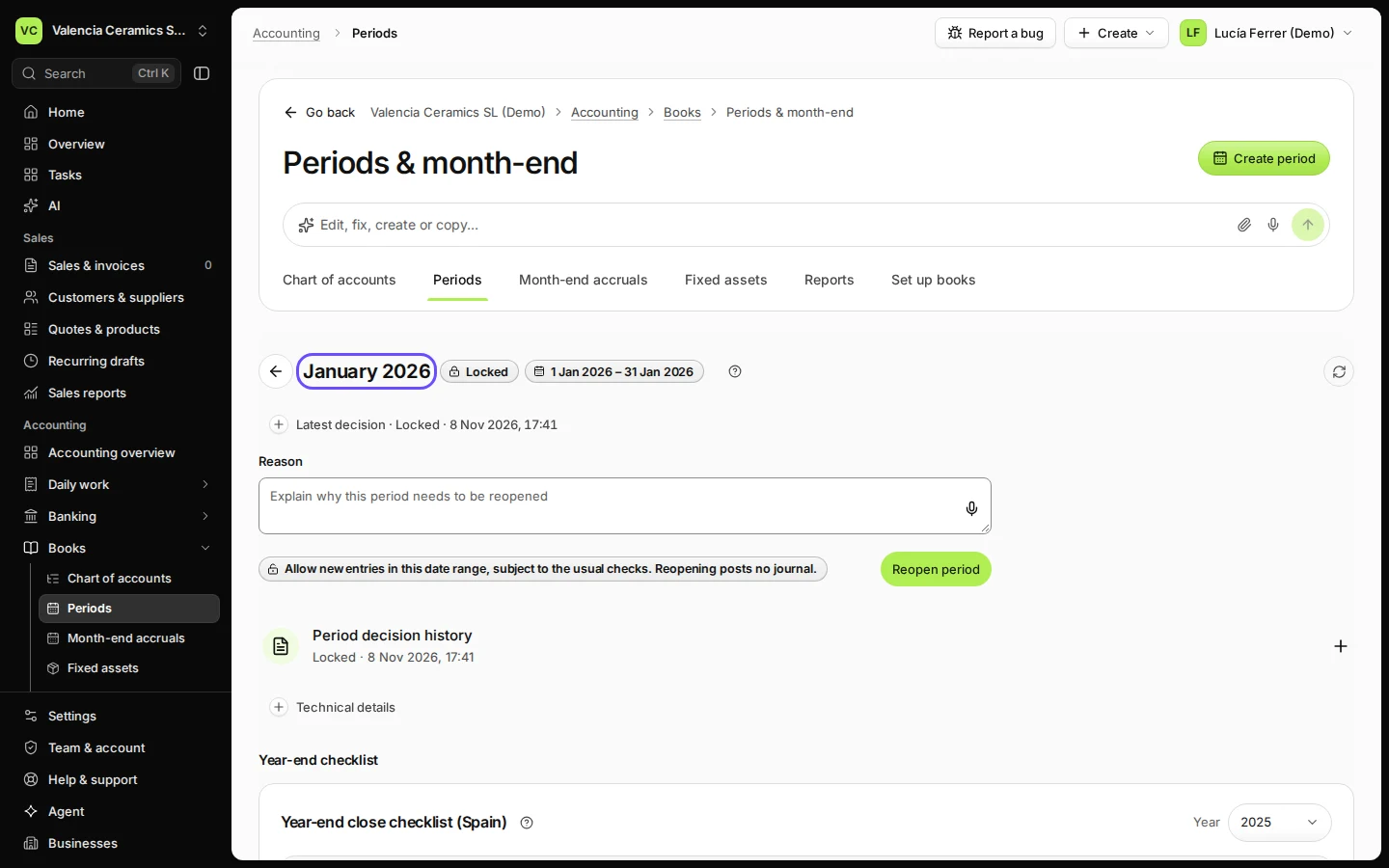
If something goes wrong
- A filed month: a month marked as filed asks for a separate reopen request.
Last checked 2026-11-08 by the guide runner on build 950c928ab (Deline cf14680cd) (local Deline stack).