
Steps
Open the customer from Customers & suppliers.
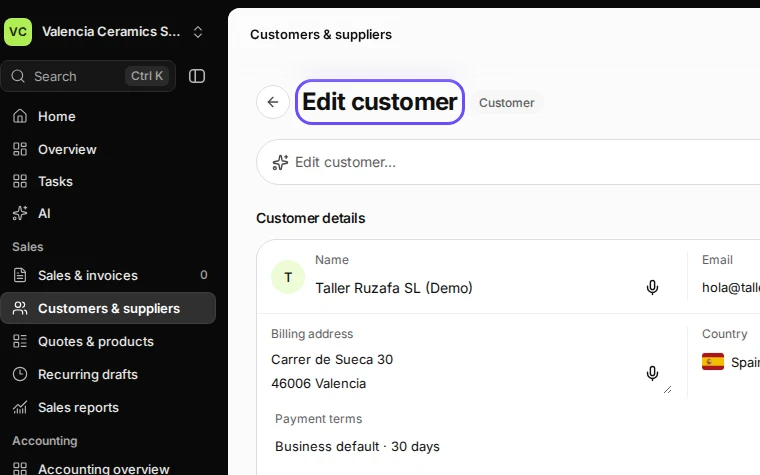
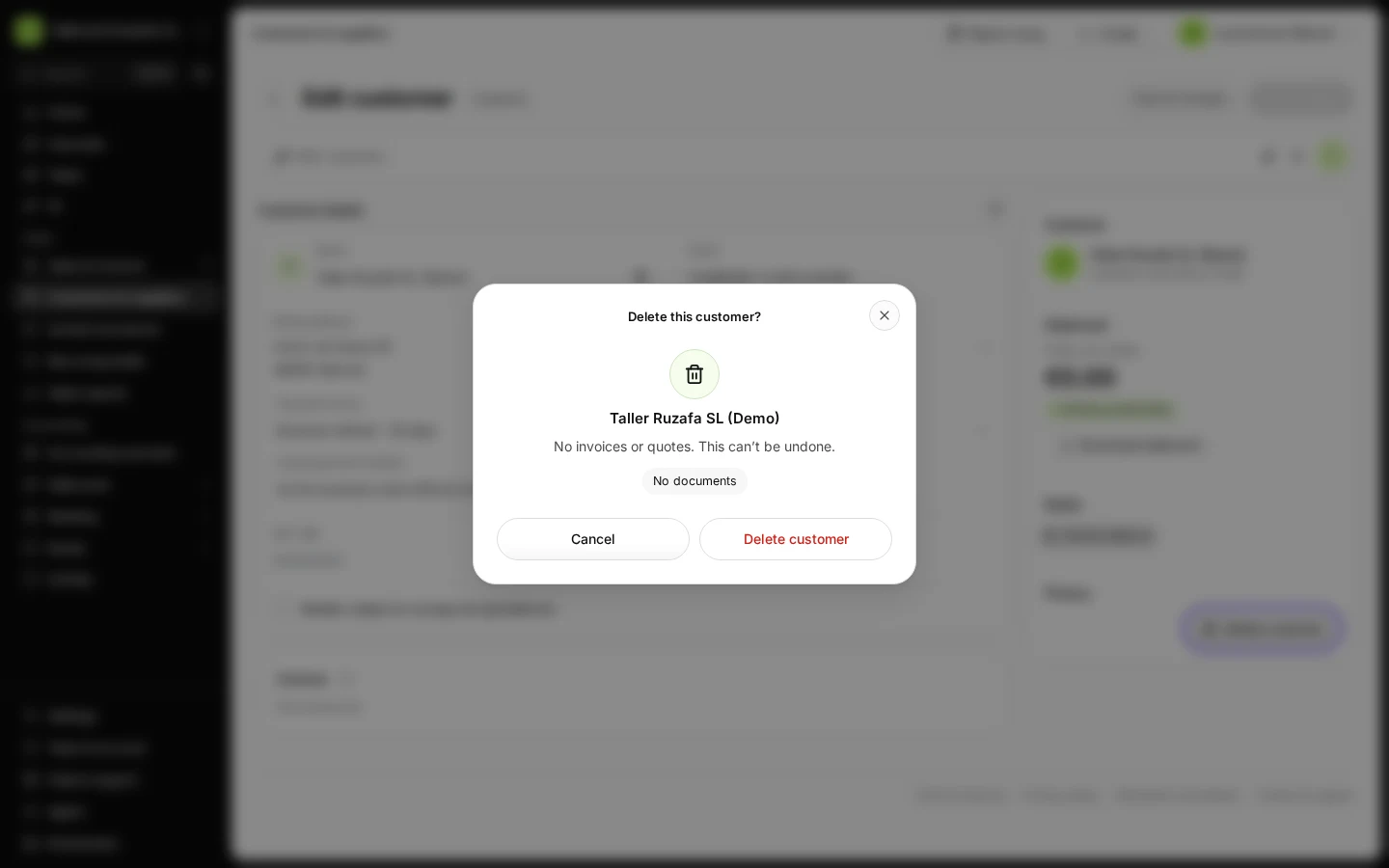
Step 1 in Deline (Spain business, fictional data) · See the whole screen Under Privacy, press Delete customer.
Anonymising removes their personal details but keeps the documents.
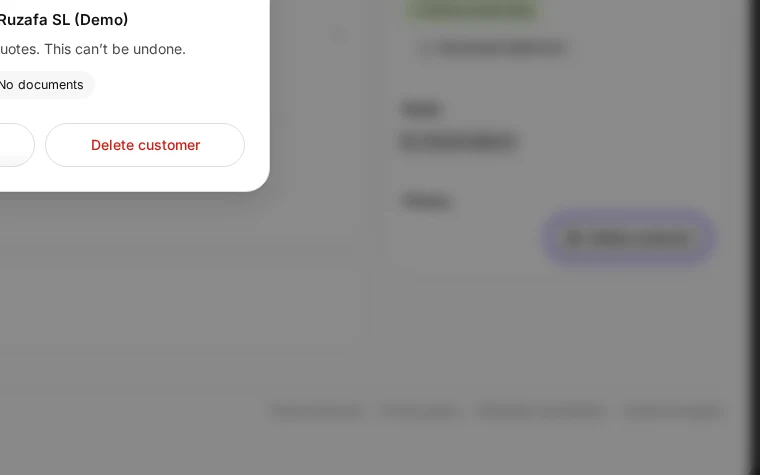
Step 2 in Deline (Spain business, fictional data) · See the whole screen Confirm.
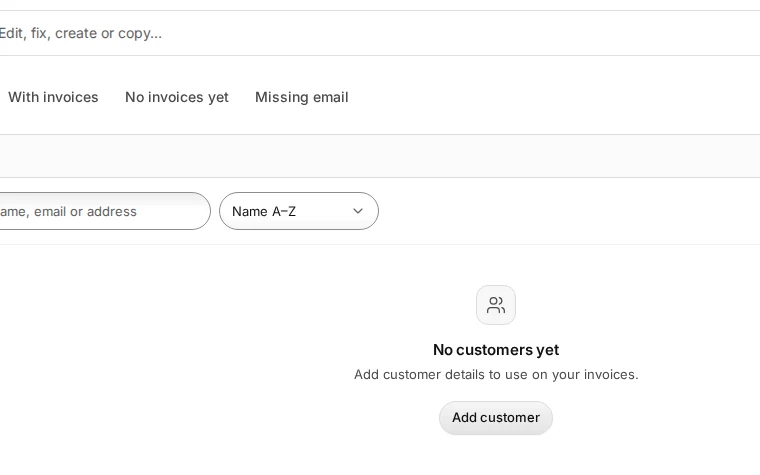
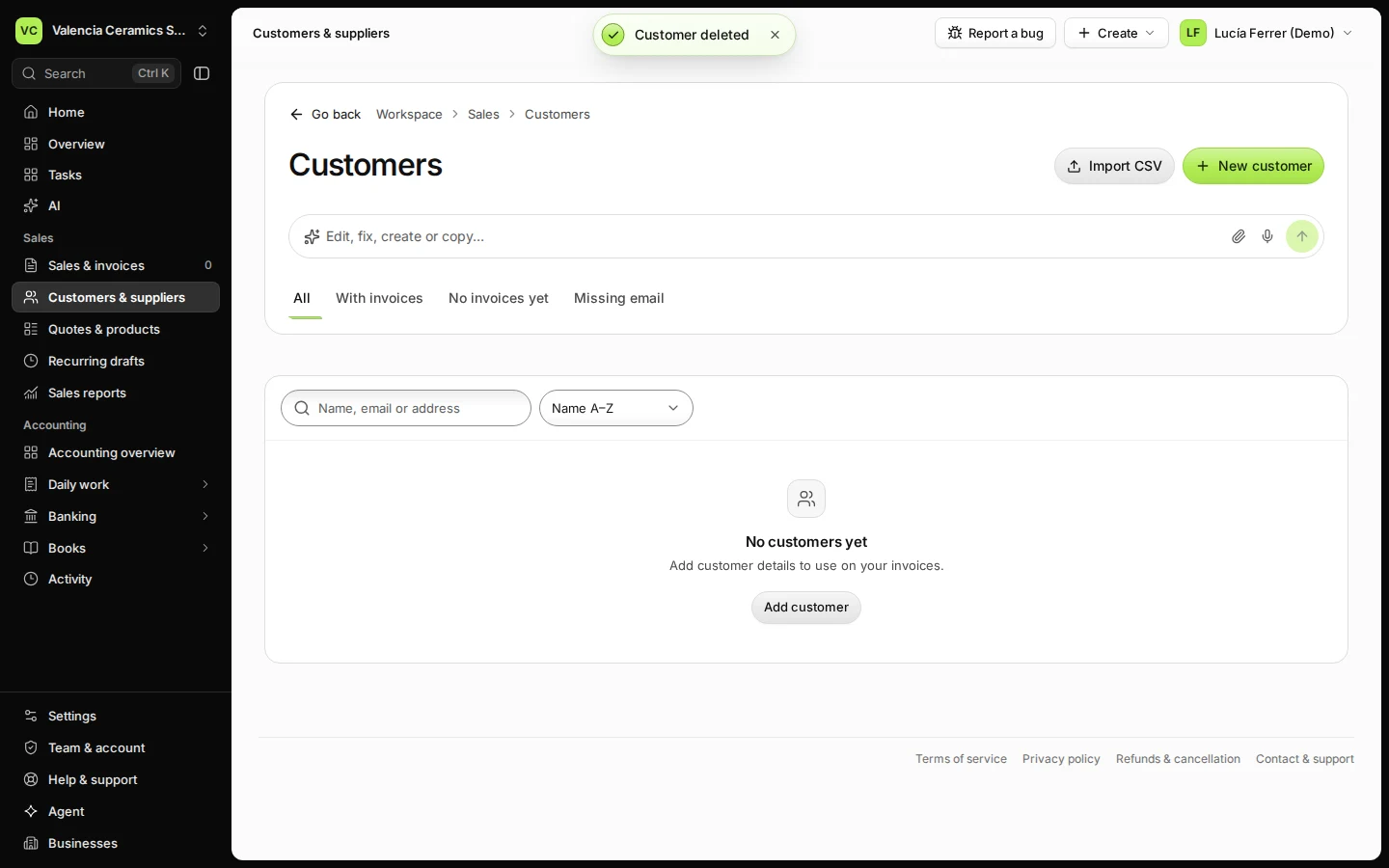
Step 3 in Deline (Spain business, fictional data) · See the whole screen
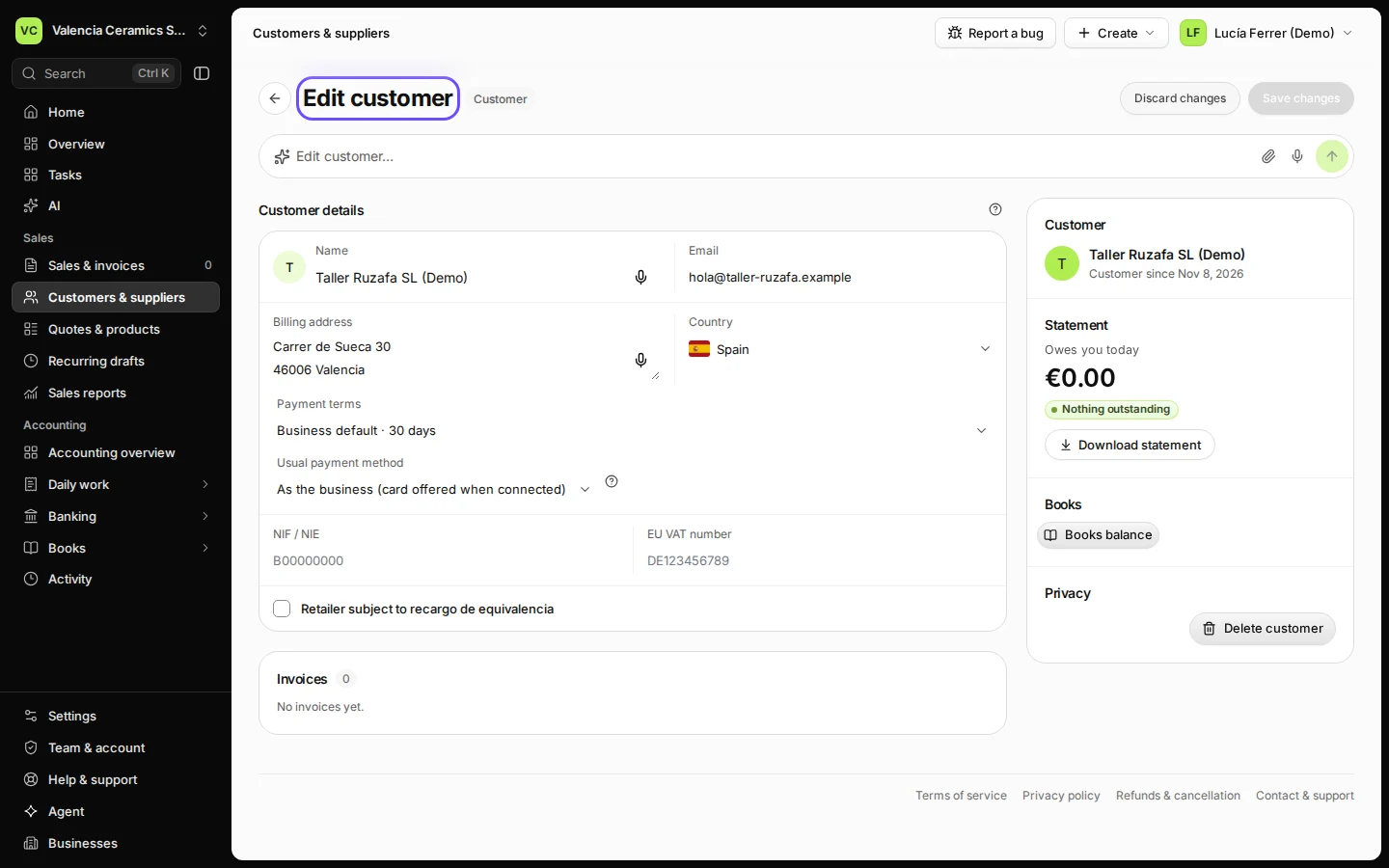
Last checked 2026-11-08 by the guide runner on build 37b370dcd (Deline 5e00493c3) (local Deline stack).