
Steps
Open Customers & suppliers.
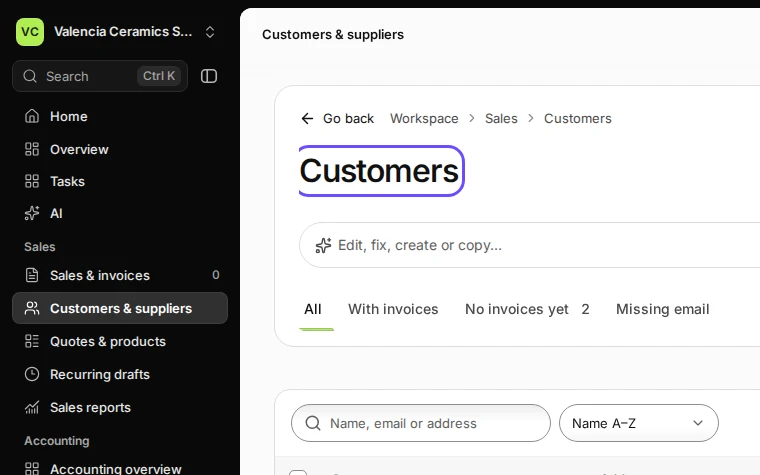
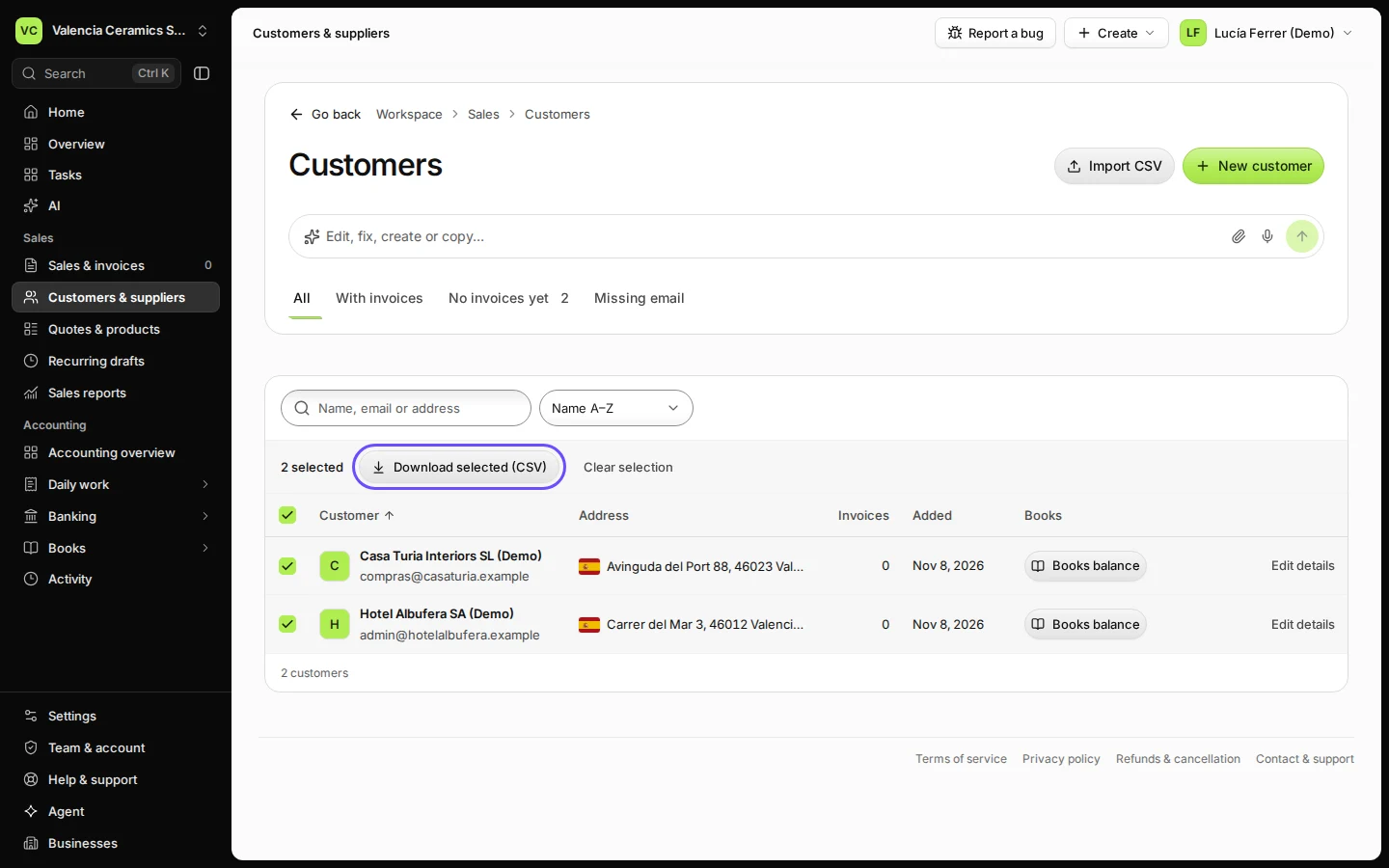
Step 1 in Deline (Spain business, fictional data) · See the whole screen Tick the customers you want, or Select all shown customers.
Use the search or the filters first to narrow the list.
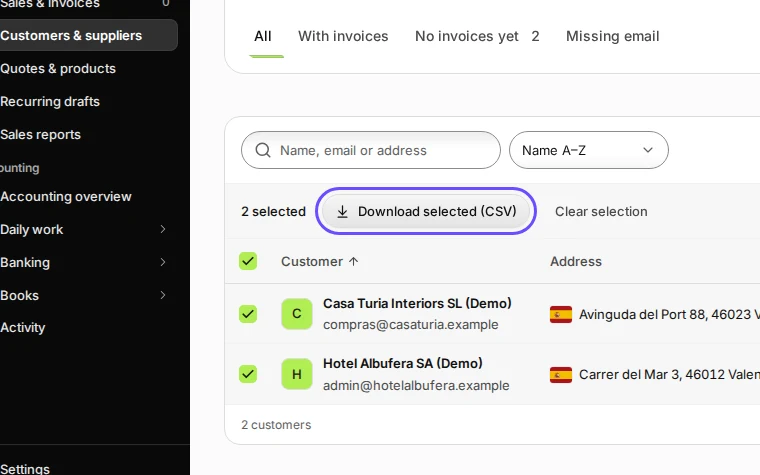
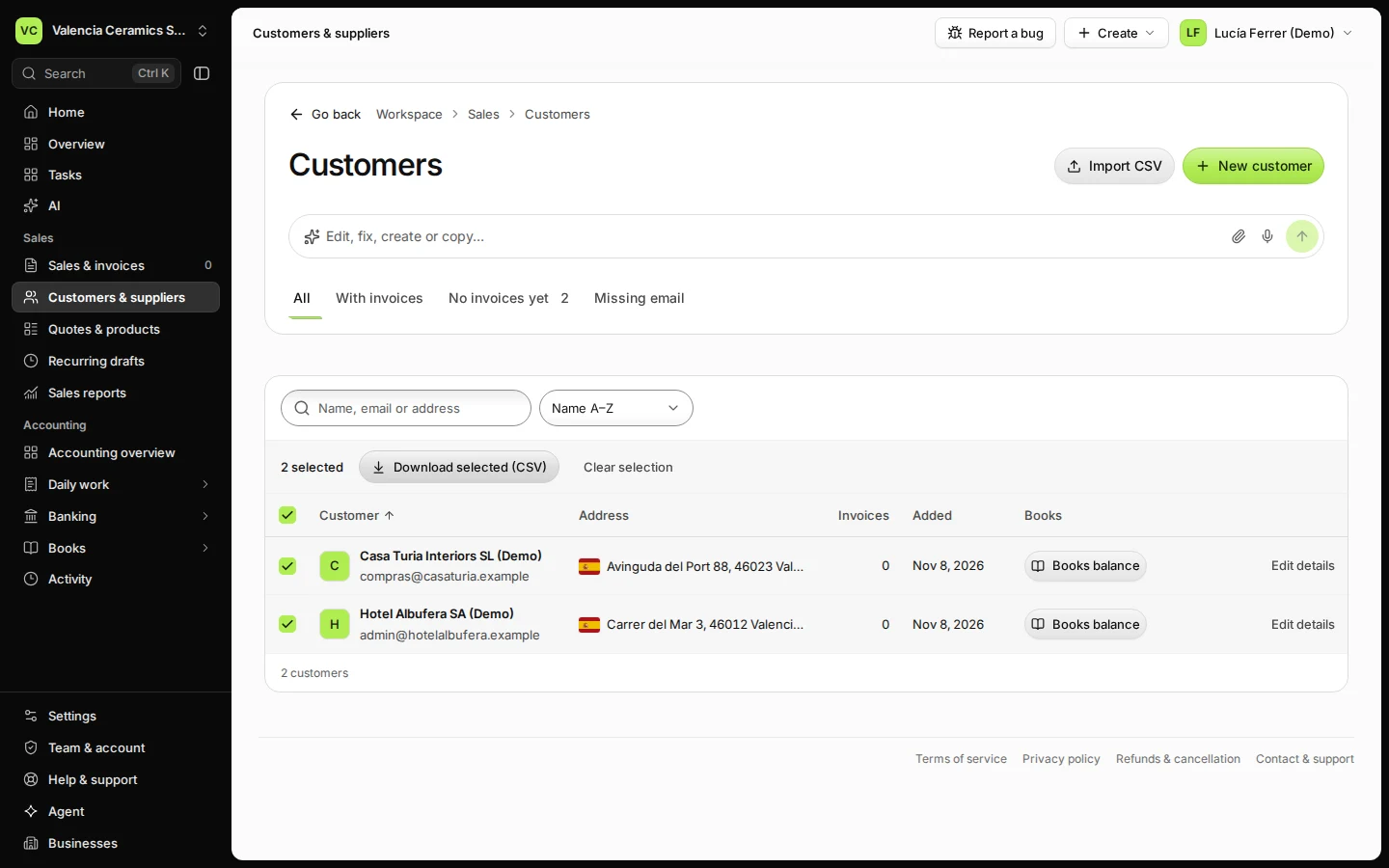
Step 2 in Deline (Spain business, fictional data) · See the whole screen Press Download selected (CSV).
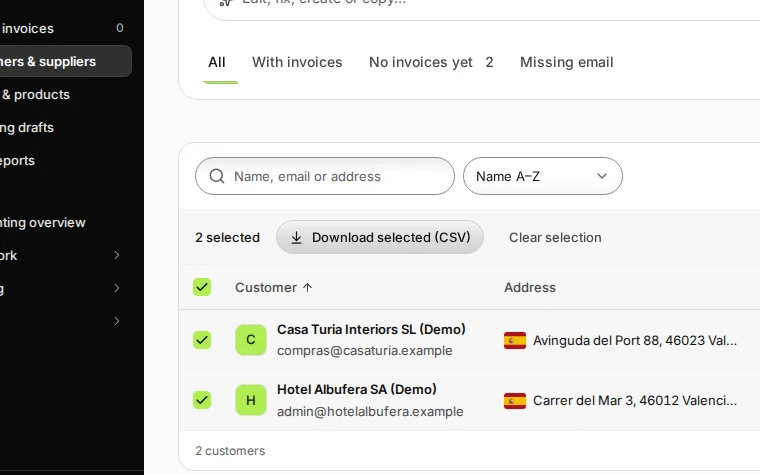
Step 3 in Deline (Spain business, fictional data) · See the whole screen
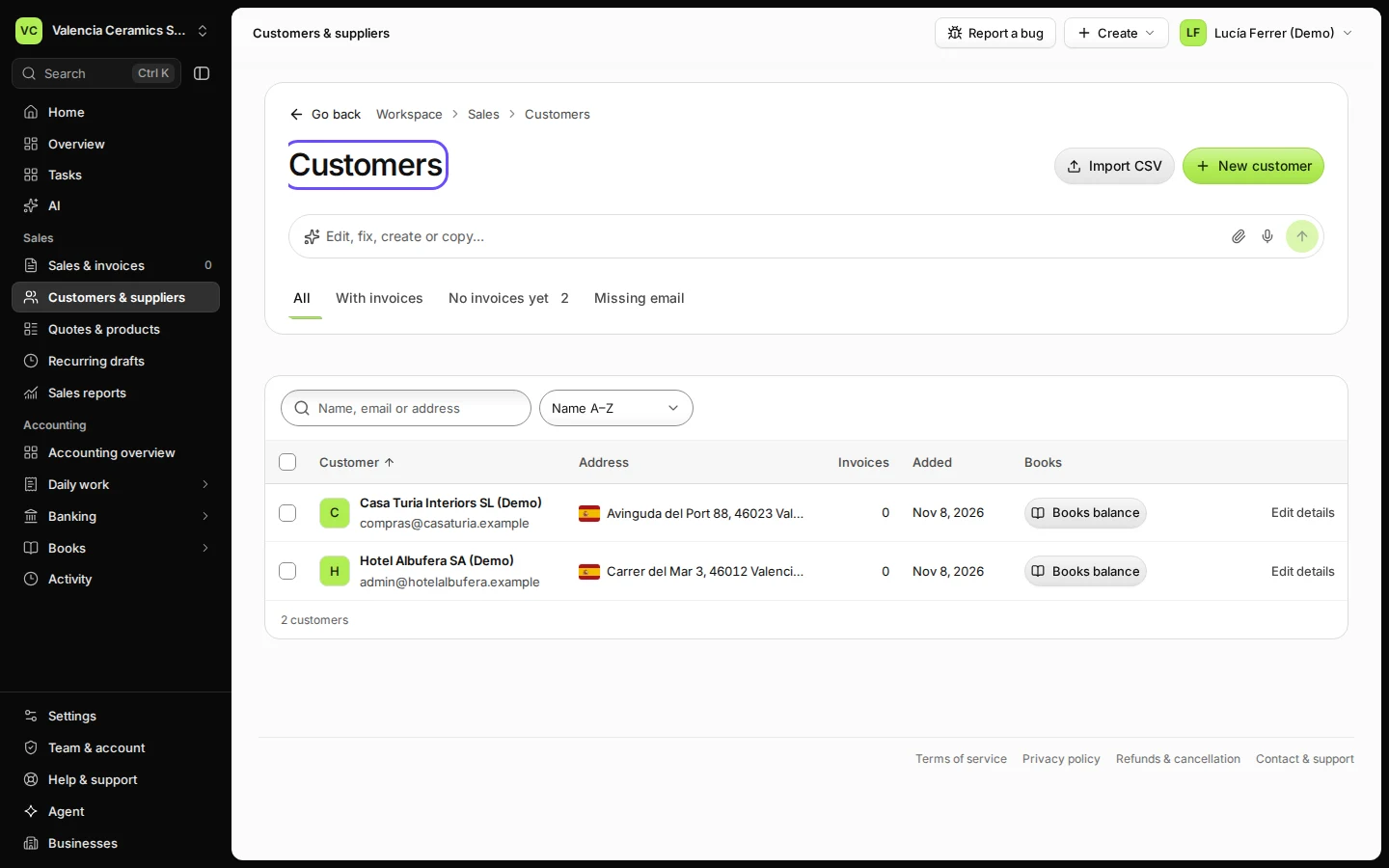
Last checked 2026-11-08 by the guide runner on build 5bcaf3a46 (Deline 06cb5749b) (local Deline stack).