Give a discount on an invoice

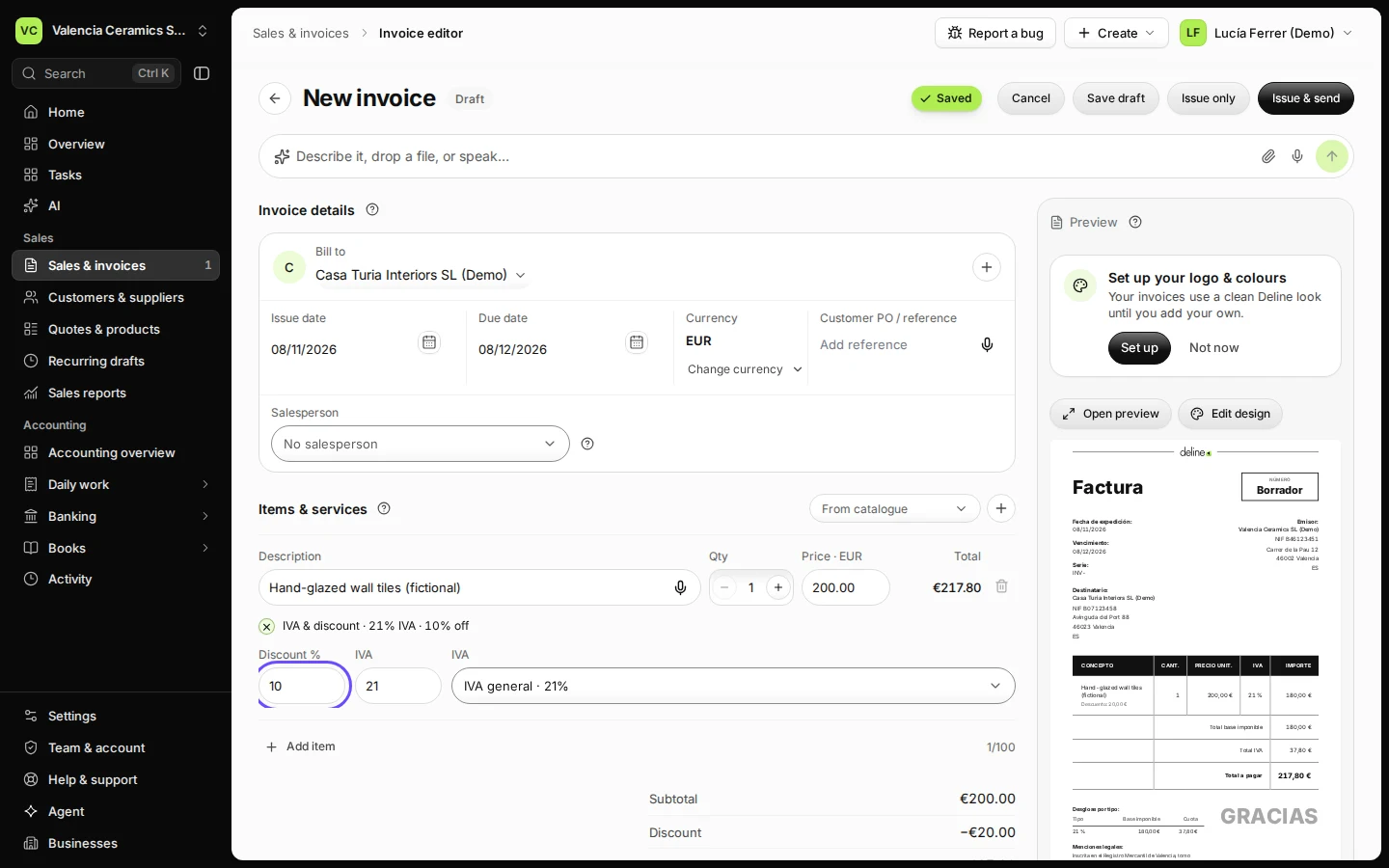
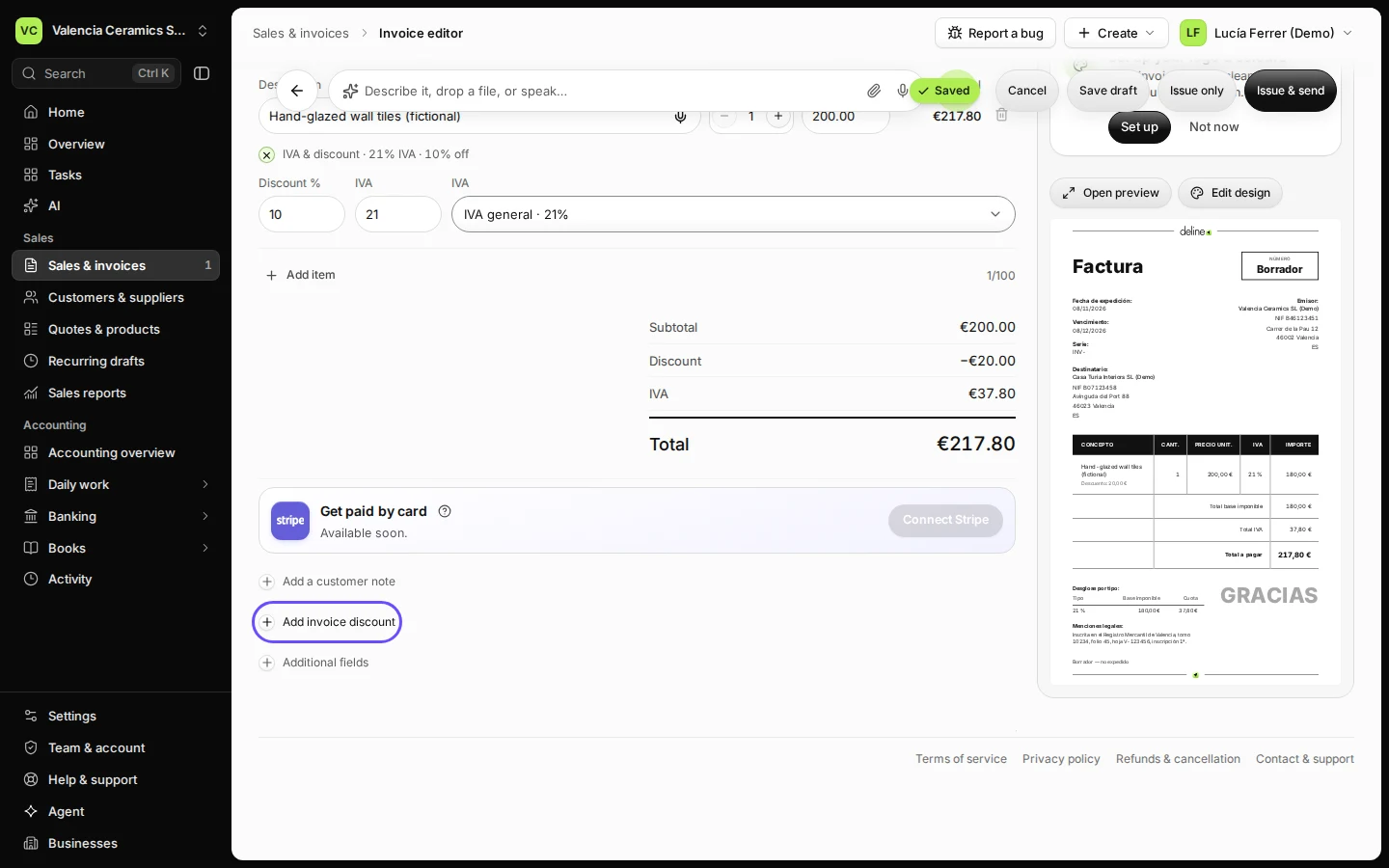
On a line, open IVA & discount and enter a discount percent for that line. For a discount on the whole invoice, press Add invoice discount. The totals and the tax update as you type.

  • L1 · Everyday
  • WhereAll countries
  • WhoOwner, Editor
  • PlanBasic and up
  • Timeabout 1 min

Steps

  1. Open Sales & invoices, press New invoice and add the items.
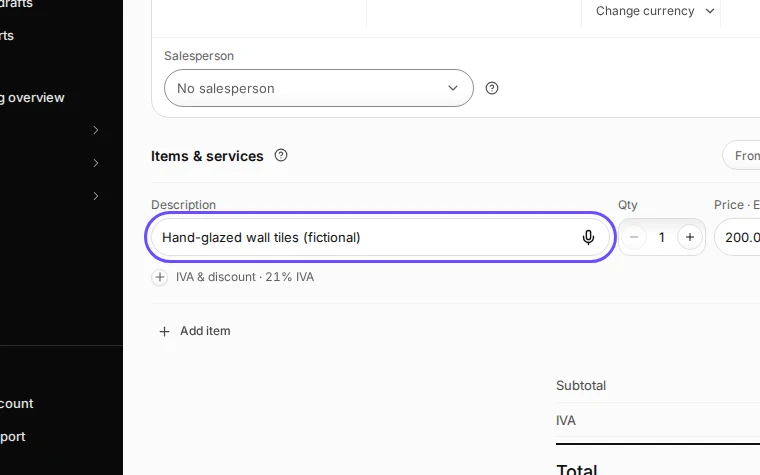
    Step 1: Open Sales & invoices, press New invoice and add the items.
    Step 1 in Deline (Spain business, fictional data) · See the whole screen
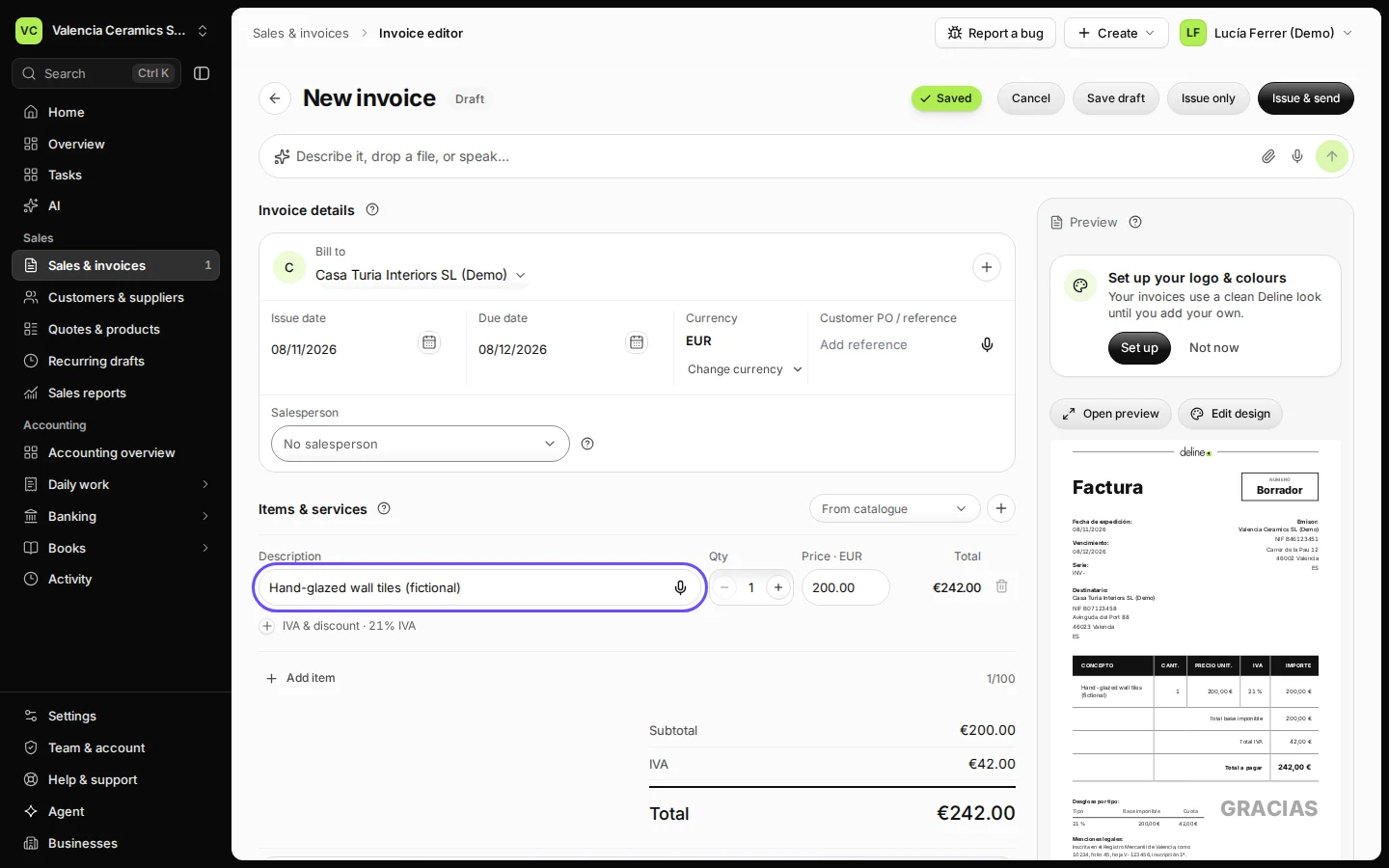
  2. Open the line's IVA & discount and enter a discount percent for that line.

    For example 10 % off €200 is €180 before IVA.
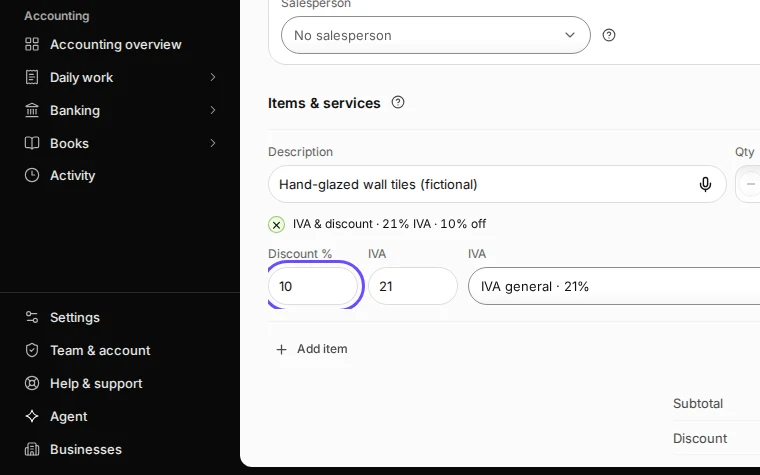
    Step 2: Open the line's IVA & discount and enter a discount percent for that line.
    Step 2 in Deline (Spain business, fictional data) · See the whole screen
  3. For a discount on the whole invoice, press Add invoice discount.
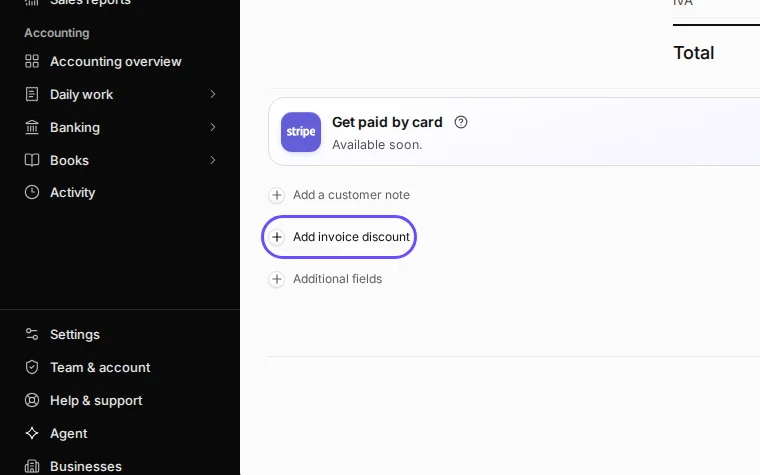
    Step 3: For a discount on the whole invoice, press Add invoice discount.
    Step 3 in Deline (Spain business, fictional data) · See the whole screen
Last checked 2026-11-08 by the guide runner on build 950c928ab (Deline cf14680cd) (local Deline stack).