
Steps
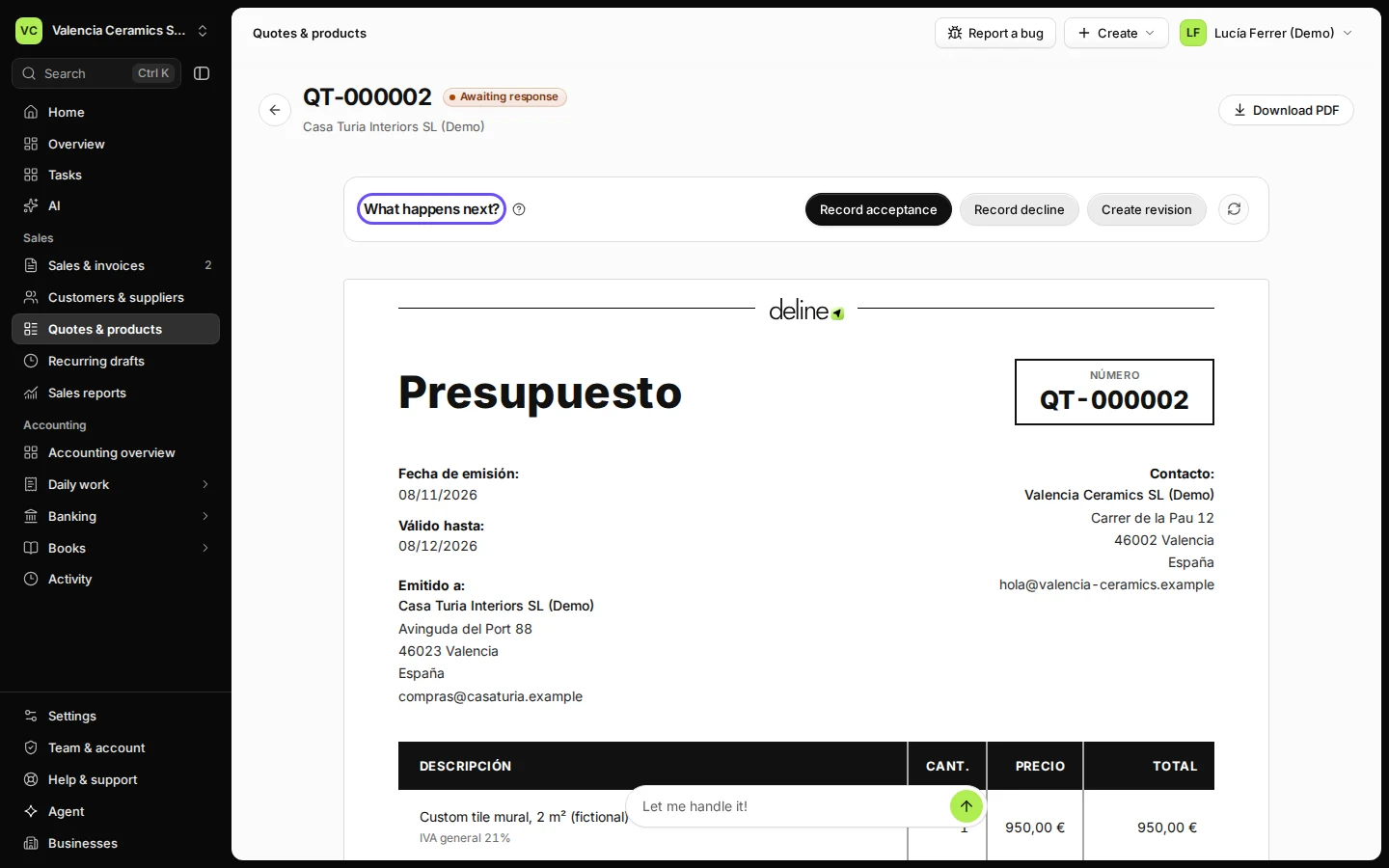
Open the quote from Quotes & products.
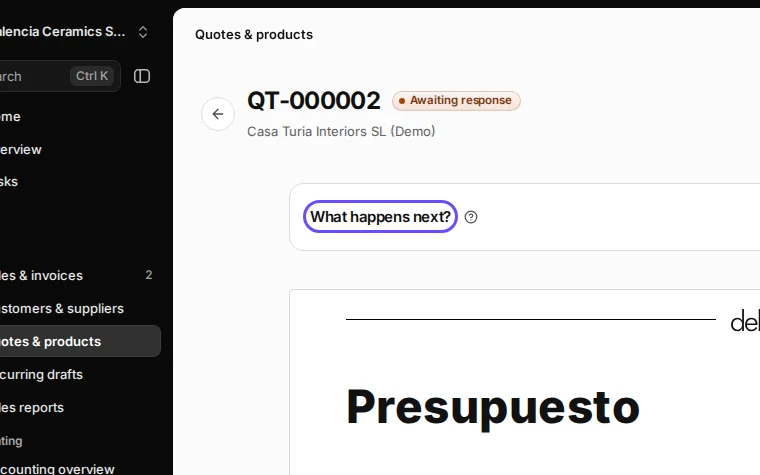
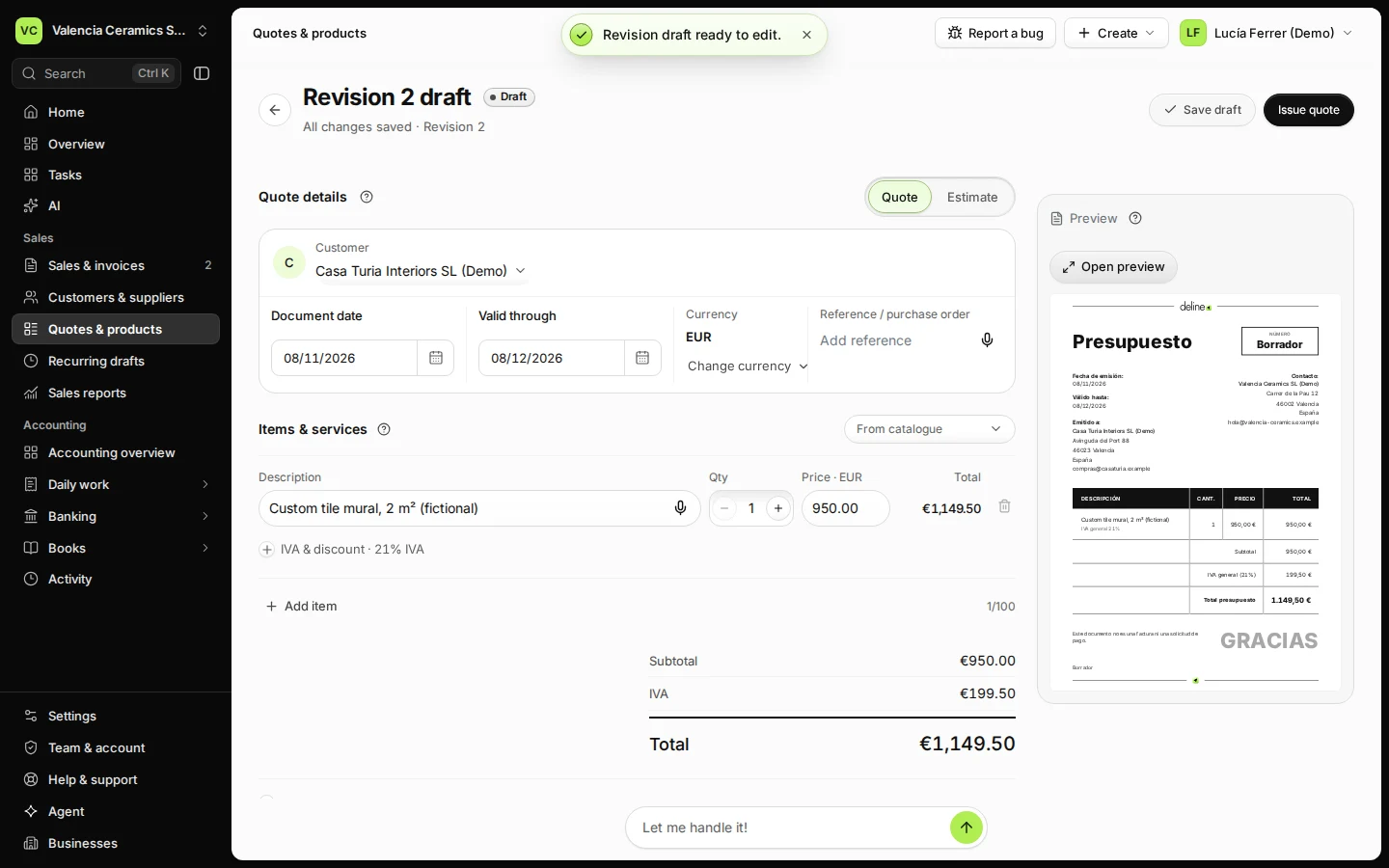
Step 1 in Deline (Spain business, fictional data) · See the whole screen Press Create revision and confirm.
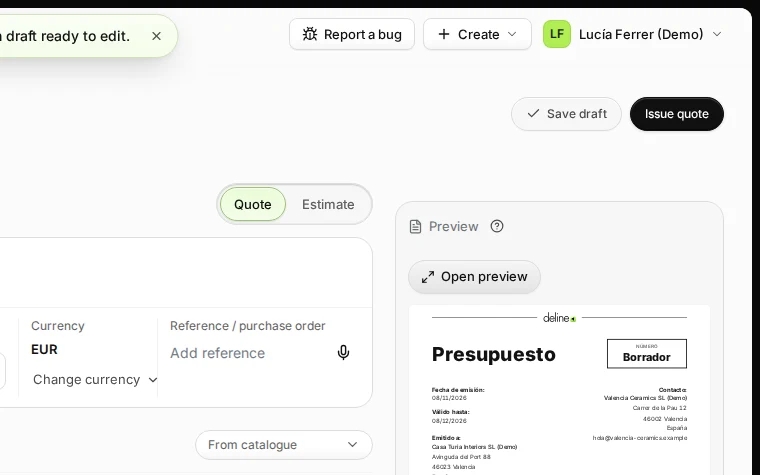
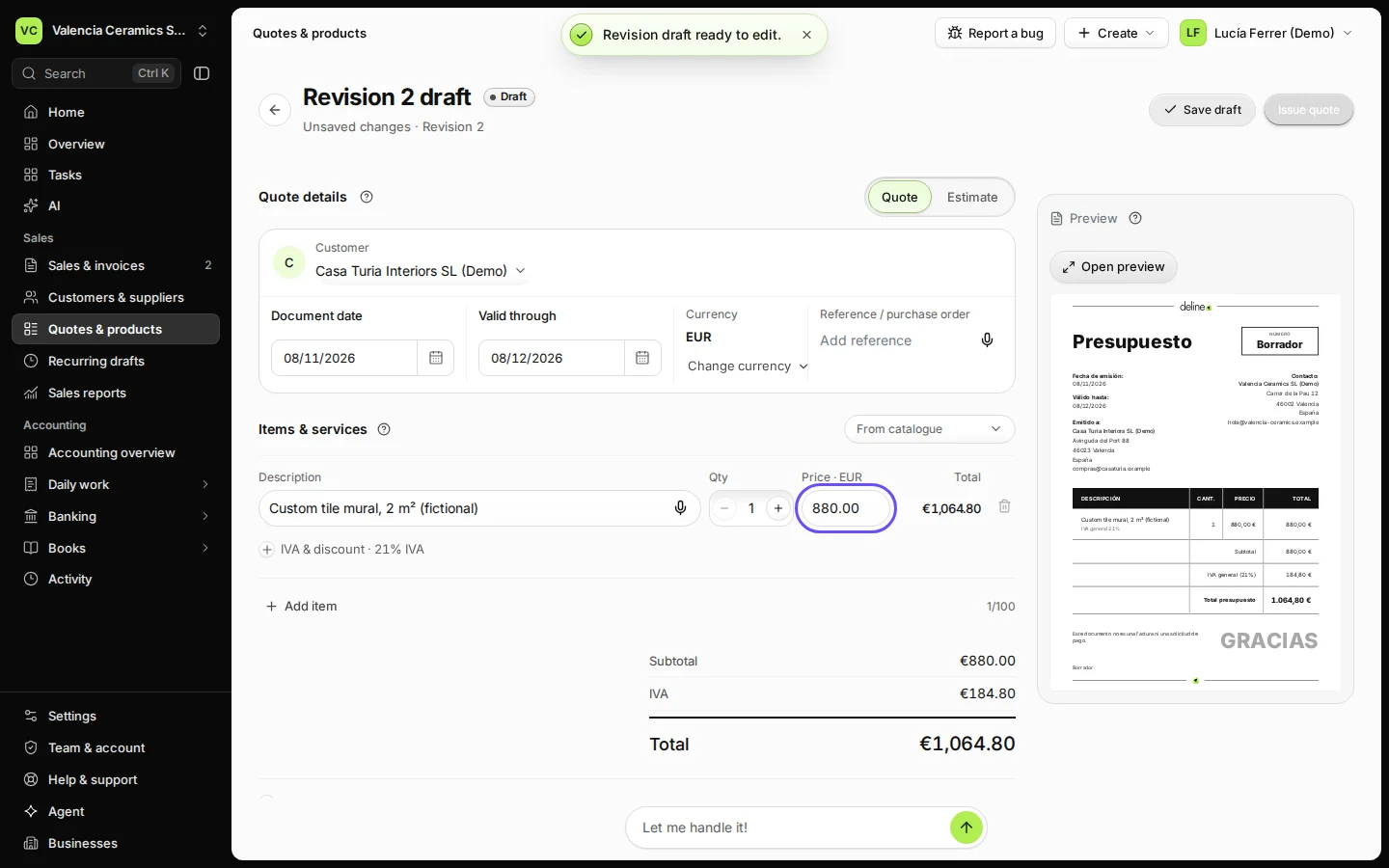
Step 2 in Deline (Spain business, fictional data) · See the whole screen Change the items or prices.
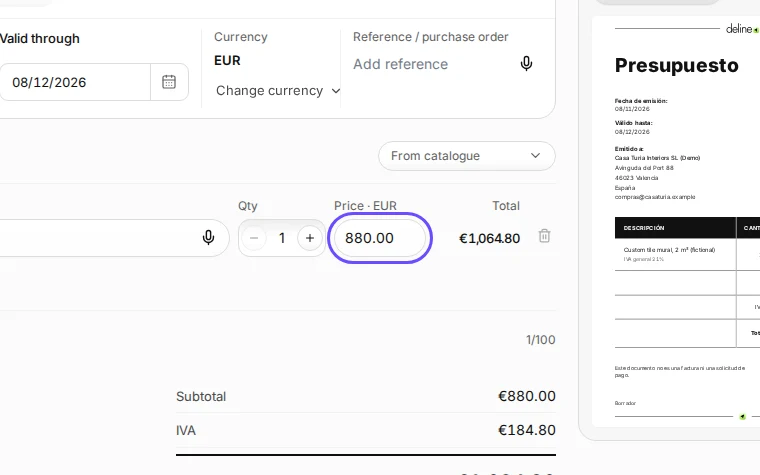
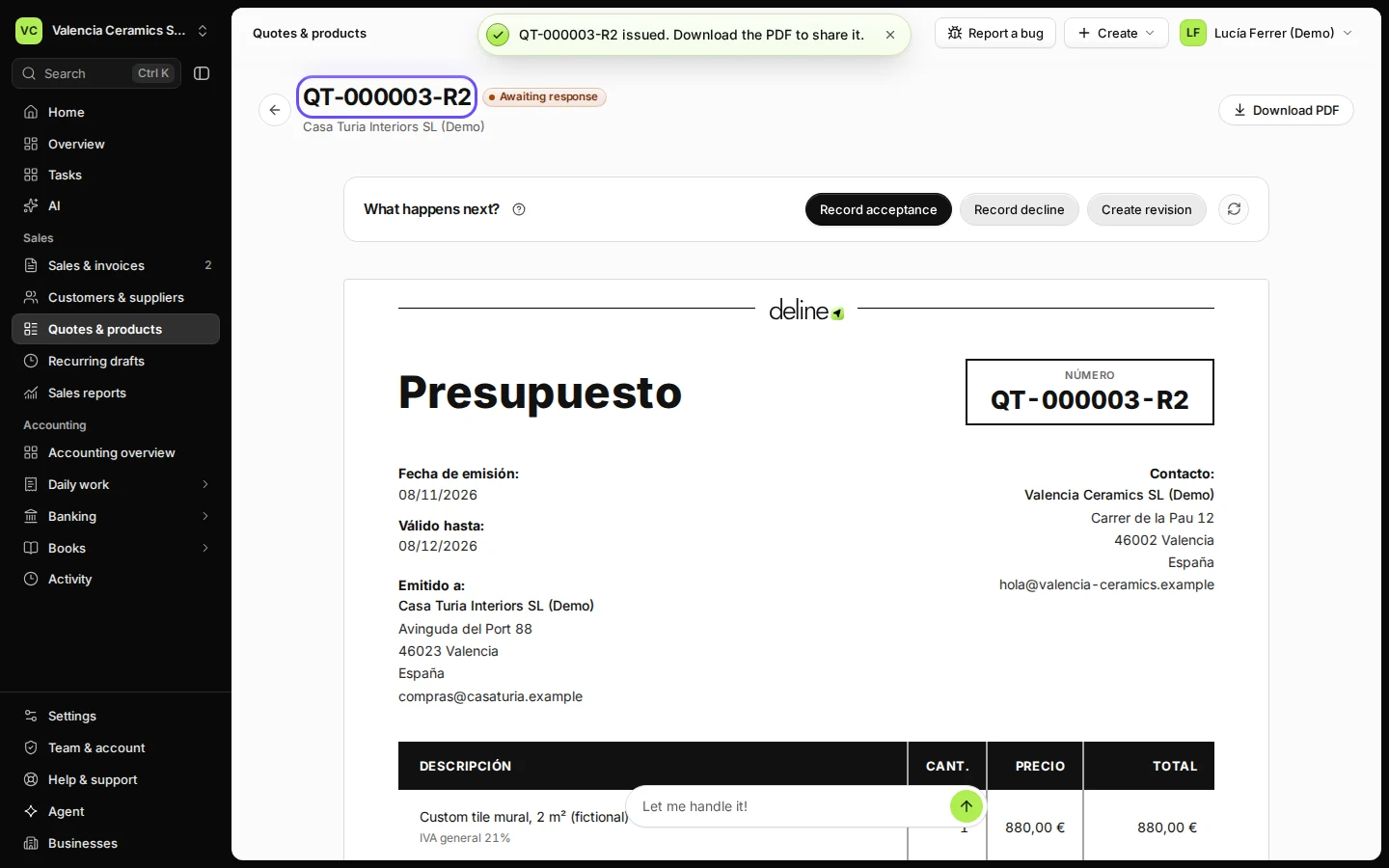
Step 3 in Deline (Spain business, fictional data) · See the whole screen Press Issue quote and confirm.
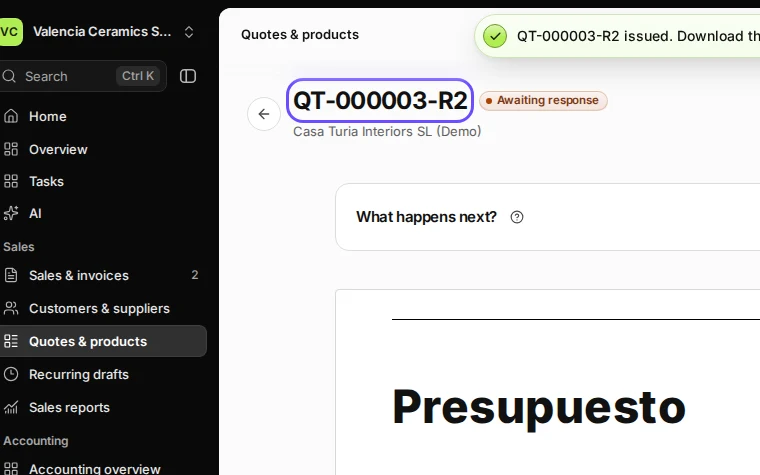
Step 4 in Deline (Spain business, fictional data) · See the whole screen
Last checked 2026-11-08 by the guide runner on build 950c928ab (Deline cf14680cd) (local Deline stack).