
Steps
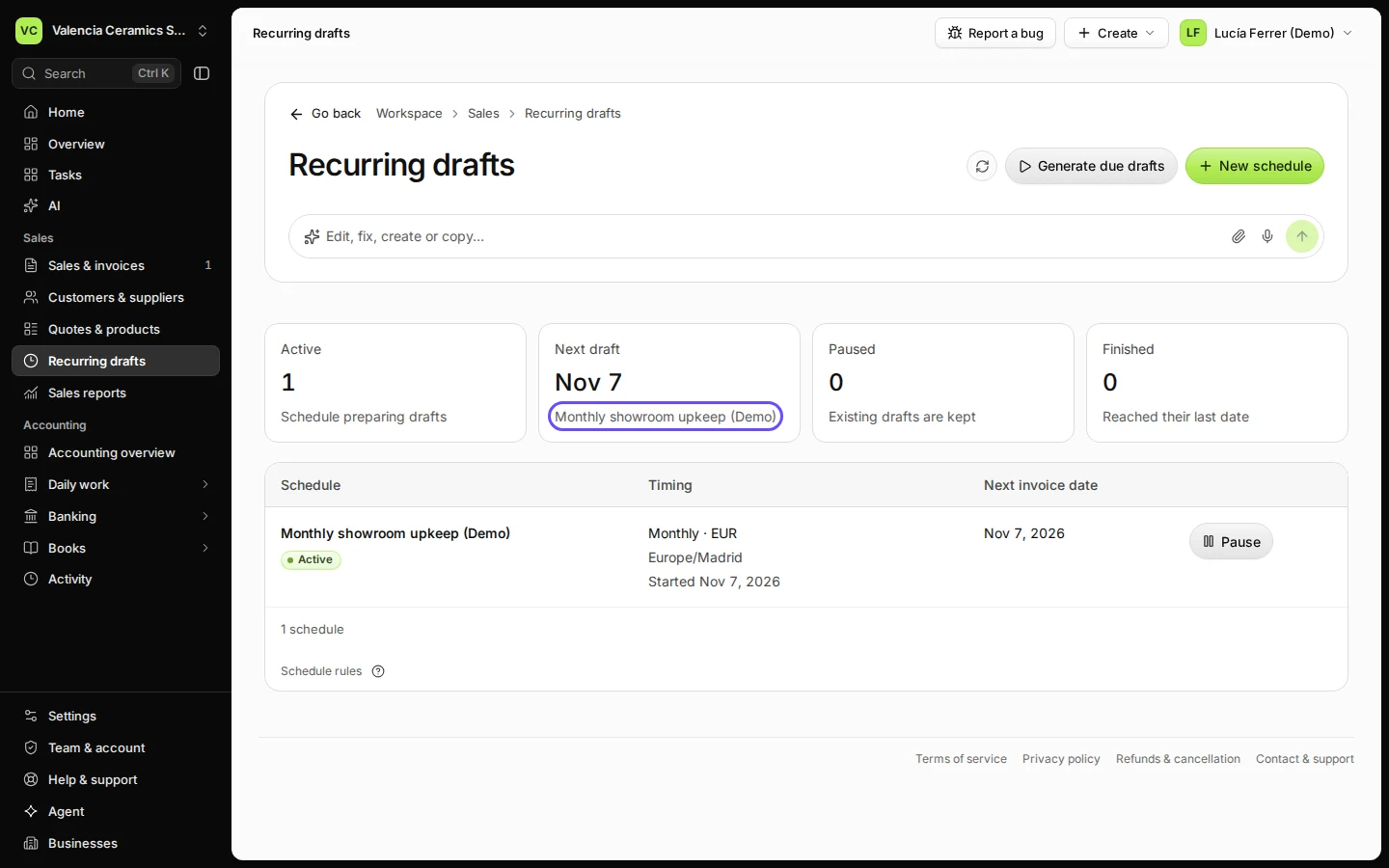
Open Recurring drafts.
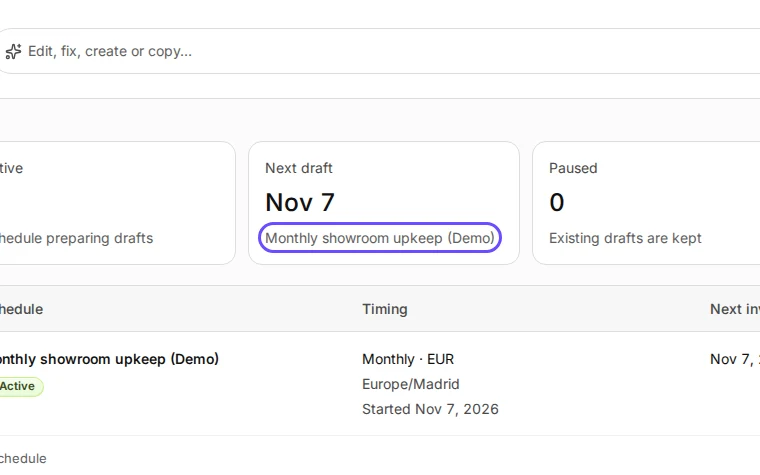
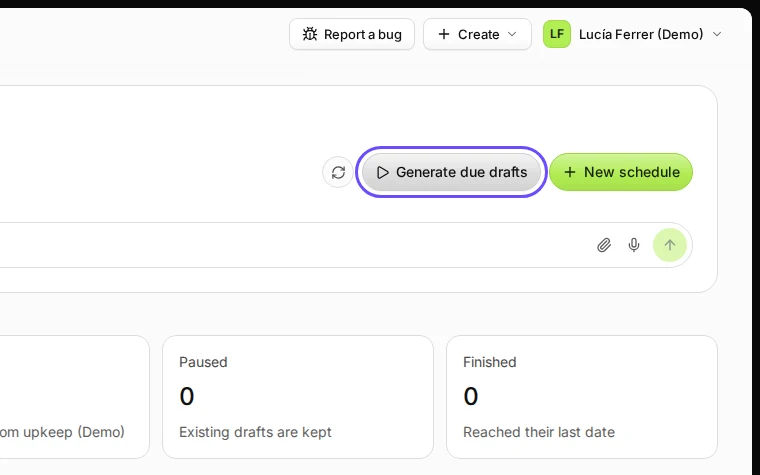
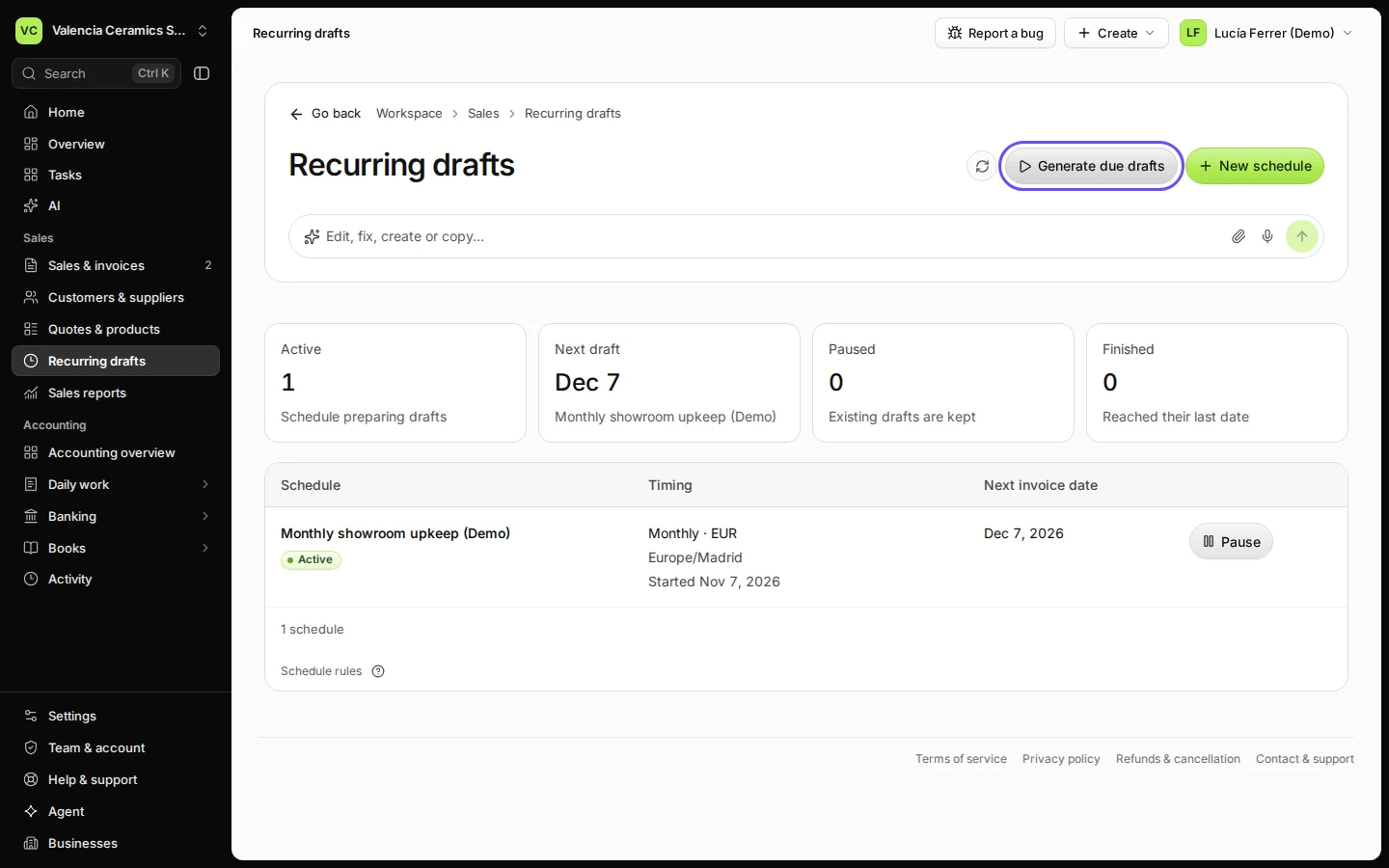
Step 1 in Deline (Spain business, fictional data) · See the whole screen Press Generate due drafts to make the drafts that are due now.
Drafts are not sent: you check and issue each one.
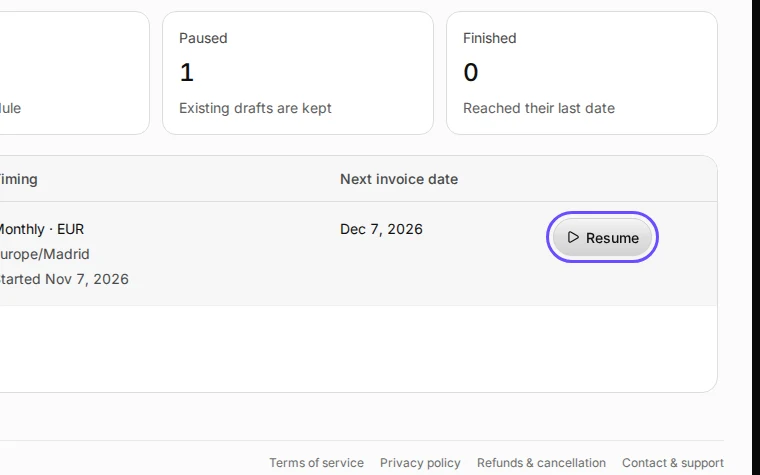
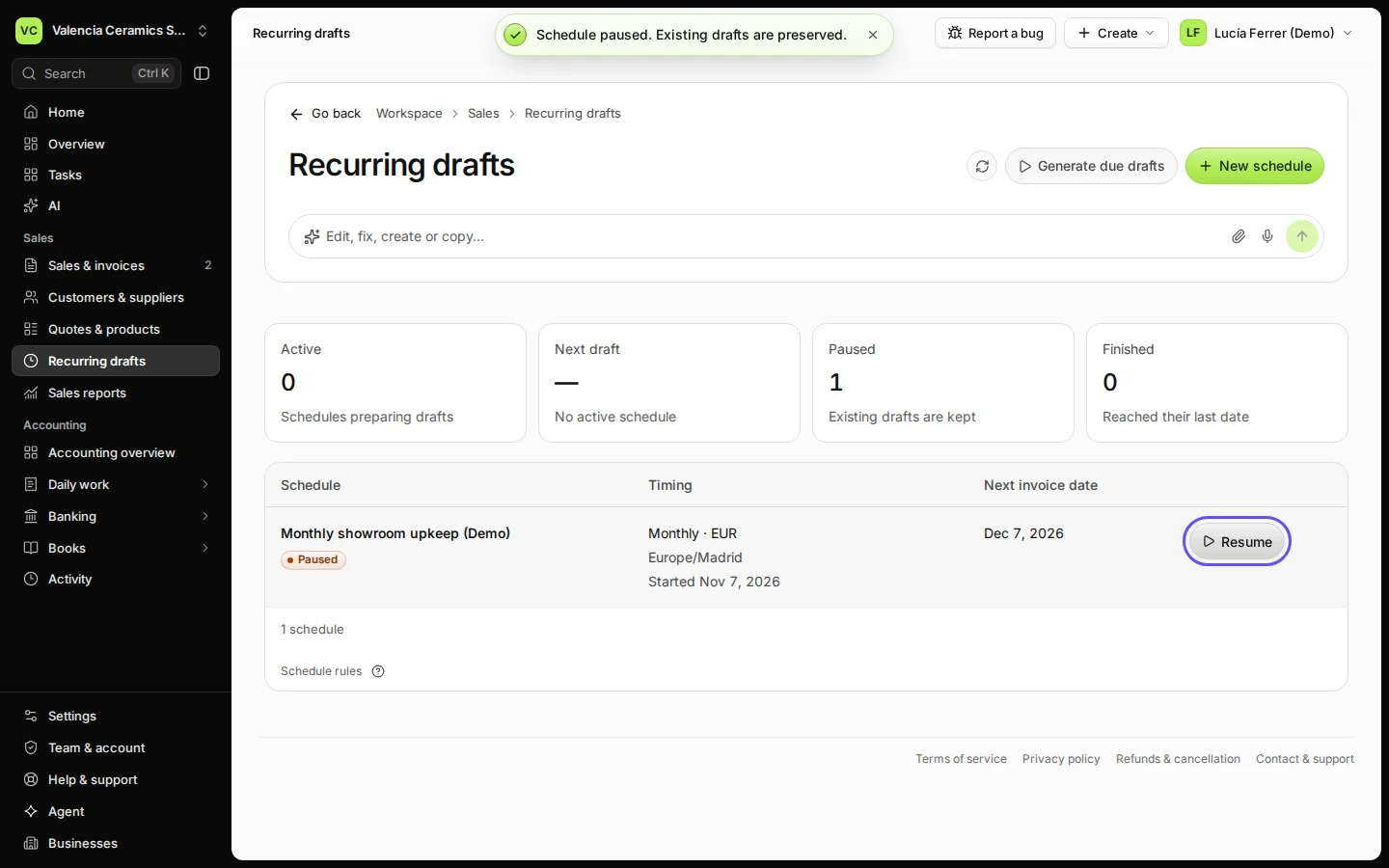
Step 2 in Deline (Spain business, fictional data) · See the whole screen To stop a schedule for a while, press Pause; press Resume to start it again.
Step 3 in Deline (Spain business, fictional data) · See the whole screen
Last checked 2026-11-08 by the guide runner on build 950c928ab (Deline cf14680cd) (local Deline stack).