
Before you start
- You are the owner of the business.
Steps
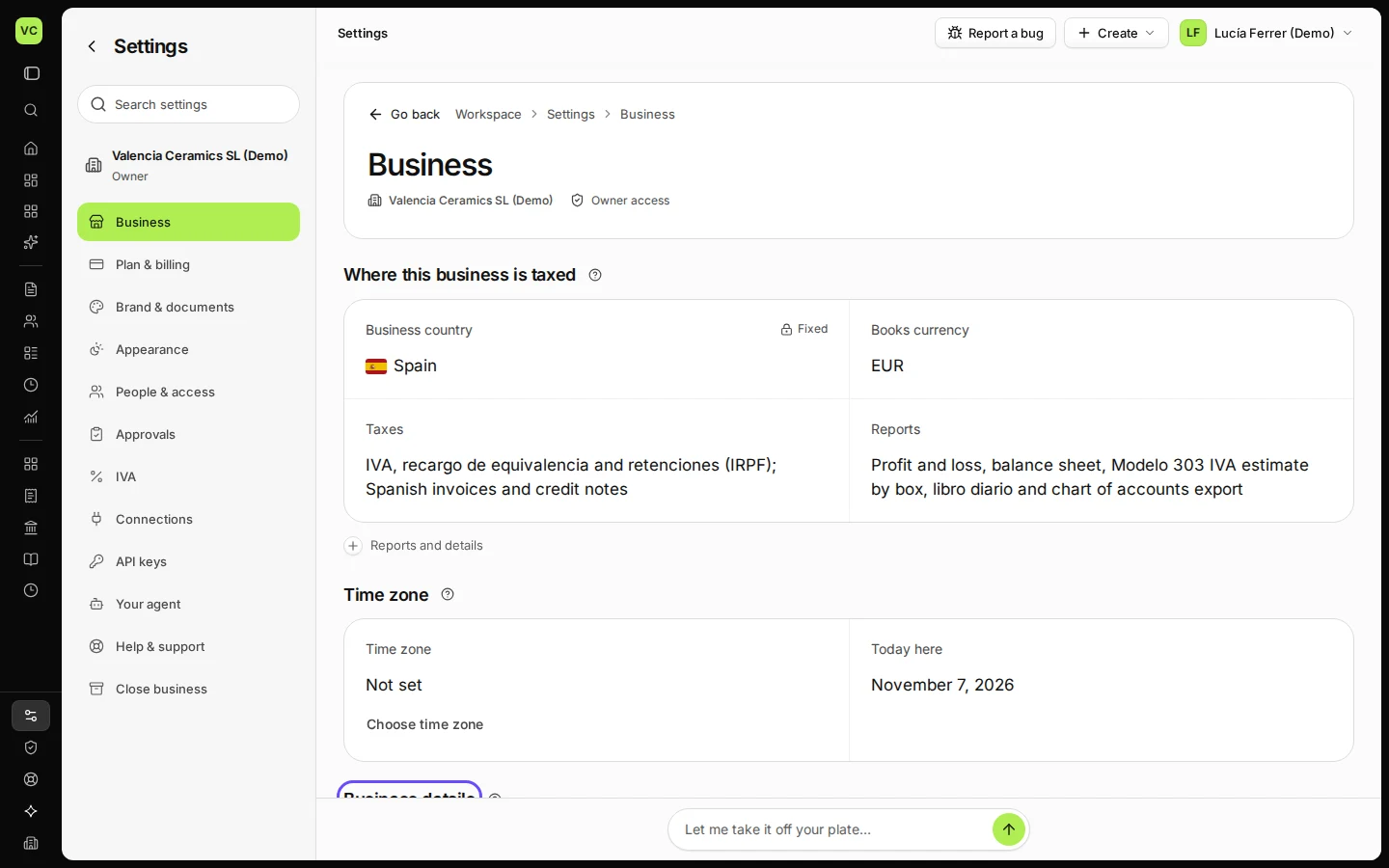
Open Settings.
The Business tab opens first.
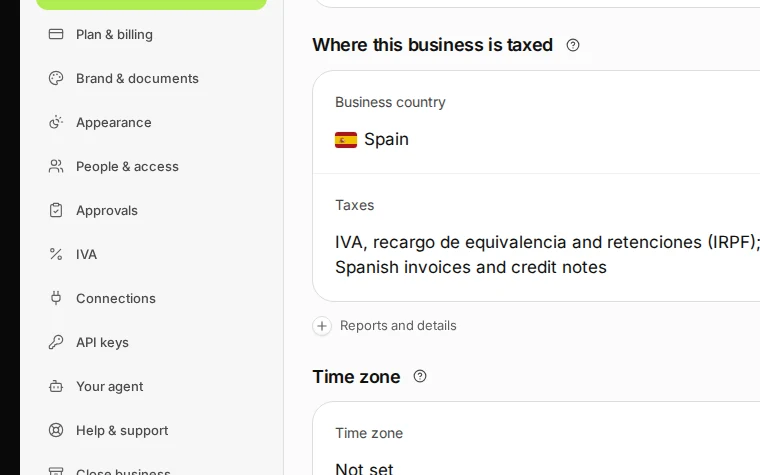
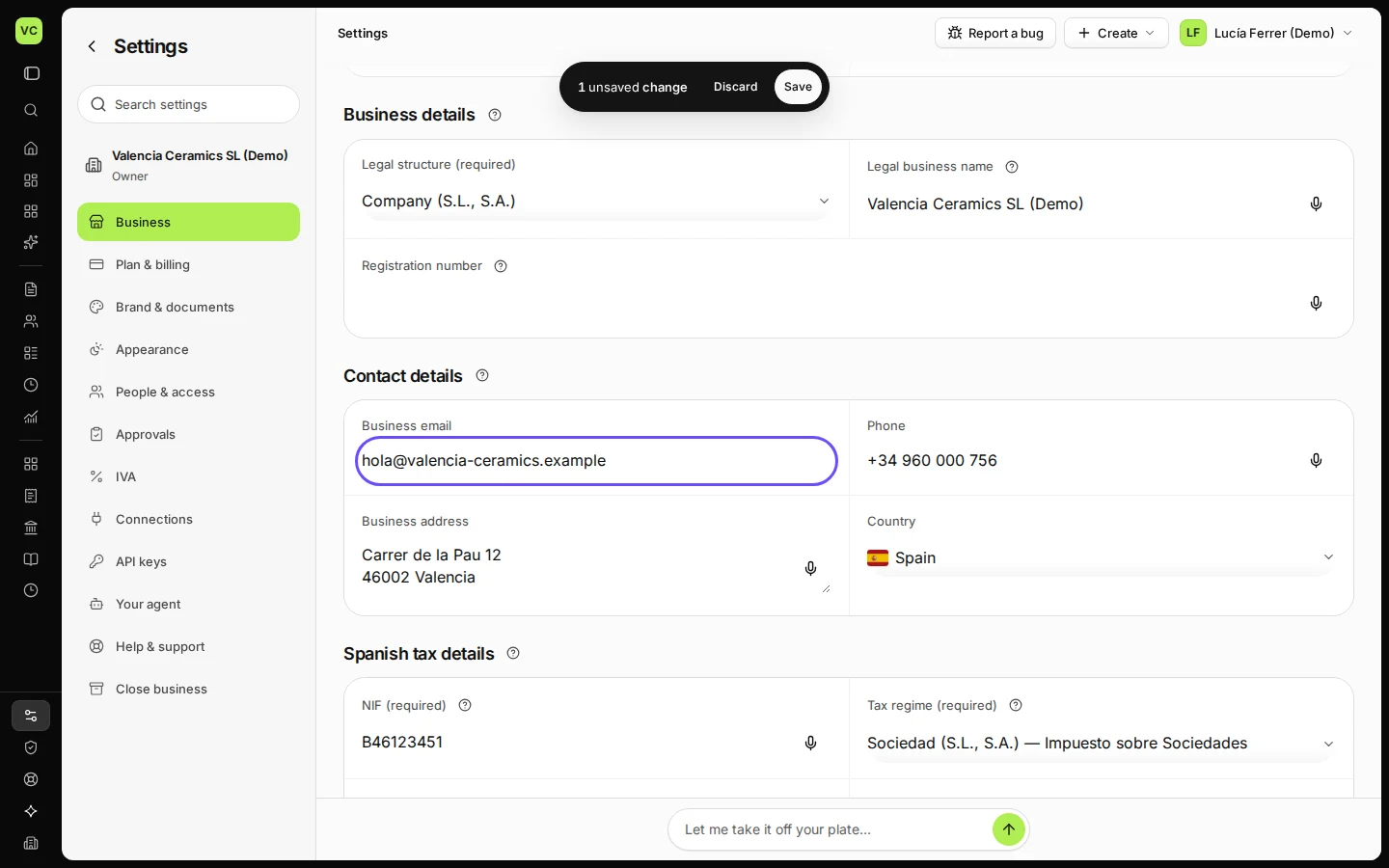
Step 1 in Deline (Spain business, fictional data) · See the whole screen Change the details under Business details and Contact details.
For example your phone number or address. Fields marked "required" are needed before you can issue invoices.
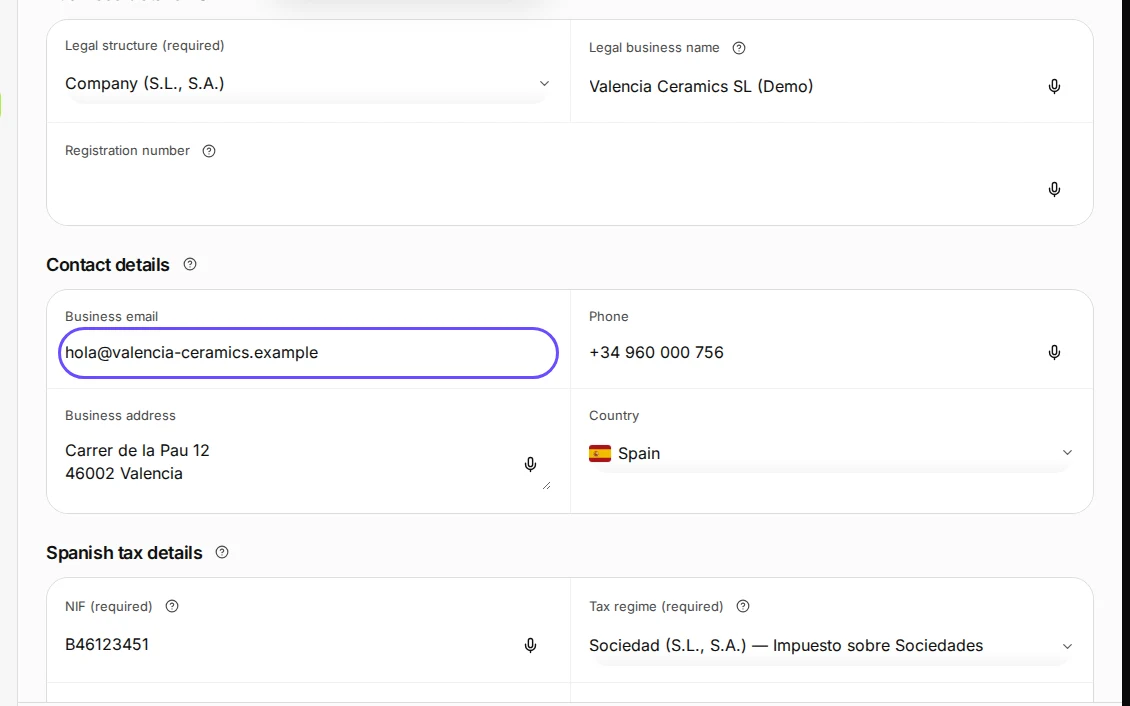
Step 2 in Deline (Spain business, fictional data) · See the whole screen Press Save.
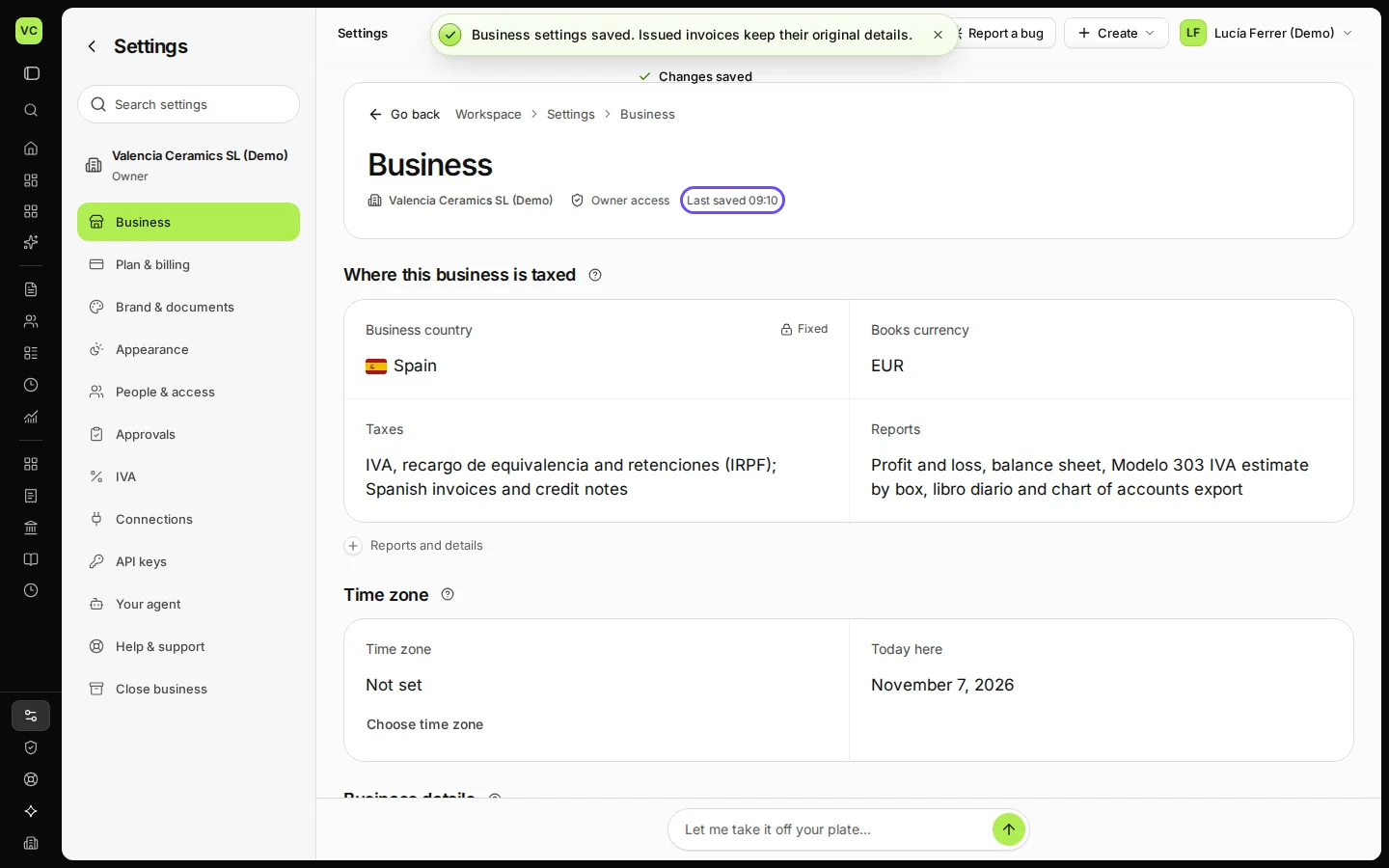
Deline confirms "Business settings saved". New invoices use the new details.
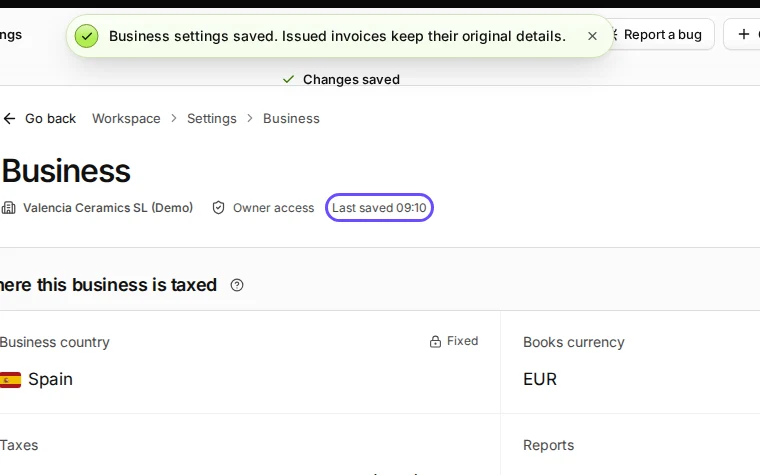
Step 3 in Deline (Spain business, fictional data) · See the whole screen


If something goes wrong
- Save stays disabled: nothing changed yet, or a required field is empty. The field with the problem is marked.
- An old invoice still shows the old address: that is on purpose. An issued invoice never changes.
Last checked 2026-11-07 by the guide runner on build c5fbd2fa6 (Deline 12a482996) (local Deline stack, desktop and phone).