
Steps
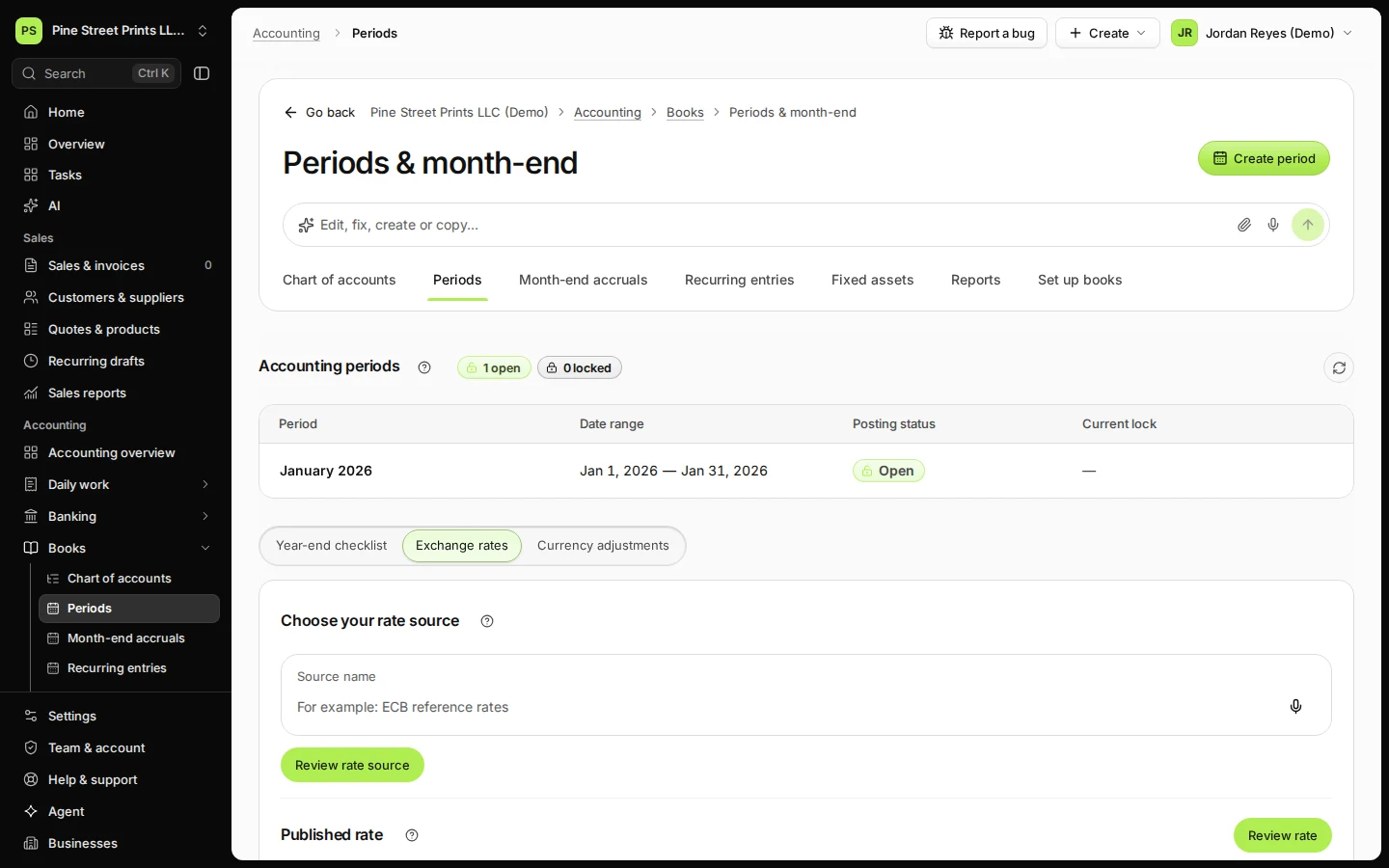
Open Periods from Books and choose Exchange rates.
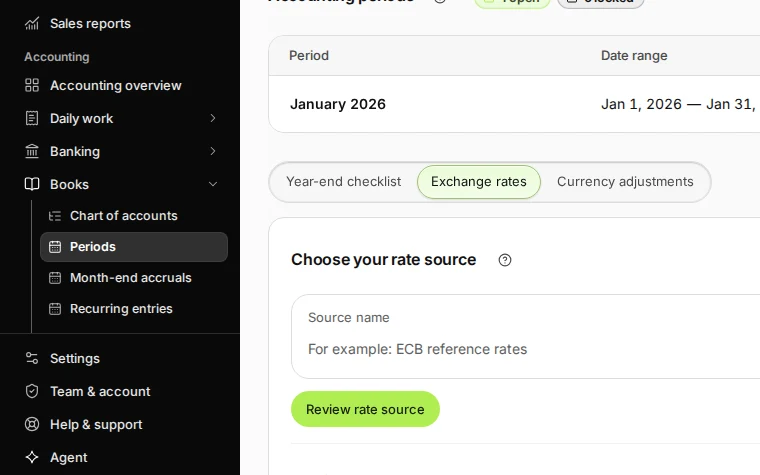
Step 1 in Deline (United States business, fictional data) · See the whole screen Name the source of your rates, press Review rate source and Confirm rate source.
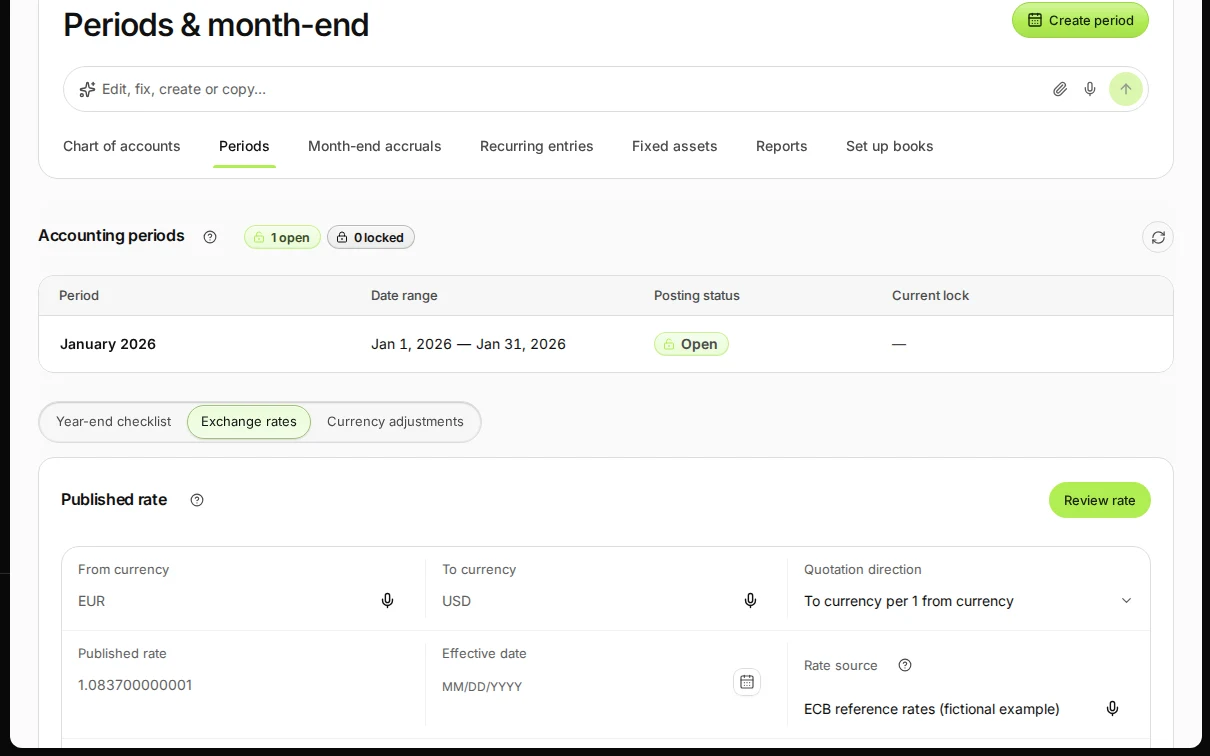
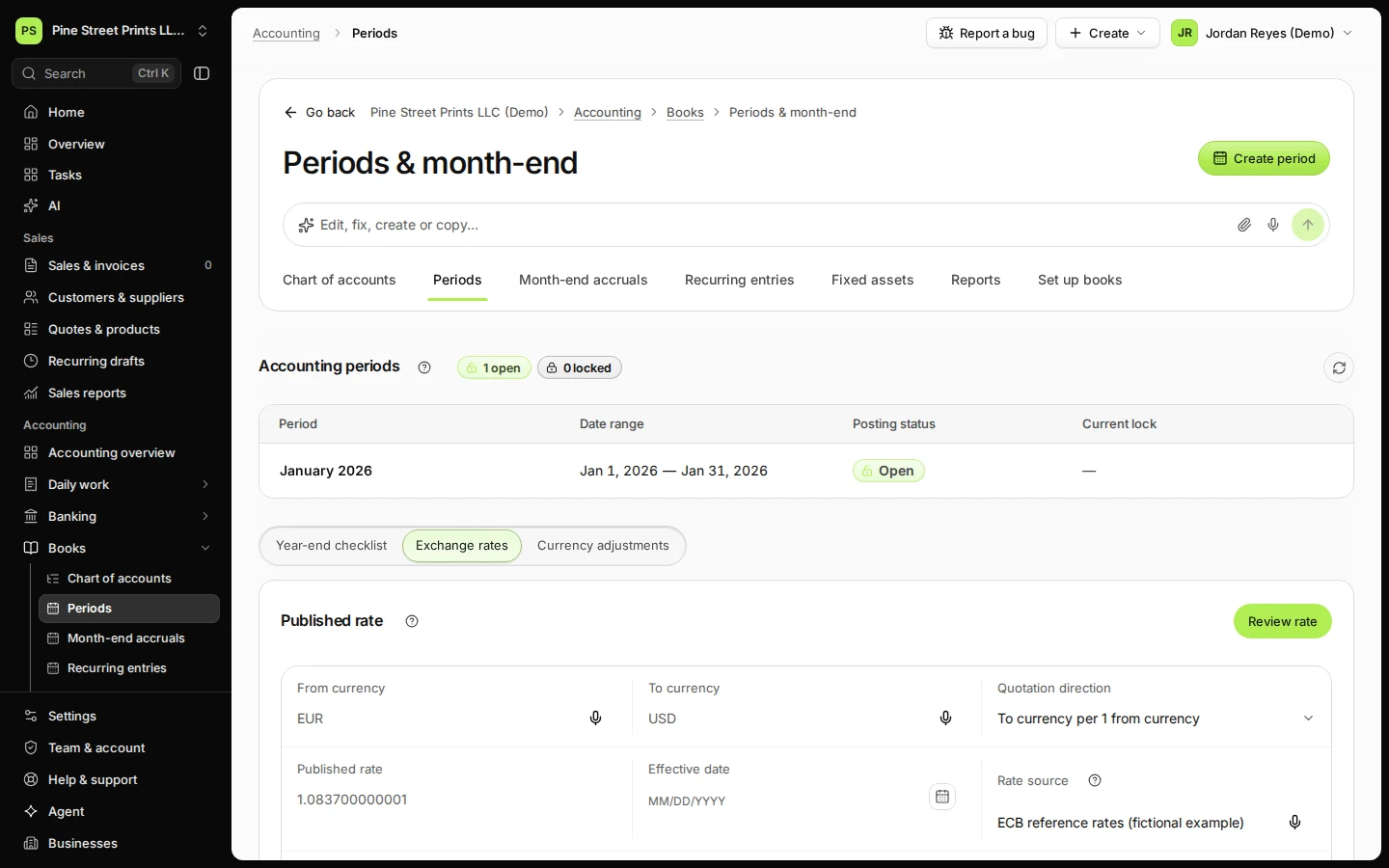
Step 2 in Deline (United States business, fictional data) · See the whole screen Enter the currencies, the published rate, its date and its evidence, then press Review rate.
For example 1 EUR = 1.0837 USD on a given day, with the publication it came from.
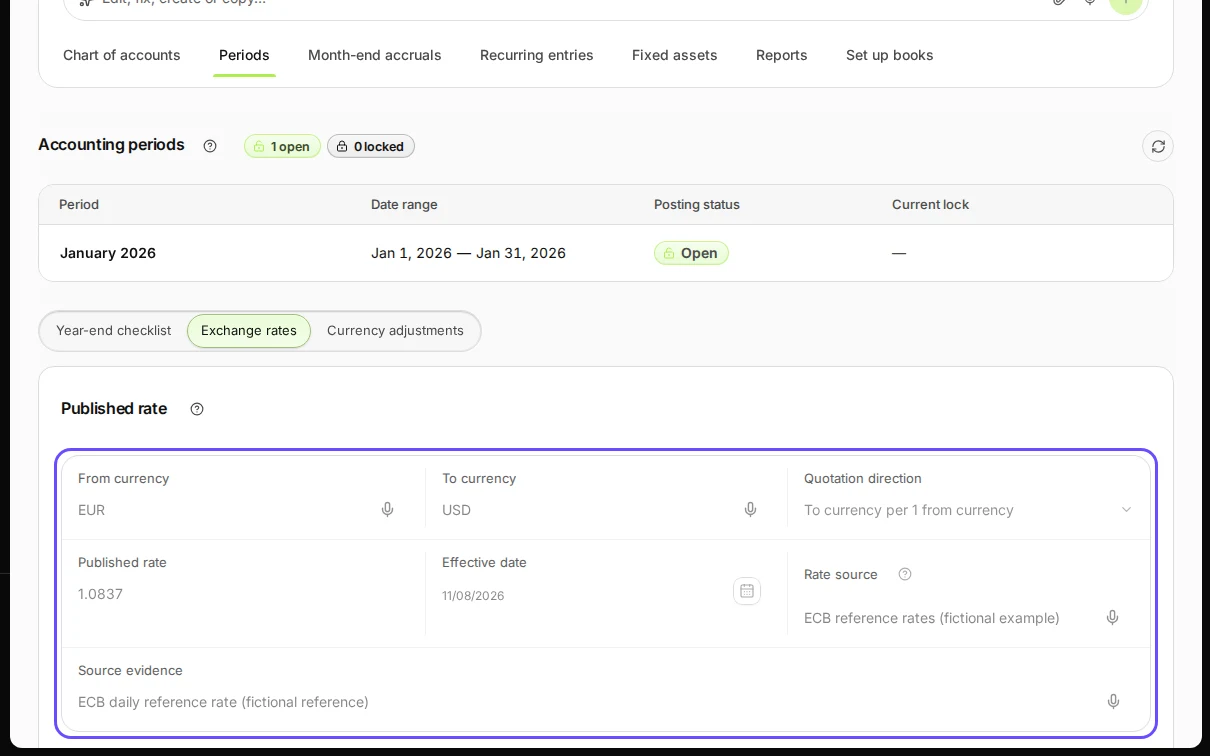
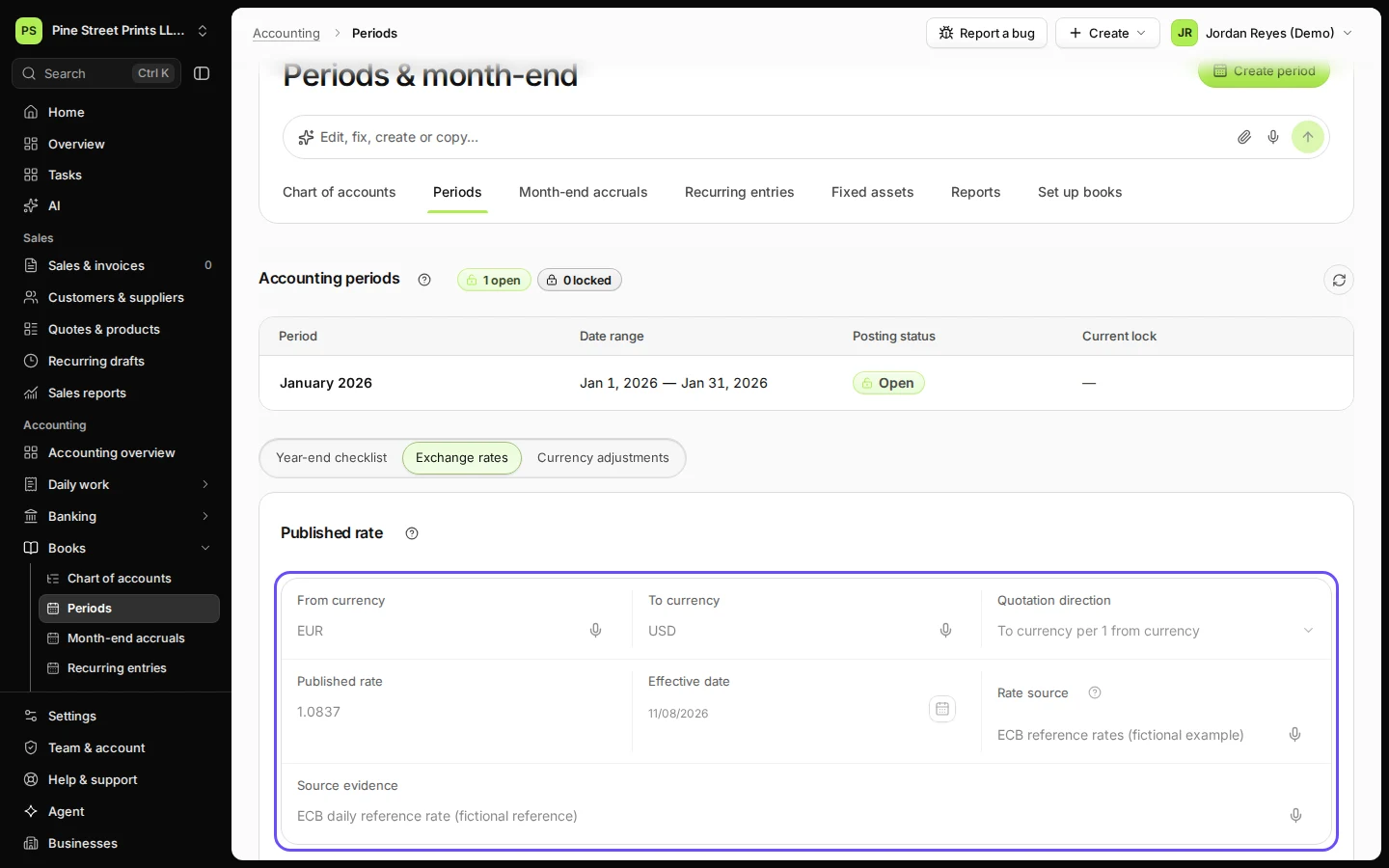
Step 3 in Deline (United States business, fictional data) · See the whole screen Check the rate in Review rate and press Save rate.
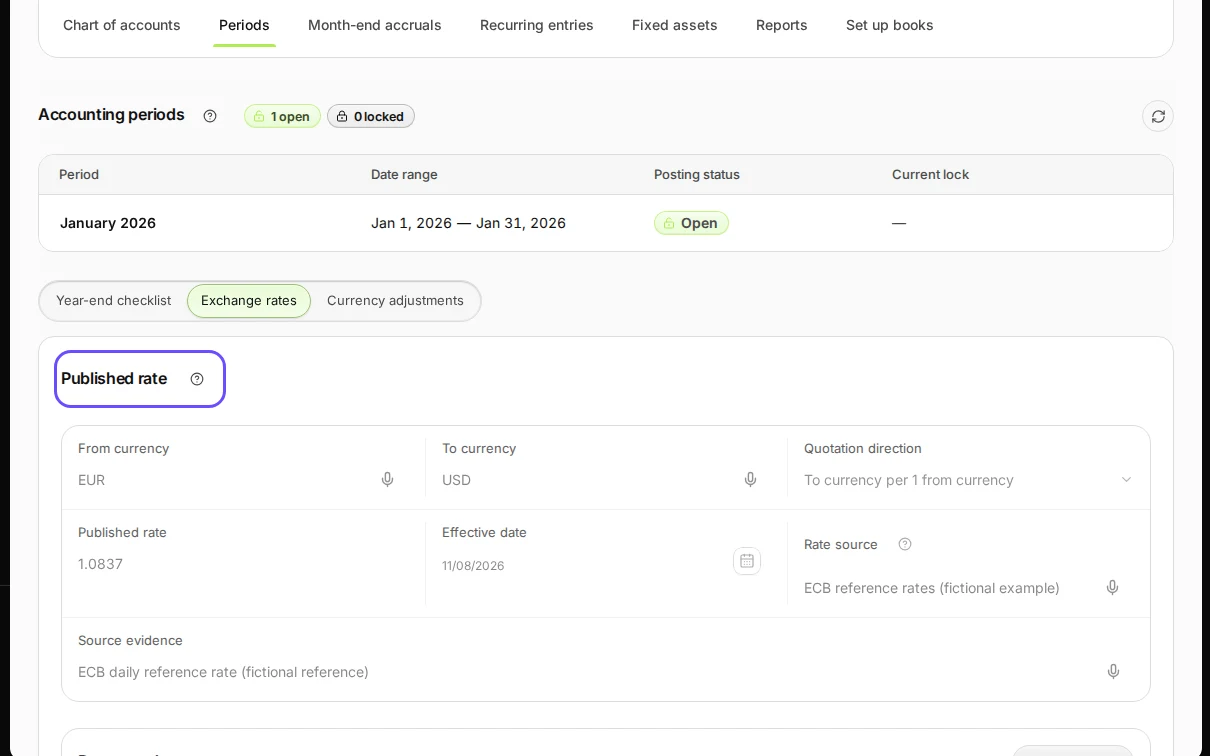
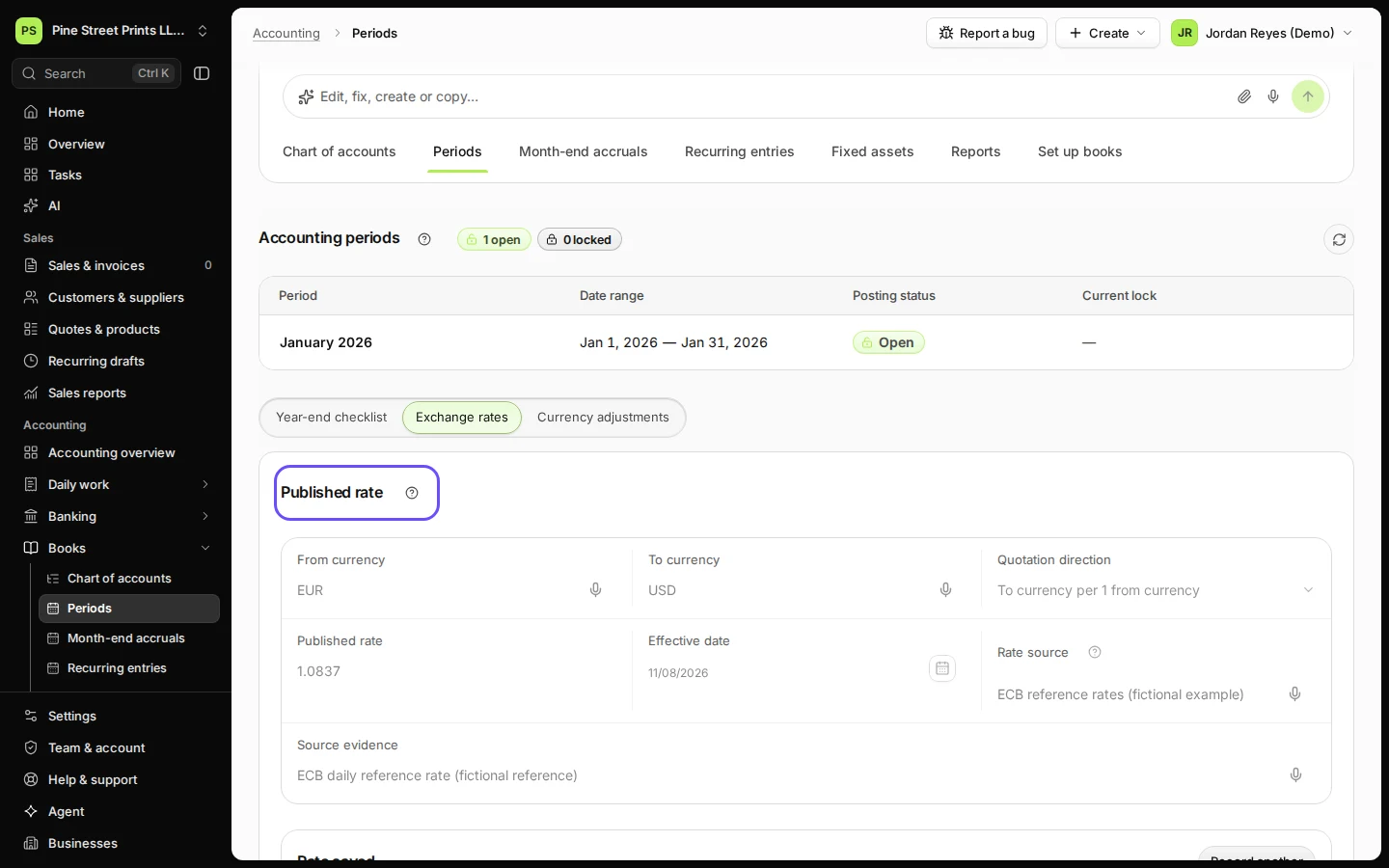
Step 4 in Deline (United States business, fictional data) · See the whole screen
Last checked 2026-11-08 by the guide runner on build 5446d374d (Deline 429a9af2e) (local Deline stack).