
Steps
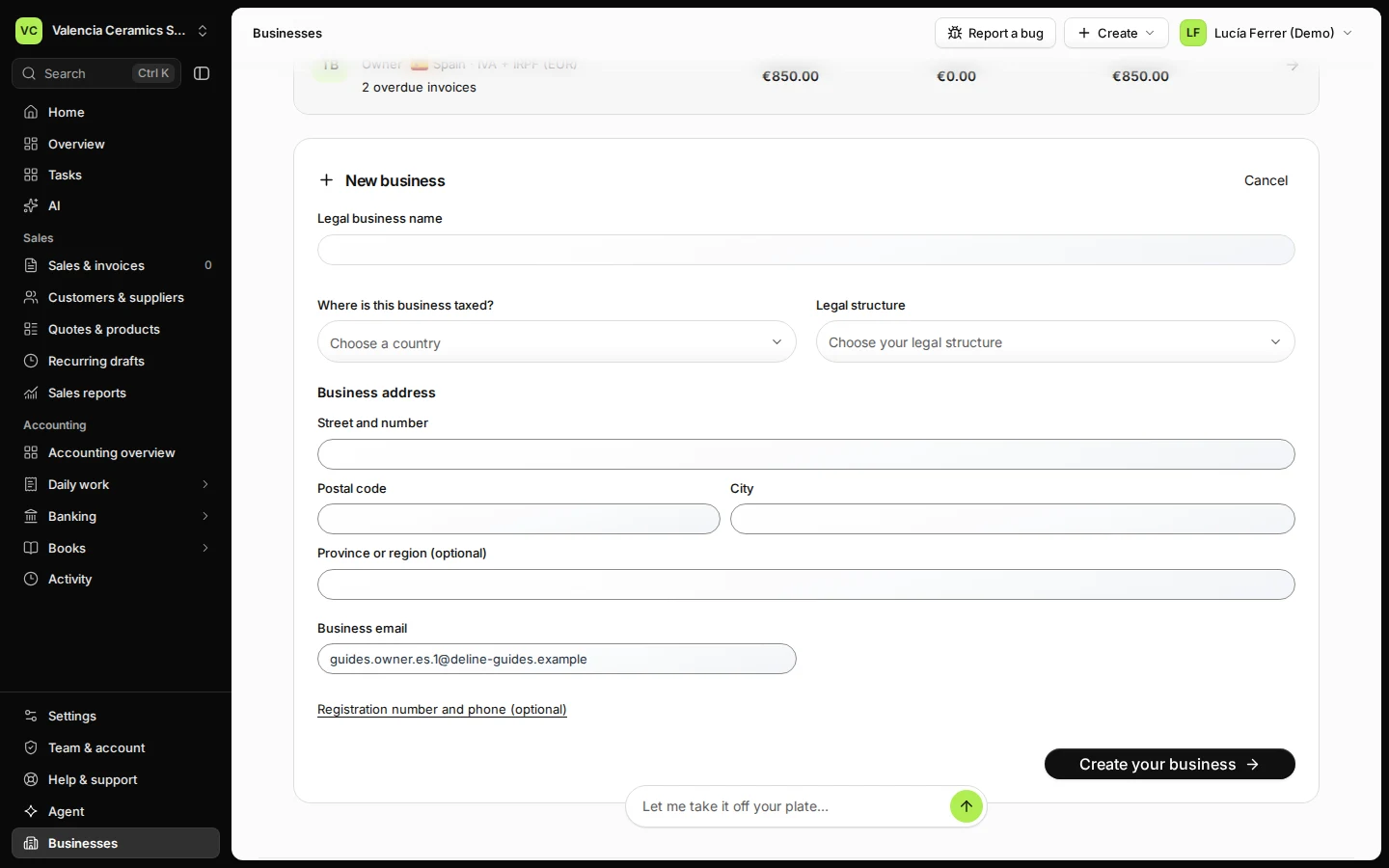
Open Businesses and press New business.
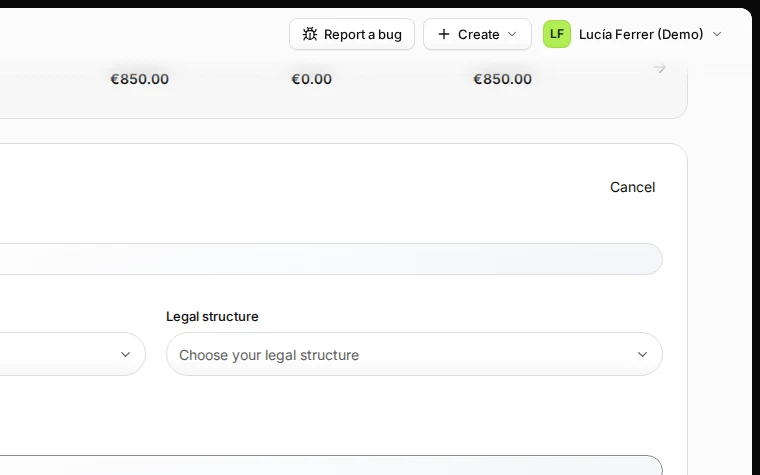
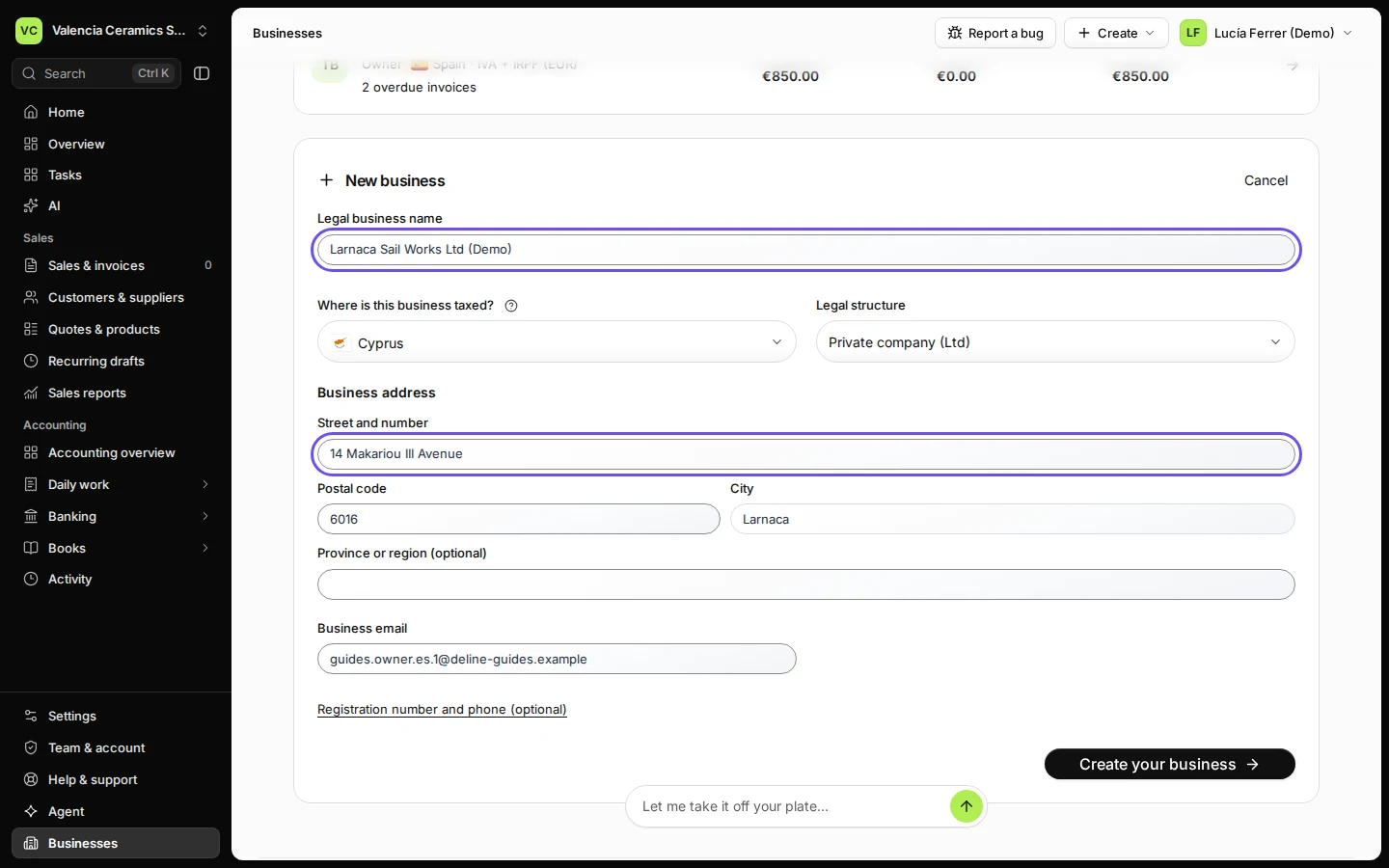
Step 1 in Deline (Spain business, fictional data) · See the whole screen Enter the legal name, where it is taxed, the legal structure and the address.
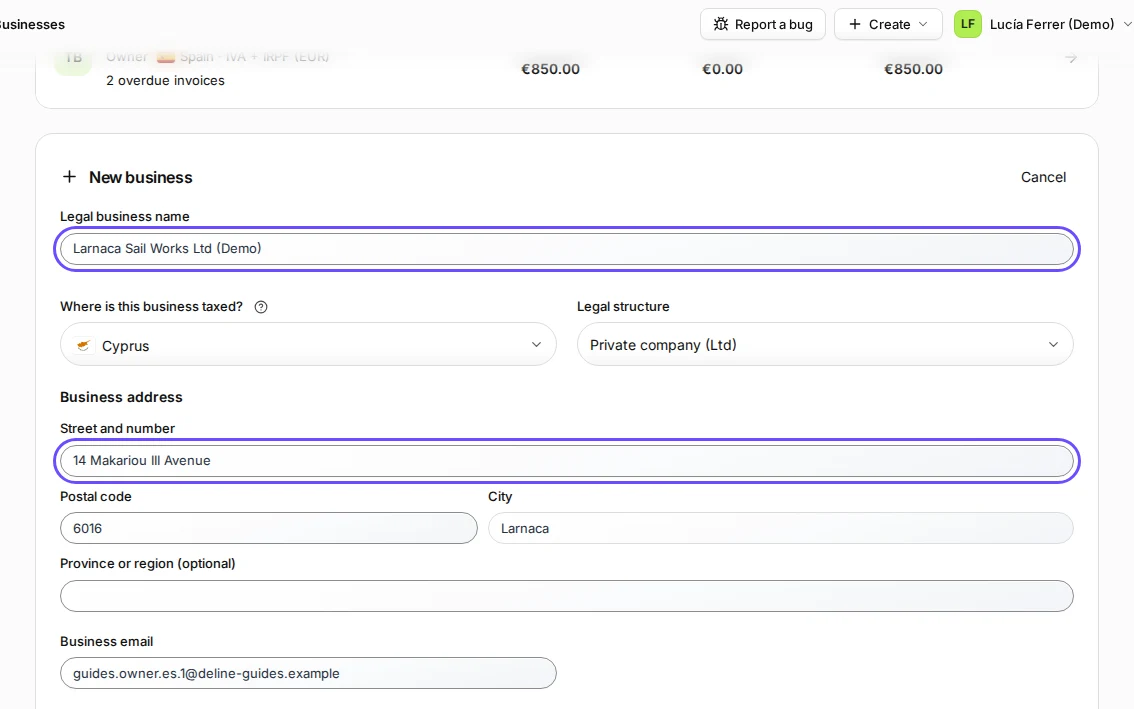
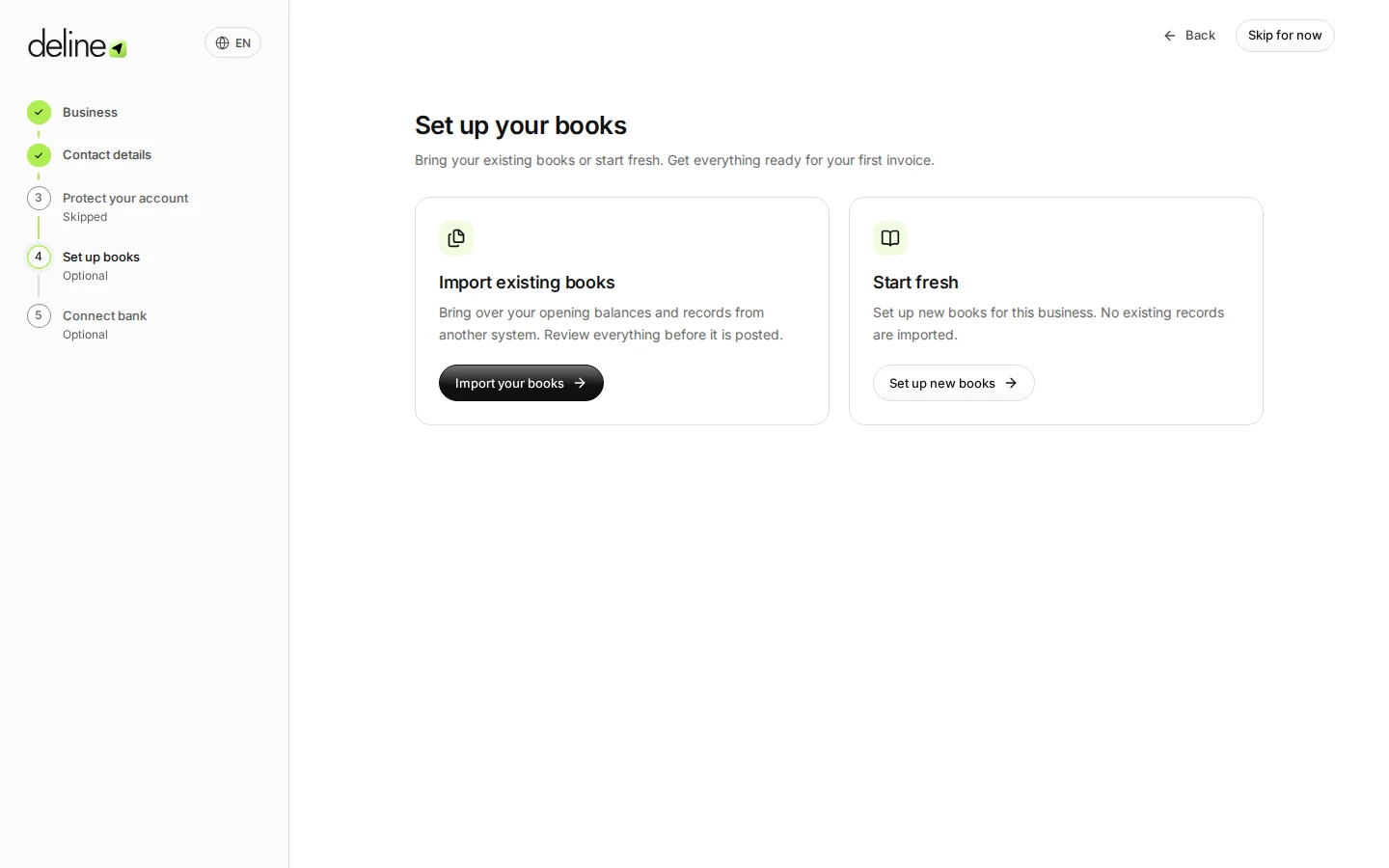
Step 2 in Deline (Spain business, fictional data) · See the whole screen Check the business email and press Create your business.
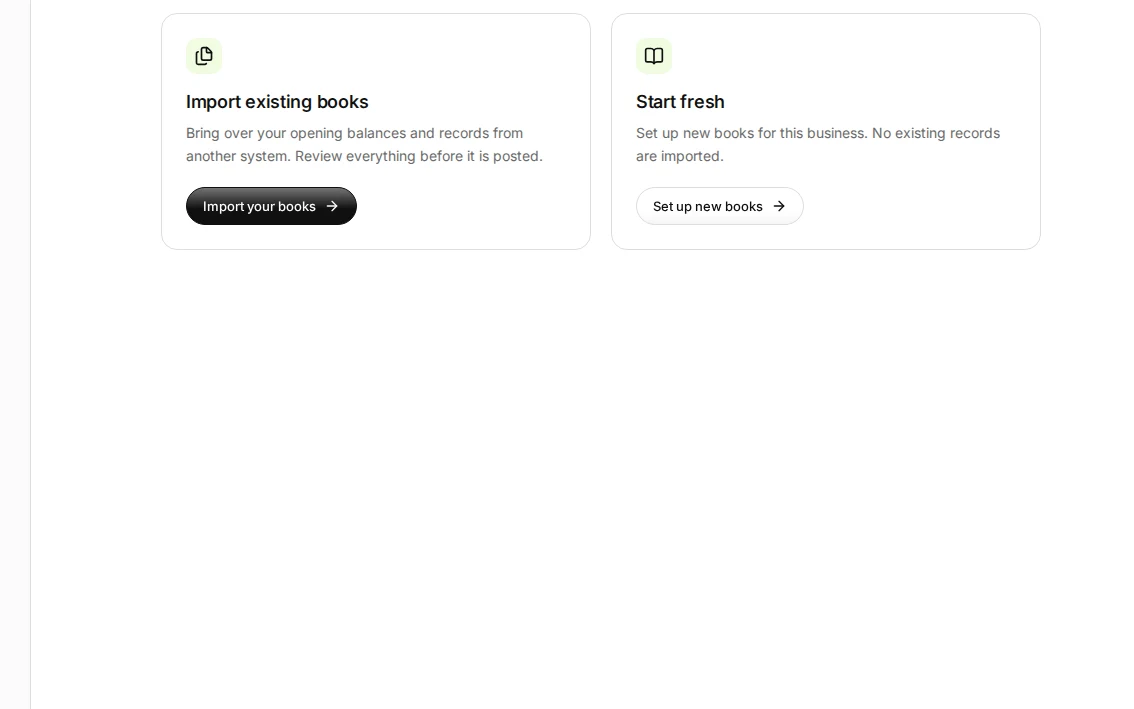
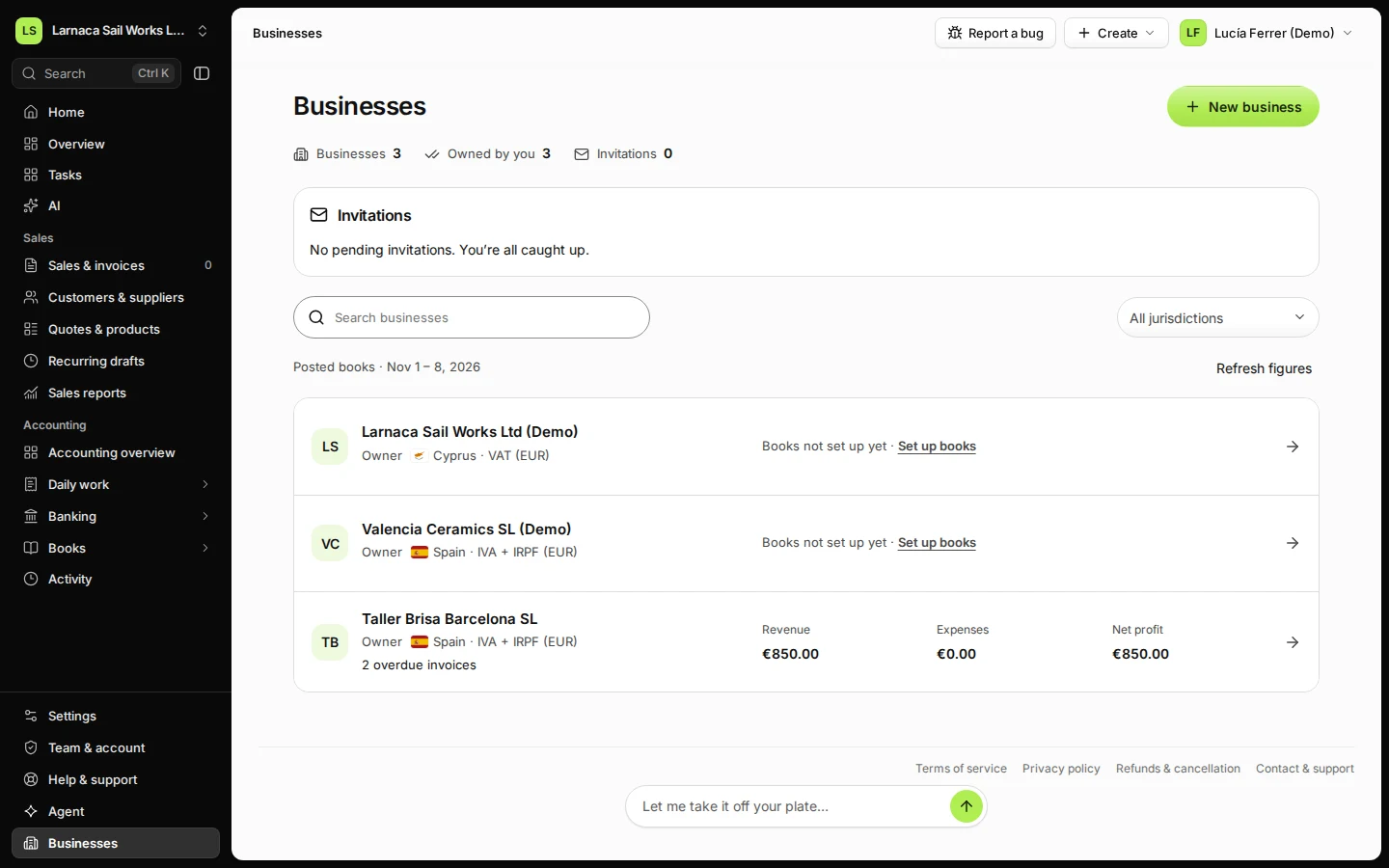
Step 3 in Deline (Spain business, fictional data) · See the whole screen Switch between your businesses from Businesses or the business switcher at the top of the sidebar.
Your businesses are listed side by side with their figures.
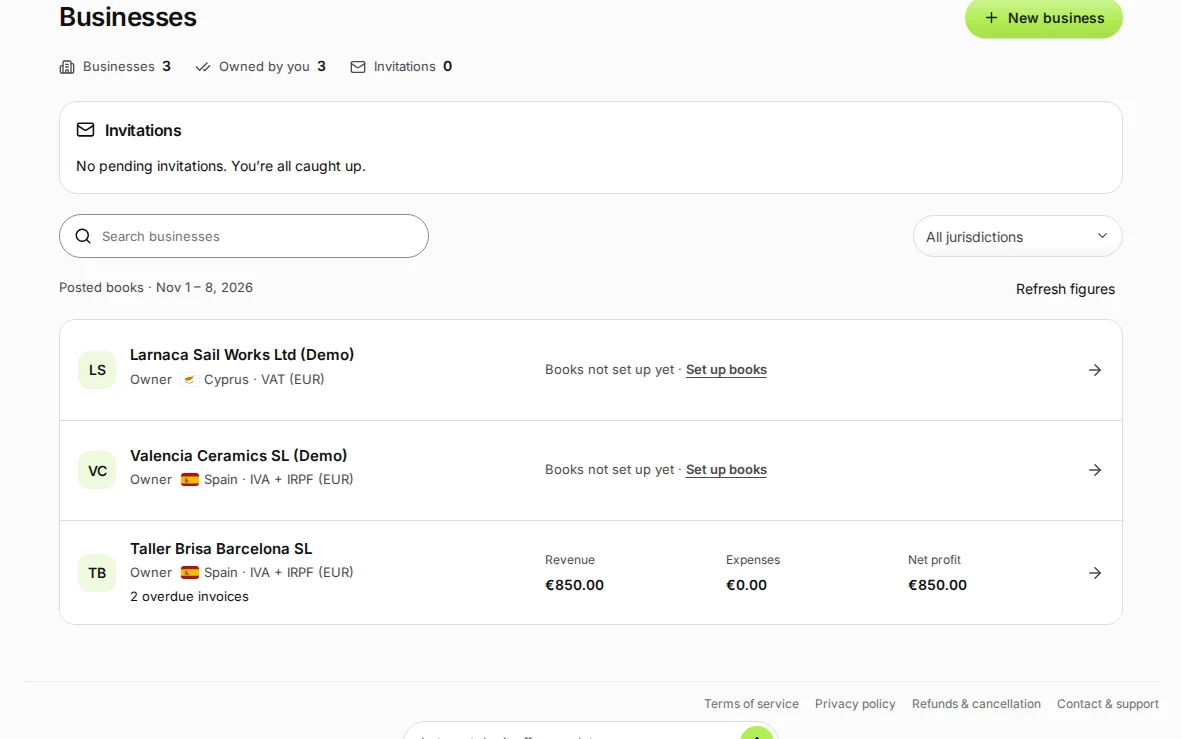
Step 4 in Deline (Spain business, fictional data) · See the whole screen
If something goes wrong
- "You're in 10 businesses…": one account can be in at most 10 businesses.
Last checked 2026-11-08 by the guide runner on build 950c928ab (Deline cf14680cd) (local Deline stack).