
Before you start
- You have created your account and confirmed your email.
- Have your legal business name and address at hand.
Steps
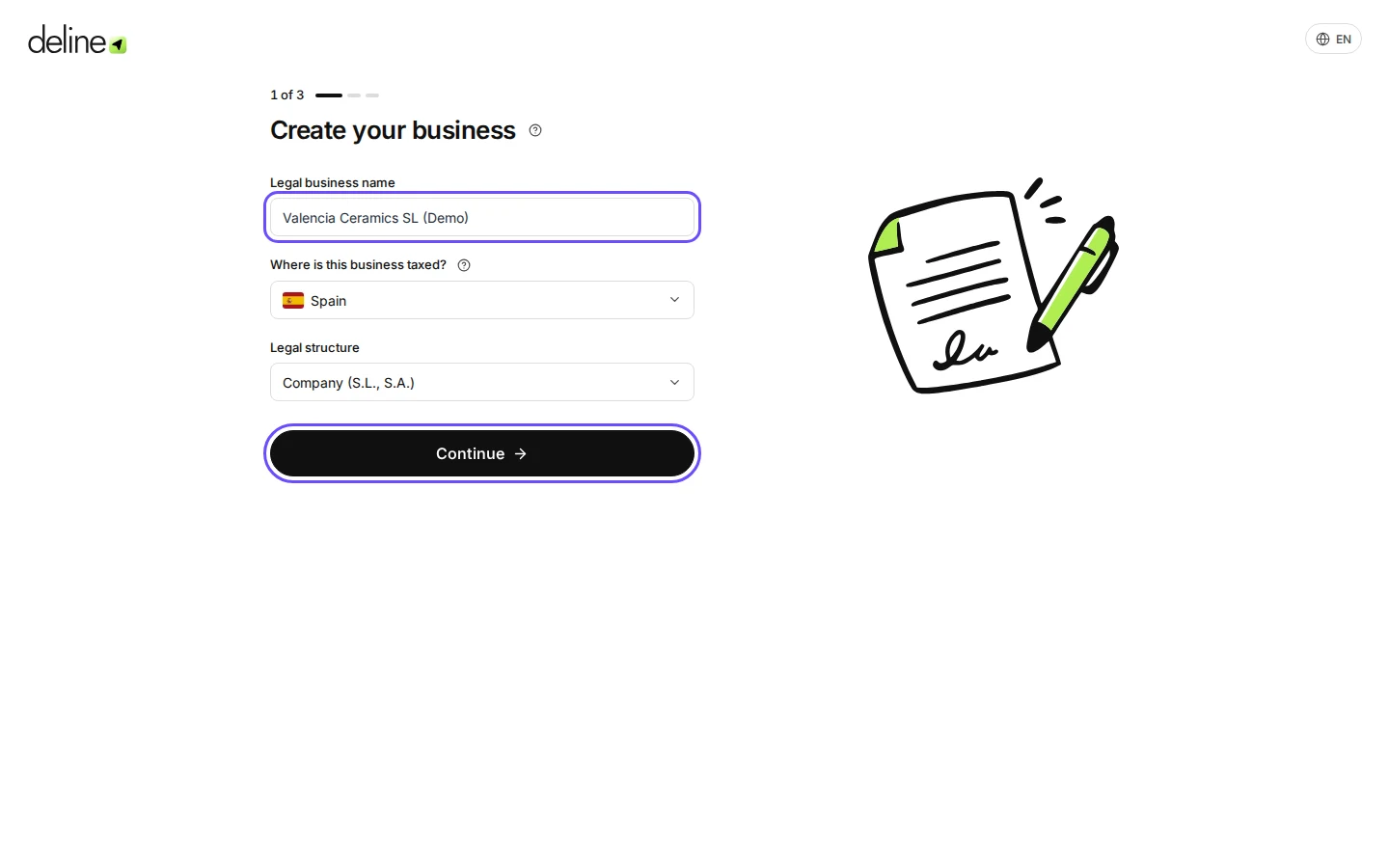
Enter your legal business name, country and legal structure, then press Continue.
The country is where the business is taxed. It decides IVA, VAT, ПДВ or sales tax, so choose carefully.
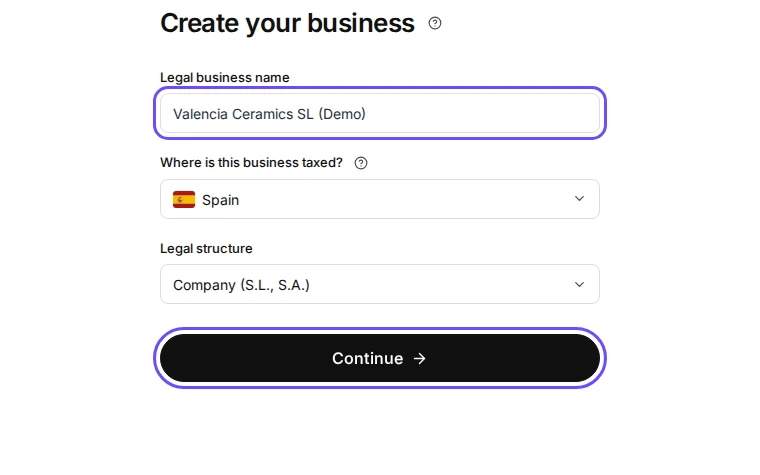
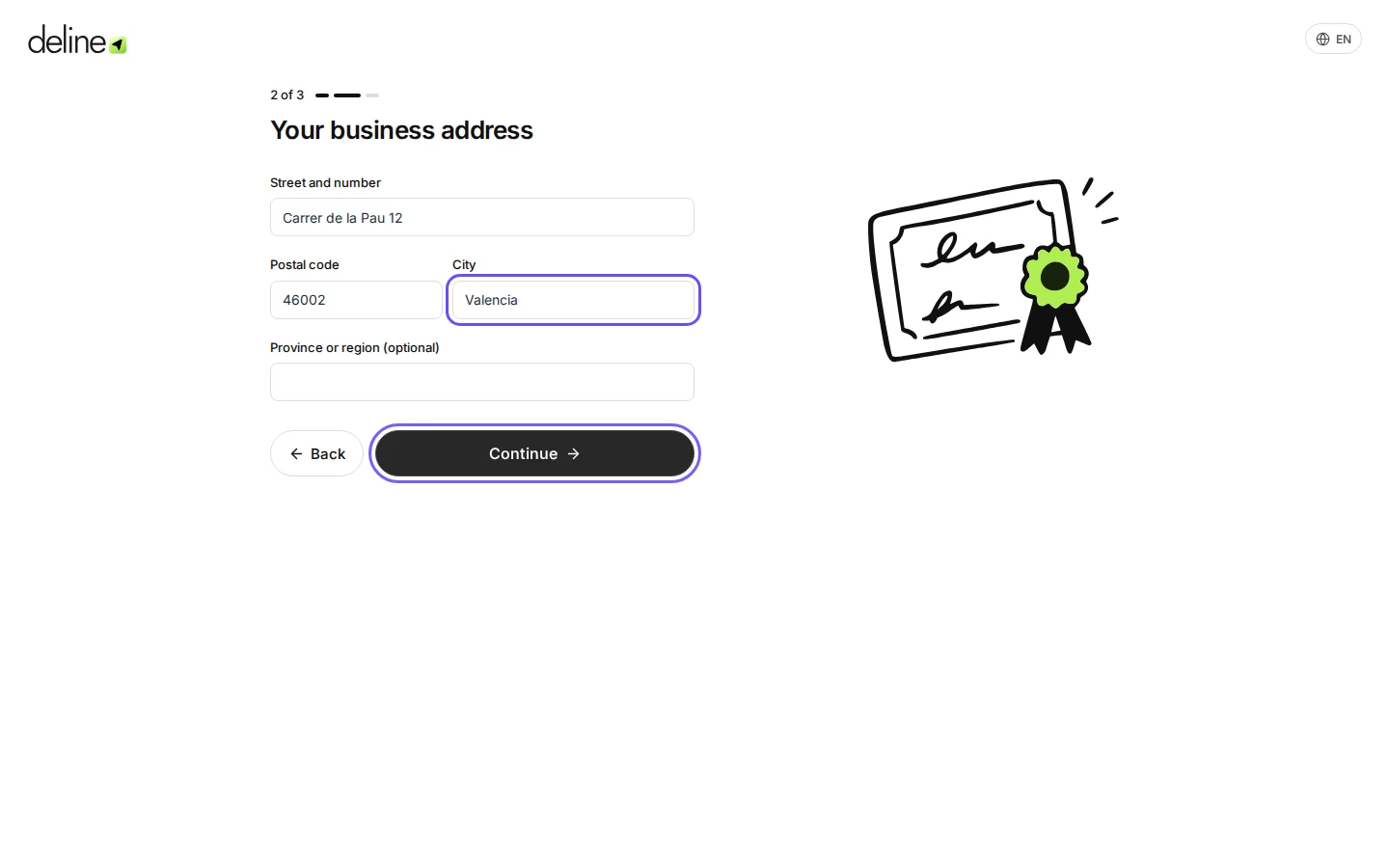
Step 1 in Deline (Spain business, fictional data) · See the whole screen Enter your business address and press Continue.
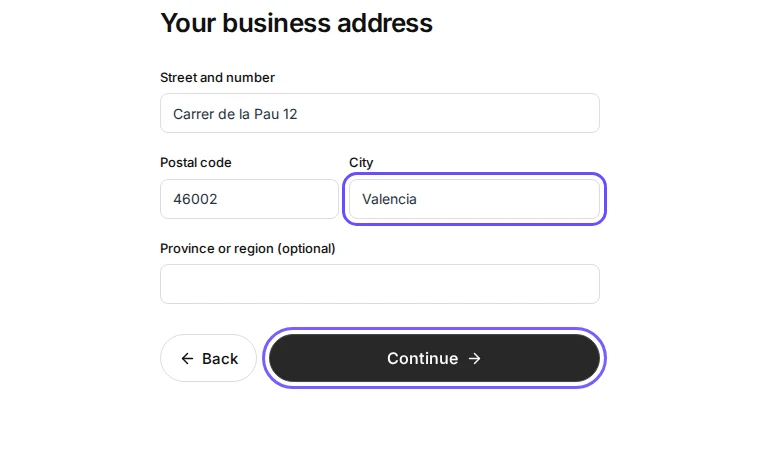
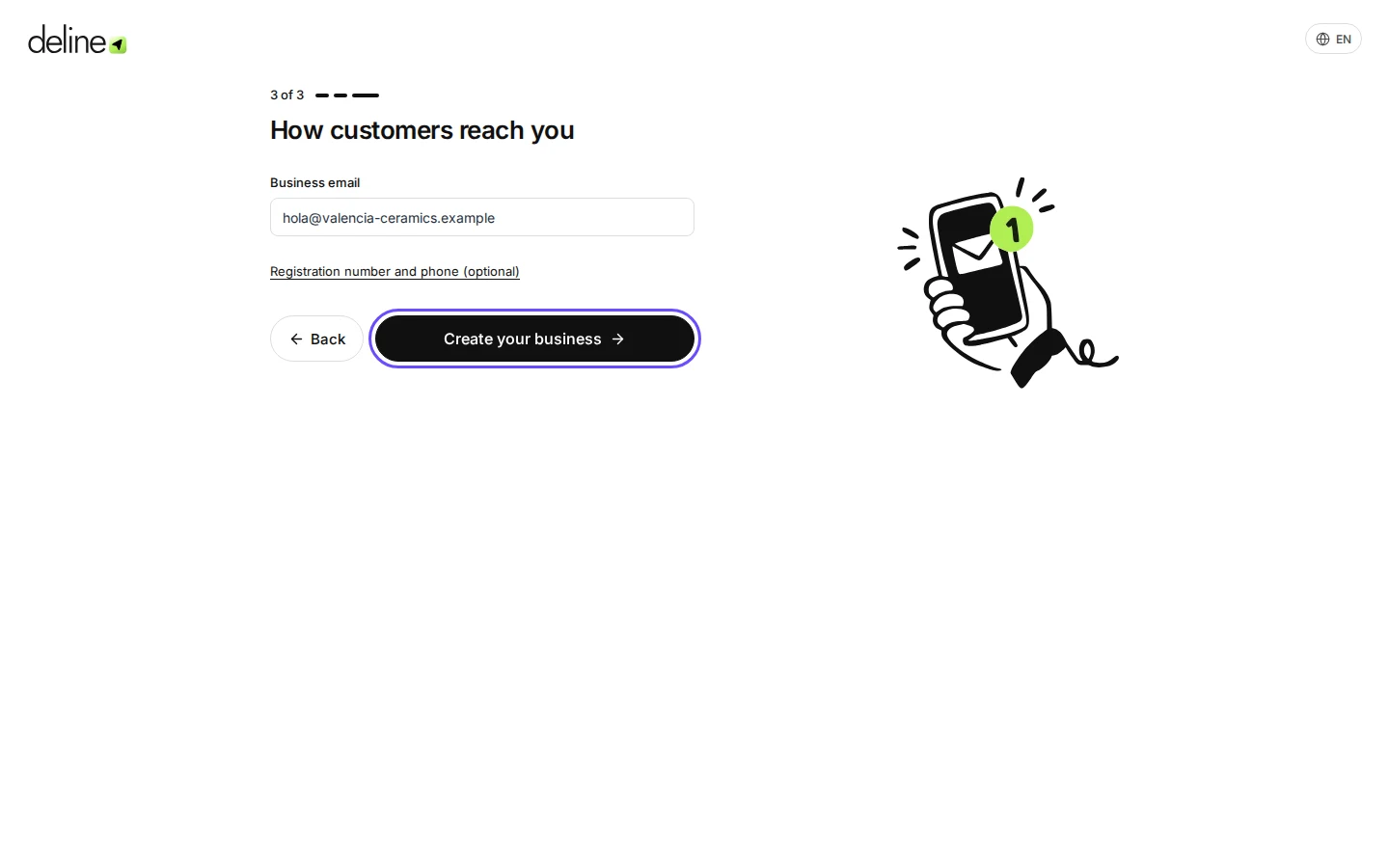
Step 2 in Deline (Spain business, fictional data) · See the whole screen Check the business email and press Create your business.
Customers reply to this email. It starts as your sign-in email; change it if invoices should come from another address.
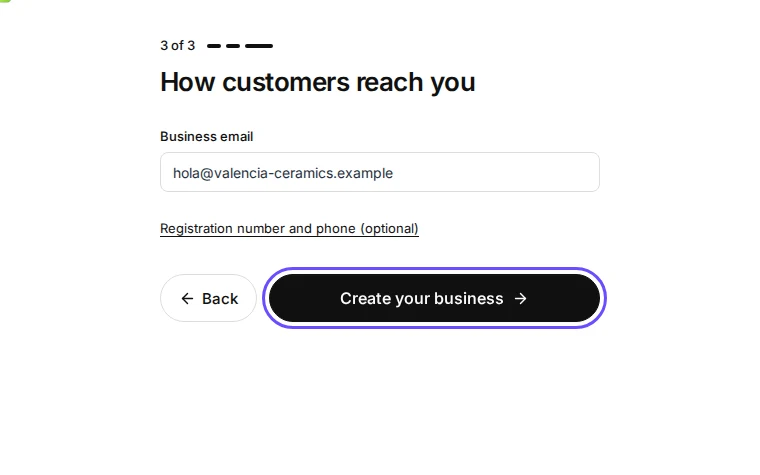
Step 3 in Deline (Spain business, fictional data) · See the whole screen Skip or do the optional steps: account security, books and bank.
Each one can be done later from Settings. Press Skip for now to go straight to your workspace.
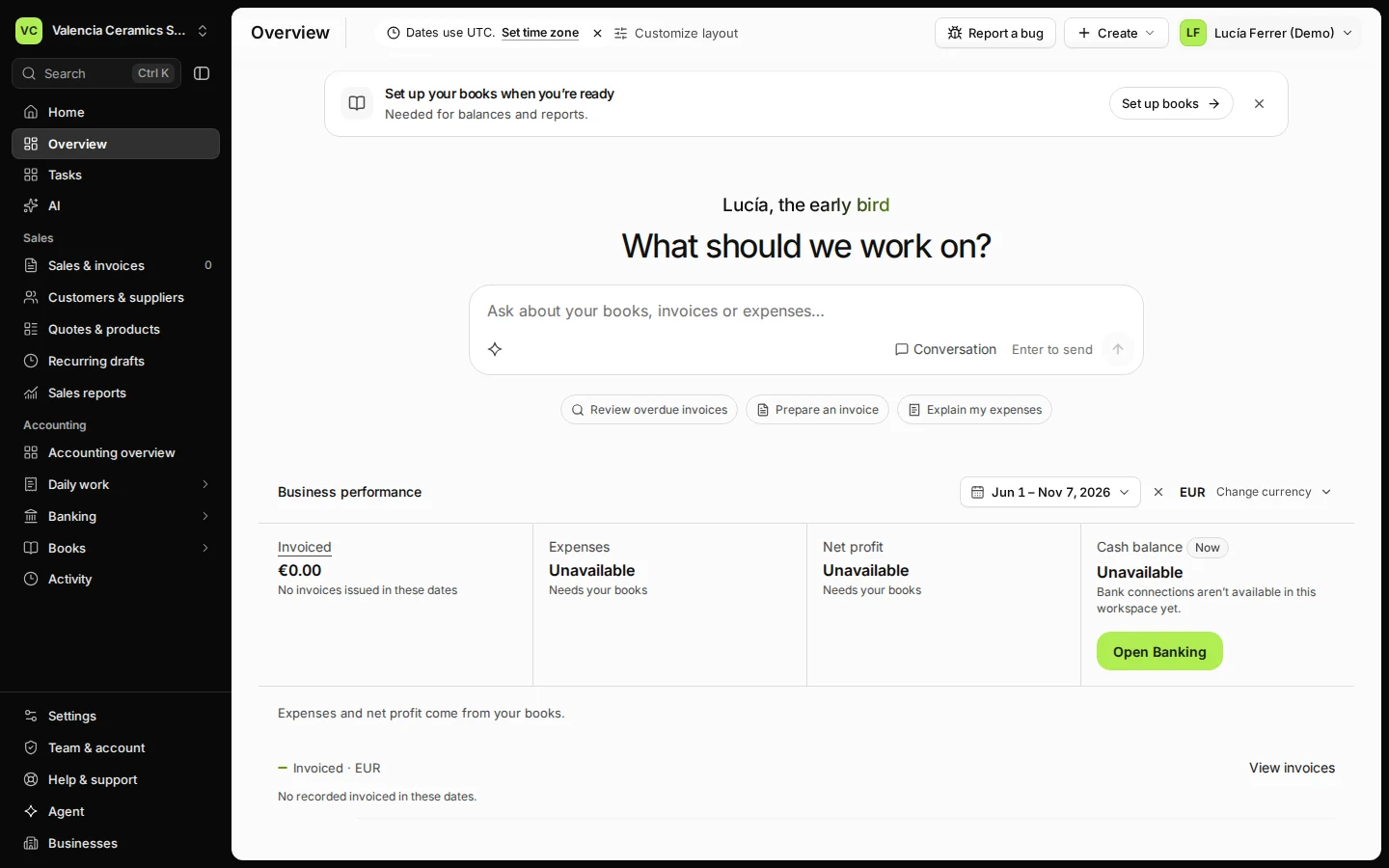
Step 4 in Deline (Spain business, fictional data)


If something goes wrong
- You chose the wrong country: open Settings → Business and use Change tax country.
- A required field is marked: fill it in; Deline keeps what you already typed.
Last checked 2026-11-07 by the guide runner on build c5fbd2fa6 (Deline 12a482996) (local Deline stack, desktop and phone).