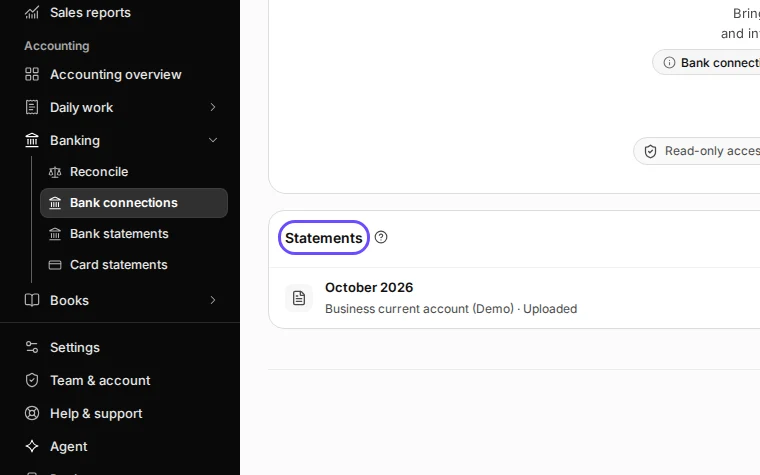
Keep a PDF bank statement in Deline

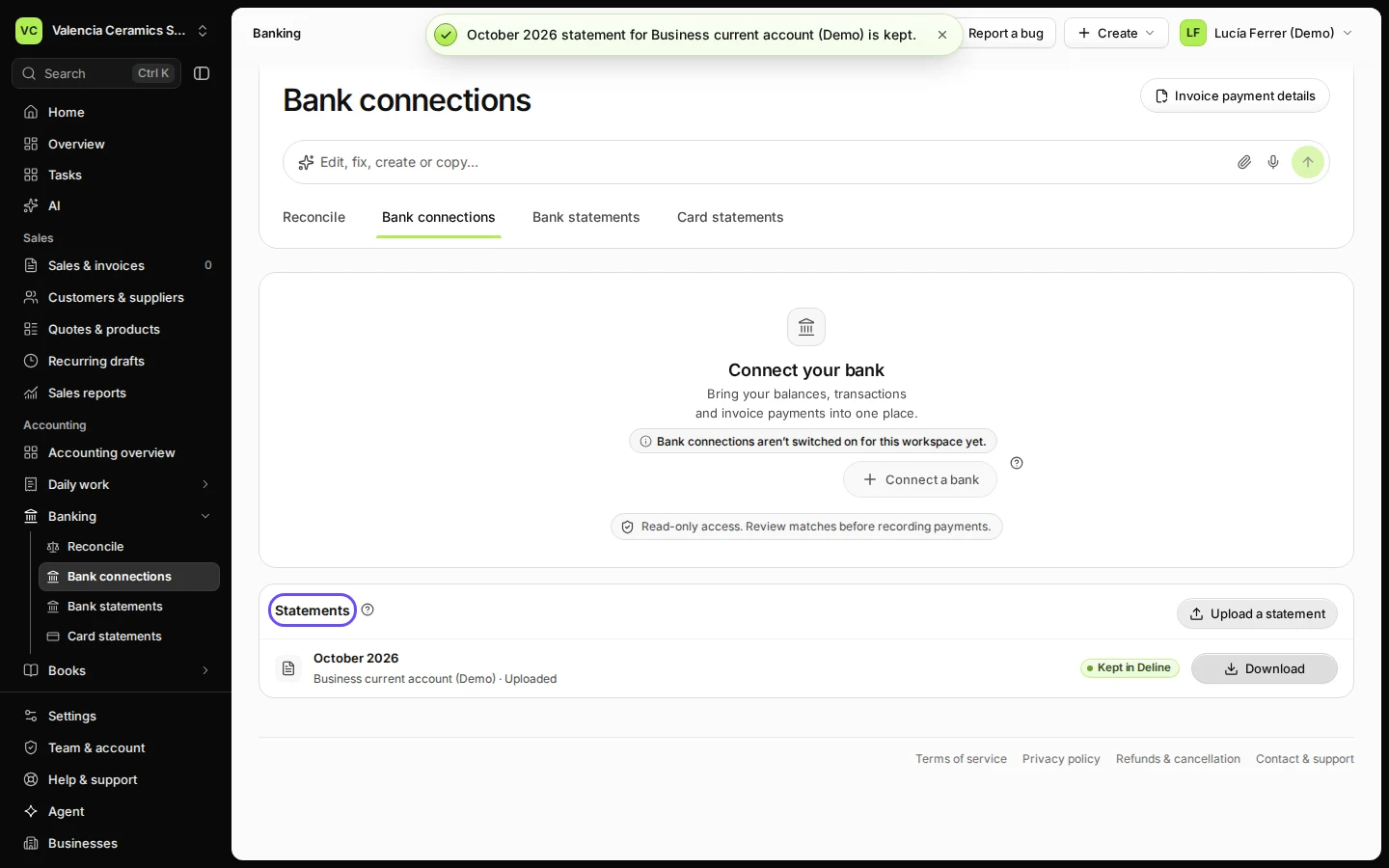
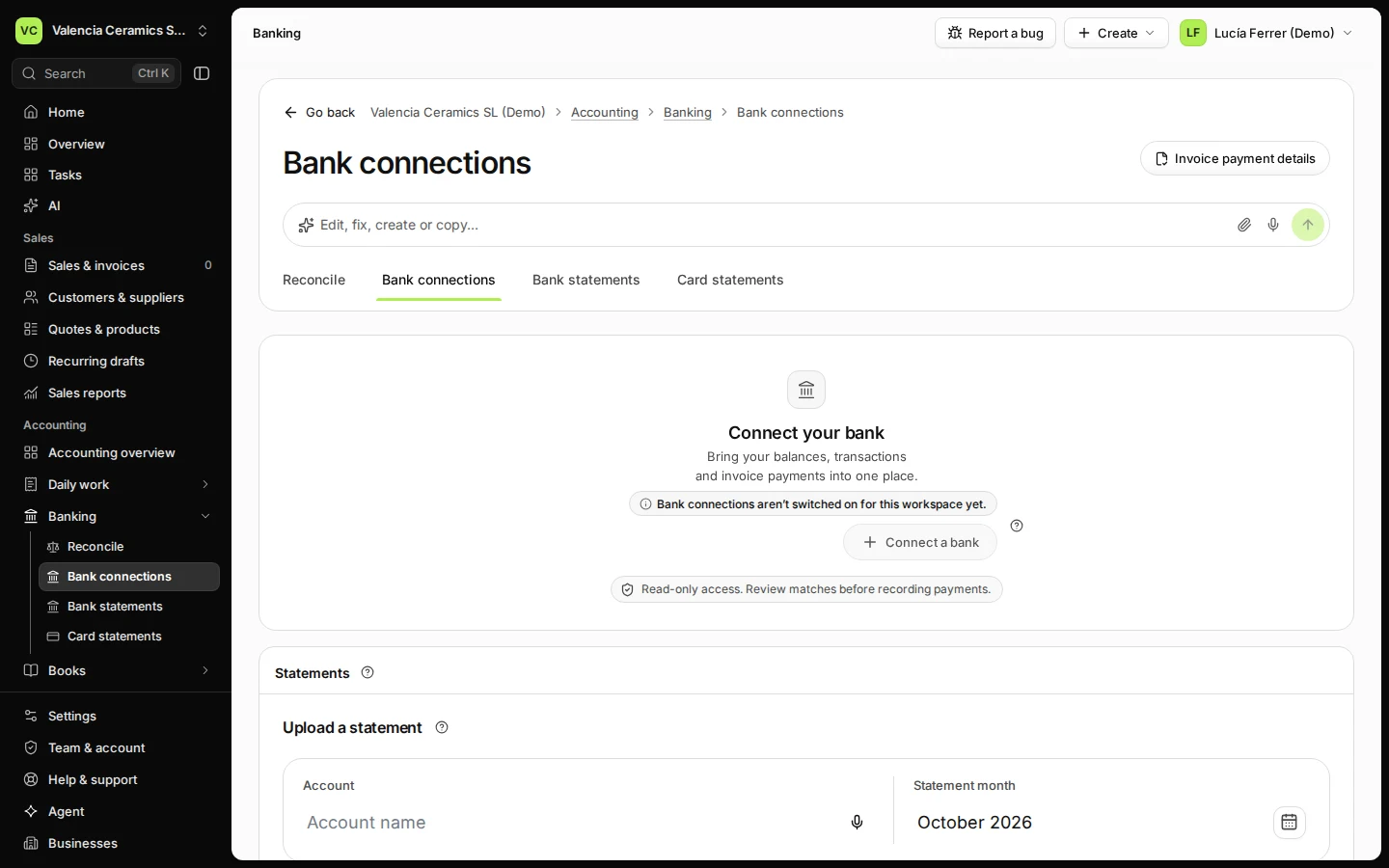
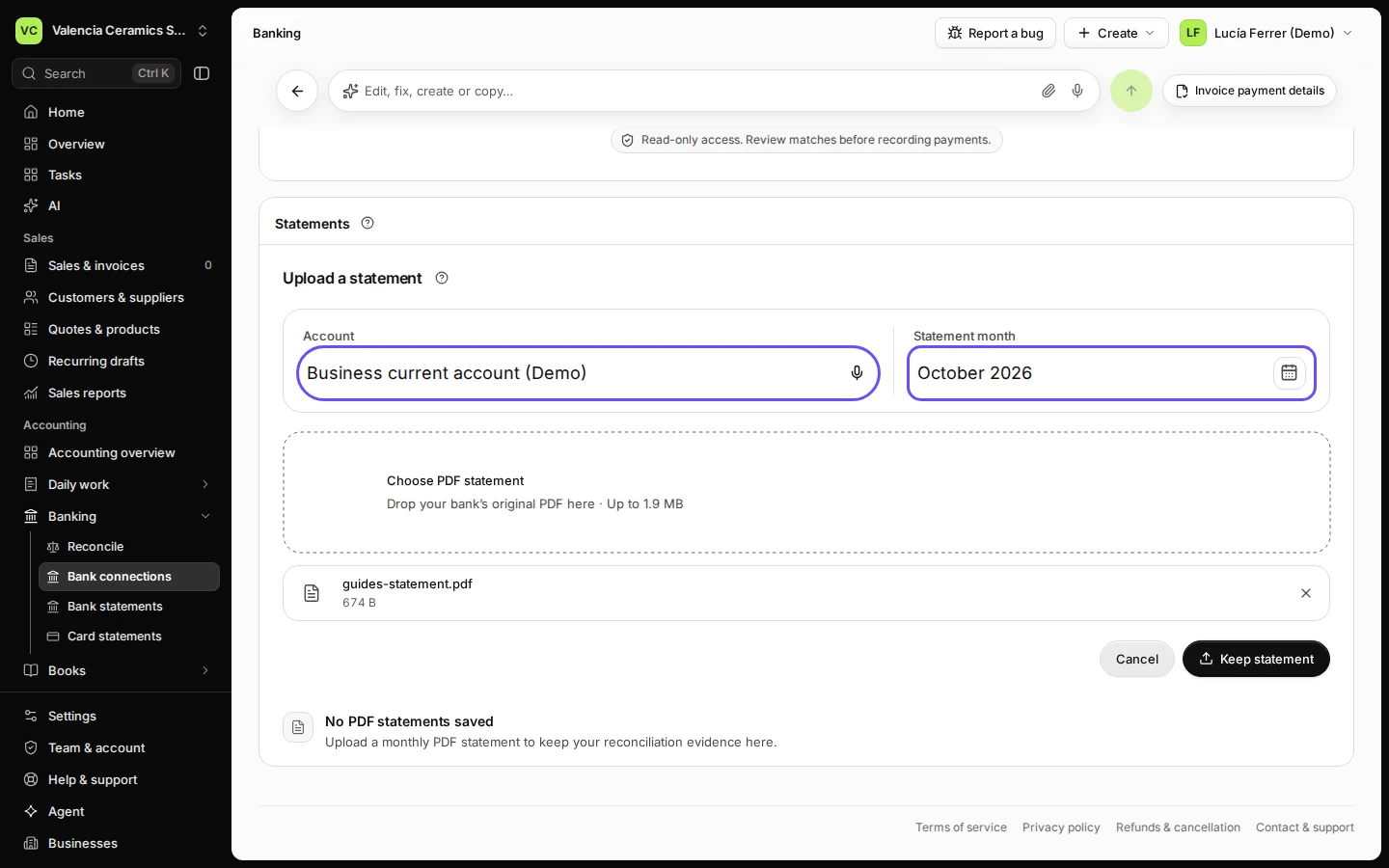
In Banking → Bank connections, press Upload a statement, name the account, choose the month and the PDF, and press Keep statement. Deline keeps it as evidence for your reconciliation; to import the lines, use a CSV statement instead.

  • L1 · Everyday
  • WhereAll countries
  • WhoOwner, Editor
  • PlanBasic and up
  • Timeabout 1 min

Steps

  1. Open Bank connections from Banking and press Upload a statement.
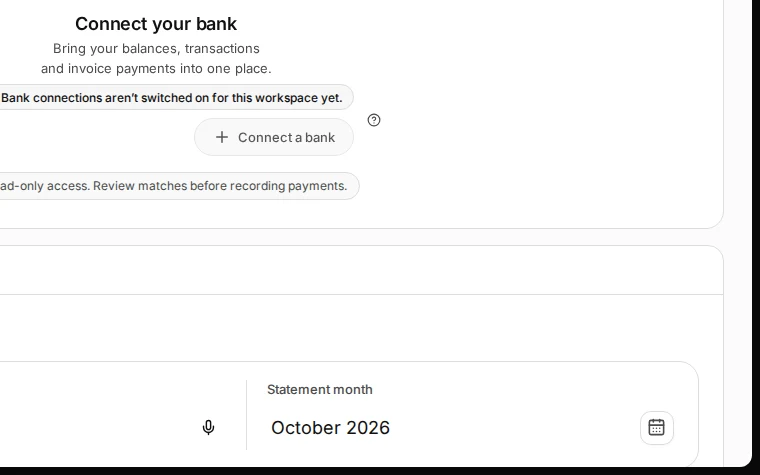
    Step 1: Open Bank connections from Banking and press Upload a statement.
    Step 1 in Deline (Spain business, fictional data) · See the whole screen
  2. Name the account, choose the statement month and choose the PDF.

    Use the monthly PDF your bank gives you.
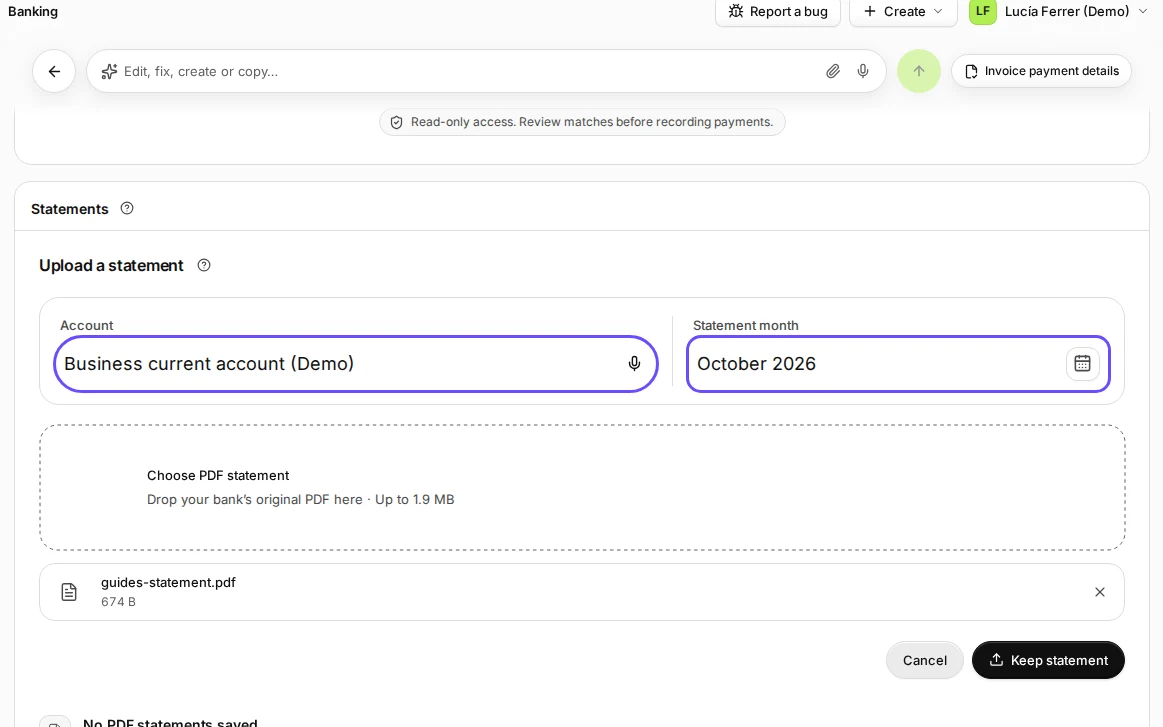
    Step 2: Name the account, choose the statement month and choose the PDF.
    Step 2 in Deline (Spain business, fictional data) · See the whole screen
  3. Press Keep statement.

    Step 3: Press Keep statement.
    Step 3 in Deline (Spain business, fictional data) · See the whole screen
Last checked 2026-11-08 by the guide runner on build 5bcaf3a46 (Deline 06cb5749b) (local Deline stack).