
Steps
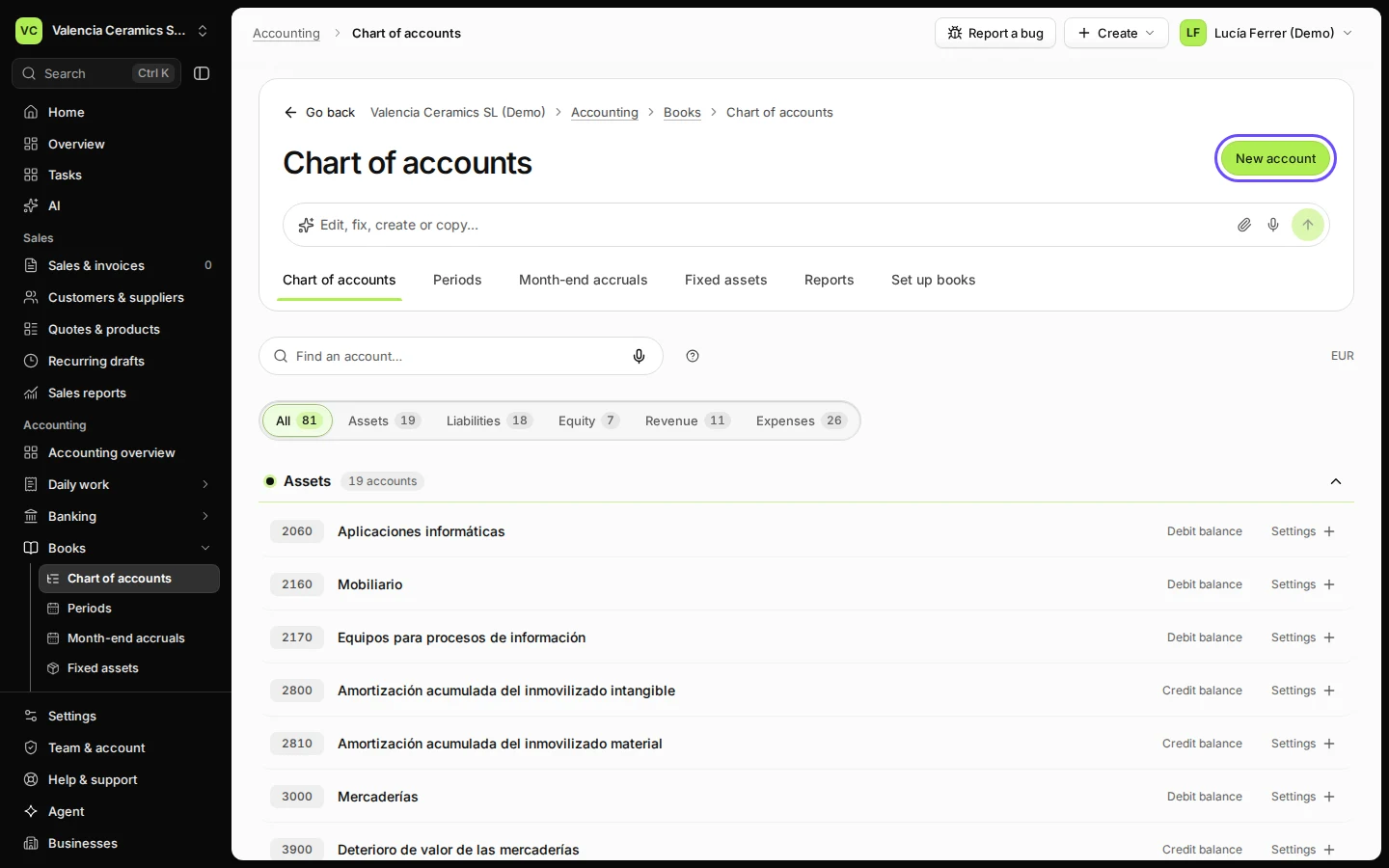
Open Chart of accounts from Books.
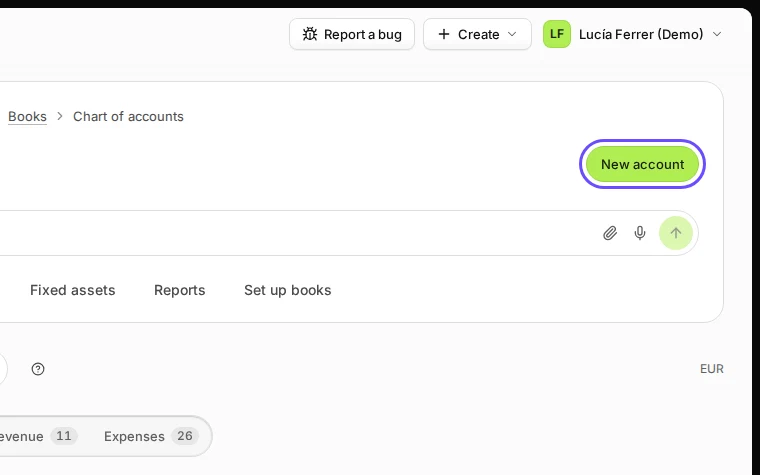
Step 1 in Deline (Spain business, fictional data) · See the whole screen Press New account.
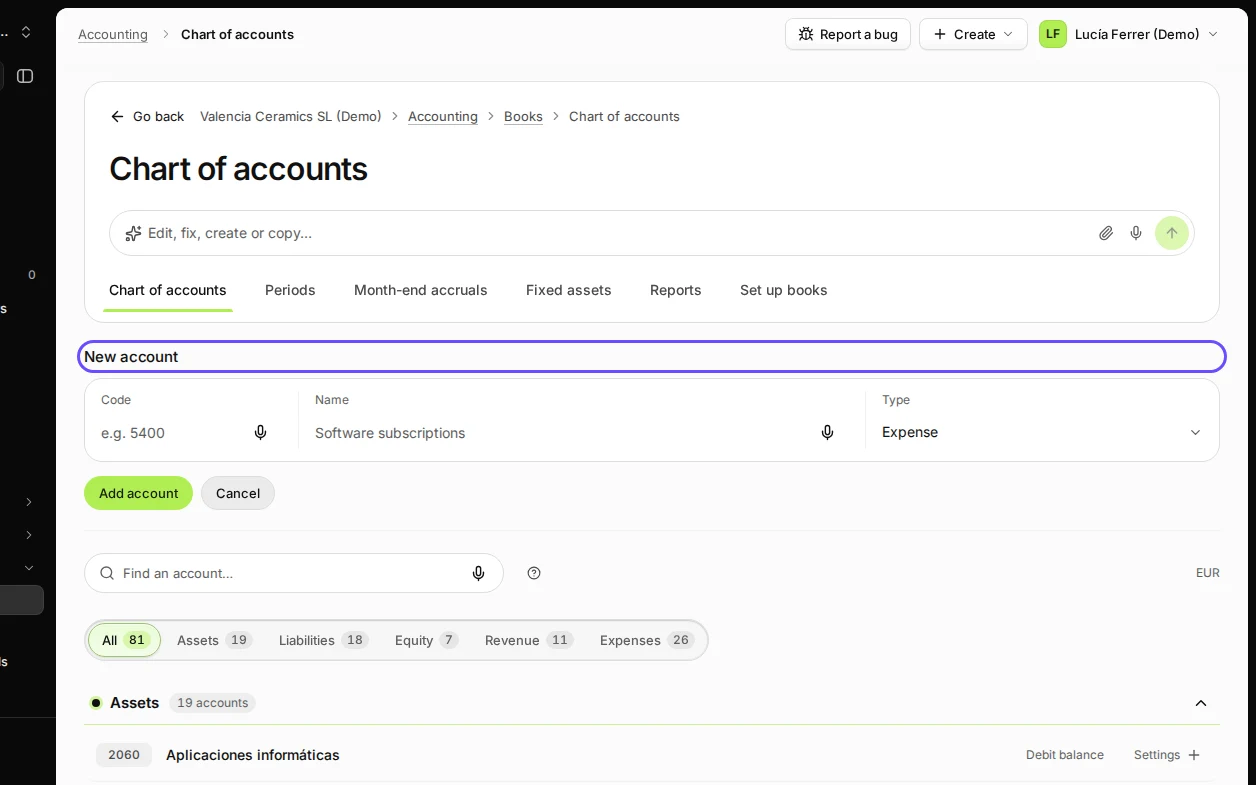
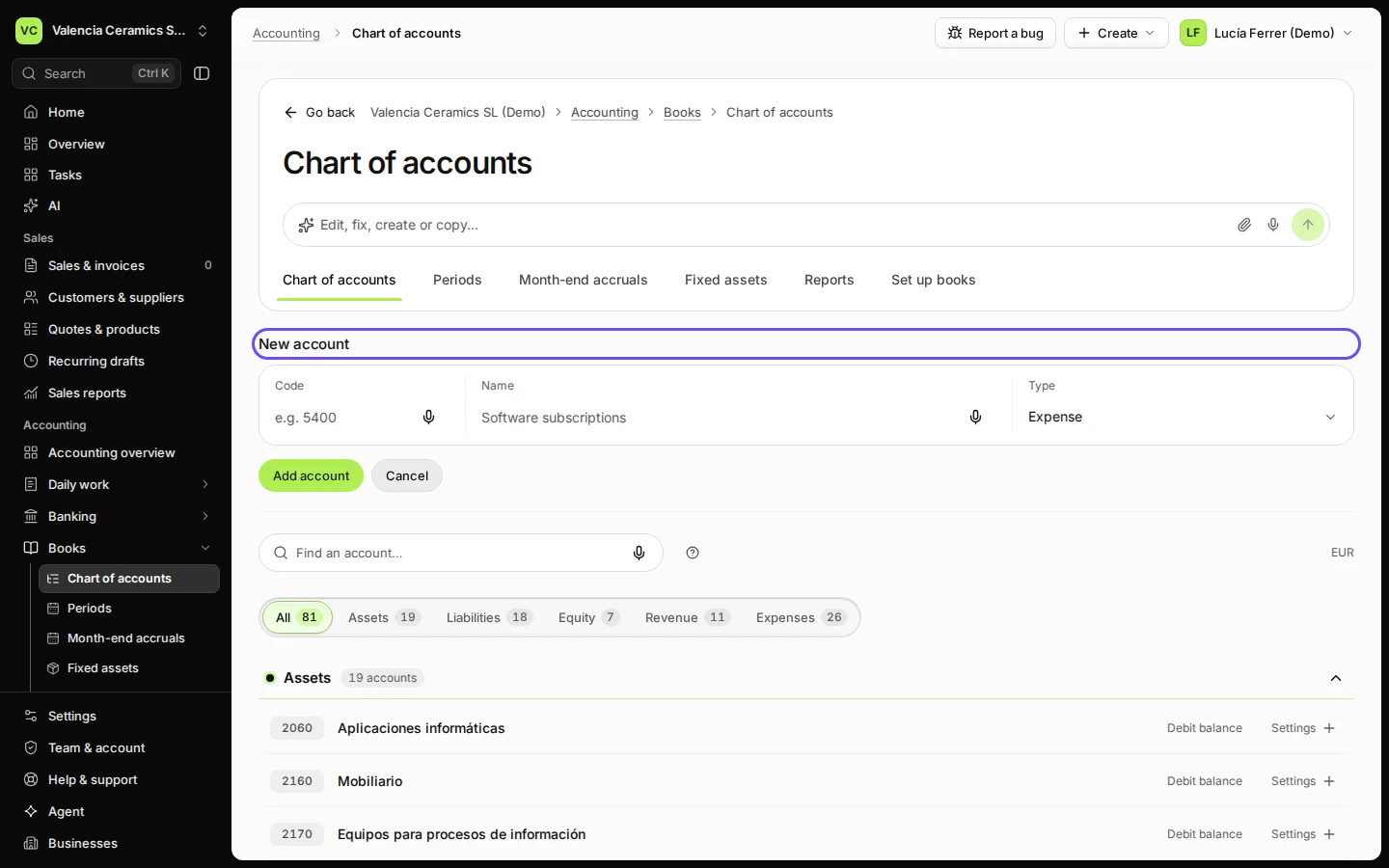
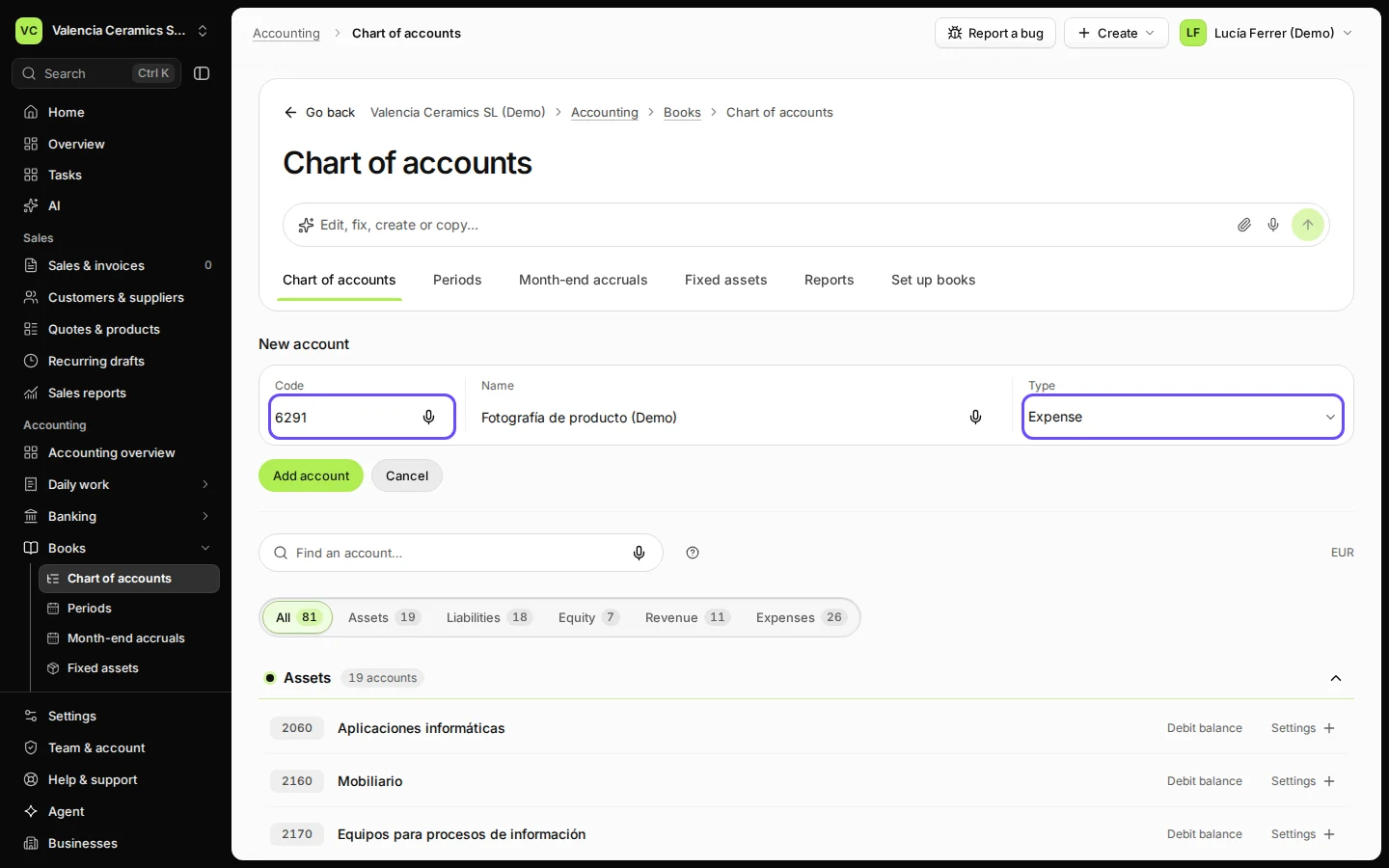
Step 2 in Deline (Spain business, fictional data) · See the whole screen Enter the code, the name and the type.
The type decides where the account appears in your reports: asset, liability, equity, revenue or expense.
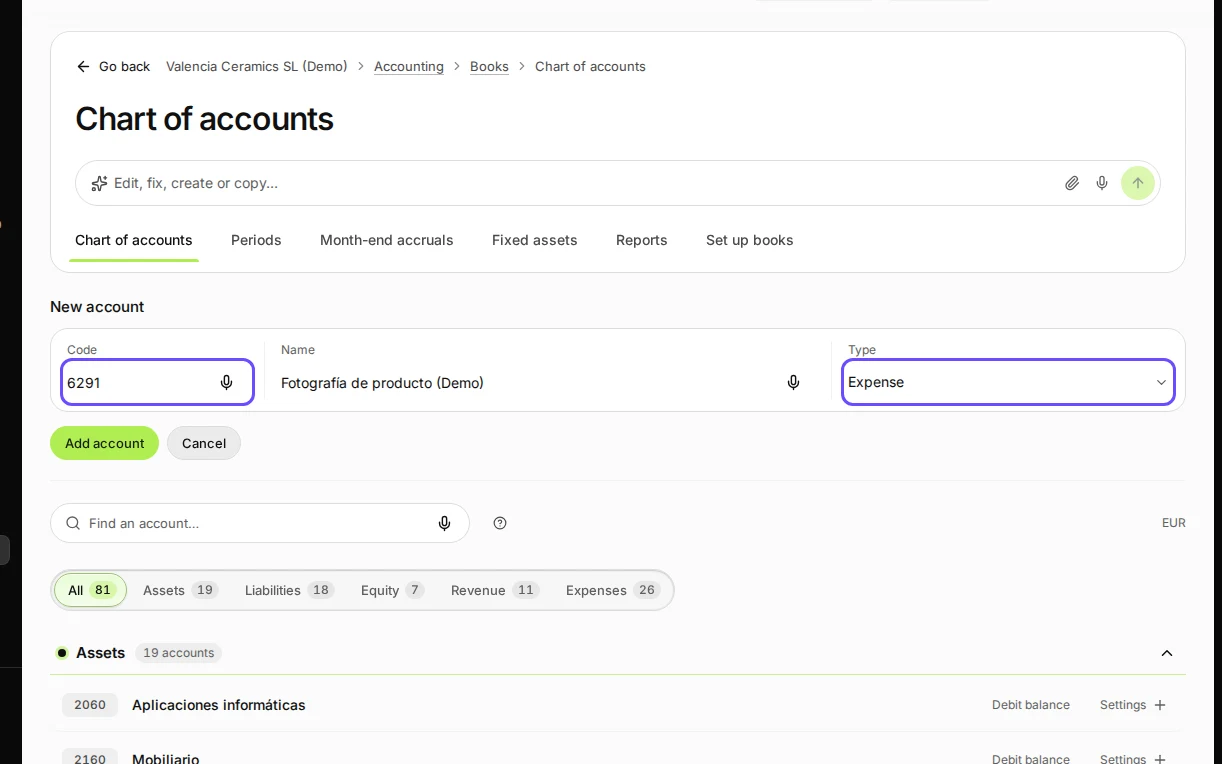
Step 3 in Deline (Spain business, fictional data) · See the whole screen Press Add account.
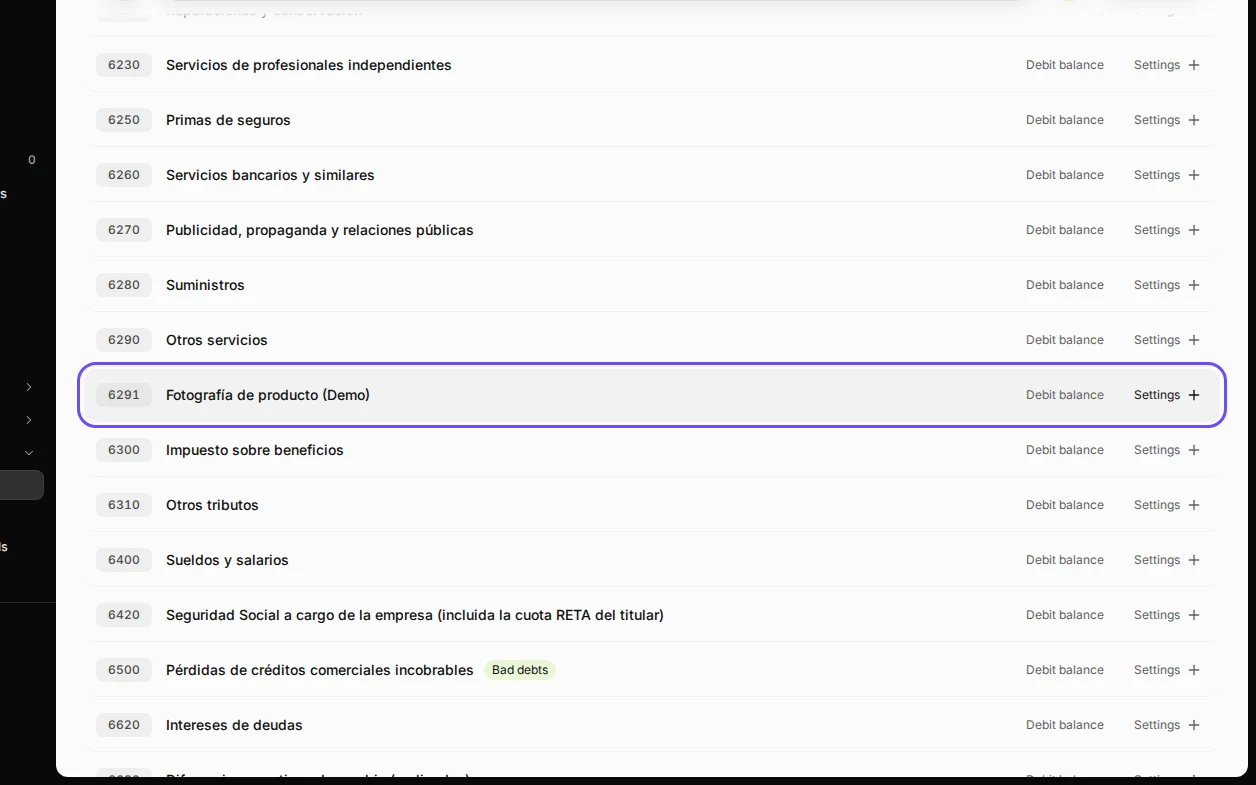
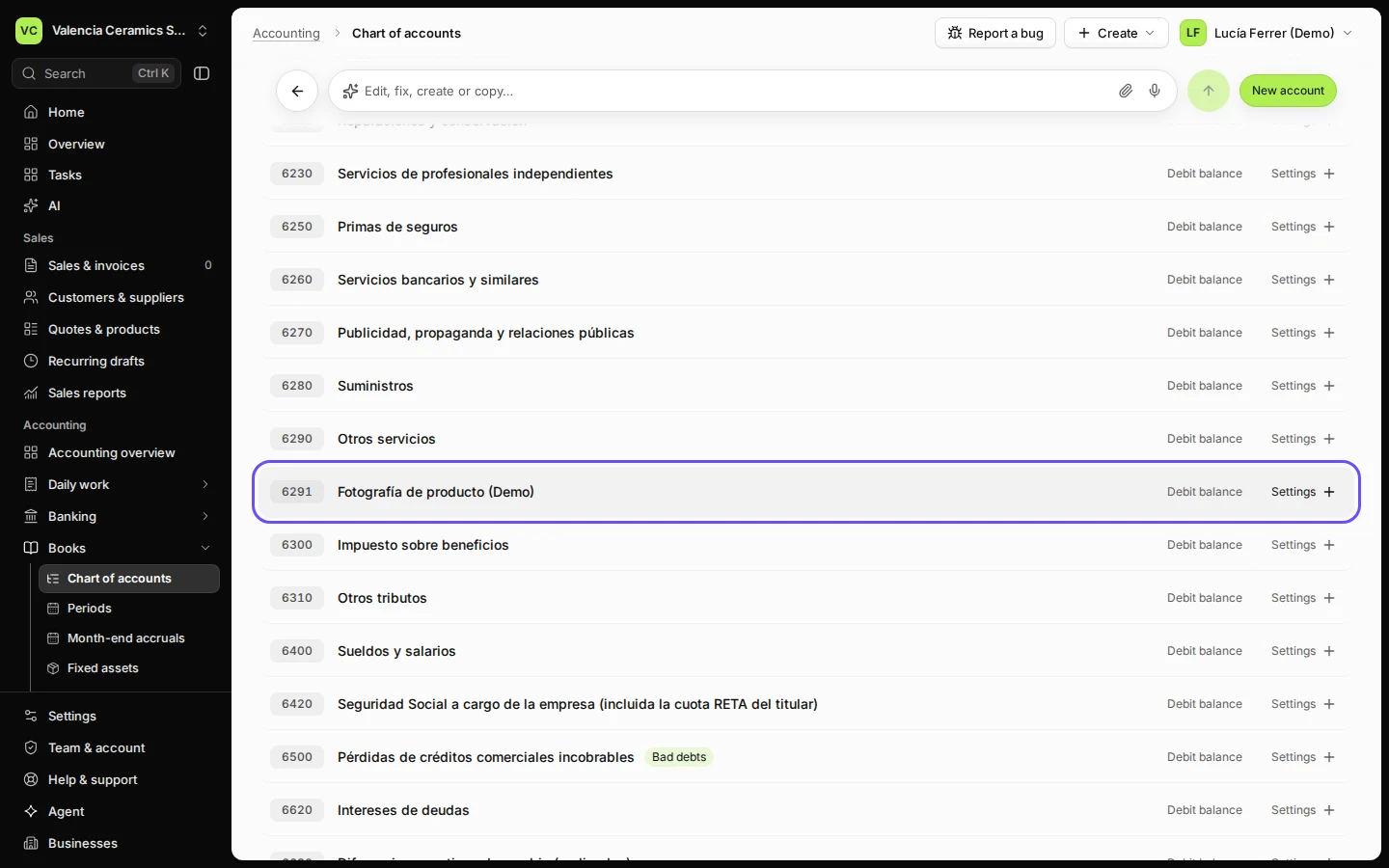
Step 4 in Deline (Spain business, fictional data) · See the whole screen
If something goes wrong
- "Code … is already used by …": choose another code.
Last checked 2026-11-08 by the guide runner on build 37b370dcd (Deline 5e00493c3) (local Deline stack).