
Before you start
- Your books are set up.
- You know which accounts to debit and credit. Not sure? Ask your accountant, or ask the AI assistant to draft the journal for you to check.
Steps
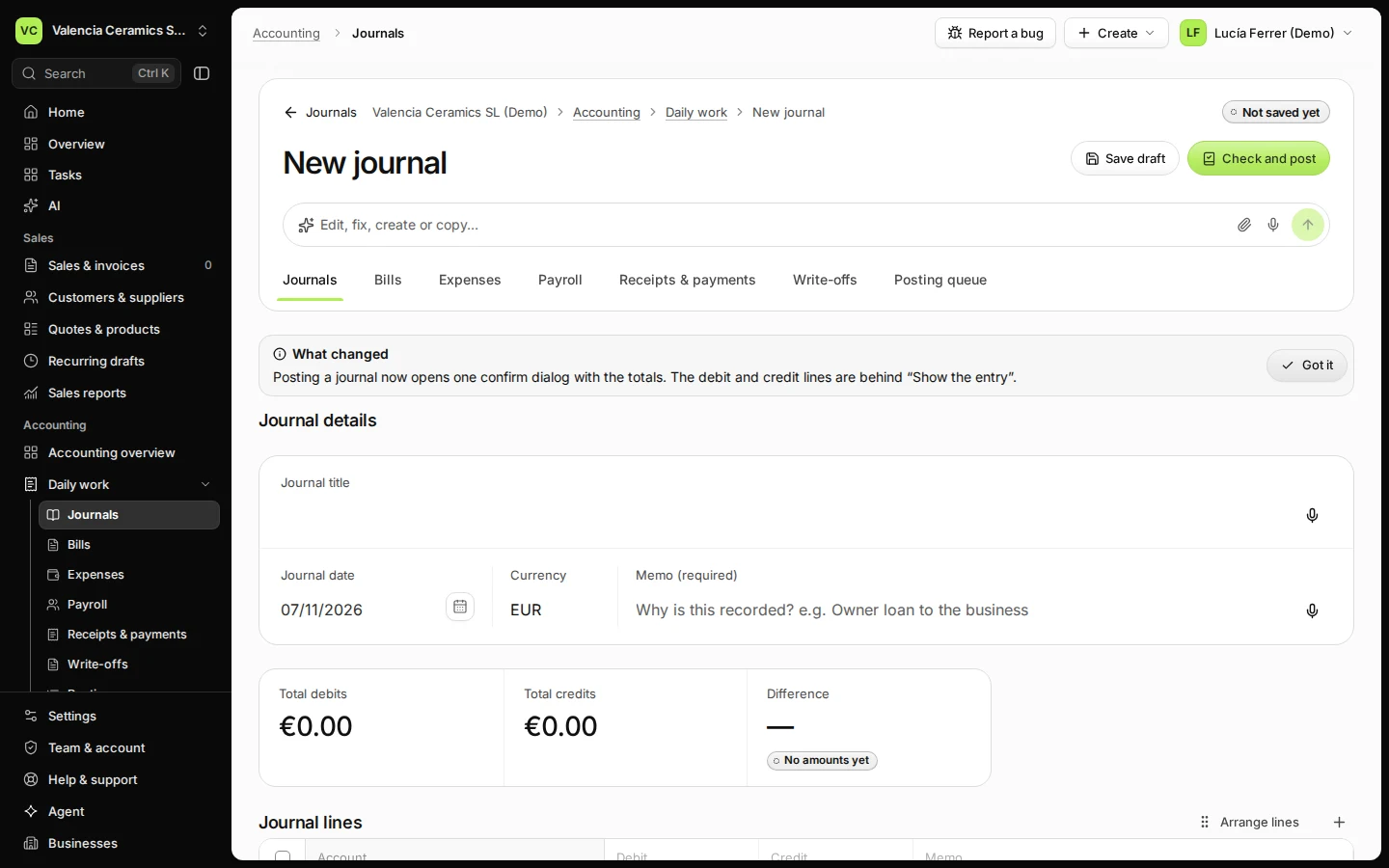
Open Journals from Daily work and press New journal draft.
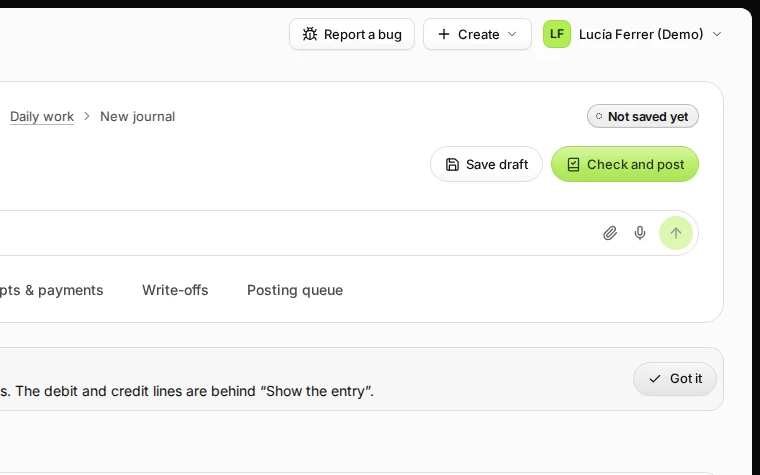
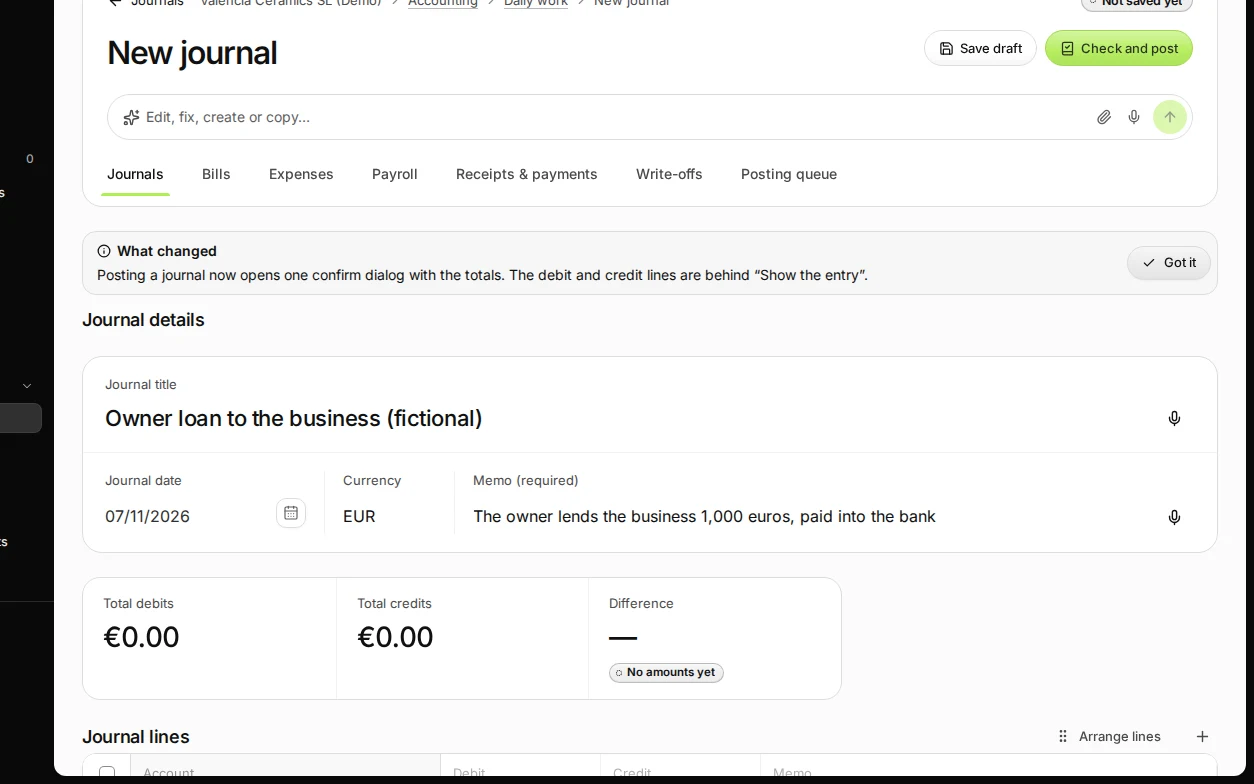
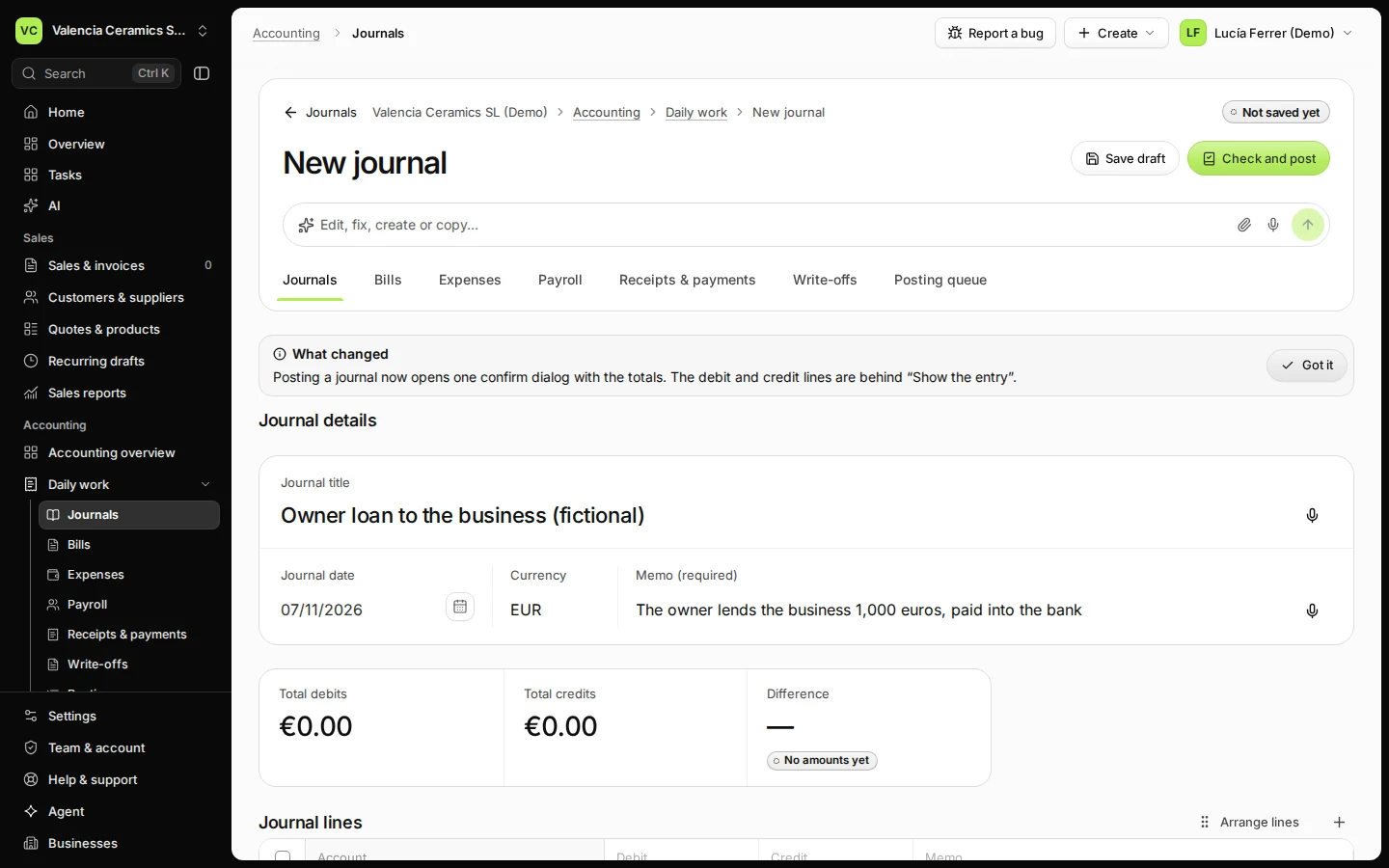
Step 1 in Deline (Spain business, fictional data) · See the whole screen Enter a title, the date and why you are recording it.
The reason (Memo) is required; it stays with the journal for anyone who checks your books later.
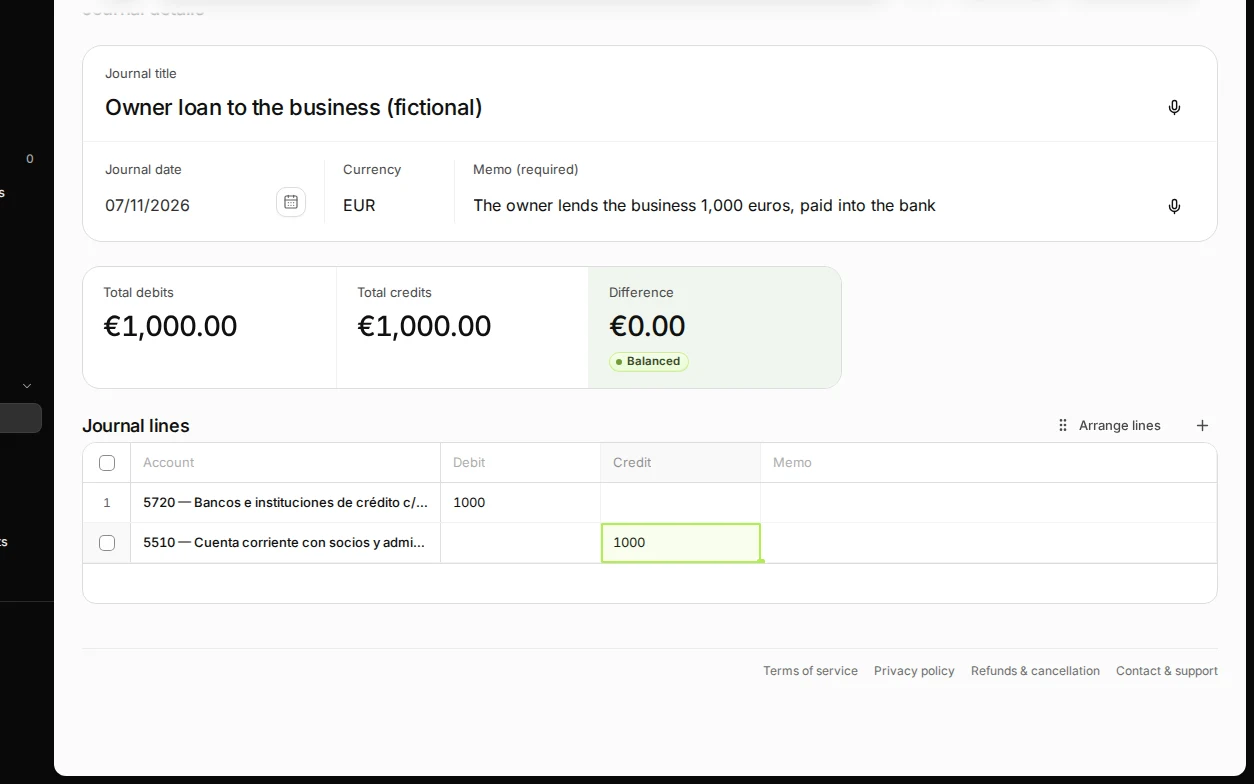
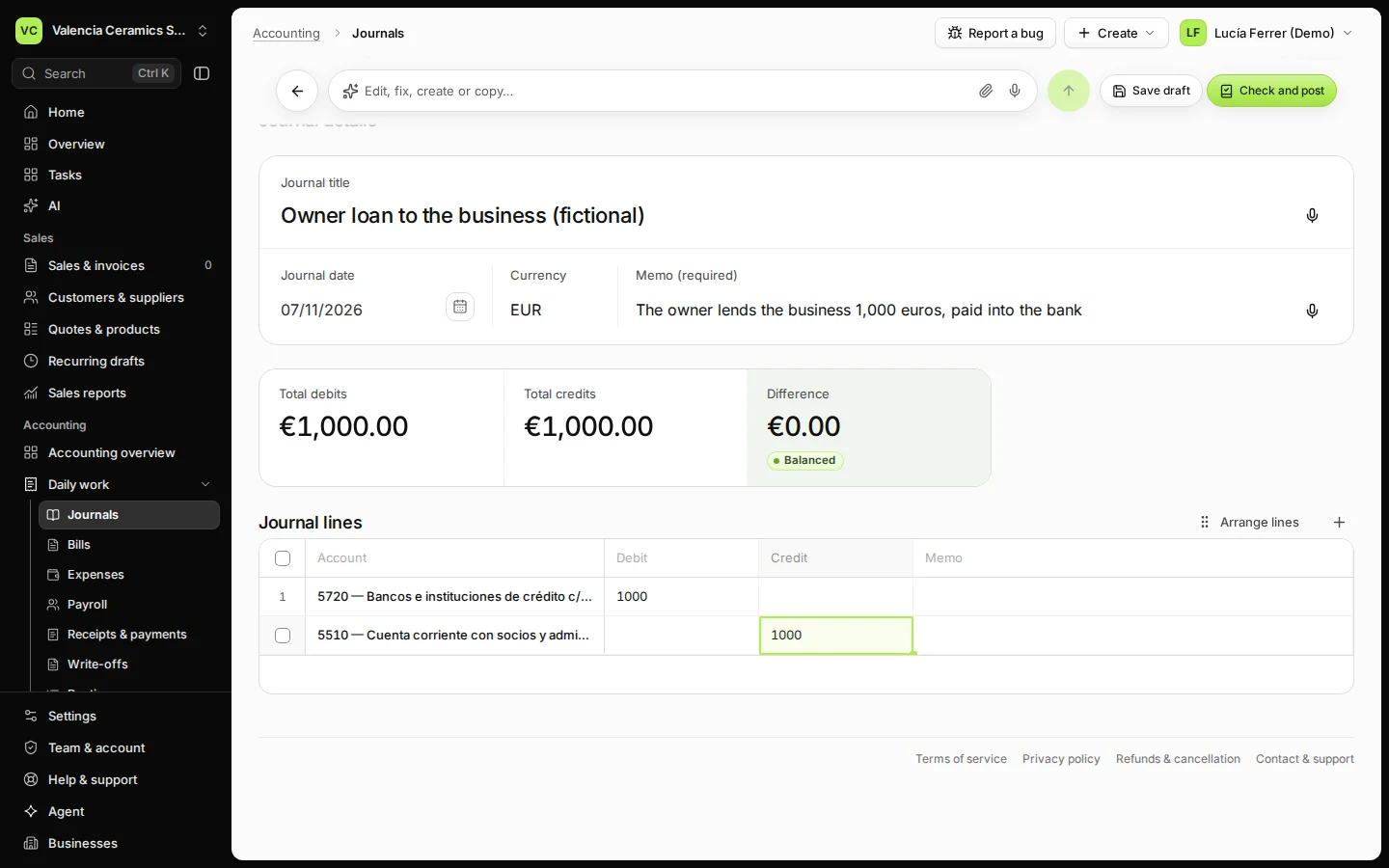
Step 2 in Deline (Spain business, fictional data) · See the whole screen Add the lines: an account and a debit or a credit on each.
Double-click a cell to choose the account or type the amount. Use Add journal line for more lines. Difference must show €0.00 Balanced.
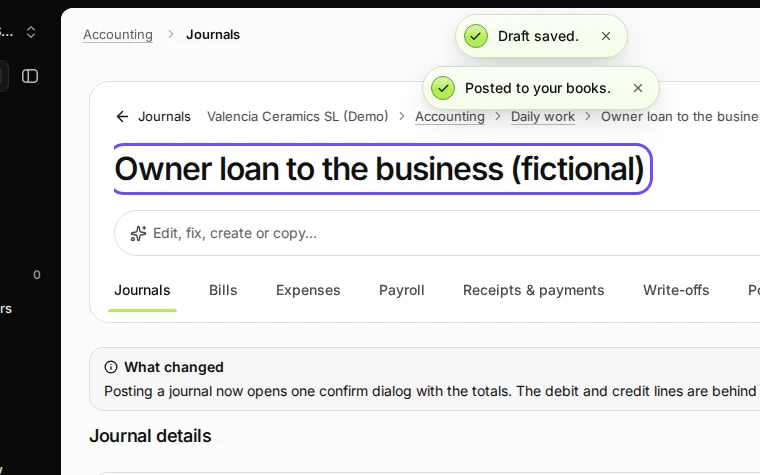
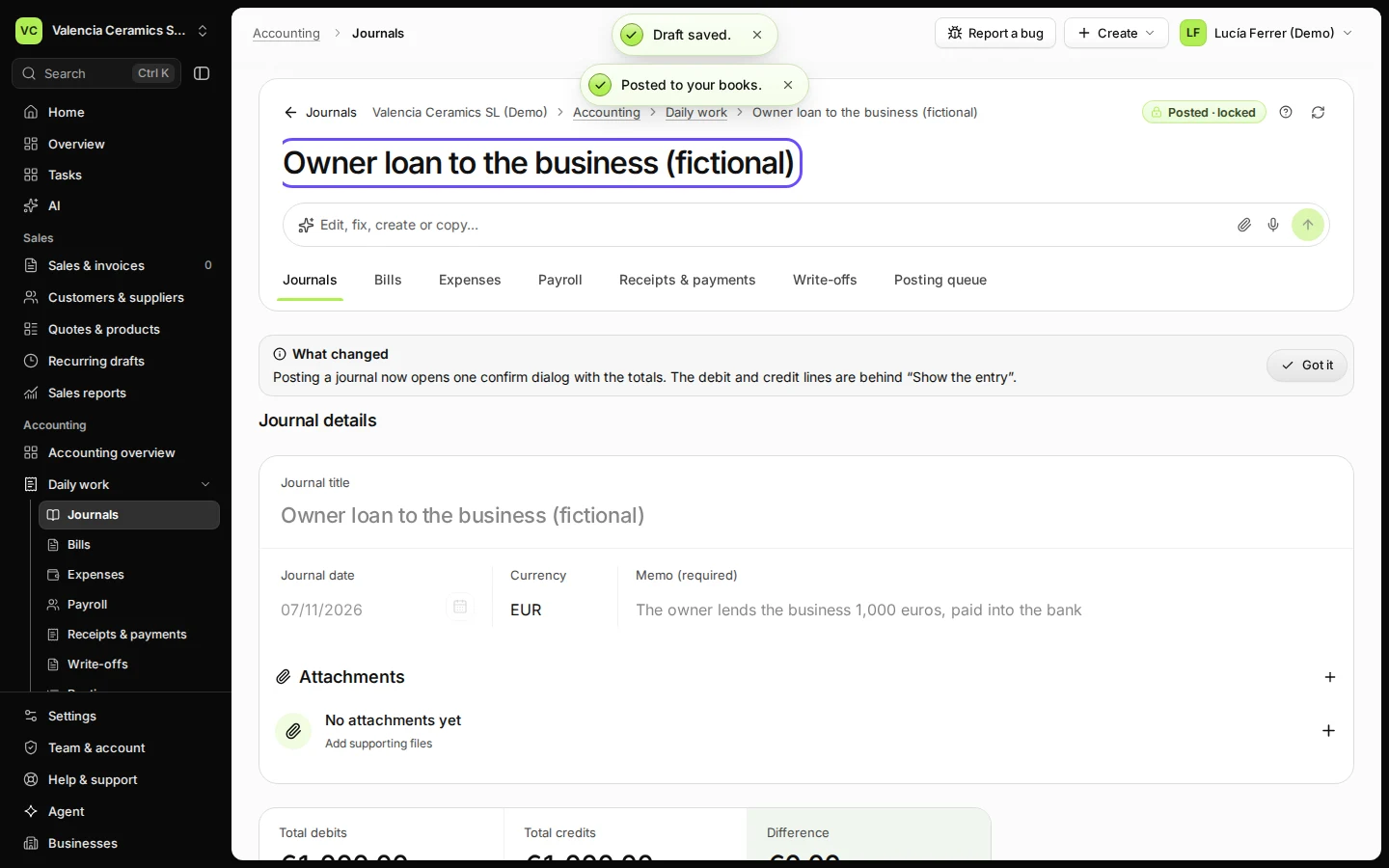
Step 3 in Deline (Spain business, fictional data) · See the whole screen Press Check and post, then Post to your books.
The books check the journal once more. The window shows the totals; press Post to your books. The journal now says Posted.
Step 4 in Deline (Spain business, fictional data) · See the whole screen
If something goes wrong
- "… is not open yet": the date falls in a month without an accounting period. Press Create period for … or change the date.
- The period is locked: someone closed that month. Use a date in an open month, or ask the owner to reopen it (see Lock a month).
- You posted it by mistake: a posted journal is not deleted. Open it and use Reverse this journal with a reason.
Last checked 2026-11-07 by the guide runner on build c5fbd2fa6 (Deline 12a482996) (local Deline stack).