
Before you start
- You are the owner of the business, or its accountant.
- You know the day the books start (usually the day the business started, or 1 January) and what the business had that day, for example the share capital on the bank account.
- You have the bank statement that shows that money, as a PDF, a photo or a CSV file.
Steps
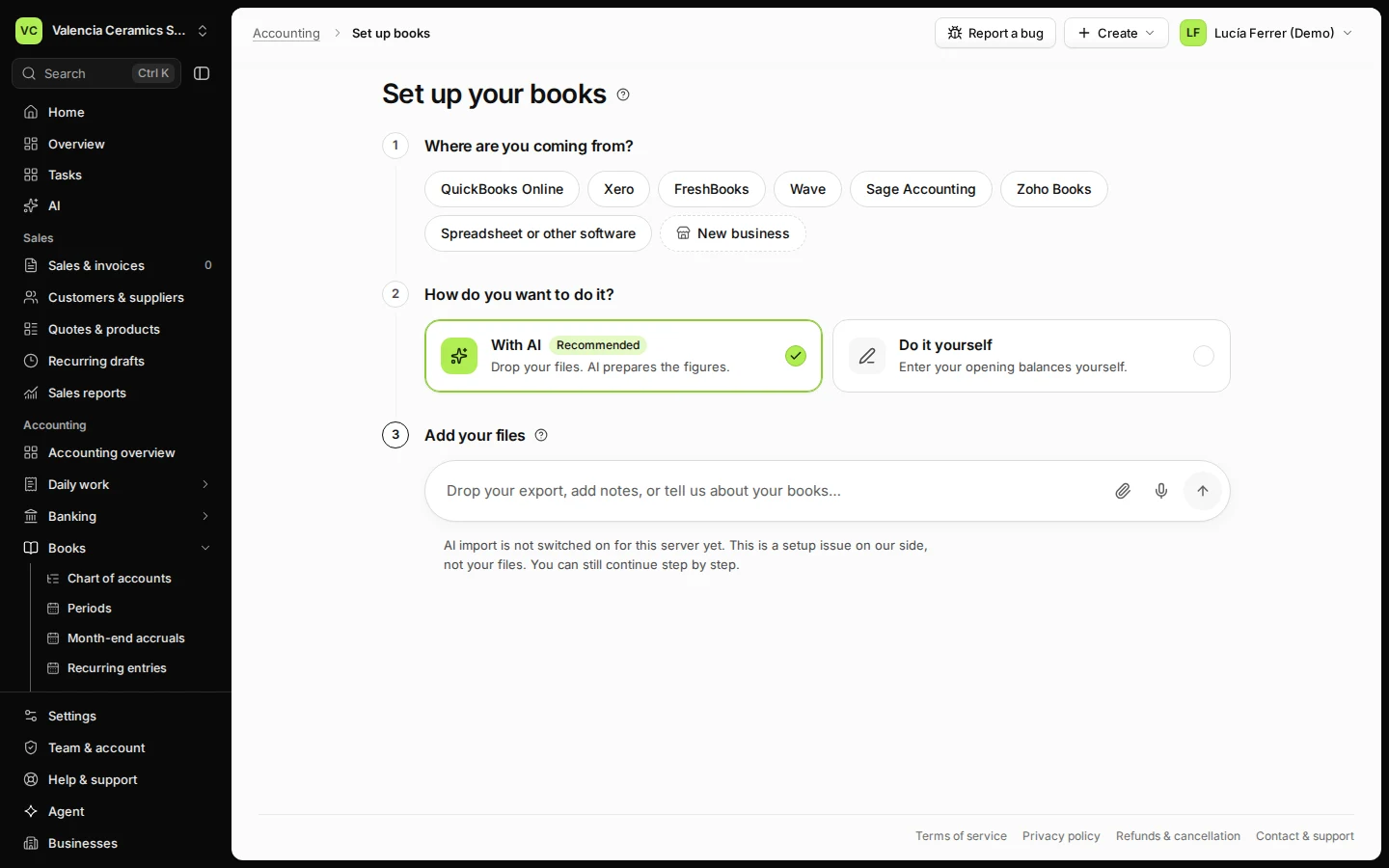
Open Accounting overview and press Set up books in EUR.
The books use the currency shown on the button; it cannot be changed later.
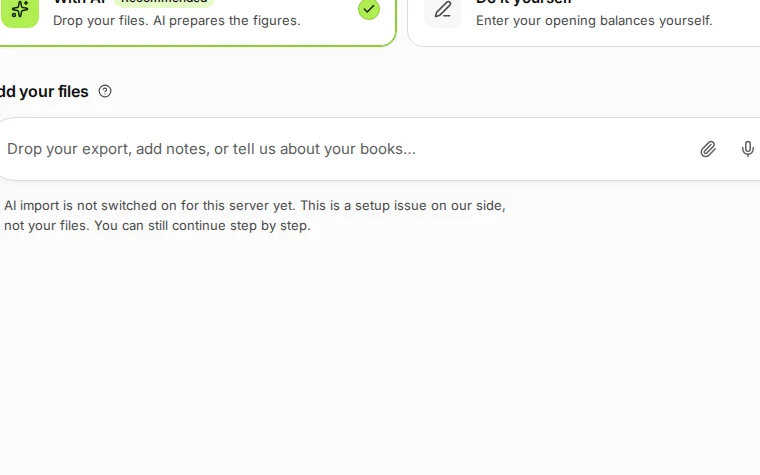
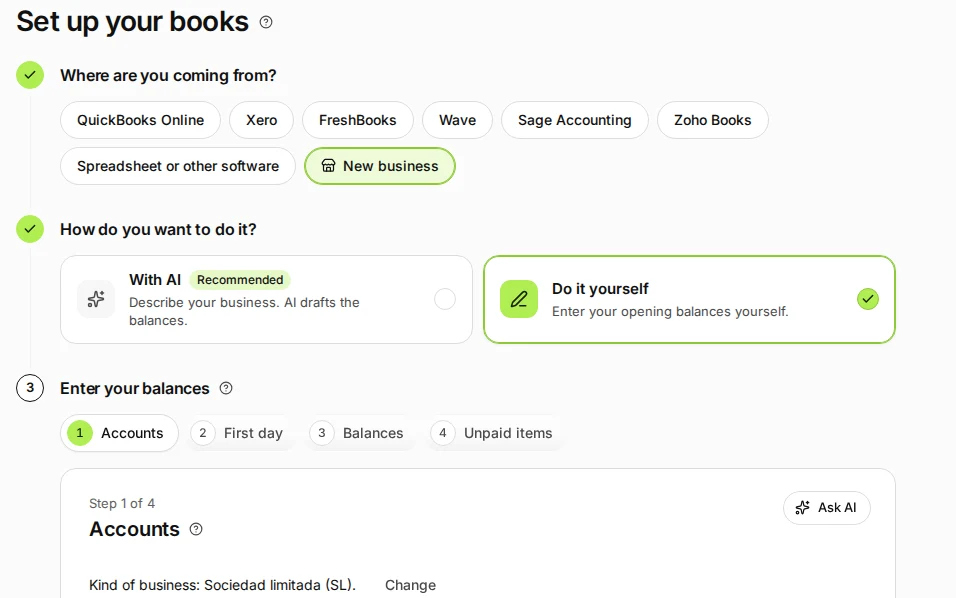
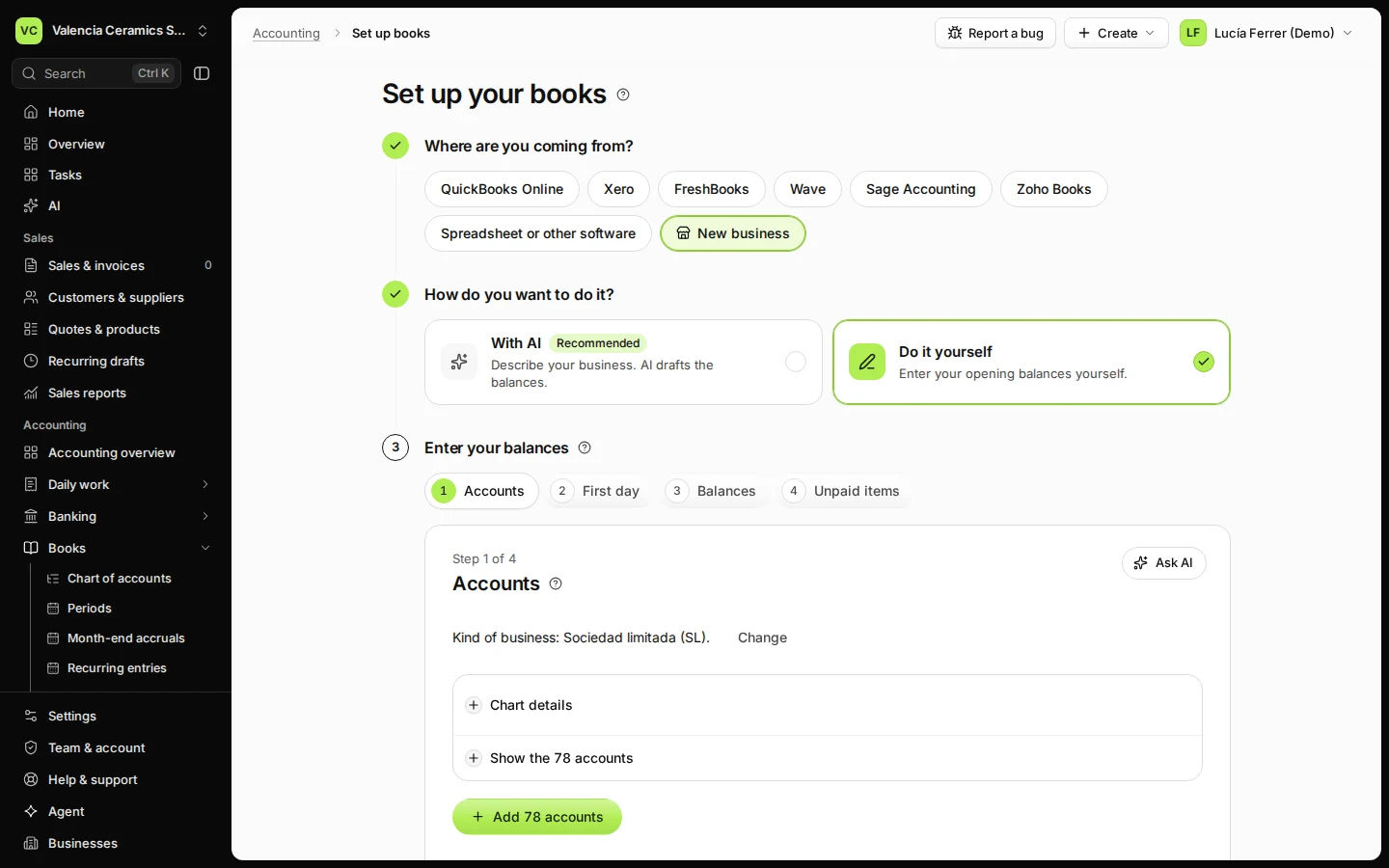
Step 1 in Deline (Spain business, fictional data) · See the whole screen Choose New business and Do it yourself.
With AI is the other way: describe your business and the AI assistant drafts the balances for you to check.
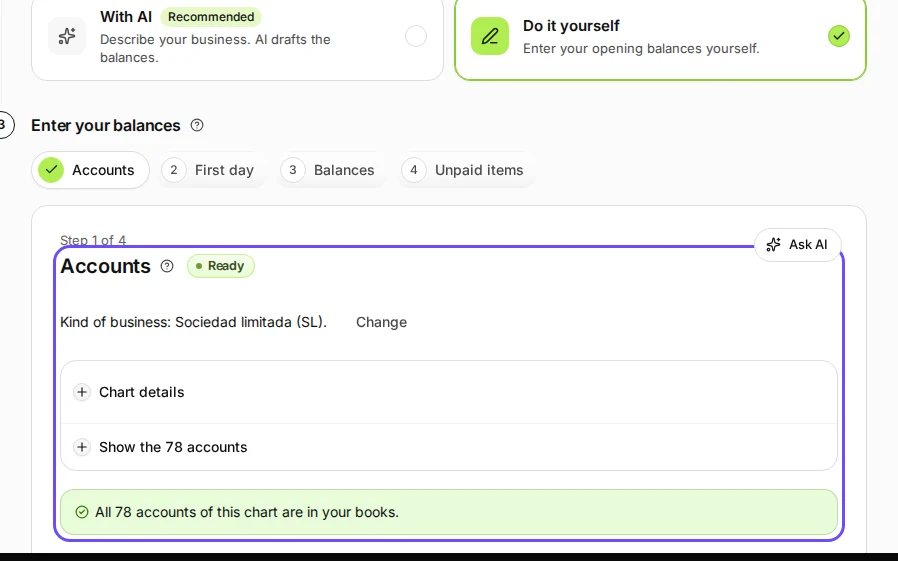
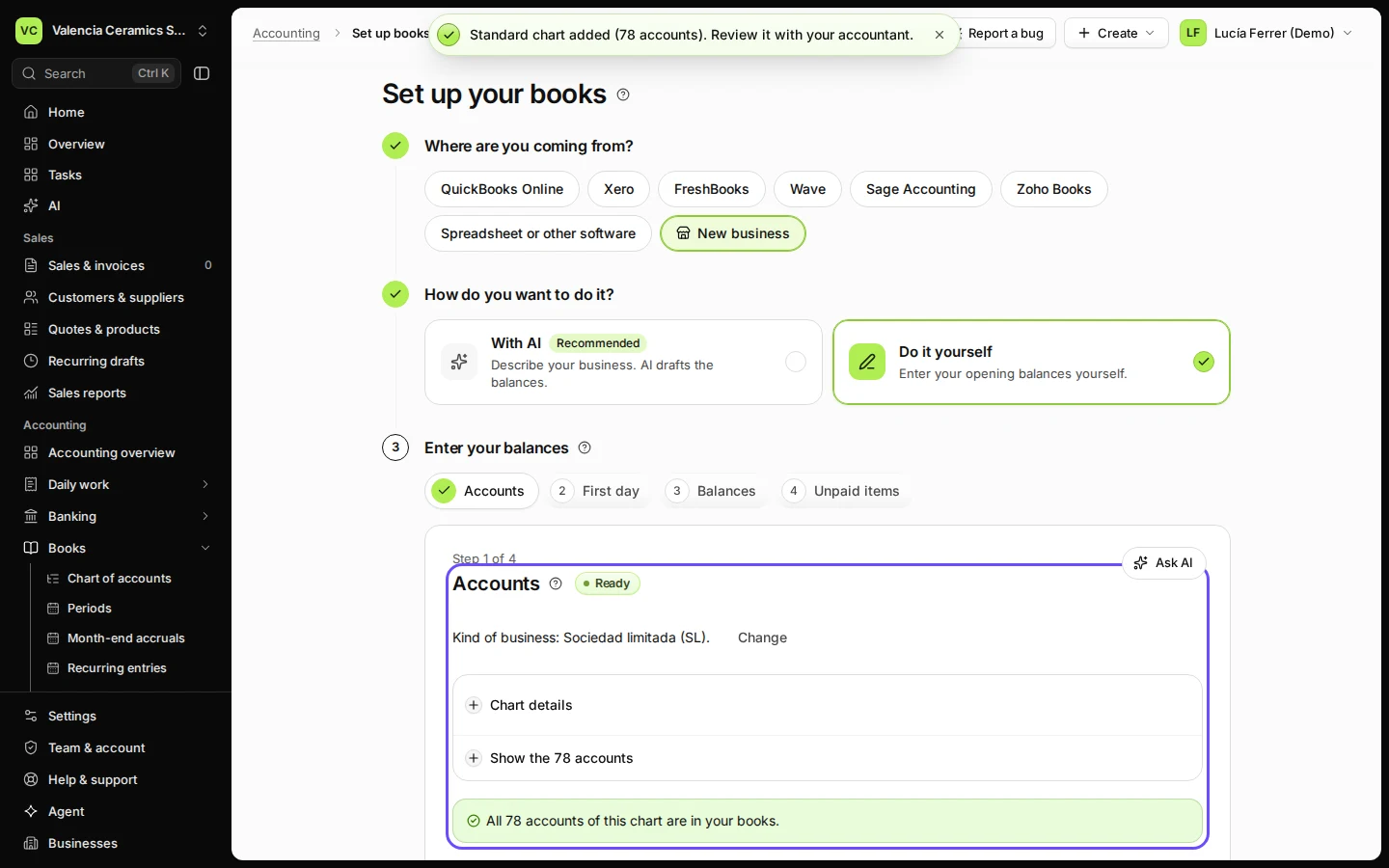
Step 2 in Deline (Spain business, fictional data) · See the whole screen Add the accounts of your chart.
Press Add 78 accounts (the Spanish chart for a company; your country and legal form decide which chart) and confirm. Accounts you already added are not changed.
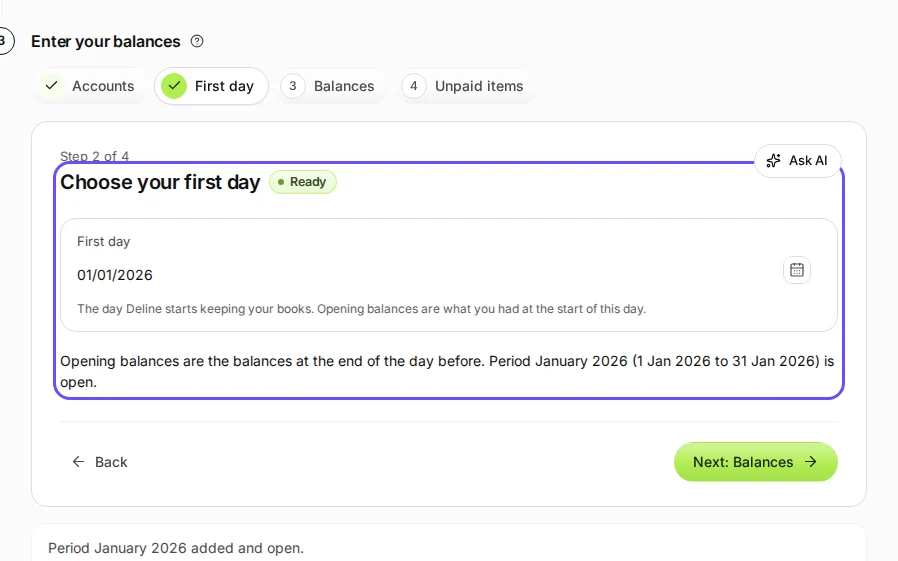
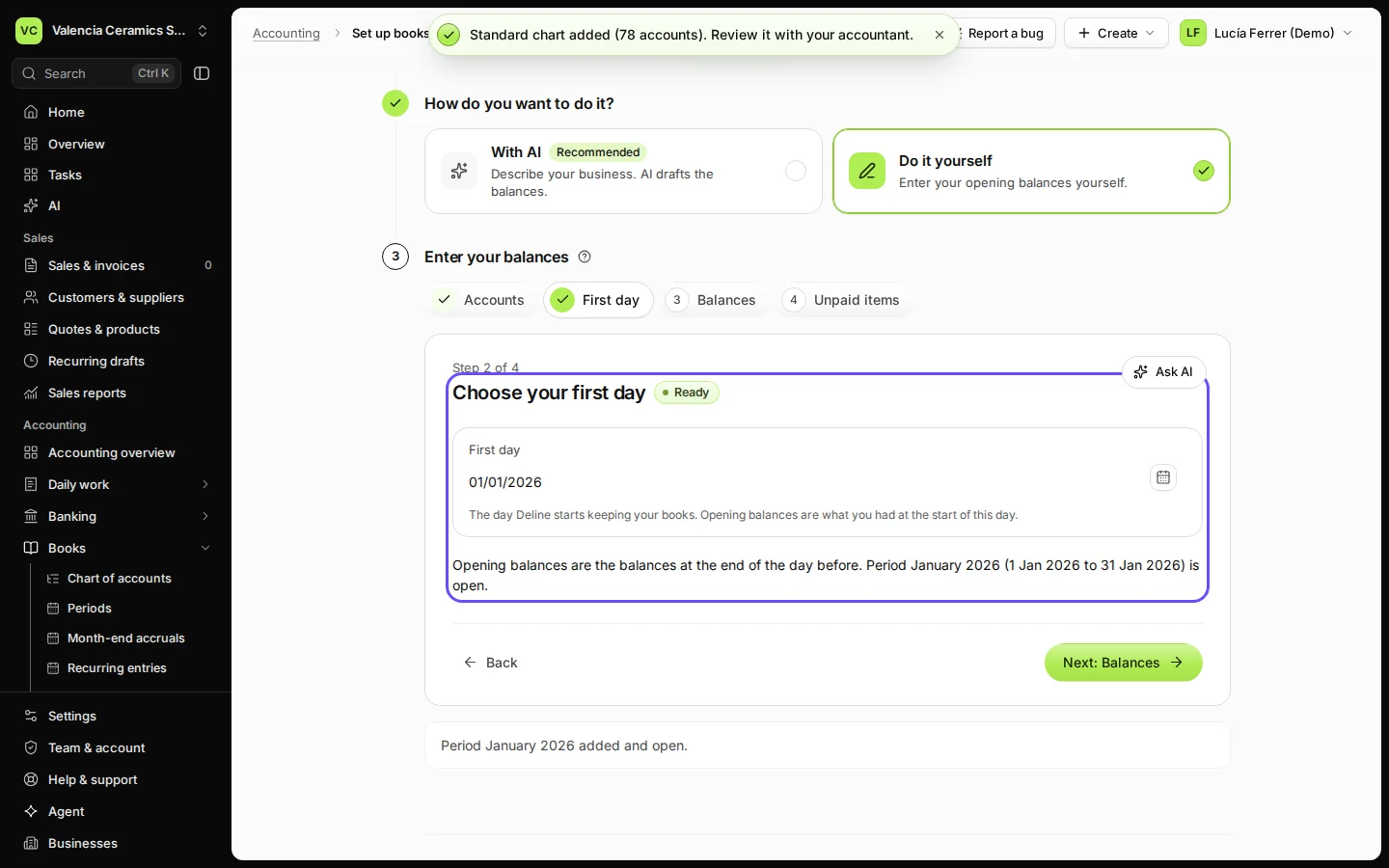
Step 3 in Deline (Spain business, fictional data) · See the whole screen Choose your first day and add its period.
Type the first day, press Add period and confirm. Opening balances are what the business had at the start of that day.
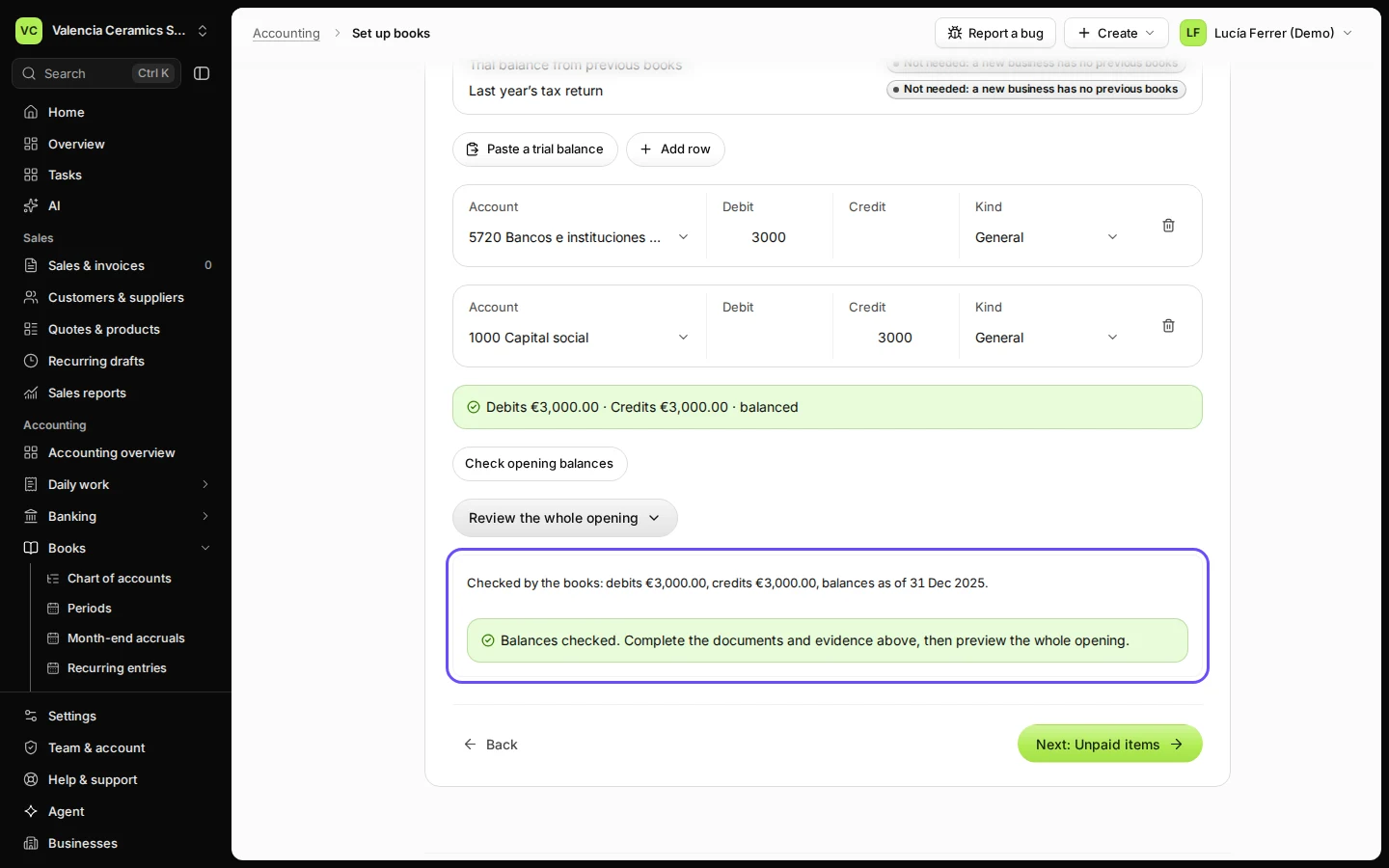
Step 4 in Deline (Spain business, fictional data) · See the whole screen Enter what the business had on its first day and press Check opening balances.
Press Add row for each account, for example the bank account as a debit and 1000 Capital social as a credit. The books check that debits equal credits.
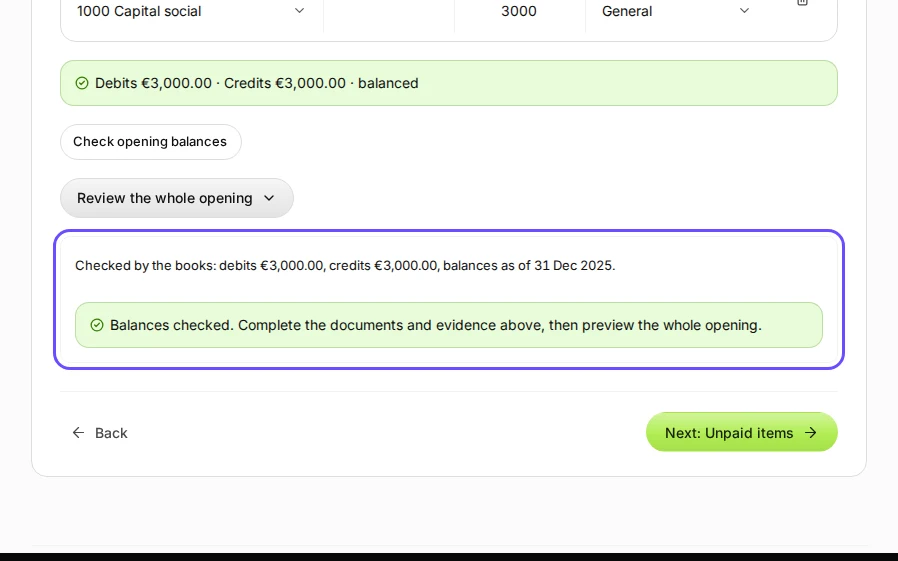
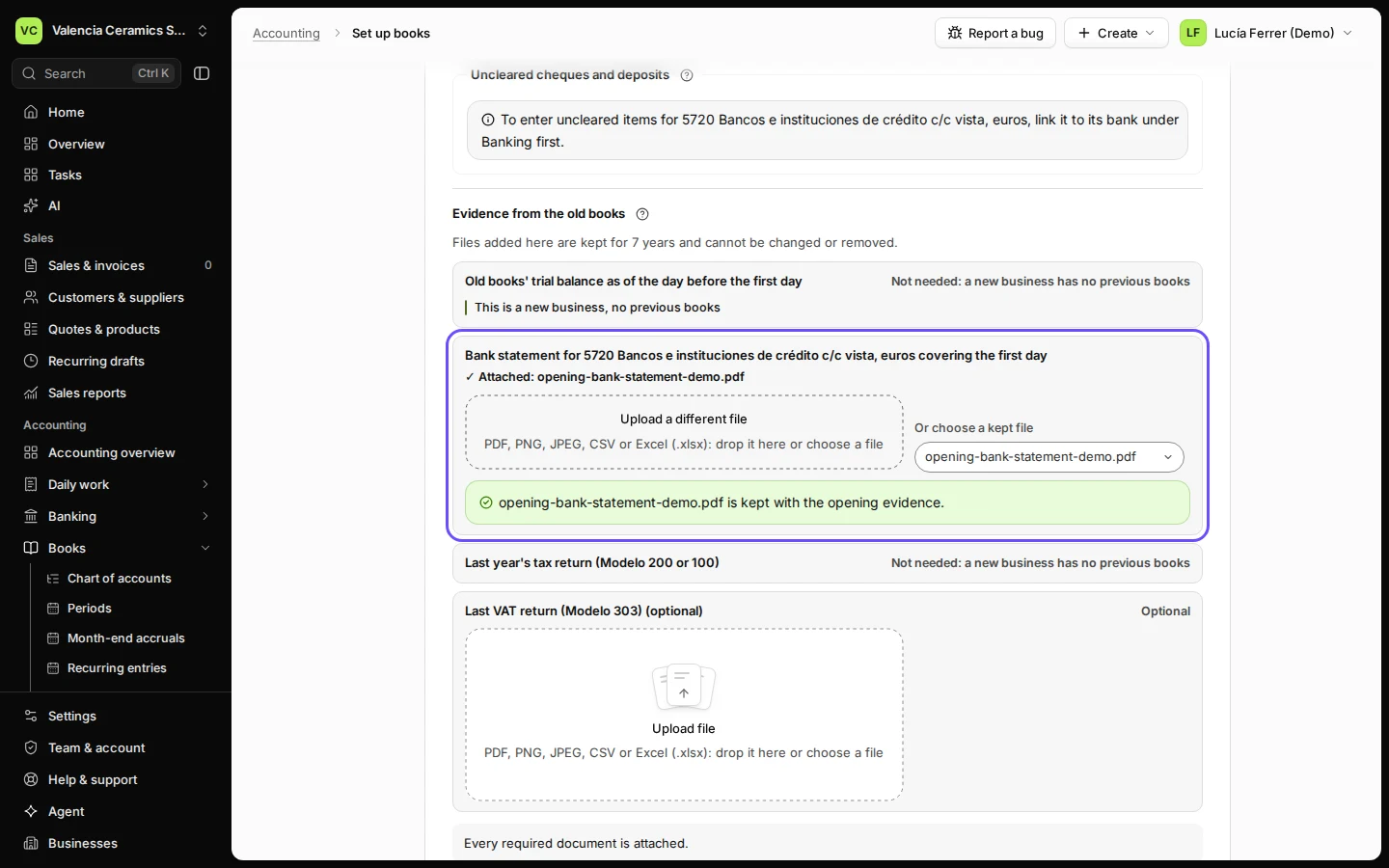
Step 5 in Deline (Spain business, fictional data) · See the whole screen Press Review the whole opening, say where the figures come from and attach the bank statement.
This is a new business, no previous books is already ticked, so only the bank statement is asked for.
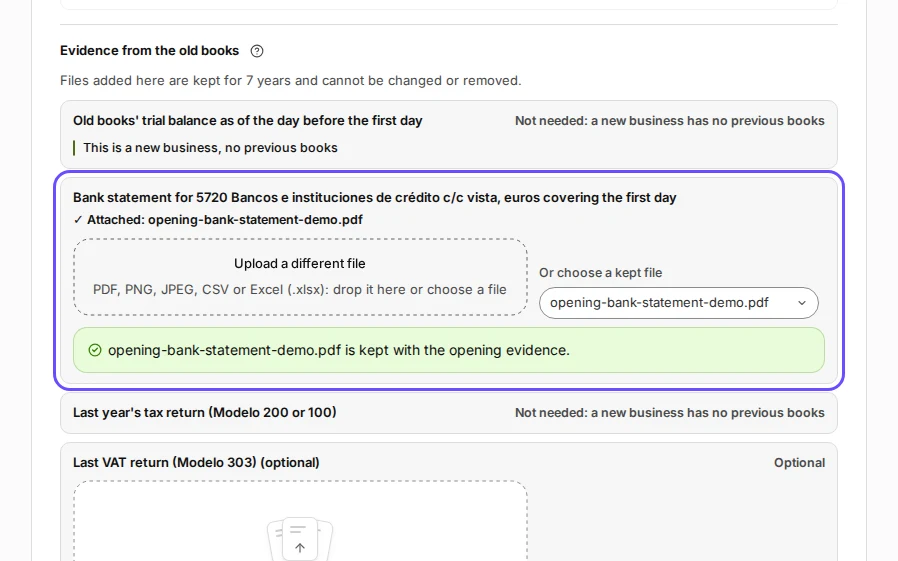
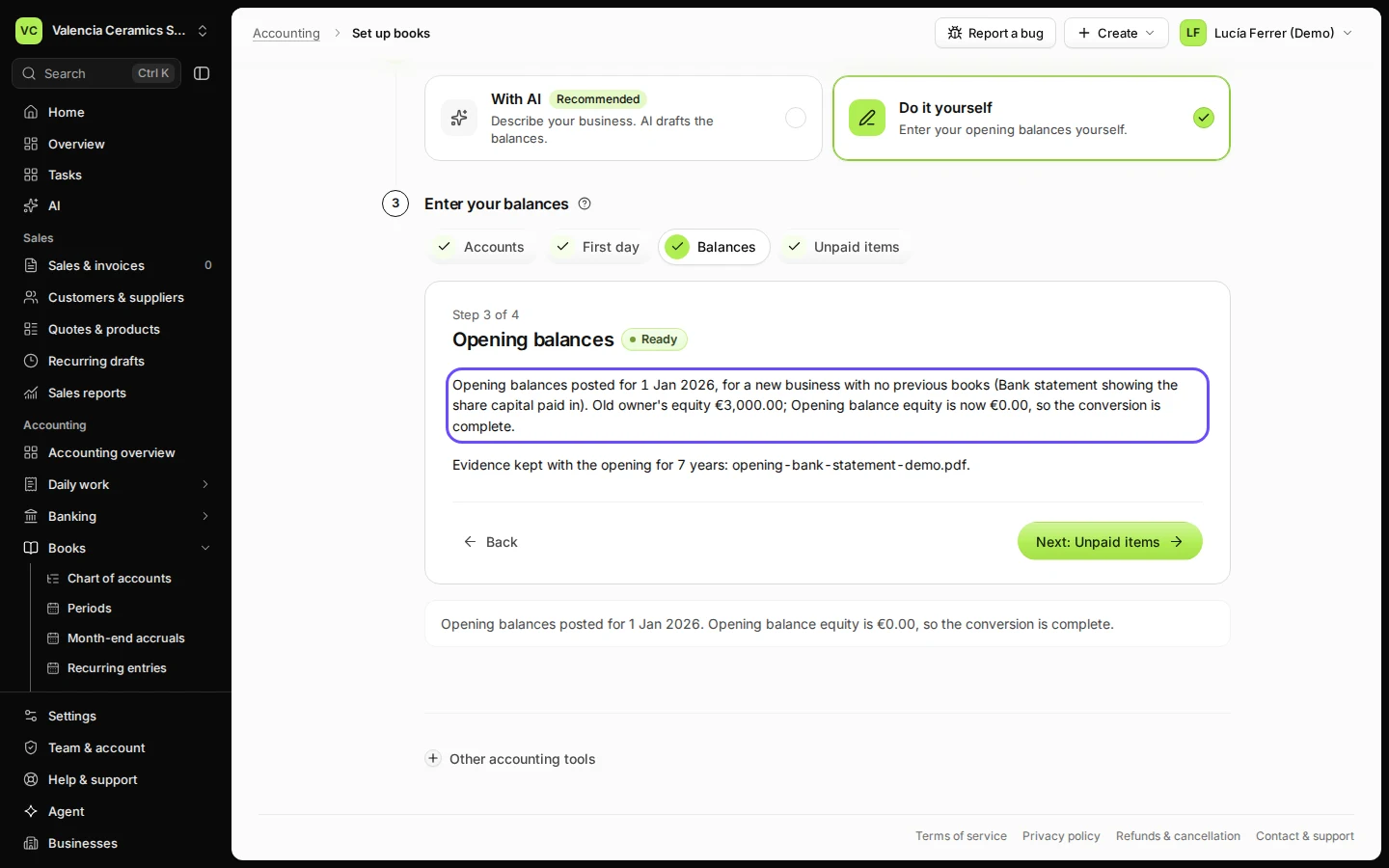
Step 6 in Deline (Spain business, fictional data) · See the whole screen Press Preview the entries, then Post opening balances.
Check the entries and confirm. The page says Opening balances posted and the books are ready.
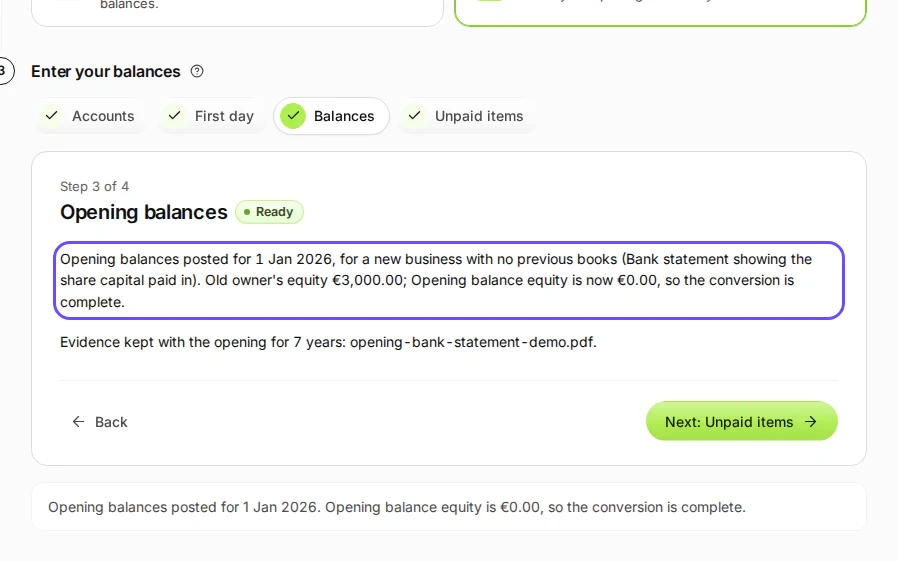
Step 7 in Deline (Spain business, fictional data) · See the whole screen
If something goes wrong
- "No accounting period covers the first day": go back to First day and press Add period.
- Check opening balances stays grey: choose a first day first, and fill in at least two rows.
- Preview the entries stays grey: a required document is missing; the list under Evidence from the old books says which.
Last checked 2026-11-07 by the guide runner on build c5fbd2fa6 (Deline 12a482996) (local Deline stack).