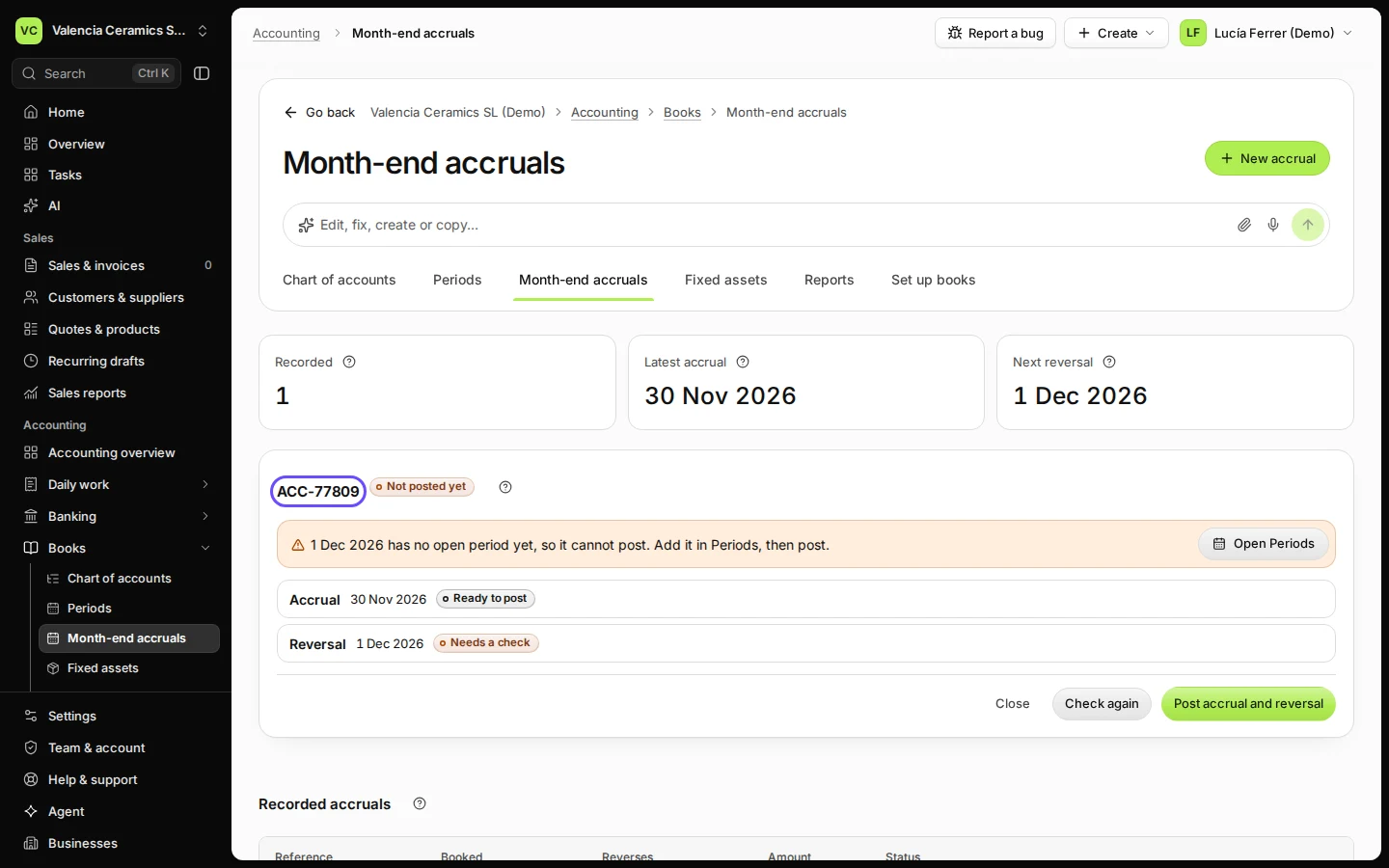
Record a month-end accrual

In Books → Month-end accruals, press New accrual, enter a reference, the month, the amount, the expense account and why, then press Post accrual and reversal. Deline posts the cost in that month and reverses it on the first day of the next month, when the real bill comes in.

  • L1 · Everyday
  • WhereAll countries
  • WhoOwner, Accountant
  • PlanBasic and up
  • Timeabout 2 min

Steps

  1. Open Month-end accruals from Books and press New accrual.
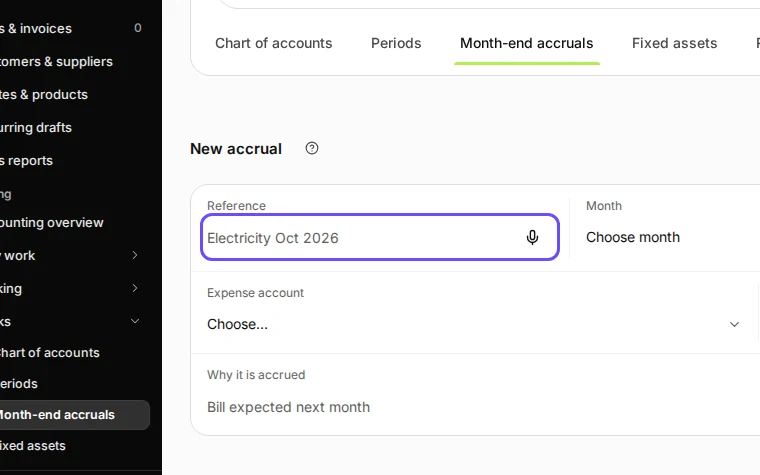
    Step 1: Open Month-end accruals from Books and press New accrual.
    Step 1 in Deline (Spain business, fictional data) · See the whole screen
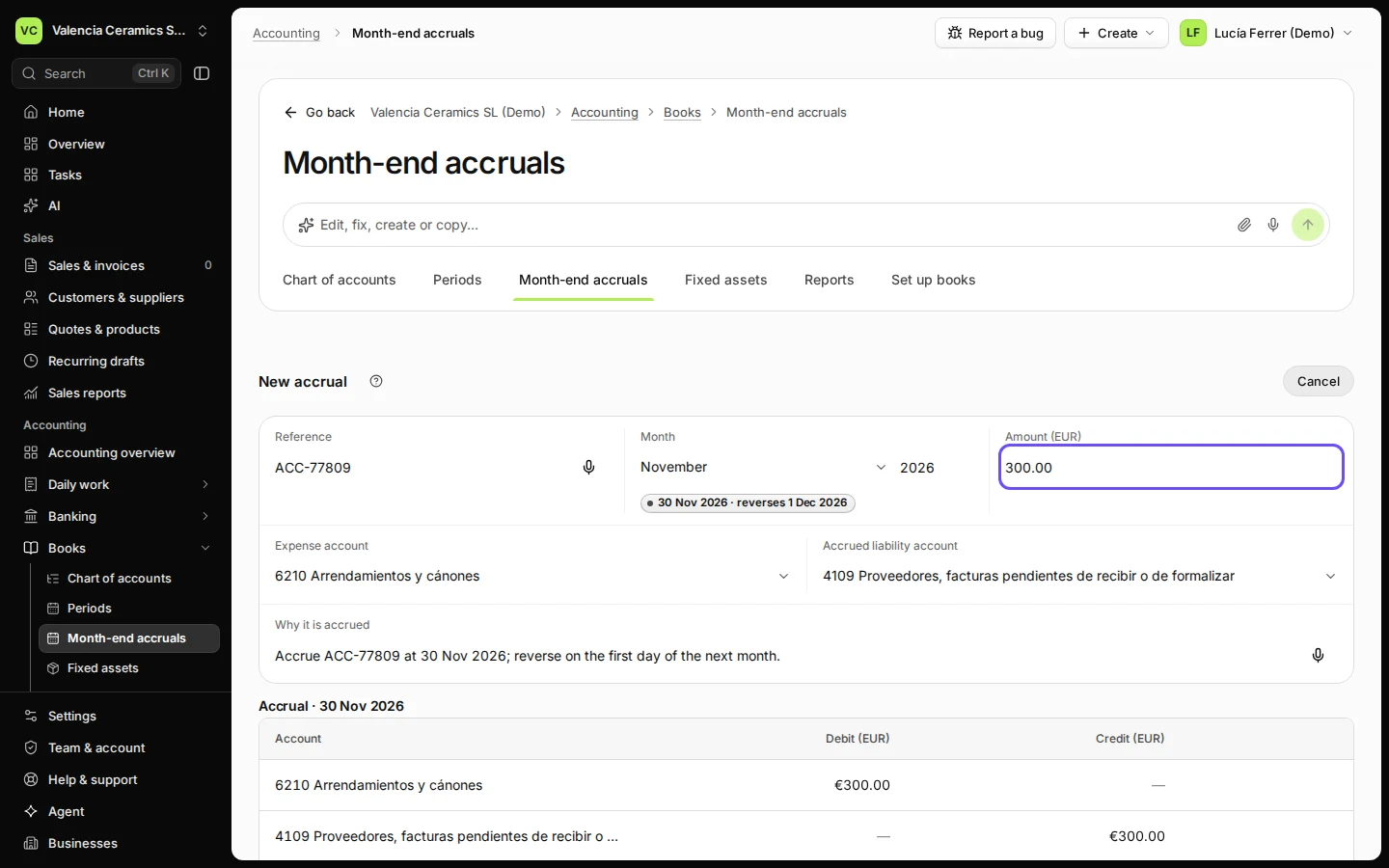
  2. Enter a reference, the month, the amount and the expense account.

    The liability account is filled in for you (in Spain 4109).
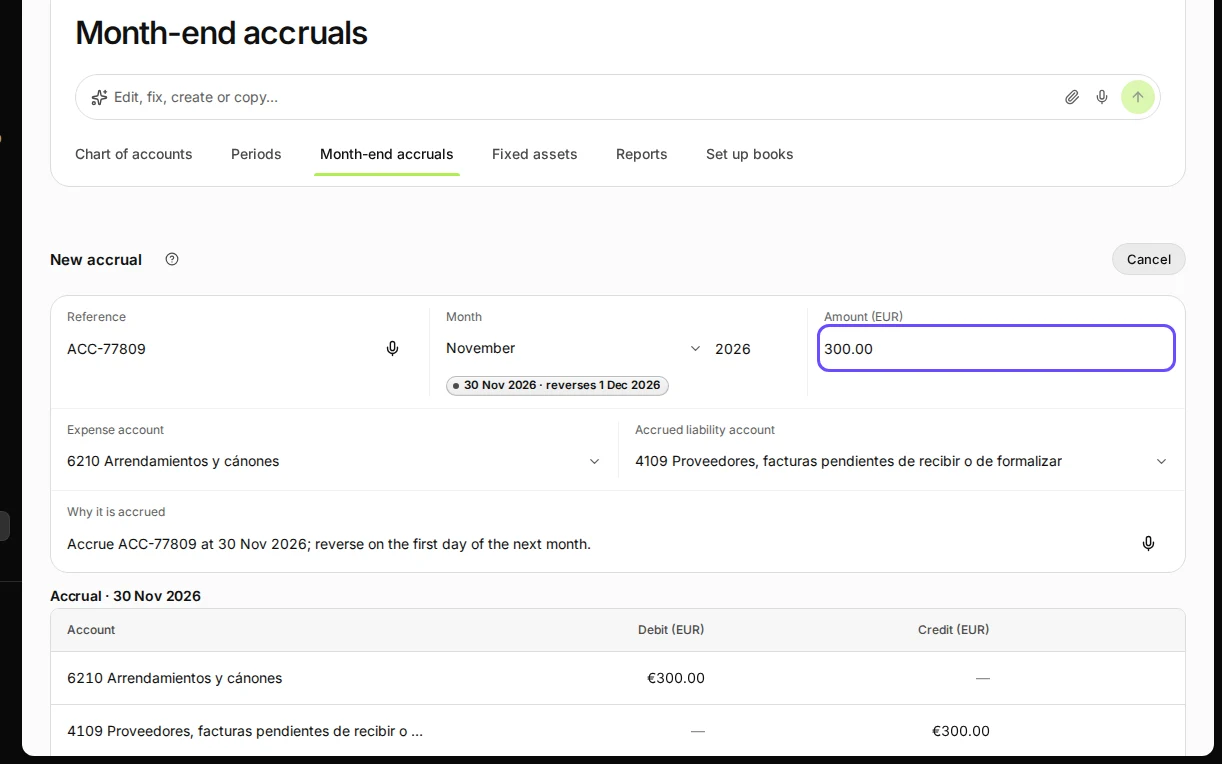
    Step 2: Enter a reference, the month, the amount and the expense account.
    Step 2 in Deline (Spain business, fictional data) · See the whole screen
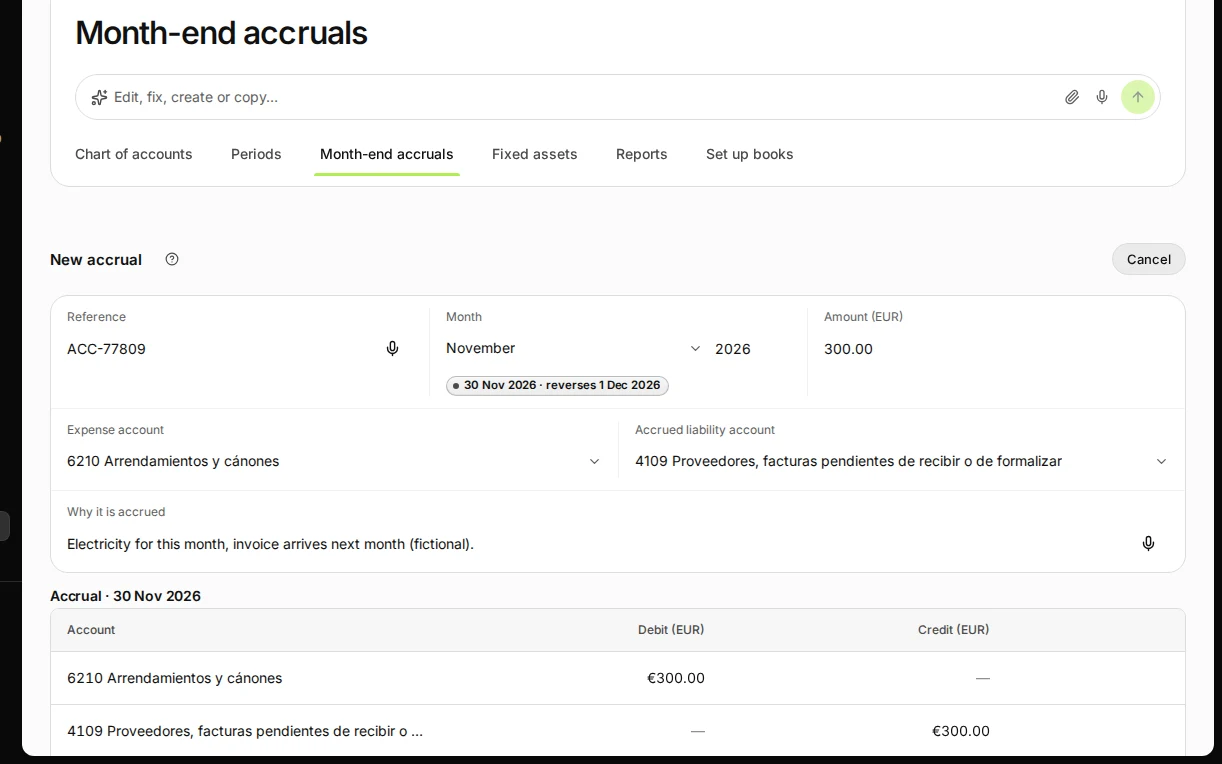
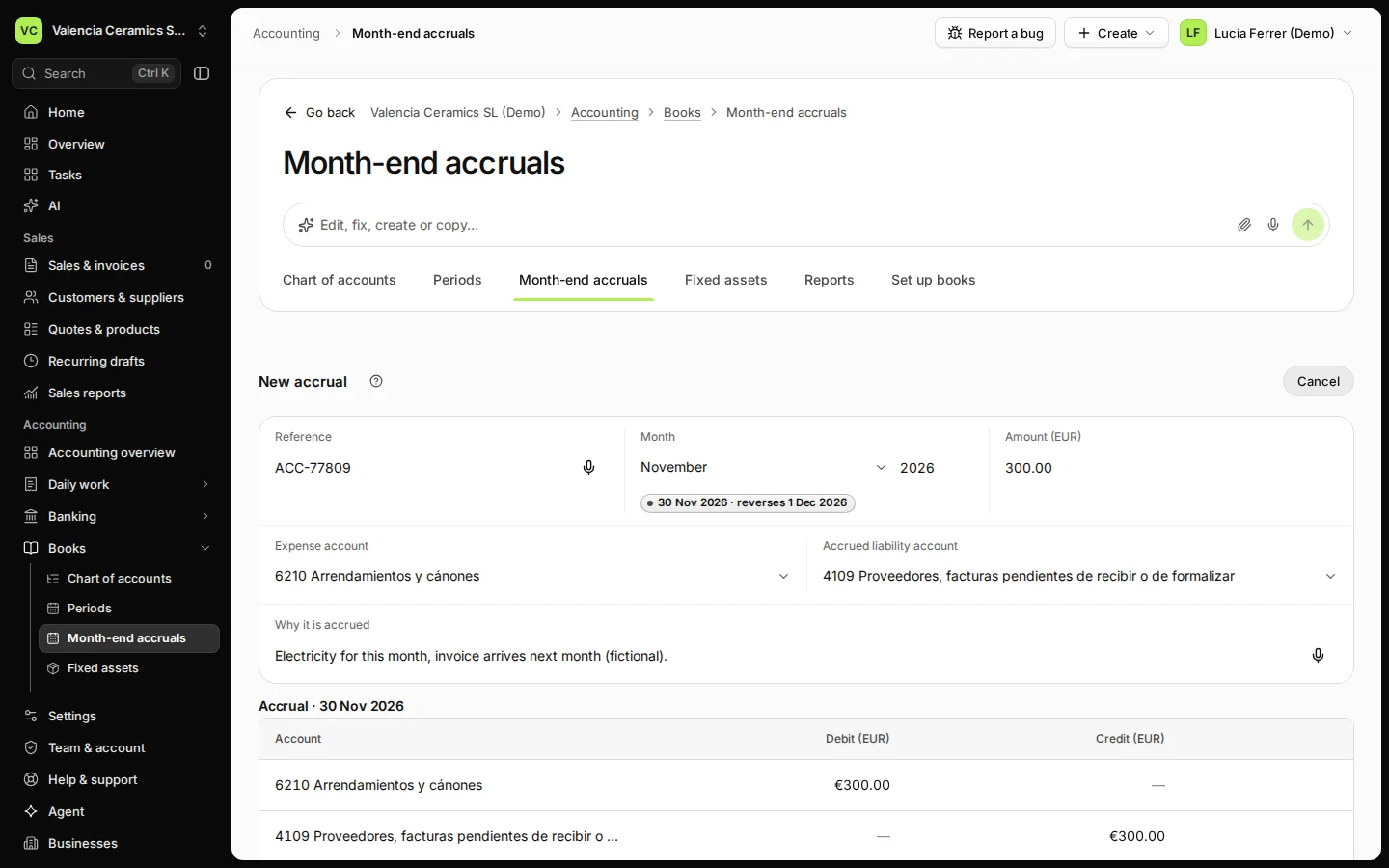
  3. Say why it is accrued.

    Step 3: Say why it is accrued.
    Step 3 in Deline (Spain business, fictional data) · See the whole screen
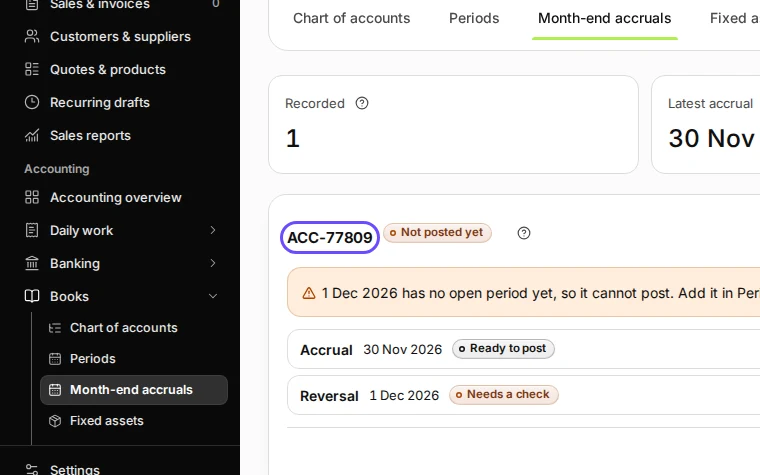
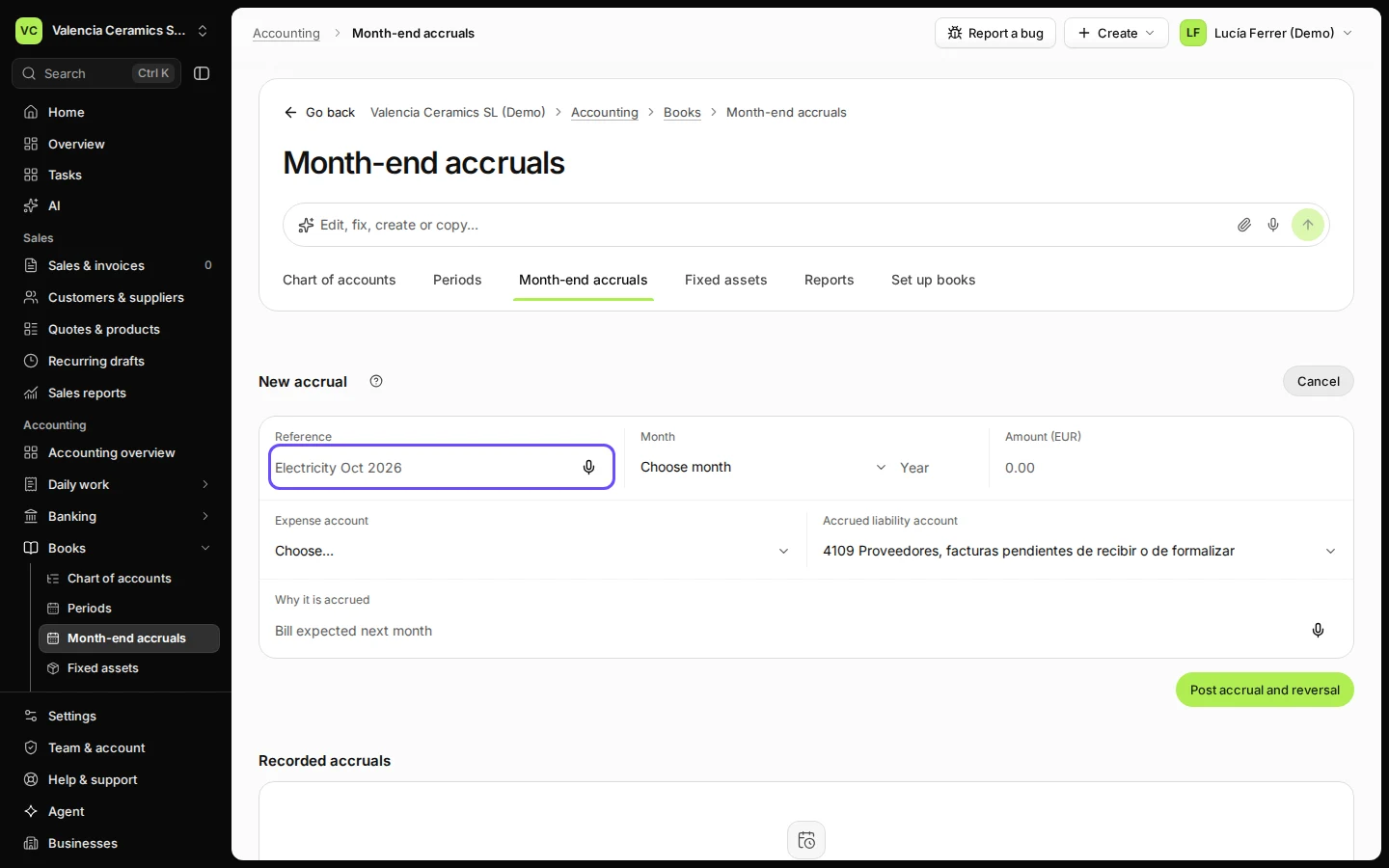
  4. Press Post accrual and reversal.

    Step 4: Press Post accrual and reversal.
    Step 4 in Deline (Spain business, fictional data) · See the whole screen
Last checked 2026-11-08 by the guide runner on build 950c928ab (Deline cf14680cd) (local Deline stack).