
Before you start
- The customer has at least one issued invoice.
Steps
Open the customer from Customers & suppliers.
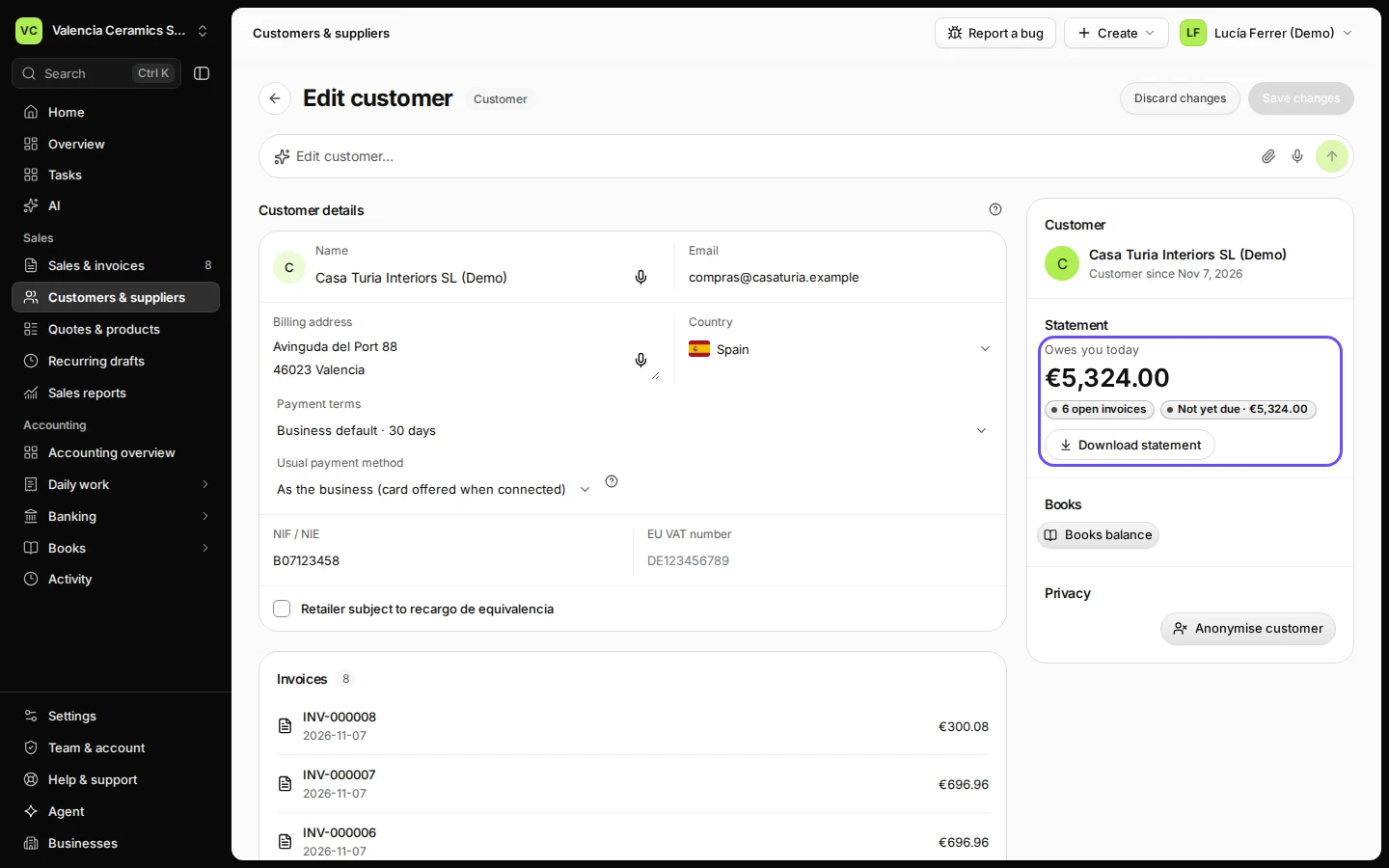
The Statement panel shows what they owe you today.
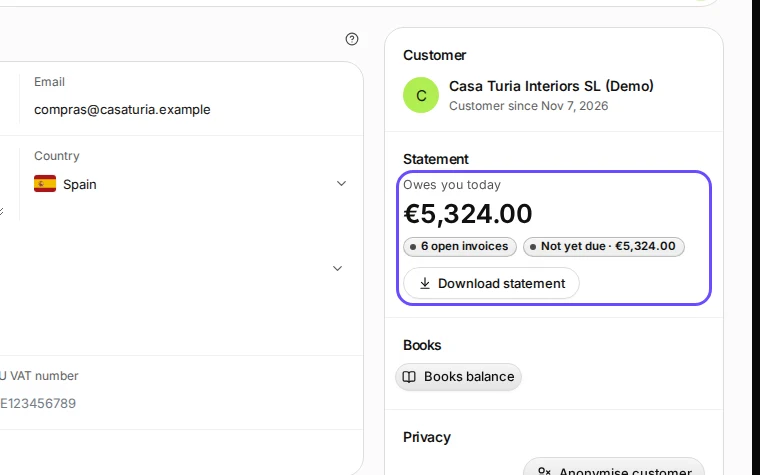
Step 1 in Deline (Spain business, fictional data) · See the whole screen Press Download statement.
This step happens outside Deline.The statement opens as a PDF in a new tab. Save it or print it from there and attach it to your email.

If something goes wrong
- The amount looks wrong: check for payments not yet recorded, then download again.
Last checked 2026-11-07 by the guide runner on build c5fbd2fa6 (Deline 12a482996) (local Deline stack, desktop and phone).