
Steps
Open the paid invoice from Sales & invoices.
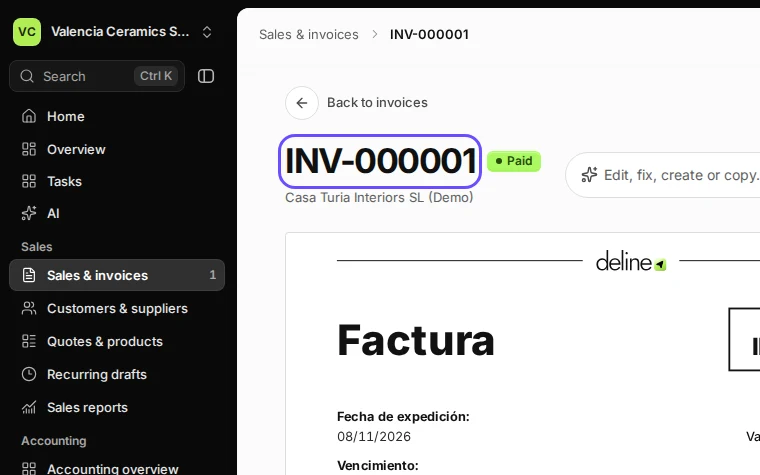
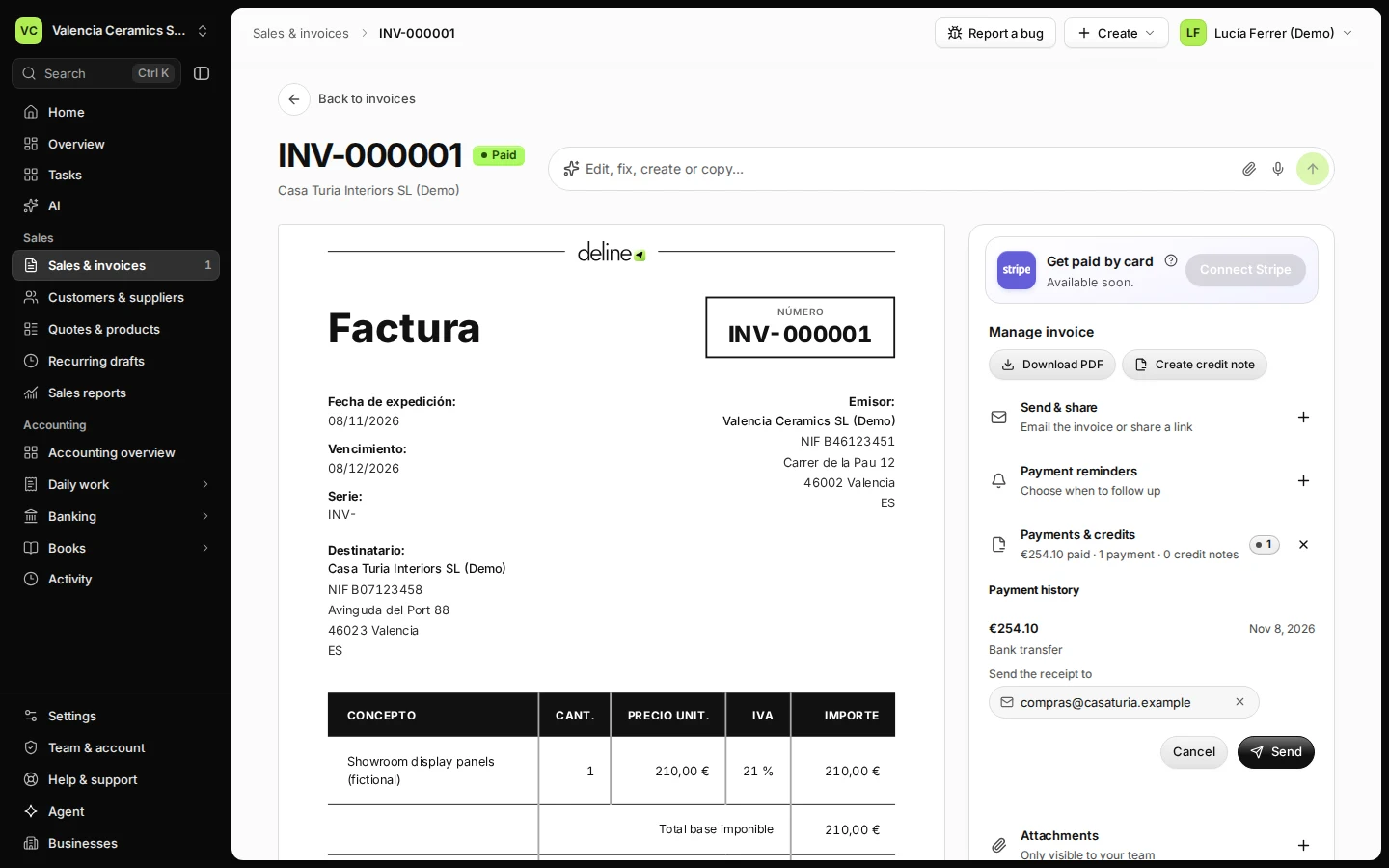
Step 1 in Deline (Spain business, fictional data) · See the whole screen Open Payments & credits and press Send receipt.
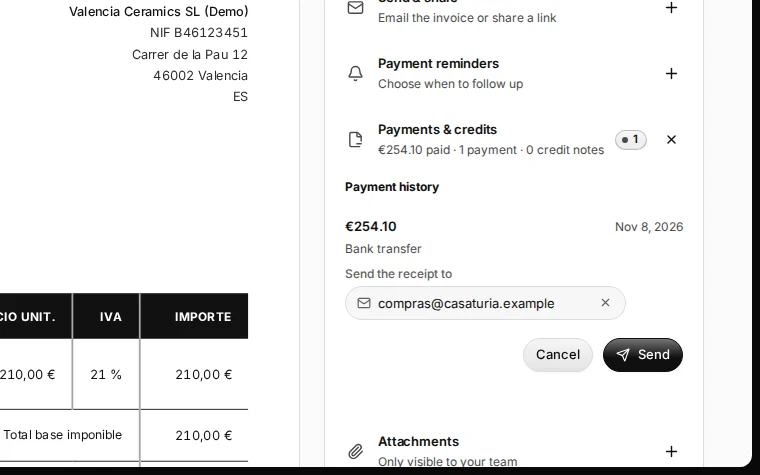
Step 2 in Deline (Spain business, fictional data) · See the whole screen Check the email address and press Send.
The address comes from the customer; change it if they asked for another one.
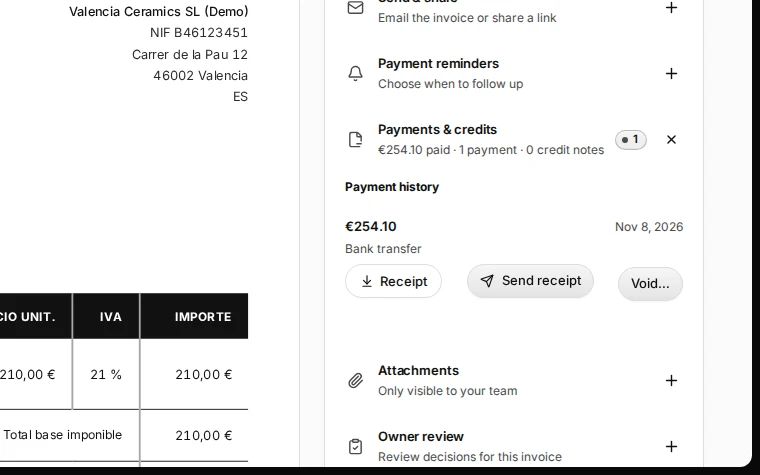
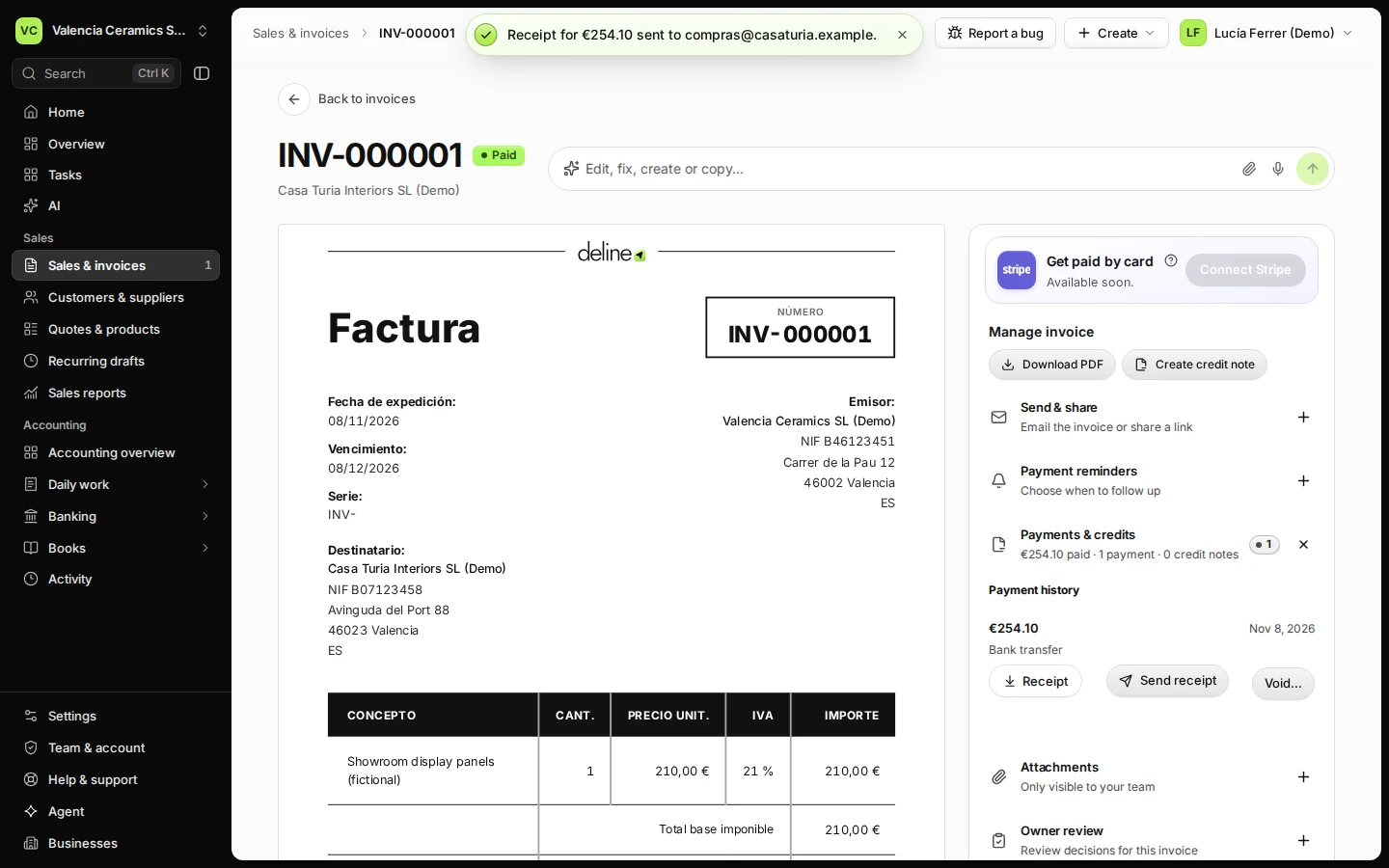
Step 3 in Deline (Spain business, fictional data) · See the whole screen


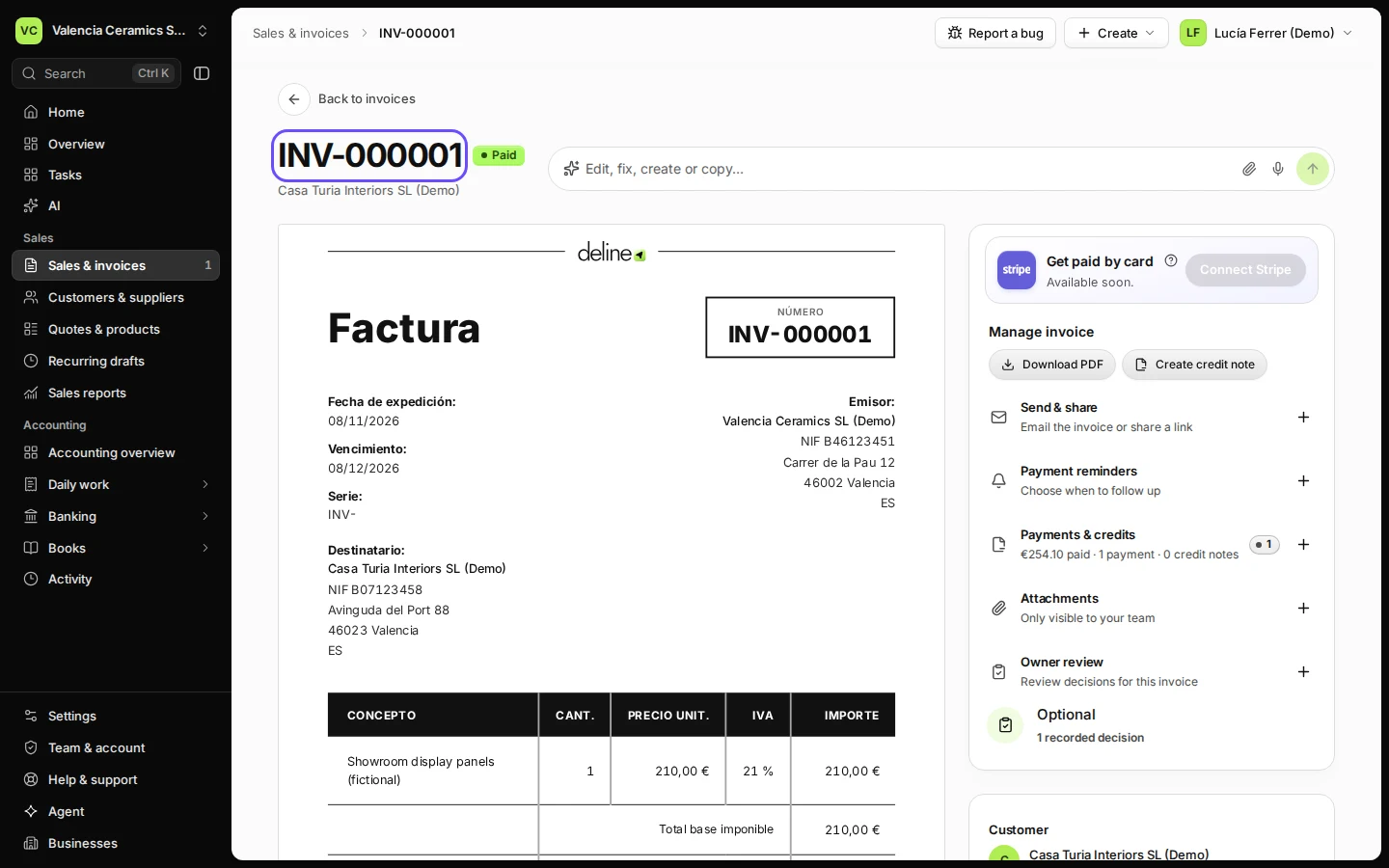
Last checked 2026-11-08 by the guide runner on build 37b370dcd (Deline 5e00493c3) (local Deline stack, desktop and phone).