
Steps
Open the invoice from Sales & invoices.
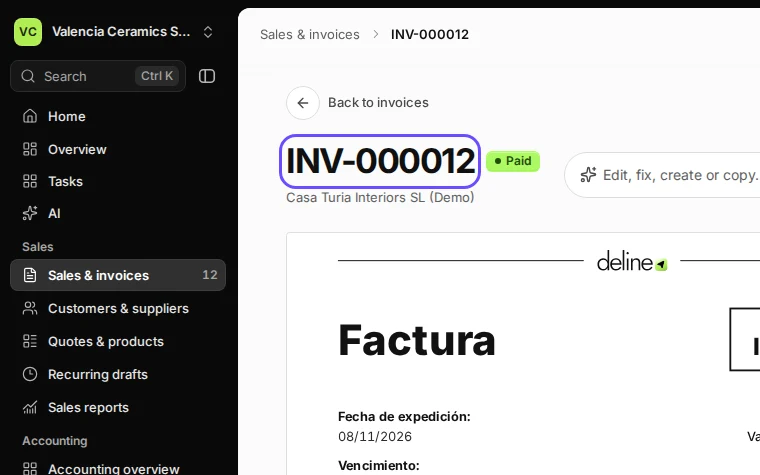
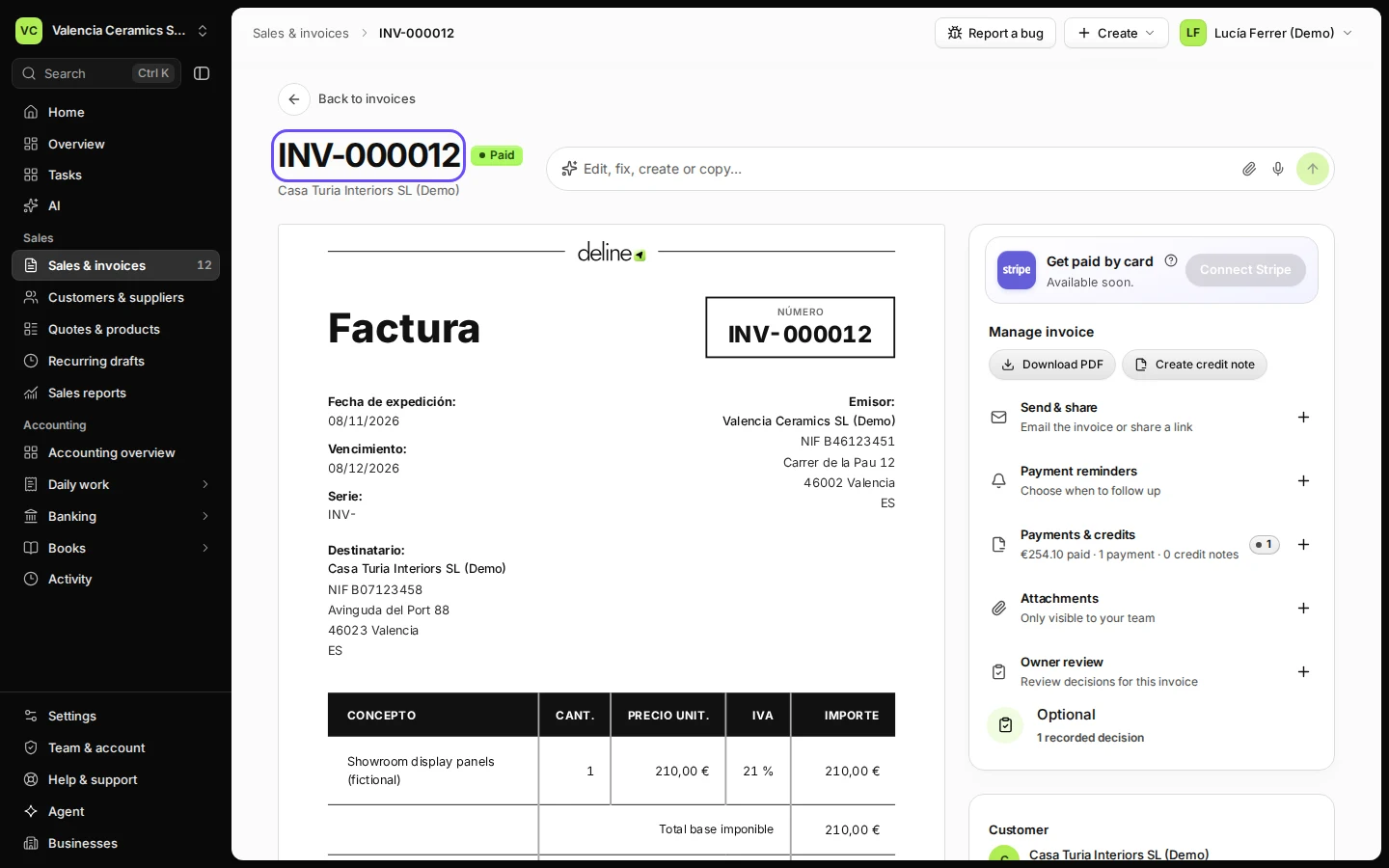
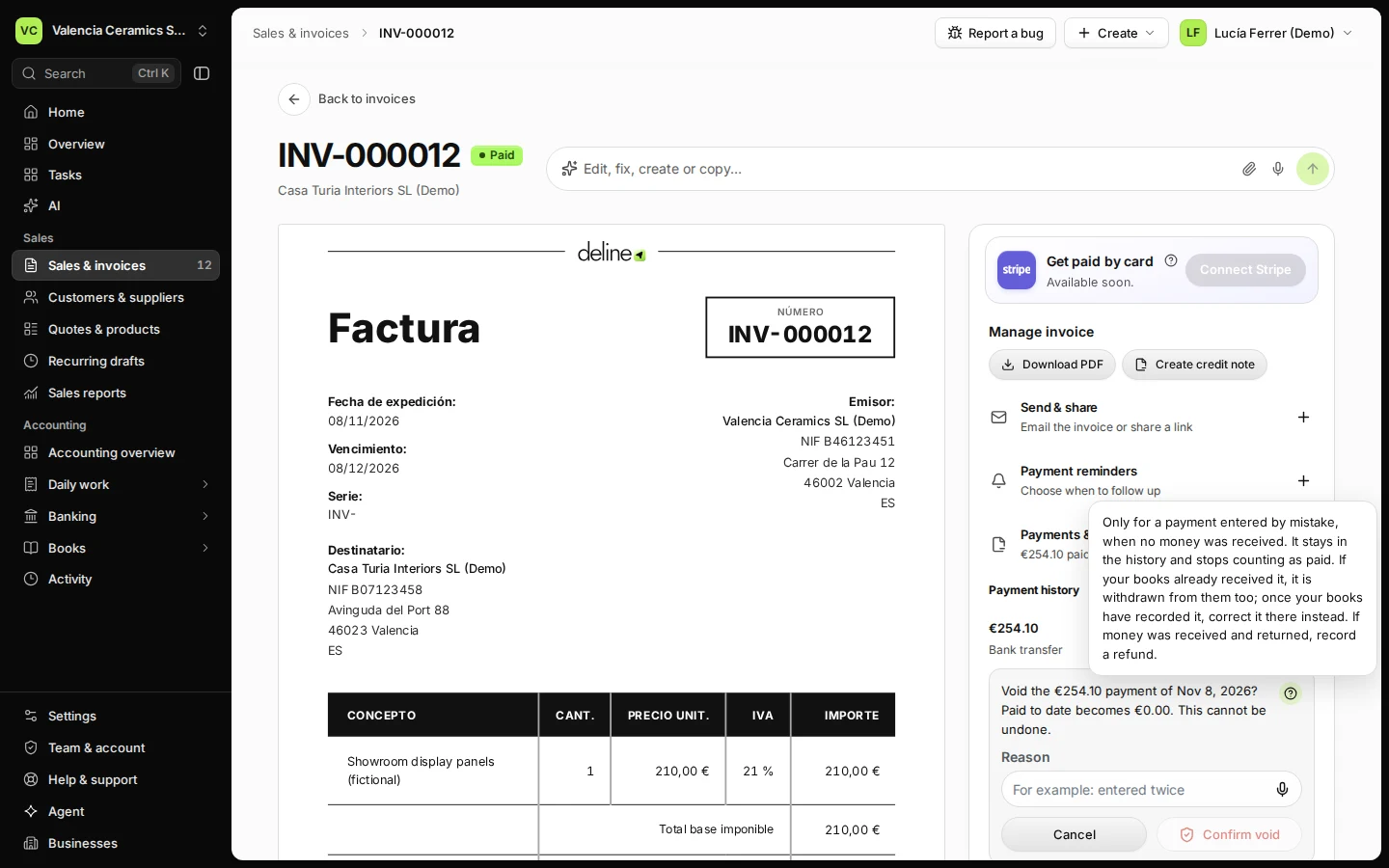
Step 1 in Deline (Spain business, fictional data) · See the whole screen Open Payments & credits and press Void… on the wrong payment.
Each payment shows its amount, date and method.
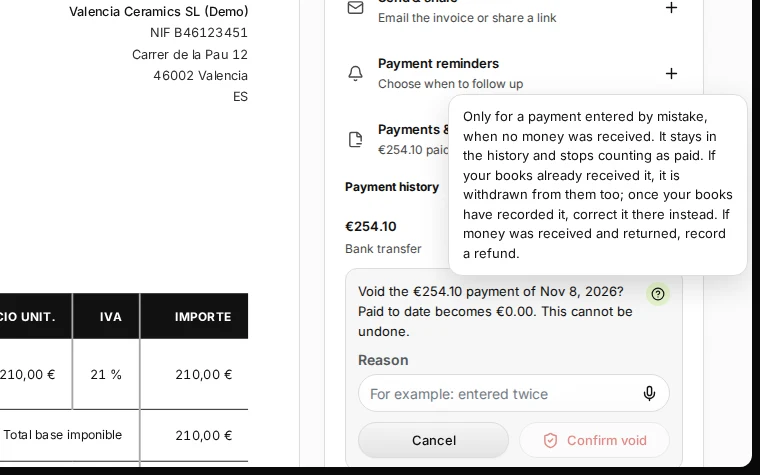
Step 2 in Deline (Spain business, fictional data) · See the whole screen Give a reason and press Confirm void.
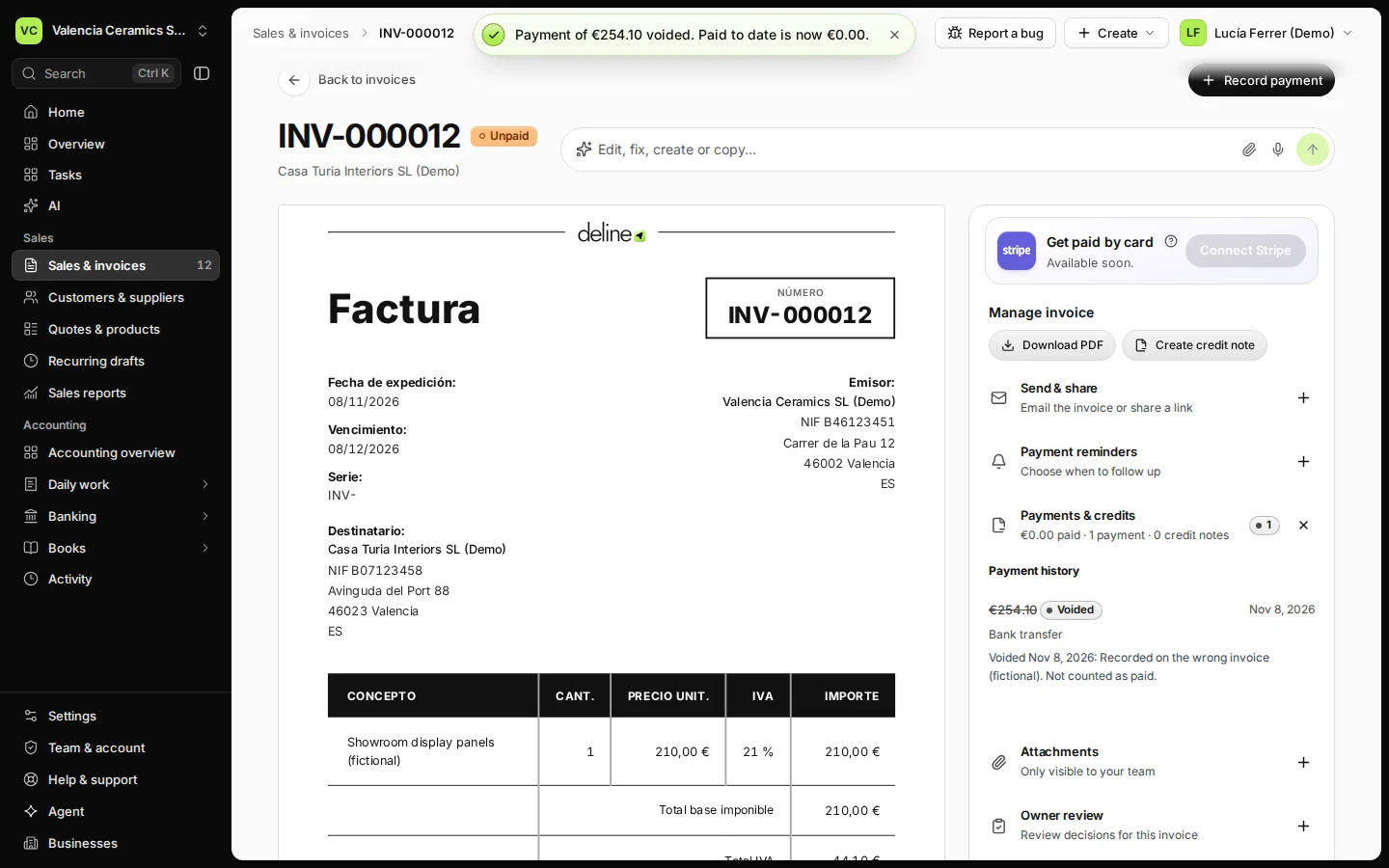
The reason is kept in the invoice history, for example "entered twice".
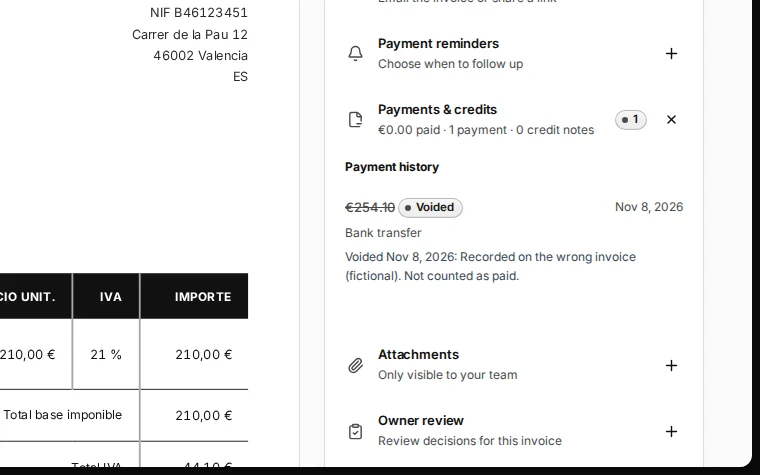
Step 3 in Deline (Spain business, fictional data) · See the whole screen


If something goes wrong
- The payment is already in your books: Deline reverses it in the books for you.
Last checked 2026-11-08 by the guide runner on build 37b370dcd (Deline 5e00493c3) (local Deline stack, desktop and phone).