
Steps
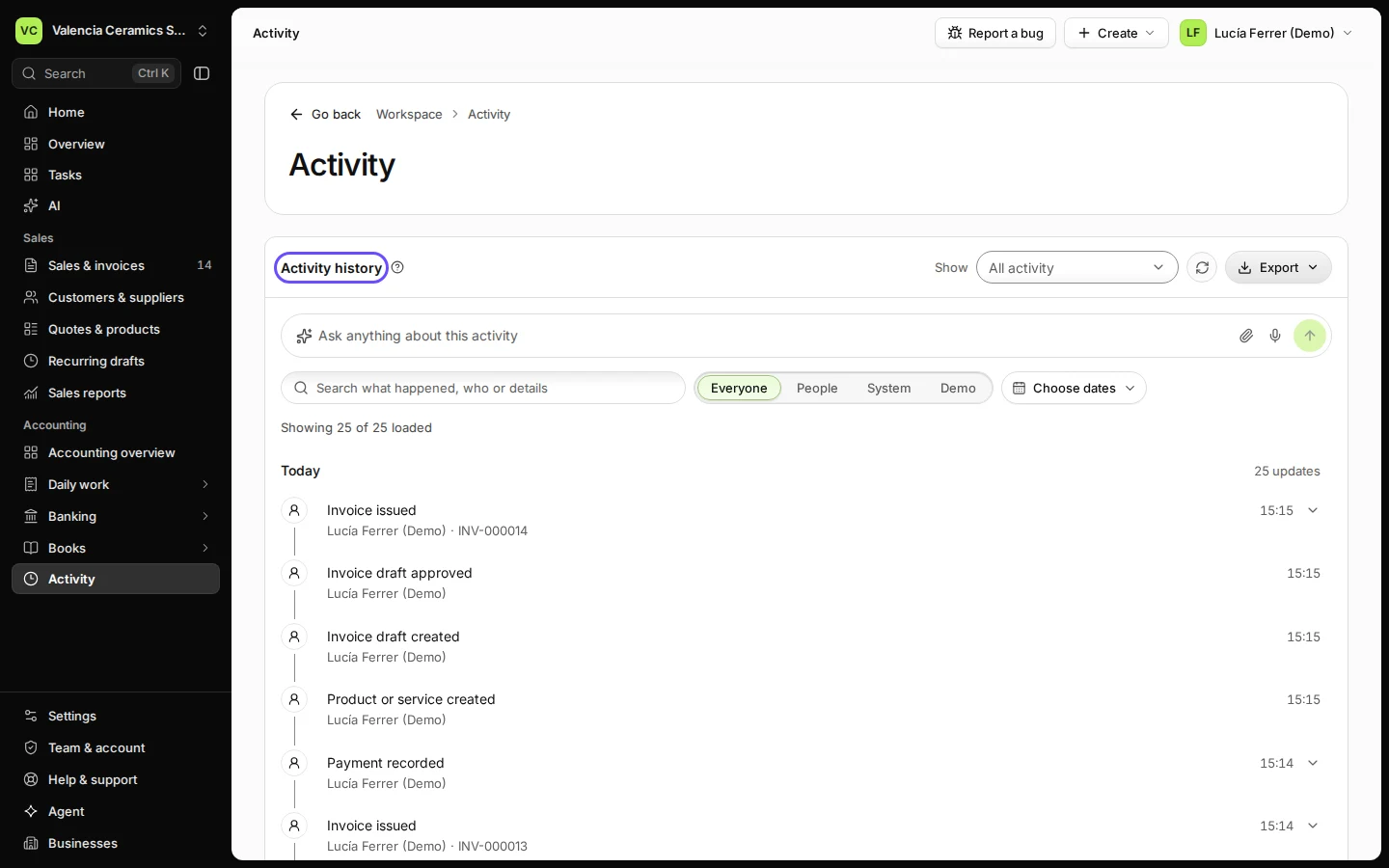
Open Activity.
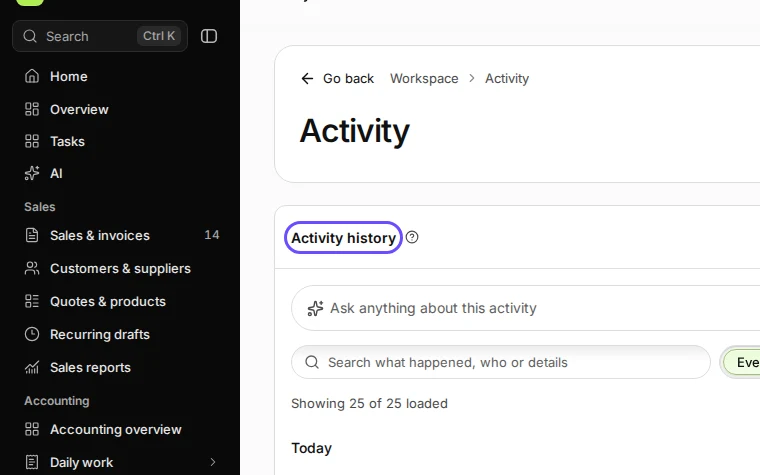
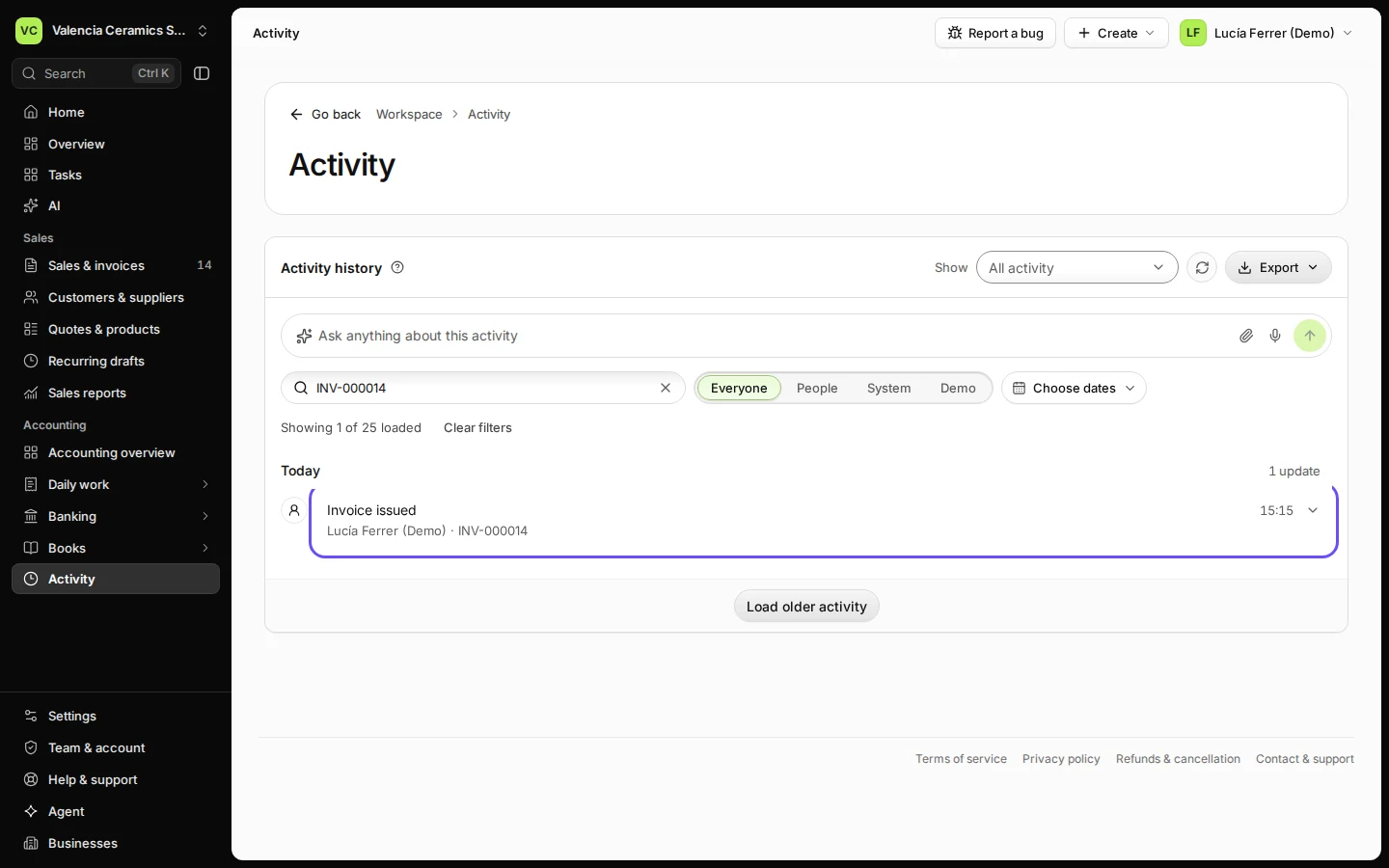
Step 1 in Deline (Spain business, fictional data) · See the whole screen Search for a record, a person or what happened.
For example an invoice number or a person's name.
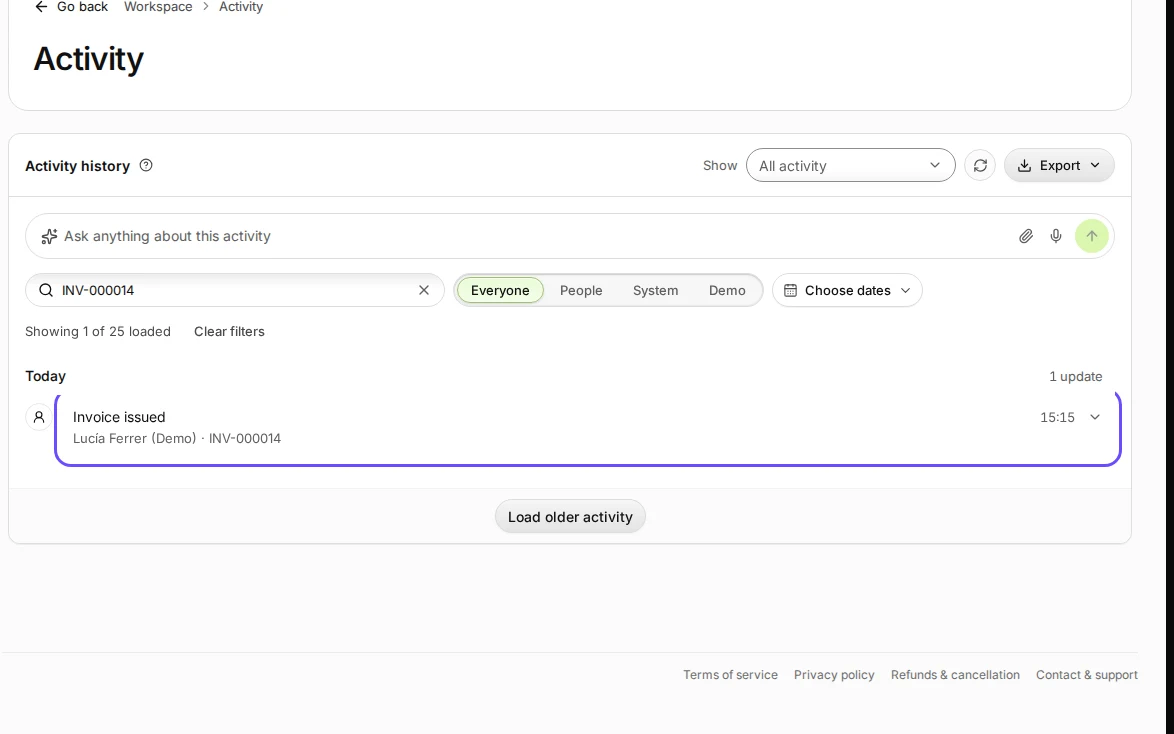
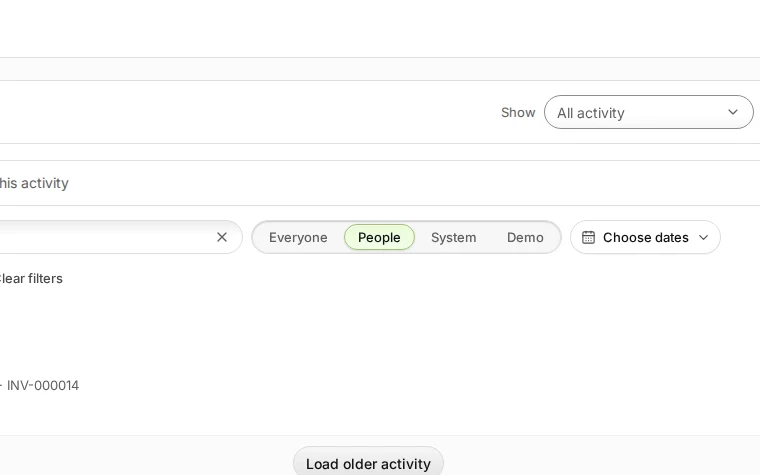
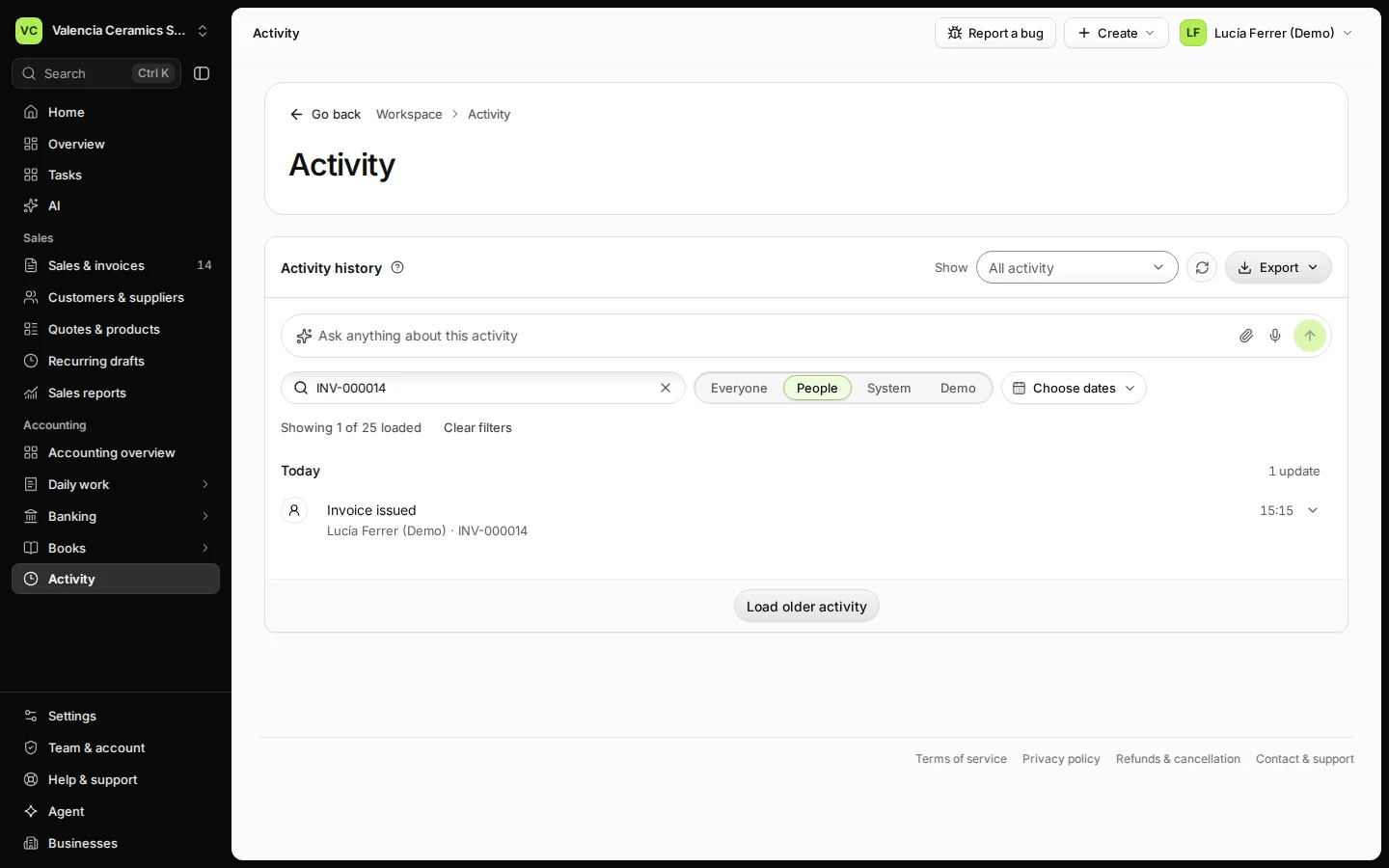
Step 2 in Deline (Spain business, fictional data) · See the whole screen Choose Everyone, People or System to narrow the list.
System shows what Deline did by itself, such as reminders.
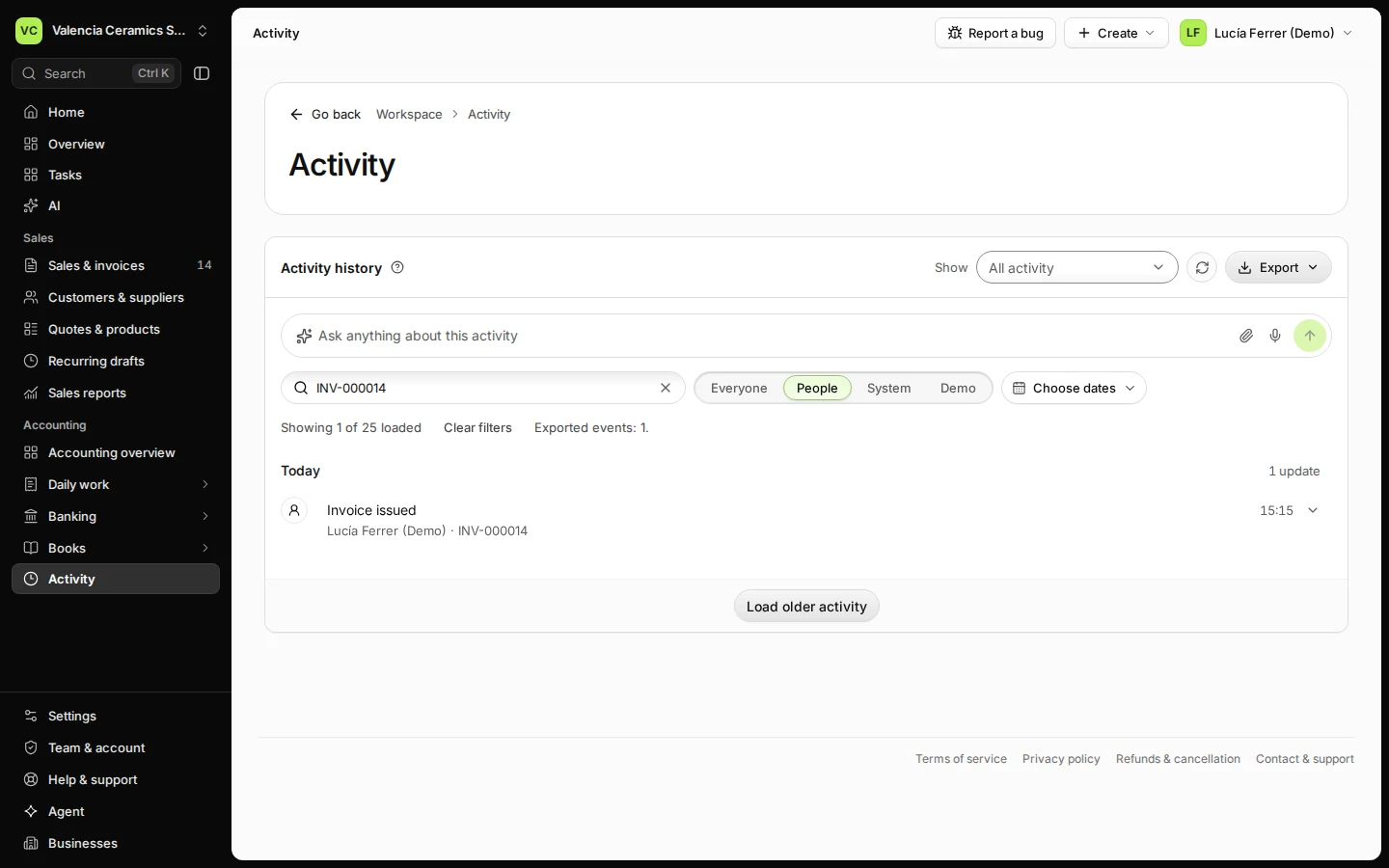
Step 3 in Deline (Spain business, fictional data) · See the whole screen Press Export and choose CSV spreadsheet or PDF document.
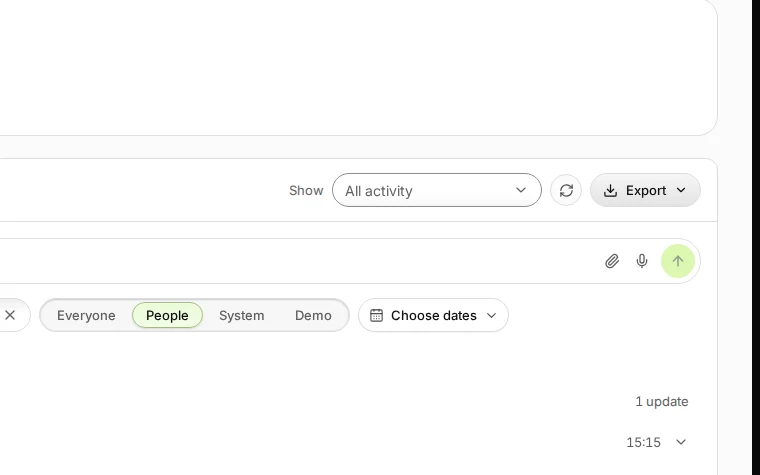
Step 4 in Deline (Spain business, fictional data) · See the whole screen


Last checked 2026-11-08 by the guide runner on build 37b370dcd (Deline 5e00493c3) (local Deline stack, desktop and phone).