Download all your business data

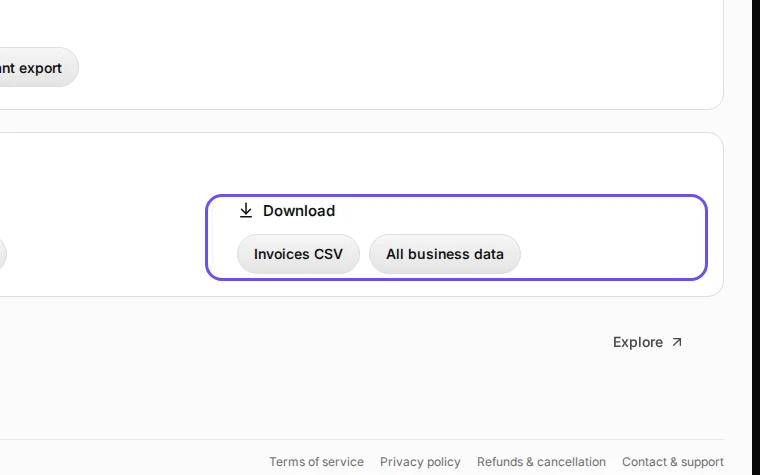
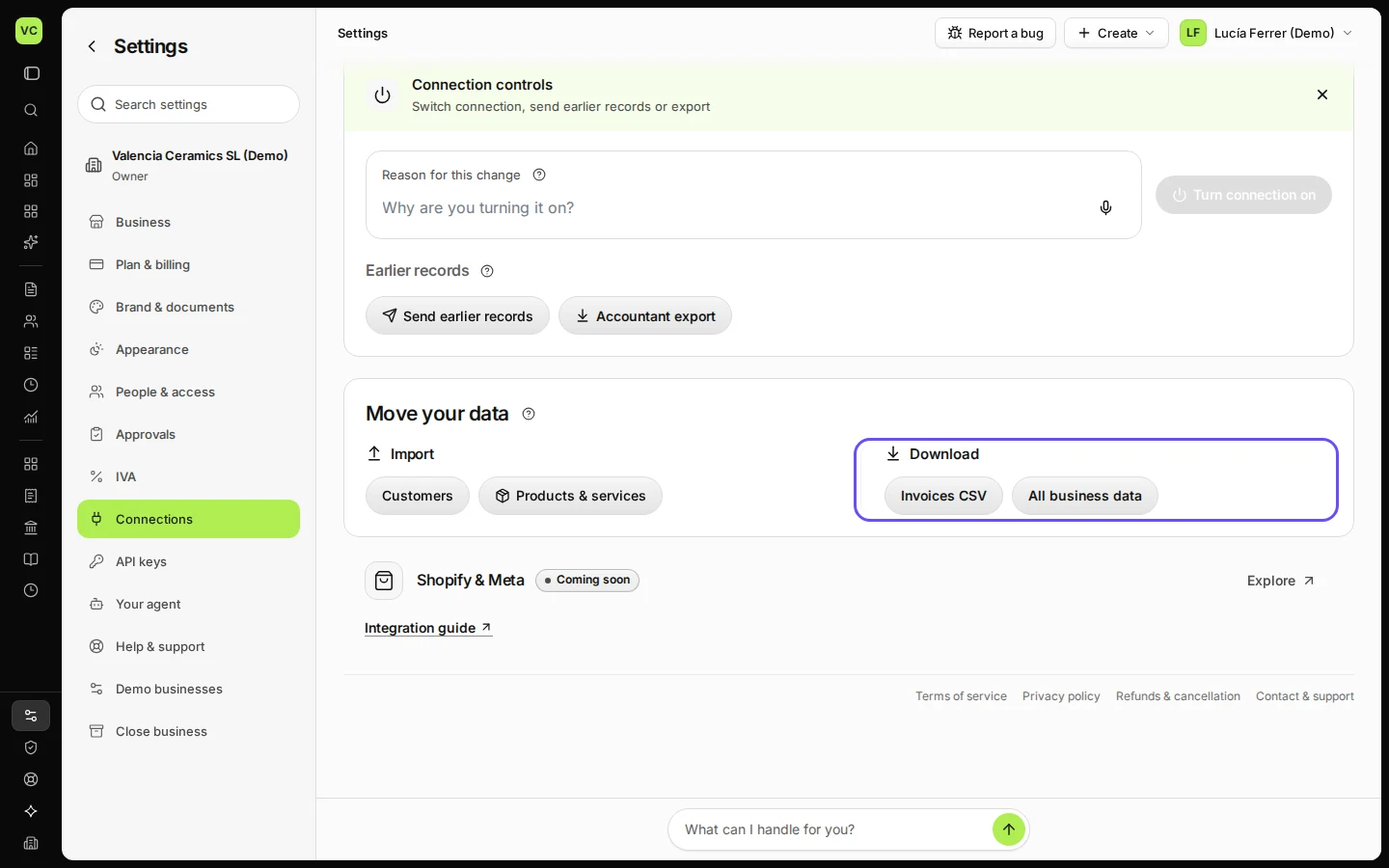
In Settings → Connections, open Connection controls and, under Download, choose Invoices CSV or All business data. All business data is one file with everything in the business.
  • L1 · Everyday
  • WhereAll countries
  • WhoOwner
  • PlanBasic and up
  • Timeabout 1 min

Steps

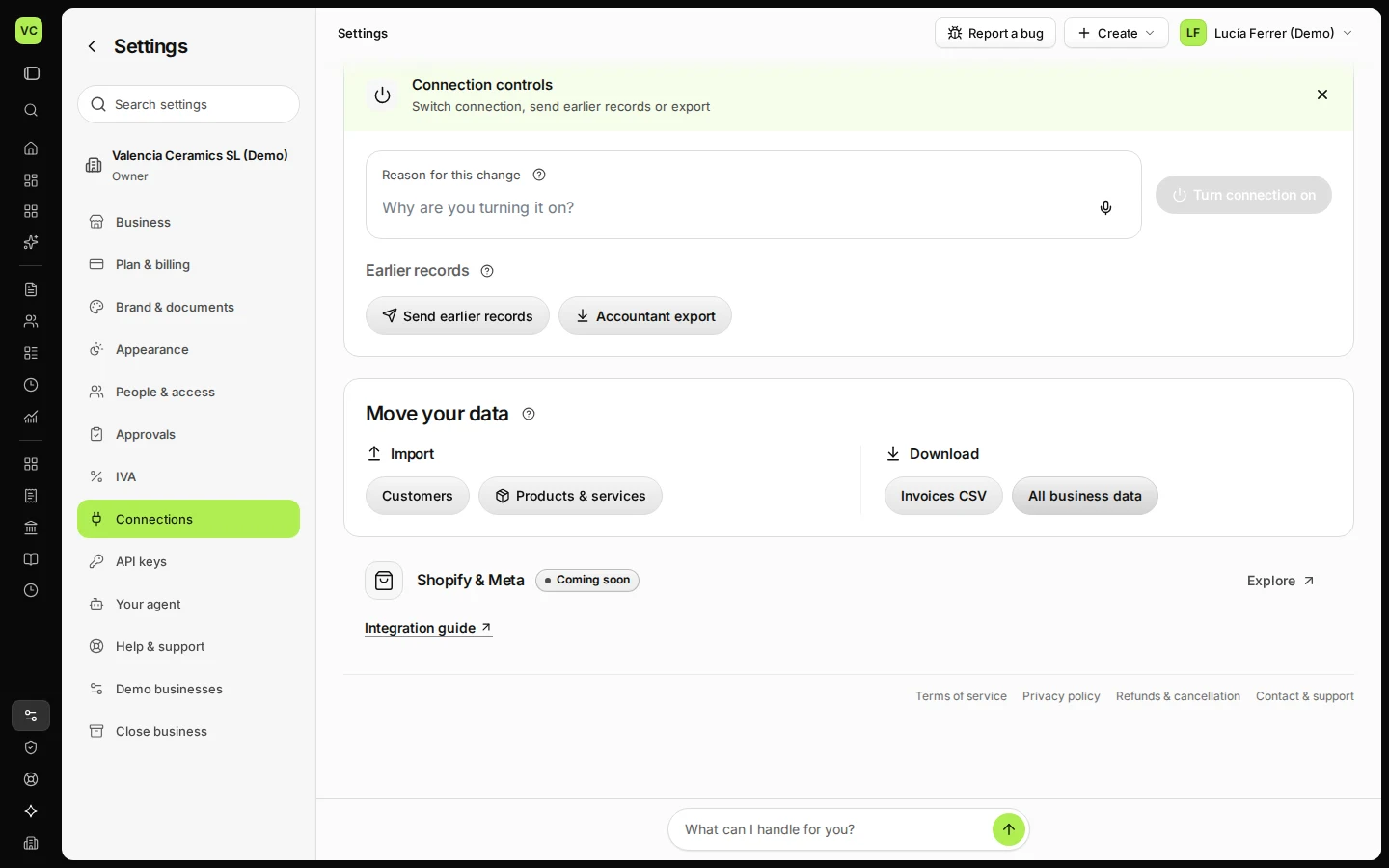
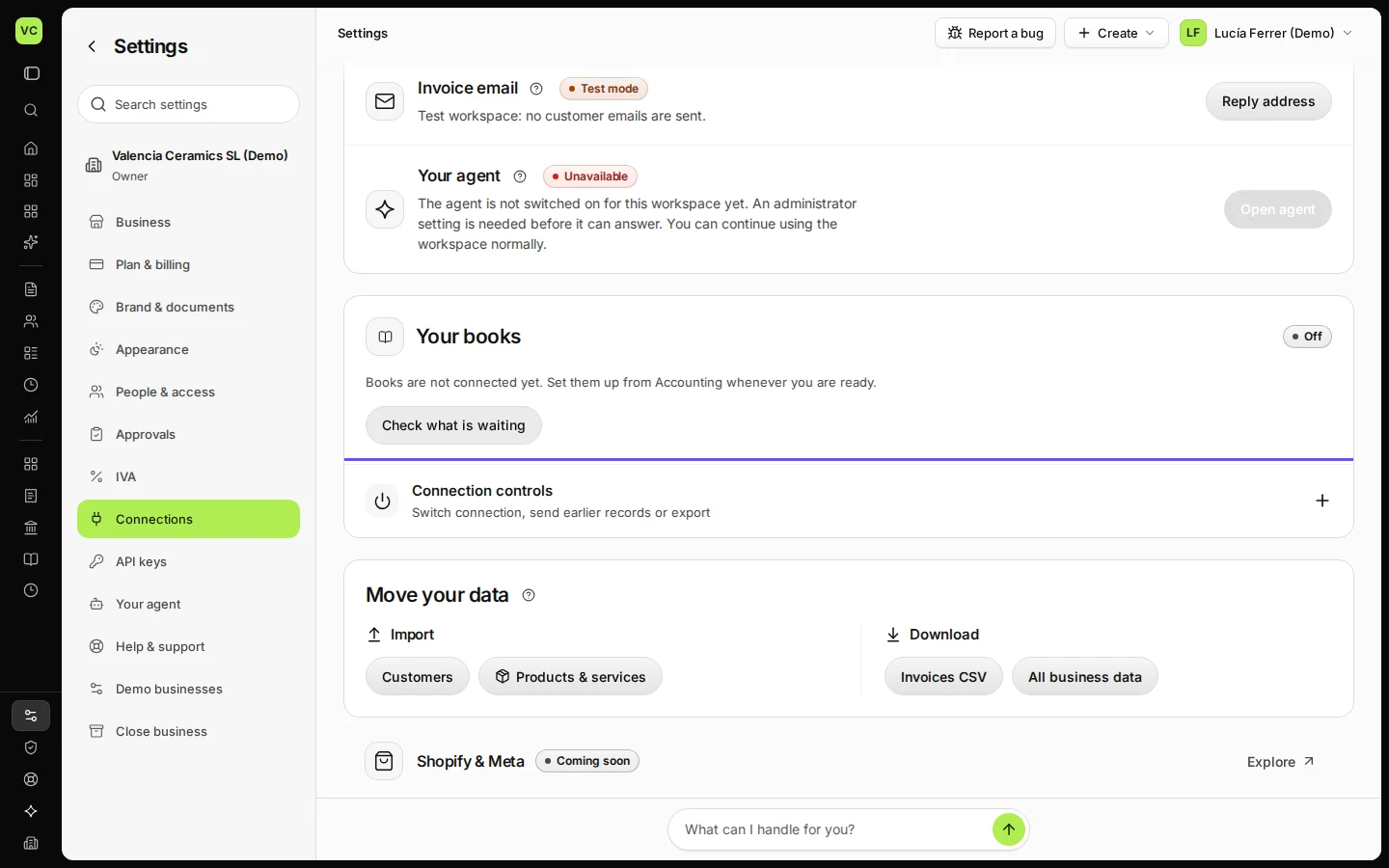
  1. Open Settings and choose Connections.

    Step 1: Open Settings and choose Connections.
    Step 1 in Deline (Spain business, fictional data) · See the whole screen
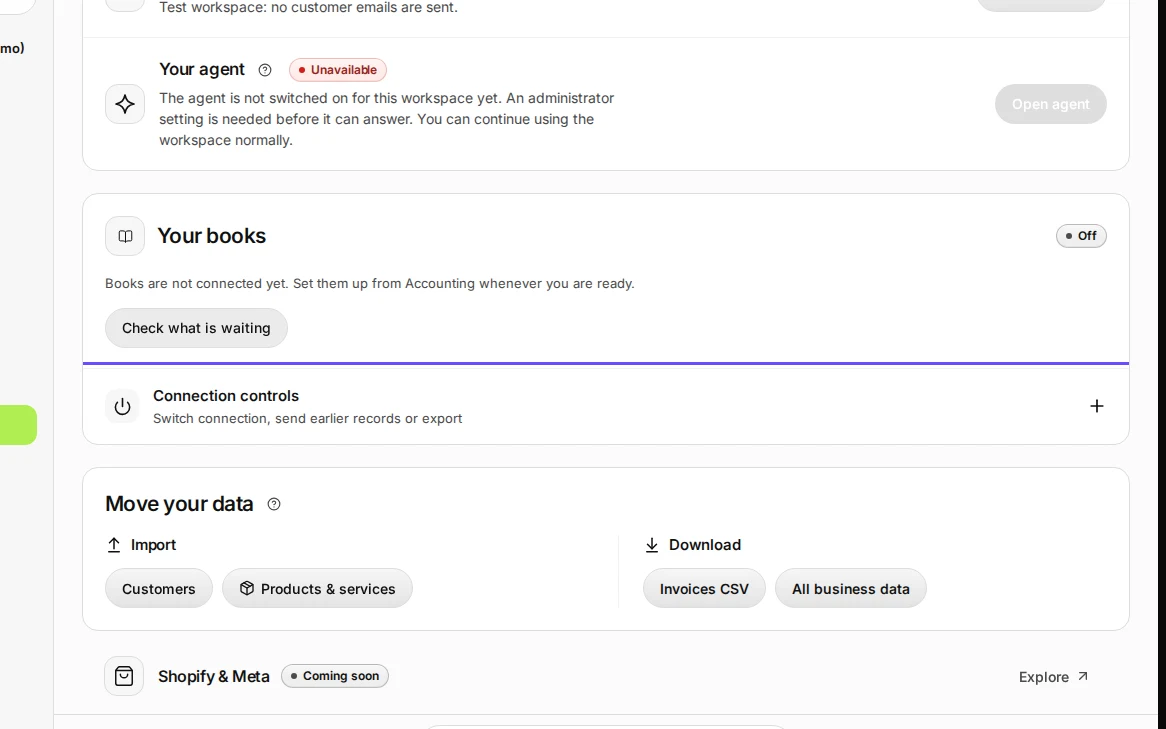
  2. Open Connection controls.

    Step 2: Open Connection controls.
    Step 2 in Deline (Spain business, fictional data) · See the whole screen
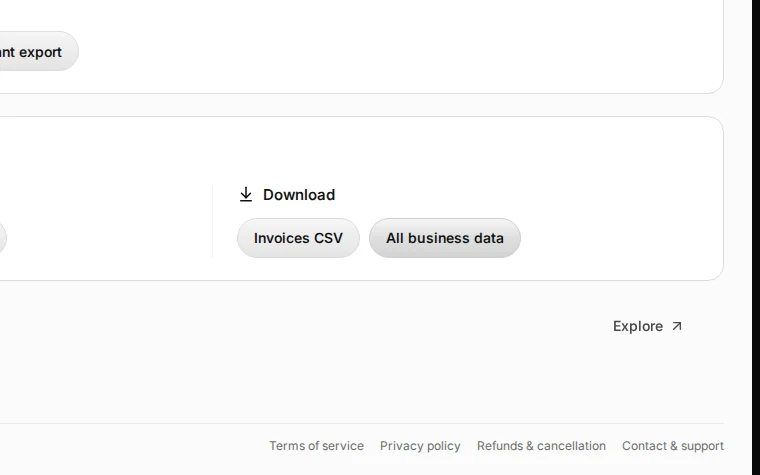
  3. Under Download, choose Invoices CSV or All business data.

    Step 3: Under Download, choose Invoices CSV or All business data.
    Step 3 in Deline (Spain business, fictional data) · See the whole screen
Last checked 2026-11-08 by the guide runner on build 37b370dcd (Deline 5e00493c3) (local Deline stack).