
Steps
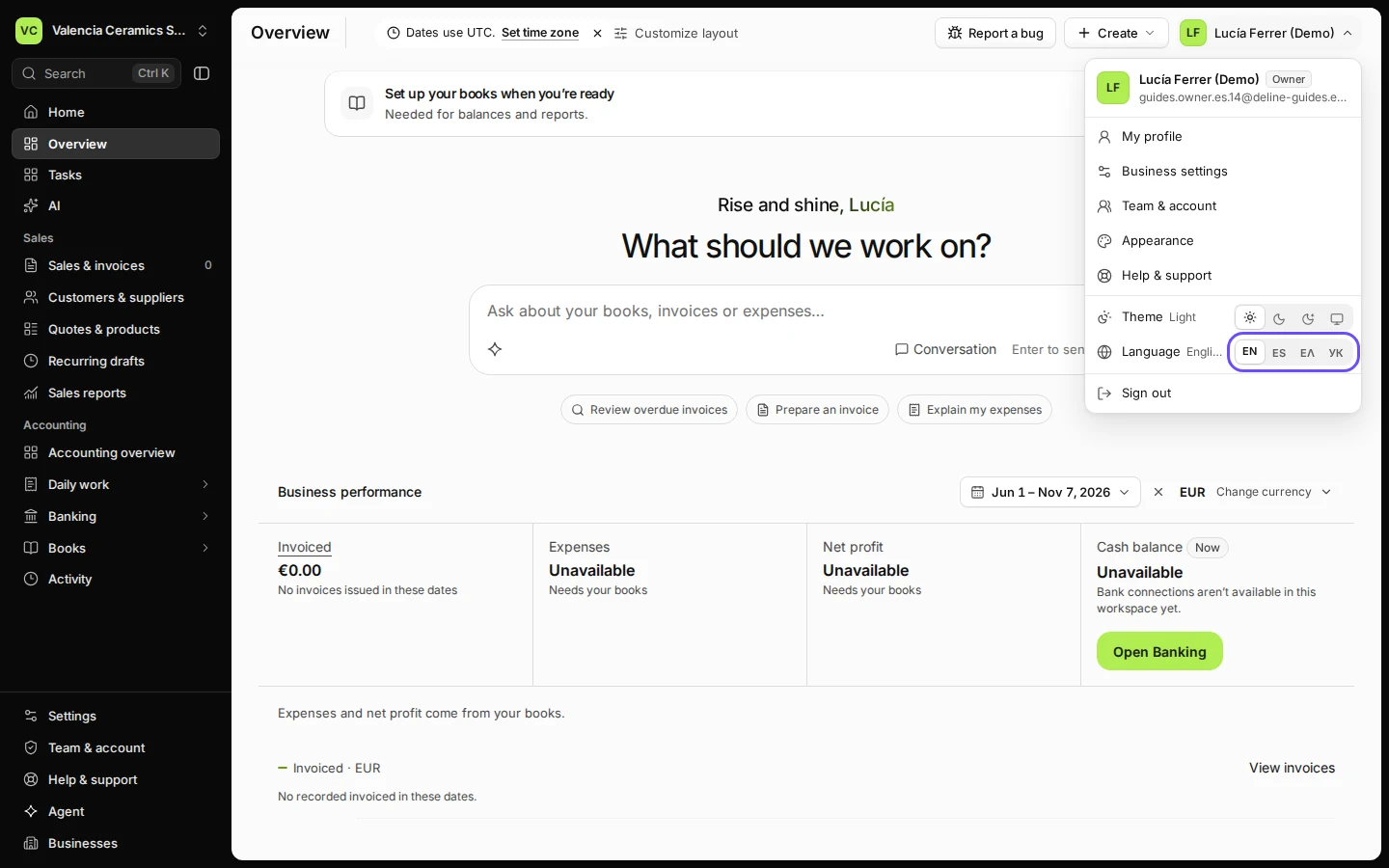
Open the menu with your name, top right.
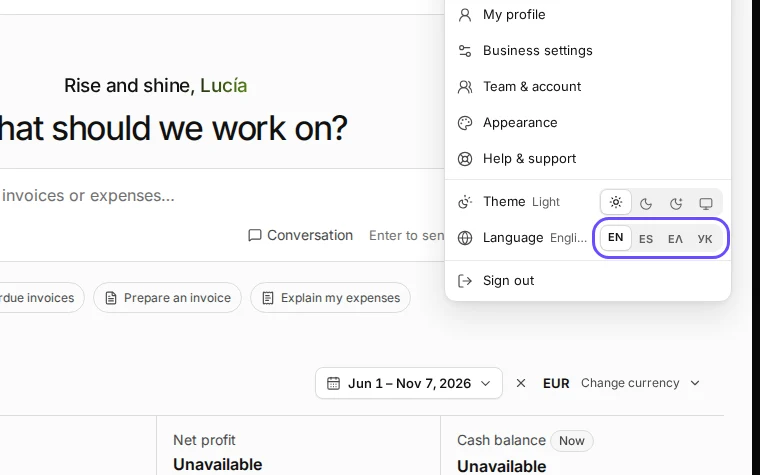
Step 1 in Deline (Spain business, fictional data) · See the whole screen Choose your language under Language.
This step happens outside Deline.English, Español, Ελληνικά or Українська.
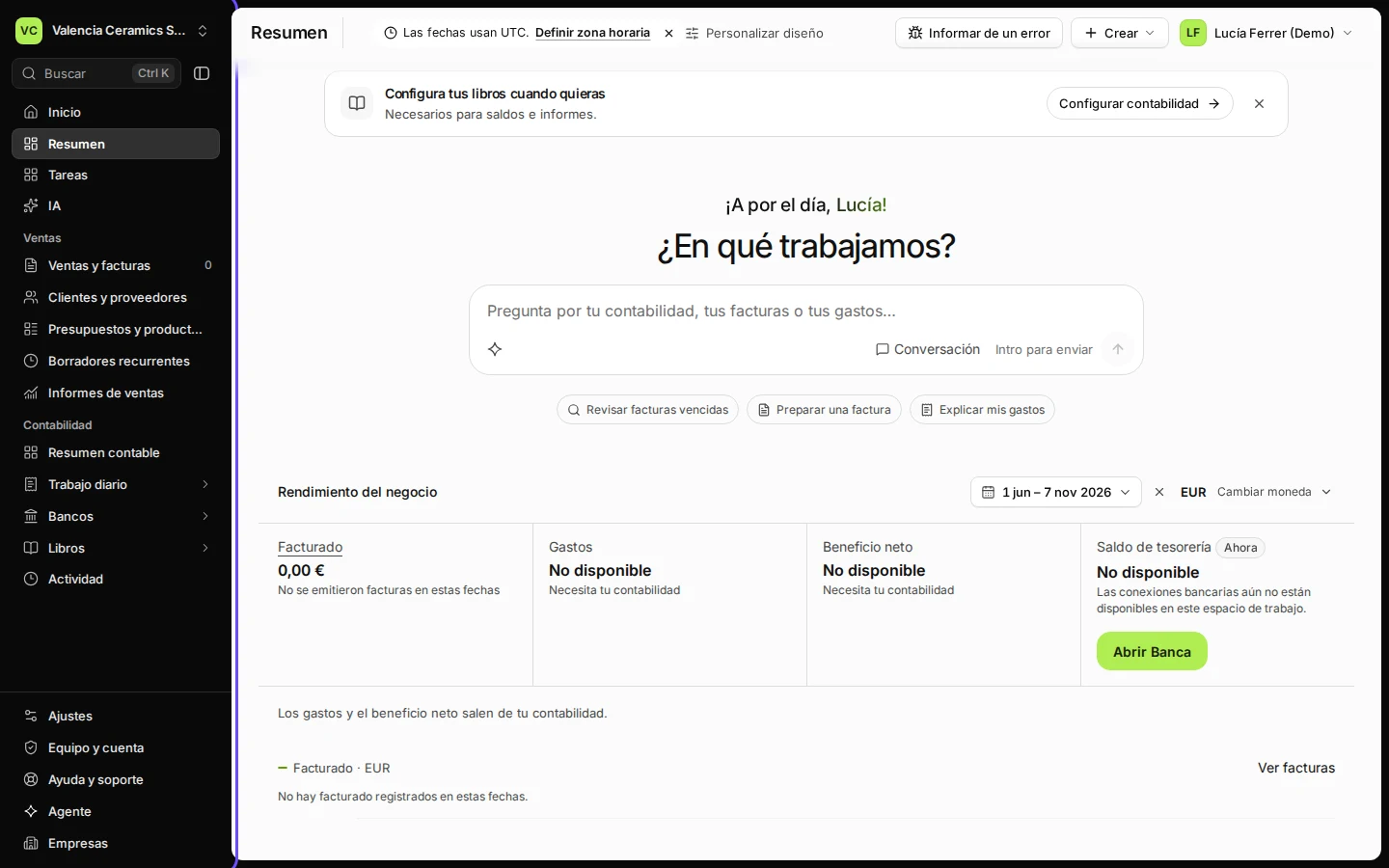
Check that the menus and pages now show in that language.
Deline remembers the choice for your account, on every device.
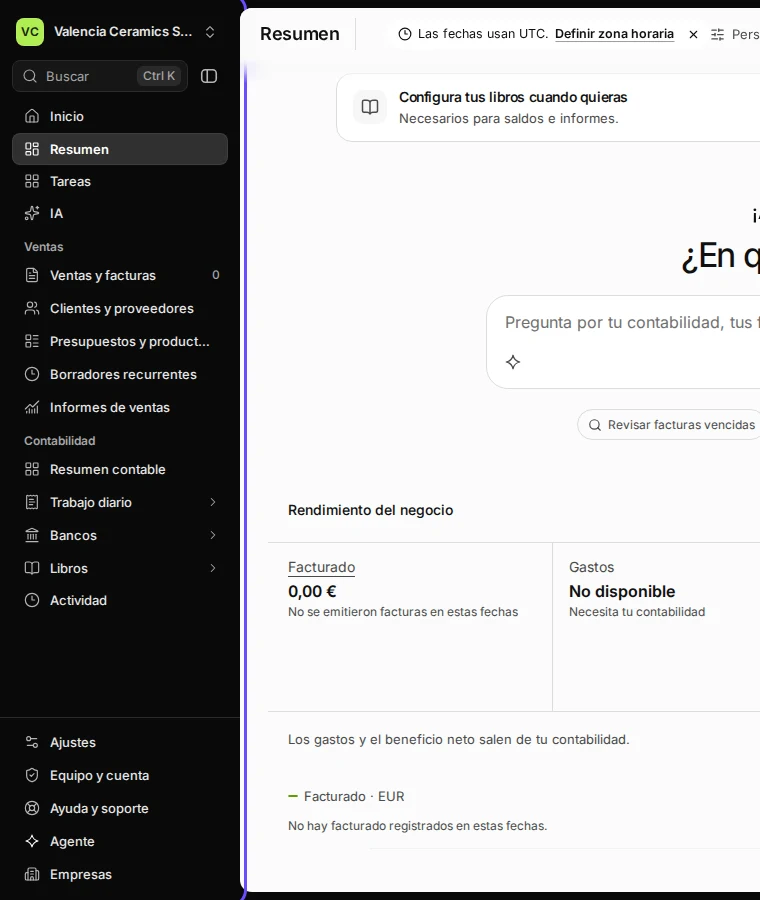
Step 3 in Deline (Spain business, fictional data) · See the whole screen


If something goes wrong
- Some words stay in English: names you typed yourself (customers, products, accounts) are not translated.
- Your invoices are still in the old language: that is the document language, set in Settings → Brand & documents.
Last checked 2026-11-07 by the guide runner on build c5fbd2fa6 (Deline 12a482996) (local Deline stack, desktop and phone).