
Before you start
- Use an email address you can open now: Deline sends a link to confirm it.
Steps
Open app.deline.io and press Create account.
On deline.io, Get started takes you to the same page.
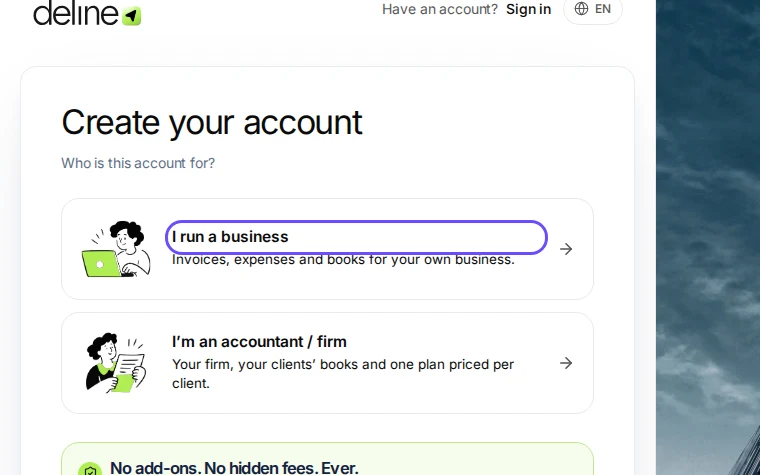
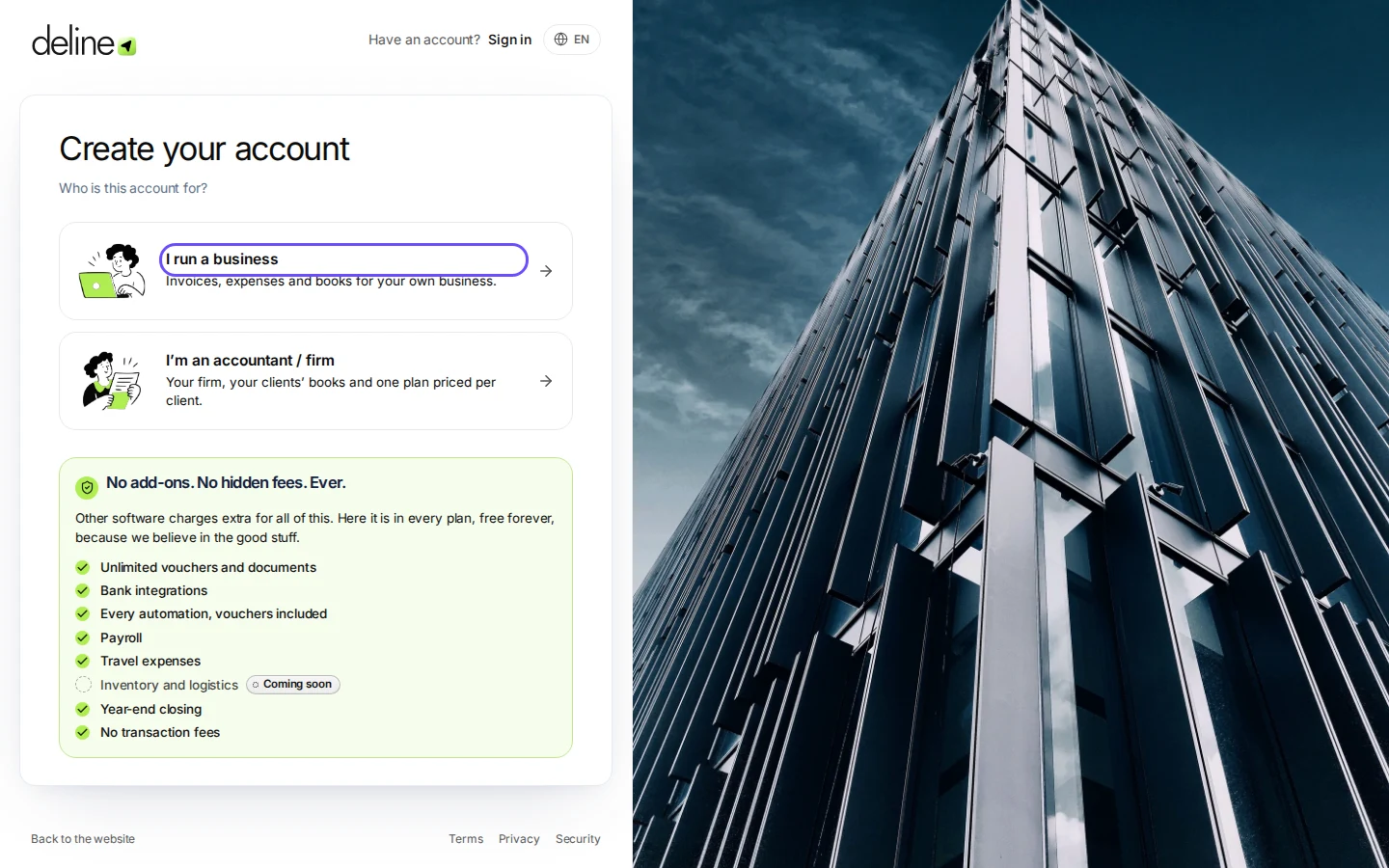
Step 1 in Deline · See the whole screen Choose I run a business.
Accountants and firms choose I'm an accountant / firm instead.
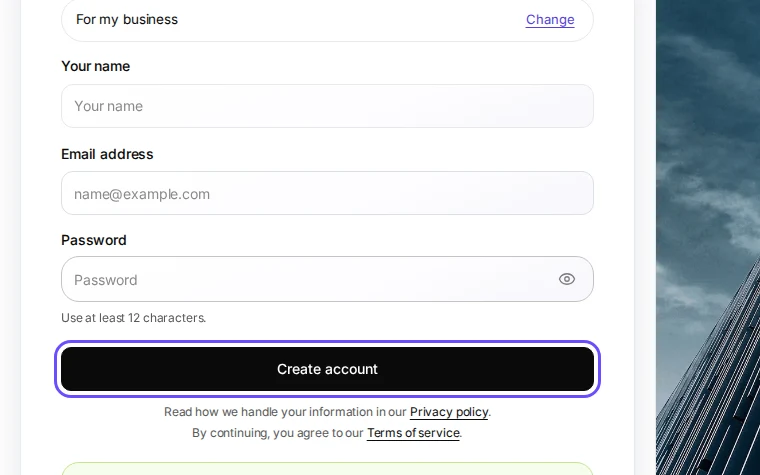
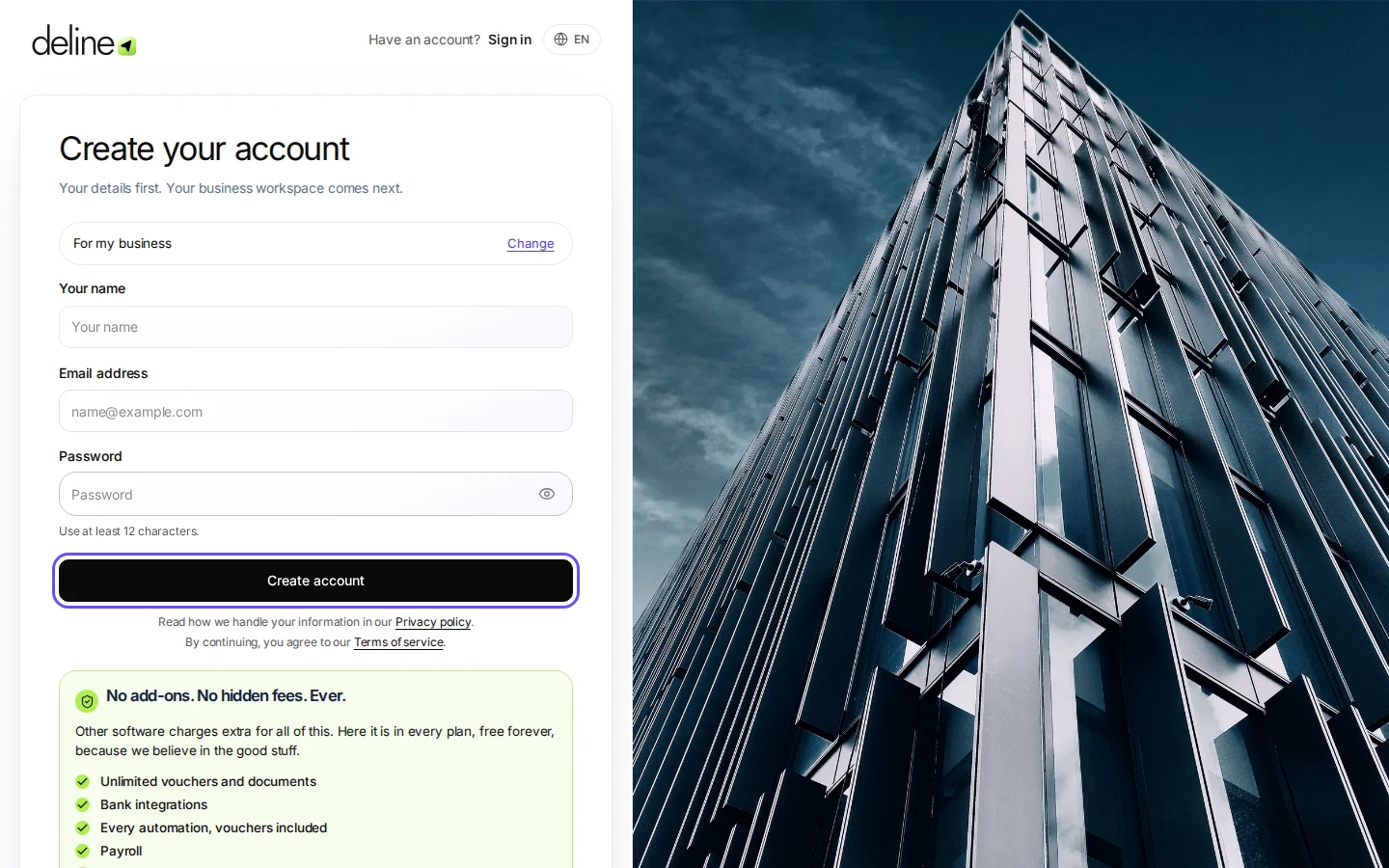
Step 2 in Deline · See the whole screen Enter your name, email and a password of at least 12 characters, then press Create account.
By continuing you accept the Terms of service; the Privacy policy is linked on the same page.
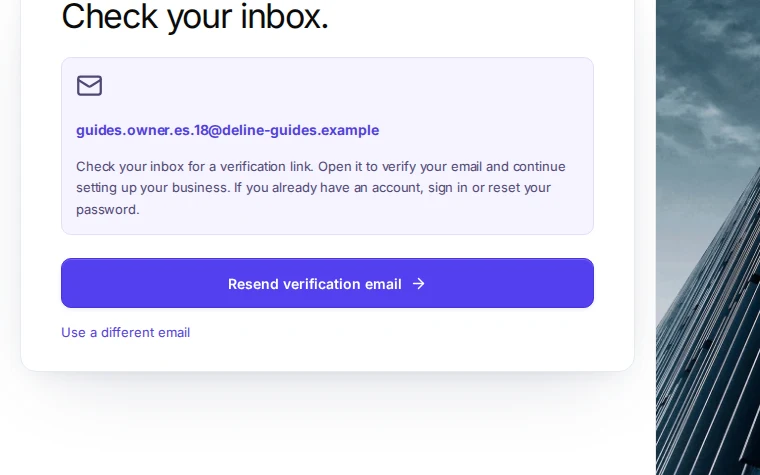
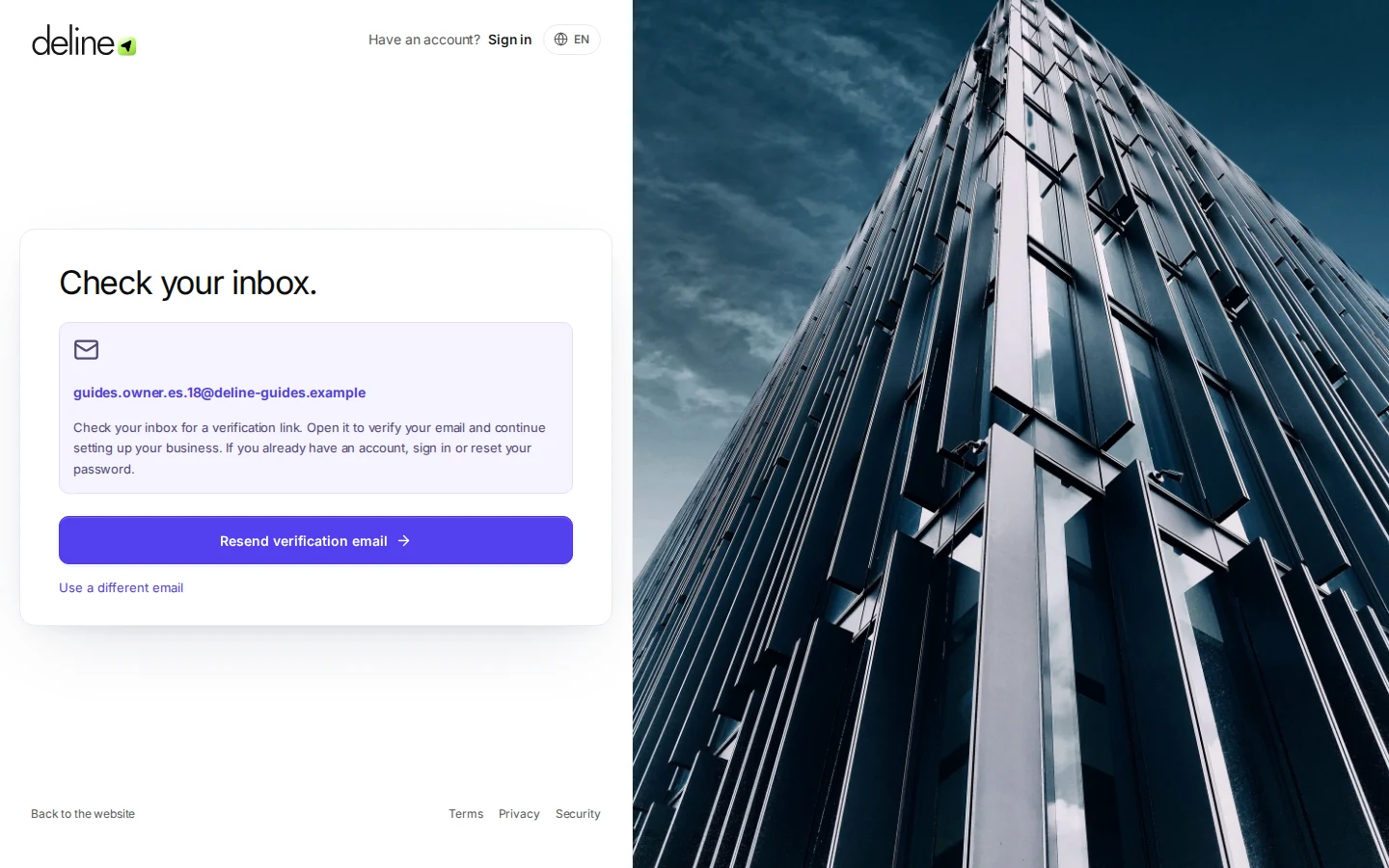
Step 3 in Deline · See the whole screen Open the email from Deline and press the link.
This step happens outside Deline.Deline then knows the address is yours. Check spam if it is not there within a minute.
Sign in with your email and password.
Deline opens the business setup: three short steps.
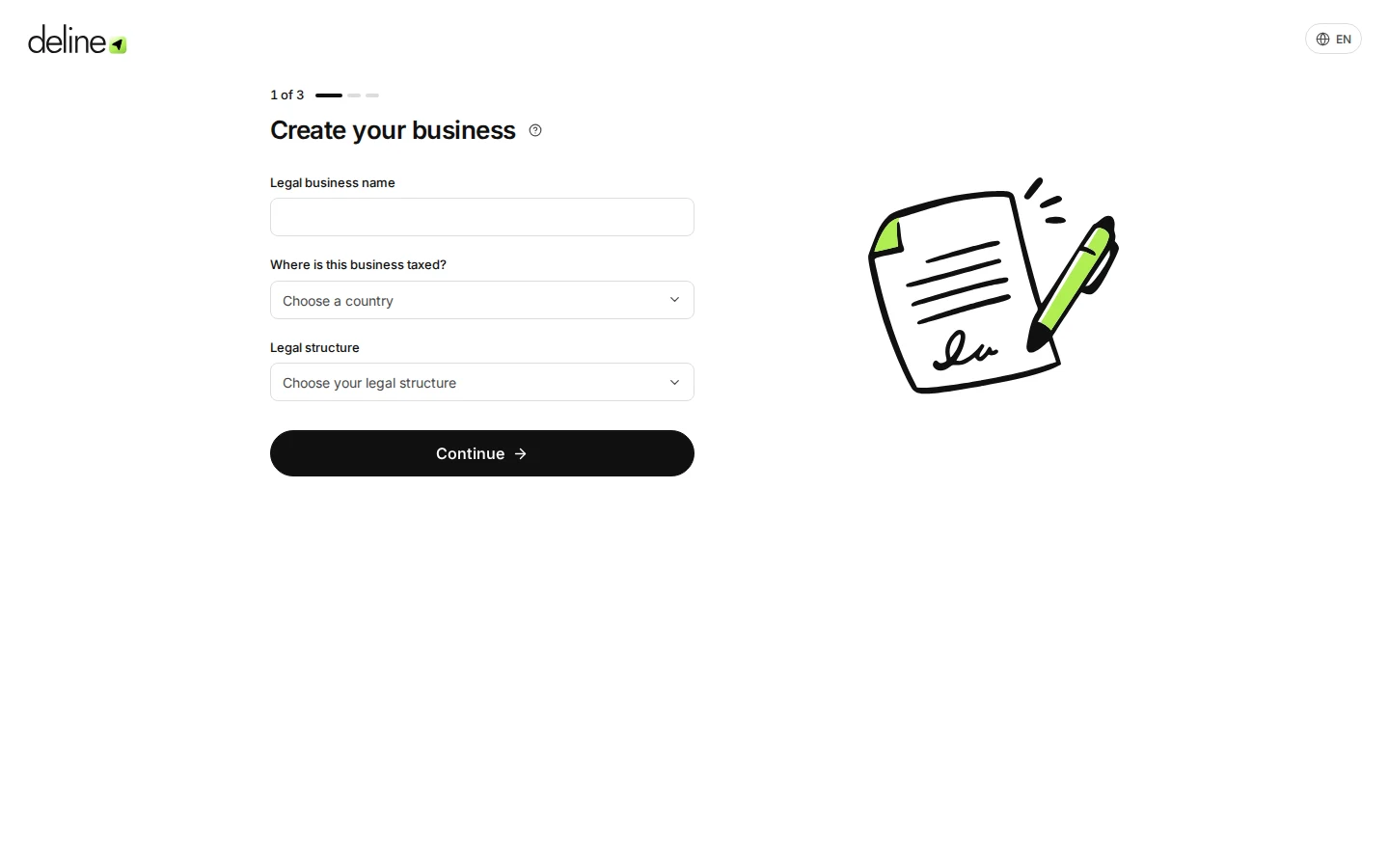
Step 5 in Deline


If something goes wrong
- No email arrived: on the "Check your inbox" page, press Resend verification email, or Use a different email.
- "Use at least 12 characters": choose a longer password. A short sentence is easy to remember.
Last checked 2026-11-07 by the guide runner on build c5fbd2fa6 (Deline 12a482996) (local Deline stack, desktop and phone).