
Steps
Create your account with the email address the invitation was sent to, then sign in.
Use exactly the address in the invitation; an invitation for another address does not show.
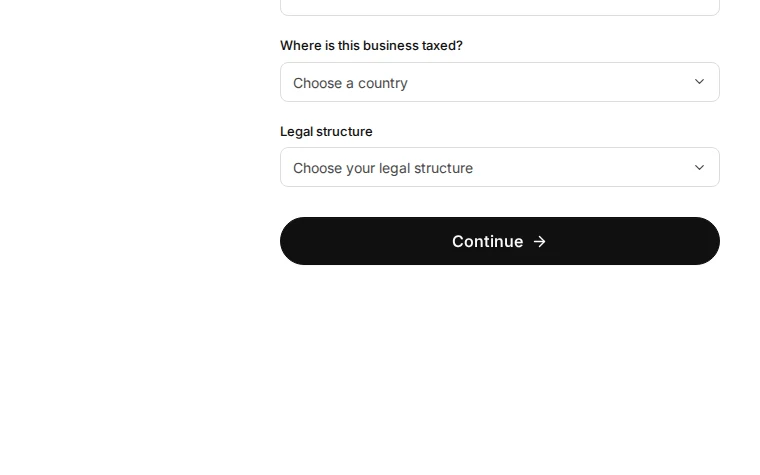
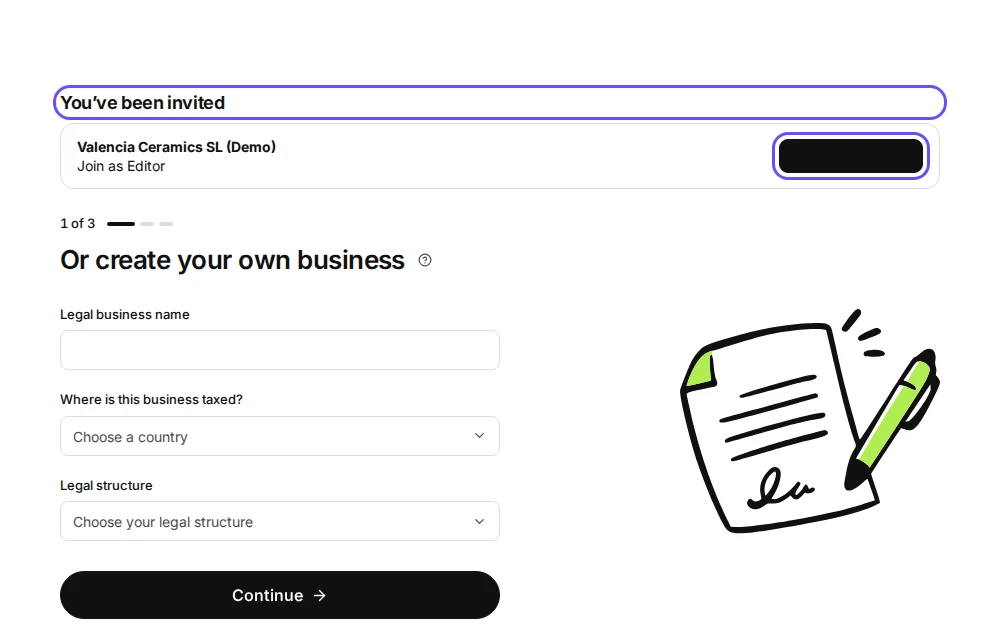
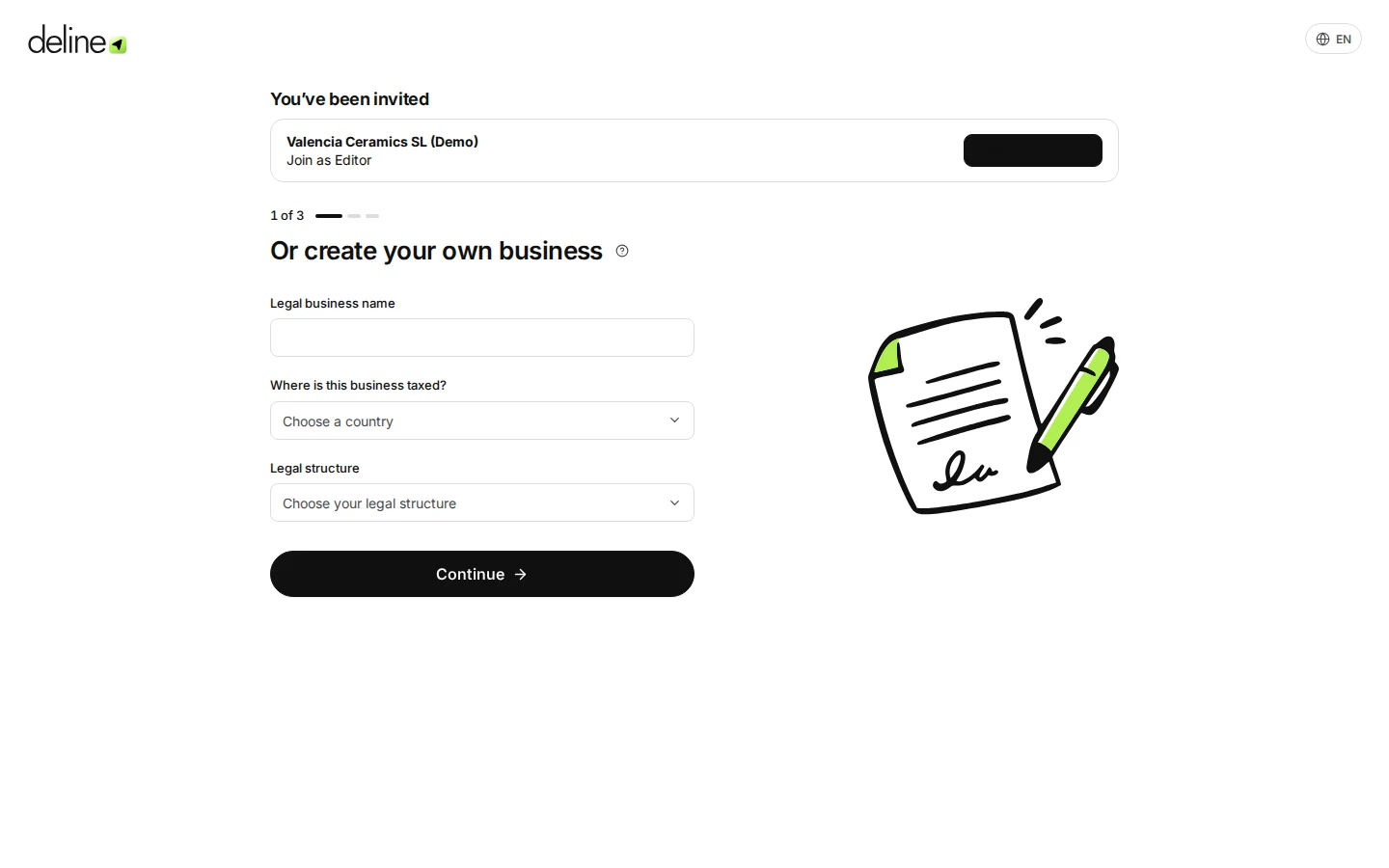
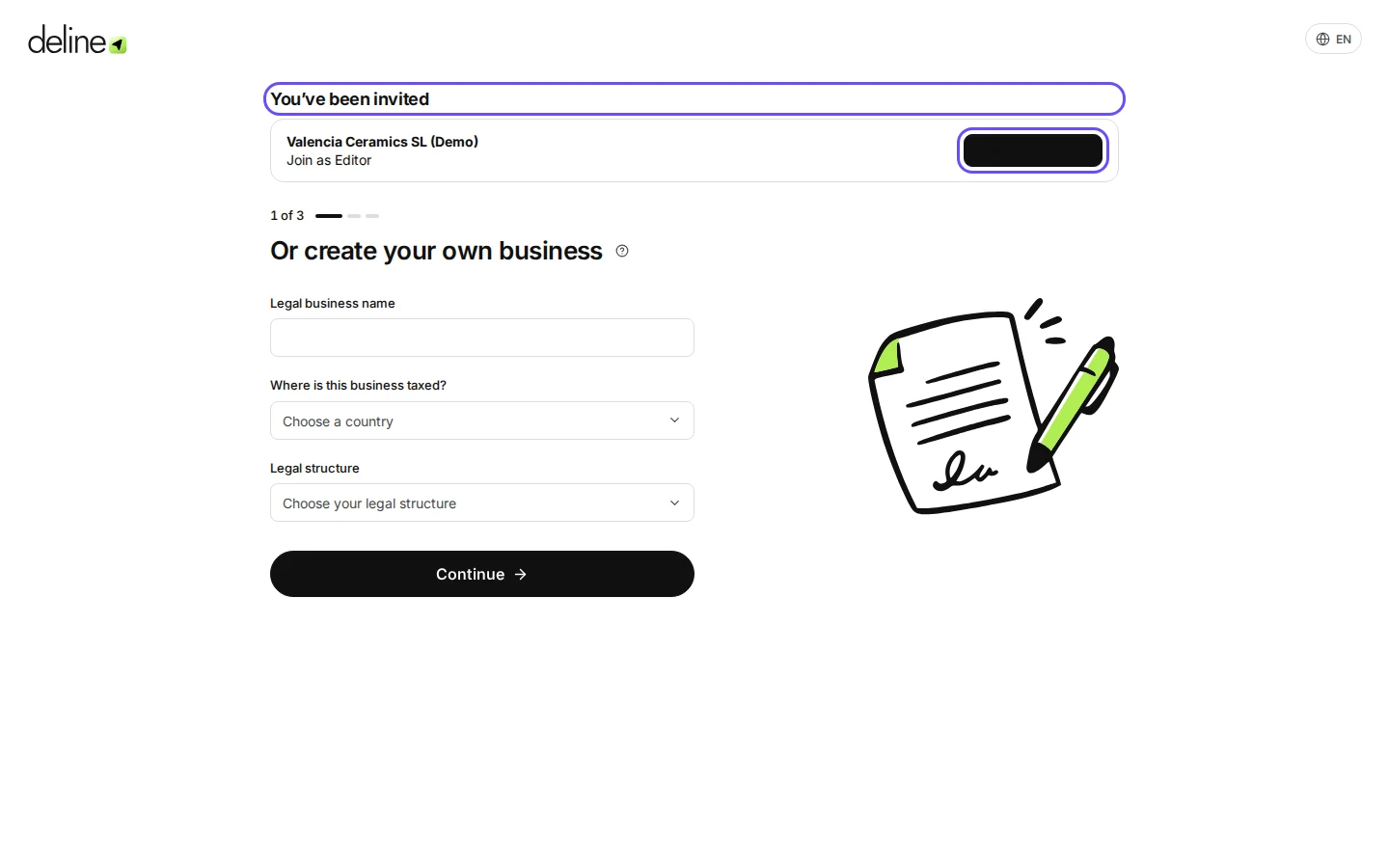
Step 1 in Deline (Spain business, fictional data) · See the whole screen Under You’ve been invited, press Join business.
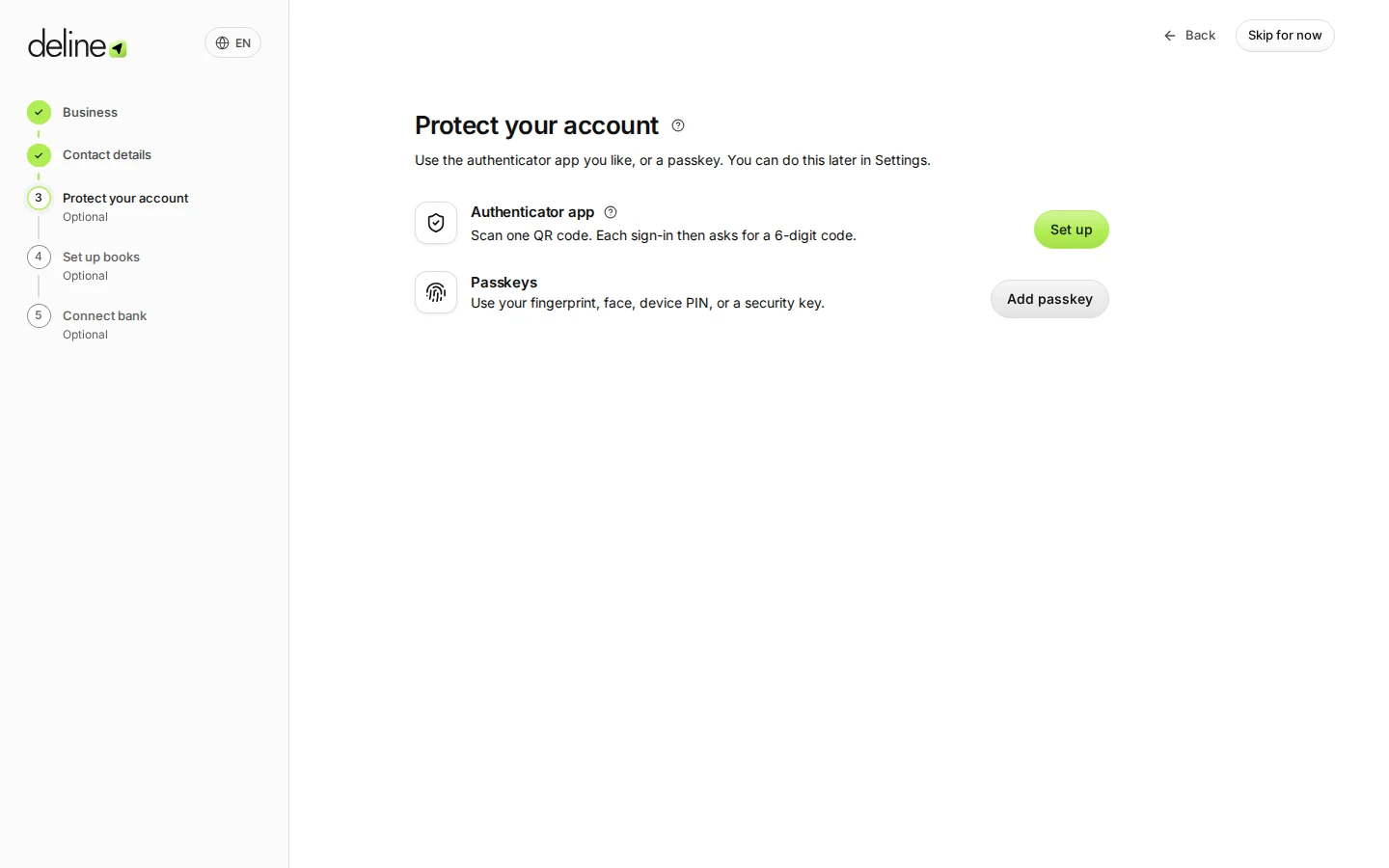
Step 2 in Deline (Spain business, fictional data) · See the whole screen You are now in the business, with the access the owner gave you.
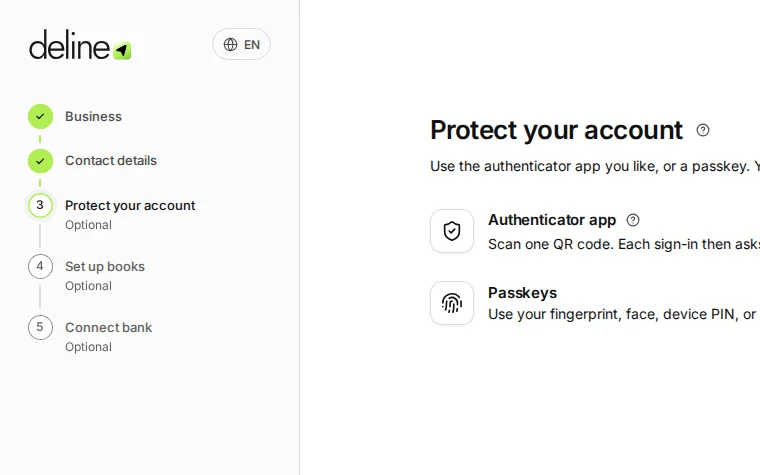
Step 3 in Deline (Spain business, fictional data) · See the whole screen
Last checked 2026-11-08 by the guide runner on build dcfdeab0a (Deline dac92a47a) (local Deline stack).