Leave a business

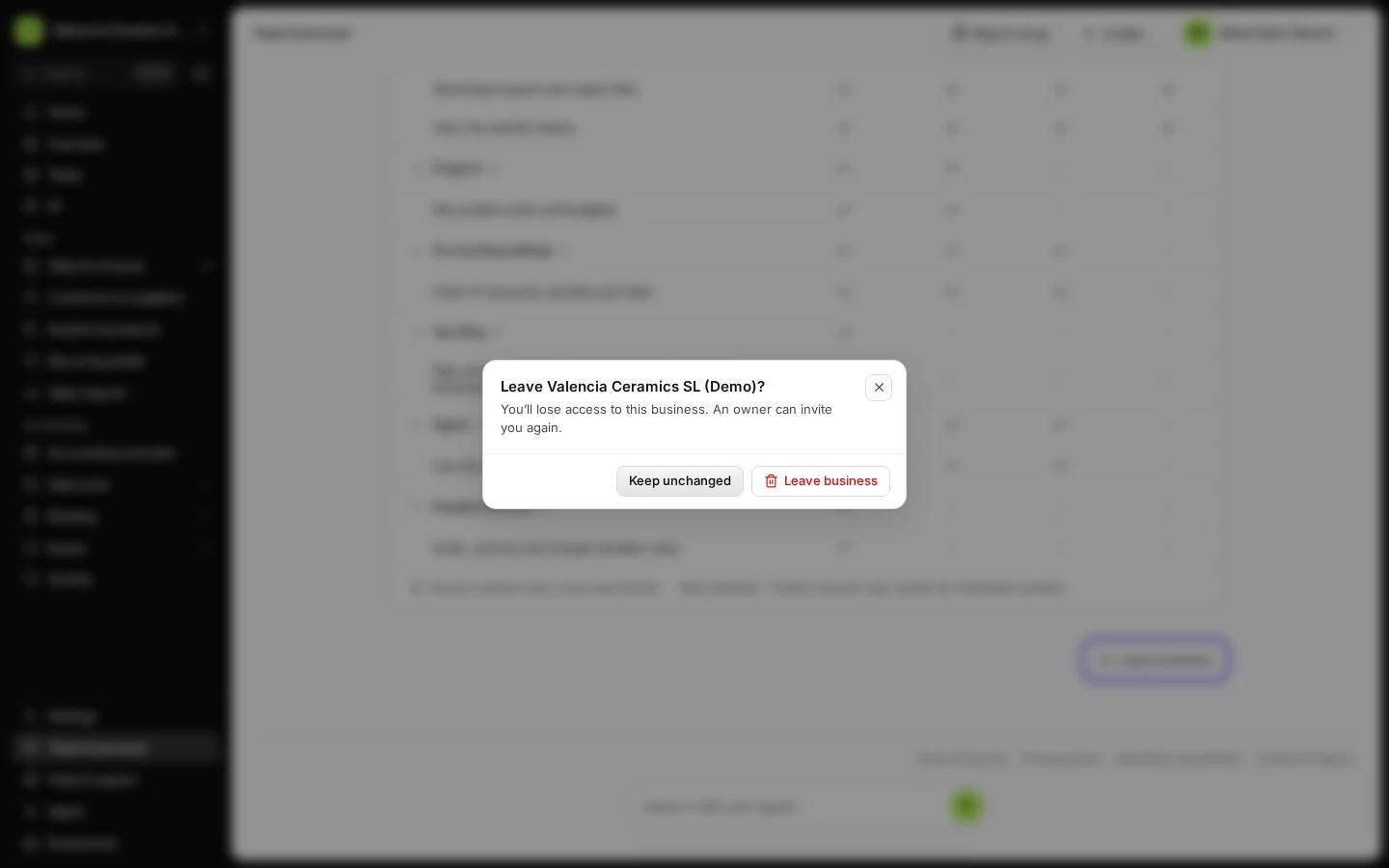
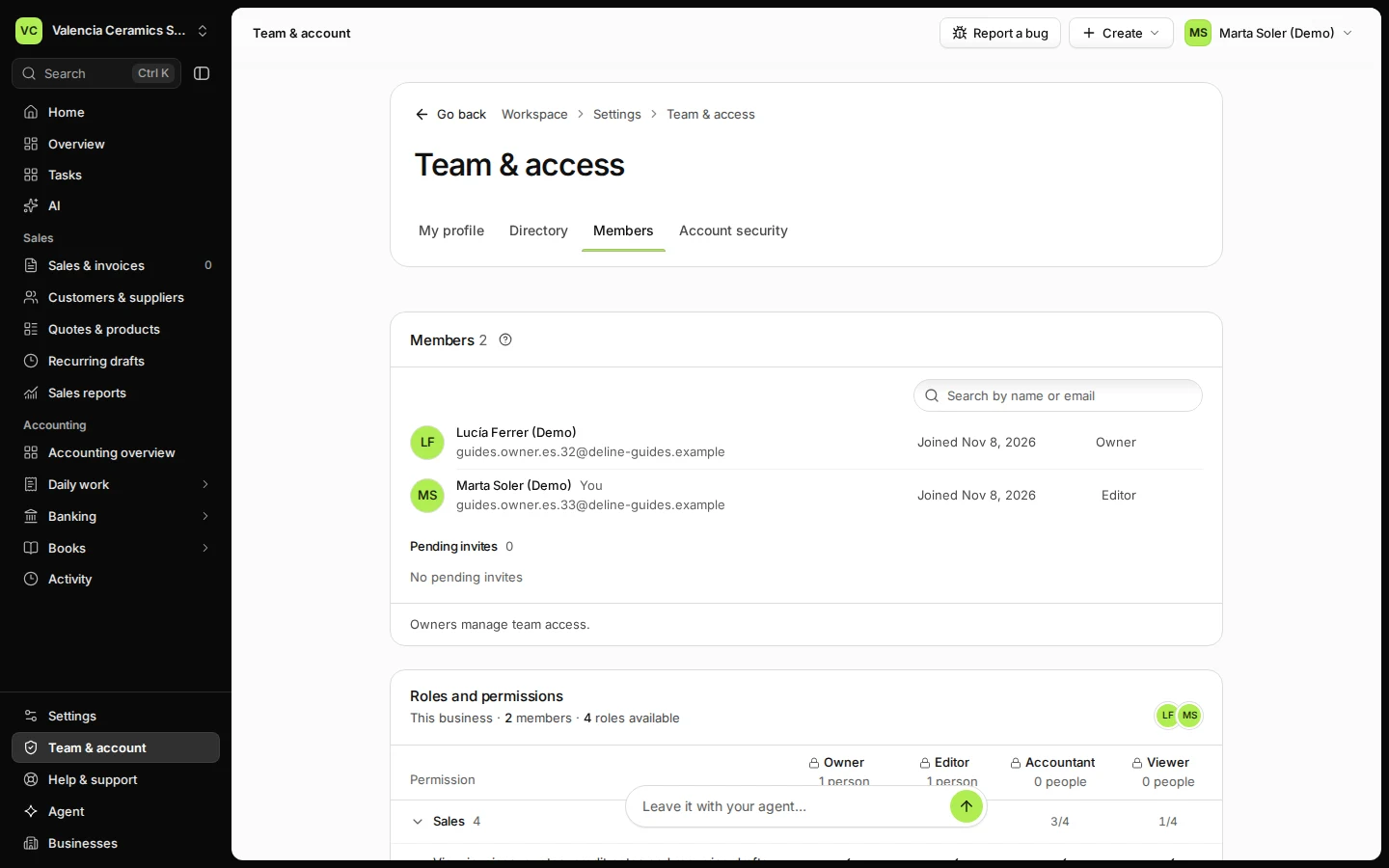
In Team & account → Members, press Leave business and confirm. You lose access at once; the business and its records stay with the owner. Owners don't see this button: hand ownership over first.

  • L1 · Everyday
  • WhereAll countries
  • WhoEditor, Viewer, Accountant
  • PlanBasic and up
  • Timeabout 1 min

Steps

  1. Open Team & account and choose Members.
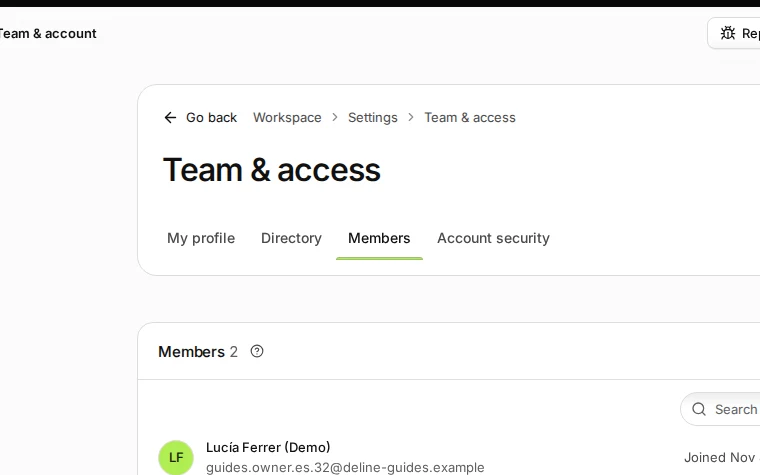
    Step 1: Open Team & account and choose Members.
    Step 1 in Deline (Spain business, fictional data) · See the whole screen
  2. Press Leave business.

    Step 2: Press Leave business.
    Step 2 in Deline (Spain business, fictional data) · See the whole screen
  3. Confirm.

    To come back, the owner invites you again.
    Step 3: Confirm.
    Step 3 in Deline (Spain business, fictional data) · See the whole screen
Last checked 2026-11-08 by the guide runner on build dcfdeab0a (Deline dac92a47a) (local Deline stack).