Create a task for your team

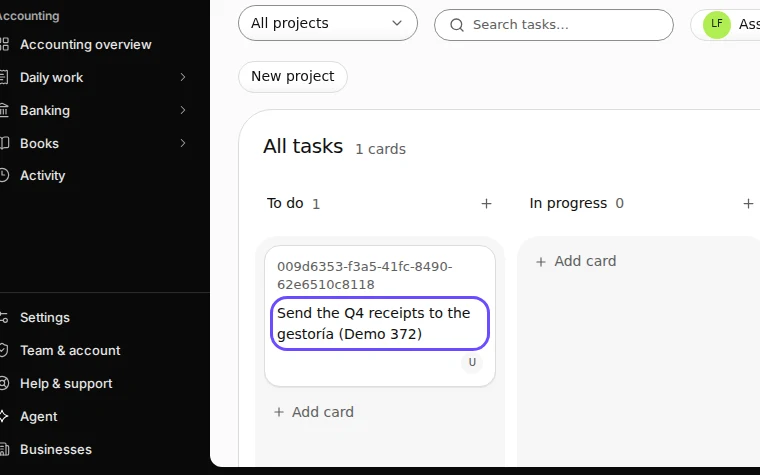
Open Tasks, press New task, write what needs doing in Title, add a due date, an assignee and notes if you like, and press Create task. The task appears on the board under To do.

  • L1 · Everyday
  • WhereAll countries
  • WhoOwner, Editor, Accountant
  • PlanBasic and up
  • Timeabout 1 min

Steps

  1. Open Tasks and press New task.

    Step 1: Open Tasks and press New task.
    Step 1 in Deline (Spain business, fictional data) · See the whole screen
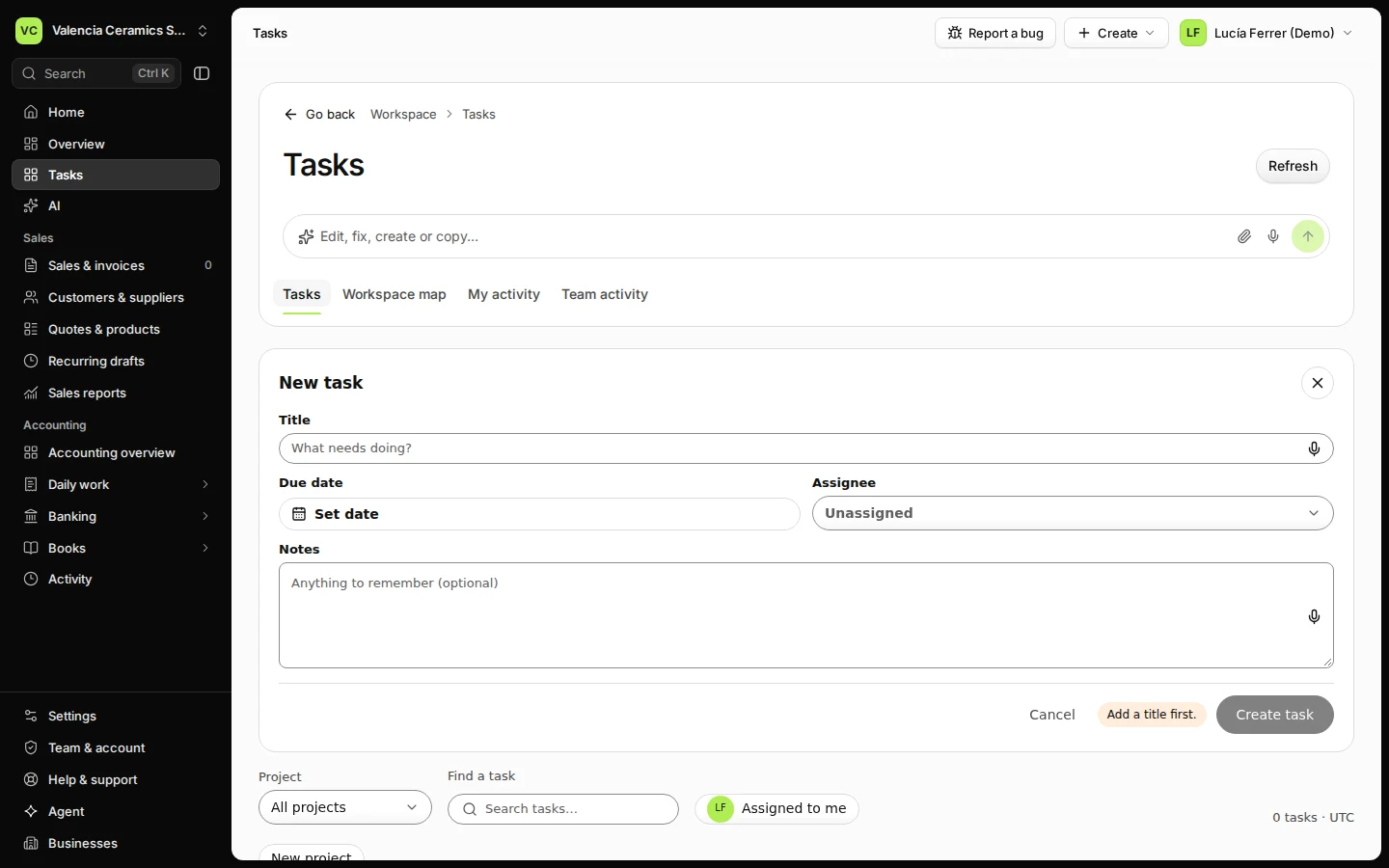
  2. Write what needs doing and, if you like, who does it and by when.
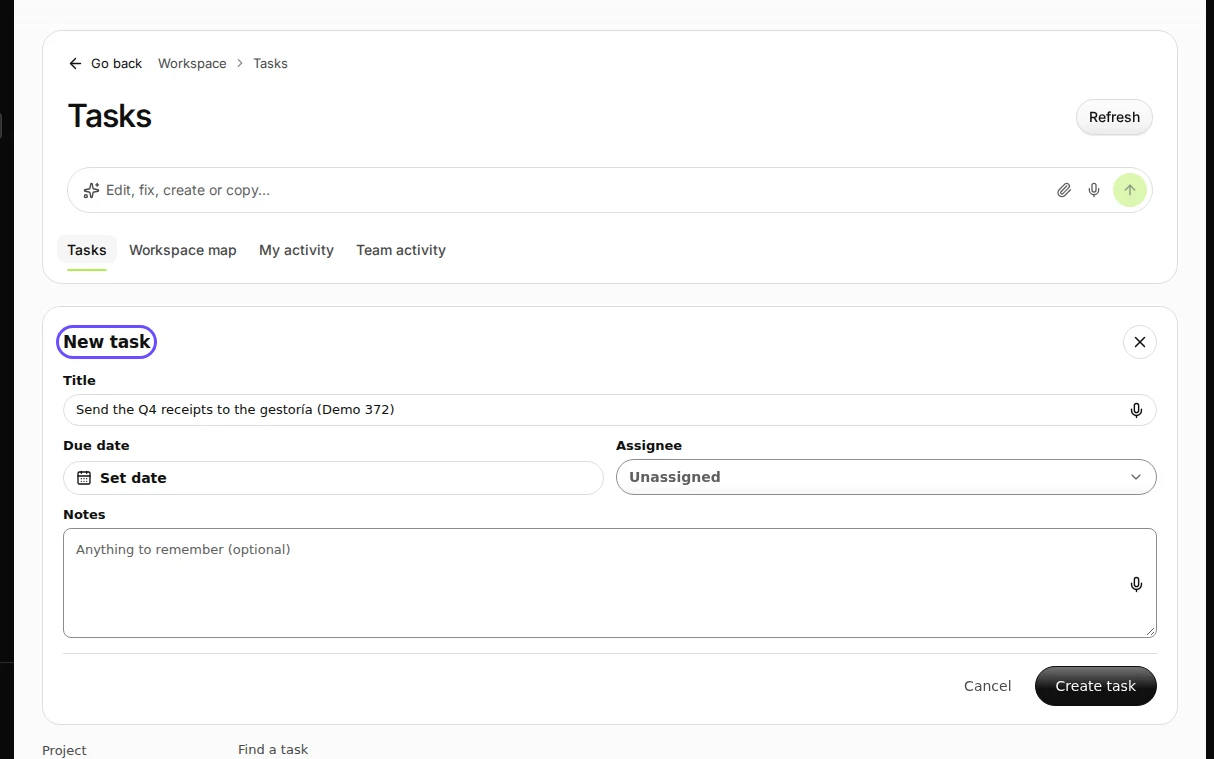
    Step 2: Write what needs doing and, if you like, who does it and by when.
    Step 2 in Deline (Spain business, fictional data) · See the whole screen
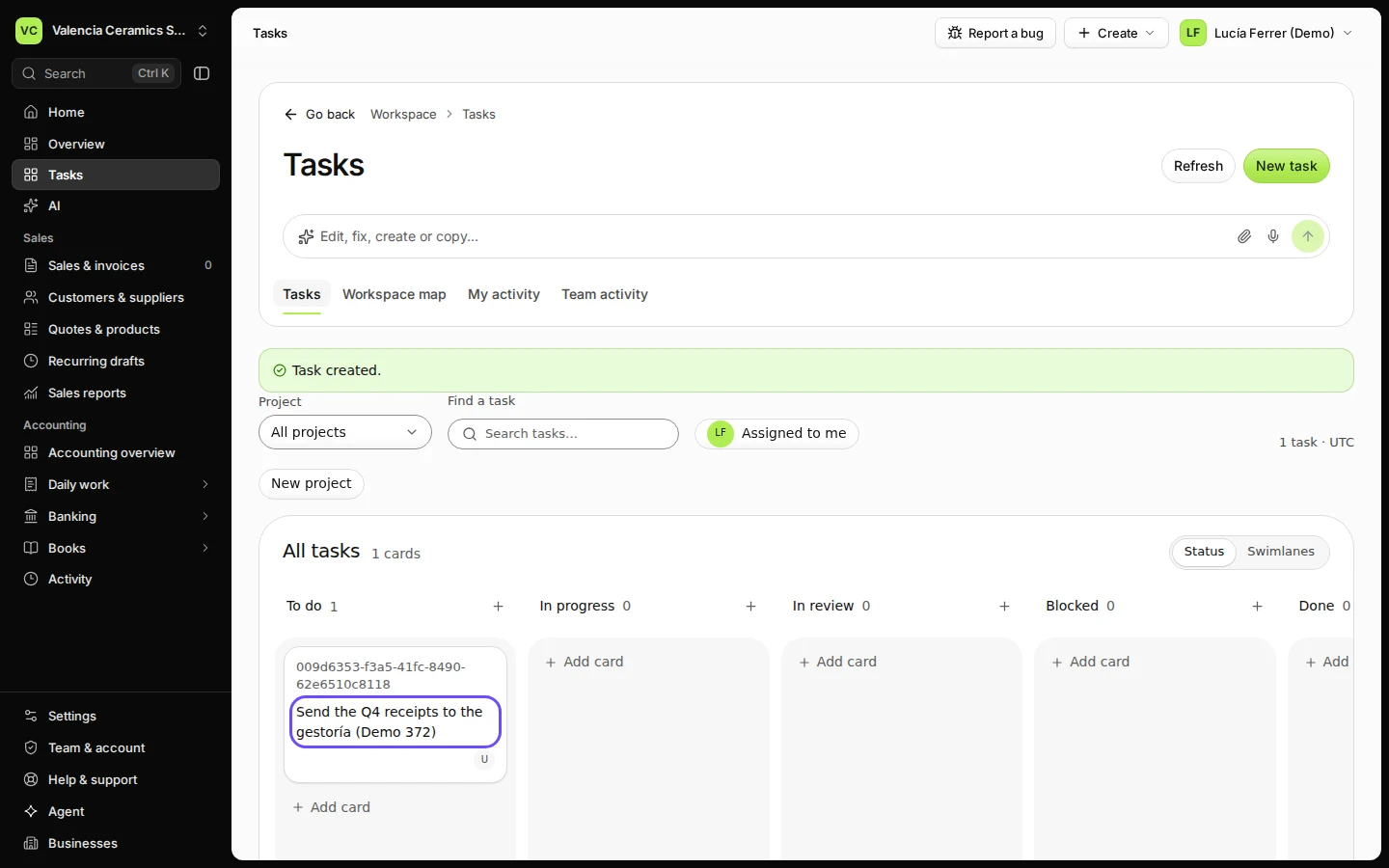
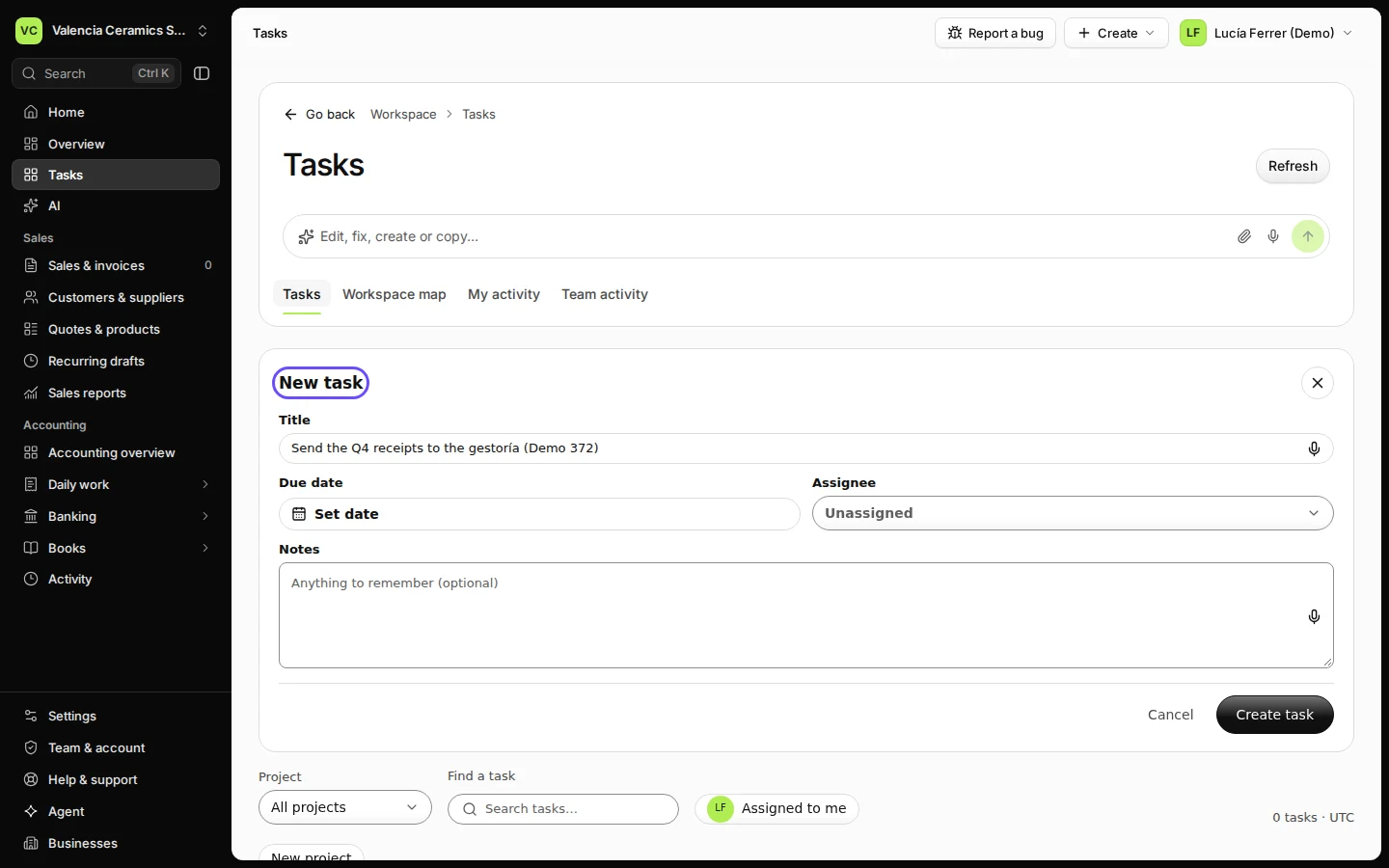
  3. Press Create task.

    Step 3: Press Create task.
    Step 3 in Deline (Spain business, fictional data) · See the whole screen
Last checked 2026-11-08 by the guide runner on build dcfdeab0a (Deline dac92a47a) (local Deline stack).