
Steps
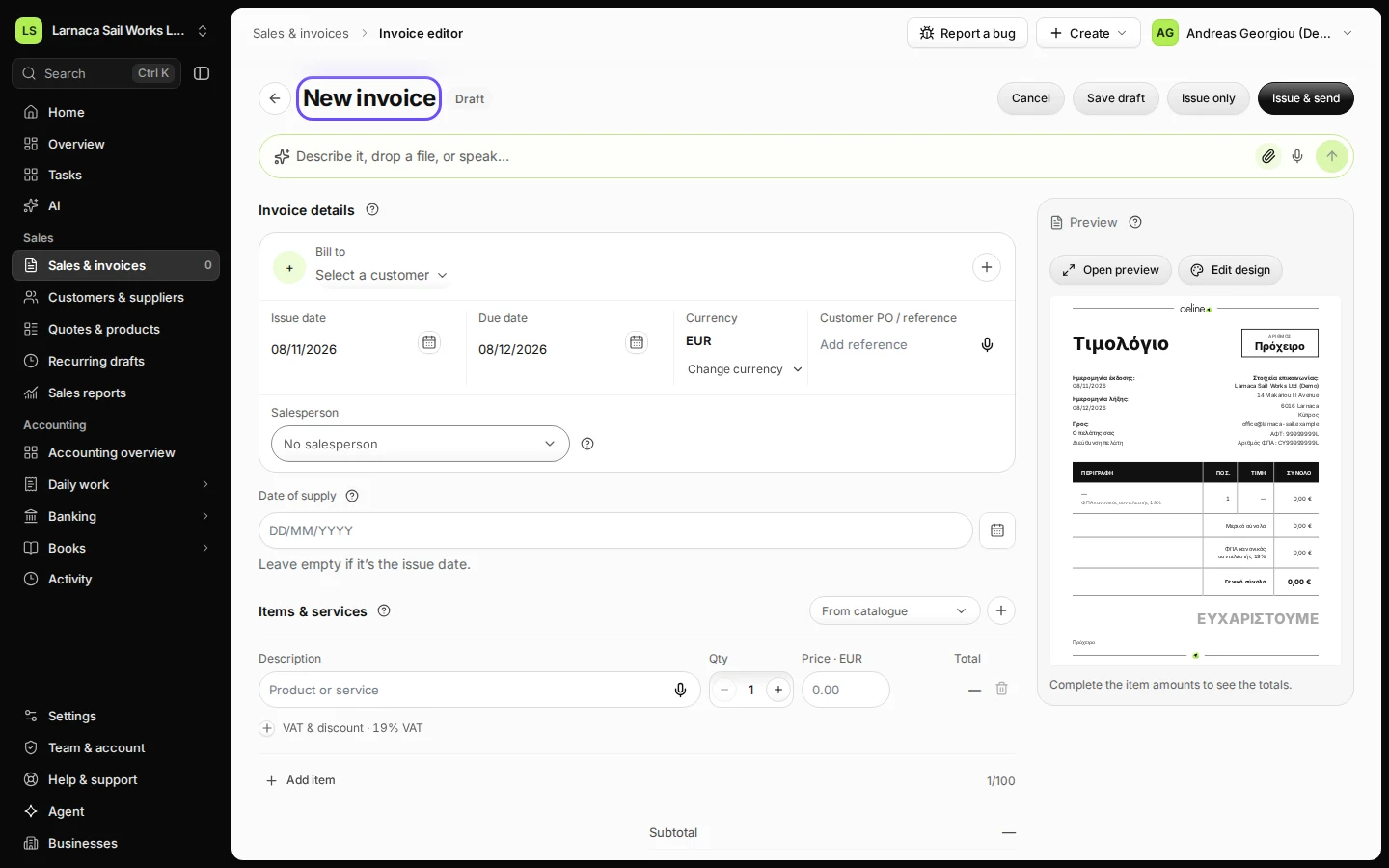
Open Sales & invoices and press New invoice.
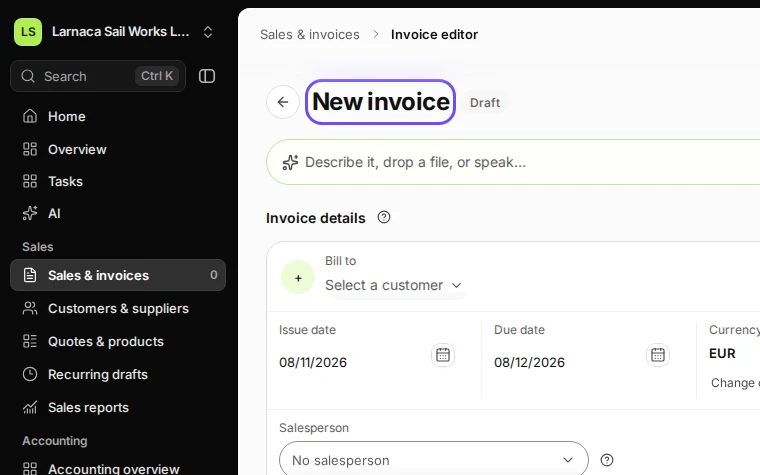
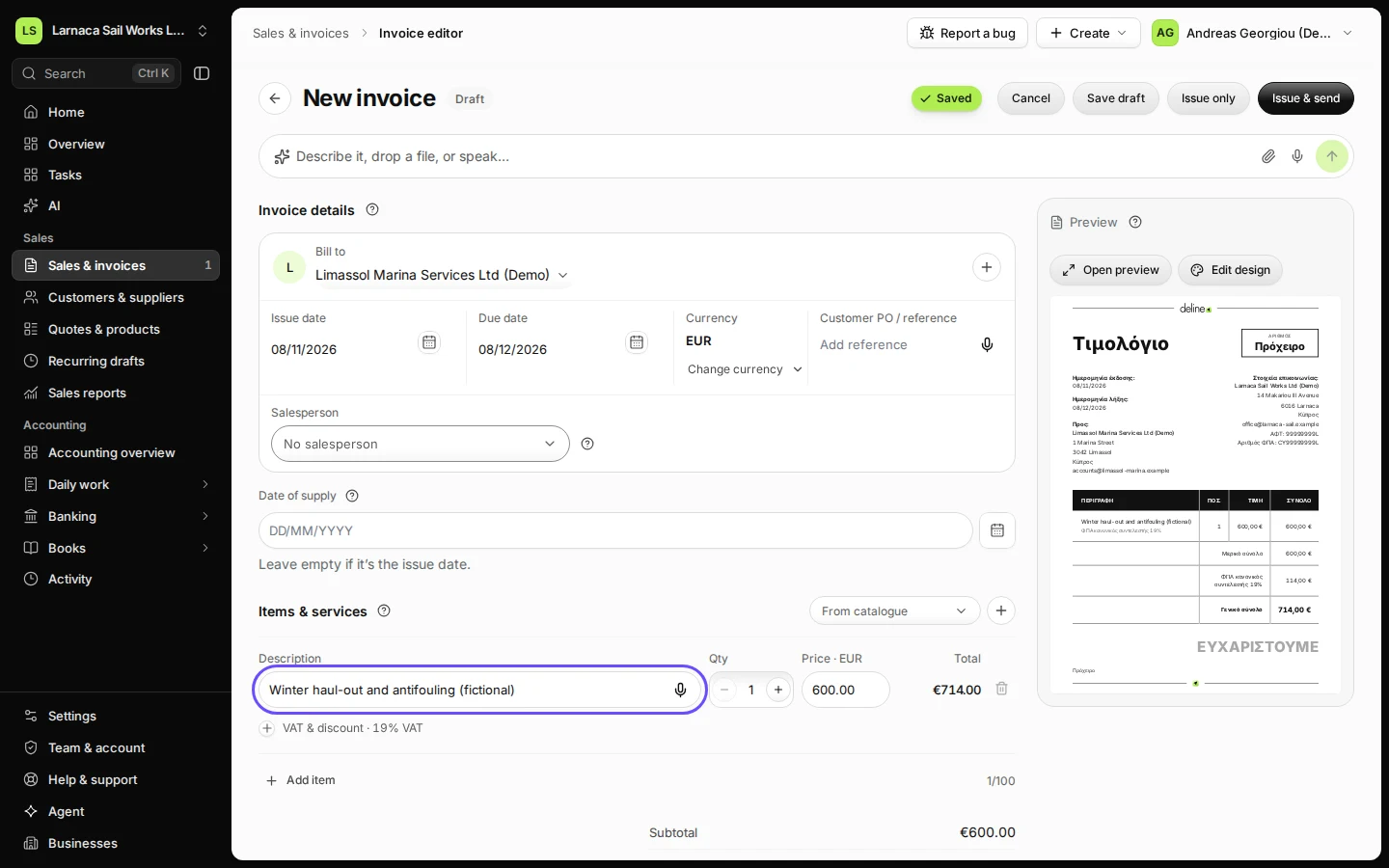
Step 1 in Deline (Cyprus business, fictional data) · See the whole screen Choose the customer and add the items.
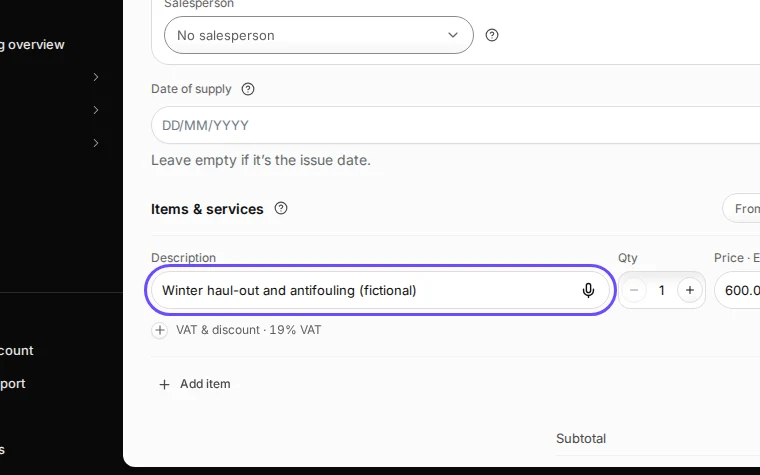
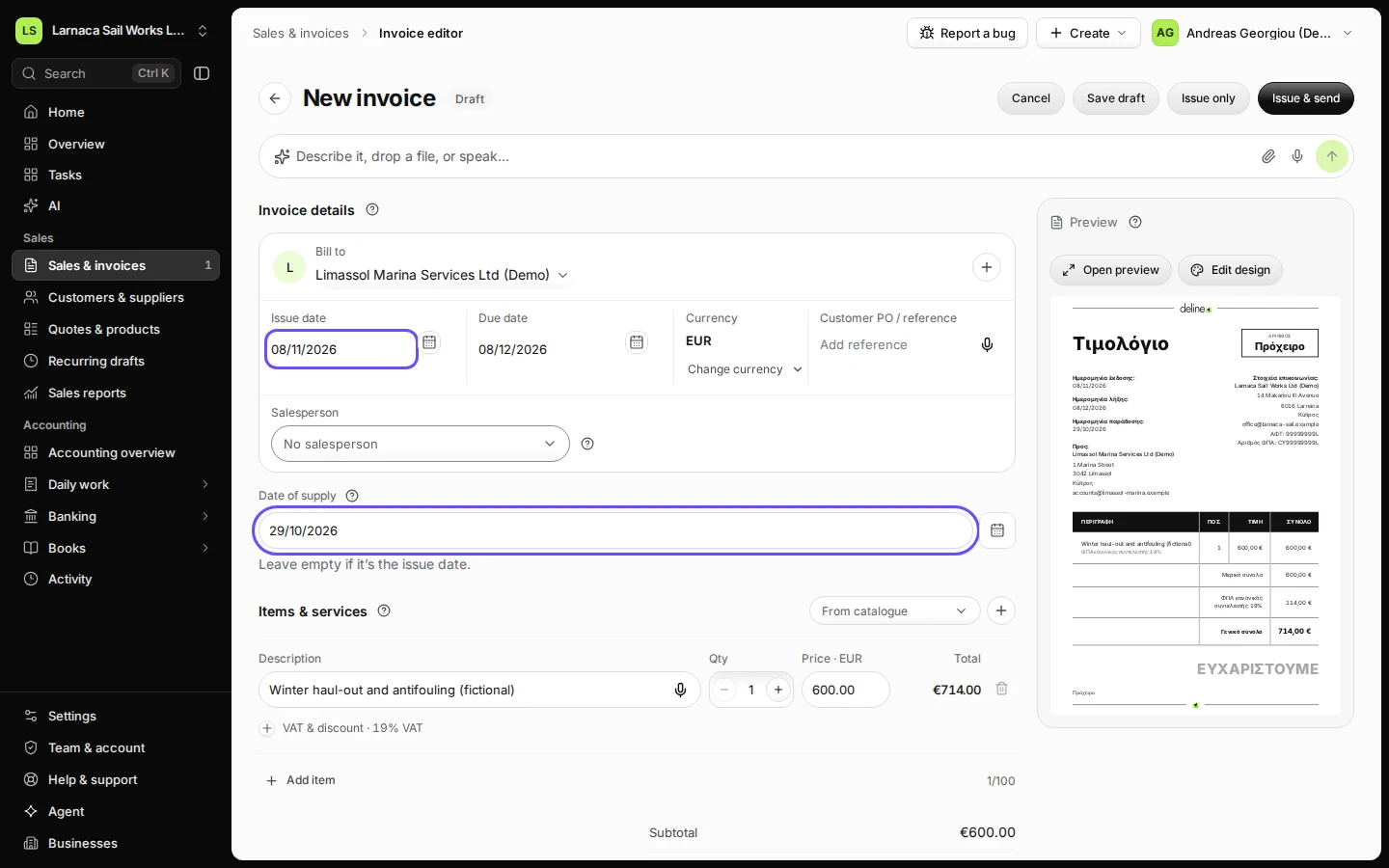
Step 2 in Deline (Cyprus business, fictional data) · See the whole screen If you delivered on another day than the invoice date, enter the Date of supply.
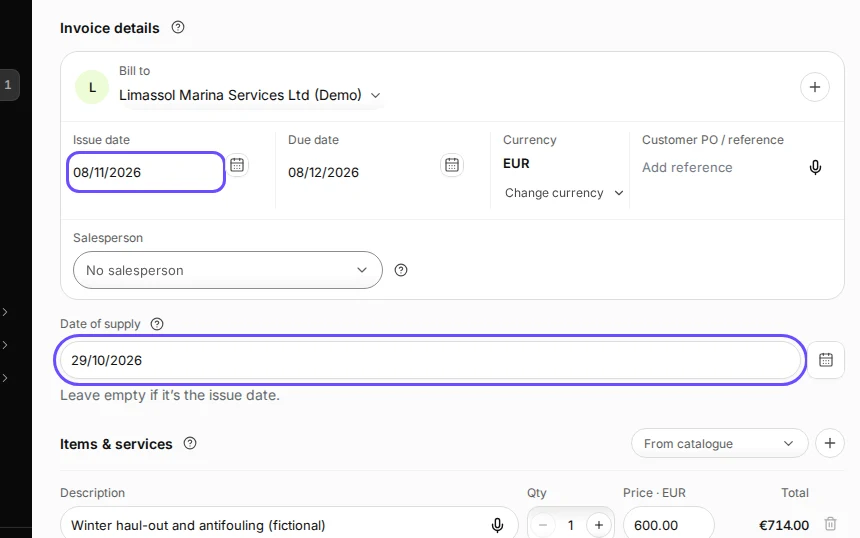
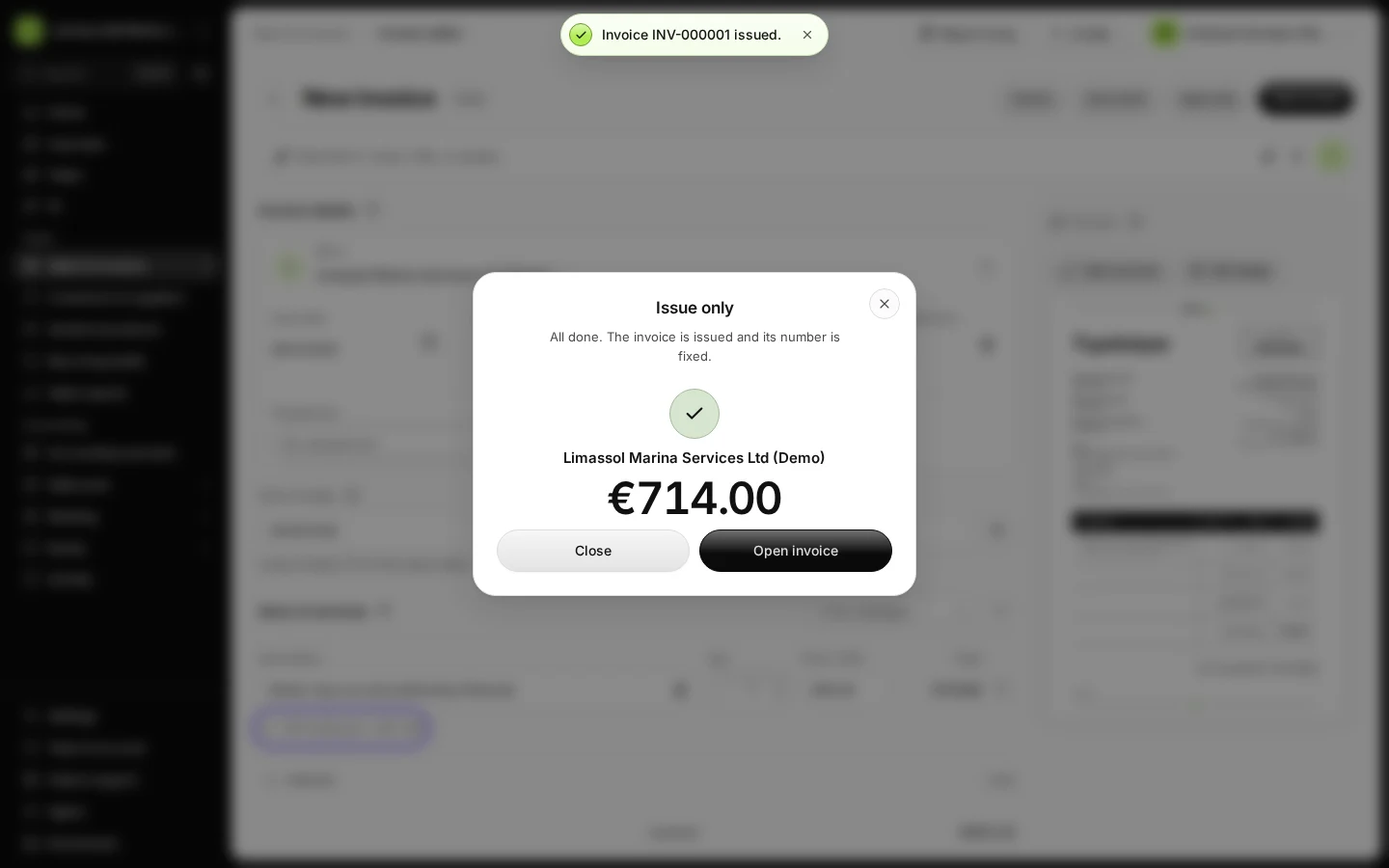
Step 3 in Deline (Cyprus business, fictional data) · See the whole screen Check the VAT on each line, then issue the invoice.
Issuing gives the invoice its number and fixes its content.
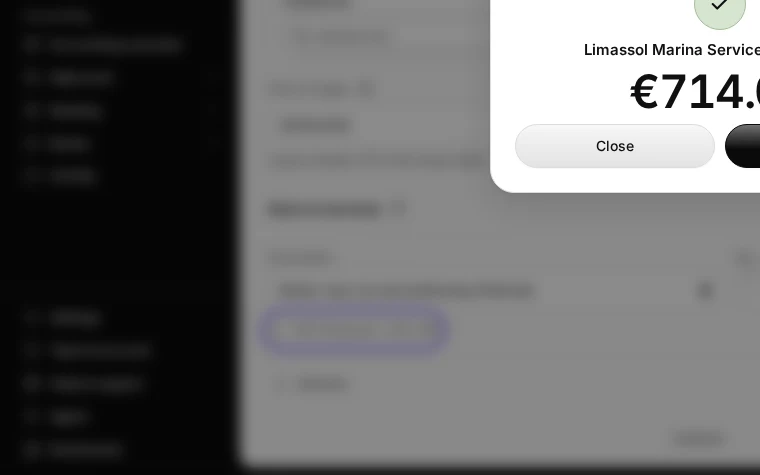
Step 4 in Deline (Cyprus business, fictional data) · See the whole screen
Last checked 2026-11-08 by the guide runner on build 5bcaf3a46 (Deline 06cb5749b) (local Deline stack).