
Before you start
- From your old program: the trial balance on the day before your first day in Deline, with account code, name, debit and credit columns.
- Three files from your old books: that trial balance, the bank statement covering the first day, and last year's tax return (Modelo 200 or 100 in Spain). PDF, PNG, JPEG, CSV or Excel.
- Unpaid customer invoices and supplier bills on that day are added in the same review (Add unpaid invoice or bill).
Steps
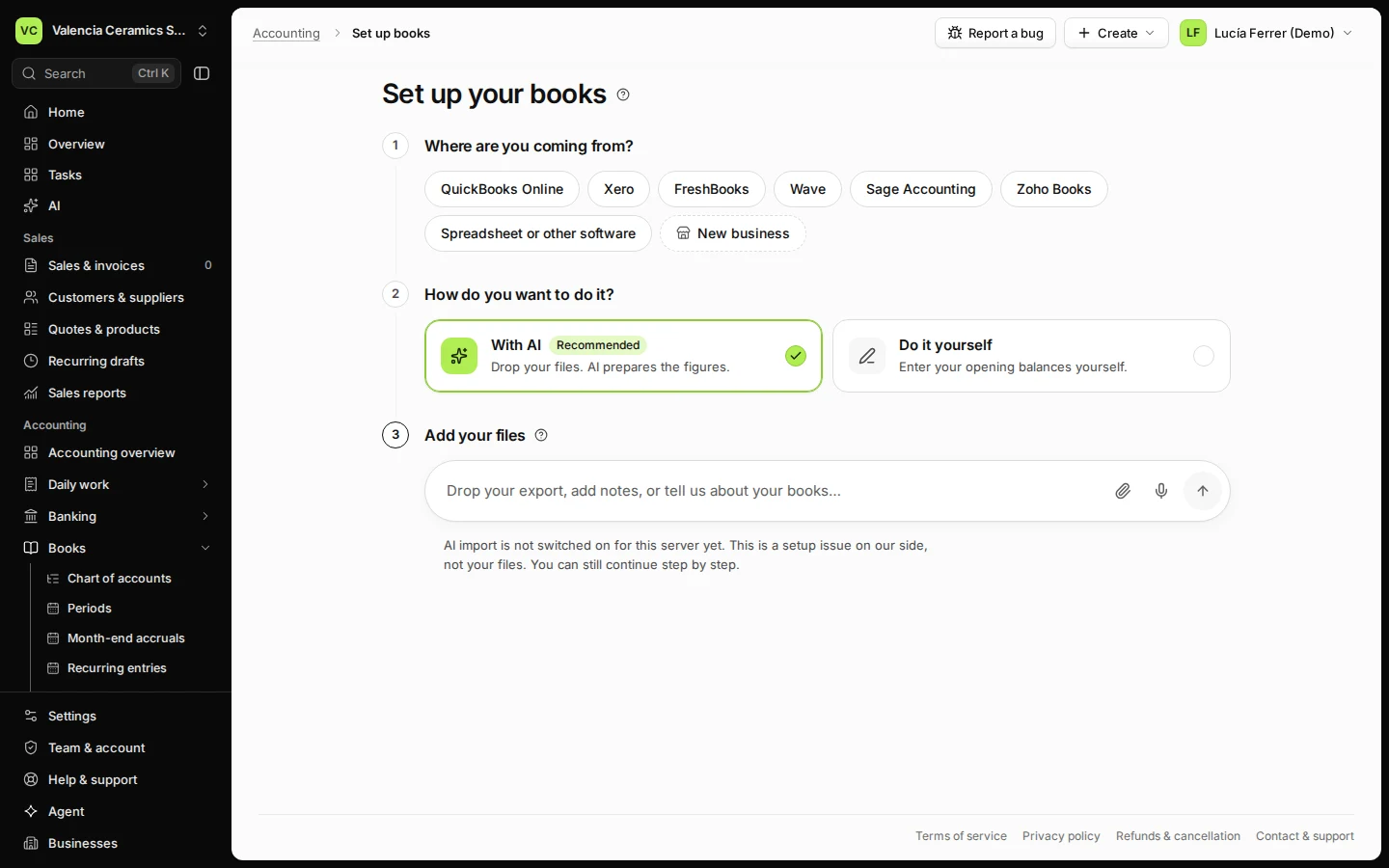
Open Accounting overview and press Set up books in EUR.
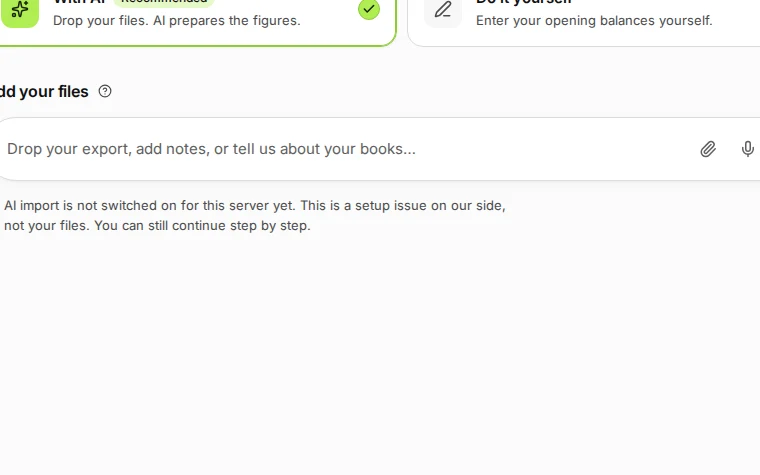
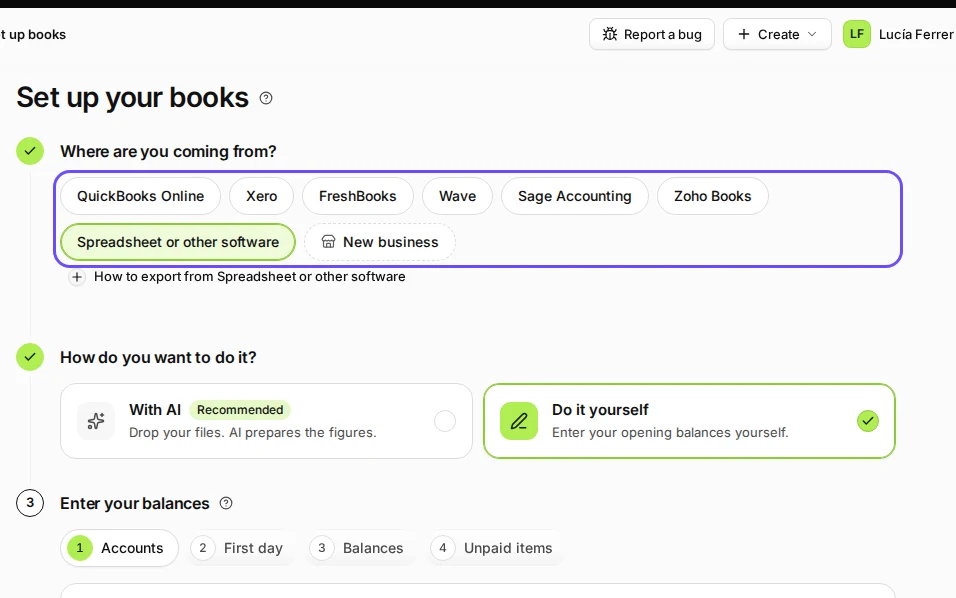
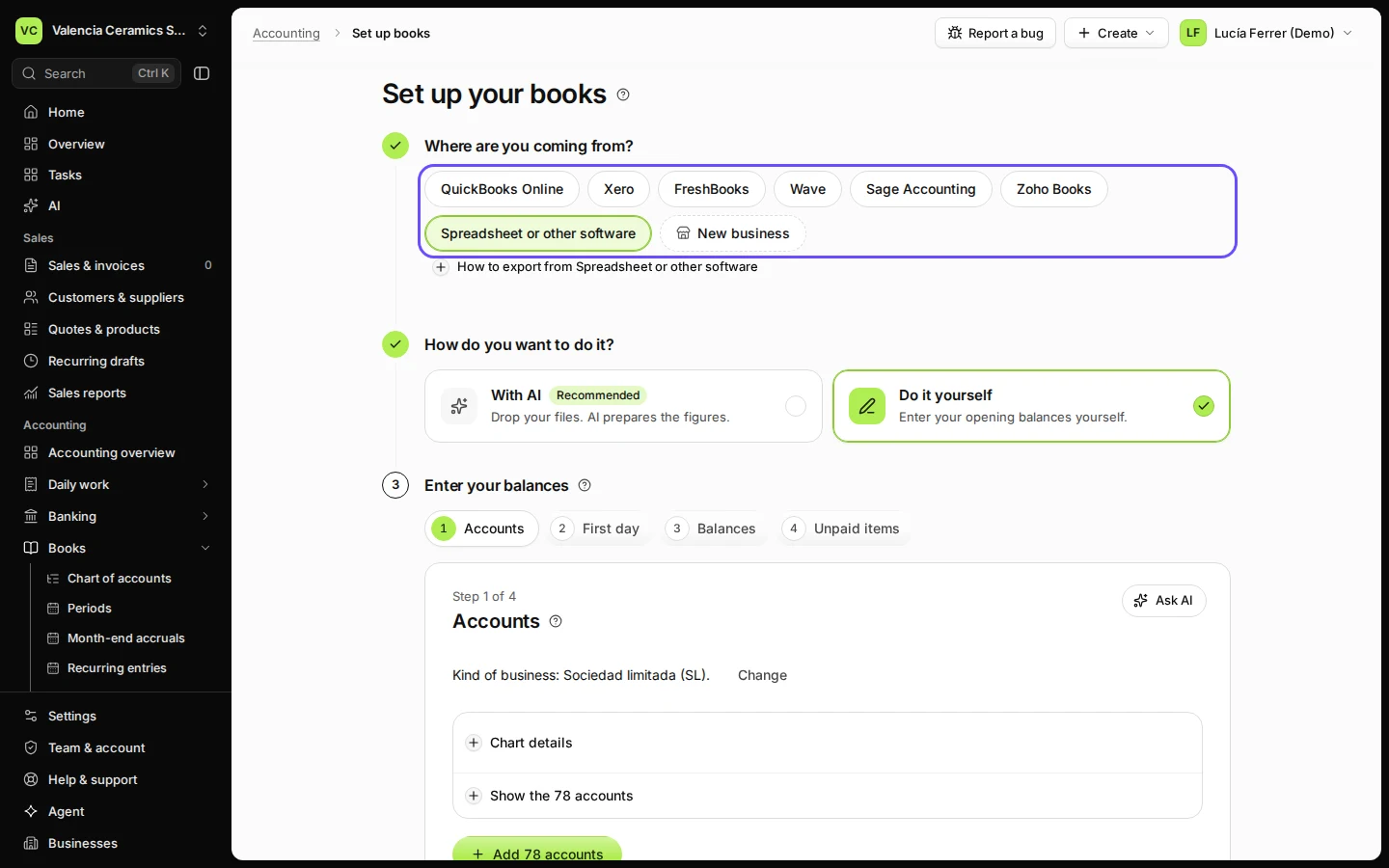
Step 1 in Deline (Spain business, fictional data) · See the whole screen Choose Spreadsheet or other software and Do it yourself.
Coming from QuickBooks Online, Xero, FreshBooks, Wave, Sage or Zoho Books? Choose it instead; the steps are the same.
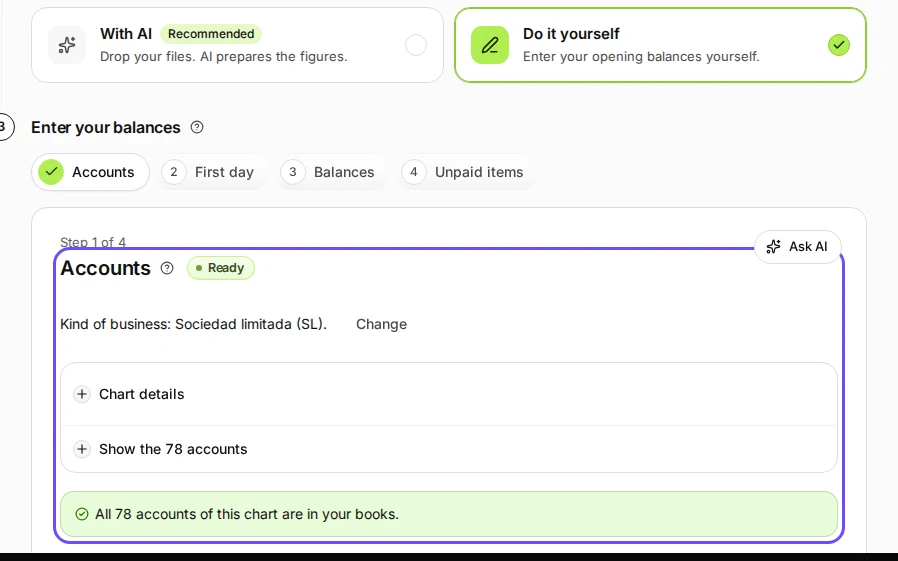
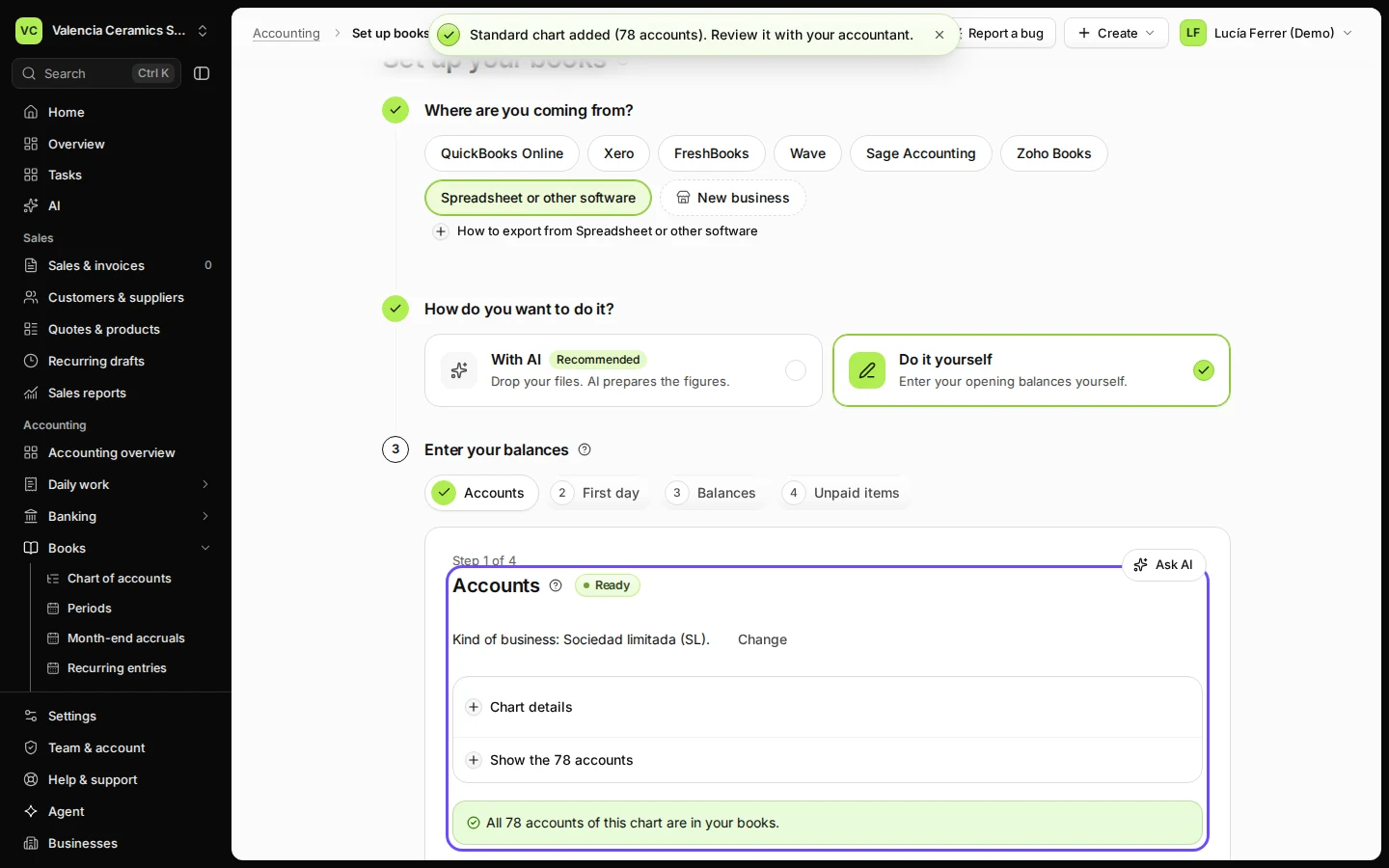
Step 2 in Deline (Spain business, fictional data) · See the whole screen Add the accounts of your chart.
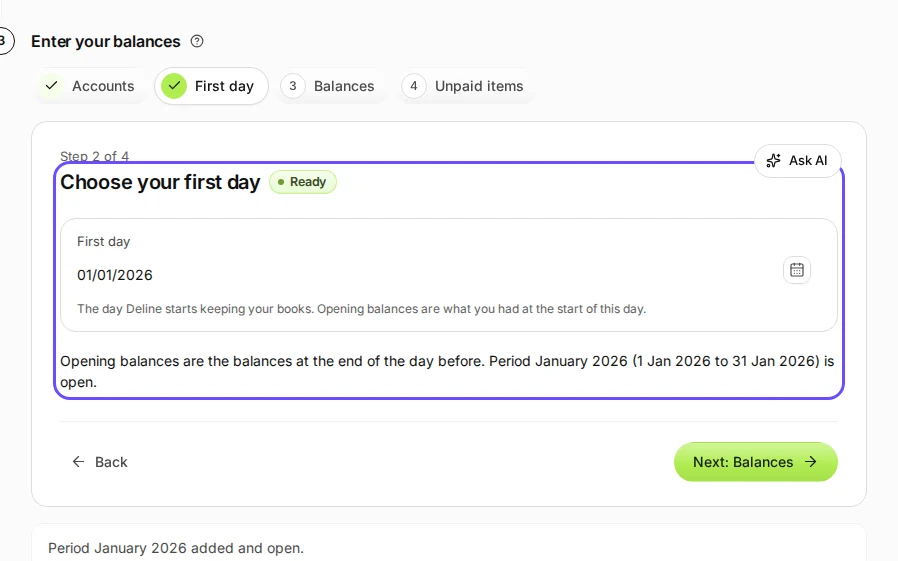
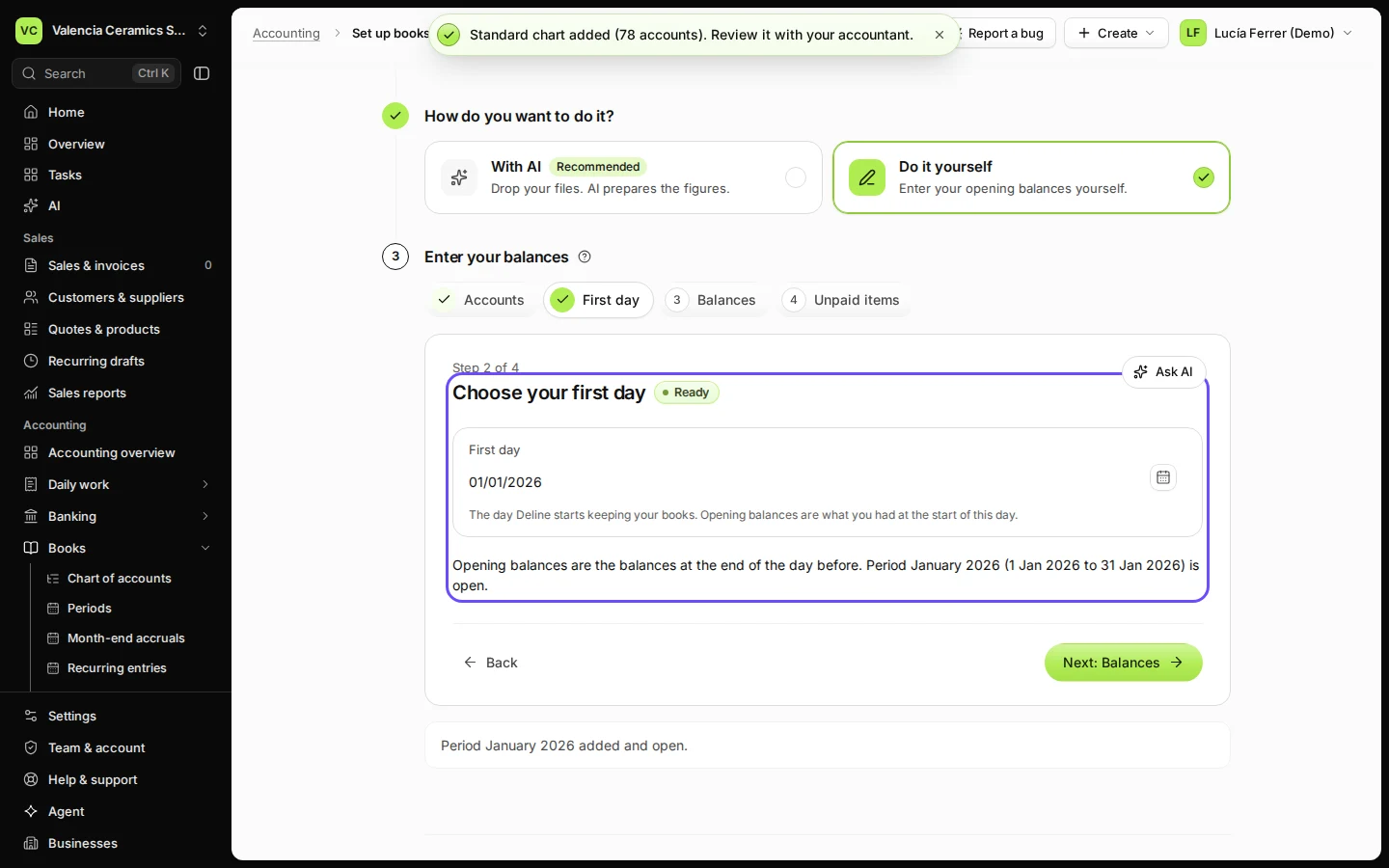
Step 3 in Deline (Spain business, fictional data) · See the whole screen Choose your first day and add its period.
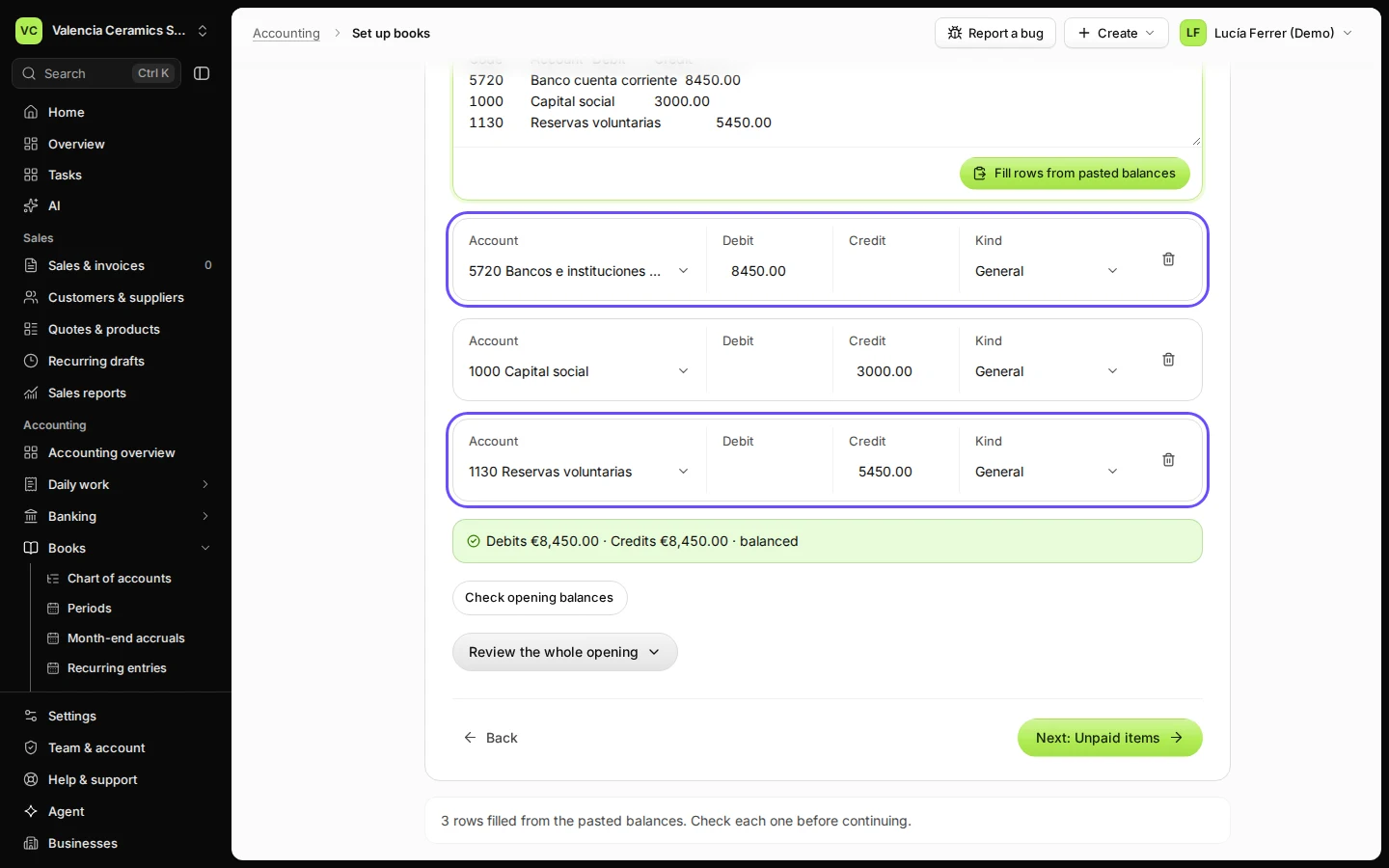
Step 4 in Deline (Spain business, fictional data) · See the whole screen Paste the trial balance from your old program and press Fill rows from pasted balances.
Press Paste a trial balance and paste the rows straight from Excel or your old program. A code that is not in your chart yet is listed under Match accounts from your old books so you can choose where it goes.
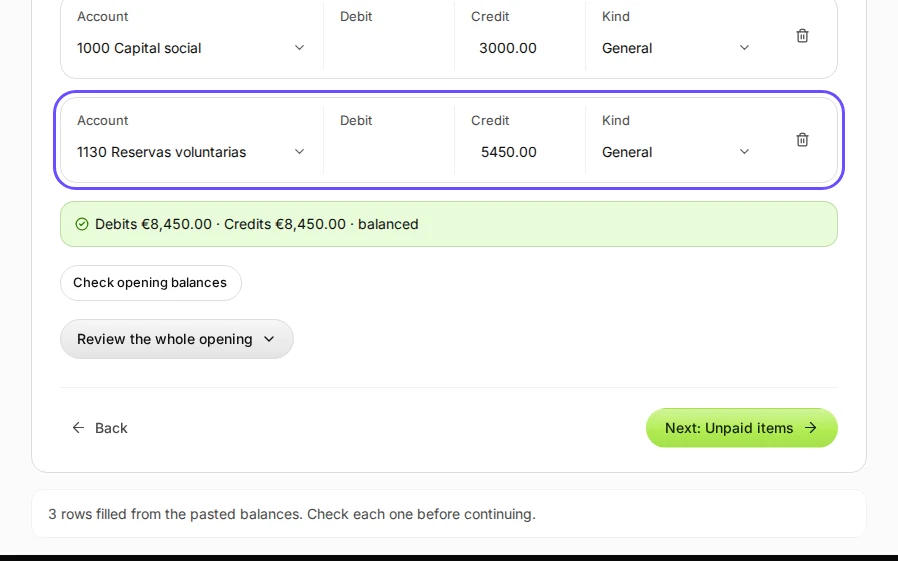
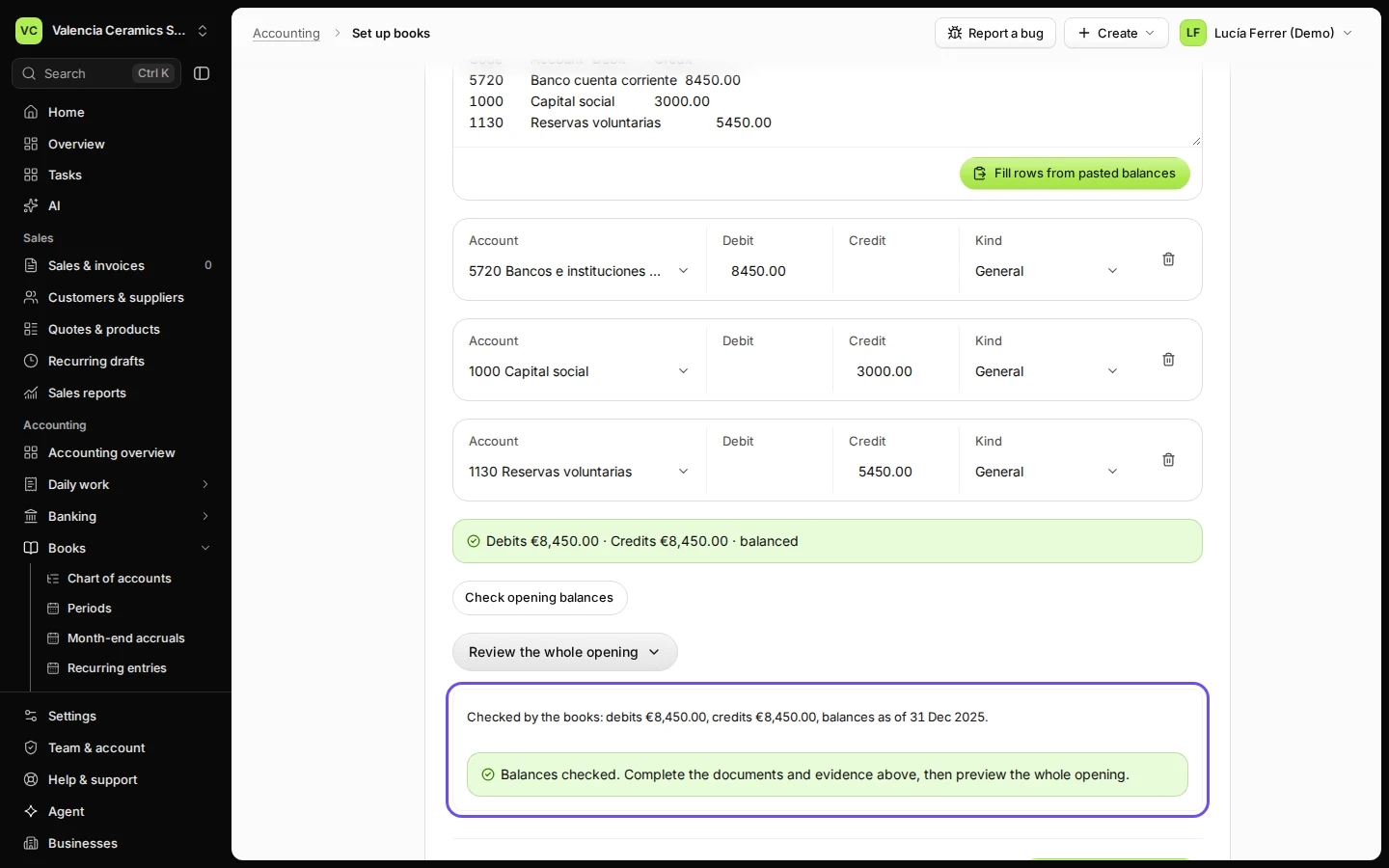
Step 5 in Deline (Spain business, fictional data) · See the whole screen Press Check opening balances.
The books check that debits equal credits and that the first day has an open period.
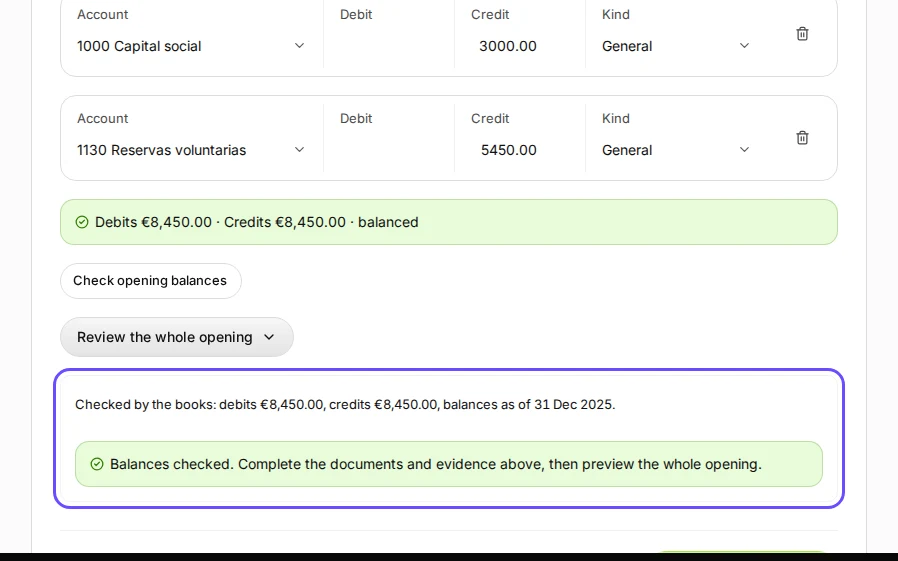
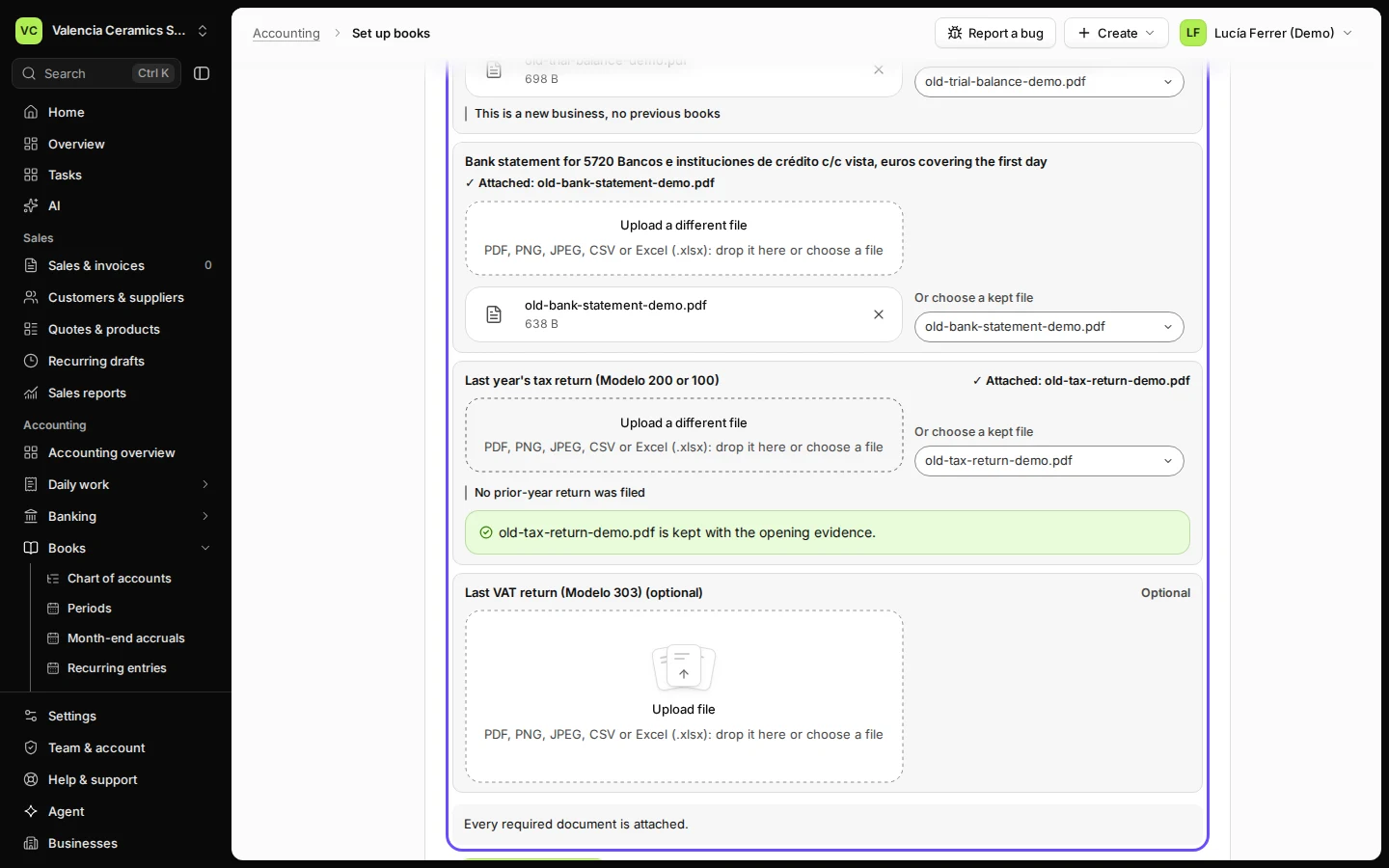
Step 6 in Deline (Spain business, fictional data) · See the whole screen Press Review the whole opening, name the old program and attach the three documents.
Under Where the figures come from, say which program and which report the figures come from. Attach the trial balance, the bank statement and last year's tax return.
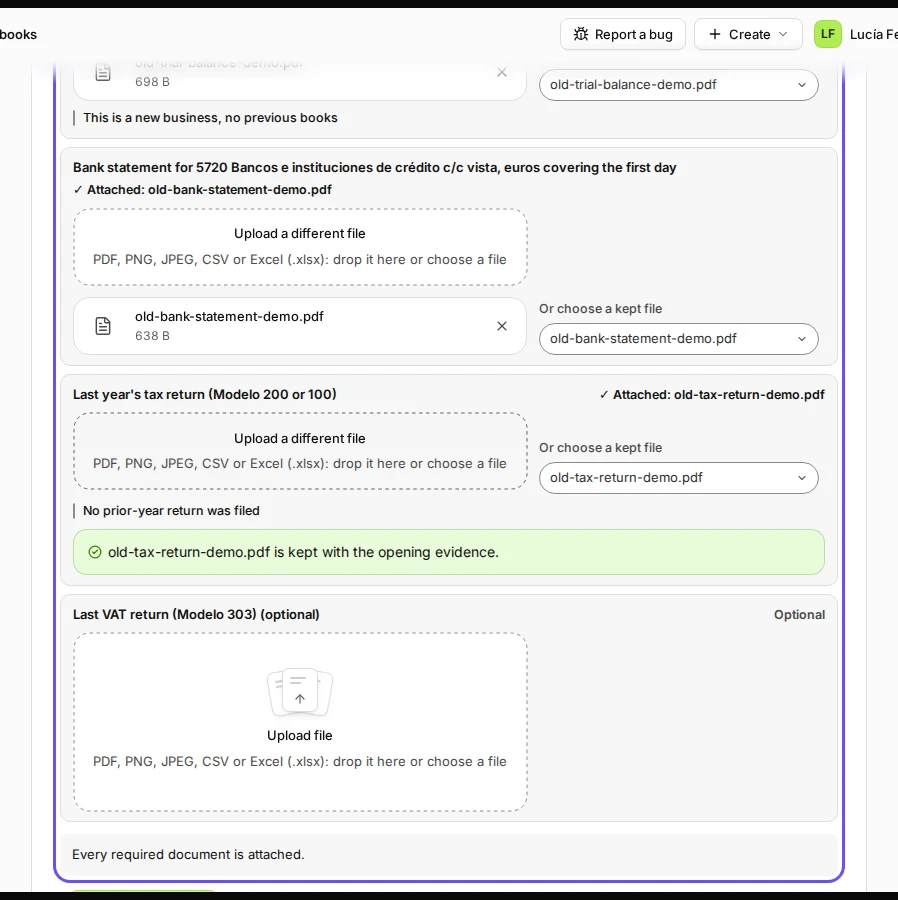
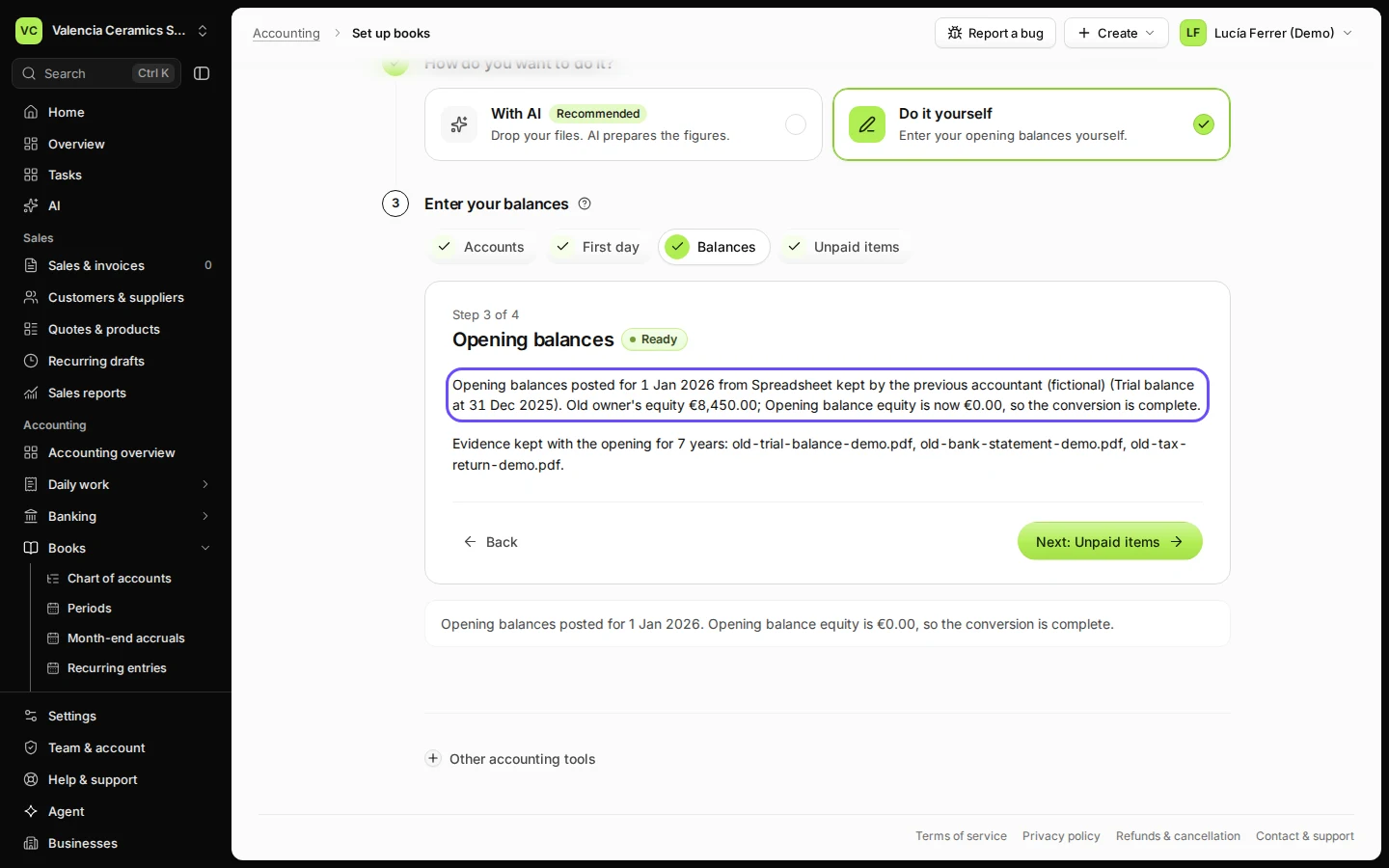
Step 7 in Deline (Spain business, fictional data) · See the whole screen Press Preview the entries, then Post opening balances.
Check the entries and confirm. The page says Opening balances posted.
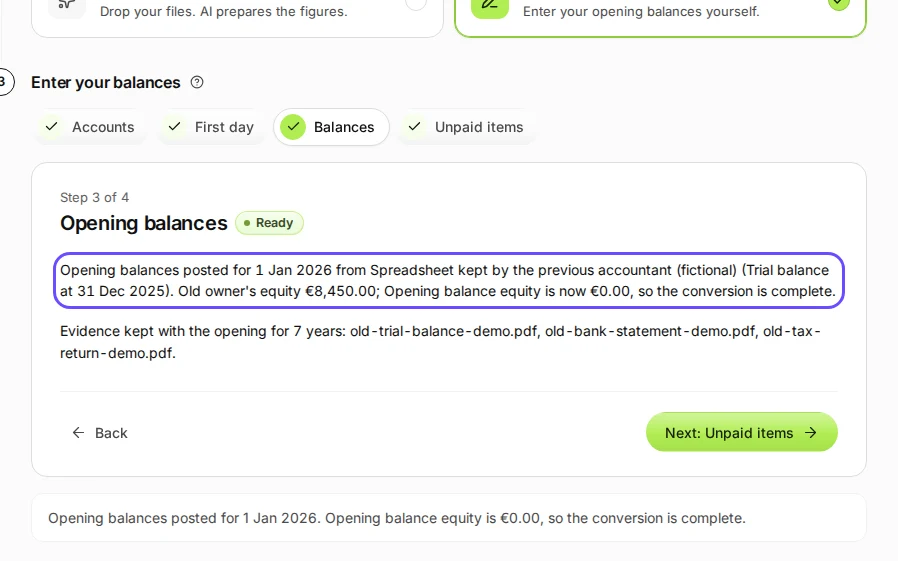
Step 8 in Deline (Spain business, fictional data) · See the whole screen
If something goes wrong
- "accounts from your old books are not in Deline yet": choose the Deline account for each, or create it, then press Add matched balances.
- The totals do not balance: the pasted trial balance is not complete; copy it again with every account.
- Preview the entries stays grey: a required document is missing; the list under Evidence from the old books says which.
Last checked 2026-11-07 by the guide runner on build c5fbd2fa6 (Deline 12a482996) (local Deline stack).