
Before you start
- Your books are set up.
Steps
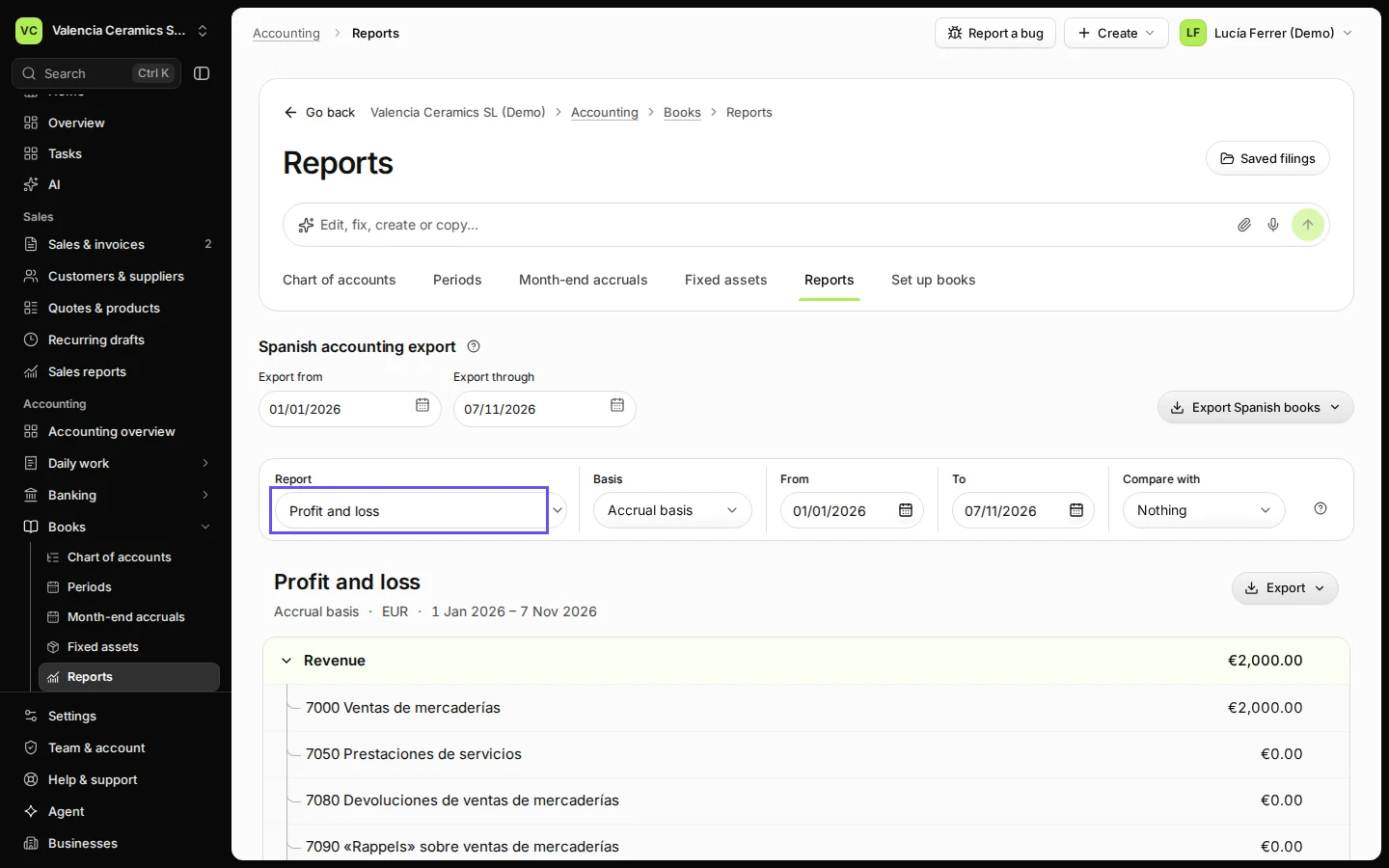
Open Reports from Books.
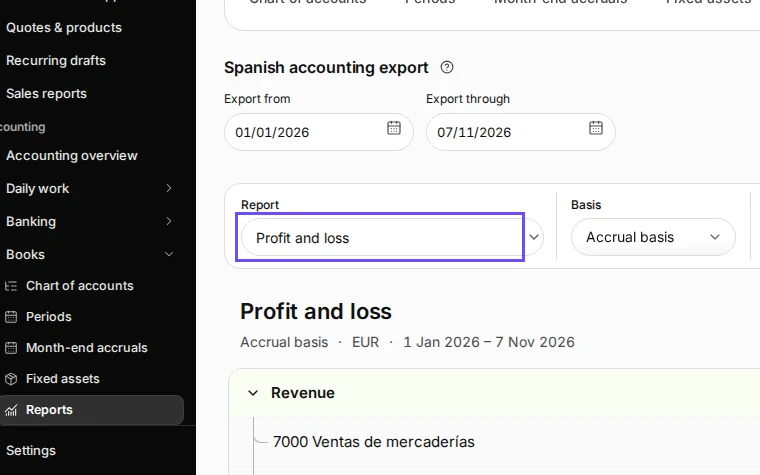
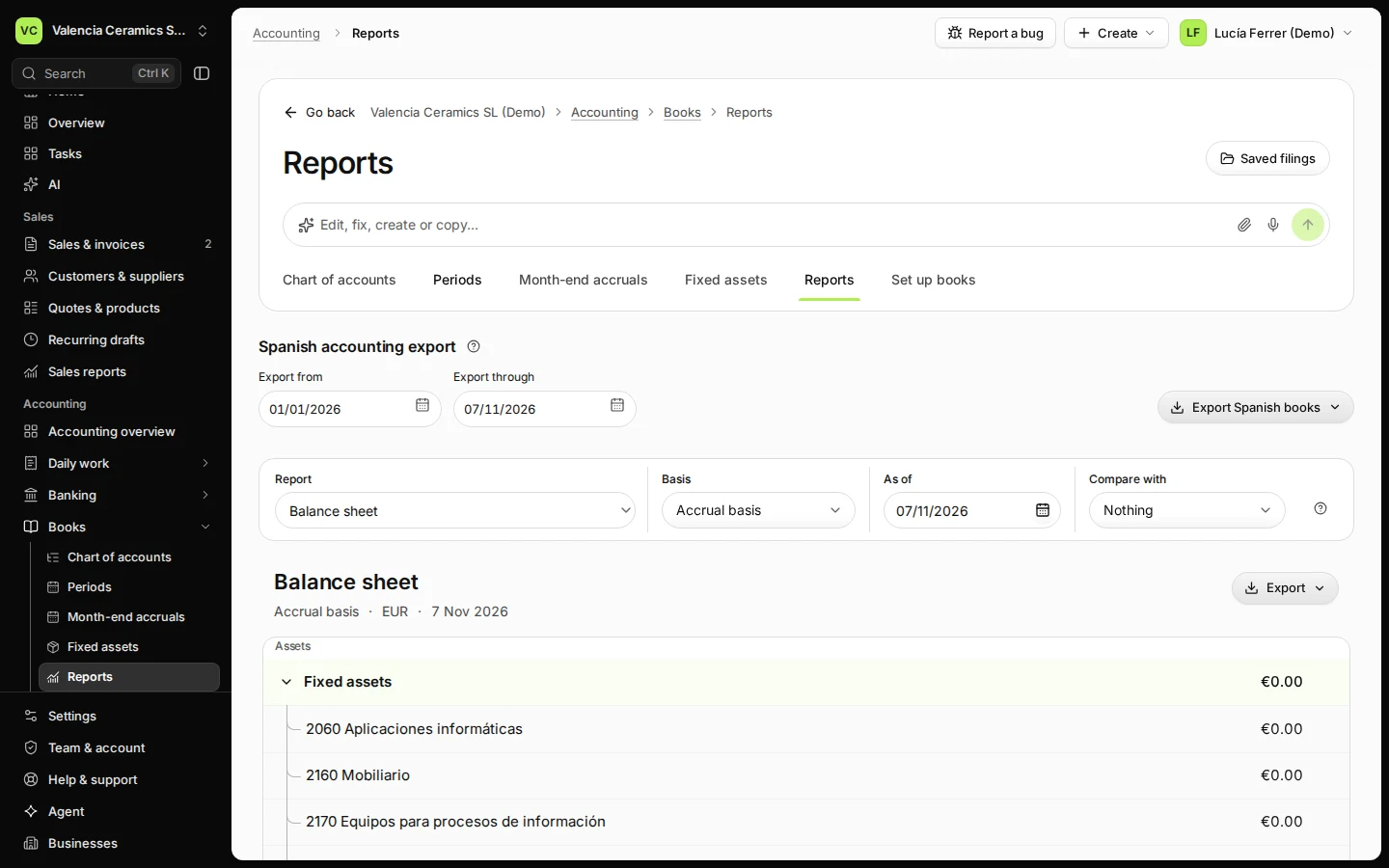
Step 1 in Deline (Spain business, fictional data) · See the whole screen Choose Balance sheet and the date.
The balance sheet is for one day: today, or the last day of a month or year.
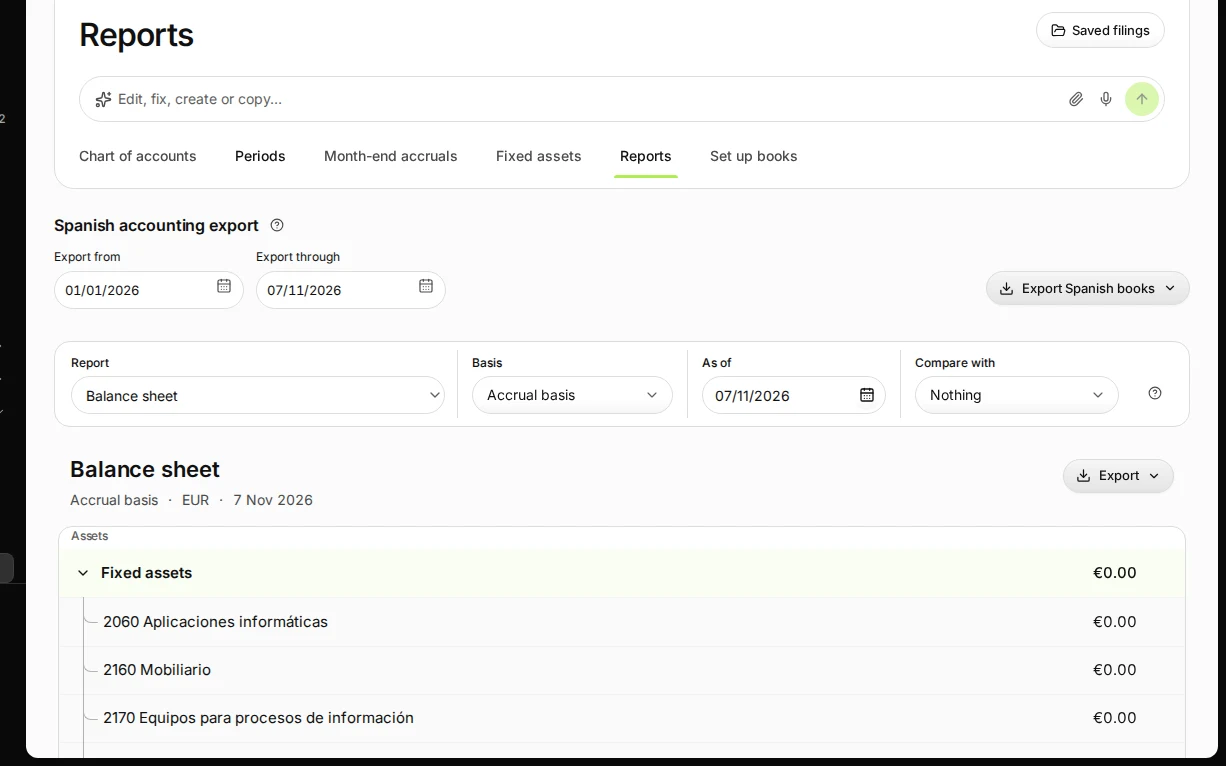
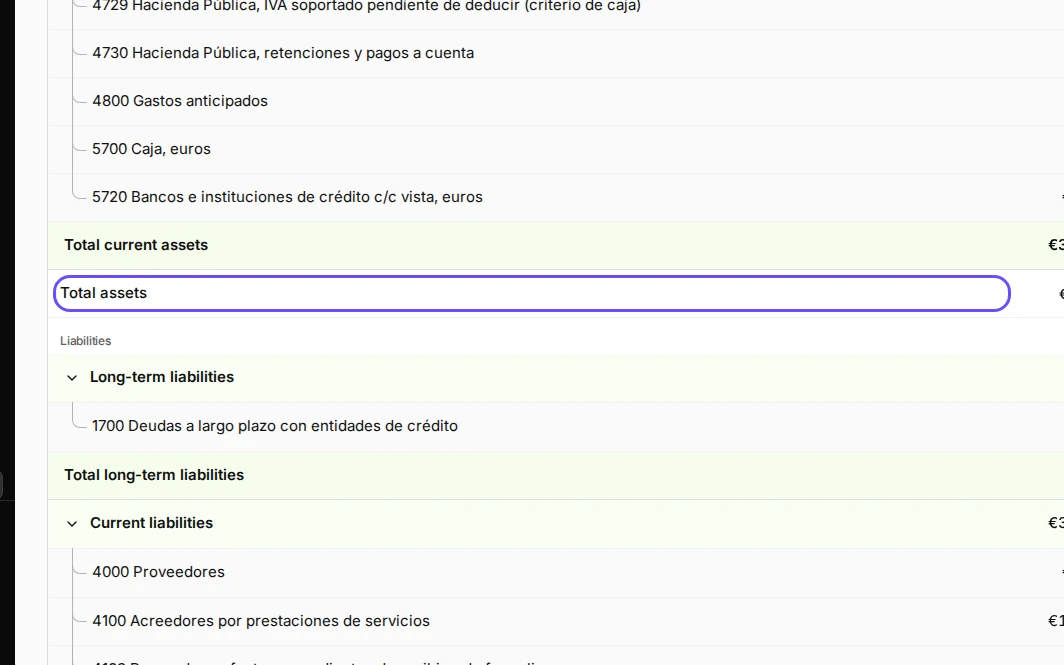
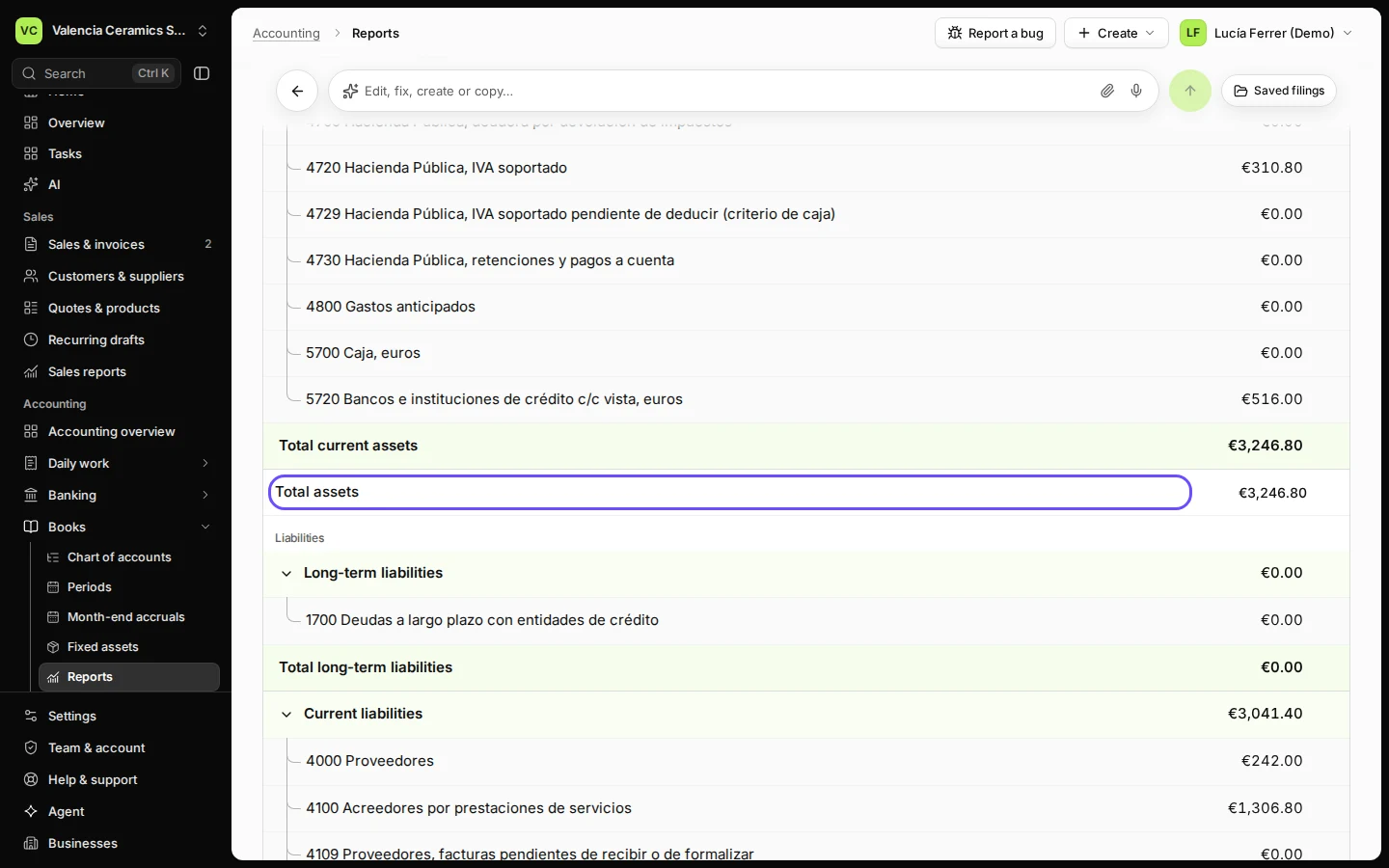
Step 2 in Deline (Spain business, fictional data) · See the whole screen Check that assets equal liabilities plus equity.
Open a group to see each account. This year's profit, not yet closed, shows in equity.
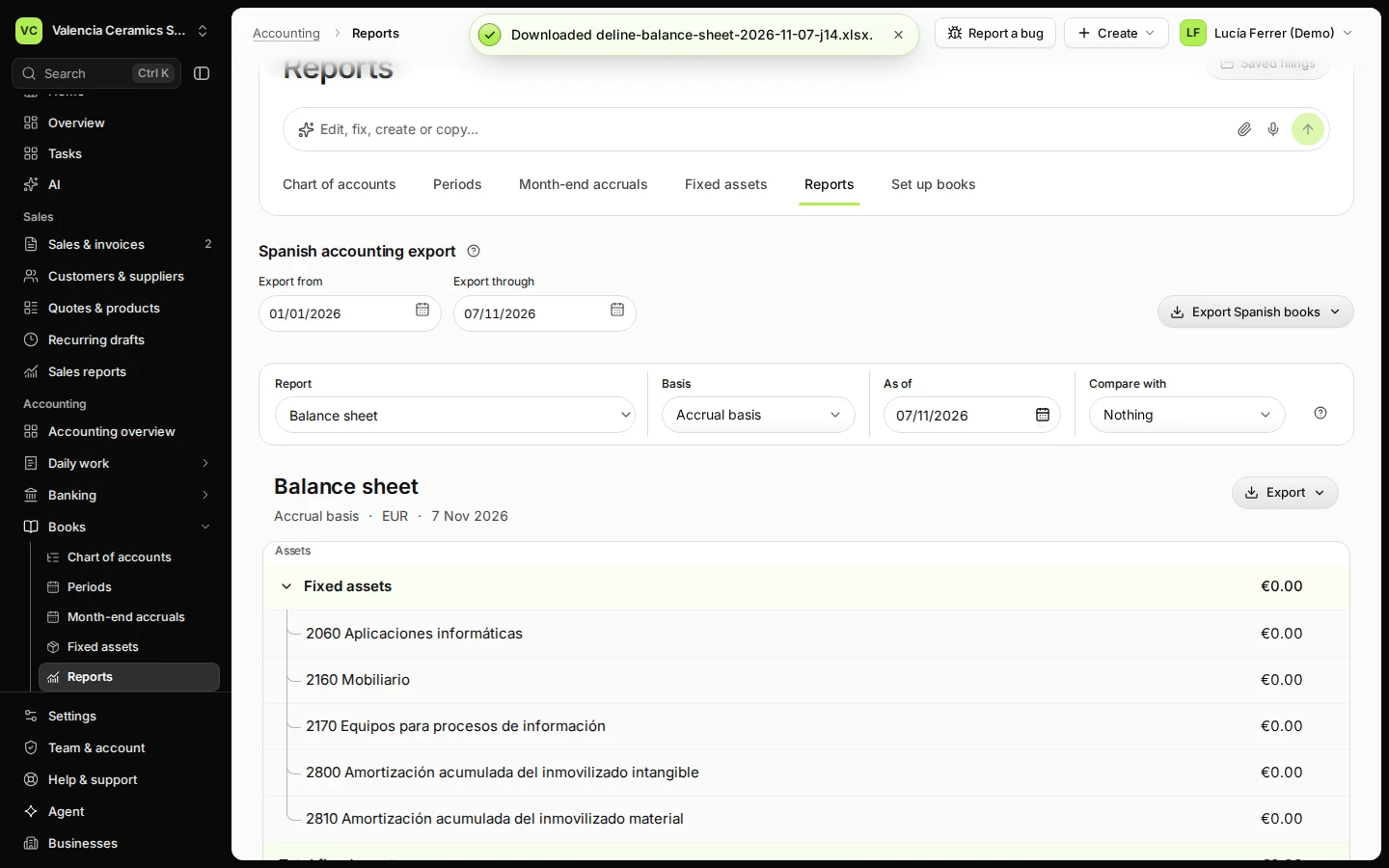
Step 3 in Deline (Spain business, fictional data) · See the whole screen Press Export and choose Download Excel.
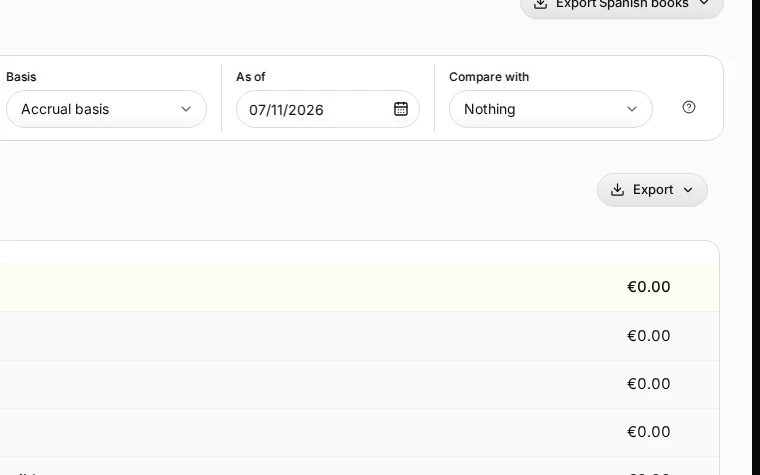
Step 4 in Deline (Spain business, fictional data) · See the whole screen
If something goes wrong
- A bank balance looks wrong: reconcile the bank account first (see Reconcile a bank line with an invoice payment).
- Last year's profit is still shown as this year's: close the year (see Close the year in your books).
Last checked 2026-11-07 by the guide runner on build c5fbd2fa6 (Deline 12a482996) (local Deline stack).