
Before you start
- Your books are set up. Invoices and bills post to them automatically; anything still waiting is in Daily work → Posting queue.
Steps
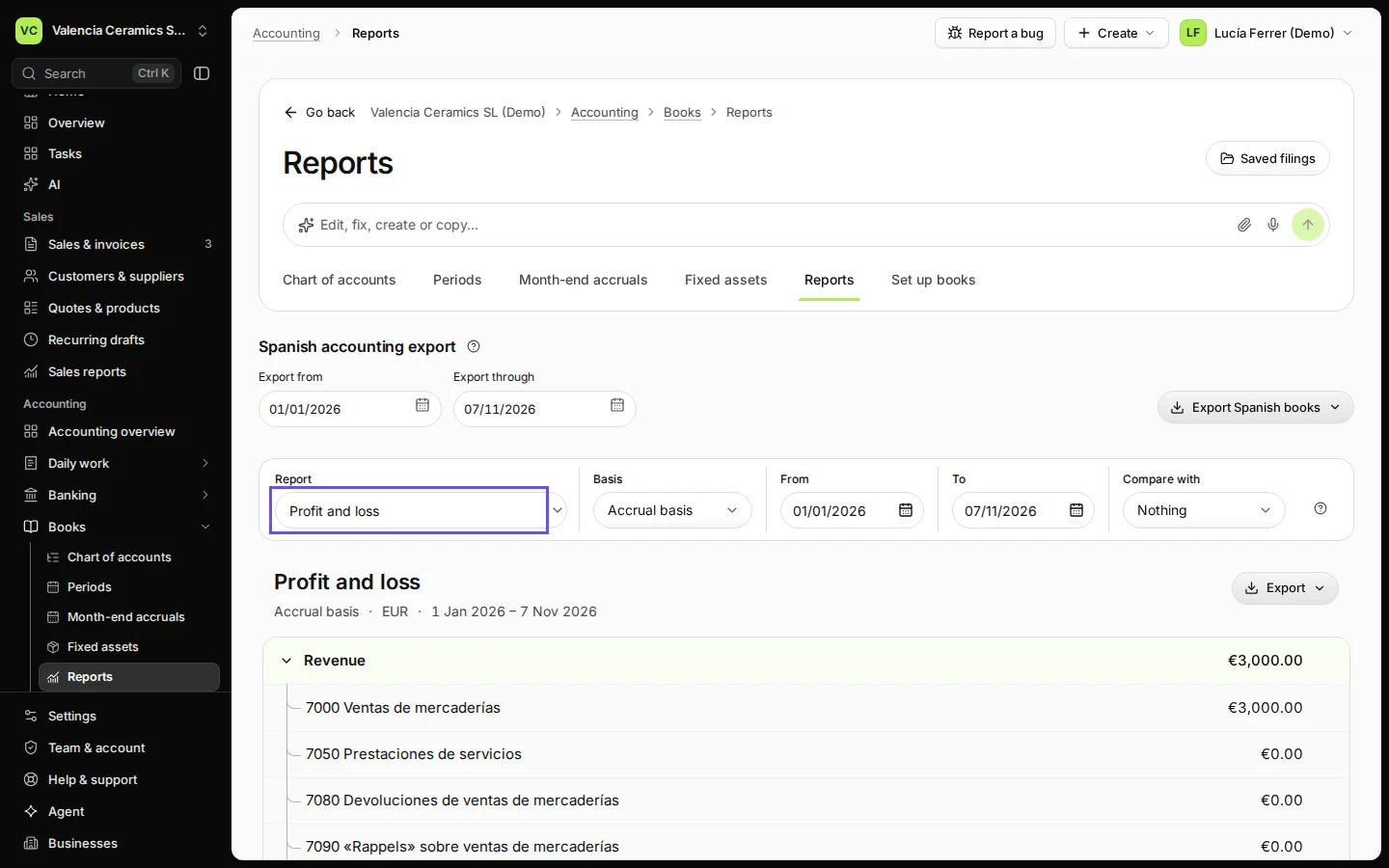
Open Reports from Books.
Profit and loss opens first, from 1 January to today.
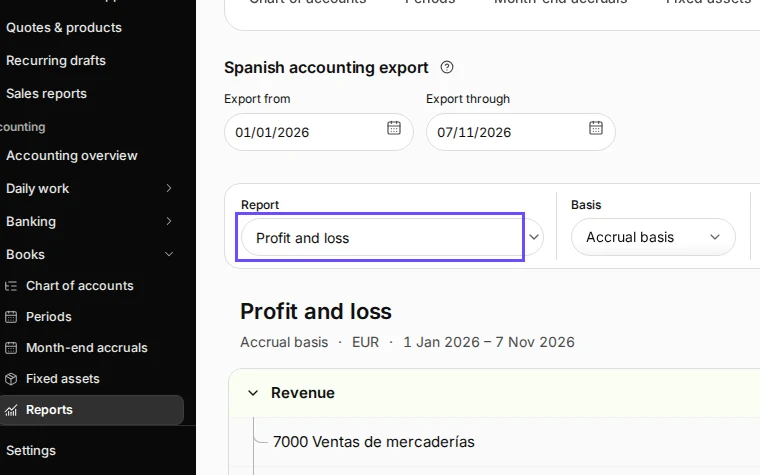
Step 1 in Deline (Spain business, fictional data) · See the whole screen Choose Profit and loss and the dates.
Change From and To for another period, or Compare with a previous period. Basis switches between accrual (by invoice date) and cash.
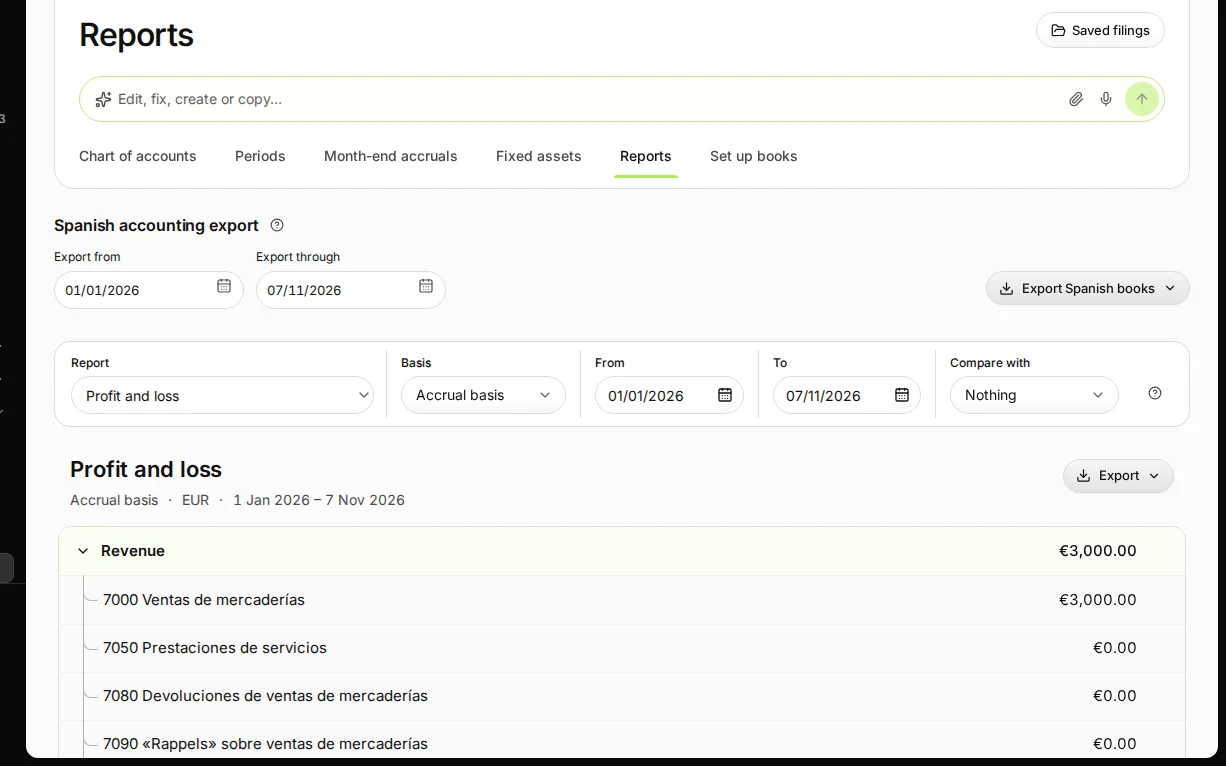
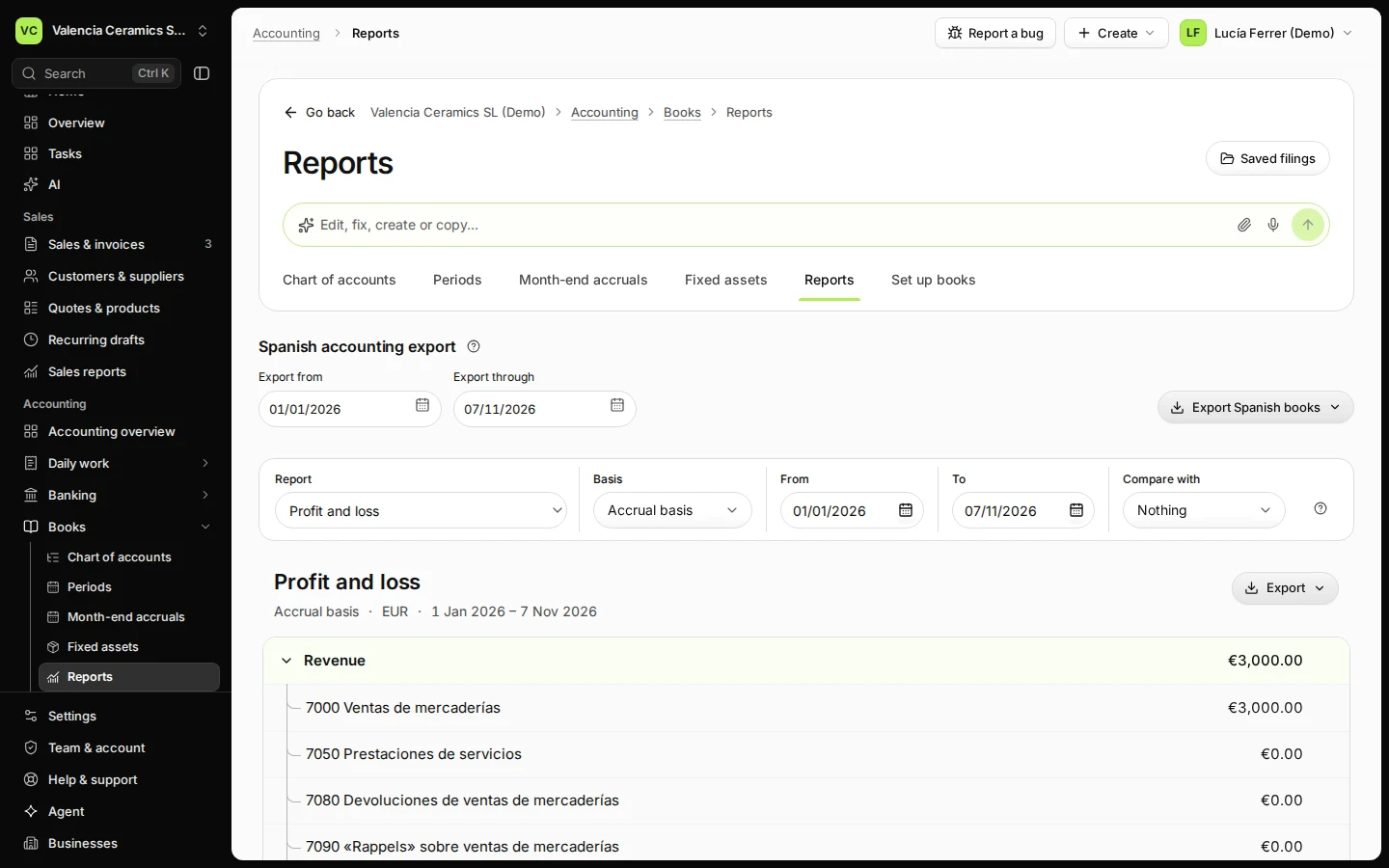
Step 2 in Deline (Spain business, fictional data) · See the whole screen Check revenue, expenses and net profit.
Open a group to see each account. Net profit is revenue minus expenses.
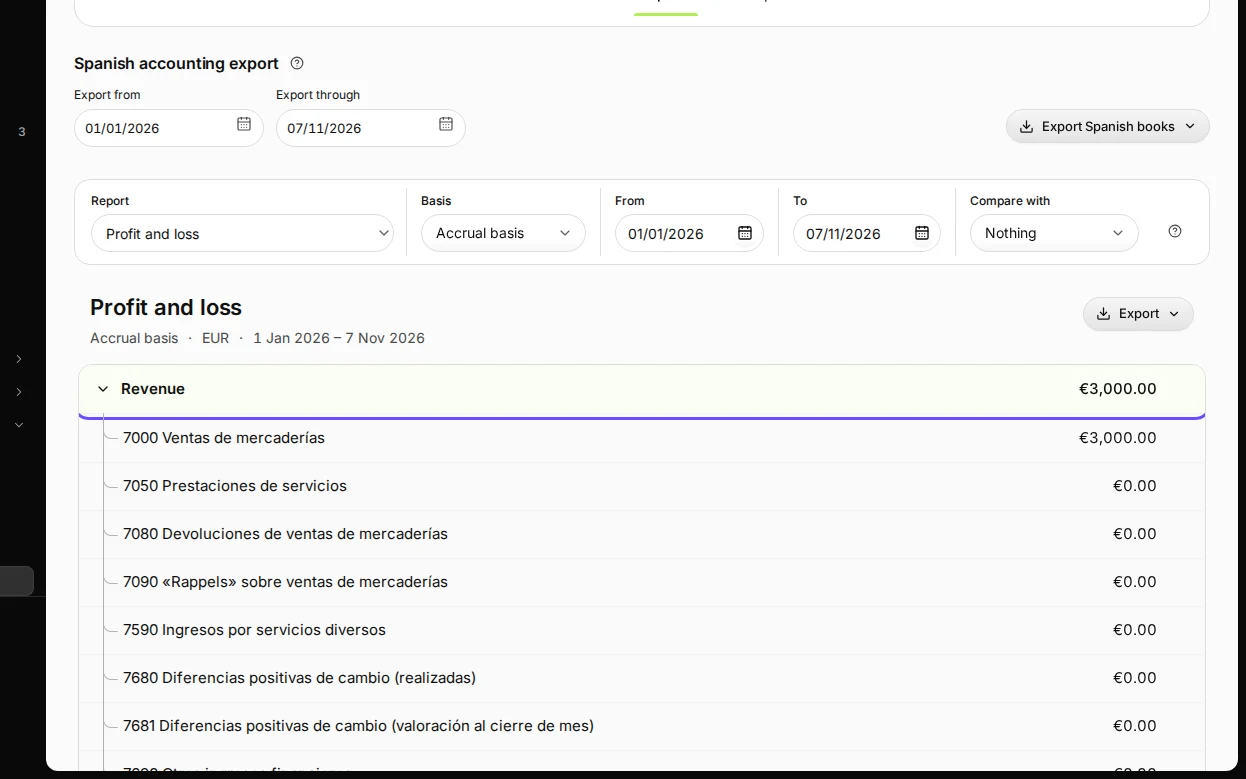
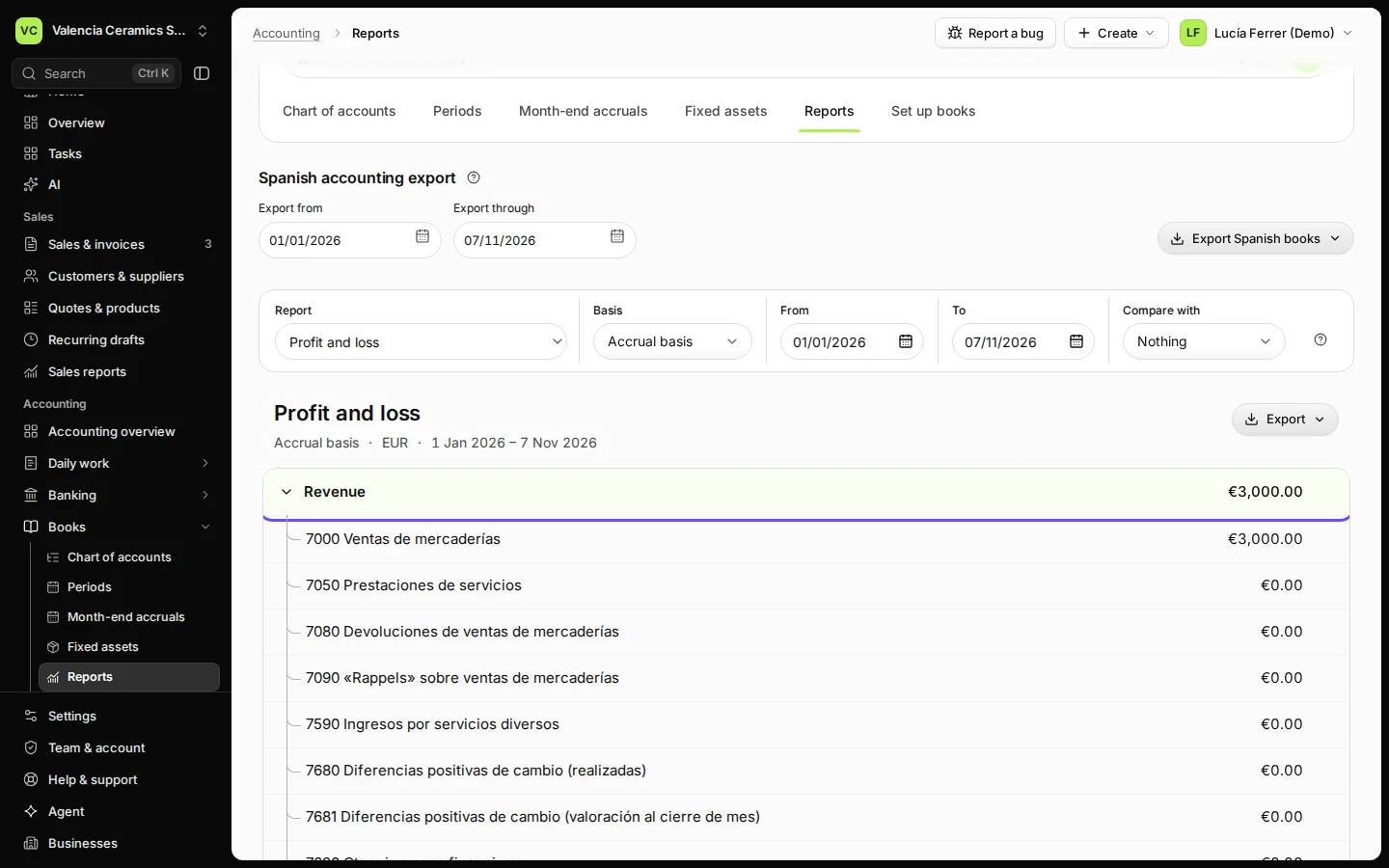
Step 3 in Deline (Spain business, fictional data) · See the whole screen Press Export and choose Download Excel.
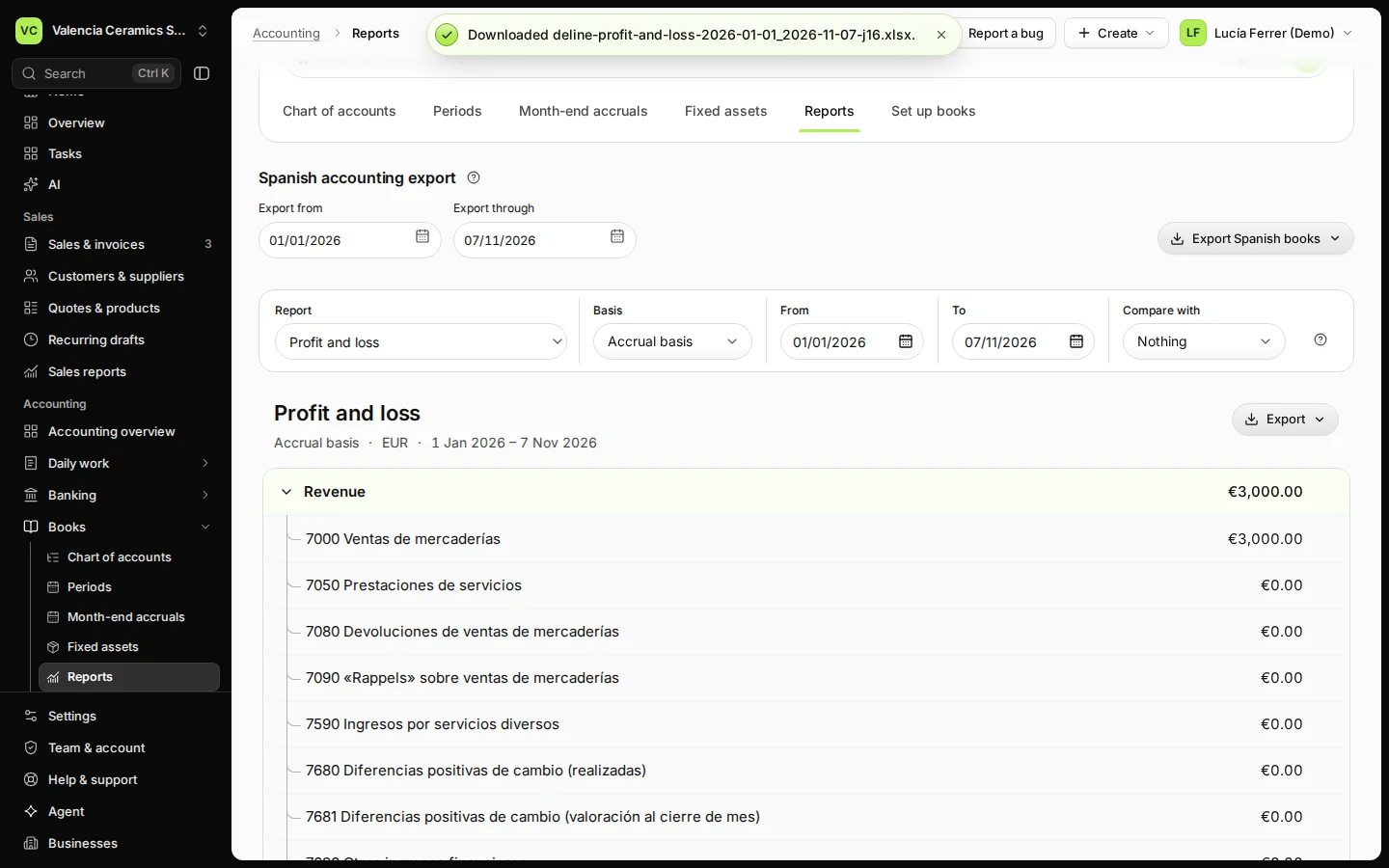
Download accountant pack adds the trial balance and journals for the same dates in one workbook.
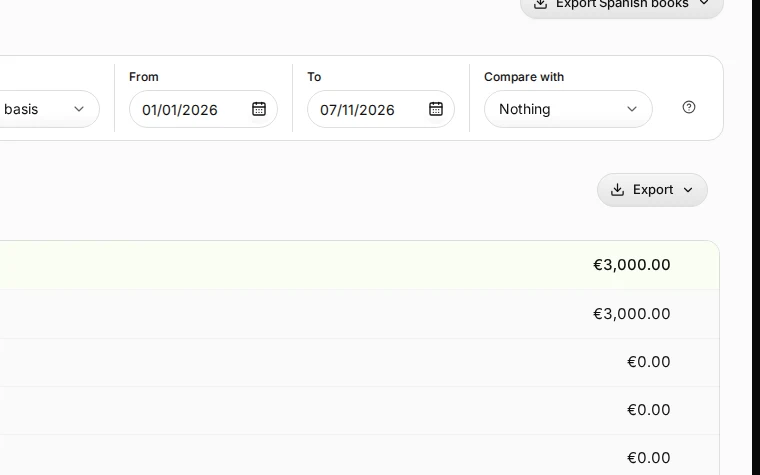
Step 4 in Deline (Spain business, fictional data) · See the whole screen
If something goes wrong
- An invoice is missing: it waits in Posting queue (for example, the accounts for sales and VAT are not chosen yet).
- The figures changed after you downloaded: each download is pinned to the journals posted at that moment; download again after new postings.
Last checked 2026-11-07 by the guide runner on build c5fbd2fa6 (Deline 12a482996) (local Deline stack).