
Before you start
- The quarter's invoices and bills are in your books, and the bank is reconciled.
- You file the Modelo 303 yourself in the Sede Electrónica of the Agencia Tributaria, or your gestor does.
Steps
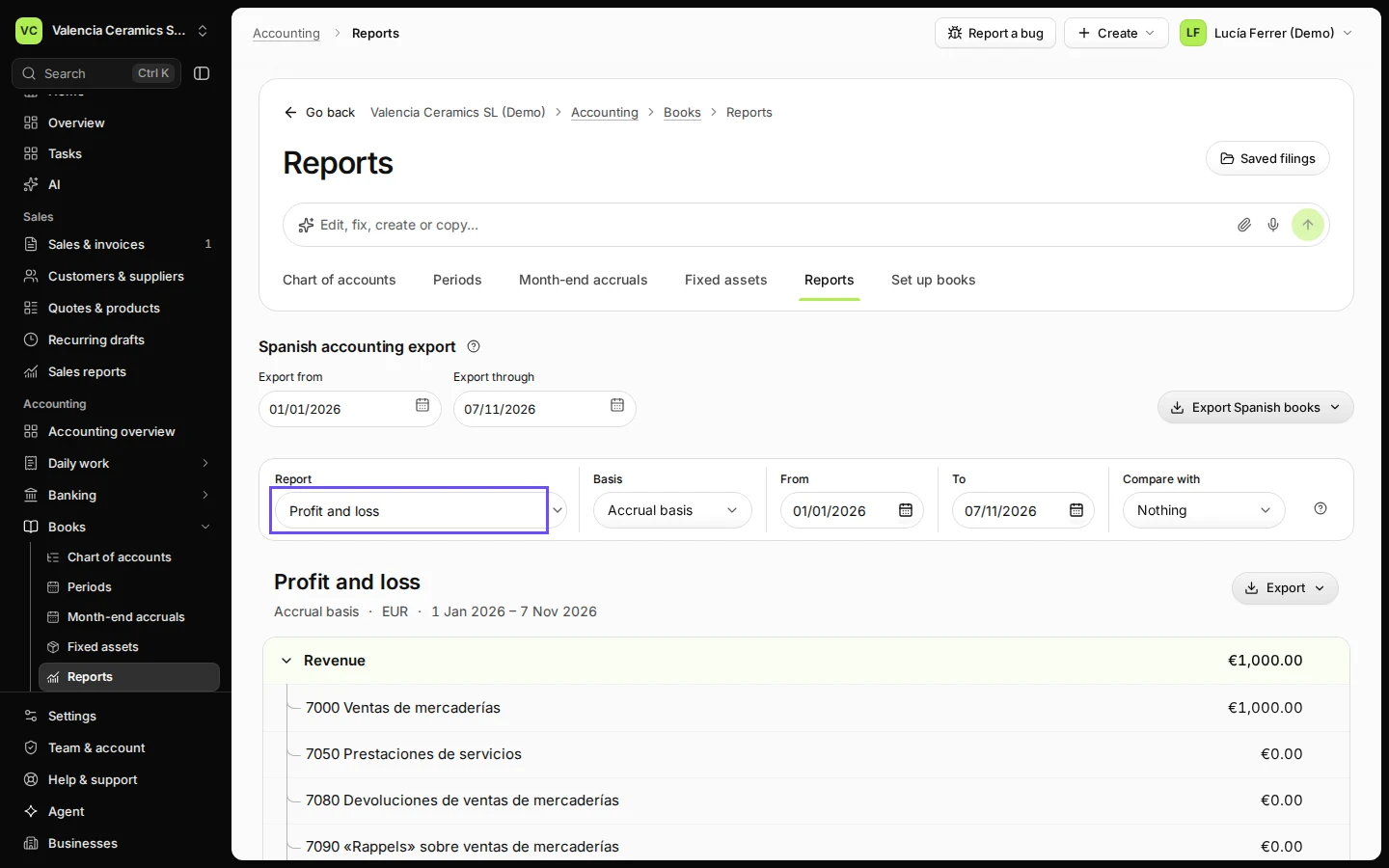
Open Reports from Books.
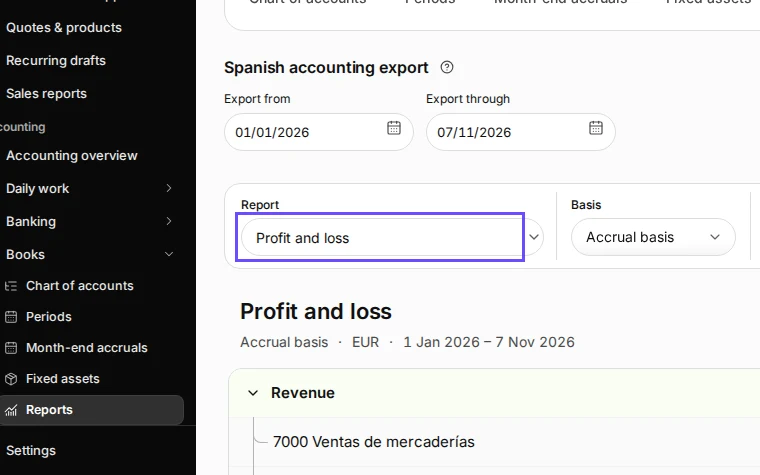
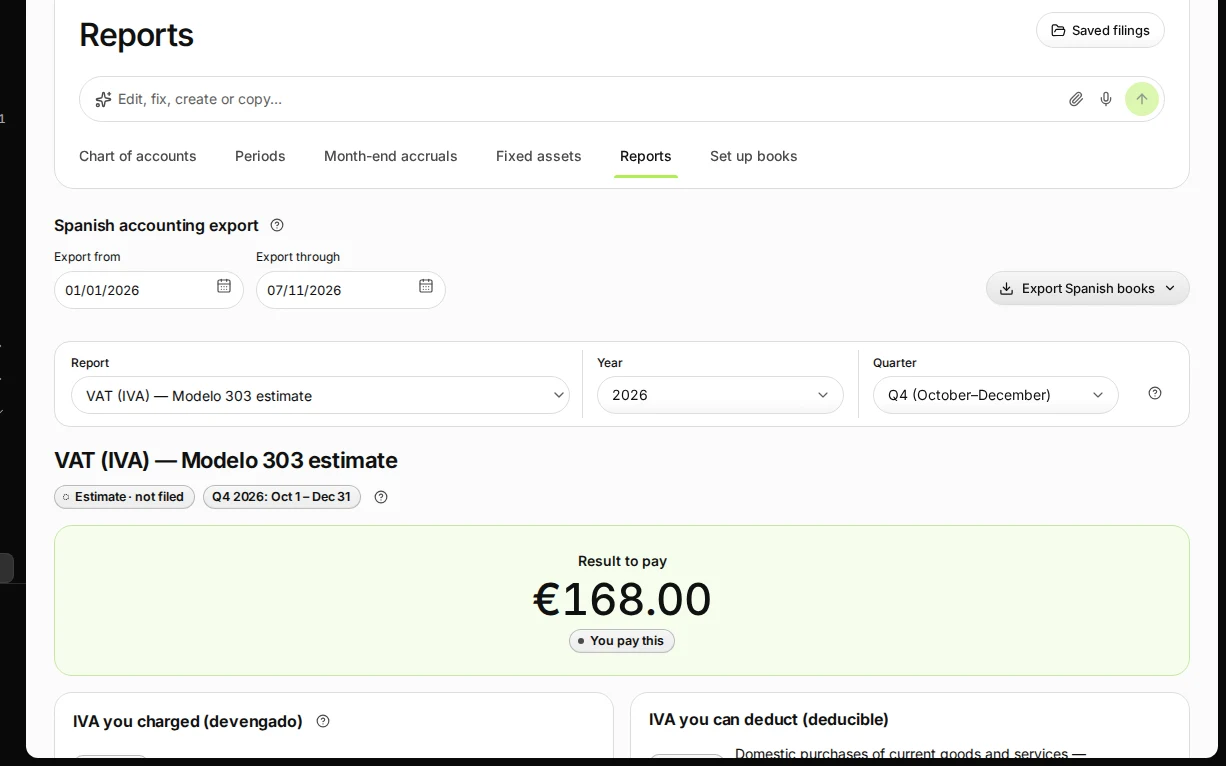
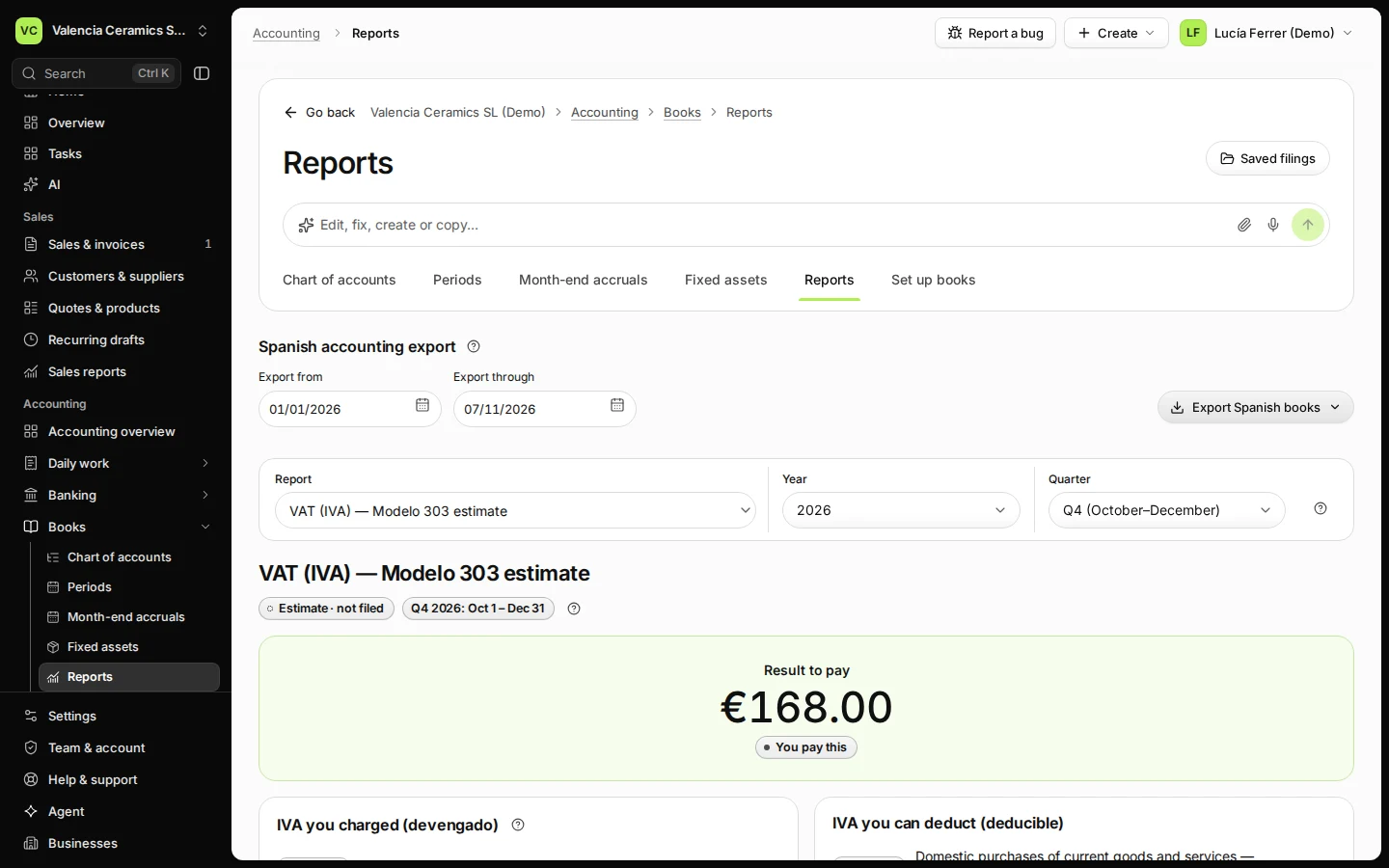
Step 1 in Deline (Spain business, fictional data) · See the whole screen Choose VAT (IVA) — Modelo 303 estimate, then the year and the quarter.
The estimate is marked Estimate · not filed with the quarter's dates.
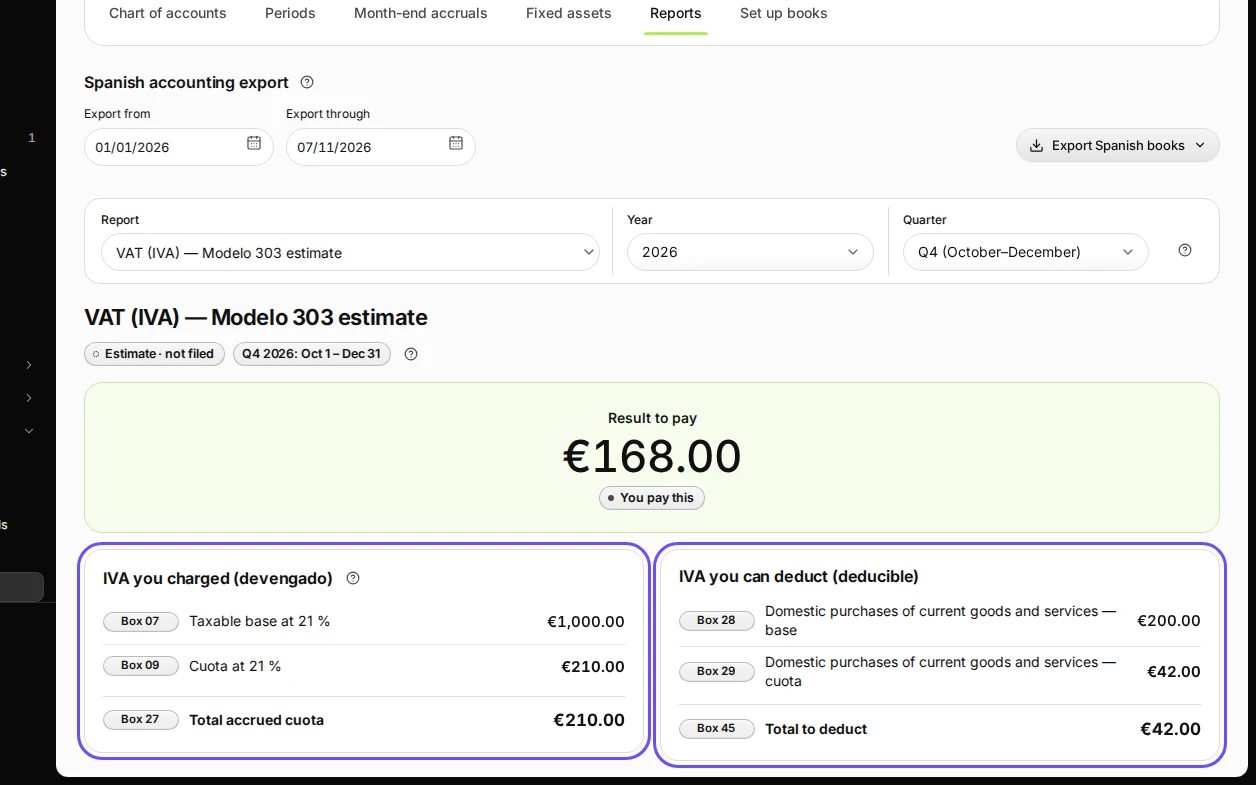
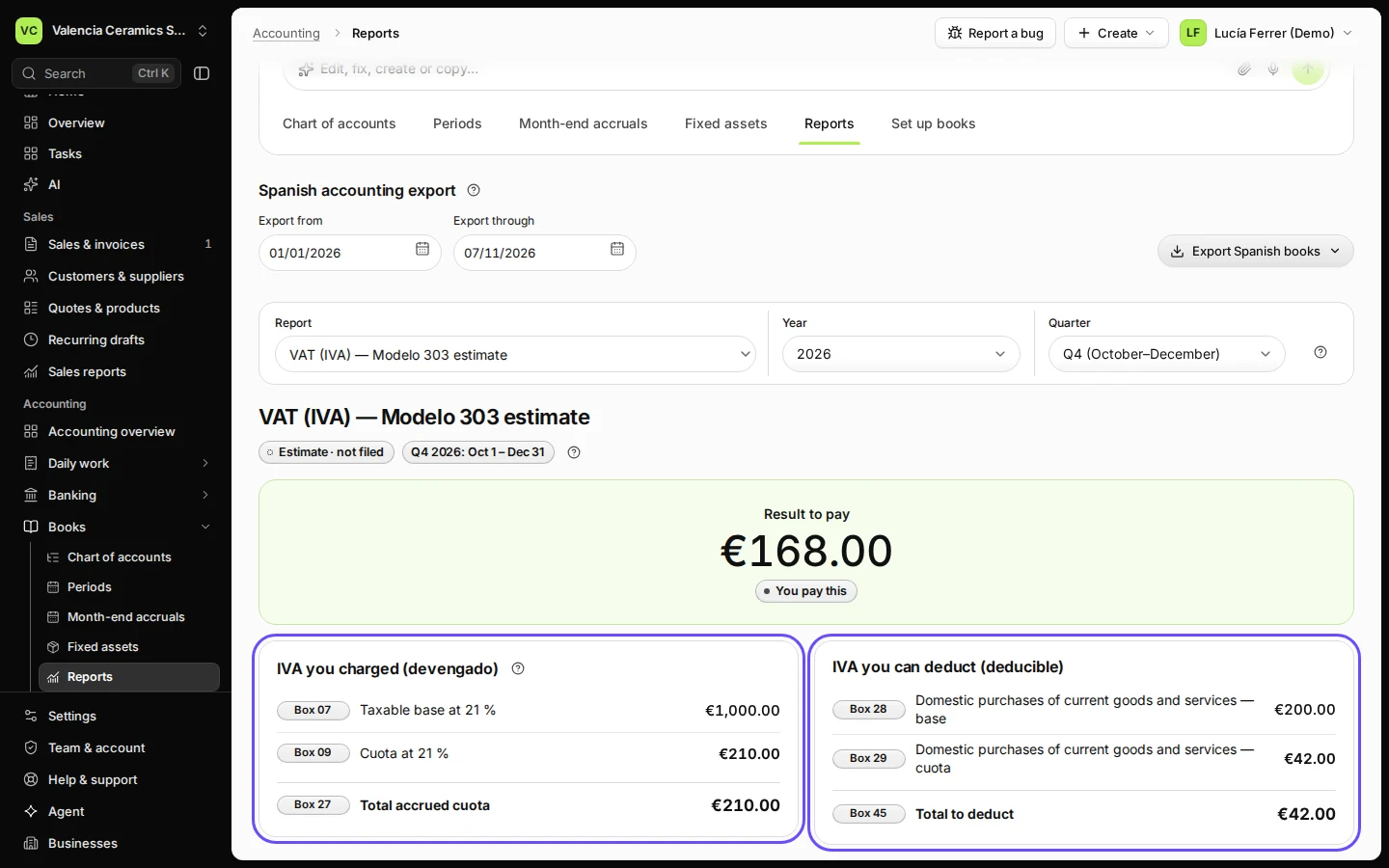
Step 2 in Deline (Spain business, fictional data) · See the whole screen Check the IVA you charged and the IVA you can deduct.
IVA you charged (devengado) shows the taxable base and cuota by rate (boxes 07, 09…); IVA you can deduct (deducible) the IVA on your bills (box 45). Open By VAT account to see where each figure comes from.
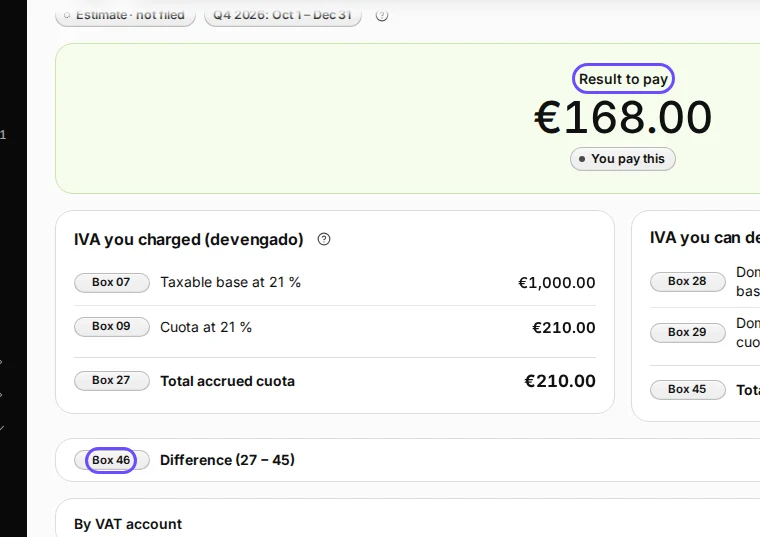
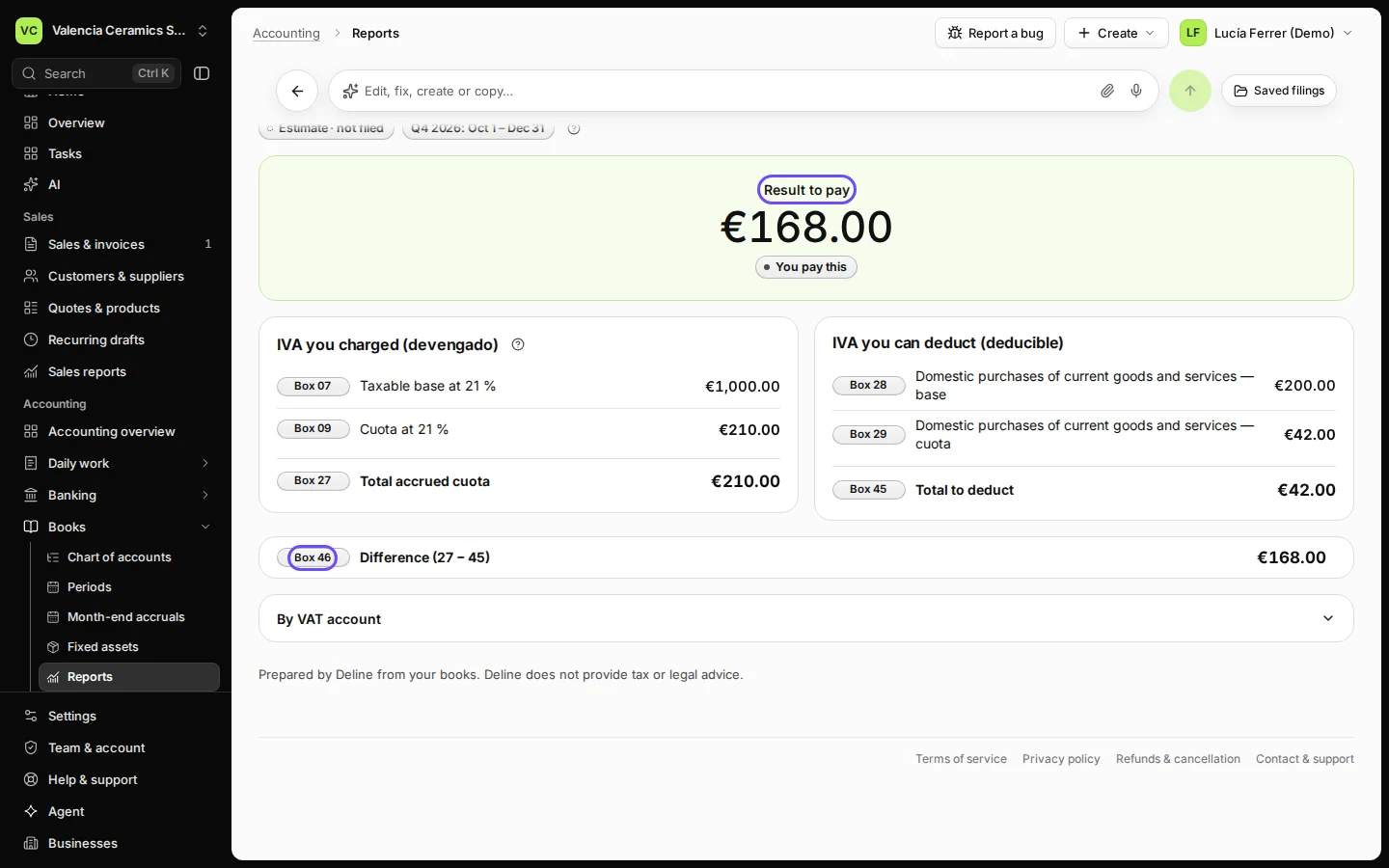
Step 3 in Deline (Spain business, fictional data) · See the whole screen Read the result in box 46.
Box 46 is the difference (27 − 45): You pay this or to claim back. Copy the boxes into your Modelo 303 when you file it, outside Deline.
Step 4 in Deline (Spain business, fictional data) · See the whole screen
If something goes wrong
- A sale or bill is missing: it is not in your books yet. Check Daily work → Posting queue, or record the bill.
- The quarter must not change after filing: lock its months (see Lock a month after you have checked it).
Last checked 2026-11-07 by the guide runner on build c5fbd2fa6 (Deline 12a482996) (local Deline stack).