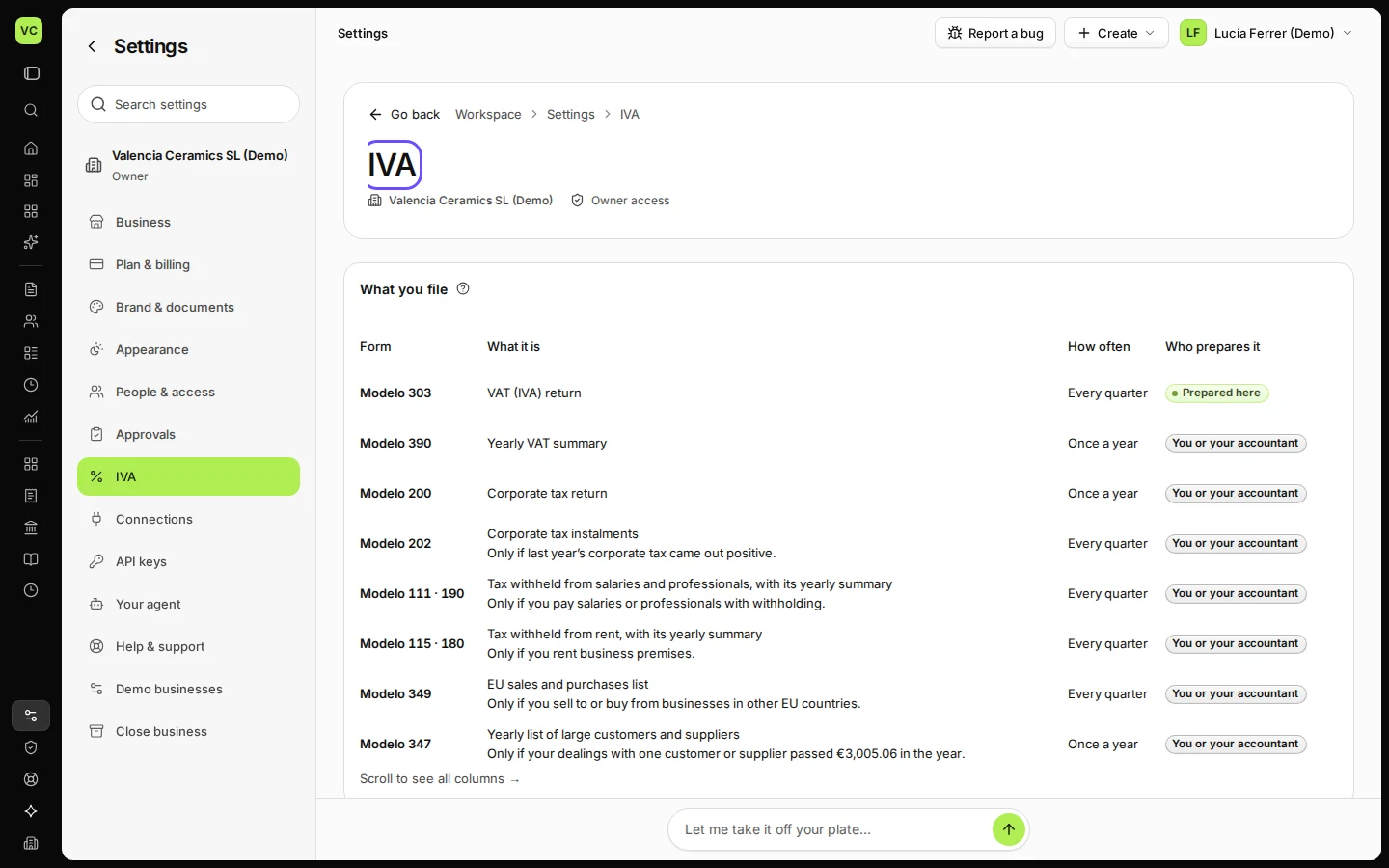
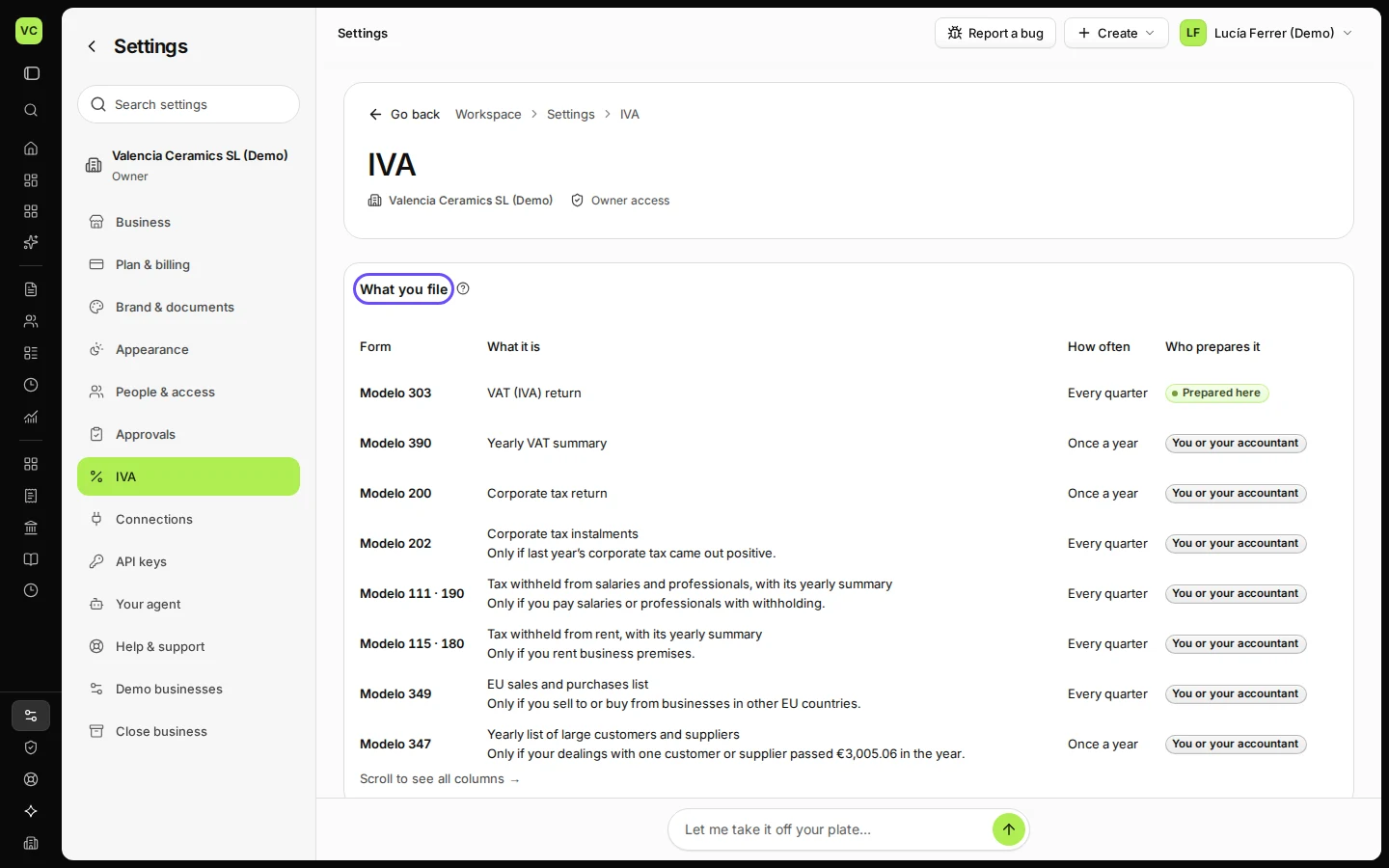
See which tax returns you file

Settings → the tax tab (IVA in Spain, VAT in Cyprus) starts with What you file: each return that applies to your business, how often you file it and when it is due. Deline files nothing for you.

  • L1 · Everyday
  • WhereSpain, Cyprus
  • WhoOwner, Accountant
  • PlanBasic and up
  • Timeabout 1 min

Steps

  1. Open Settings and choose the tax tab (IVA in Spain, VAT in Cyprus).
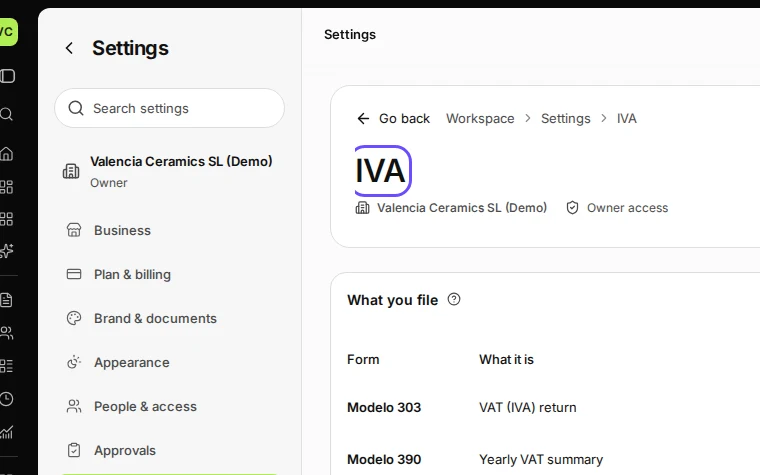
    Step 1: Open Settings and choose the tax tab (IVA in Spain, VAT in Cyprus).
    Step 1 in Deline (Spain business, fictional data) · See the whole screen
  2. Read What you file: each return, how often and when it is due.

    In Spain, for example, the quarterly Modelo 303.
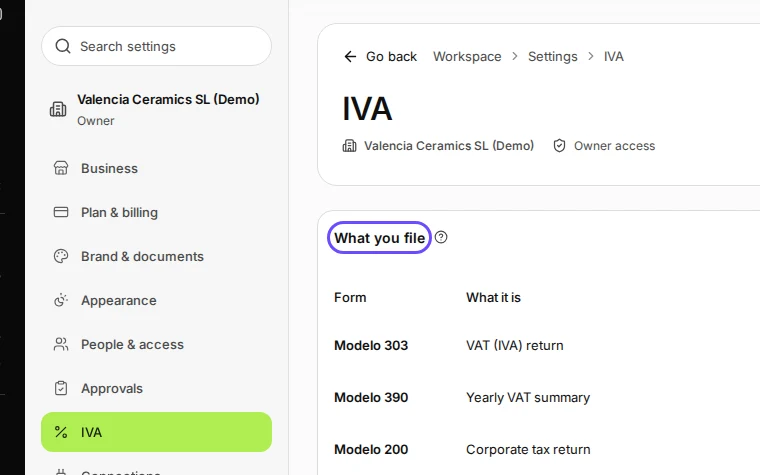
    Step 2: Read What you file: each return, how often and when it is due.
    Step 2 in Deline (Spain business, fictional data) · See the whole screen

Last checked 2026-11-08 by the guide runner on build 37b370dcd (Deline 5e00493c3) (local Deline stack, desktop and phone).