
Steps
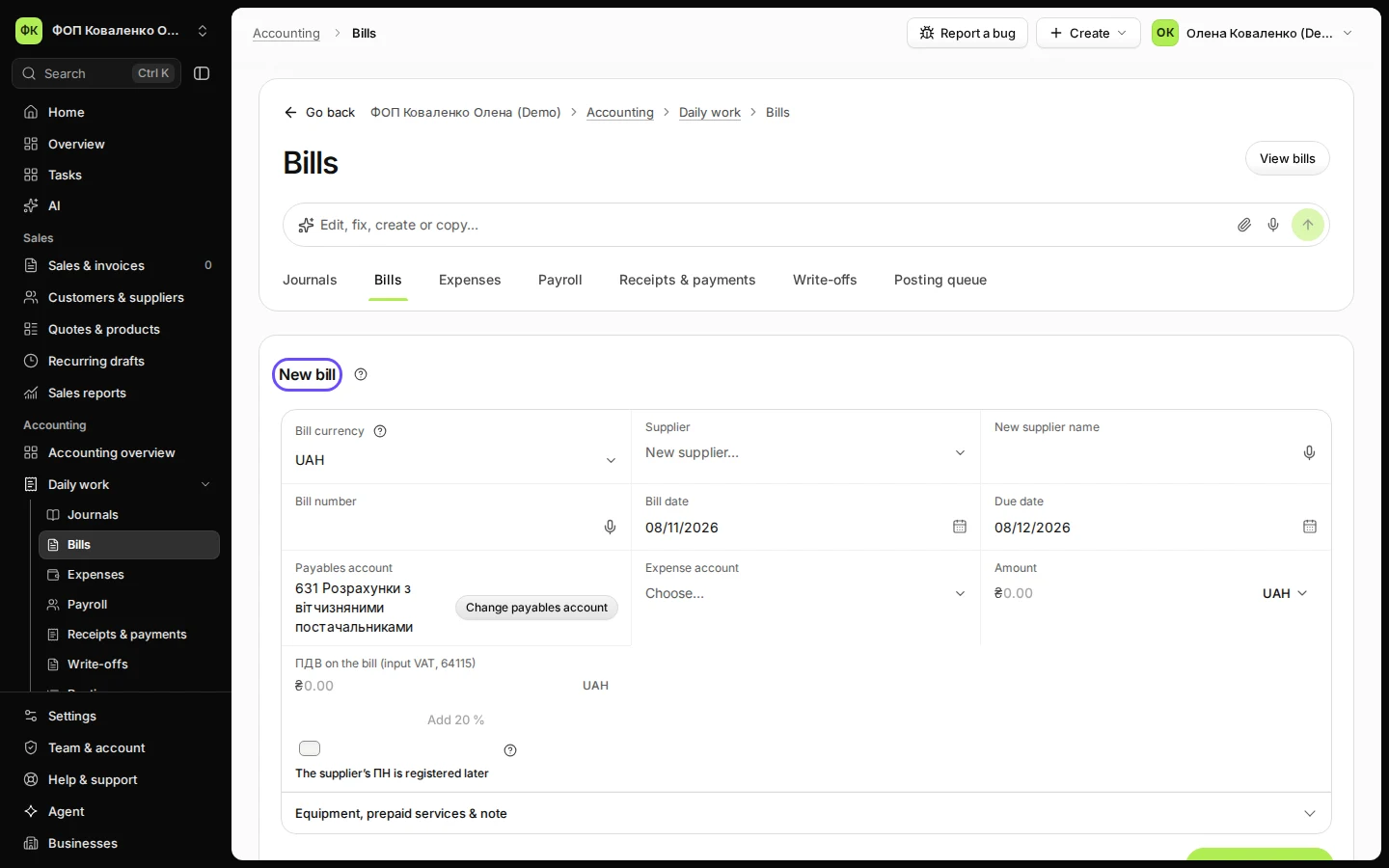
Open Bills from Daily work and press New bill.
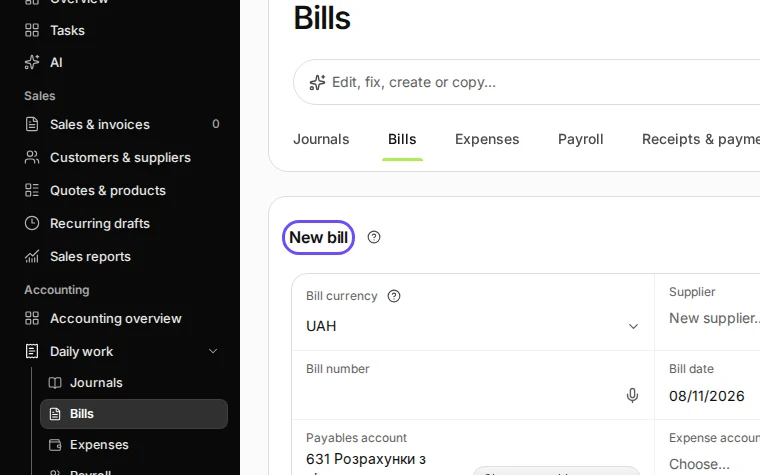
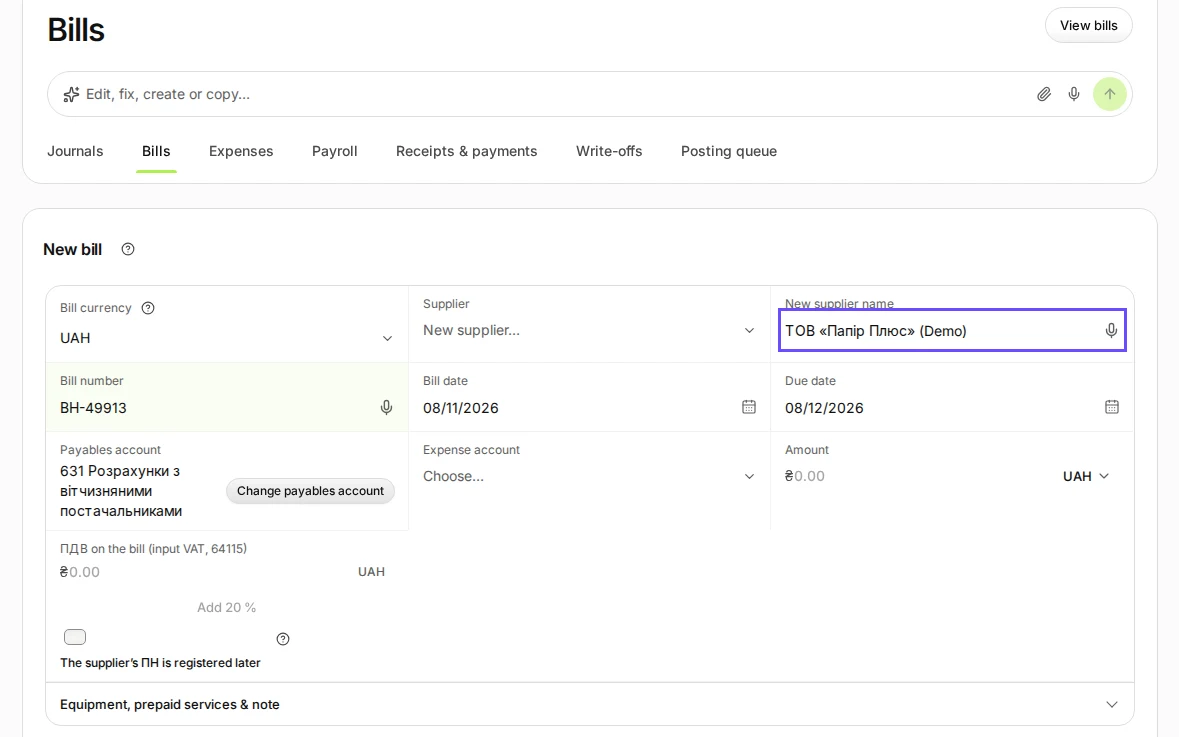
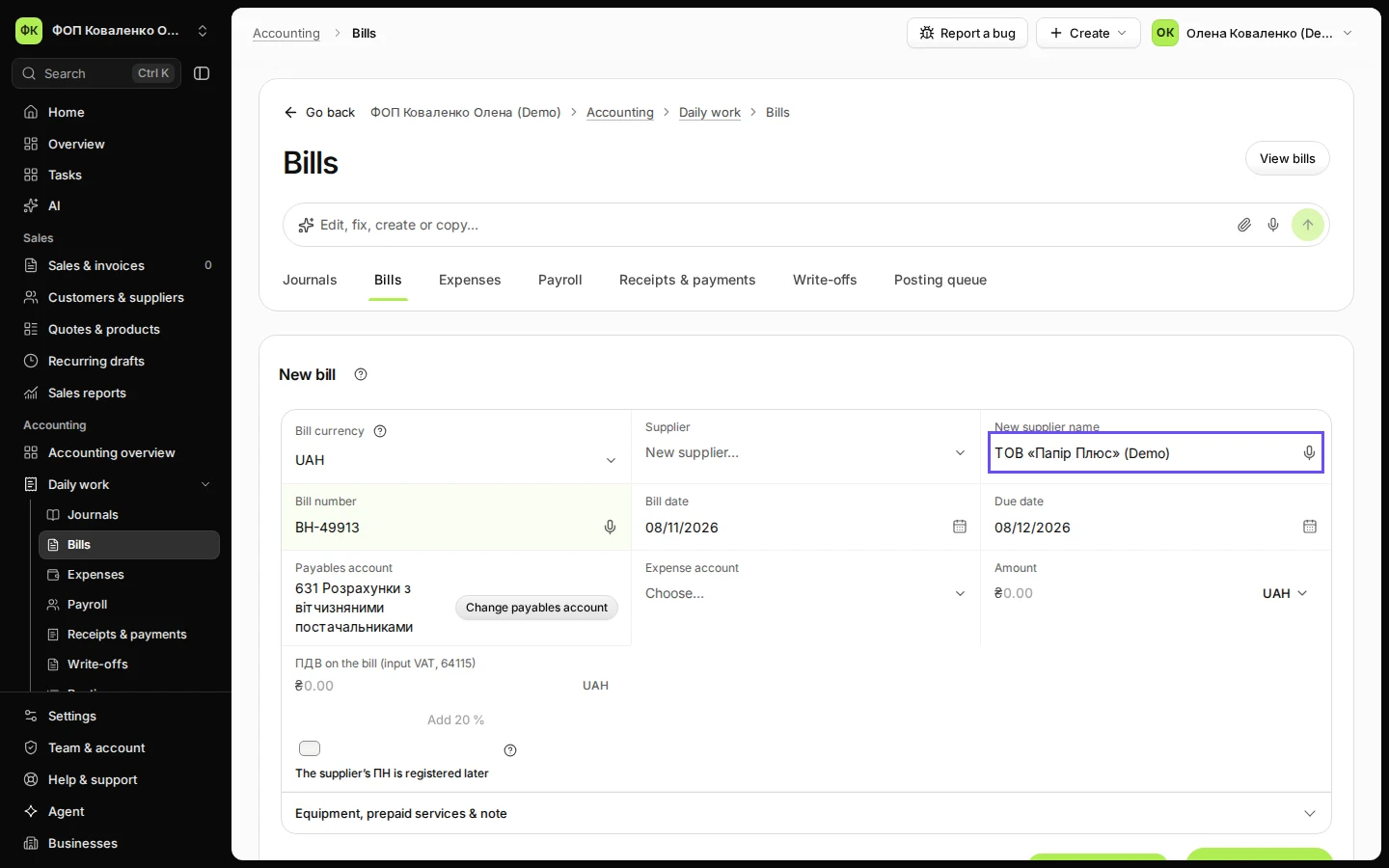
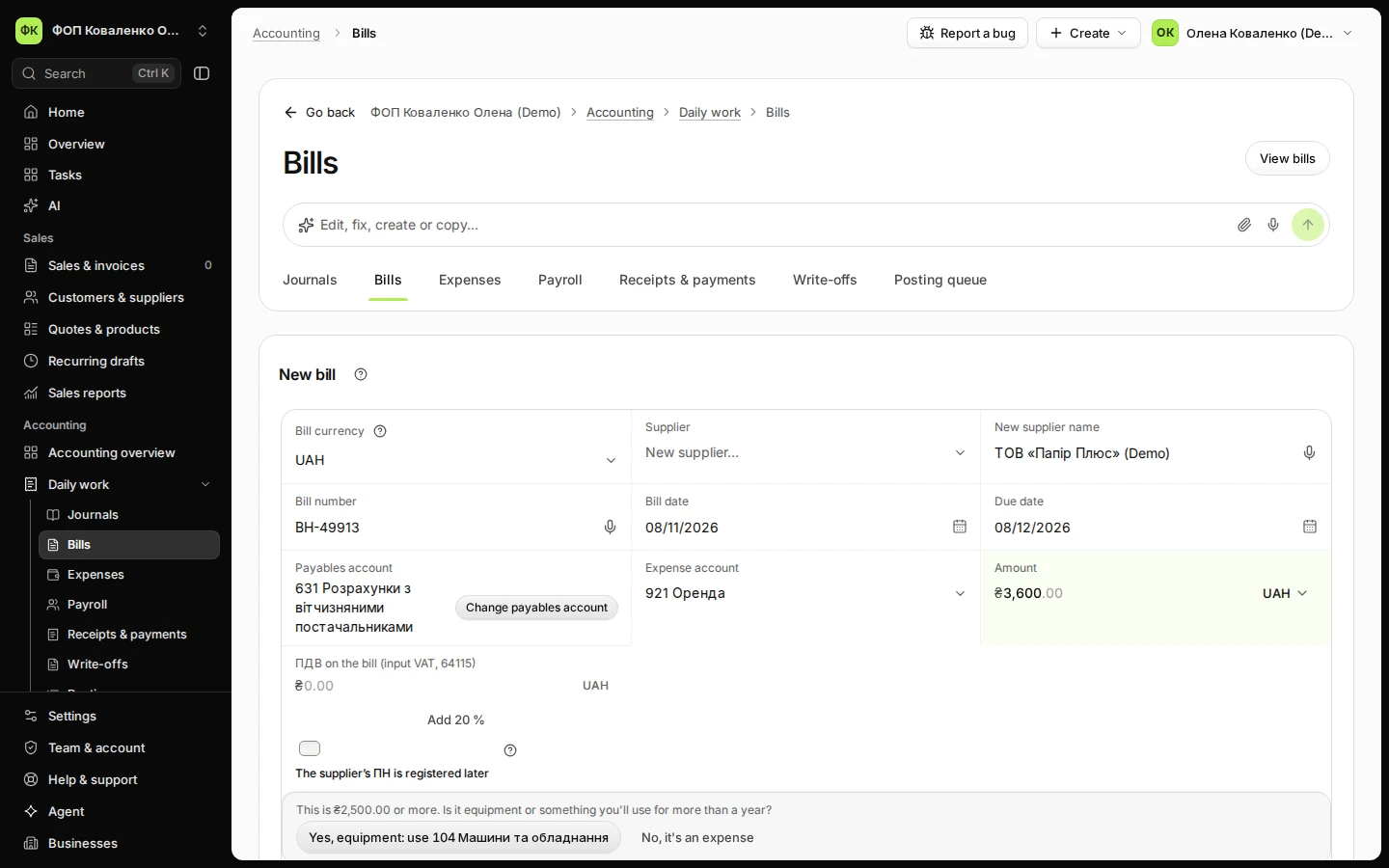
Step 1 in Deline (Ukraine business, fictional data) · See the whole screen Enter the supplier, the bill number and the dates.
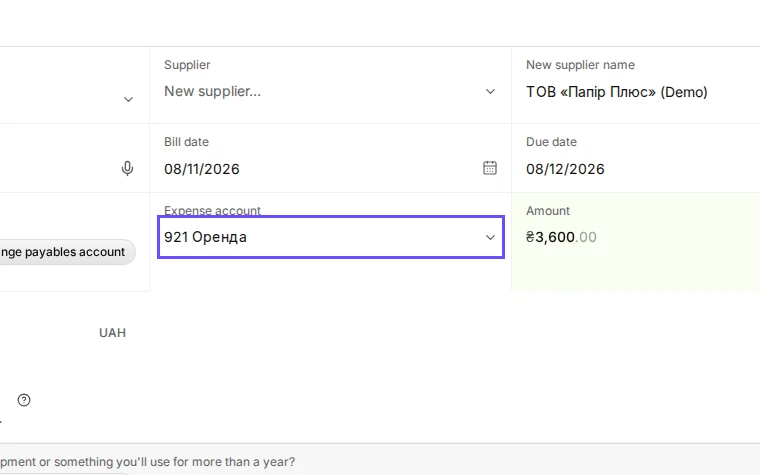
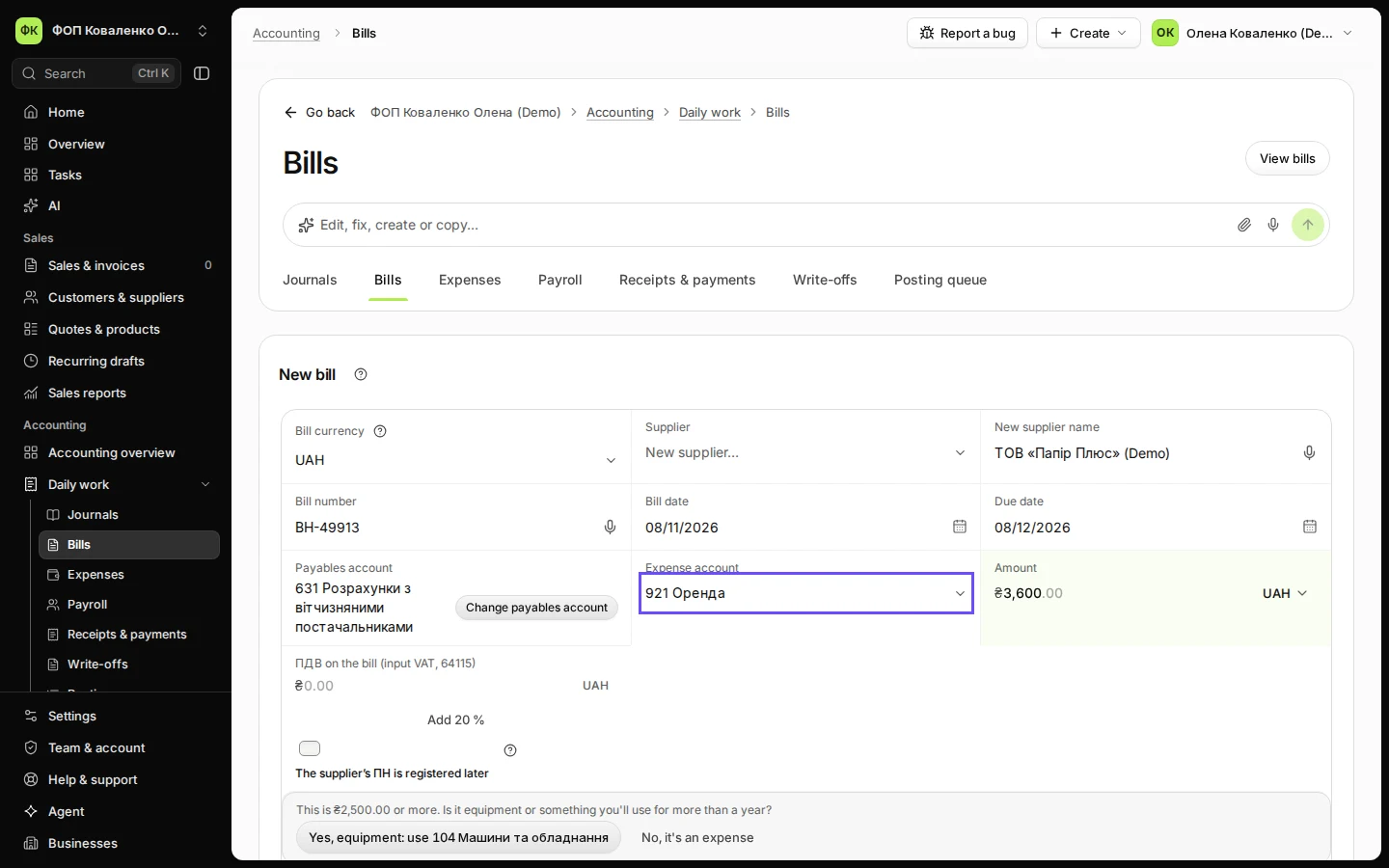
Step 2 in Deline (Ukraine business, fictional data) · See the whole screen Choose the expense account and enter the amount.
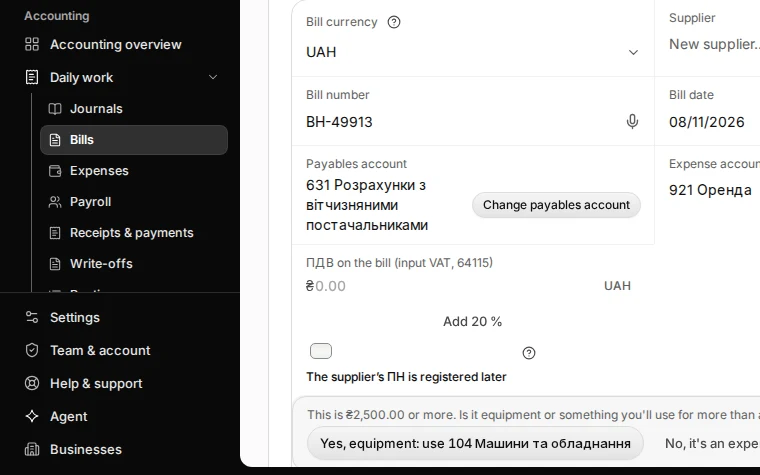
Step 3 in Deline (Ukraine business, fictional data) · See the whole screen If the bill has ПДВ and you are a ПДВ payer, enter it; otherwise leave it empty.
If the supplier will register its ПН later, tick The supplier’s ПН is registered later: the ПДВ waits until then.
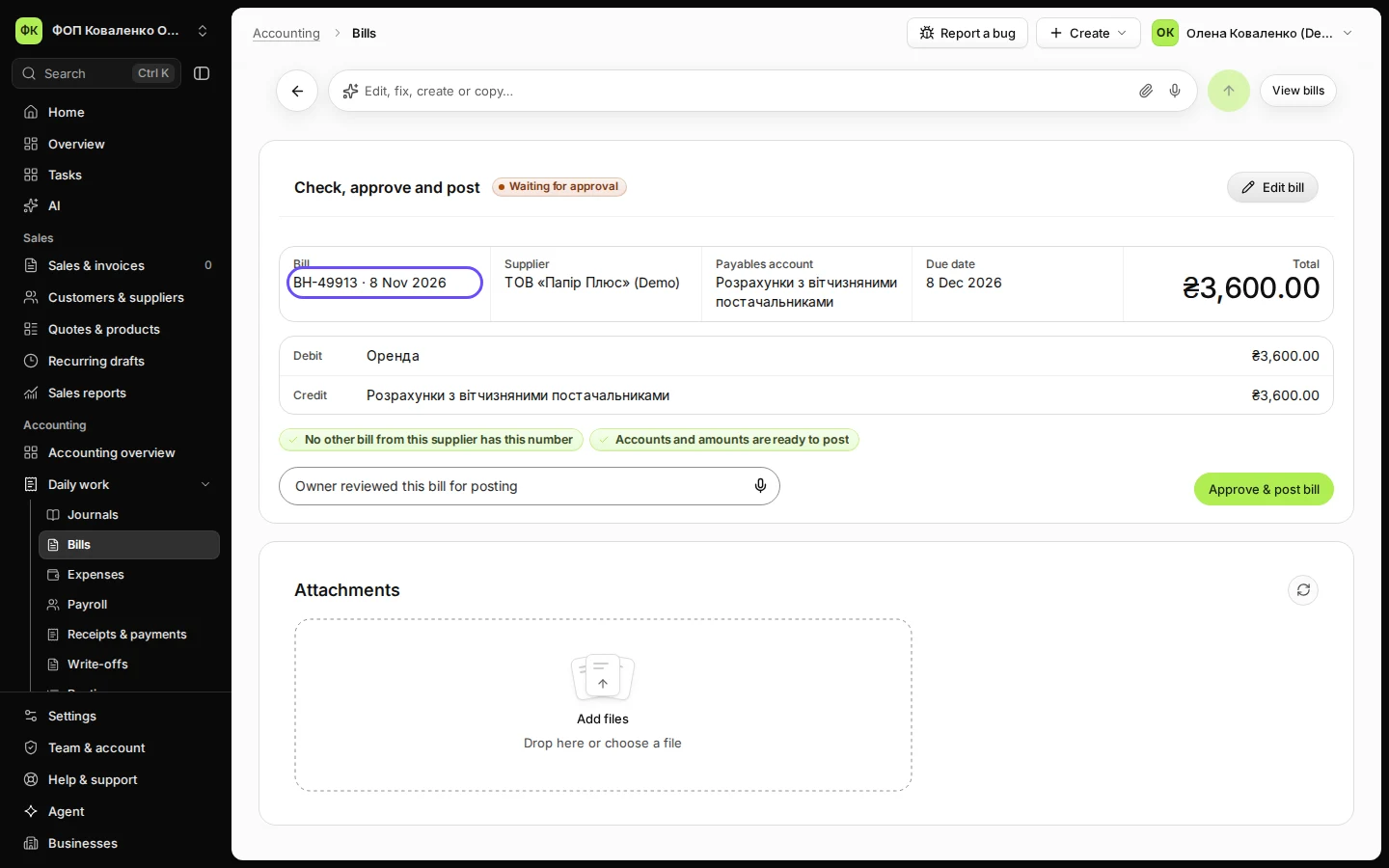
Step 4 in Deline (Ukraine business, fictional data) · See the whole screen Press Save bill for review.
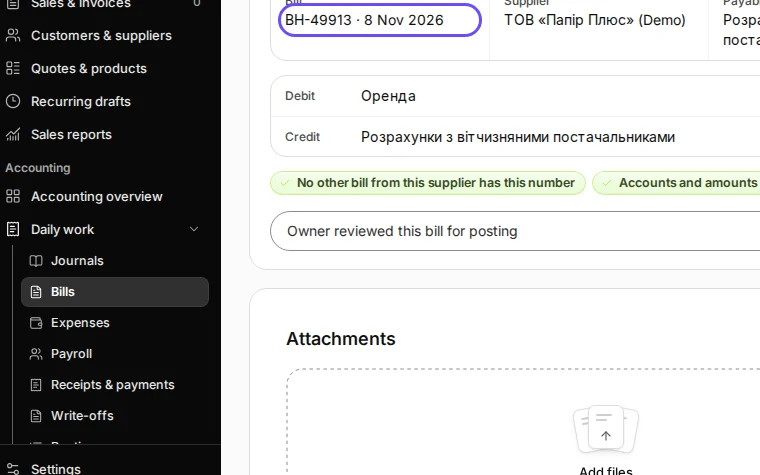
Step 5 in Deline (Ukraine business, fictional data) · See the whole screen
Last checked 2026-11-08 by the guide runner on build 81cd9f8f3 (Deline eff8230ba) (local Deline stack).