
Steps
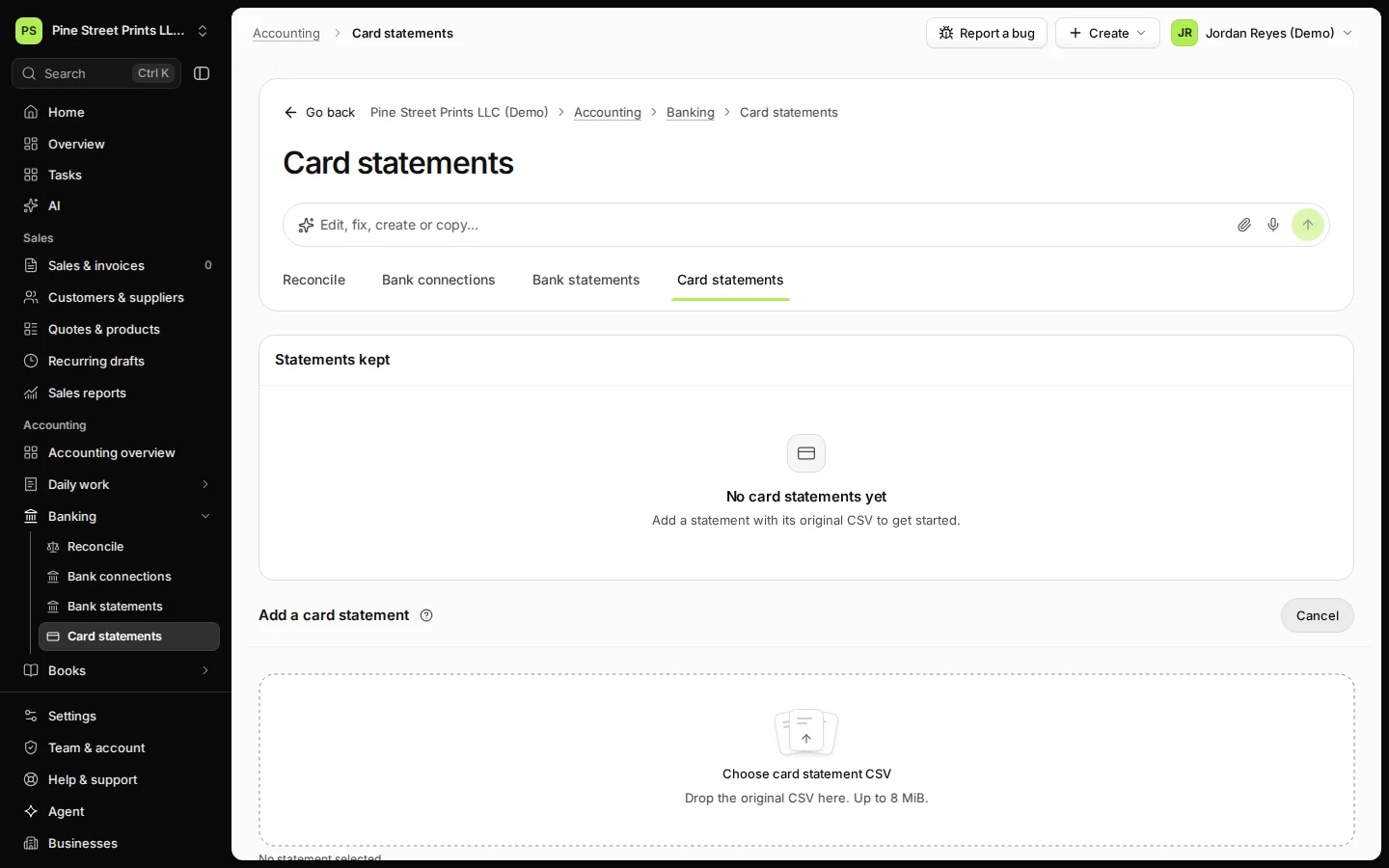
Open Card statements from Banking and press Add a card statement.
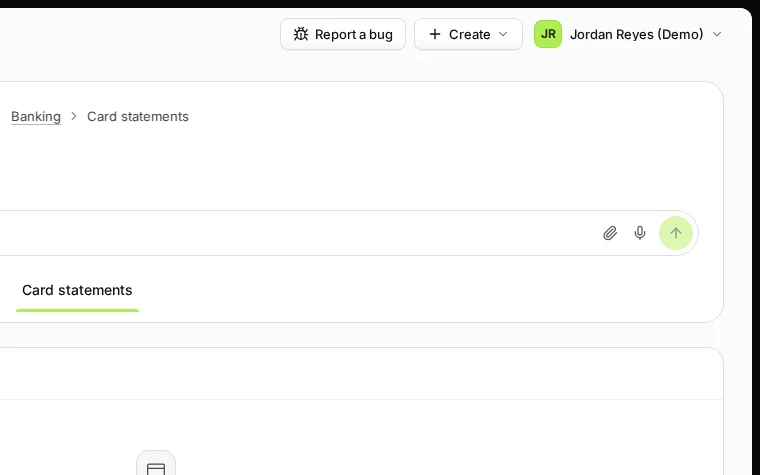
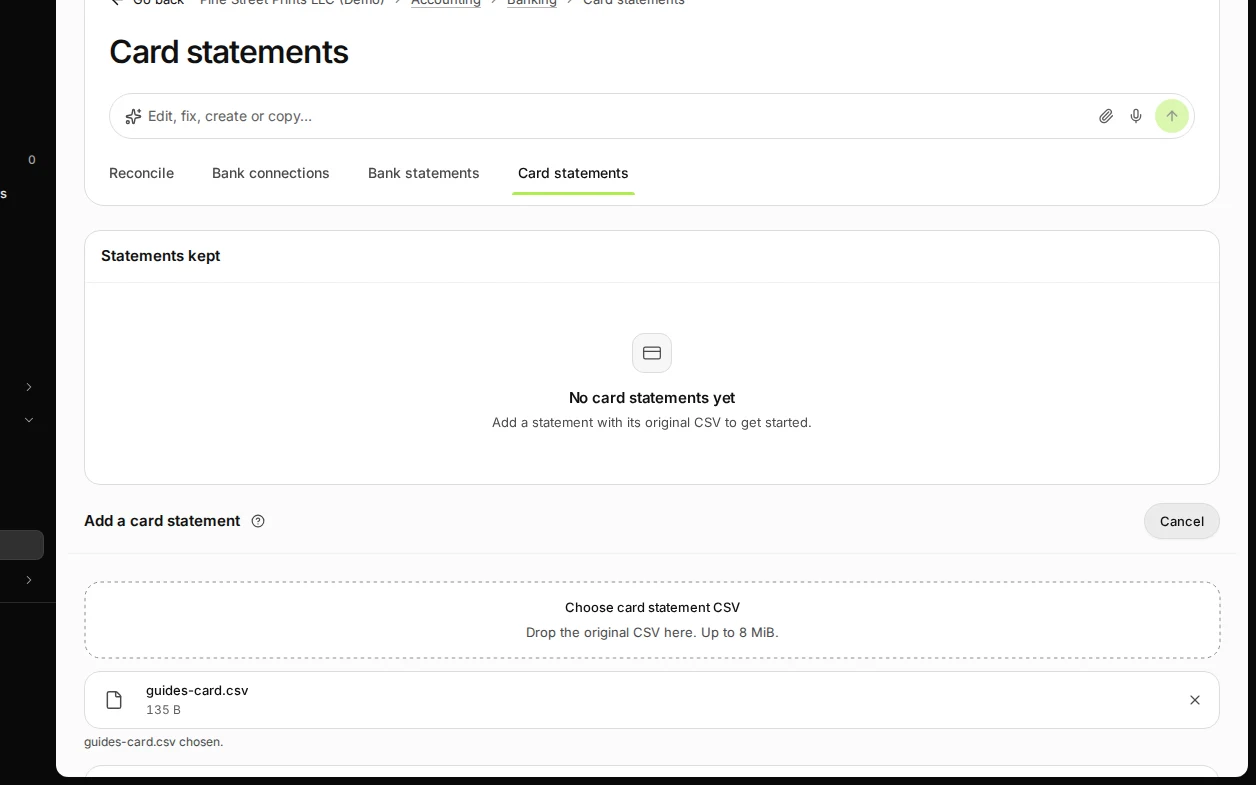
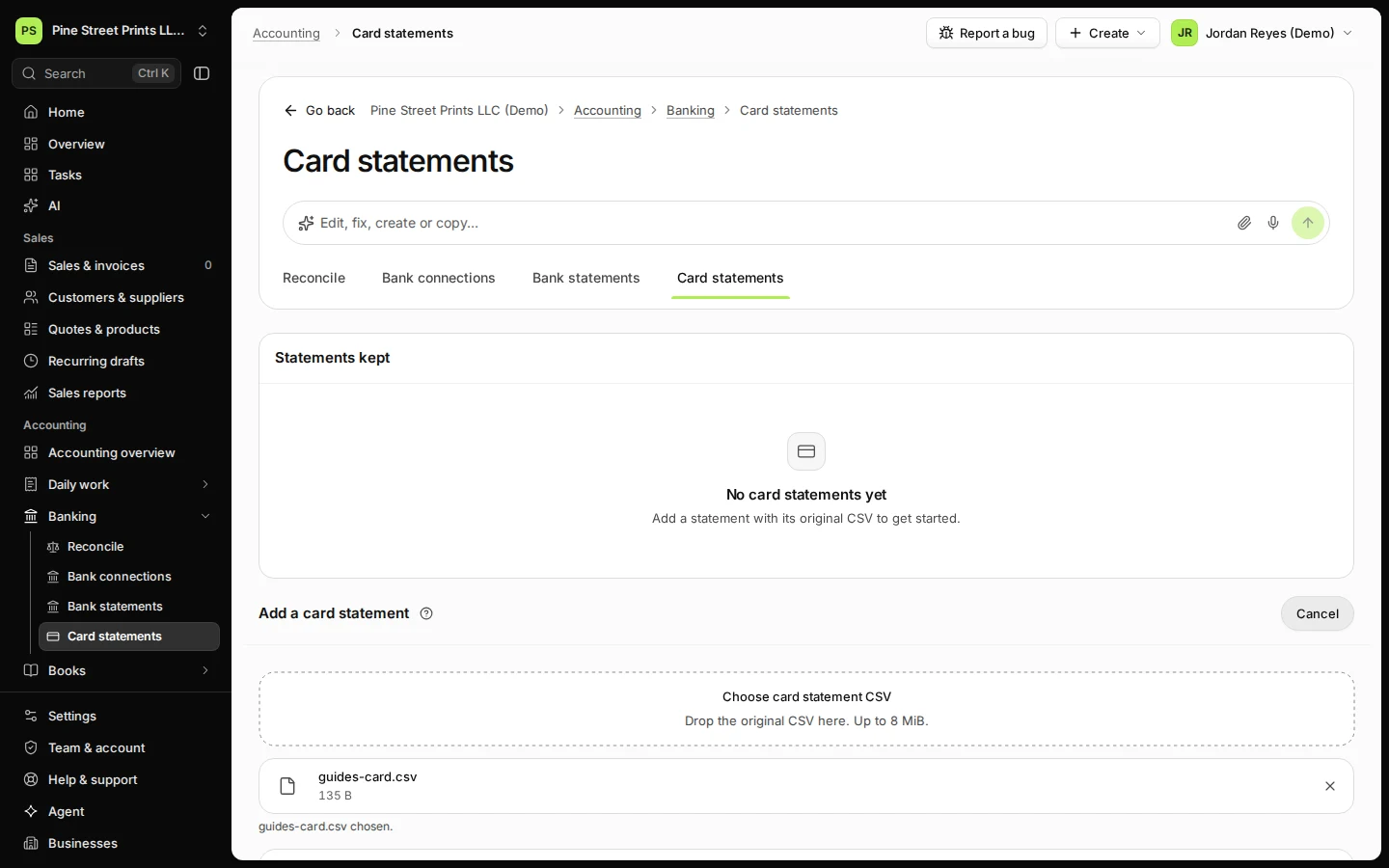
Step 1 in Deline (United States business, fictional data) · See the whole screen Choose the statement CSV from your card provider.
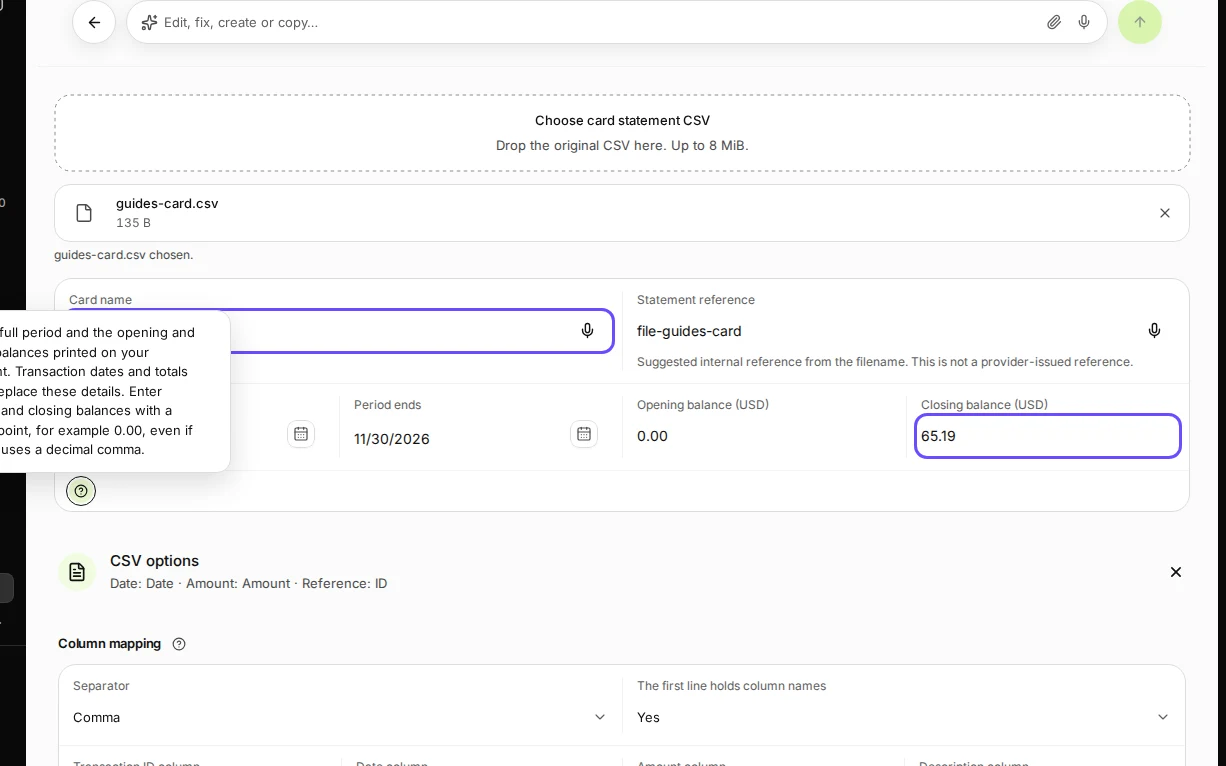
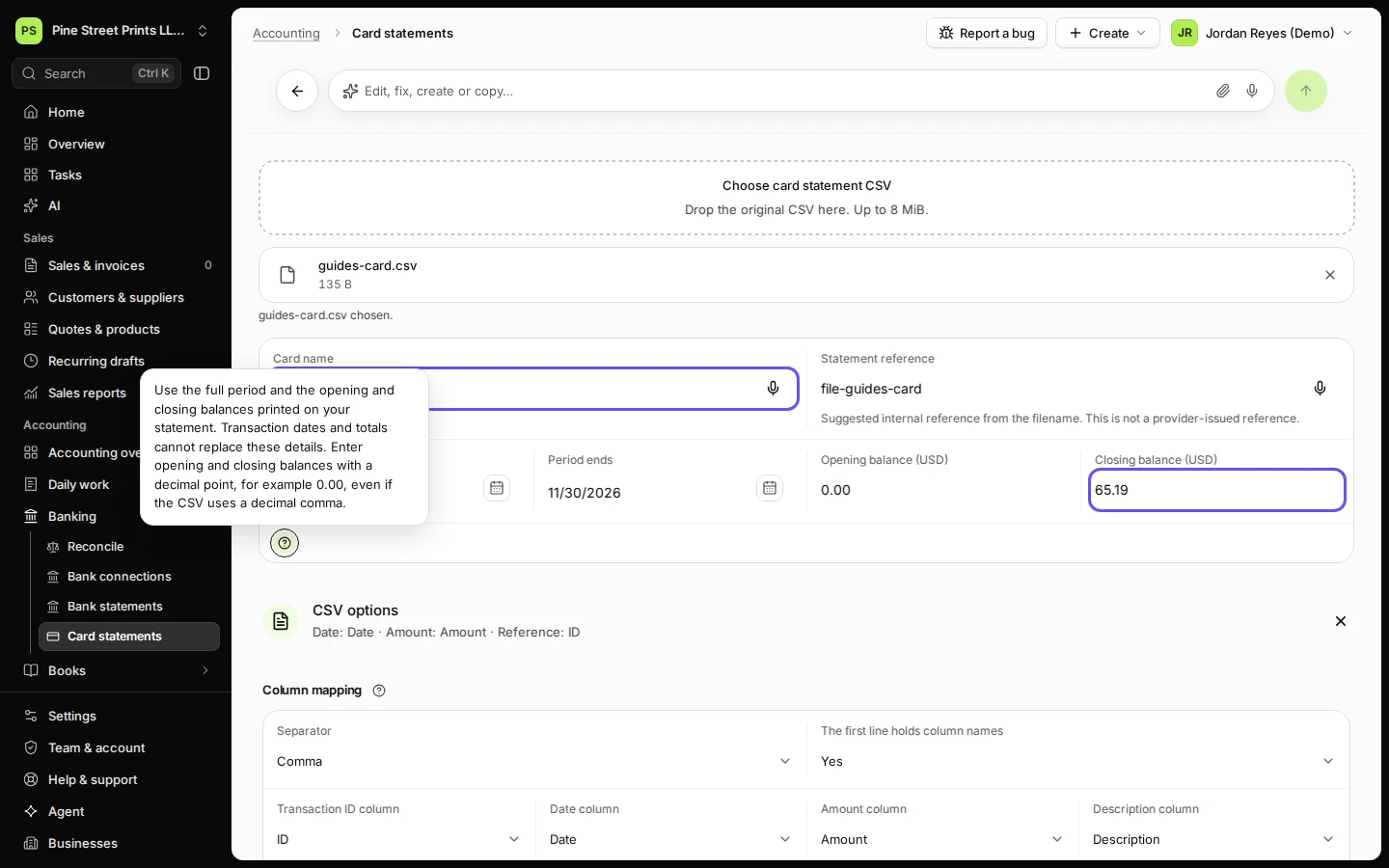
Step 2 in Deline (United States business, fictional data) · See the whole screen Enter the card name, the statement period and the balance owed at the start and the end.
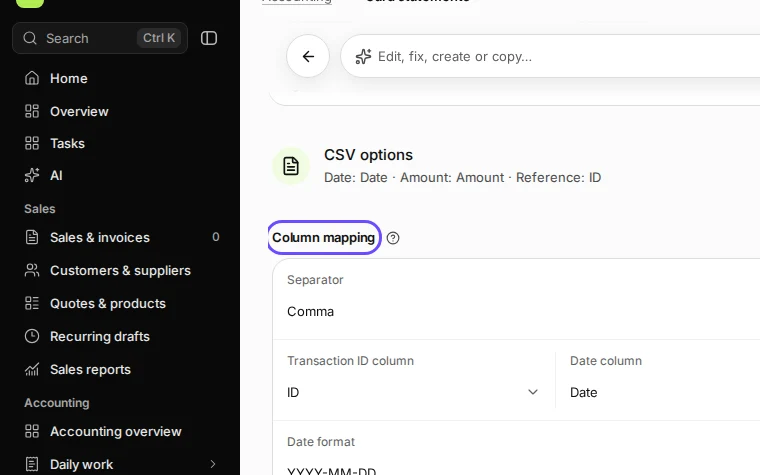
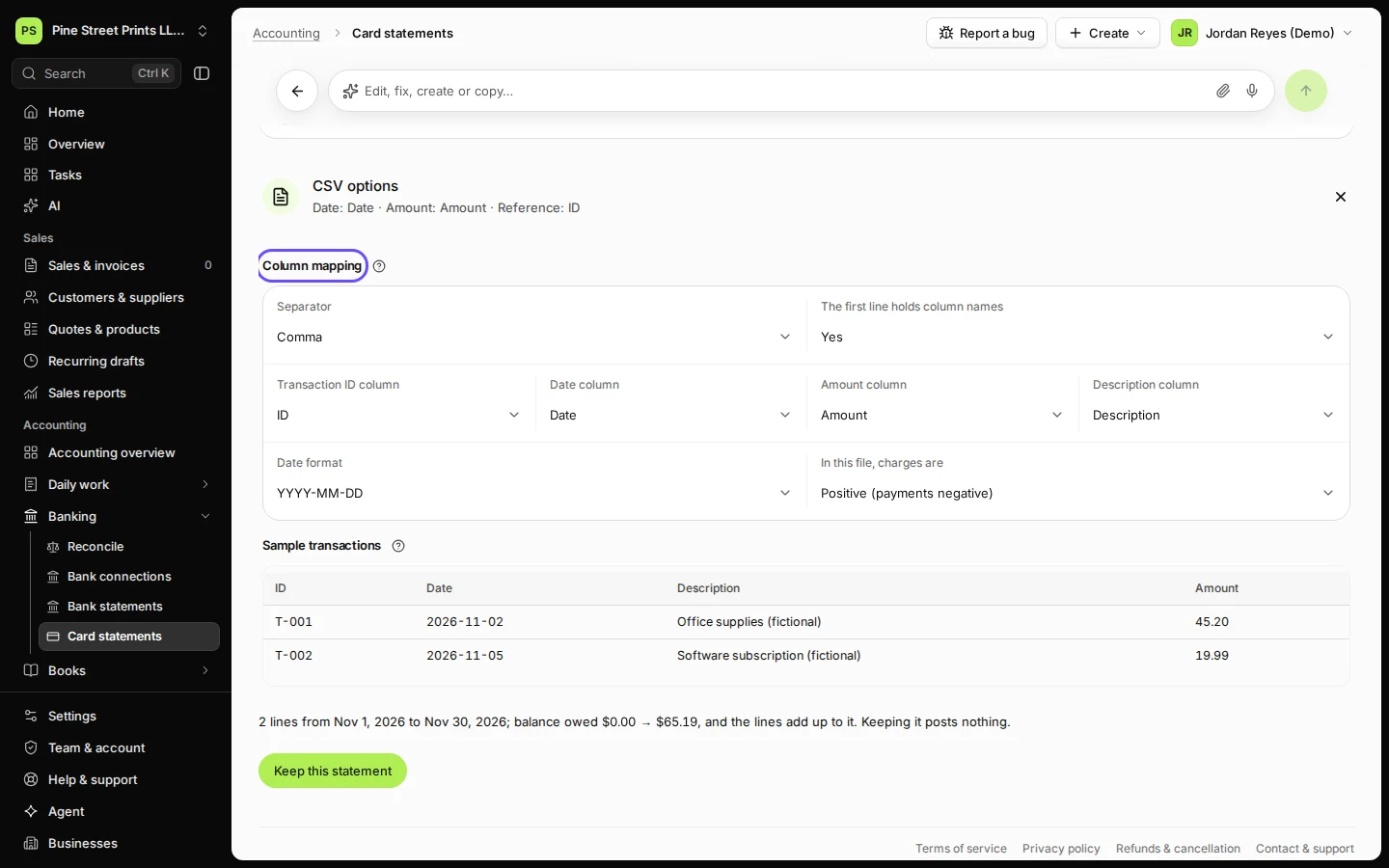
Step 3 in Deline (United States business, fictional data) · See the whole screen Open CSV options and check the columns, the date format and whether charges are positive.
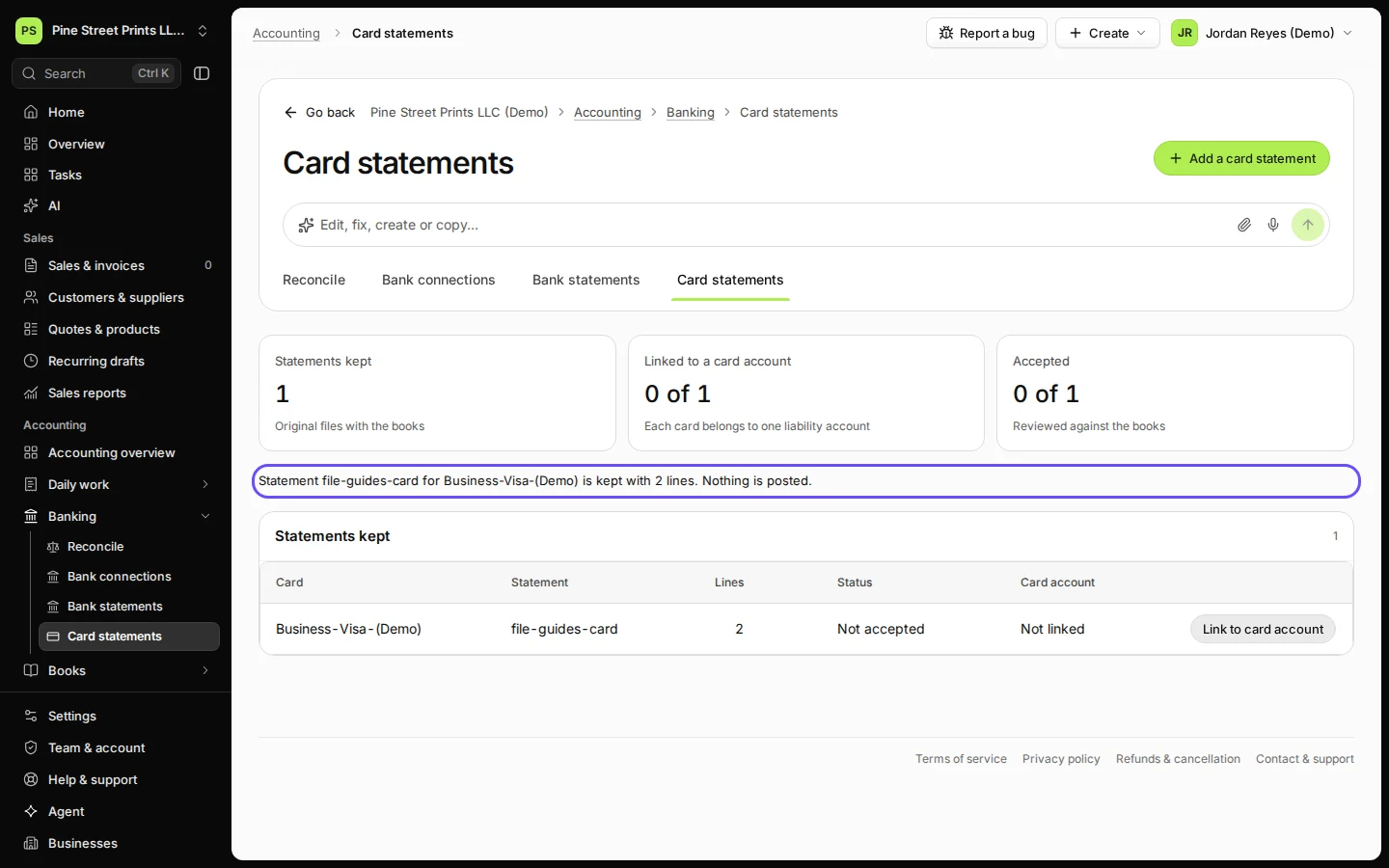
Step 4 in Deline (United States business, fictional data) · See the whole screen Check that the lines add up and press Keep this statement.
Deline checks that the lines add up to the change in balance before you can keep it.
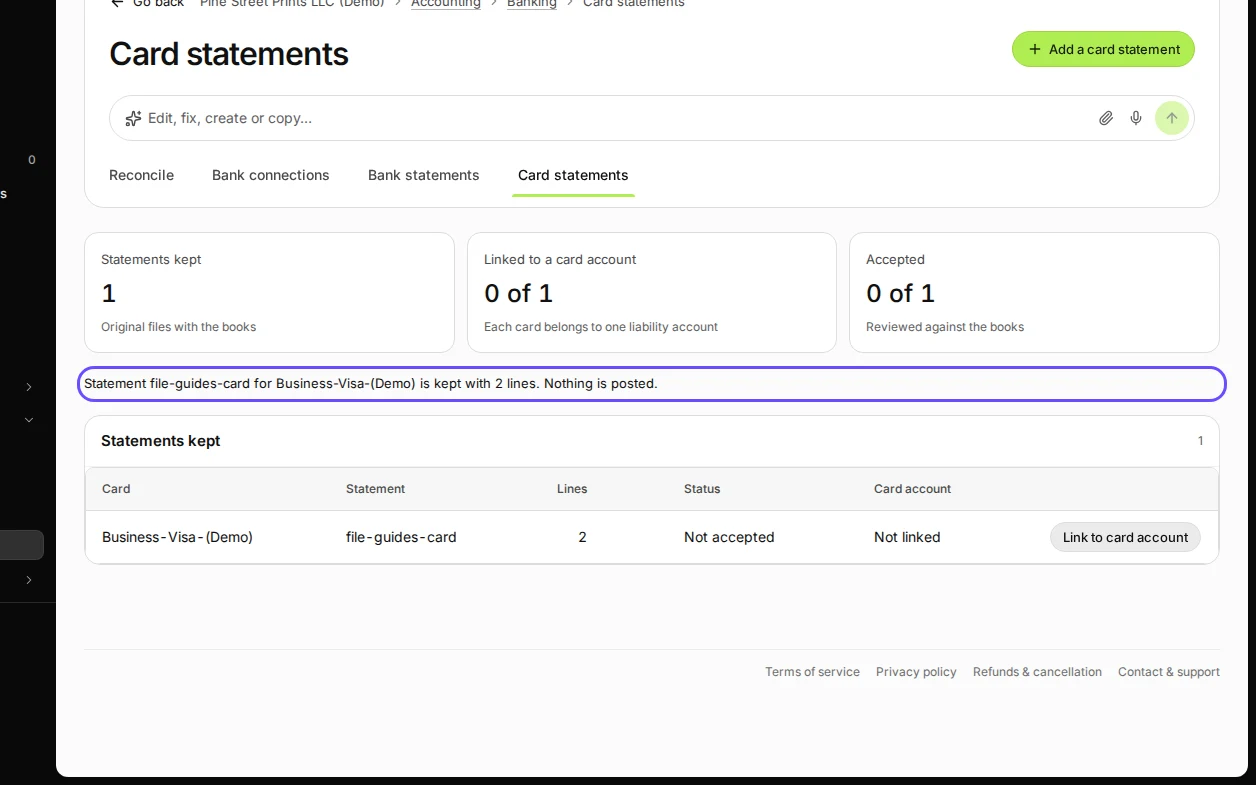
Step 5 in Deline (United States business, fictional data) · See the whole screen
Last checked 2026-11-08 by the guide runner on build 5446d374d (Deline 429a9af2e) (local Deline stack).