Find the contractors you send a 1099-NEC

In Books → Reports, choose 1099-NEC contractors, pick the calendar year and press Show contractors. Deline lists what you paid each supplier marked as a contractor, so you can prepare their 1099-NEC. You file the forms yourself.

  • L1 · Everyday
  • WhereUnited States
  • WhoOwner, Accountant
  • PlanBasic and up
  • Timeabout 1 min

Steps

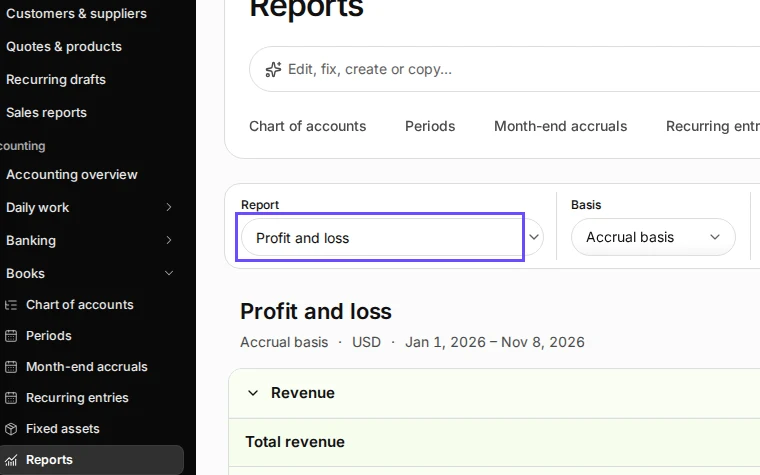
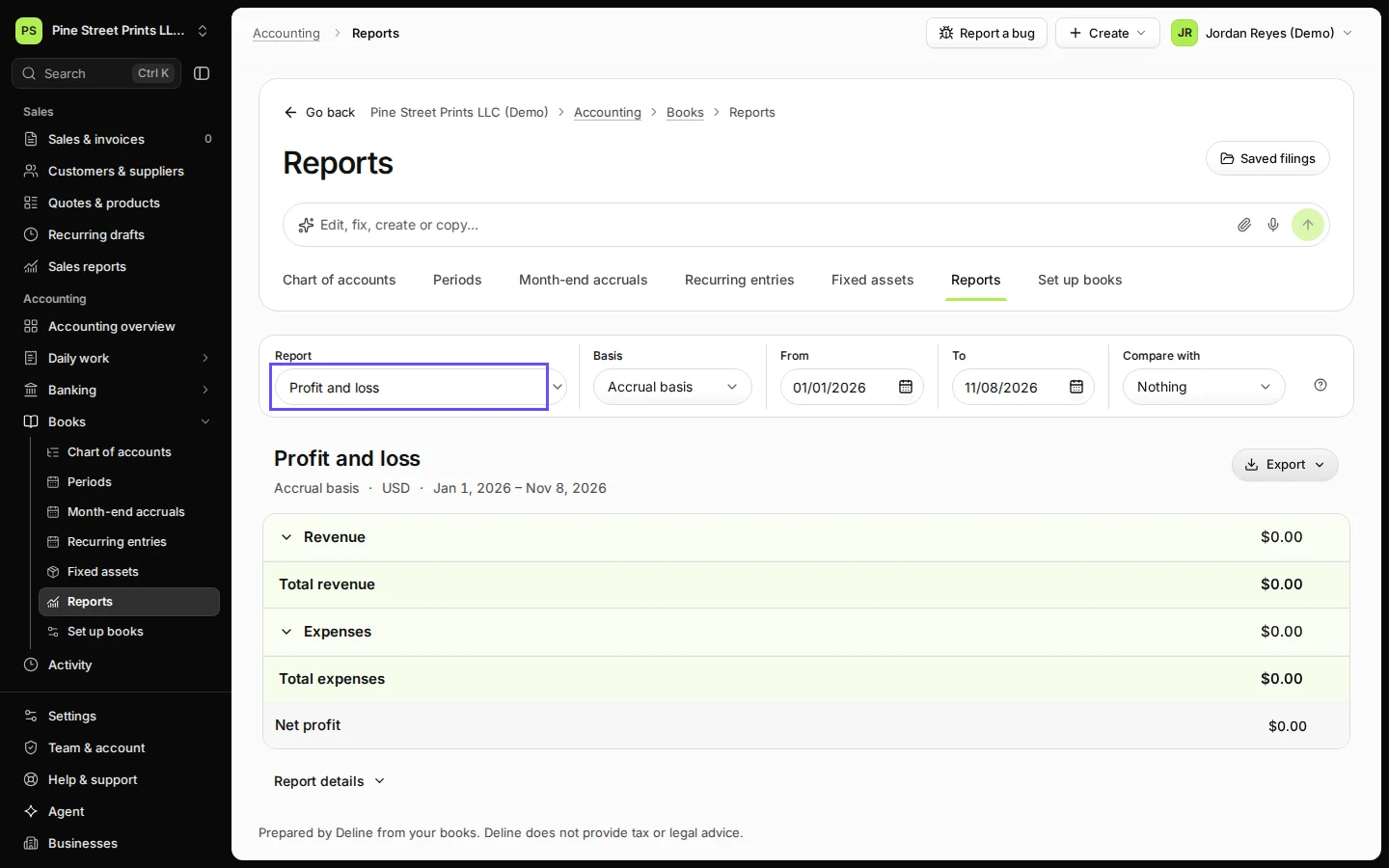
  1. Open Reports from Books.

    Step 1: Open Reports from Books.
    Step 1 in Deline (United States business, fictional data) · See the whole screen
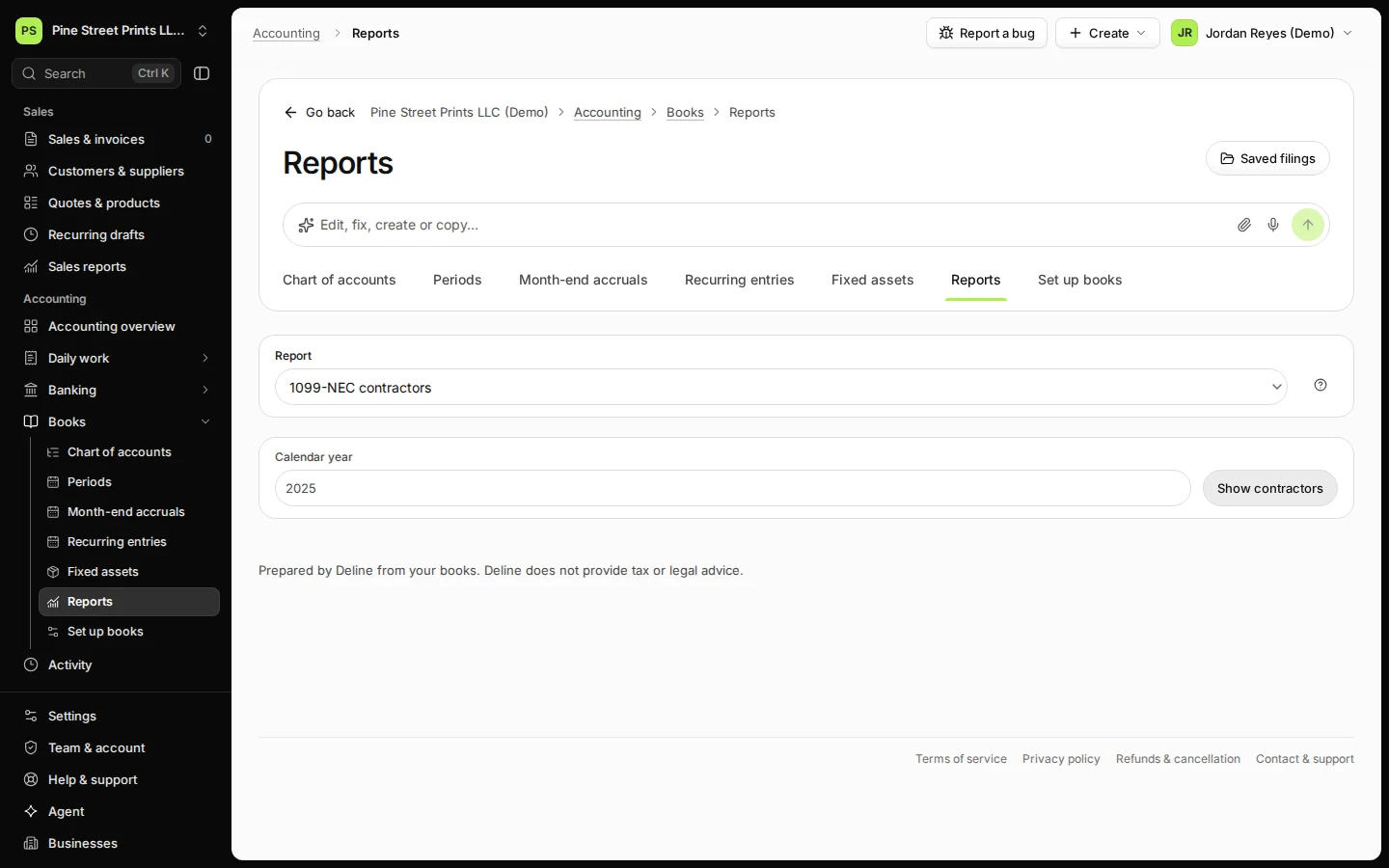
  2. Choose 1099-NEC contractors in Report.
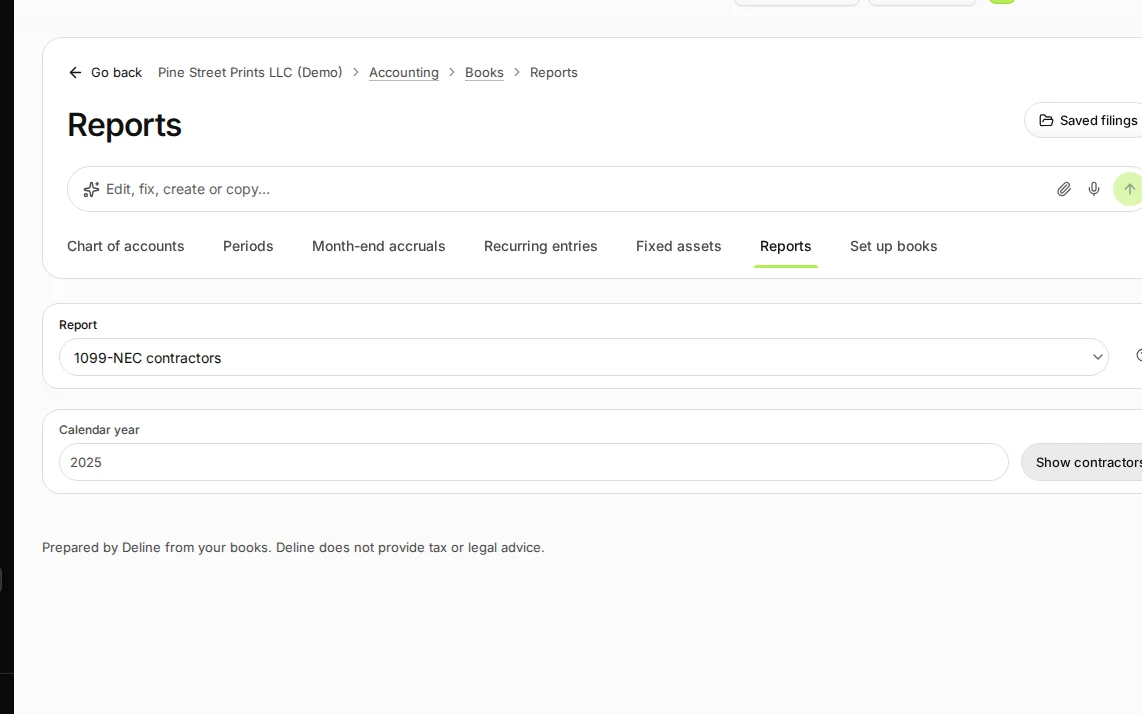
    Step 2: Choose 1099-NEC contractors in Report.
    Step 2 in Deline (United States business, fictional data) · See the whole screen
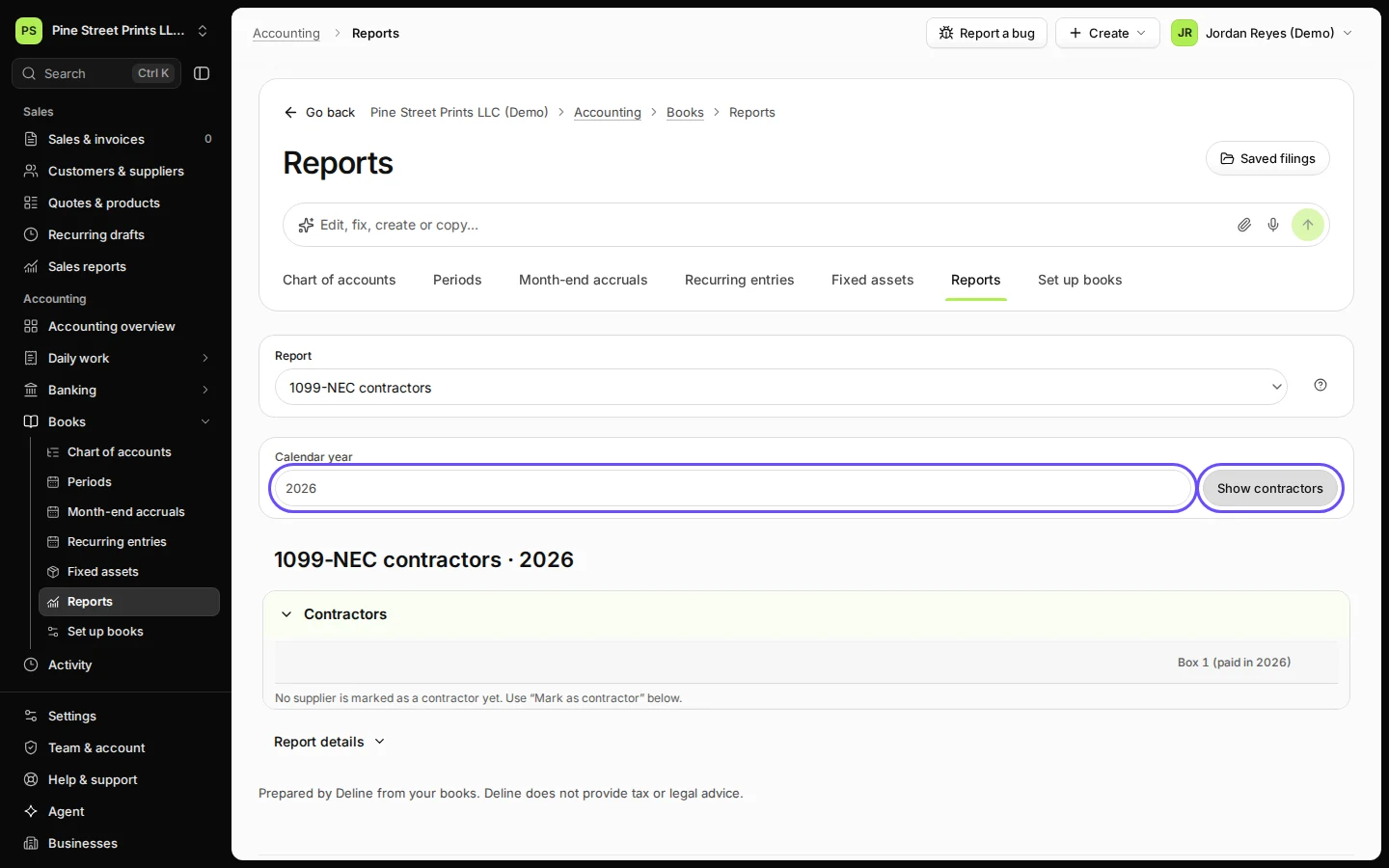
  3. Choose the calendar year and press Show contractors.

    Mark a supplier as a contractor from the same report with Mark as contractor.
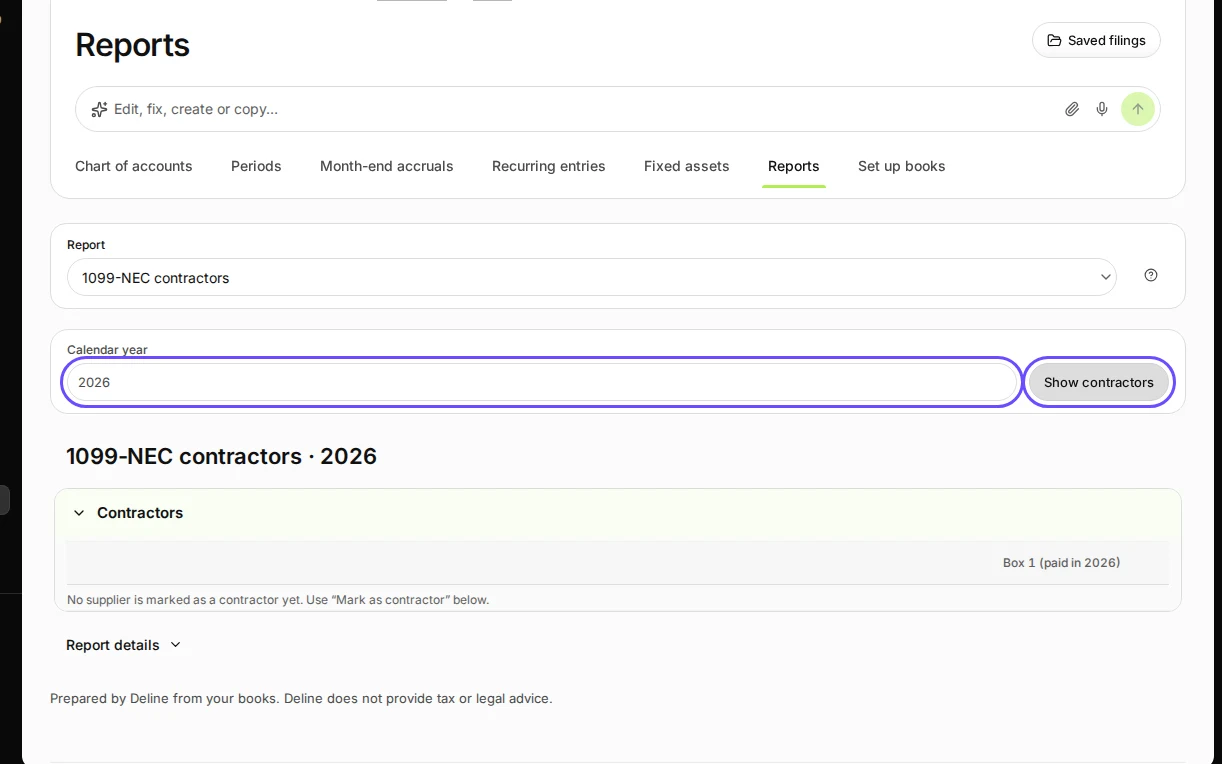
    Step 3: Choose the calendar year and press Show contractors.
    Step 3 in Deline (United States business, fictional data) · See the whole screen
Last checked 2026-11-08 by the guide runner on build 81cd9f8f3 (Deline eff8230ba) (local Deline stack).