Prepare your Schedule C worksheet

In Books → Reports, choose Schedule C worksheet, pick the year and basis and press Show worksheet. Your accounts are grouped into the Schedule C lines; Choose lines for accounts lets you set where each account goes. Give the CSV to your CPA; Deline files nothing.

  • L1 · Everyday
  • WhereUnited States
  • WhoOwner, Accountant
  • PlanBasic and up
  • Timeabout 1 min

Steps

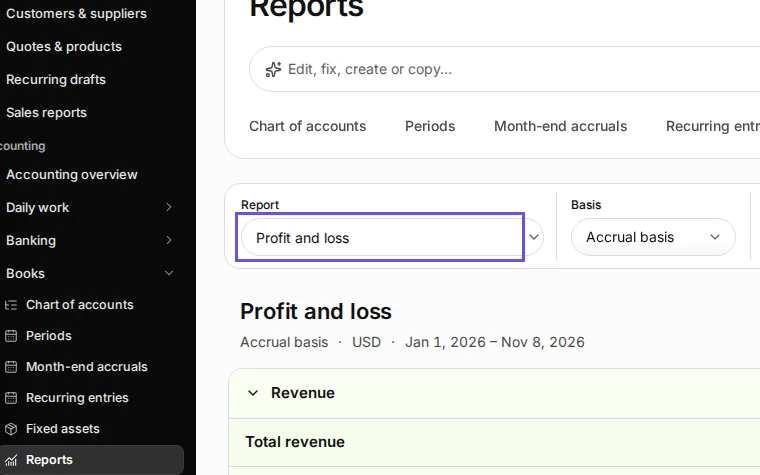
  1. Open Reports from Books.

    Step 1: Open Reports from Books.
    Step 1 in Deline (United States business, fictional data) · See the whole screen
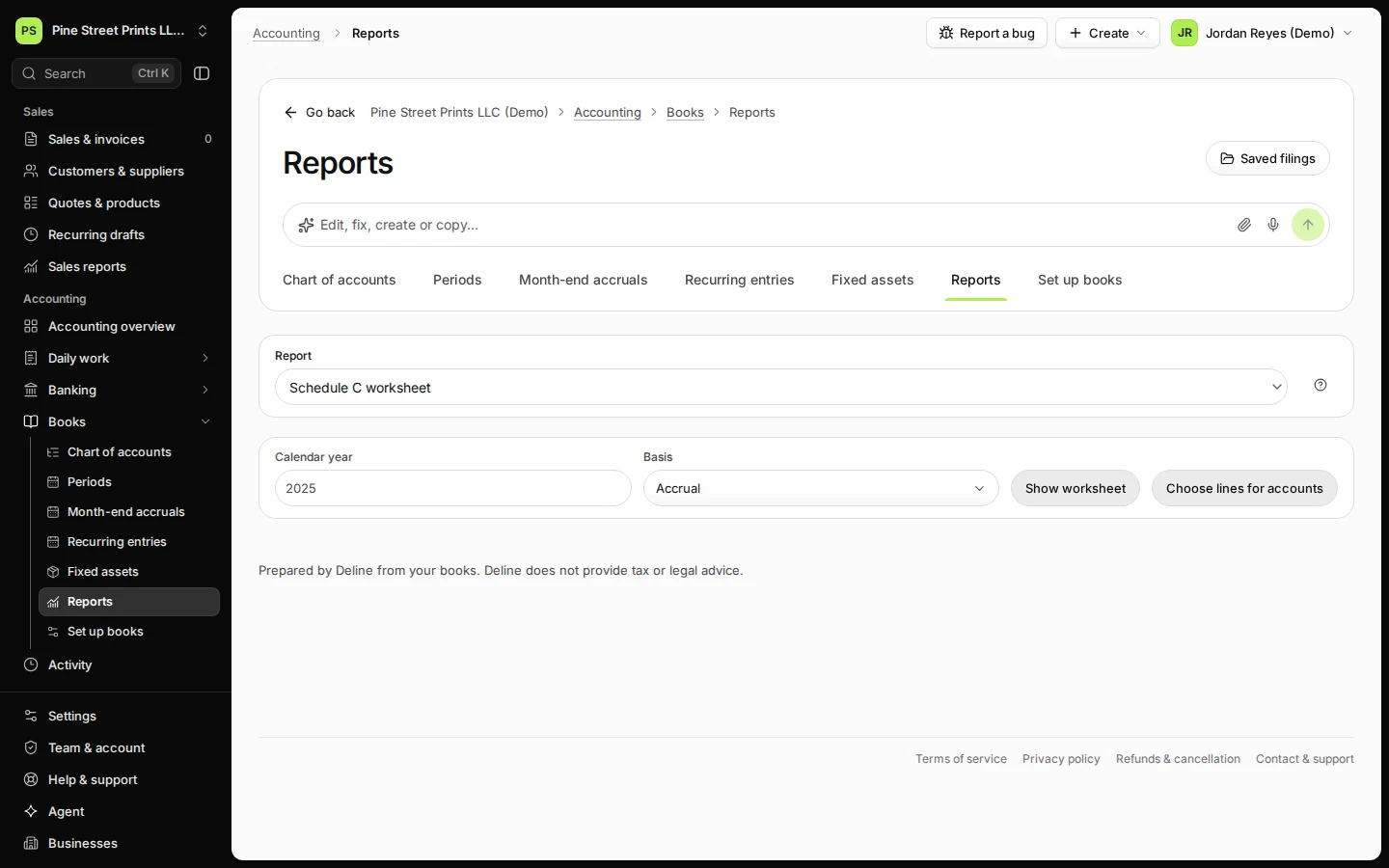
  2. Choose Schedule C worksheet in Report.
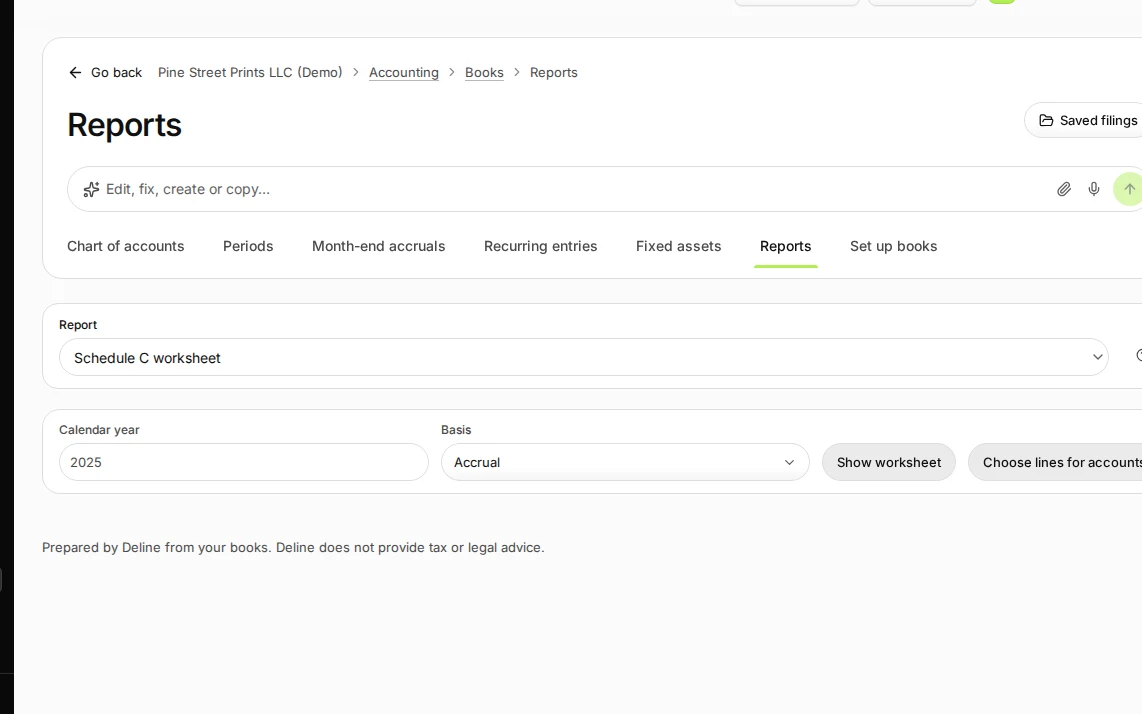
    Step 2: Choose Schedule C worksheet in Report.
    Step 2 in Deline (United States business, fictional data) · See the whole screen
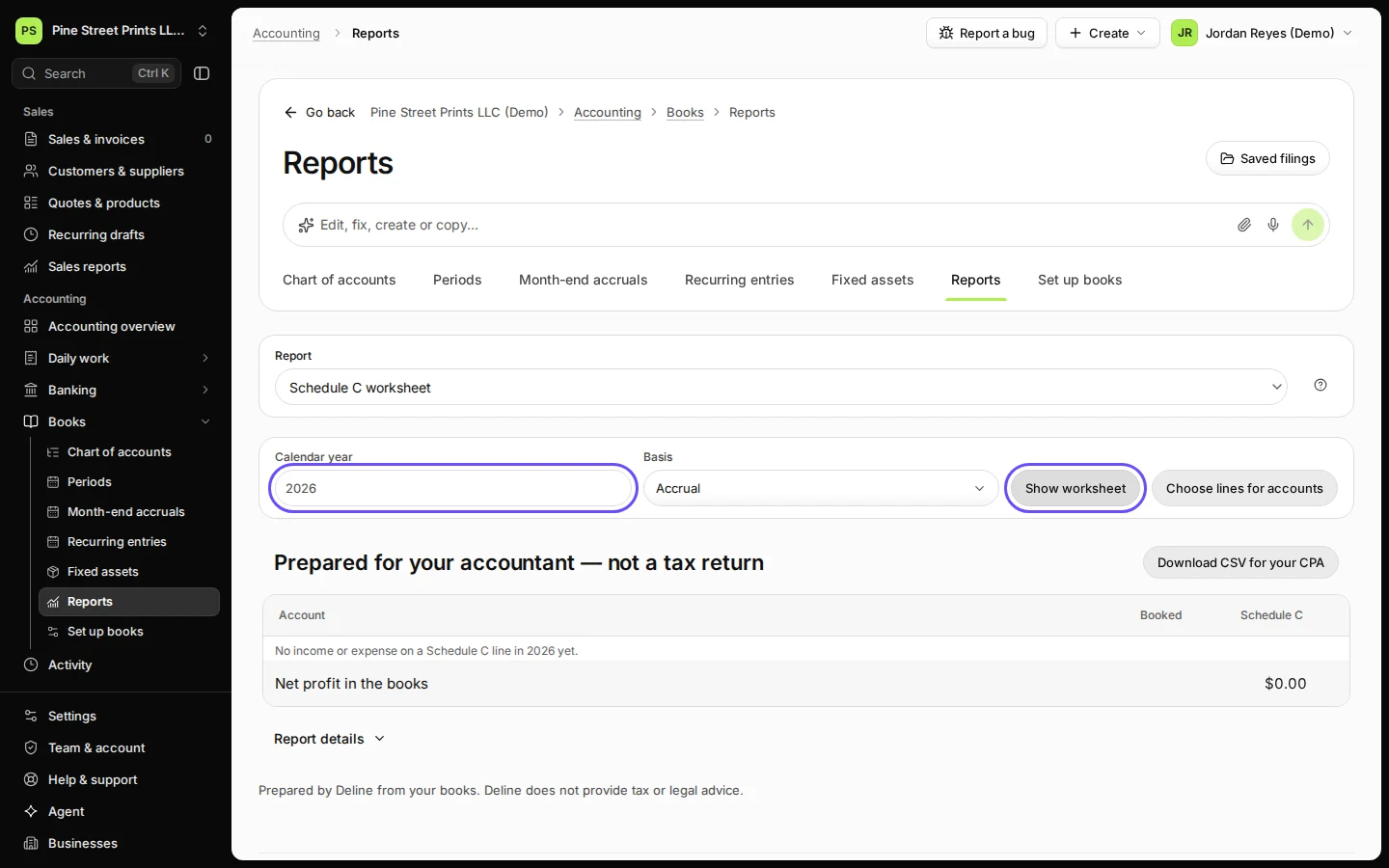
  3. Choose the year and basis, then press Show worksheet.

    Cash or accrual basis, as you report to the IRS.
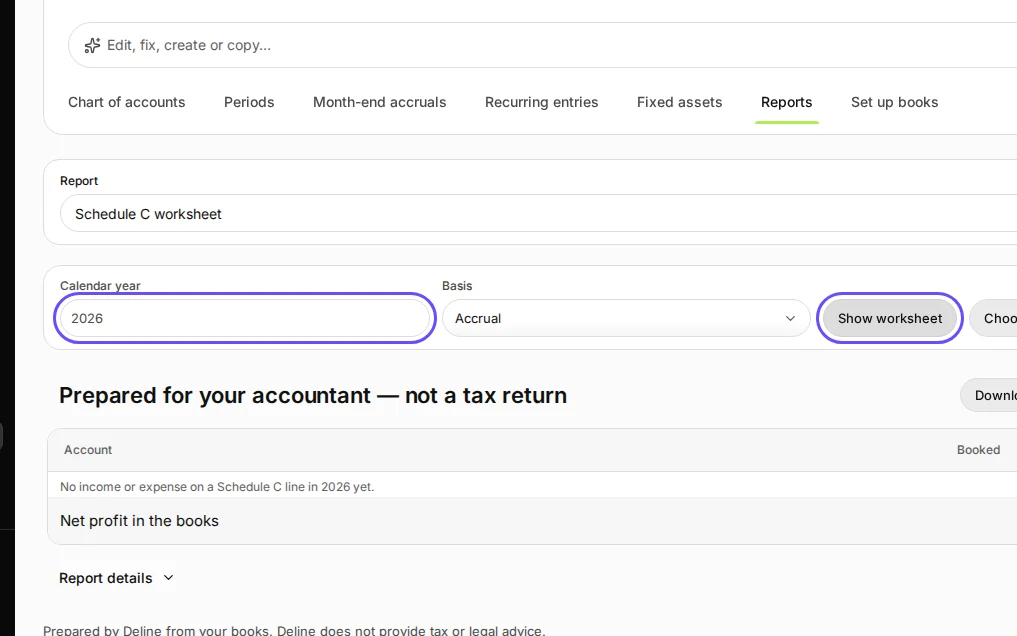
    Step 3: Choose the year and basis, then press Show worksheet.
    Step 3 in Deline (United States business, fictional data) · See the whole screen
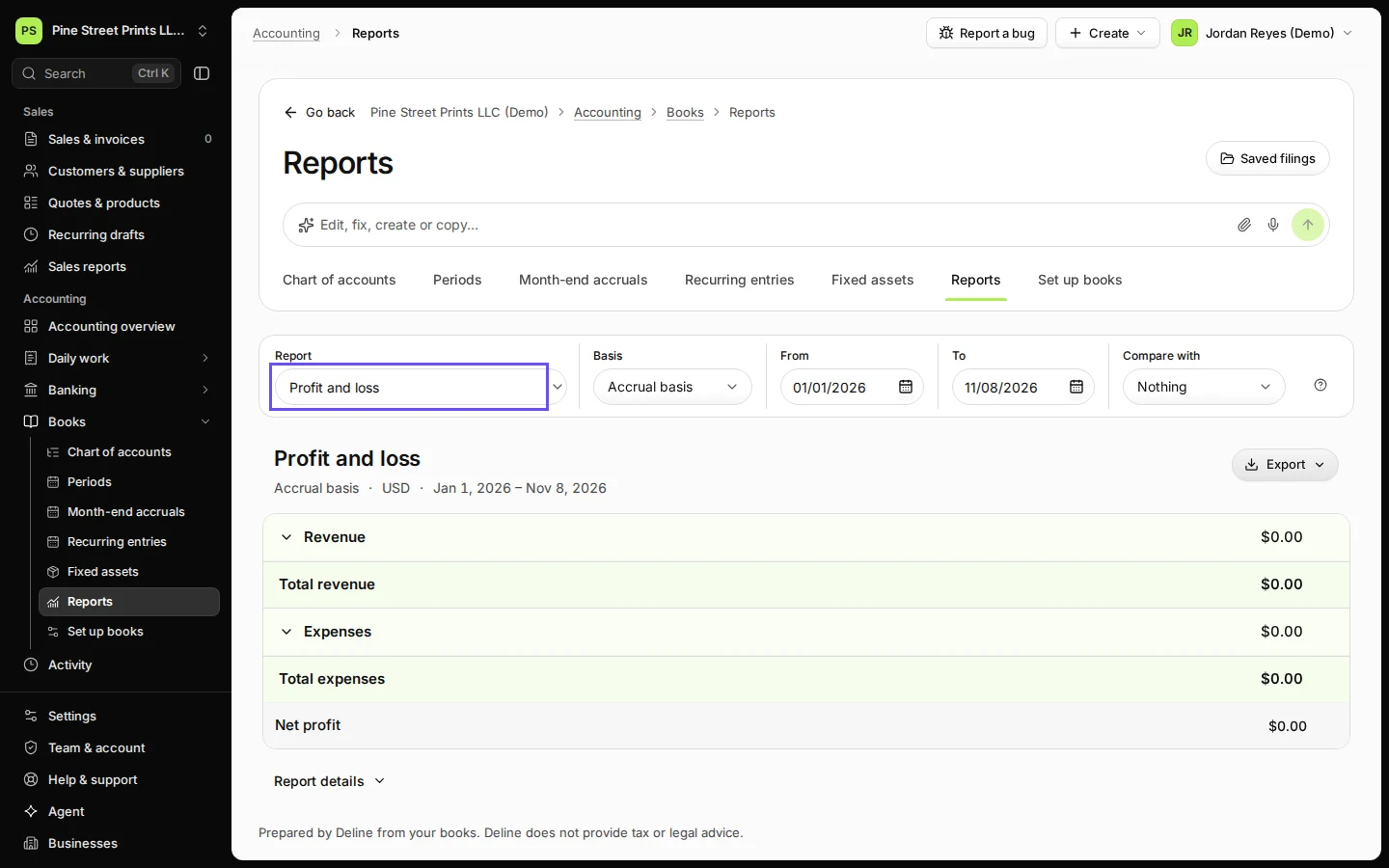
Last checked 2026-11-08 by the guide runner on build 81cd9f8f3 (Deline eff8230ba) (local Deline stack).