
Steps
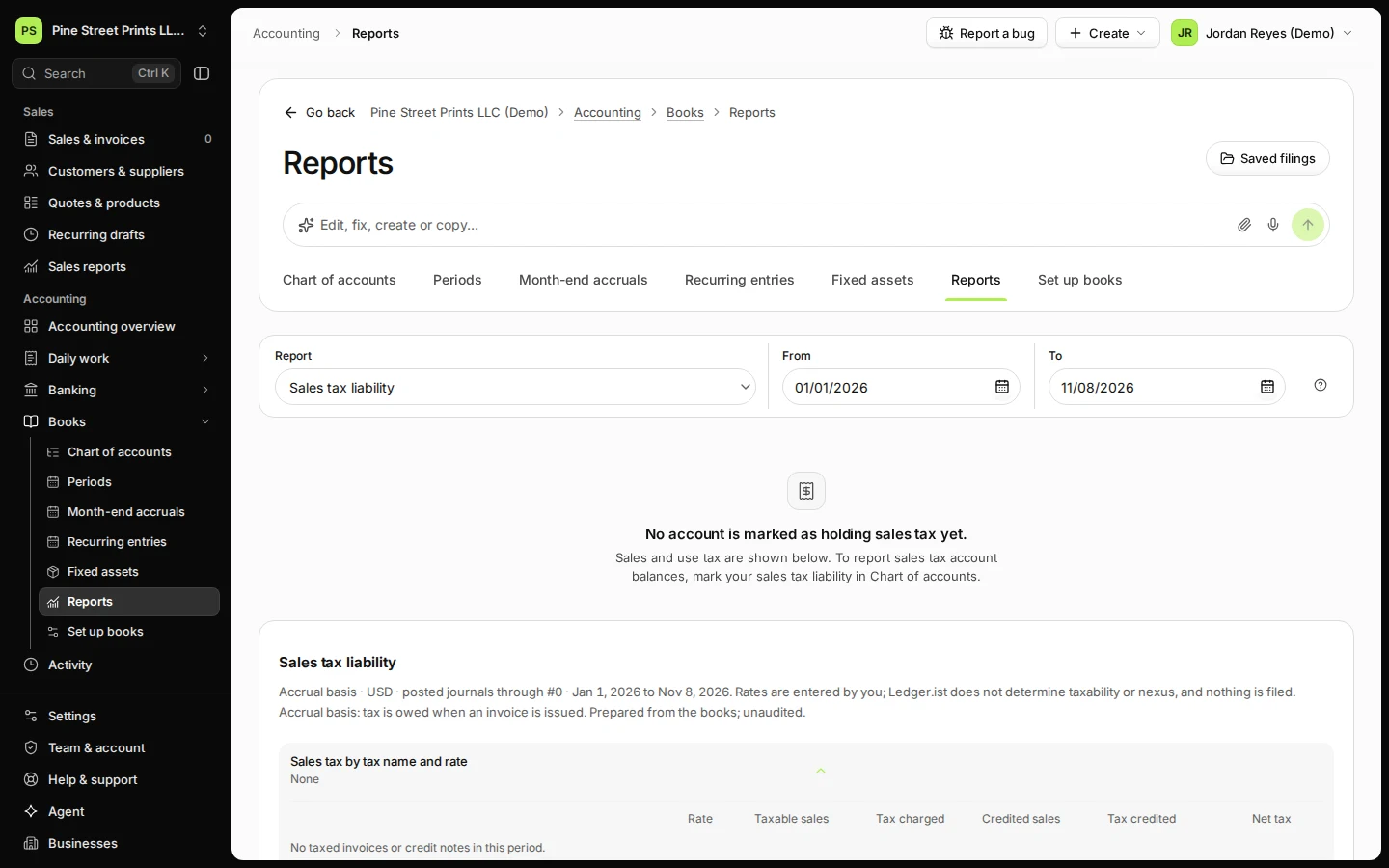
Open Reports from Books.
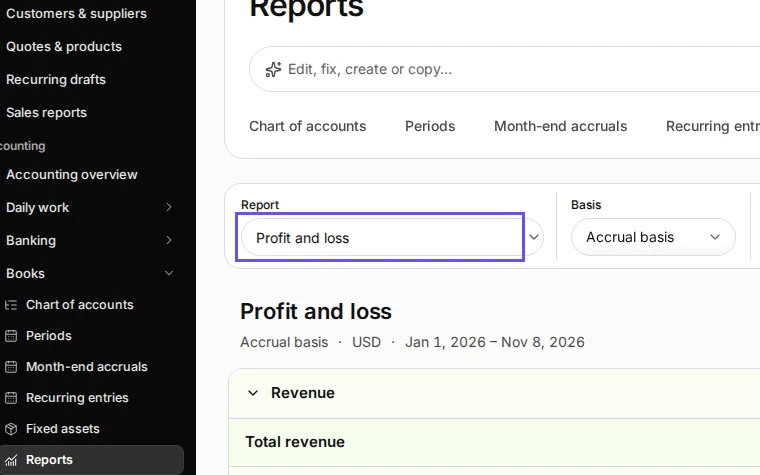
Step 1 in Deline (United States business, fictional data) · See the whole screen Choose Sales tax liability in Report.
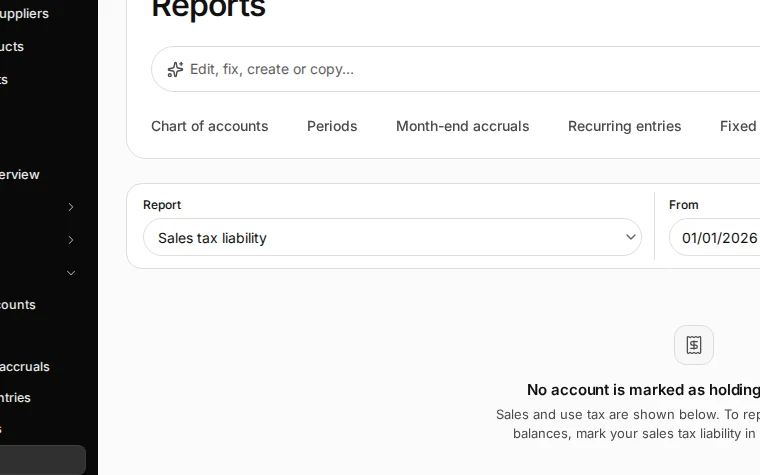
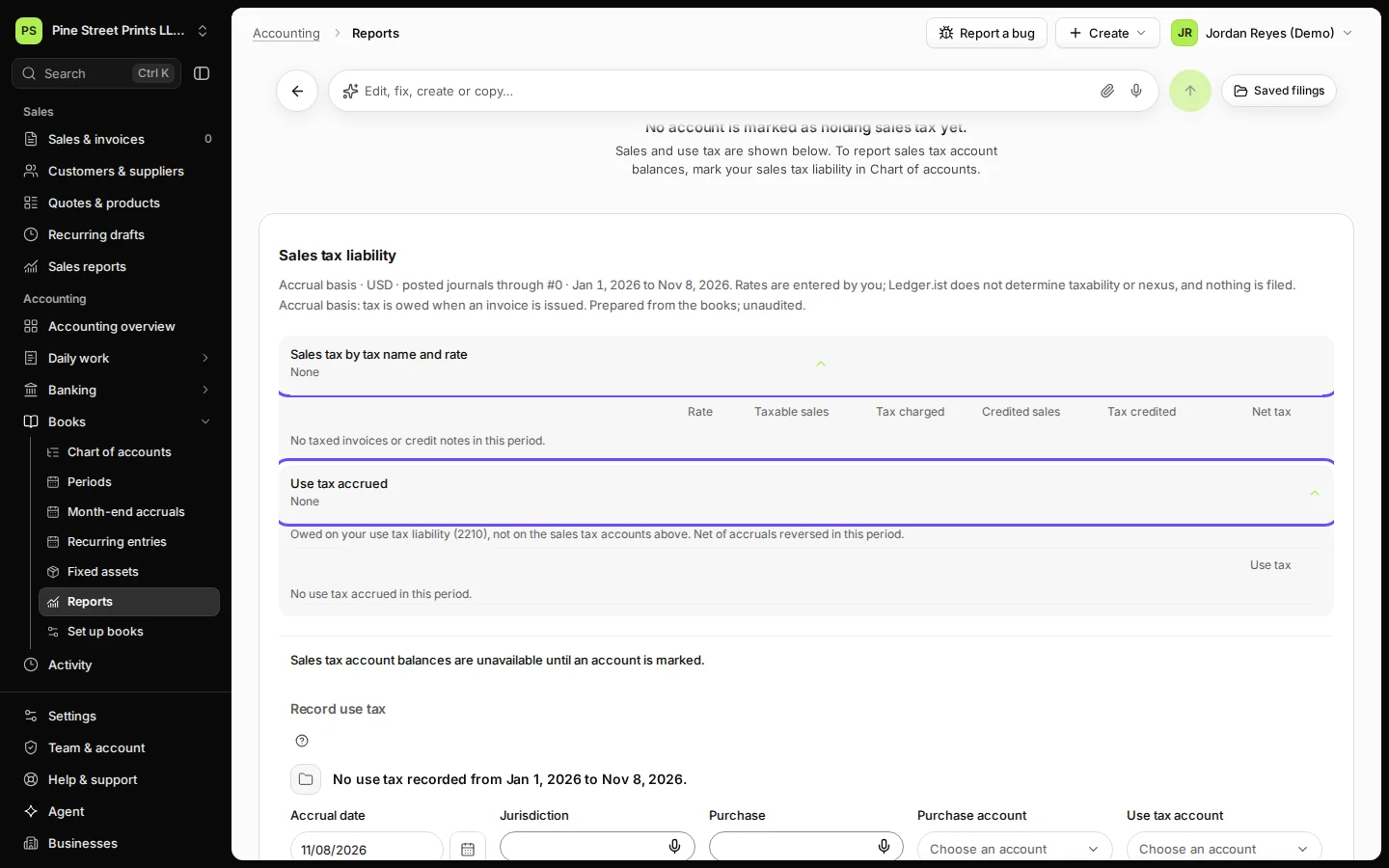
Step 2 in Deline (United States business, fictional data) · See the whole screen Check sales tax by tax name and rate, and any use tax accrued.
To see the balances of your sales tax accounts, mark the sales tax liability account in Chart of accounts.
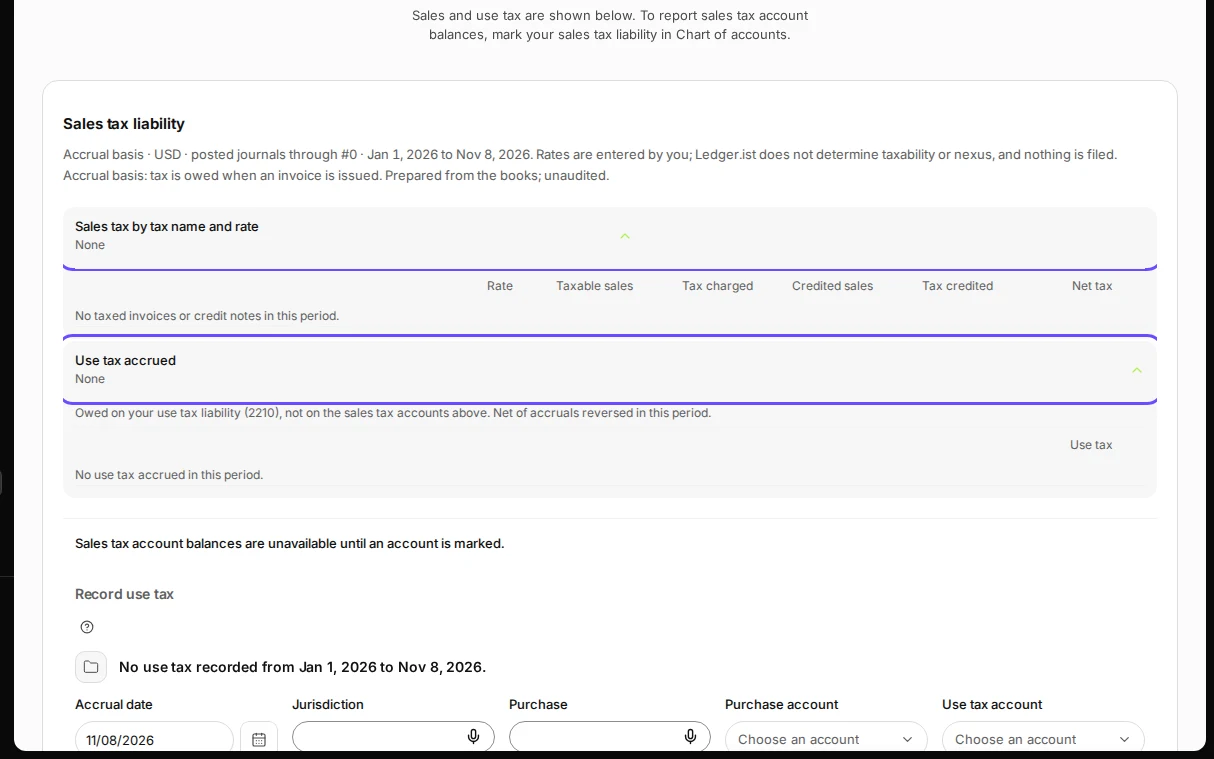
Step 3 in Deline (United States business, fictional data) · See the whole screen
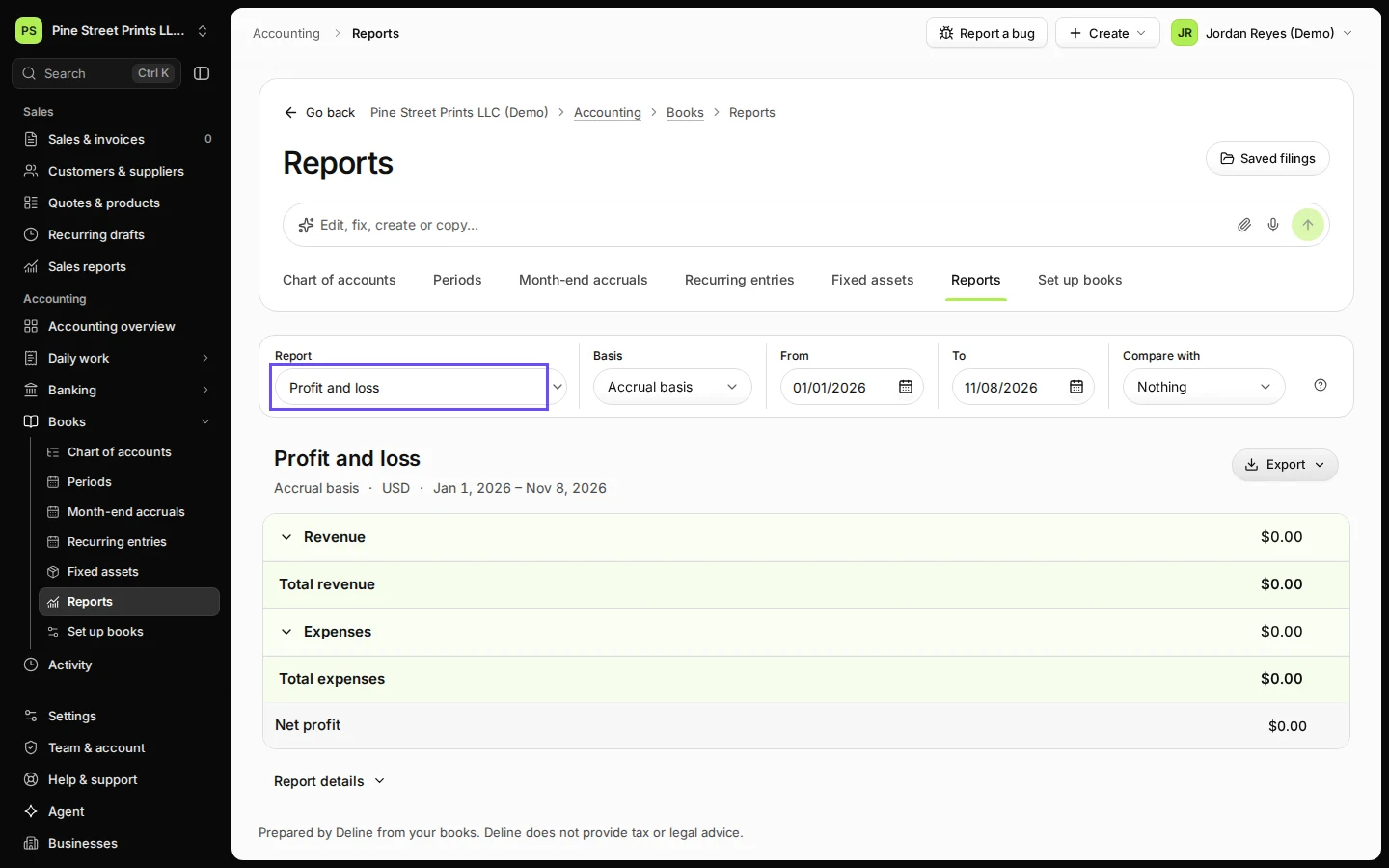
Last checked 2026-11-08 by the guide runner on build 81cd9f8f3 (Deline eff8230ba) (local Deline stack).