
Steps
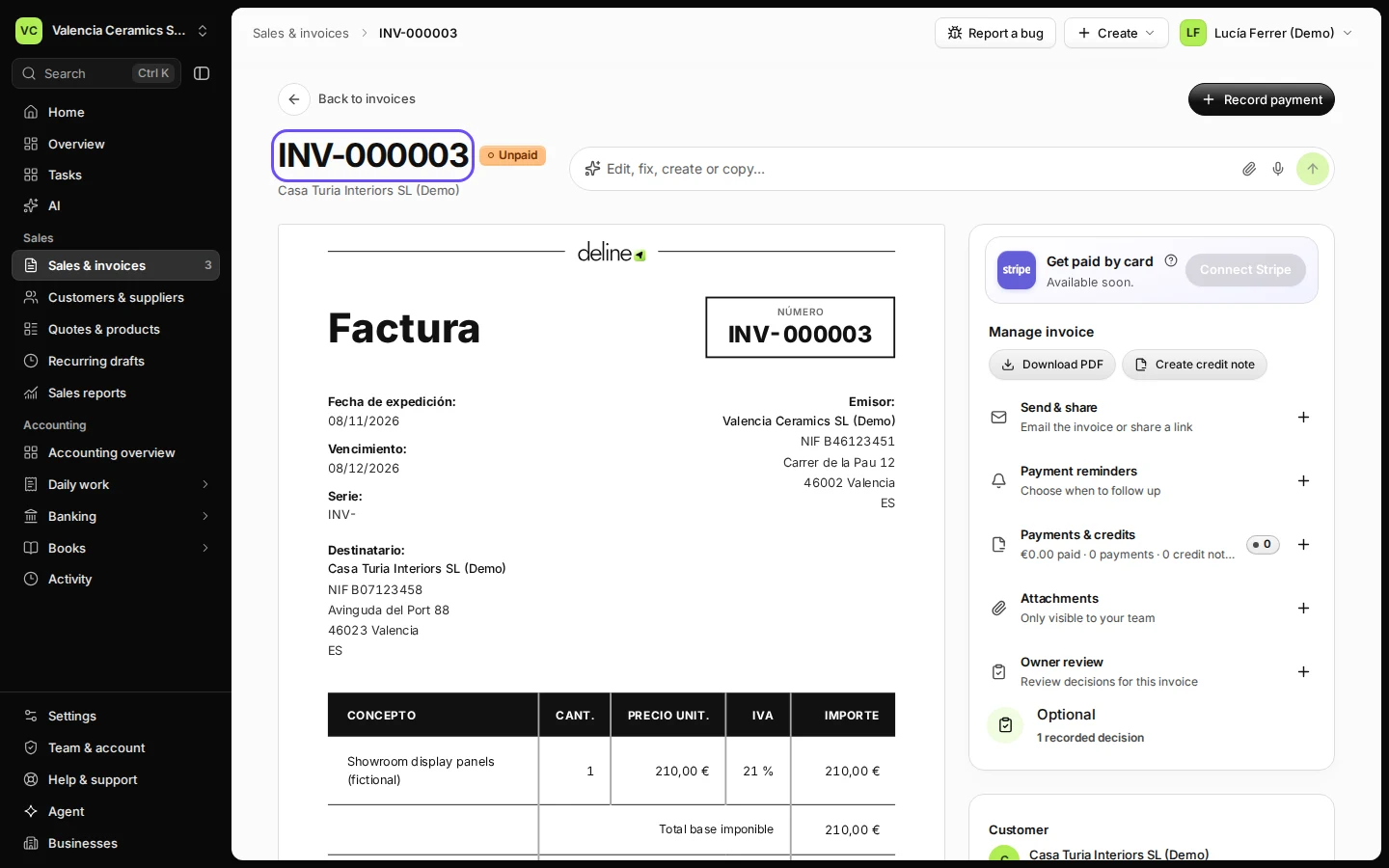
Open the invoice from Sales & invoices.
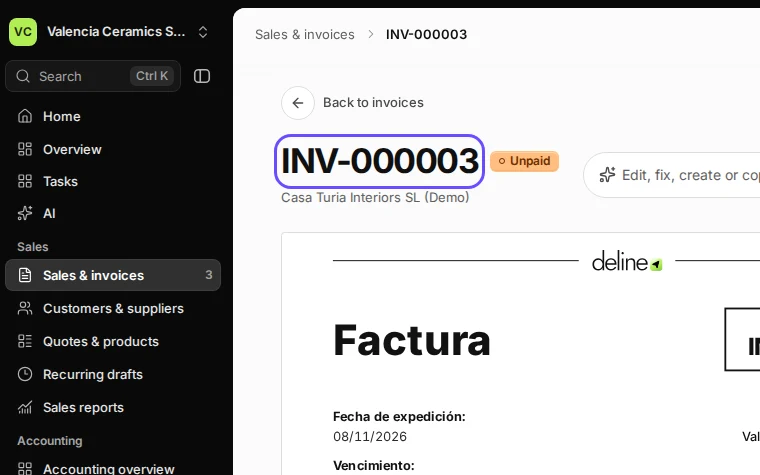
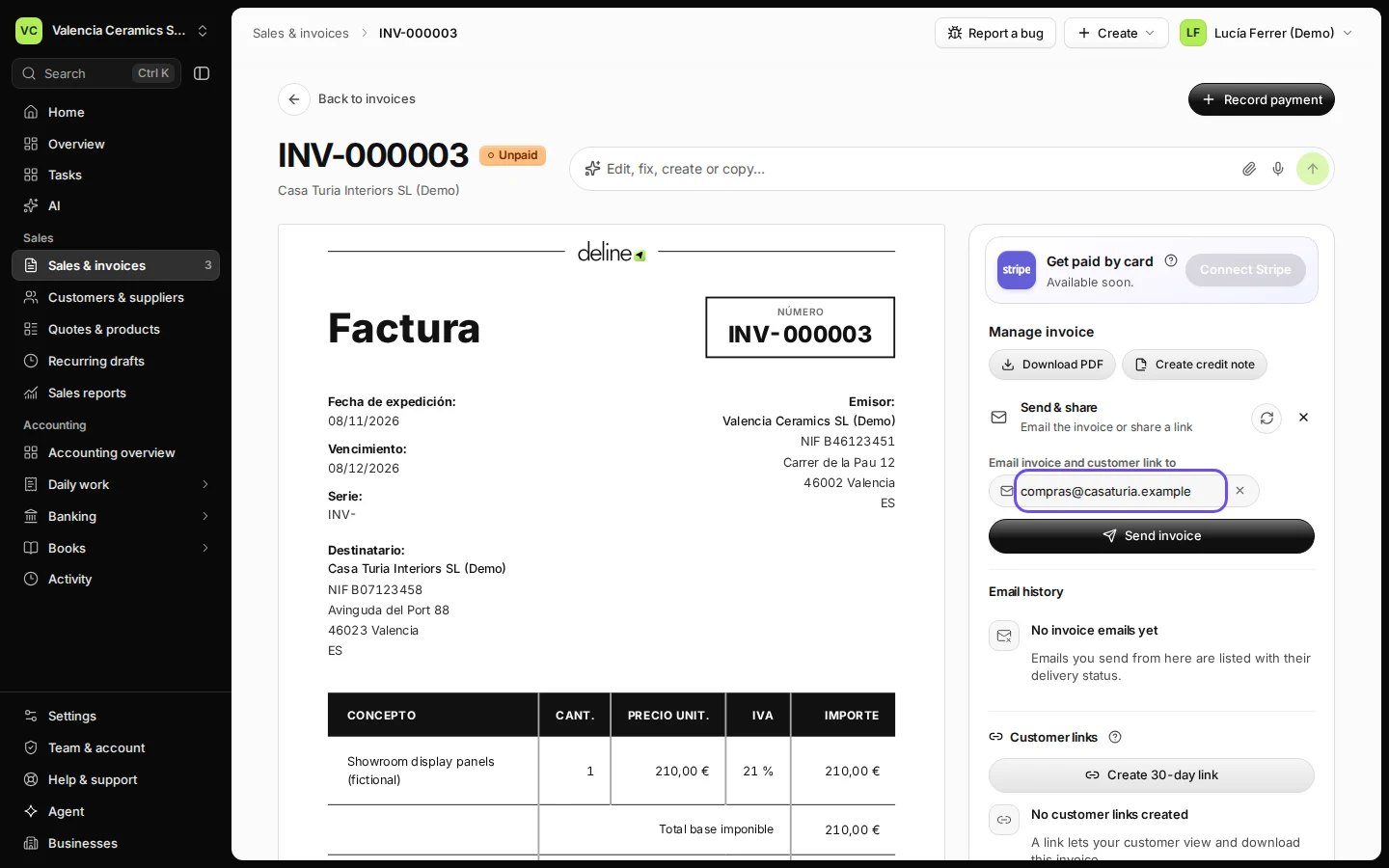
Step 1 in Deline (Spain business, fictional data) · See the whole screen Open Send & share and check the email address.
You can change the address or add another one before sending.
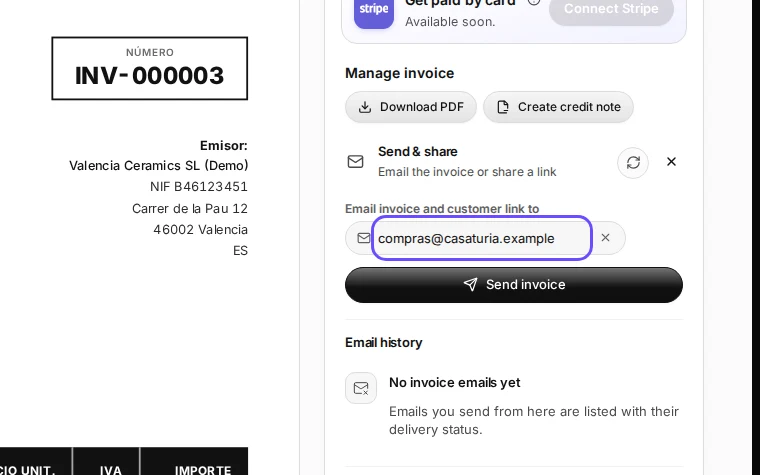
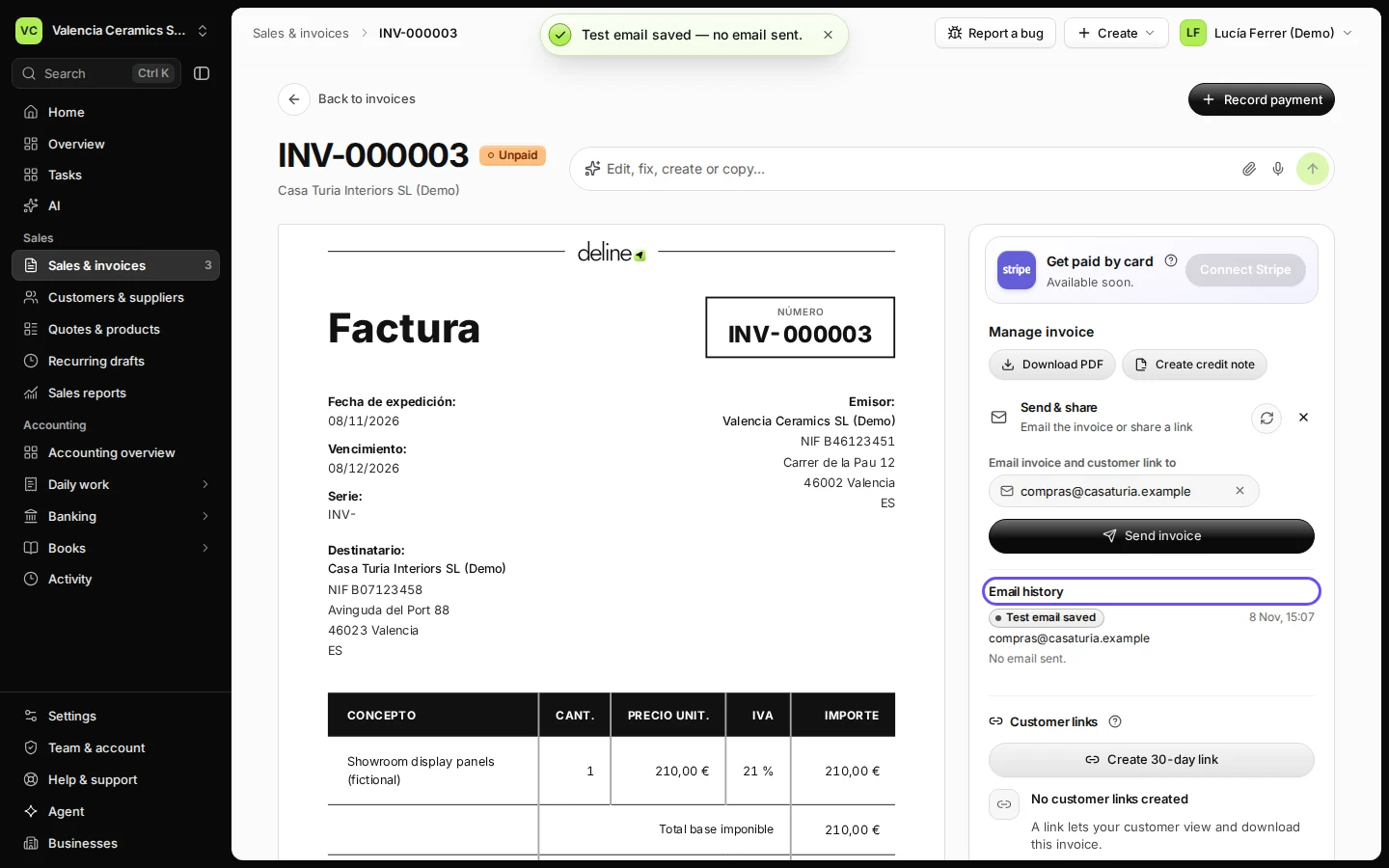
Step 2 in Deline (Spain business, fictional data) · See the whole screen Press Send invoice.
The email has the PDF and a link for your customer.
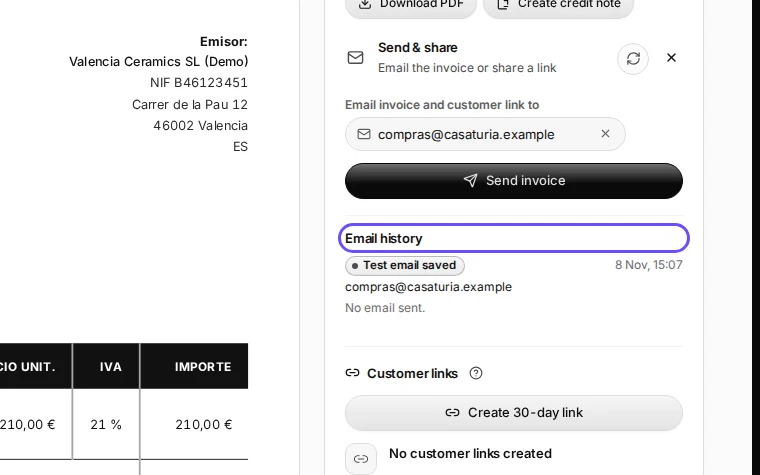
Step 3 in Deline (Spain business, fictional data) · See the whole screen


If something goes wrong
- The customer still has nothing: check Email history; correct the address and send again. A sent email is not proof it was read.
Last checked 2026-11-08 by the guide runner on build 37b370dcd (Deline 5e00493c3) (local Deline stack, desktop and phone).