
Steps
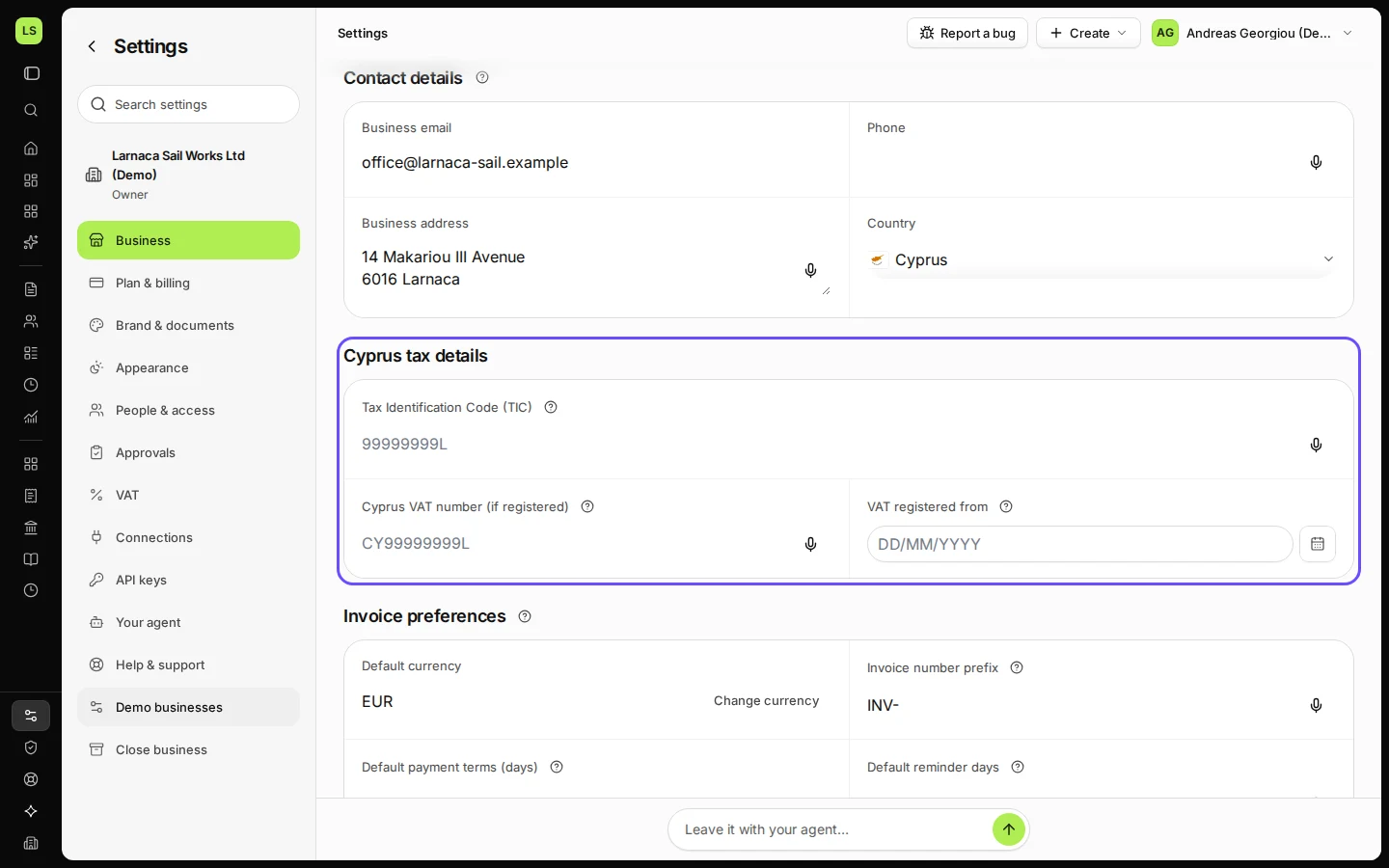
Open Settings and stay on Business.
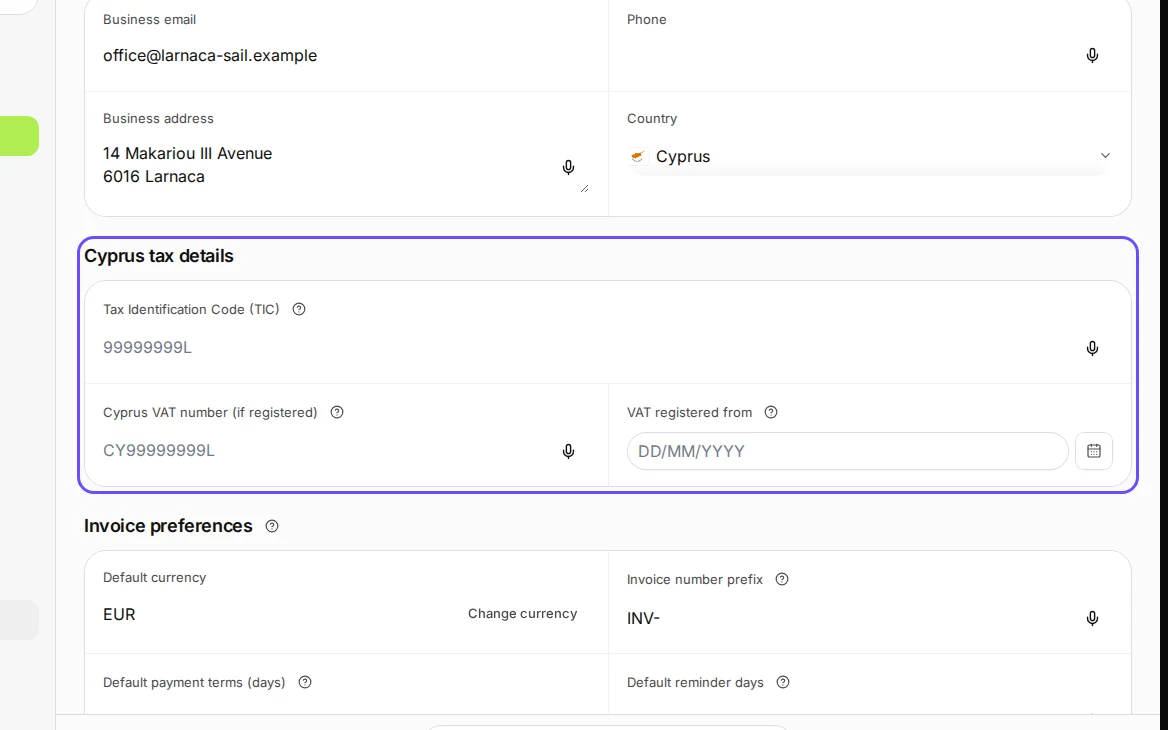
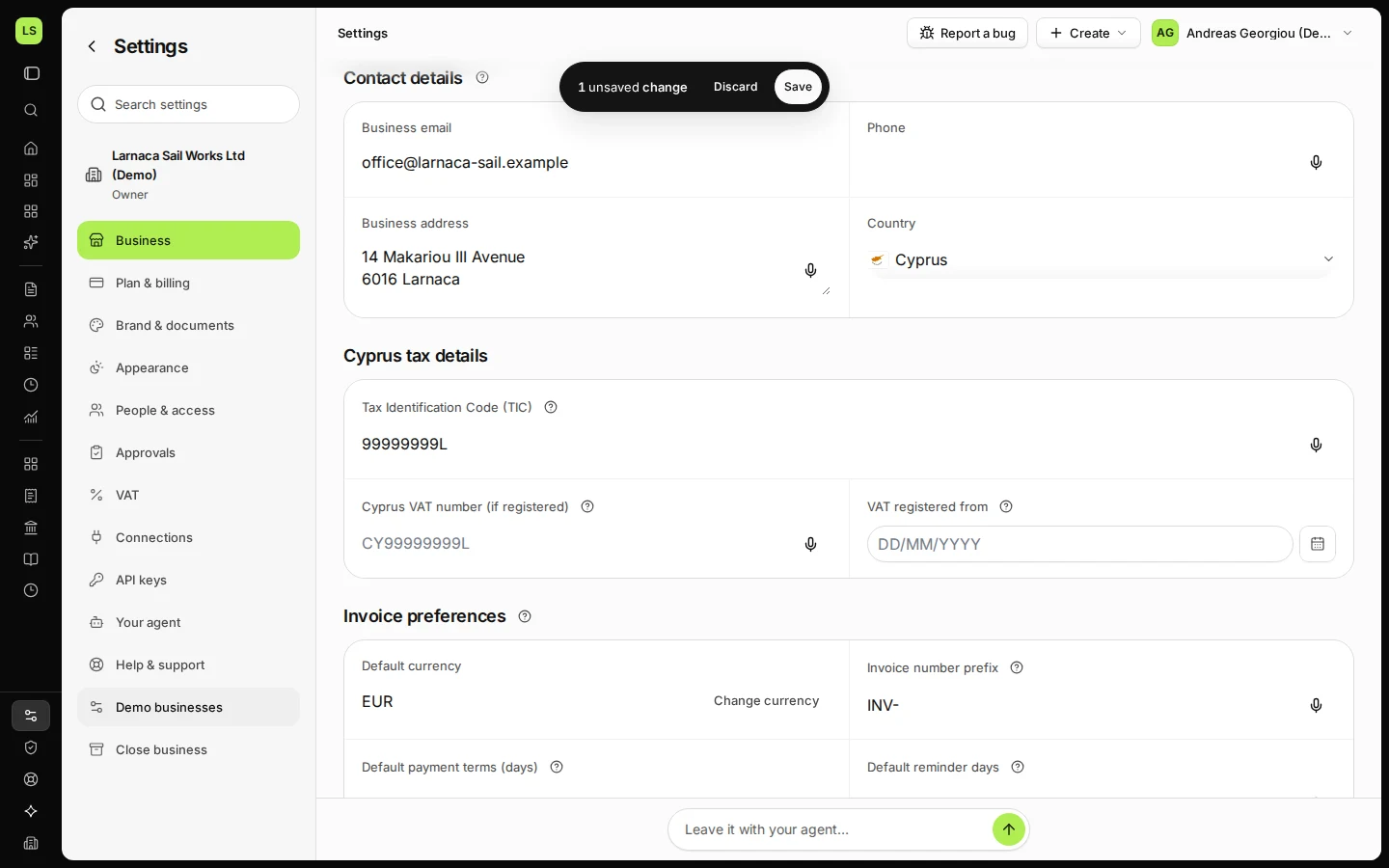
Step 1 in Deline (Cyprus business, fictional data) · See the whole screen Enter your Tax Identification Code (TIC).
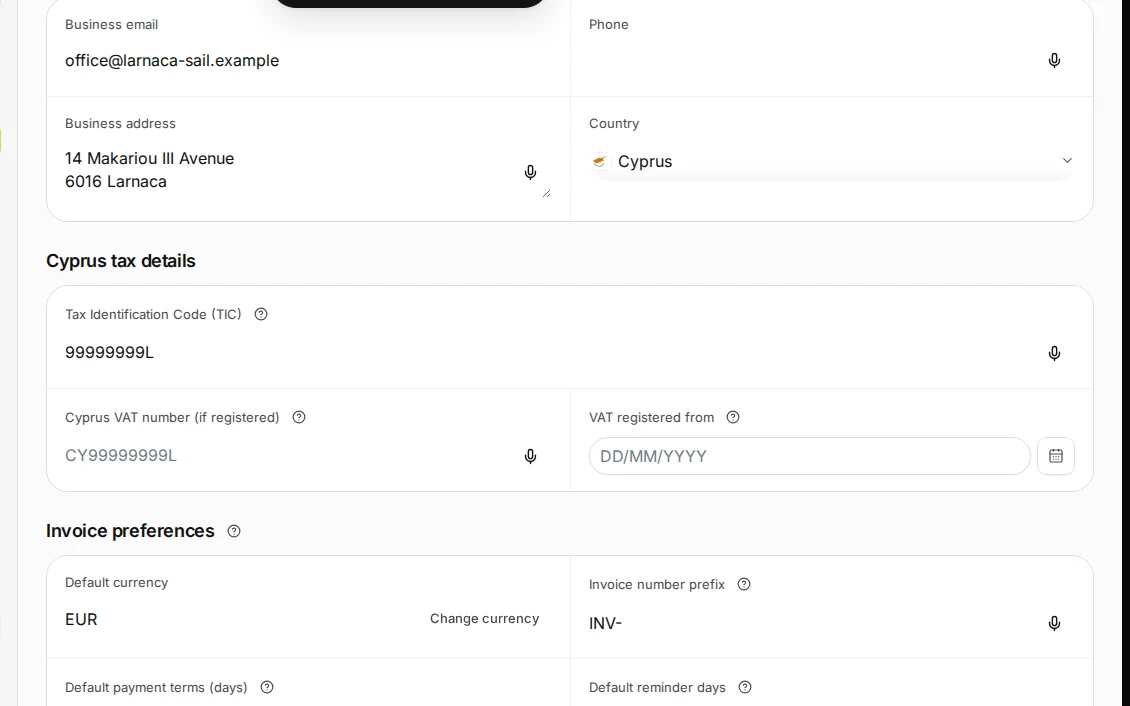
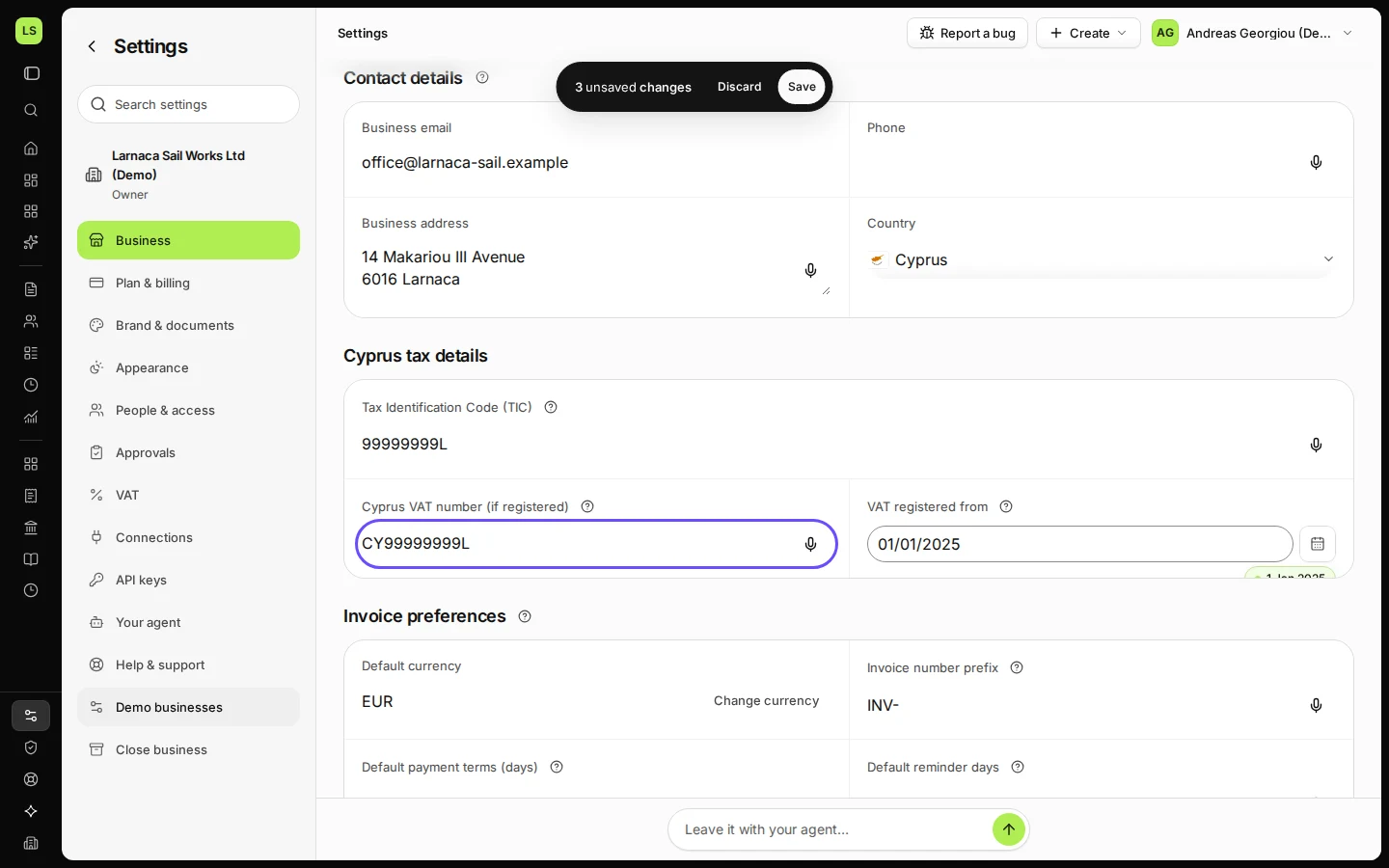
Step 2 in Deline (Cyprus business, fictional data) · See the whole screen If you are VAT-registered, enter the VAT number and the date you were registered from.
Without a VAT number and registration date, Deline does not issue invoices that charge VAT.
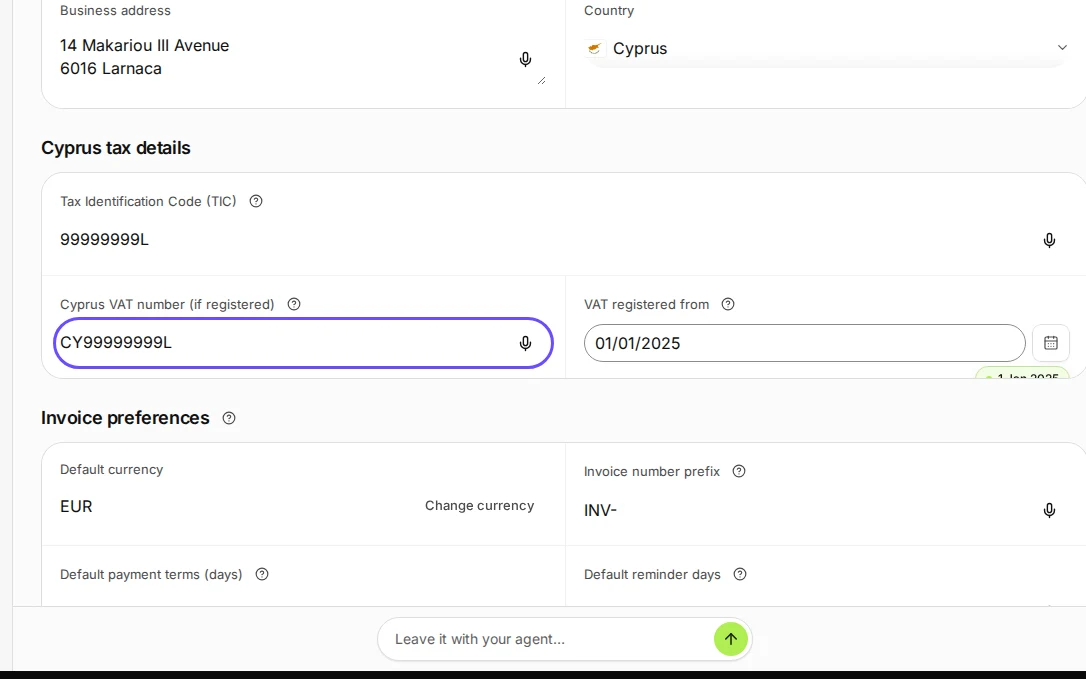
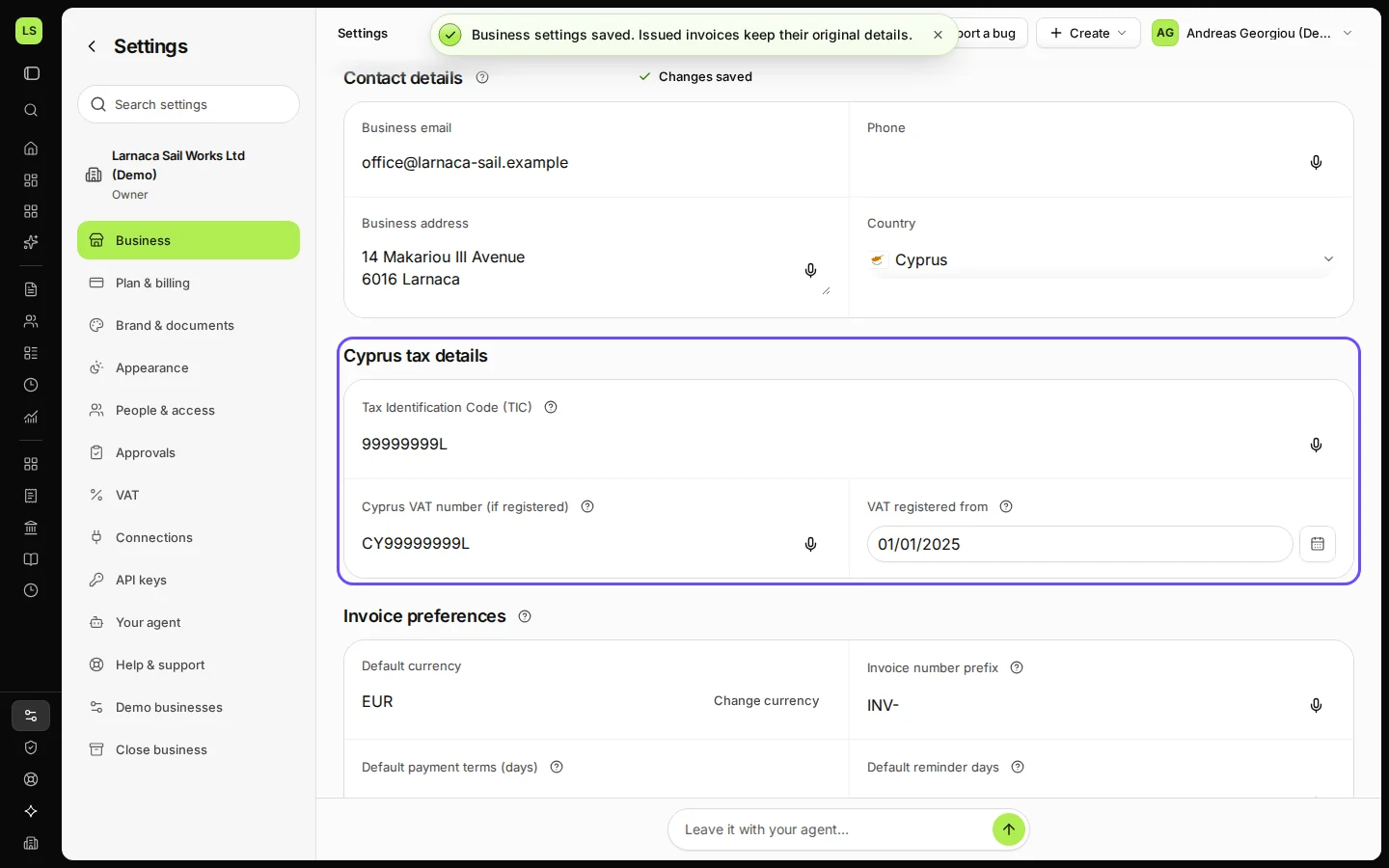
Step 3 in Deline (Cyprus business, fictional data) · See the whole screen Save.
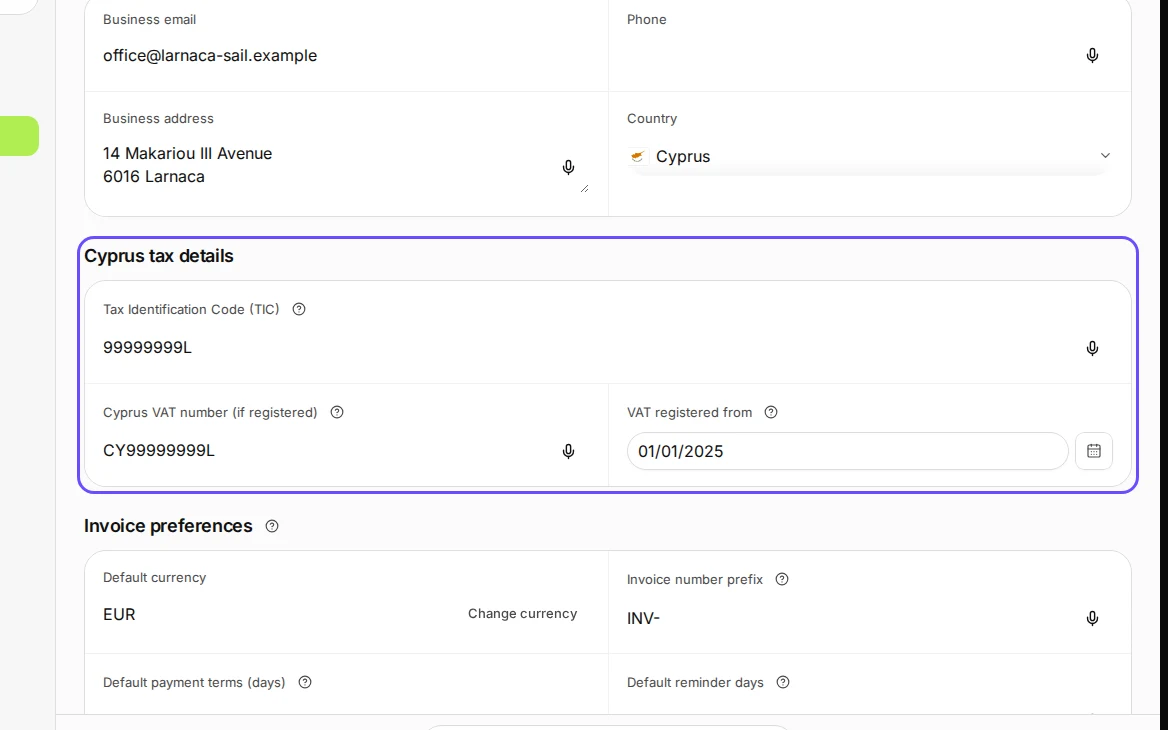
Step 4 in Deline (Cyprus business, fictional data) · See the whole screen
Last checked 2026-11-08 by the guide runner on build 5bcaf3a46 (Deline 06cb5749b) (local Deline stack).