
Before you start
- Your business is taxed in Ukraine (Settings → Business).
- You can sign in to the monobank app on your phone. It takes about two minutes.
Steps
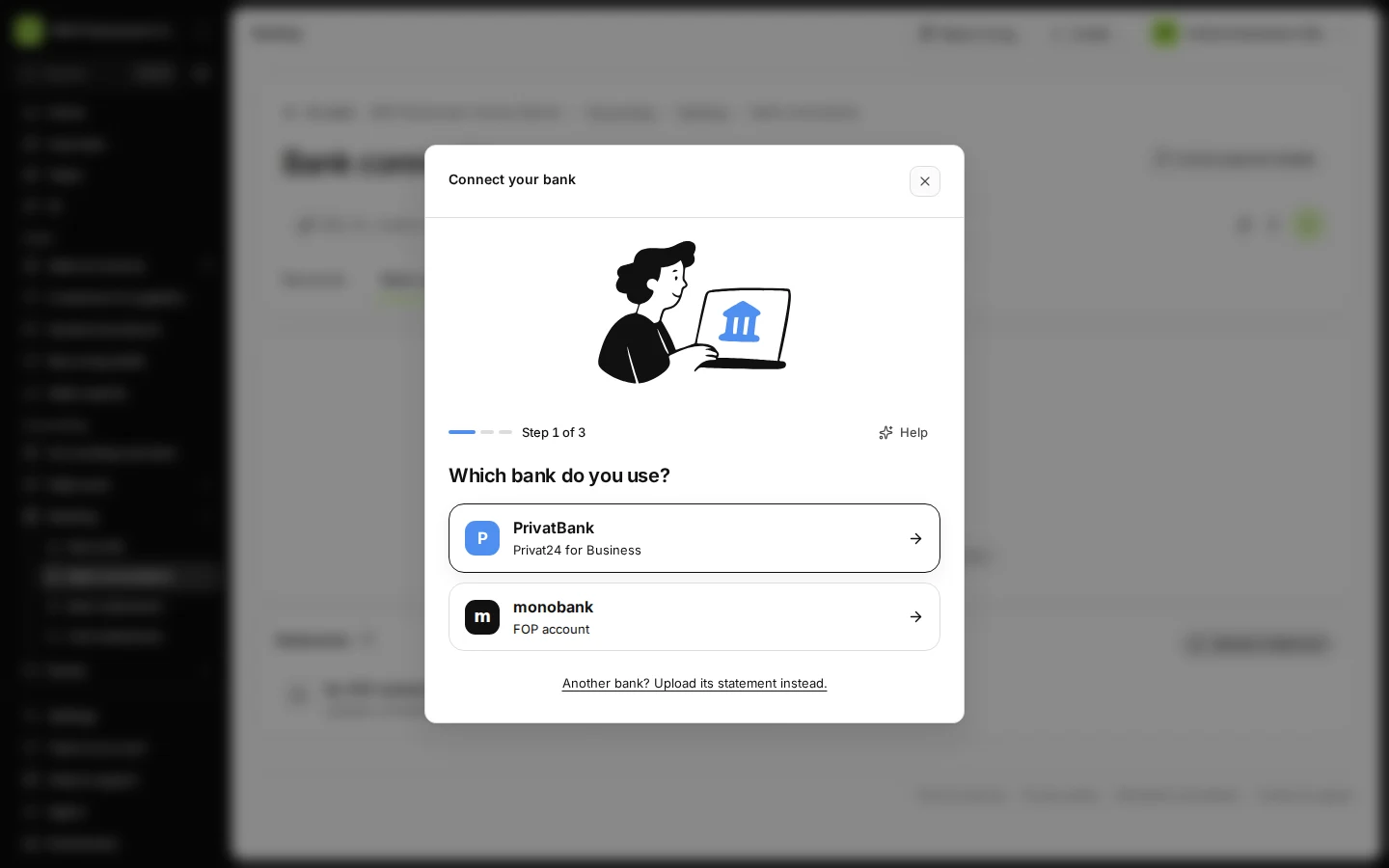
Open Bank connections from Banking and press Connect a bank.
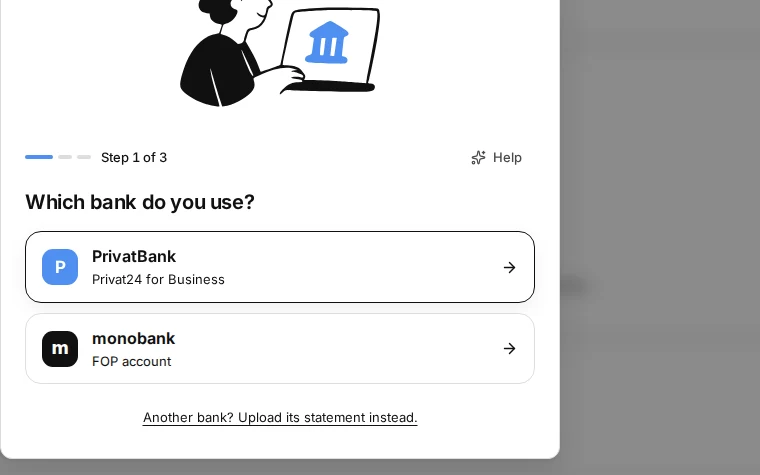
Step 1 in Deline (Ukraine business, fictional data) · See the whole screen Choose monobank.
It is listed as "FOP account".
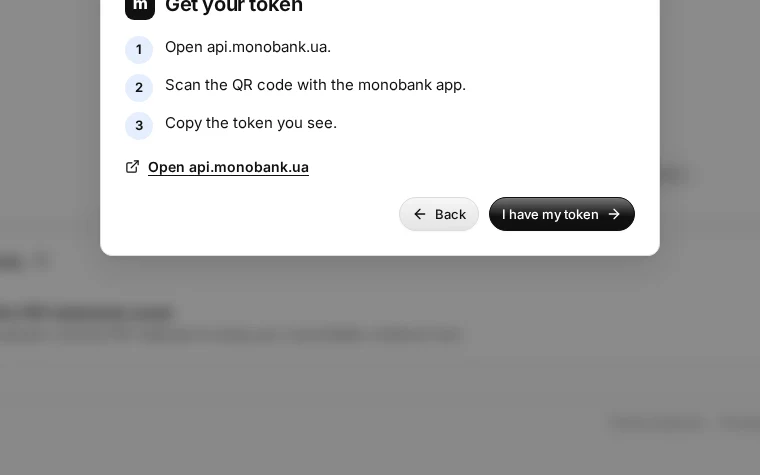
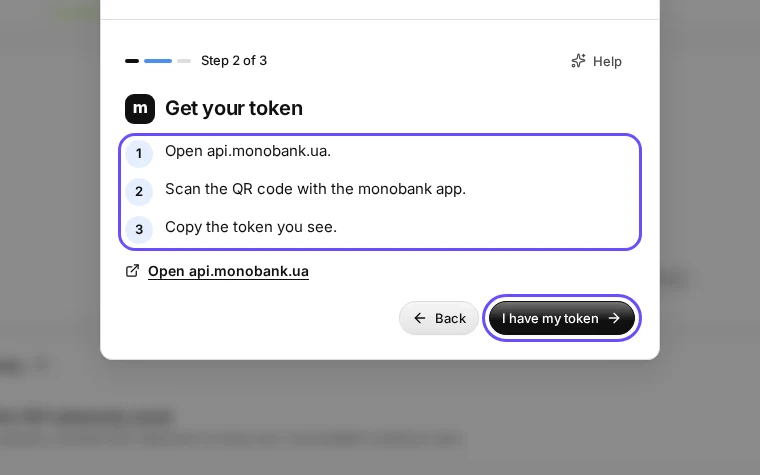
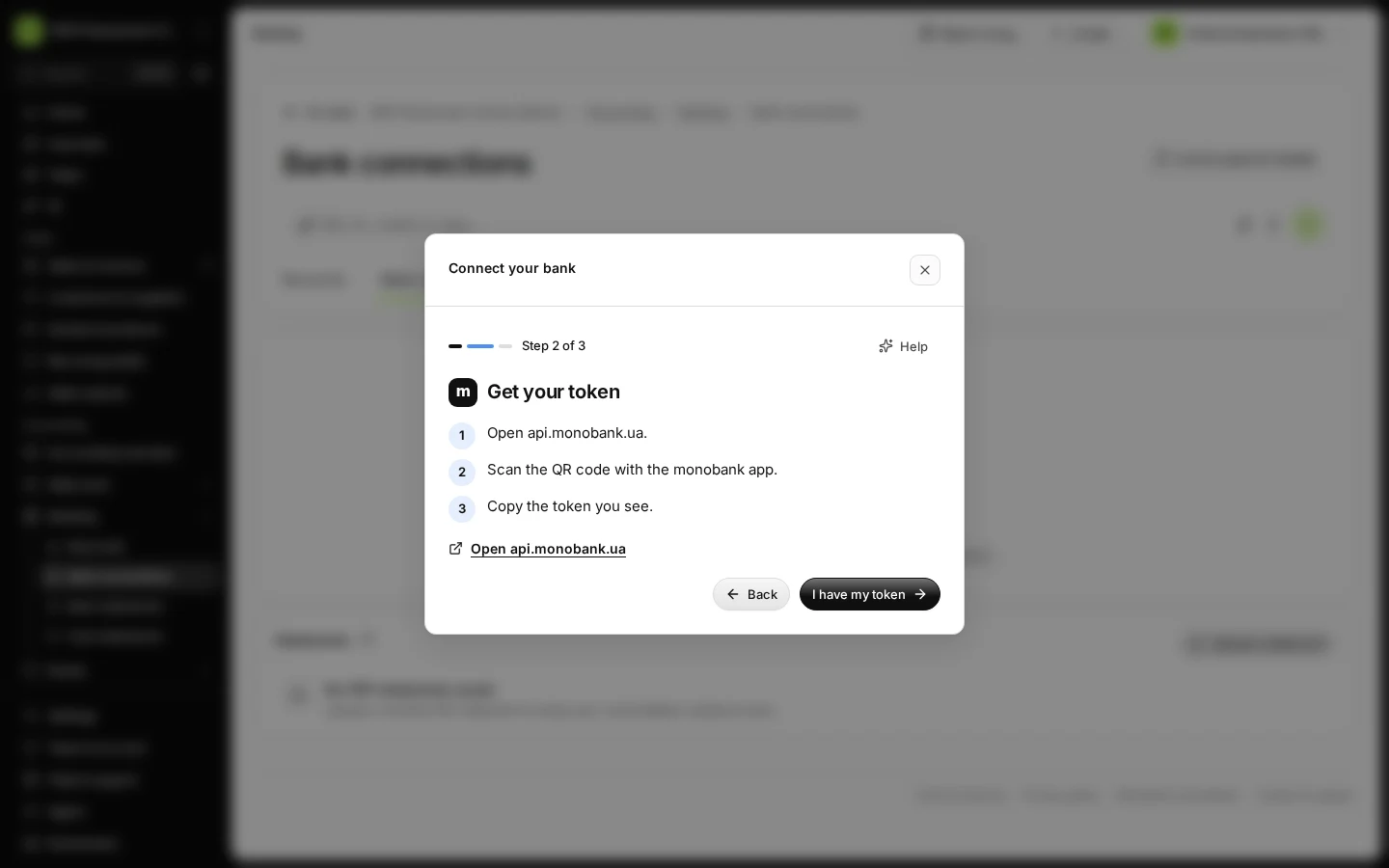
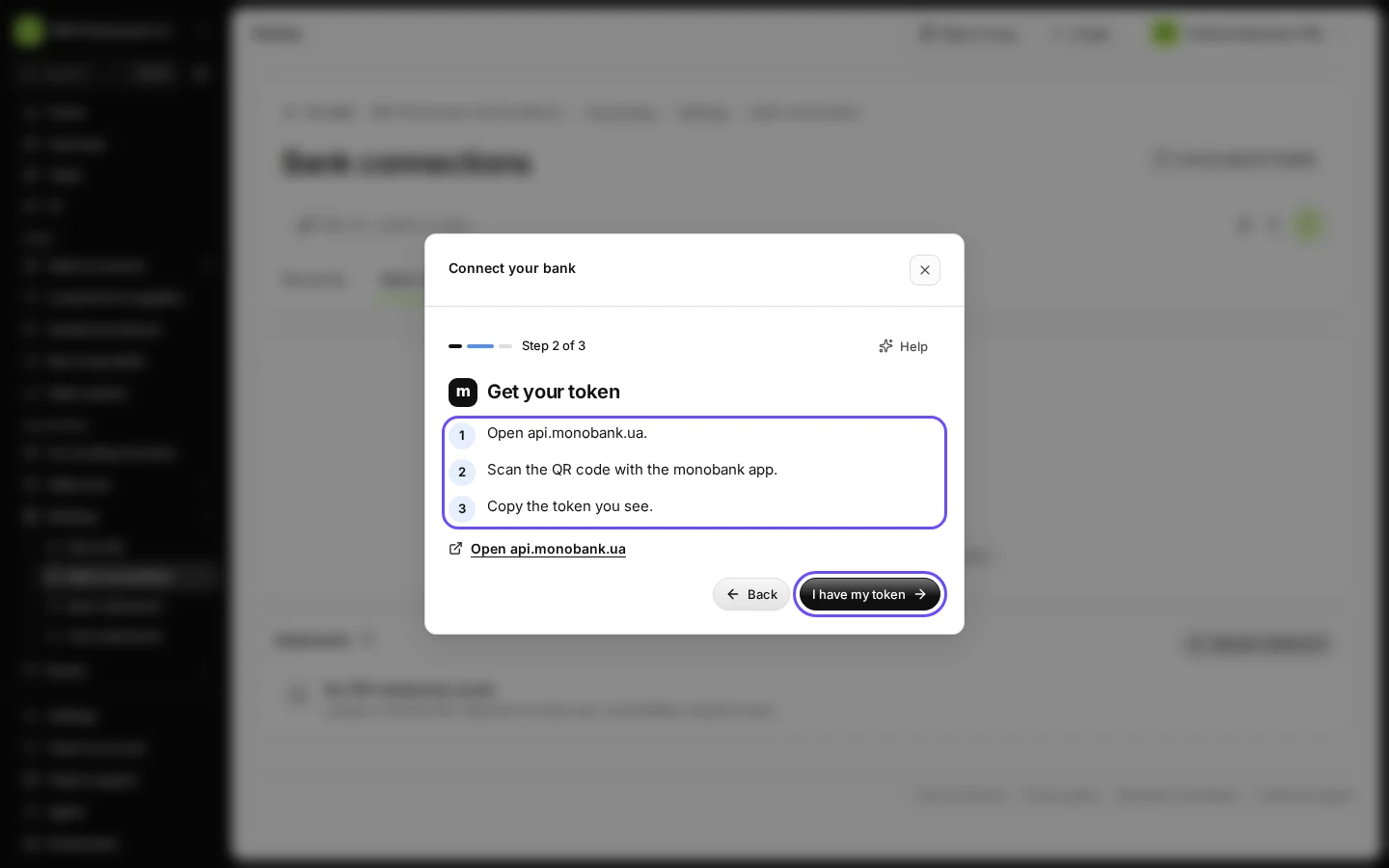
Step 2 in Deline (Ukraine business, fictional data) · See the whole screen Get your token in your bank as the screen shows, then press I have my token.
Open api.monobank.ua, scan the QR code with the monobank app and copy the token you see. monobank connects your FOP account. This happens in your bank, outside Deline.
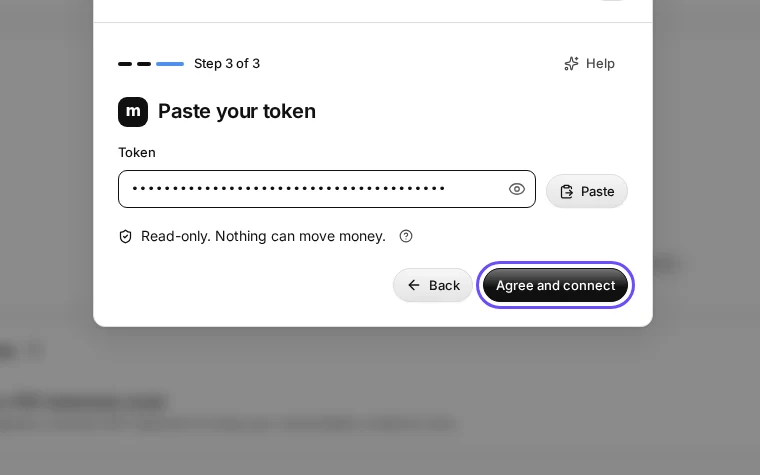
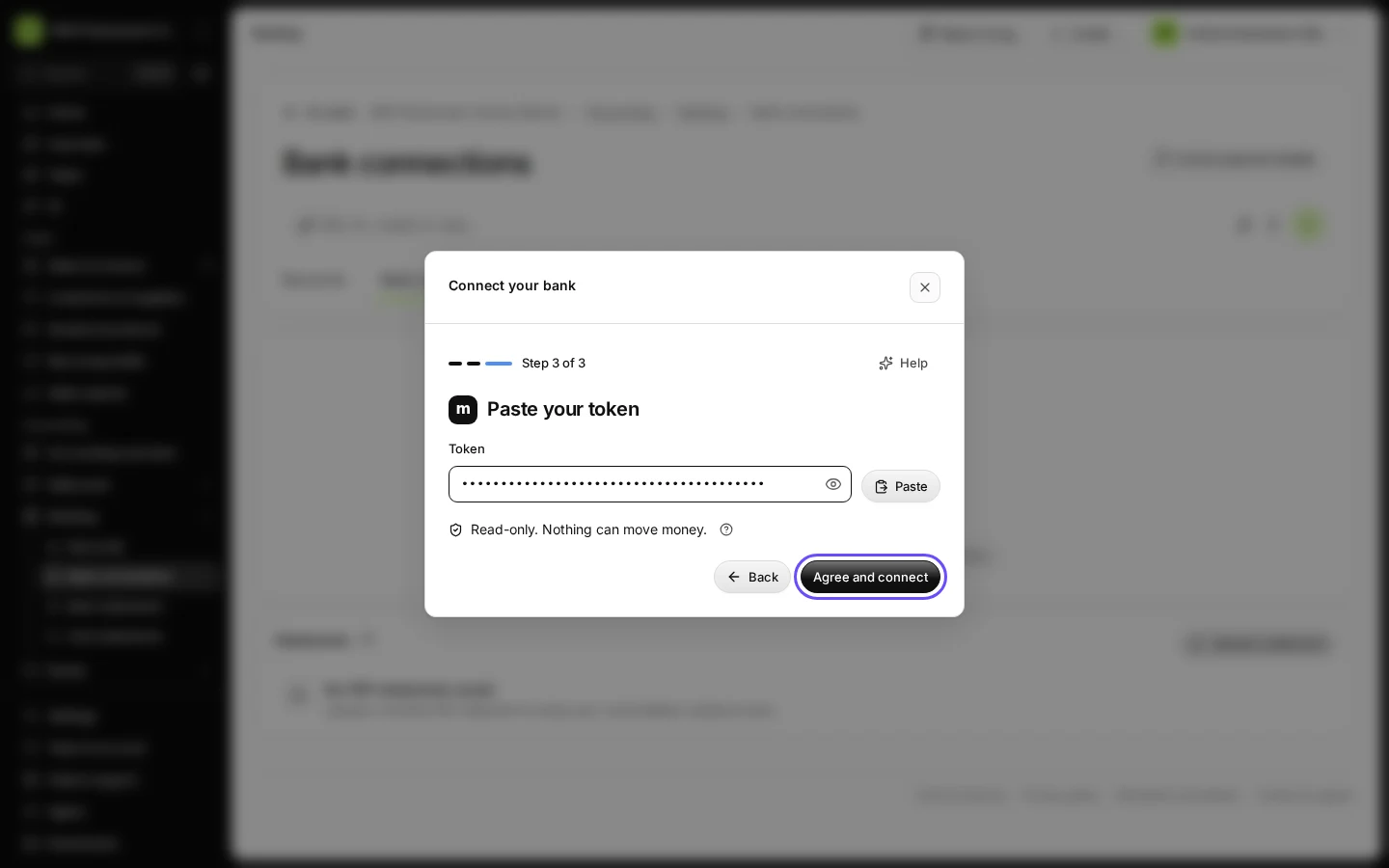
Step 3 in Deline (Ukraine business, fictional data) · See the whole screen Paste the token and press Agree and connect.
Read-only. Nothing can move money. Never paste your token into the chat.
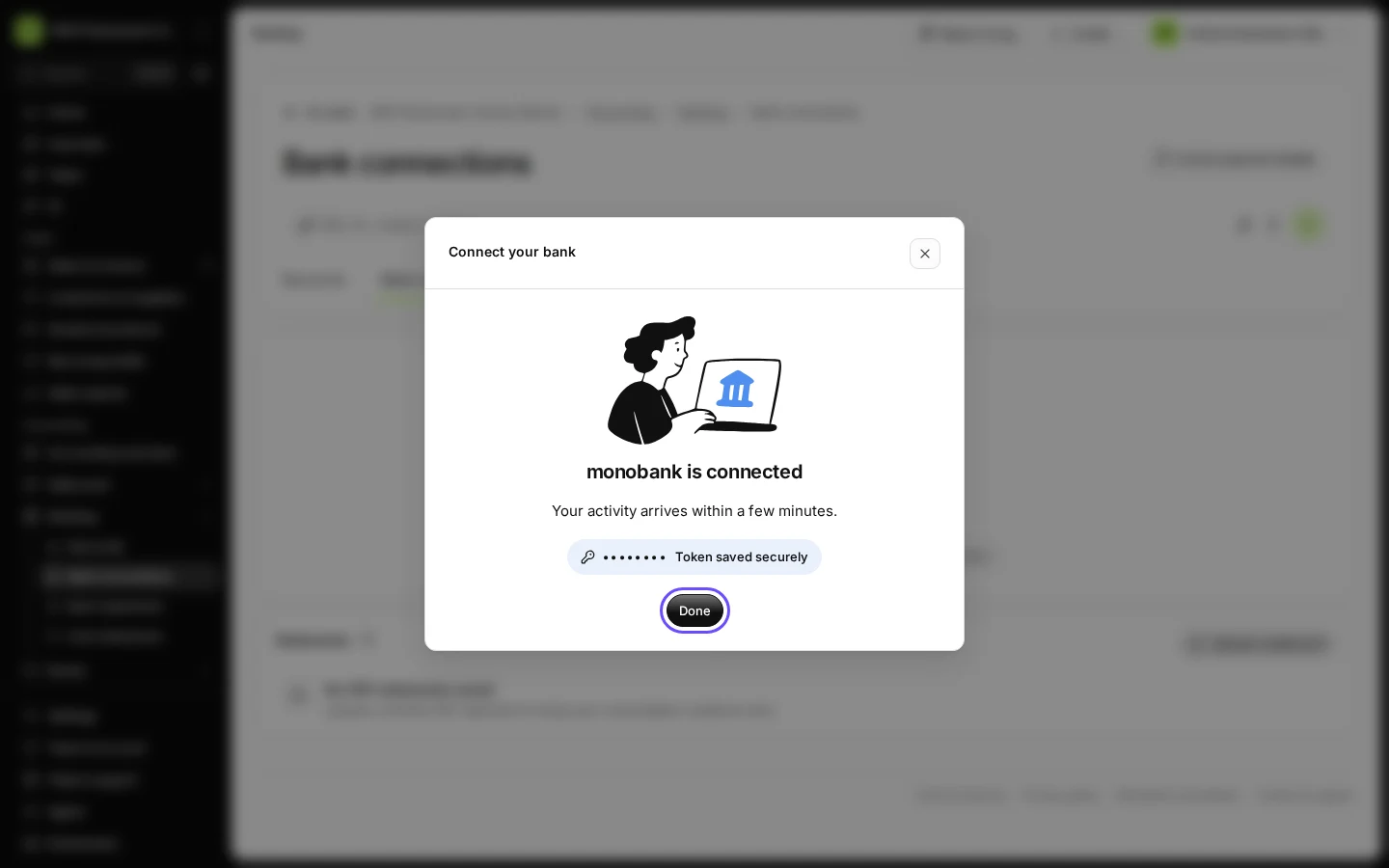
Step 4 in Deline (Ukraine business, fictional data) · See the whole screen Wait for the check with your bank, then press Done.
The screen says "monobank is connected" and "Token saved securely". Your activity arrives within a few minutes.
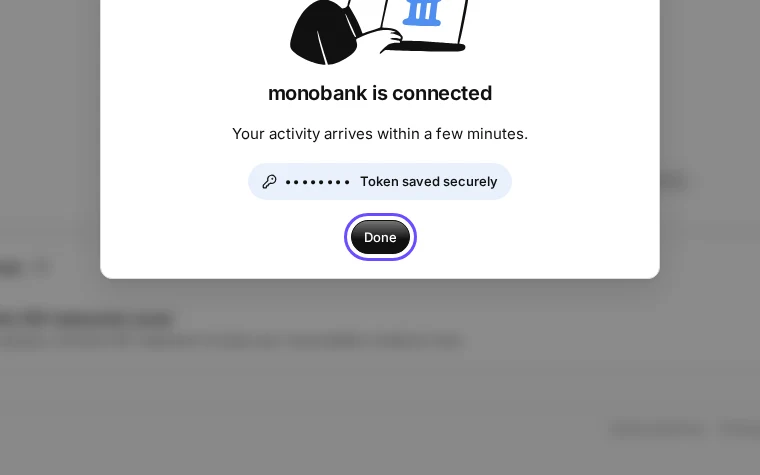
Step 5 in Deline (Ukraine business, fictional data) · See the whole screen


If something goes wrong
- "monobank did not accept this token. Copy it again.": copy the whole token again in your bank and paste it.
- "That does not look like a token. Copy all of it.": part of the token is missing.
- "monobank allows one check a minute. Try again in a minute.": wait a minute and press Agree and connect again.
- "No FOP account found in this monobank.": monobank connects only a FOP (ФОП) account; use the account of your ФОП.
- To stop the connection: disconnect it in Banking, and revoke the token on api.monobank.ua.
Last checked 2026-11-08 by the guide runner on build eba146497 (Deline cf723fe1f) (local Deline stack, desktop and phone).