
Before you start
- Your business is taxed in Ukraine (Settings → Business).
- You can sign in to Privat24 for Business. It takes about two minutes.
Steps
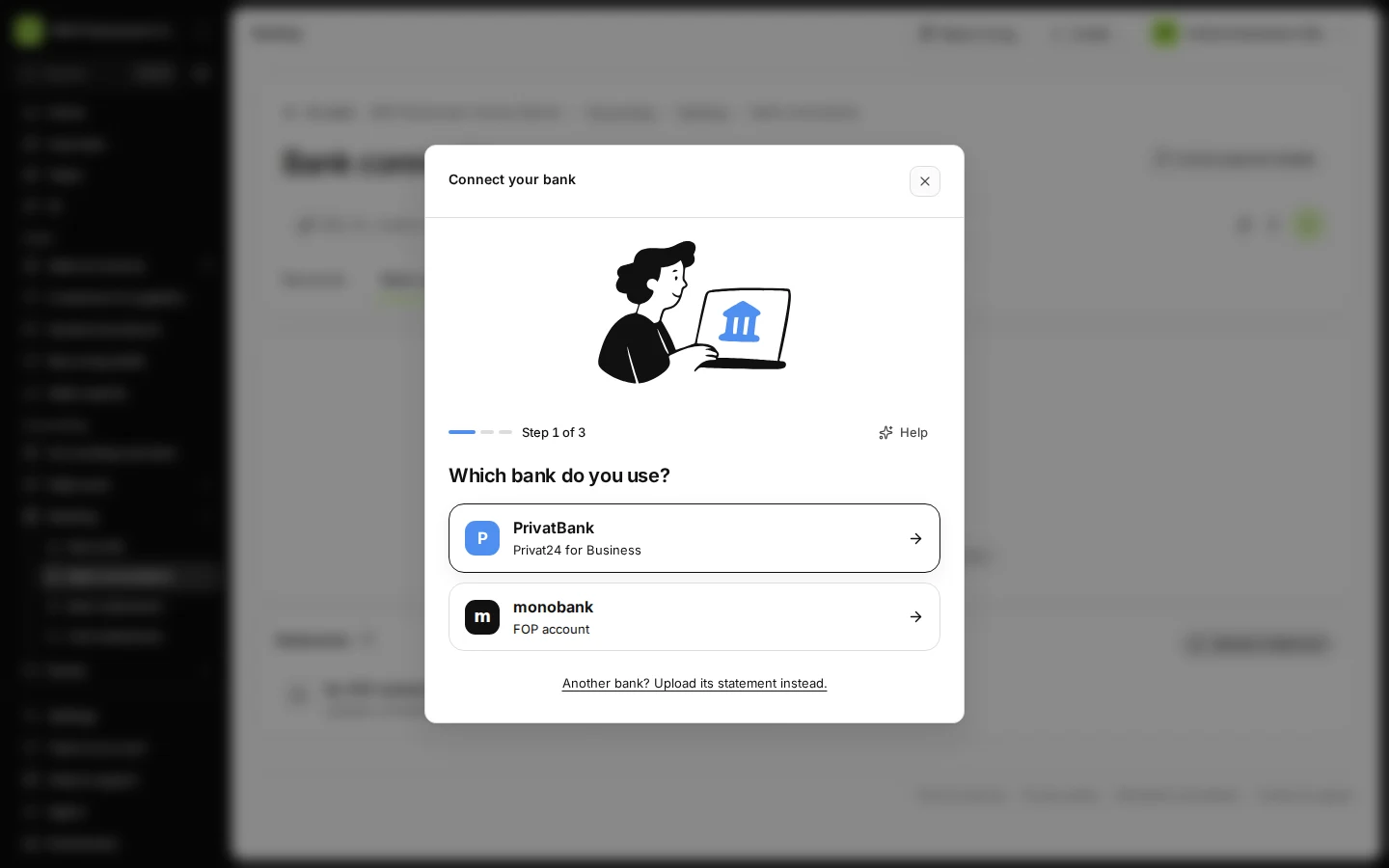
Open Bank connections from Banking and press Connect a bank.
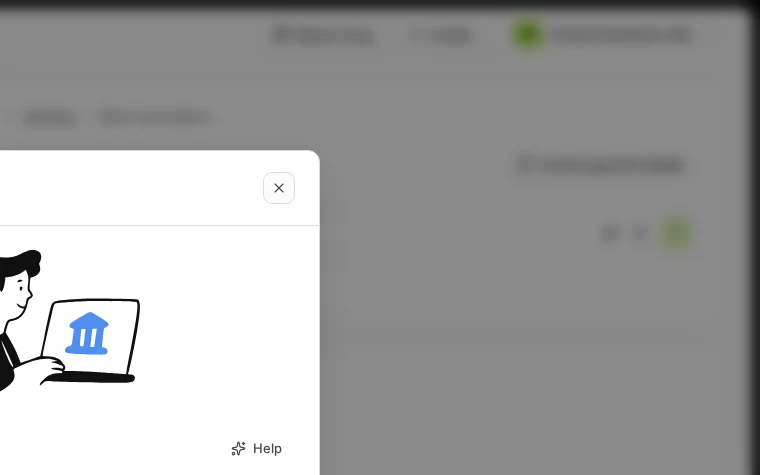
Step 1 in Deline (Ukraine business, fictional data) · See the whole screen Choose PrivatBank.
It is listed as "Privat24 for Business".
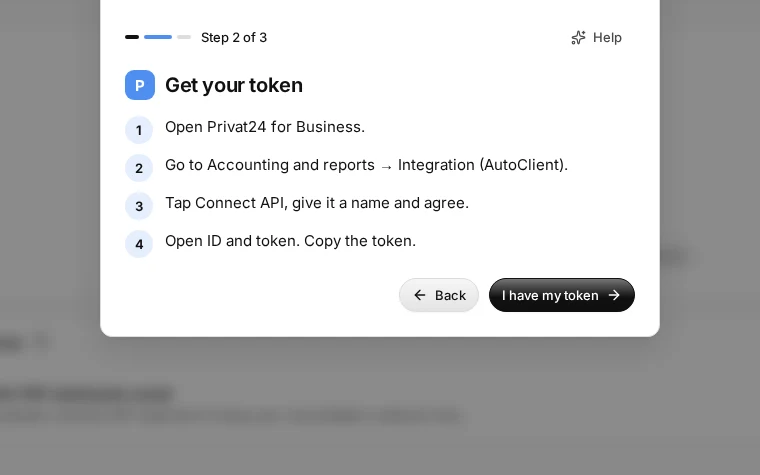
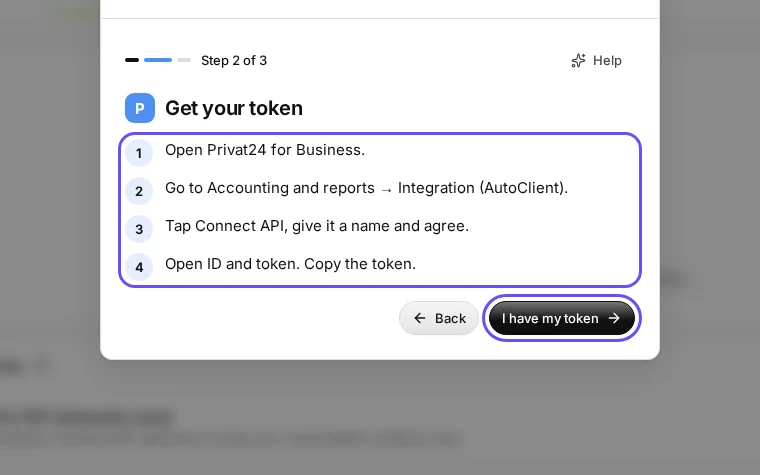
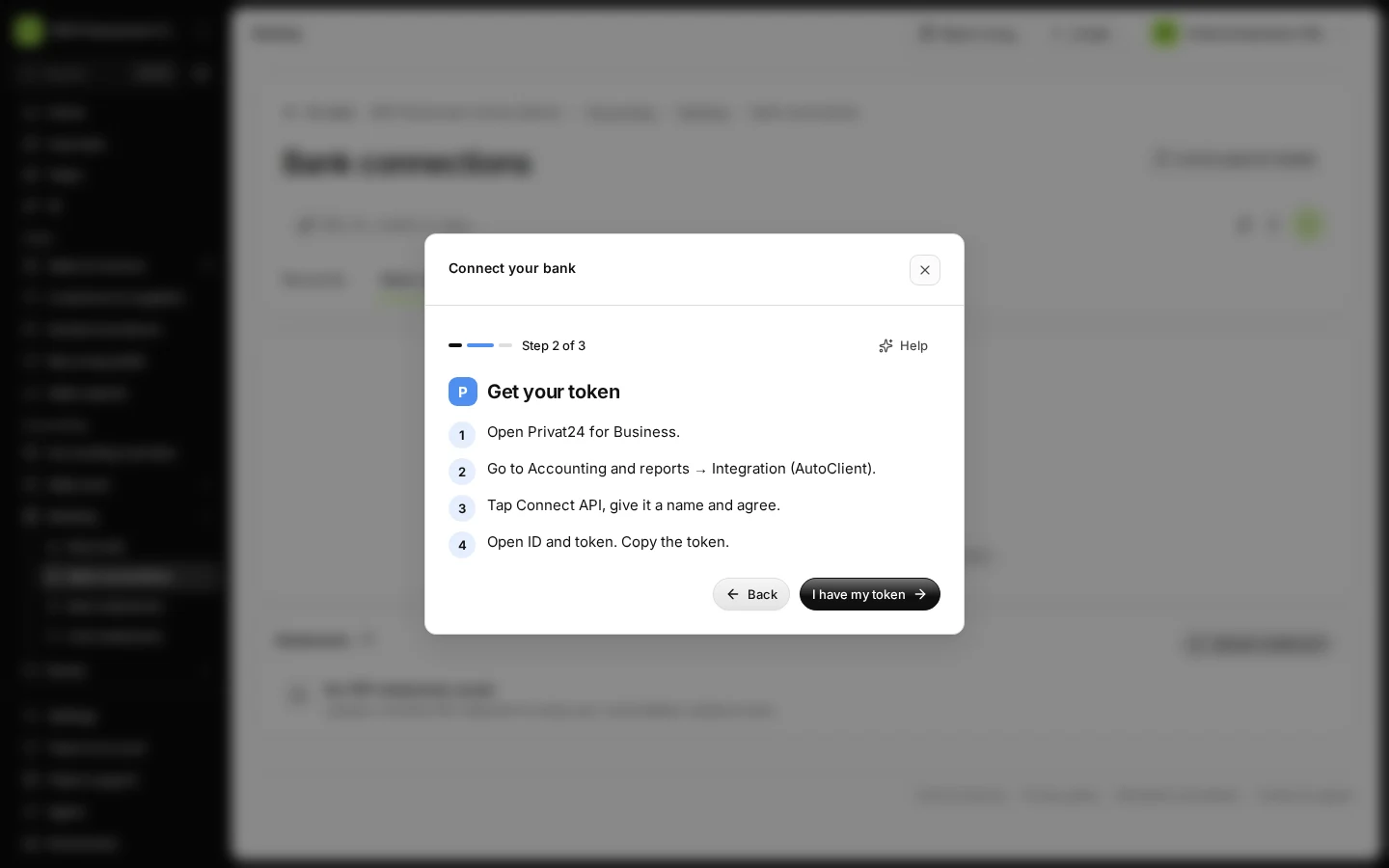
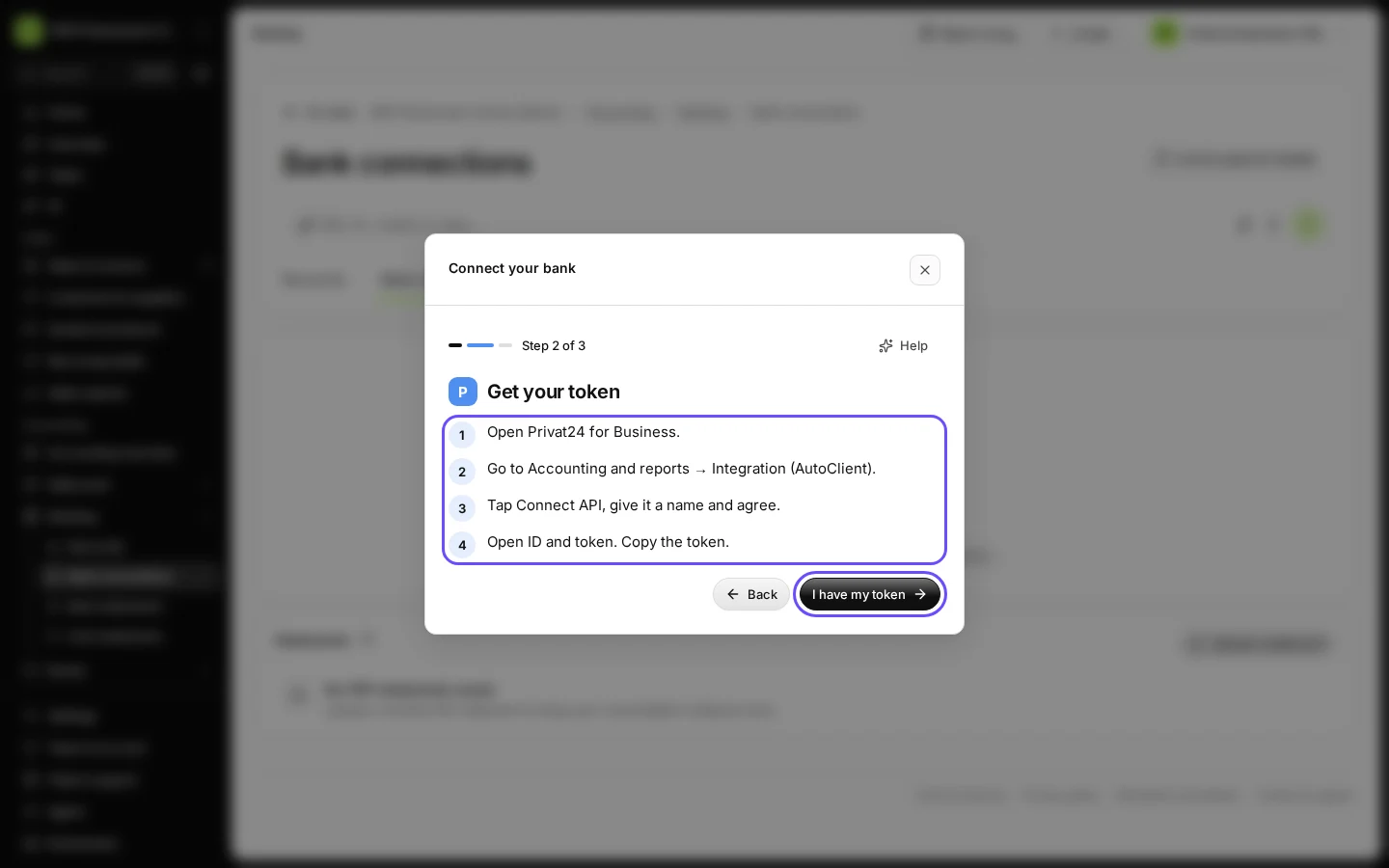
Step 2 in Deline (Ukraine business, fictional data) · See the whole screen Get your token in your bank as the screen shows, then press I have my token.
In Privat24 for Business: go to Accounting and reports → Integration (AutoClient), tap Connect API, give it a name and agree, then open ID and token and copy the token. This happens in your bank, outside Deline.
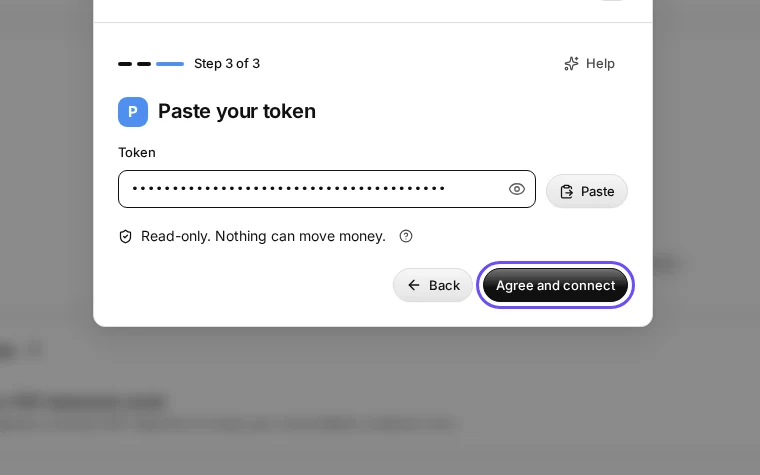
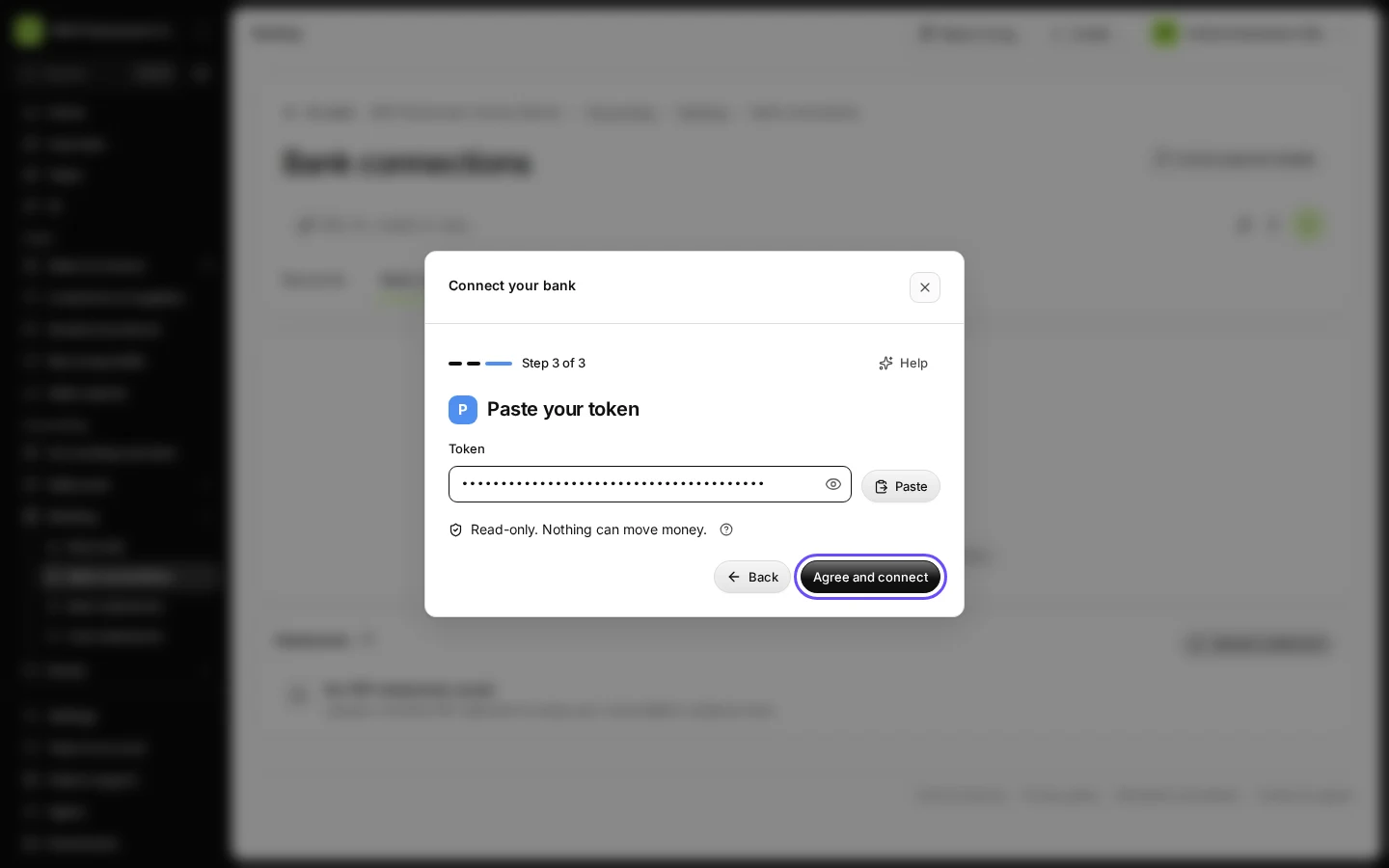
Step 3 in Deline (Ukraine business, fictional data) · See the whole screen Paste the token and press Agree and connect.
Read-only. Nothing can move money. Never paste your token into the chat.
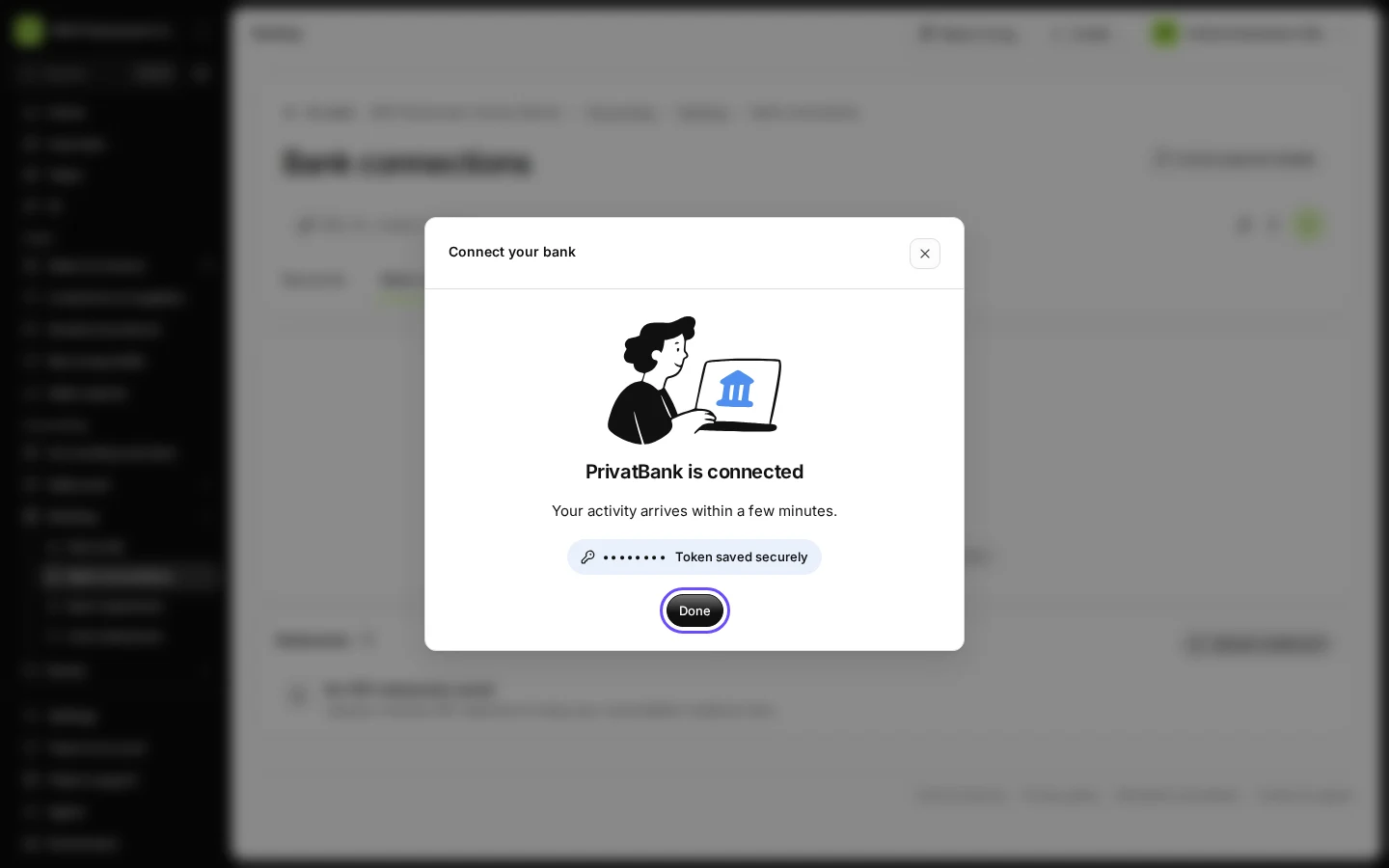
Step 4 in Deline (Ukraine business, fictional data) · See the whole screen Wait for the check with your bank, then press Done.
The screen says "PrivatBank is connected" and "Token saved securely". Your activity arrives within a few minutes.
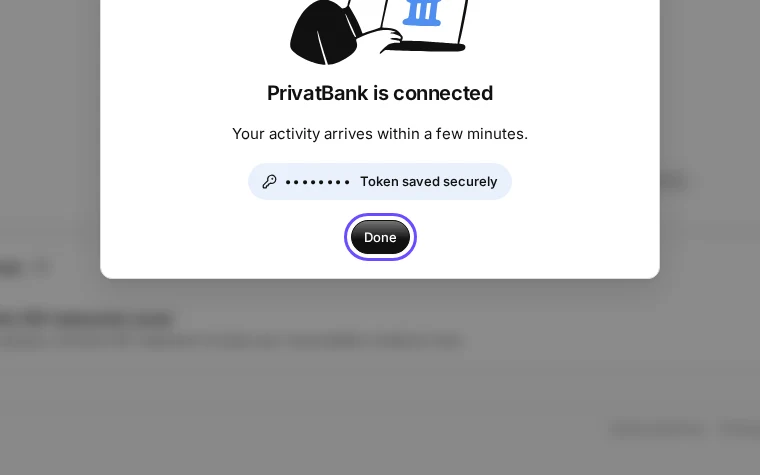
Step 5 in Deline (Ukraine business, fictional data) · See the whole screen


If something goes wrong
- "PrivatBank did not accept this token. Copy it again.": copy the whole token again in your bank and paste it.
- "That does not look like a token. Copy all of it.": part of the token is missing.
- "PrivatBank allows one check a minute. Try again in a minute.": wait a minute and press Agree and connect again.
- To stop the connection: disconnect it in Banking, and delete the token in Privat24 → Integration (AutoClient).
Last checked 2026-11-08 by the guide runner on build eba146497 (Deline cf723fe1f) (local Deline stack, desktop and phone).