
Before you start
- Your Ukrainian tax details are saved (see Record your Ukrainian tax details as a ФОП): Deline prints your РНОКПП on the invoice.
- The customer exists (see Add a Ukrainian customer with their ЄДРПОУ).
Steps
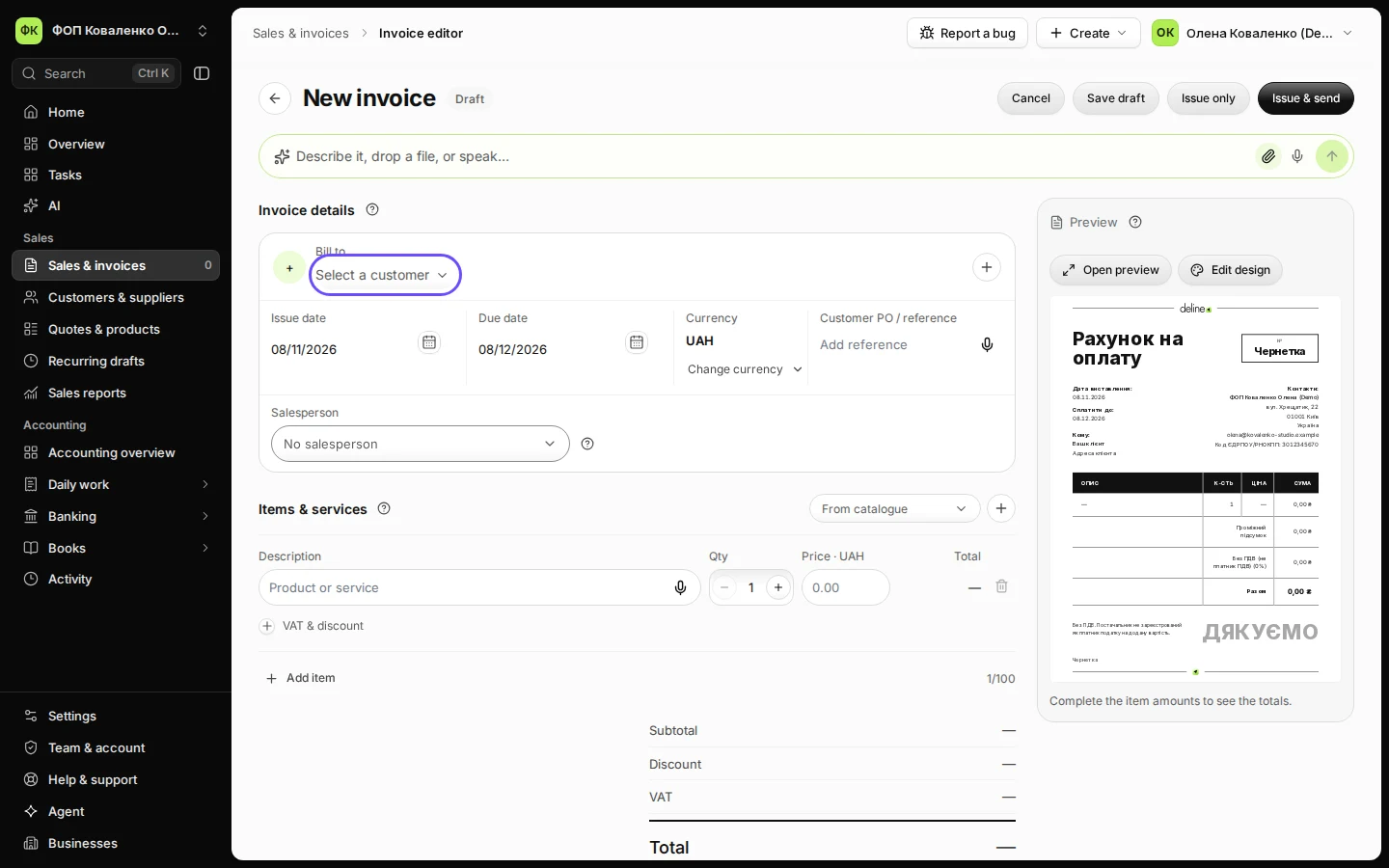
Open Sales & invoices and press New invoice.
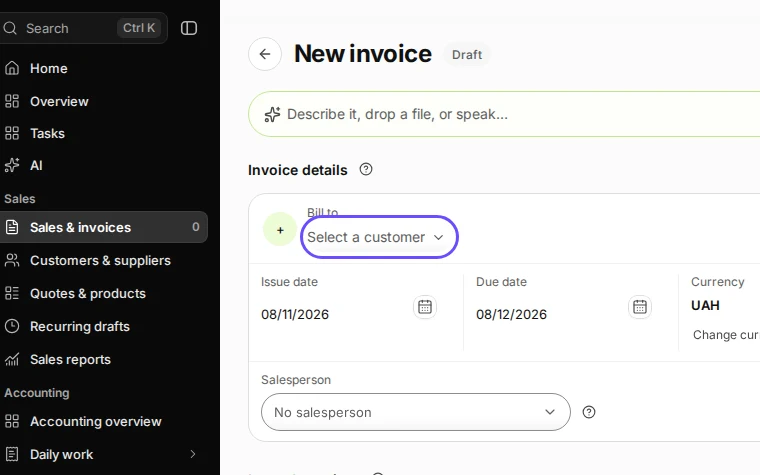
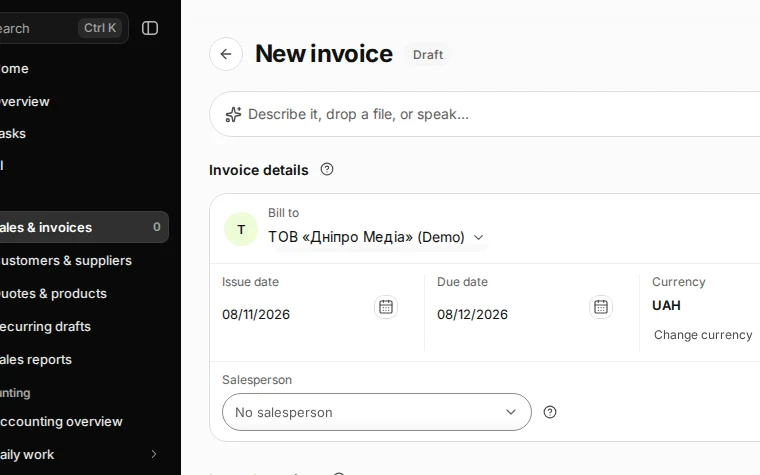
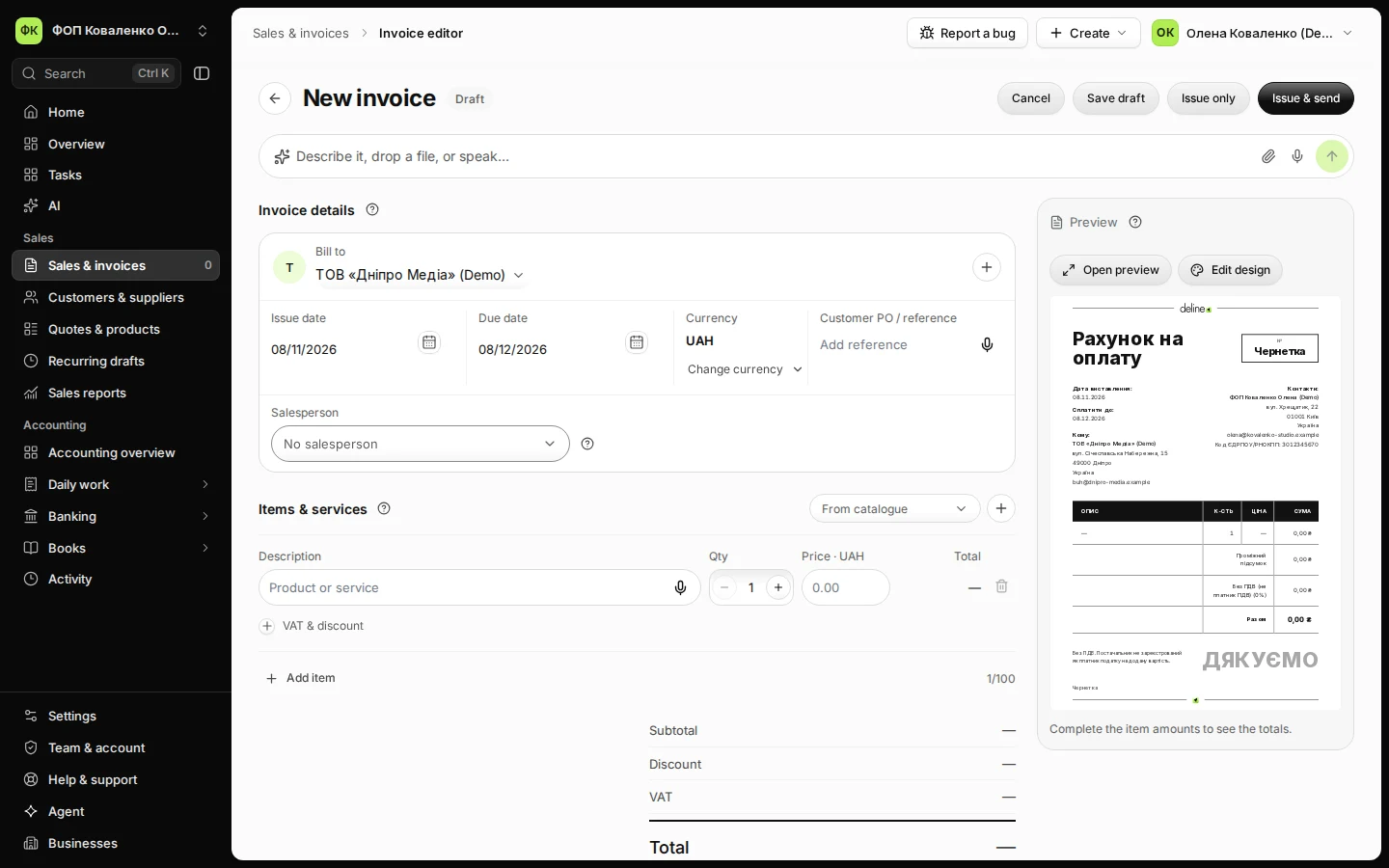
Step 1 in Deline (Ukraine business, fictional data) · See the whole screen Choose the customer in Bill to.
Start typing their name.
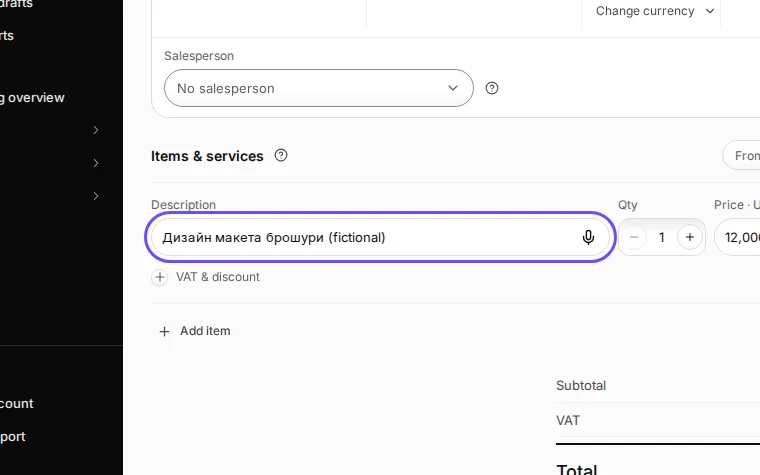
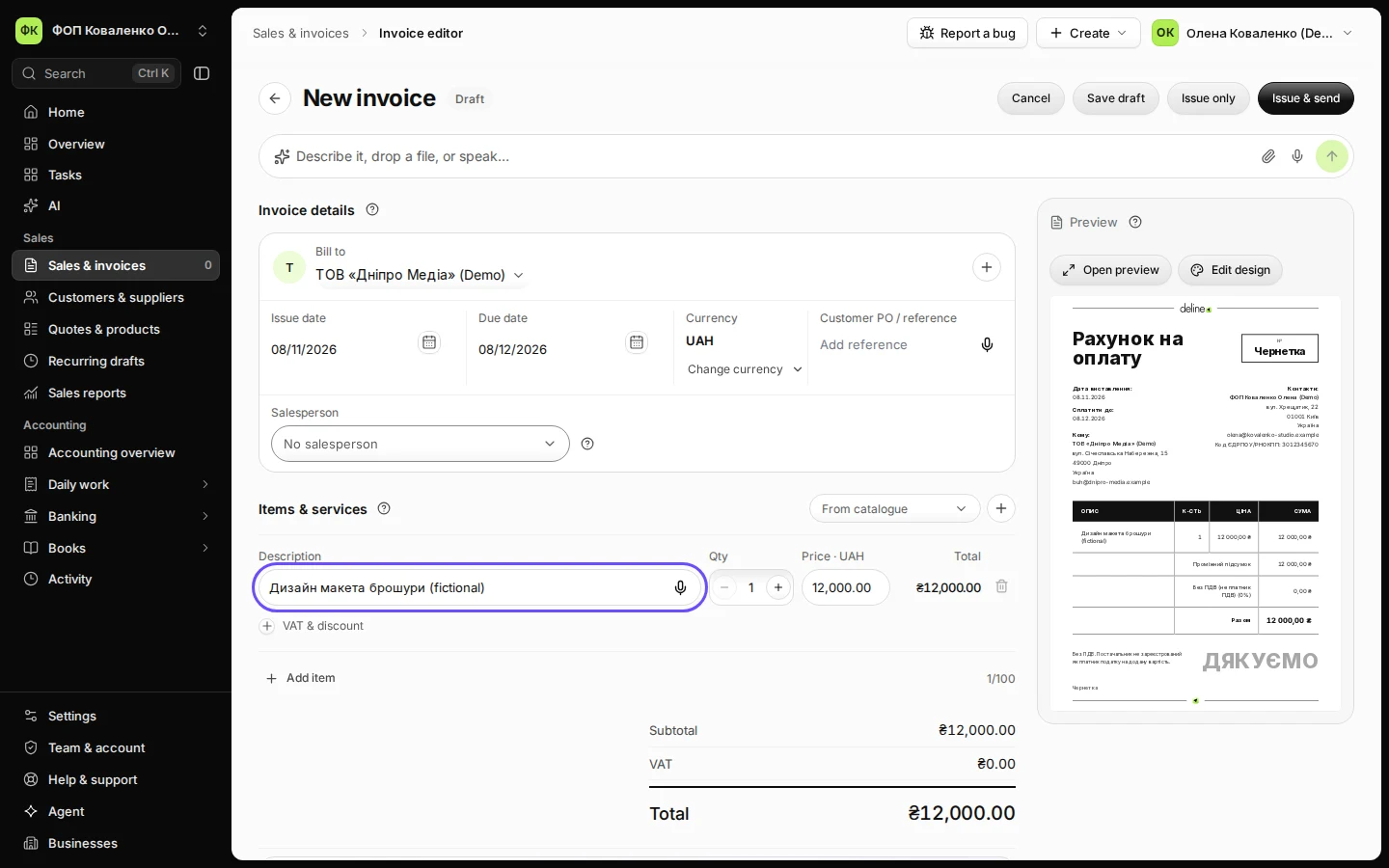
Step 2 in Deline (Ukraine business, fictional data) · See the whole screen Add what you sold: description, quantity and price.
A ФОП that is not a ПДВ payer invoices without ПДВ; the document says "Без ПДВ".
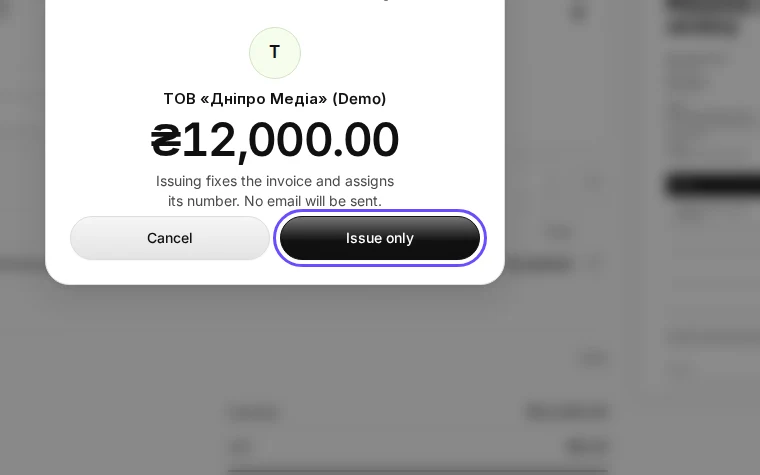
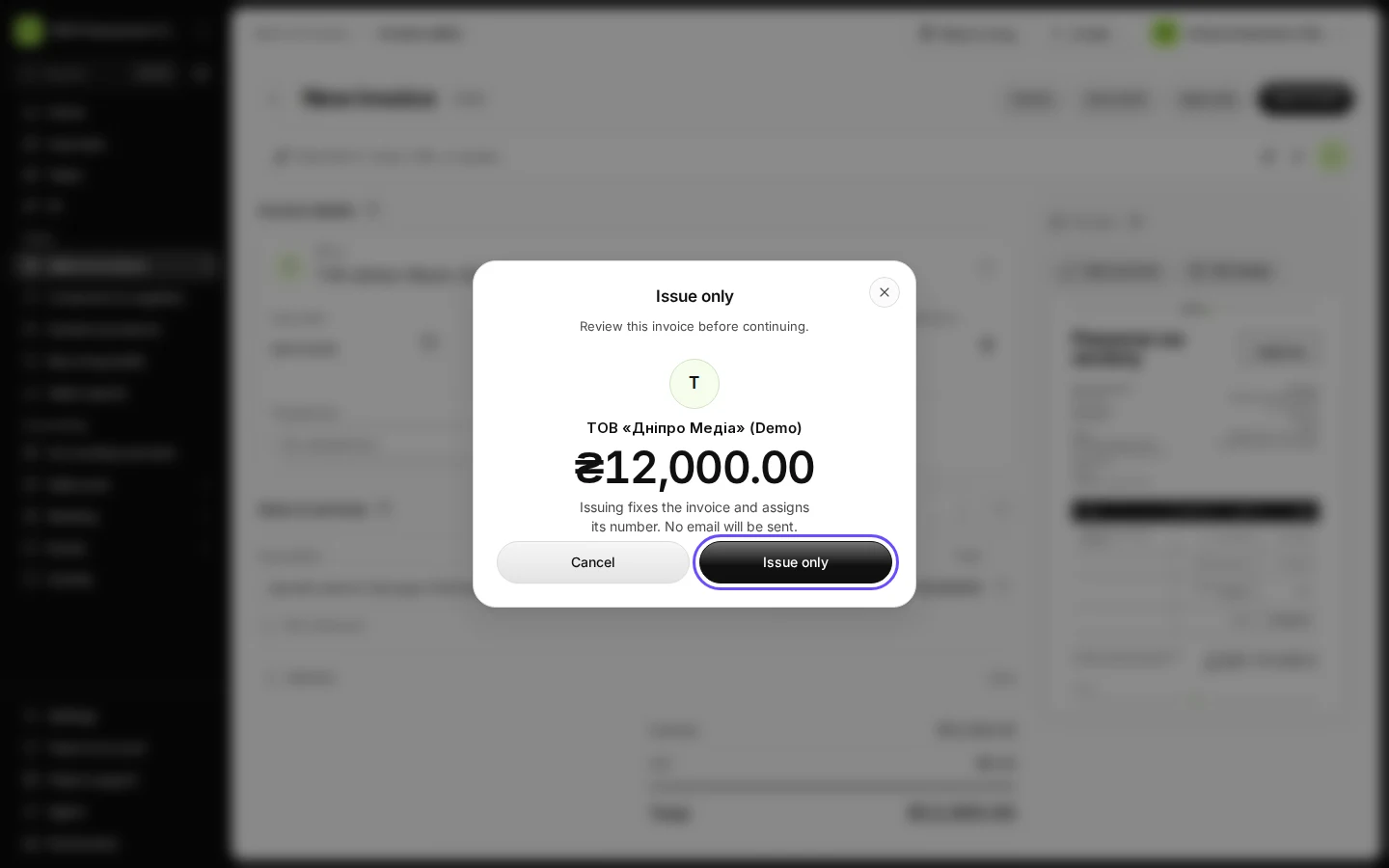
Step 3 in Deline (Ukraine business, fictional data) · See the whole screen Press Issue only and confirm.
Choose Issue & send instead to email it with a PDF at once.
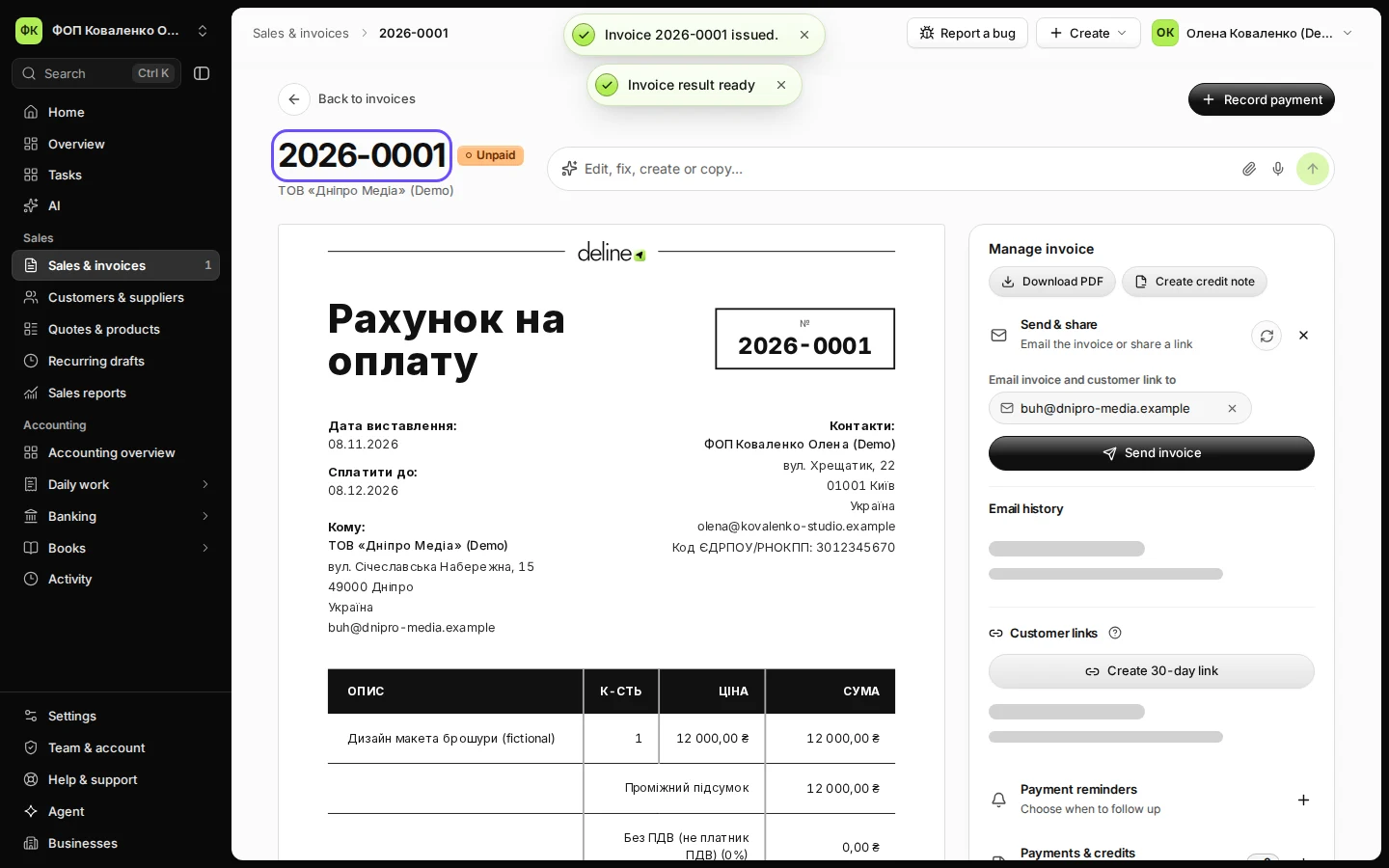
Step 4 in Deline (Ukraine business, fictional data) · See the whole screen Open the invoice and check its number.
Issuing gives the invoice its number (2026-0001 for the first one this year) and fixes its content.
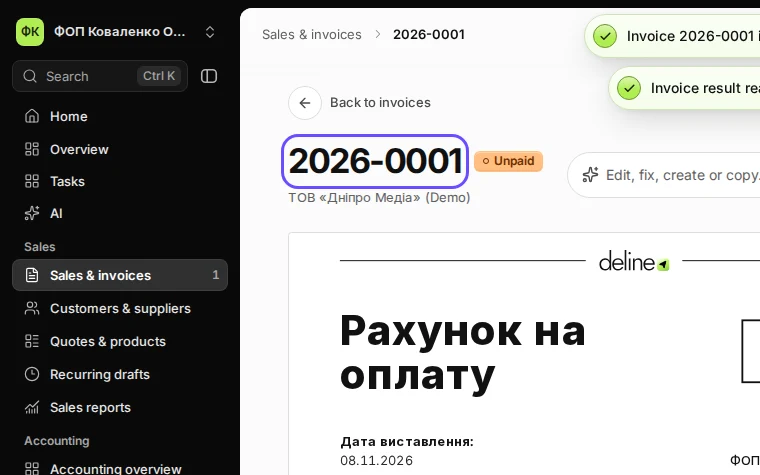
Step 5 in Deline (Ukraine business, fictional data) · See the whole screen


If something goes wrong
- Your earlier invoices were numbered INV-000028: Deline keeps that sequence for a business that already issued such numbers. A custom Invoice number prefix in Settings → Business gives the prefix plus a running number.
- You spot a mistake after issuing: an issued invoice cannot be edited. Create a credit note and issue a new invoice.
Last checked 2026-11-08 by the guide runner on build eba146497 (Deline cf723fe1f) (local Deline stack, desktop and phone).