
Before you start
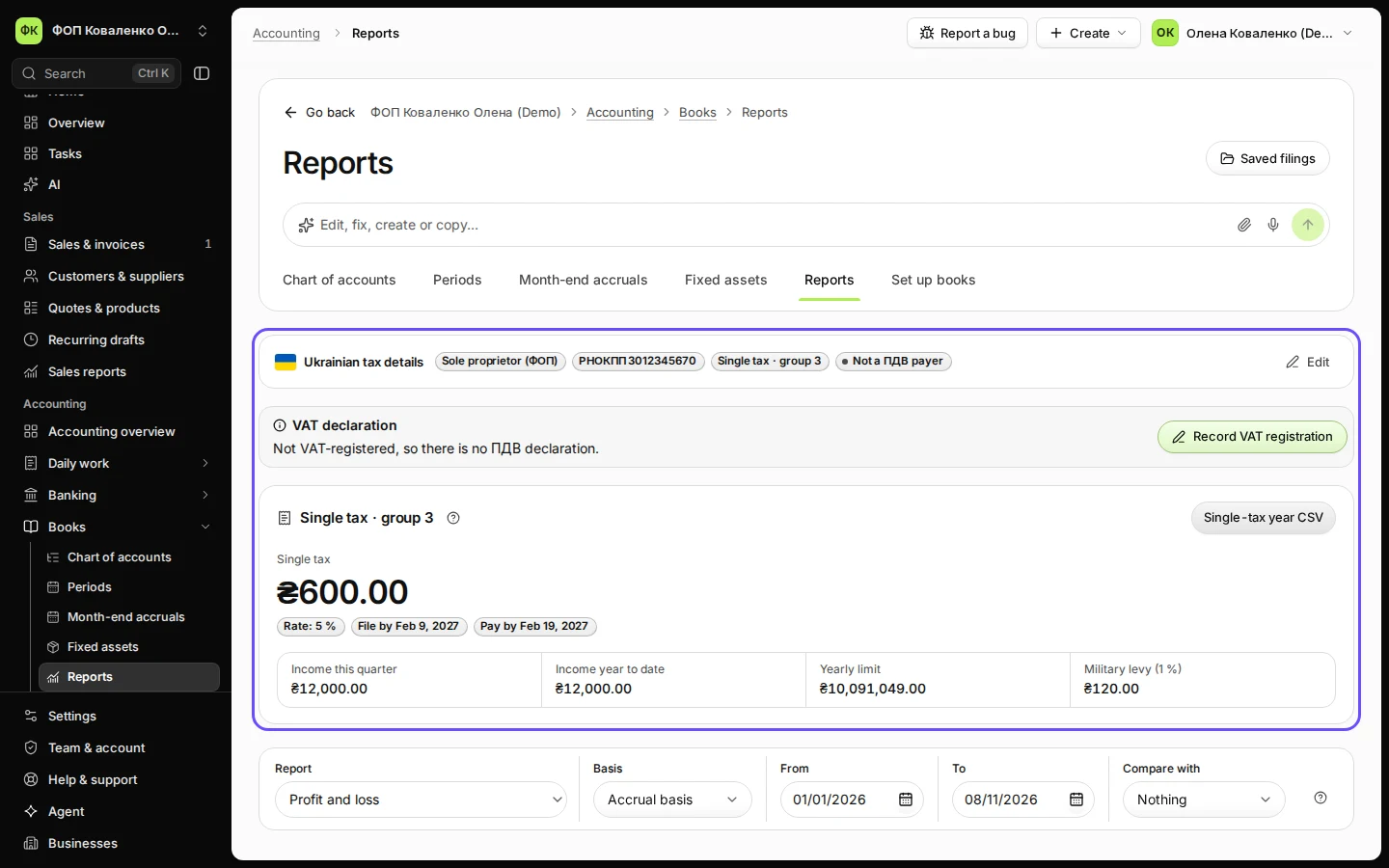
- Your Ukrainian tax details say single tax, group 3 (see Record your Ukrainian tax details as a ФОП).
- Your invoices and payments are posted to the books (see Post an invoice and its payment to your books). Group 3 counts income when the money arrives.
Steps
Open Reports from Books.
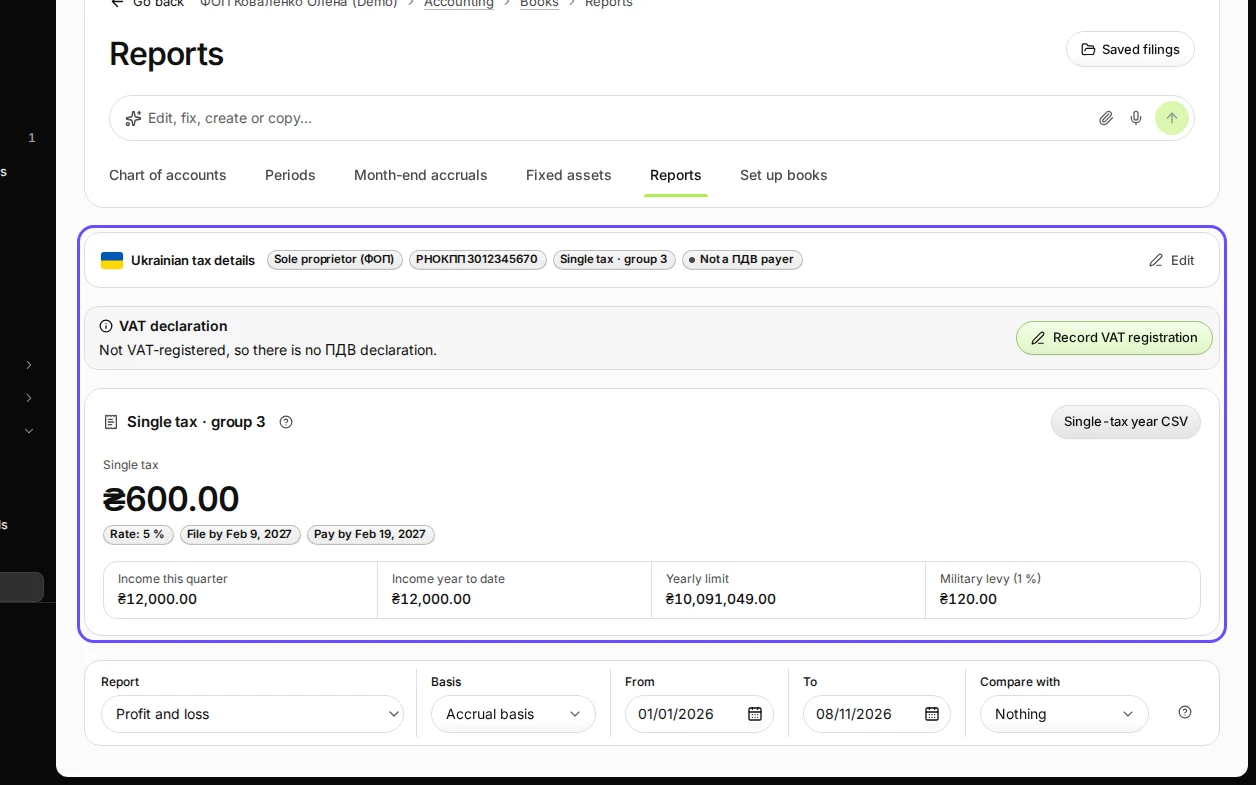
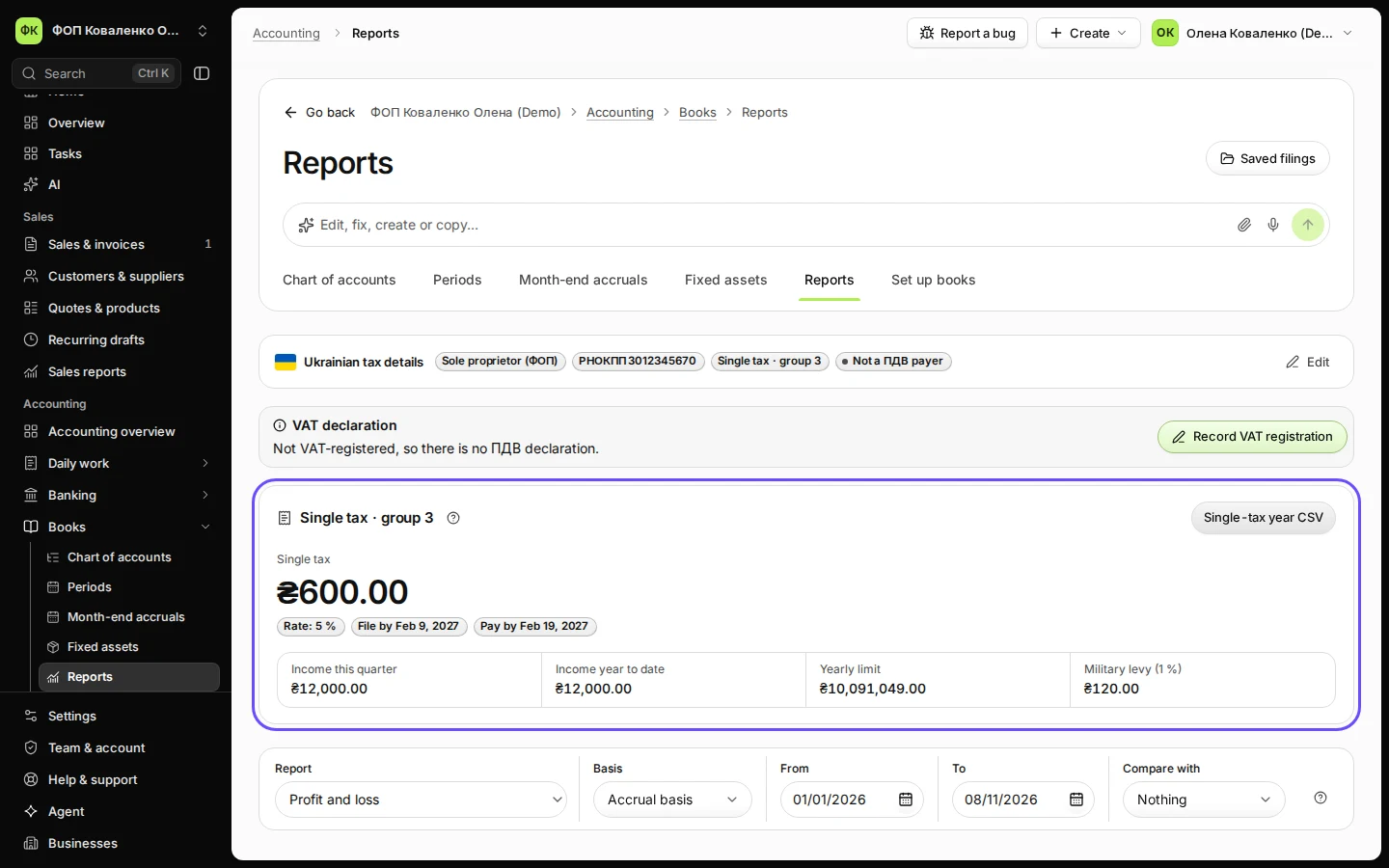
Step 1 in Deline (Ukraine business, fictional data) · See the whole screen Find Single tax · group 3 in the Ukraine card.
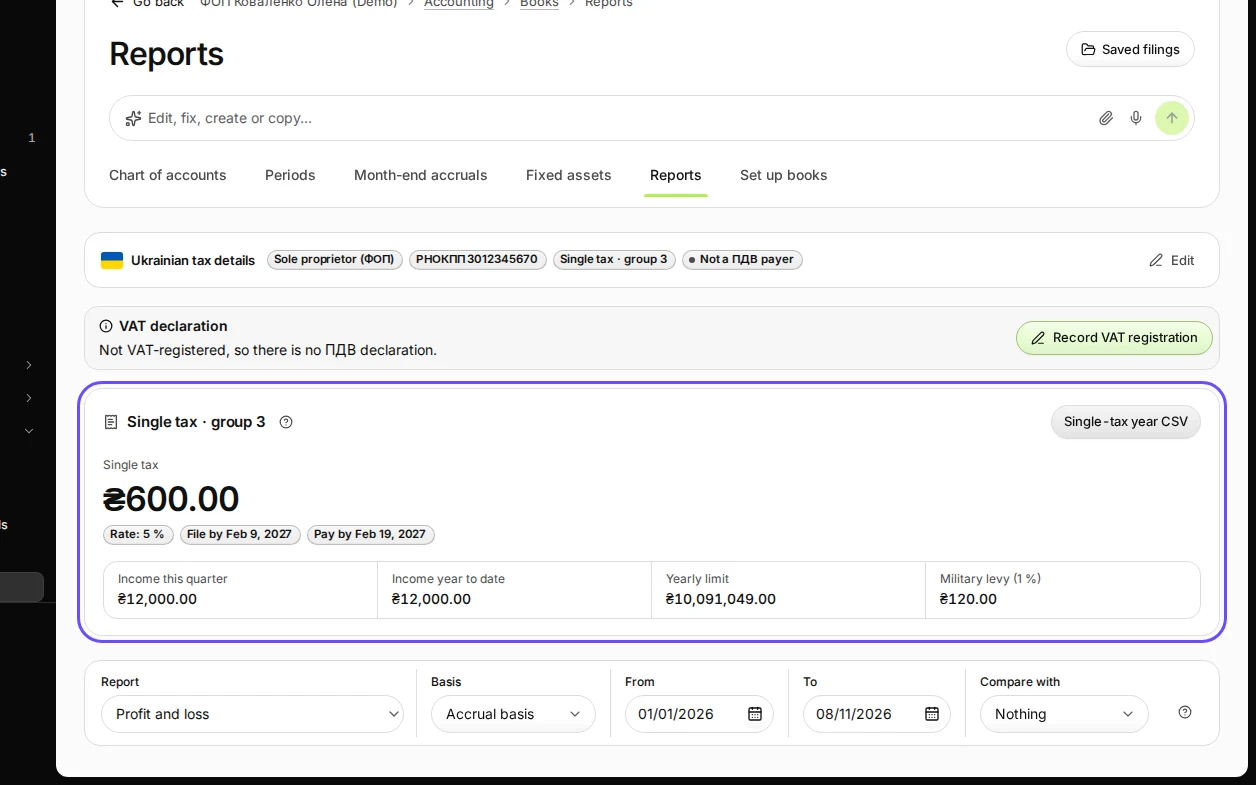
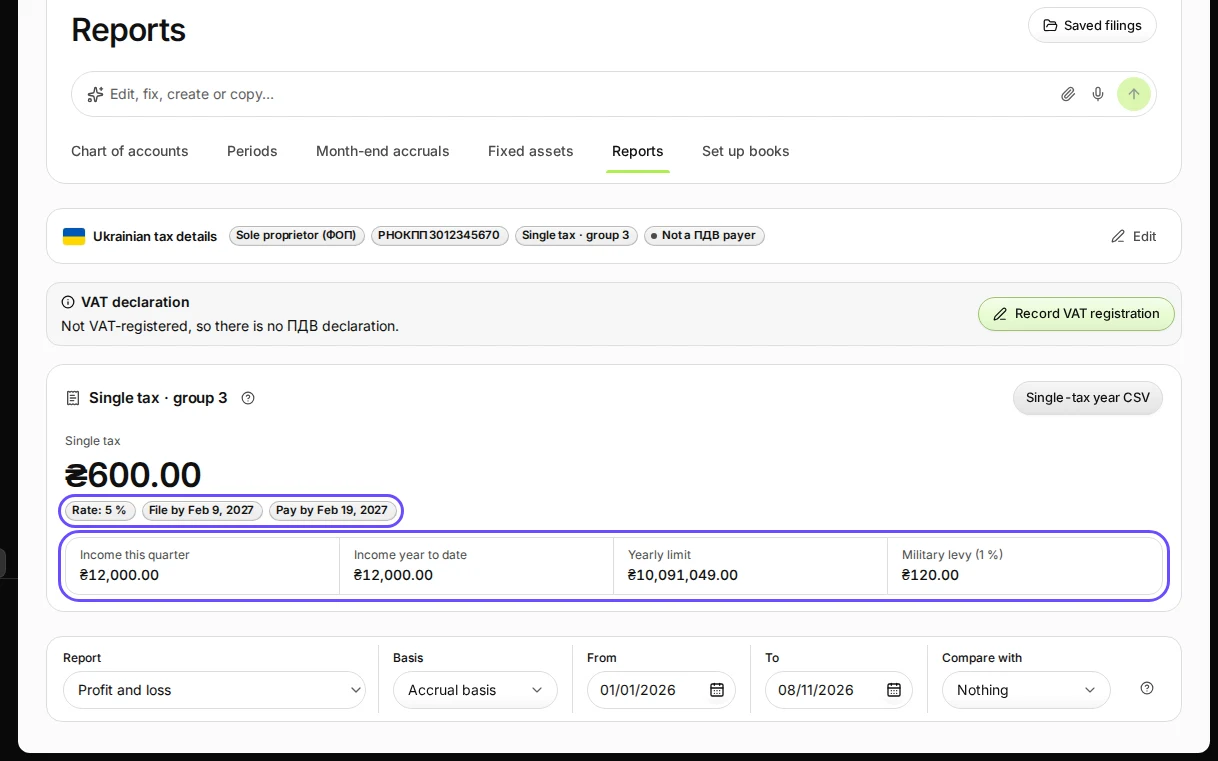
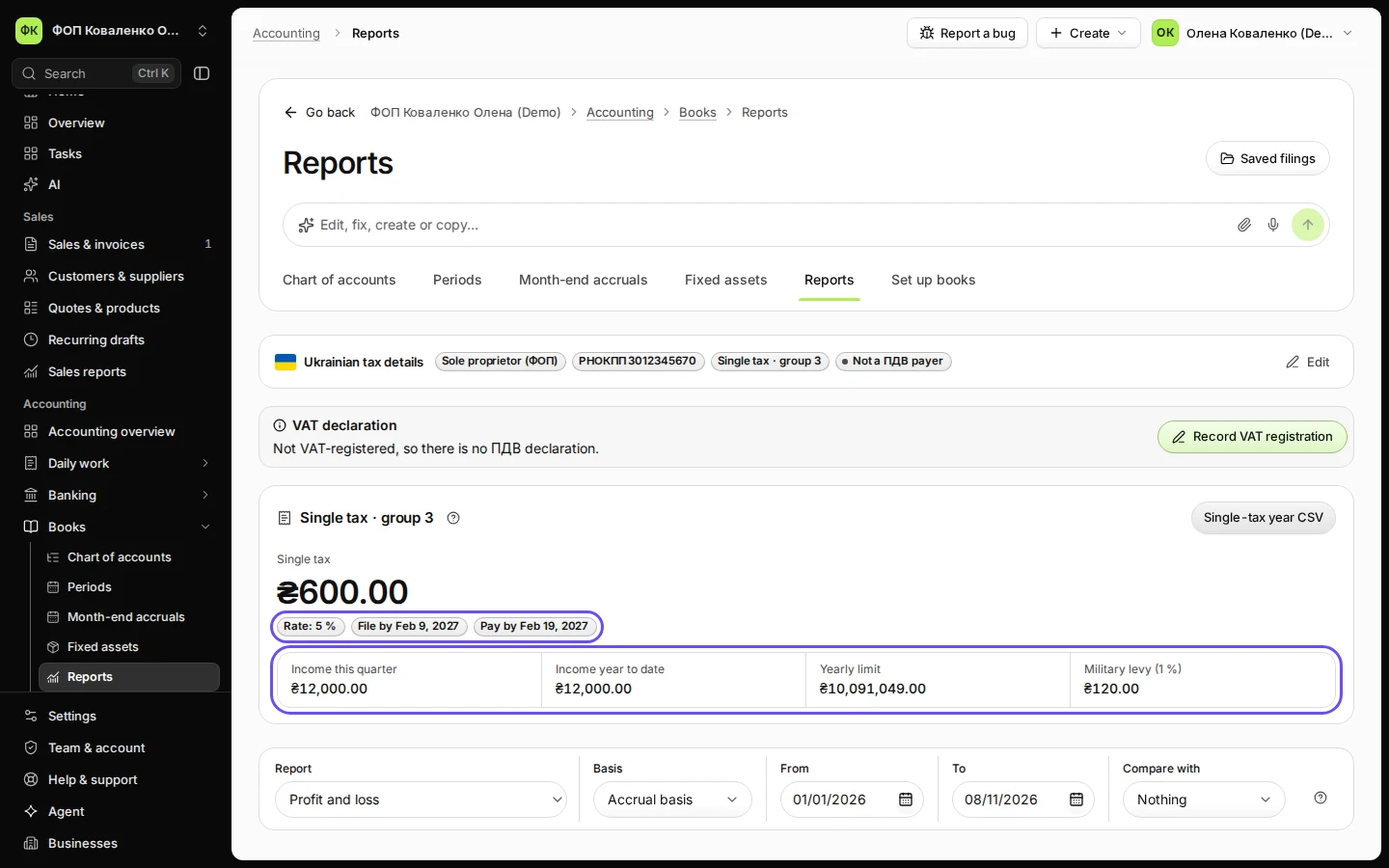
Step 2 in Deline (Ukraine business, fictional data) · See the whole screen Check the income, the tax and the dates.
Income this quarter and Income year to date are the money received; the tax is 5 % of it and the Military levy (1 %) is shown separately. Yearly limit is the group 3 income limit; above it, the excess is taxed at 15 %.
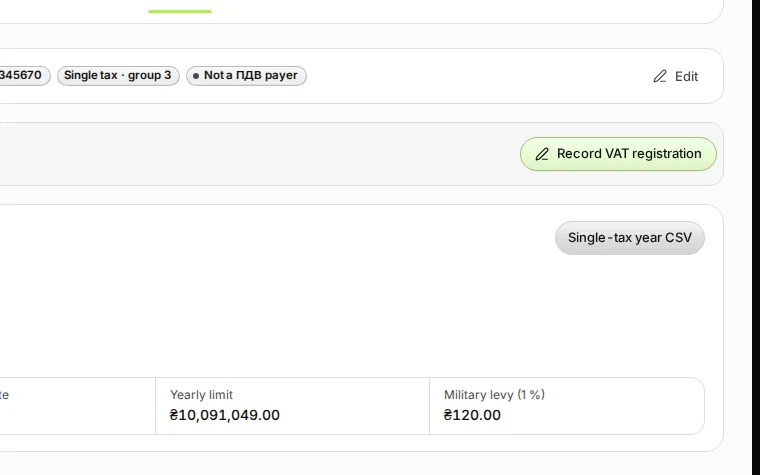
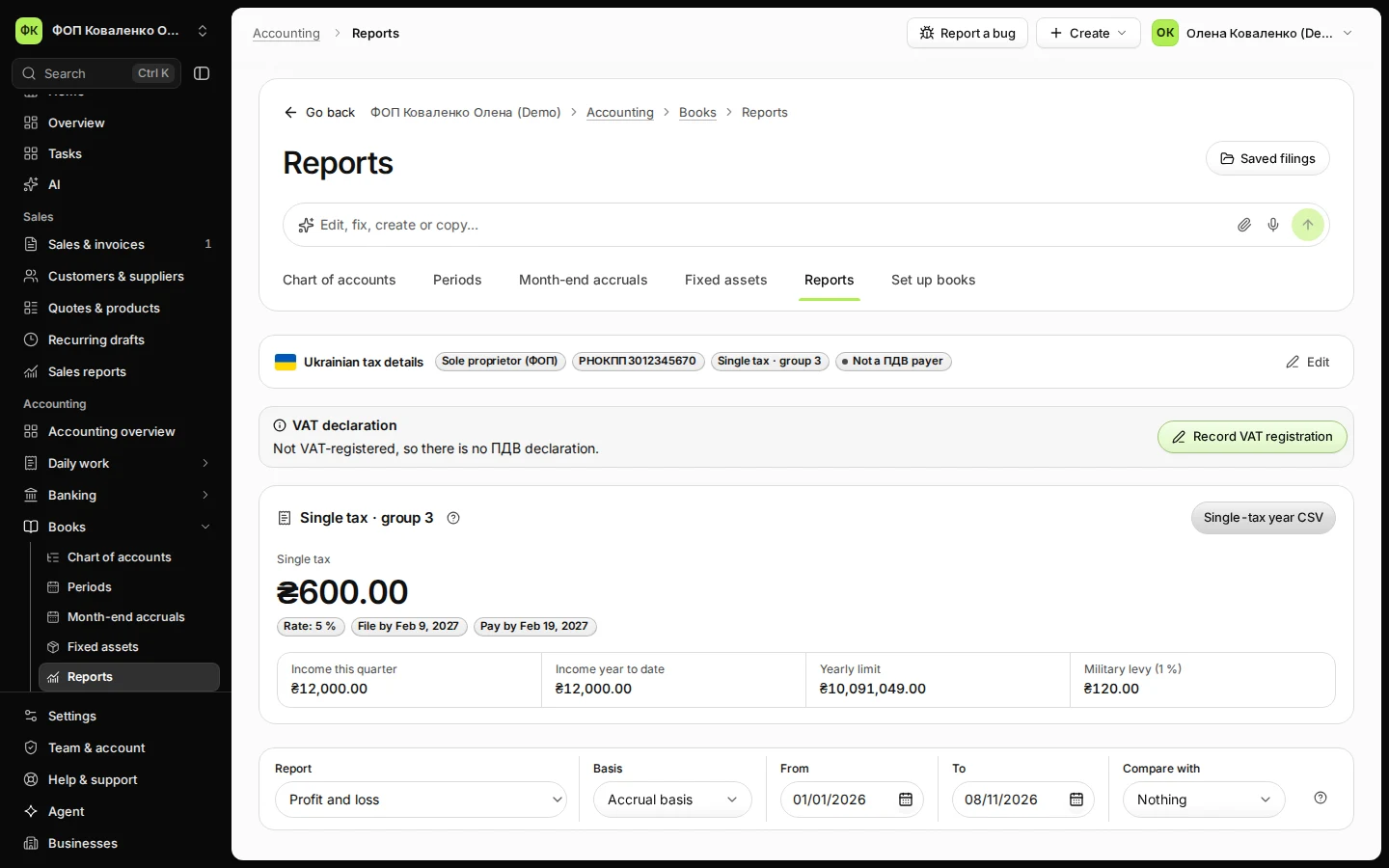
Step 3 in Deline (Ukraine business, fictional data) · See the whole screen Download the Single-tax year CSV for your declaration.
The file has the figures for the quarters of the year, ready to copy into declaration F0103309.
Step 4 in Deline (Ukraine business, fictional data) · See the whole screen File the declaration and pay the tax in the Електронний кабінет (outside Deline).
This step happens outside Deline.File by the date shown (40 days after the quarter) and pay within 10 days after that. Deline does not file this declaration for you.


If something goes wrong
- "The books could not read the single-tax figures for this period.": reload the page; if it stays, check that your books are set up.
- Income is ₴0.00 although you were paid: the payment is still waiting in the Posting queue. Post it first.
- Groups 1 and 2: they pay a fixed monthly amount; the card shows the month's tax and its pay-by date instead.
Last checked 2026-11-08 by the guide runner on build eba146497 (Deline cf723fe1f) (local Deline stack, desktop and phone).