Mark a month as filed

After you have filed the return for a locked month outside Deline, open it in Books → Periods, open Filing & corrections and press Mark filed. A filed month can only be reopened through a reopen request the owner approves.

  • L1 · Everyday
  • WhereUnited States
  • WhoOwner, Accountant, Editor
  • PlanBasic and up
  • Timeabout 1 min

Steps

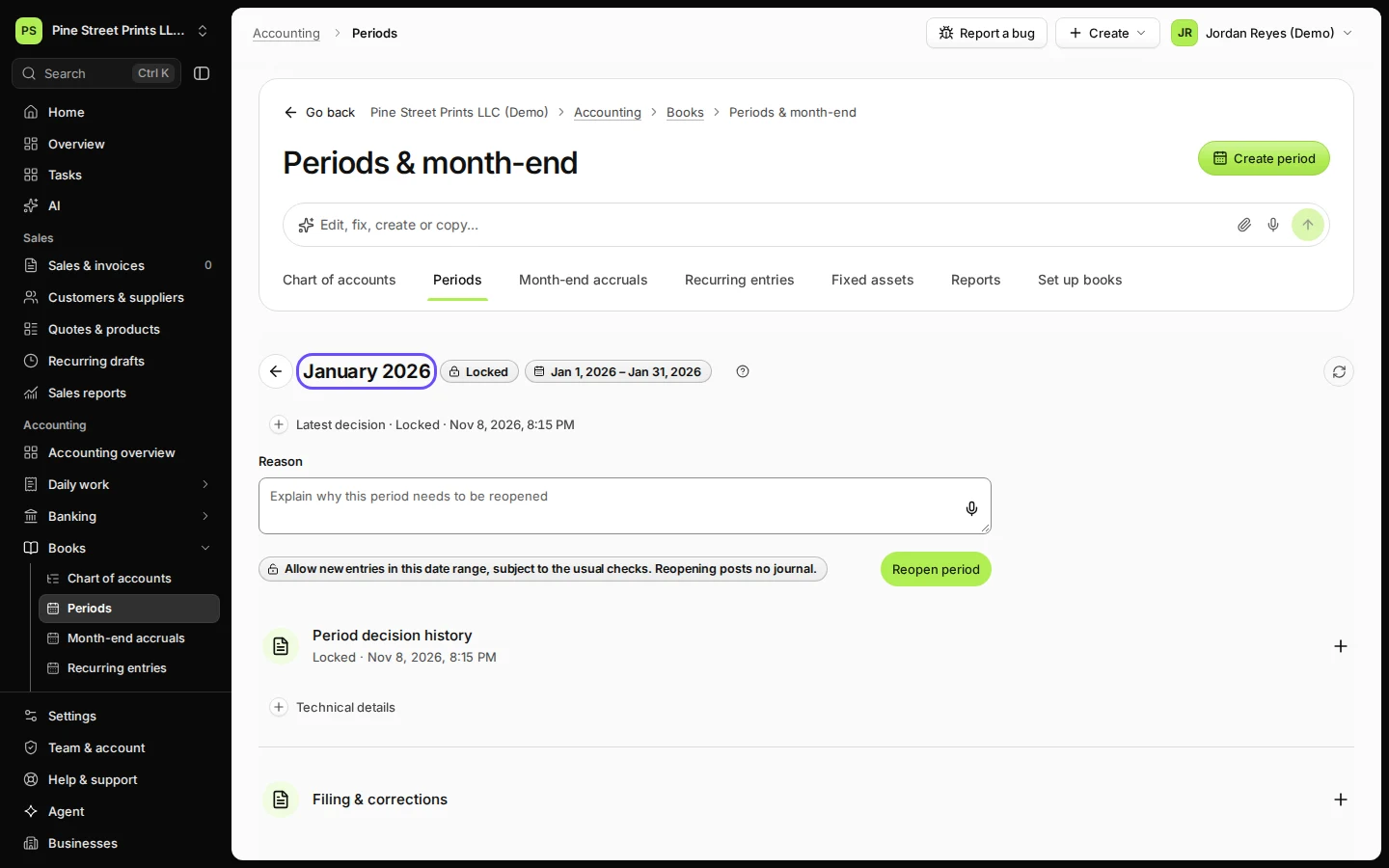
  1. Open Periods from Books and choose the locked month.

    Lock the month first; Mark filed shows only for a locked month.
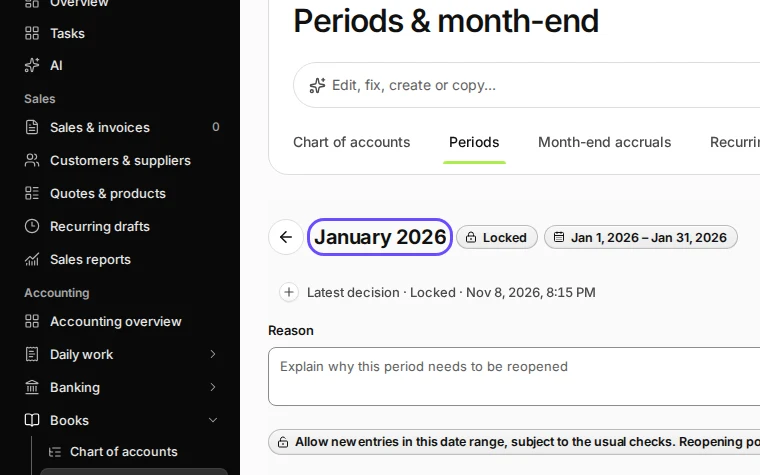
    Step 1: Open Periods from Books and choose the locked month.
    Step 1 in Deline (United States business, fictional data) · See the whole screen
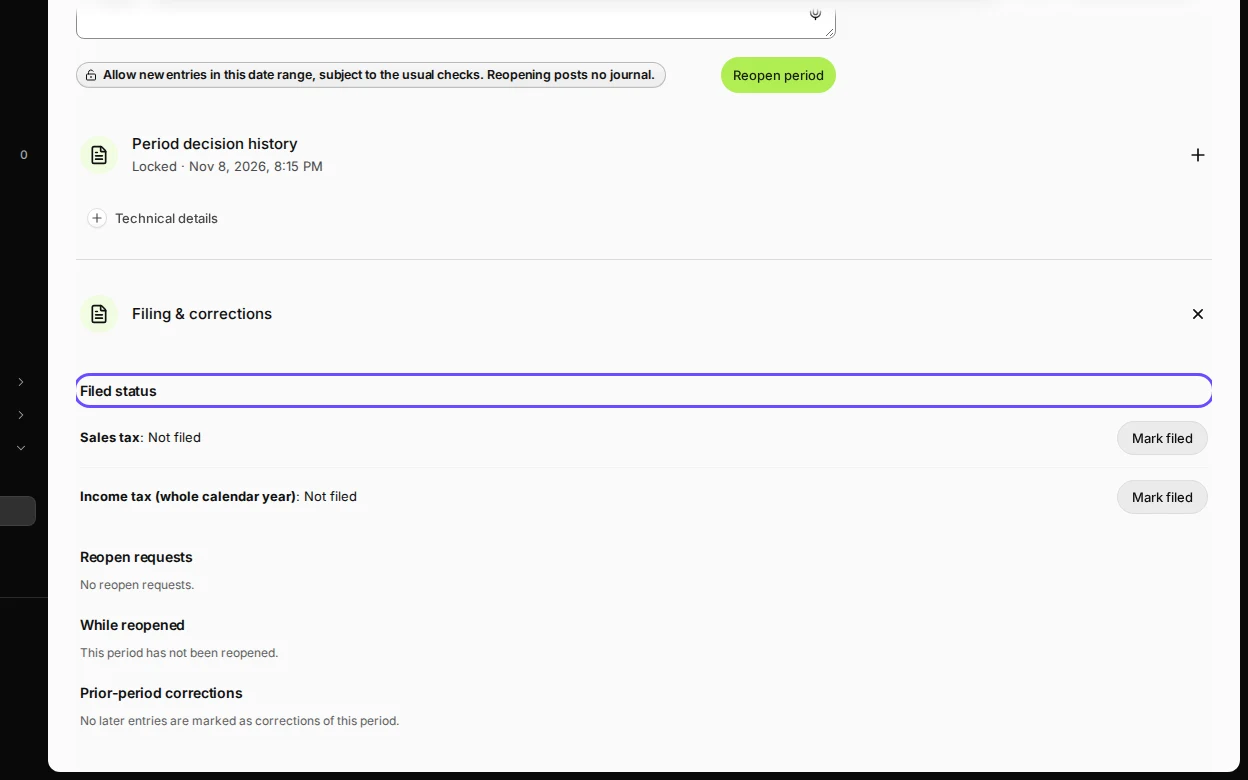
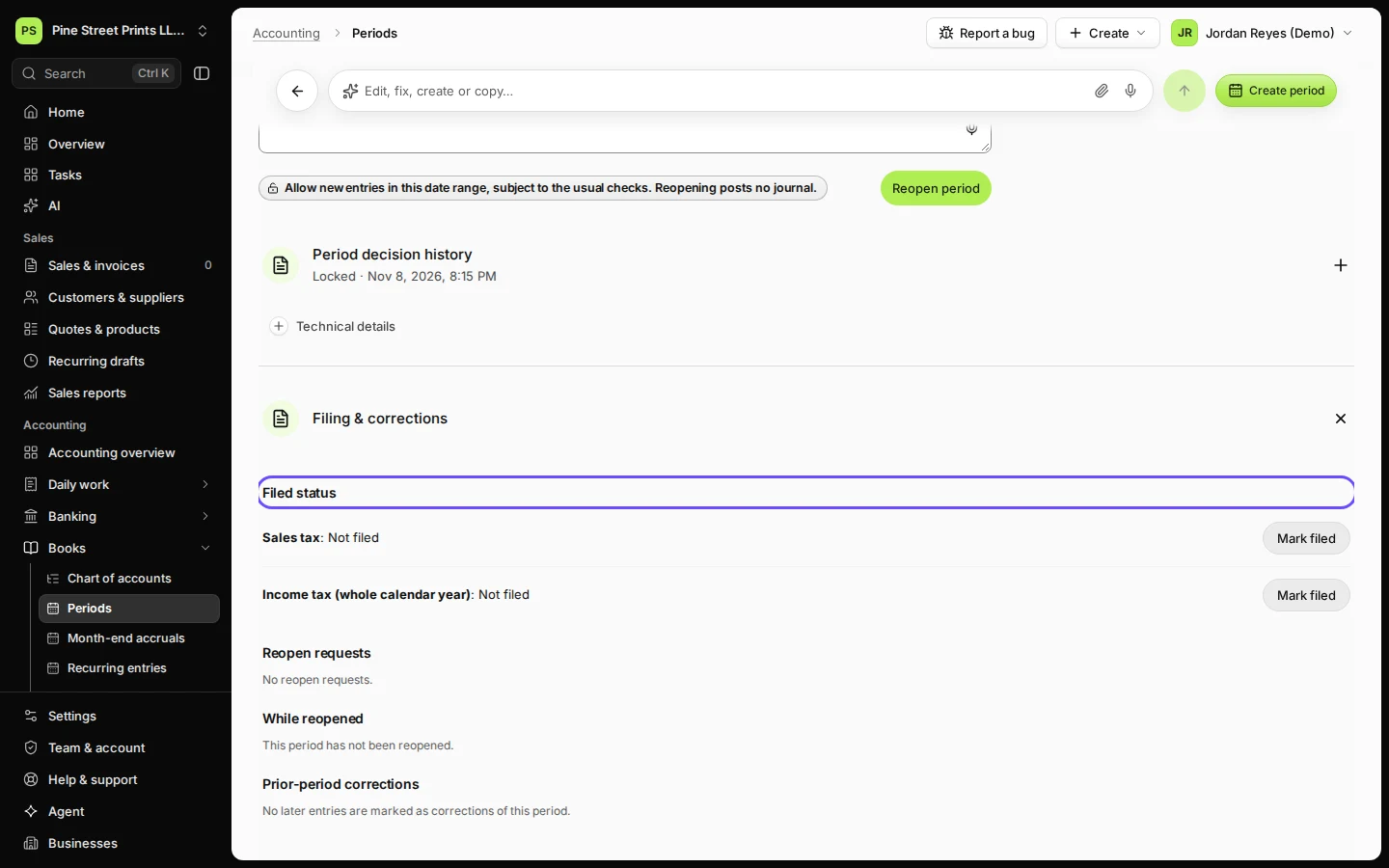
  2. Open Filing & corrections.

    Step 2: Open Filing & corrections.
    Step 2 in Deline (United States business, fictional data) · See the whole screen
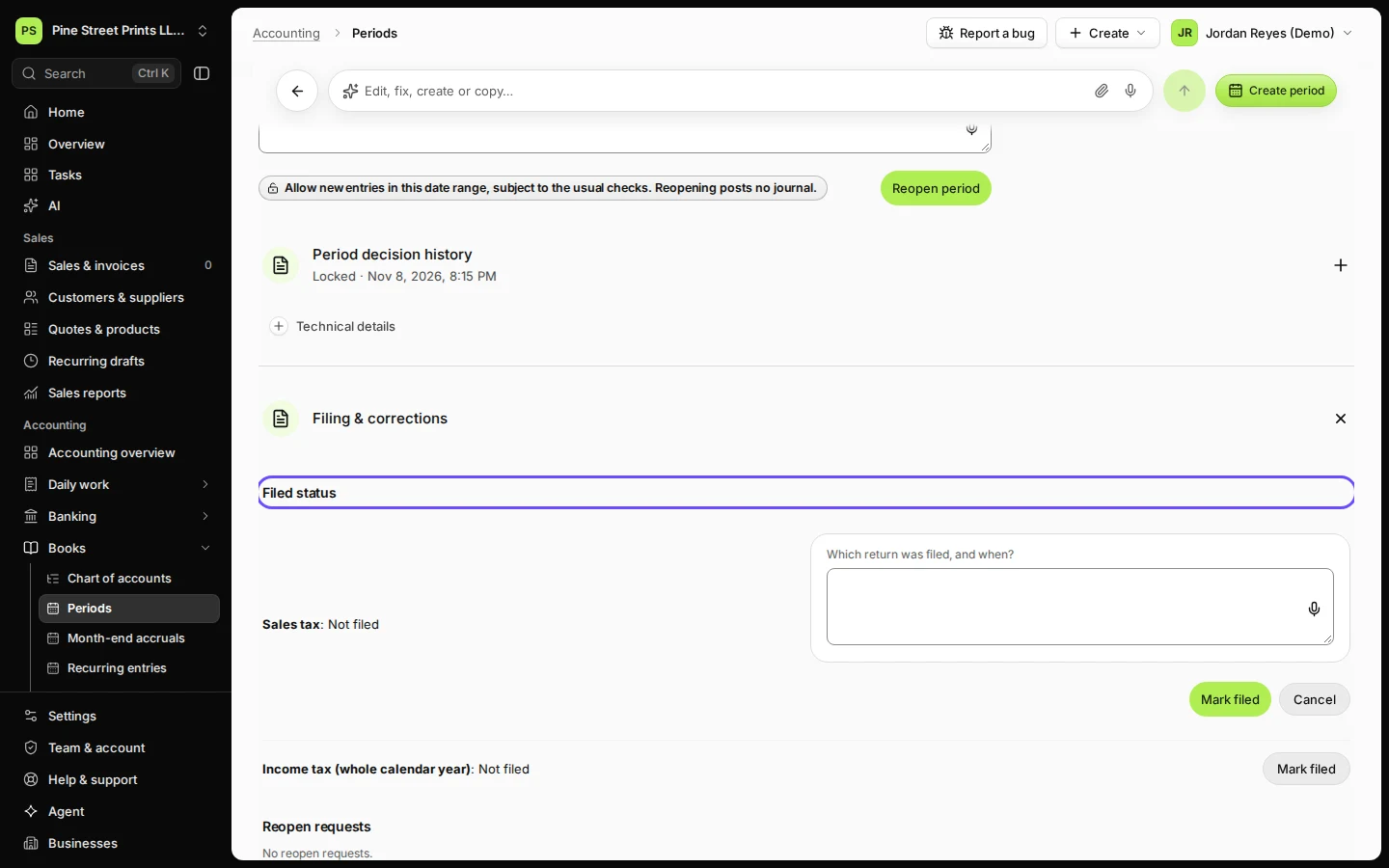
  3. After you have filed the return outside Deline, press Mark filed and confirm.
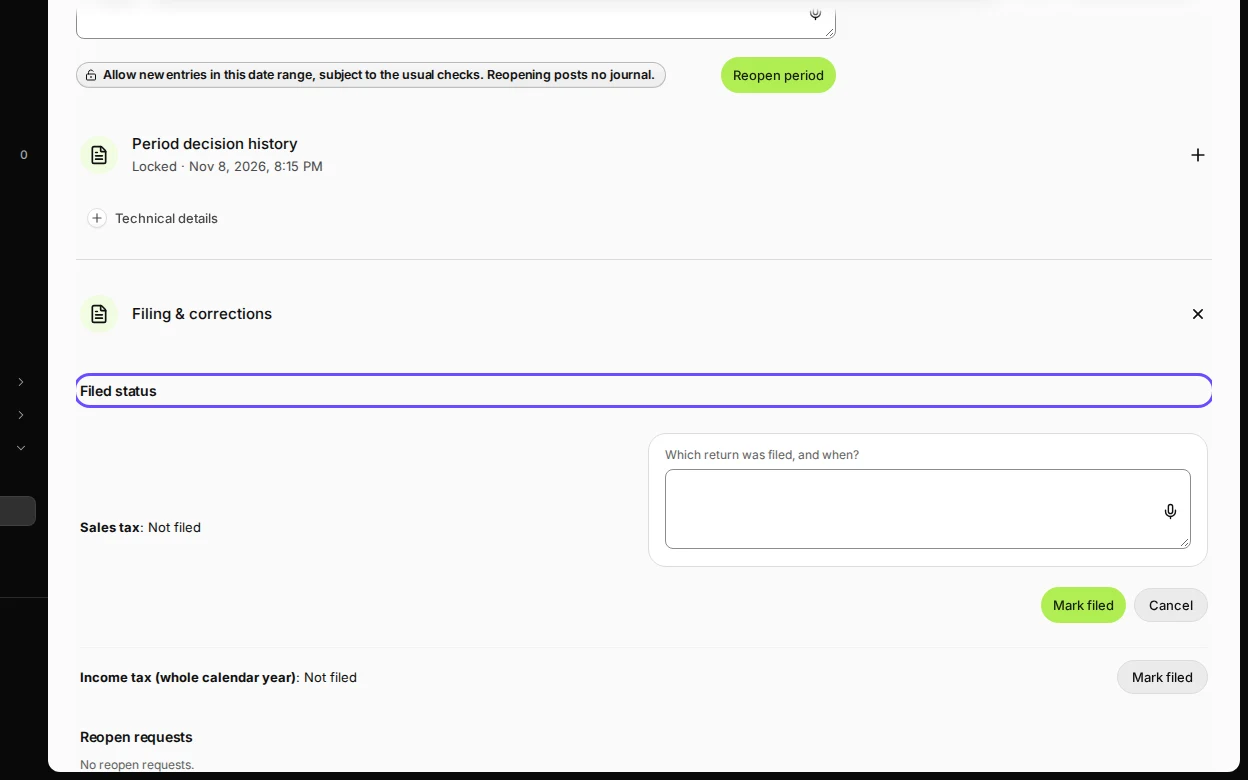
    Step 3: After you have filed the return outside Deline, press Mark filed and confirm.
    Step 3 in Deline (United States business, fictional data) · See the whole screen
Last checked 2026-11-08 by the guide runner on build dcfdeab0a (Deline dac92a47a) (local Deline stack).