
Steps
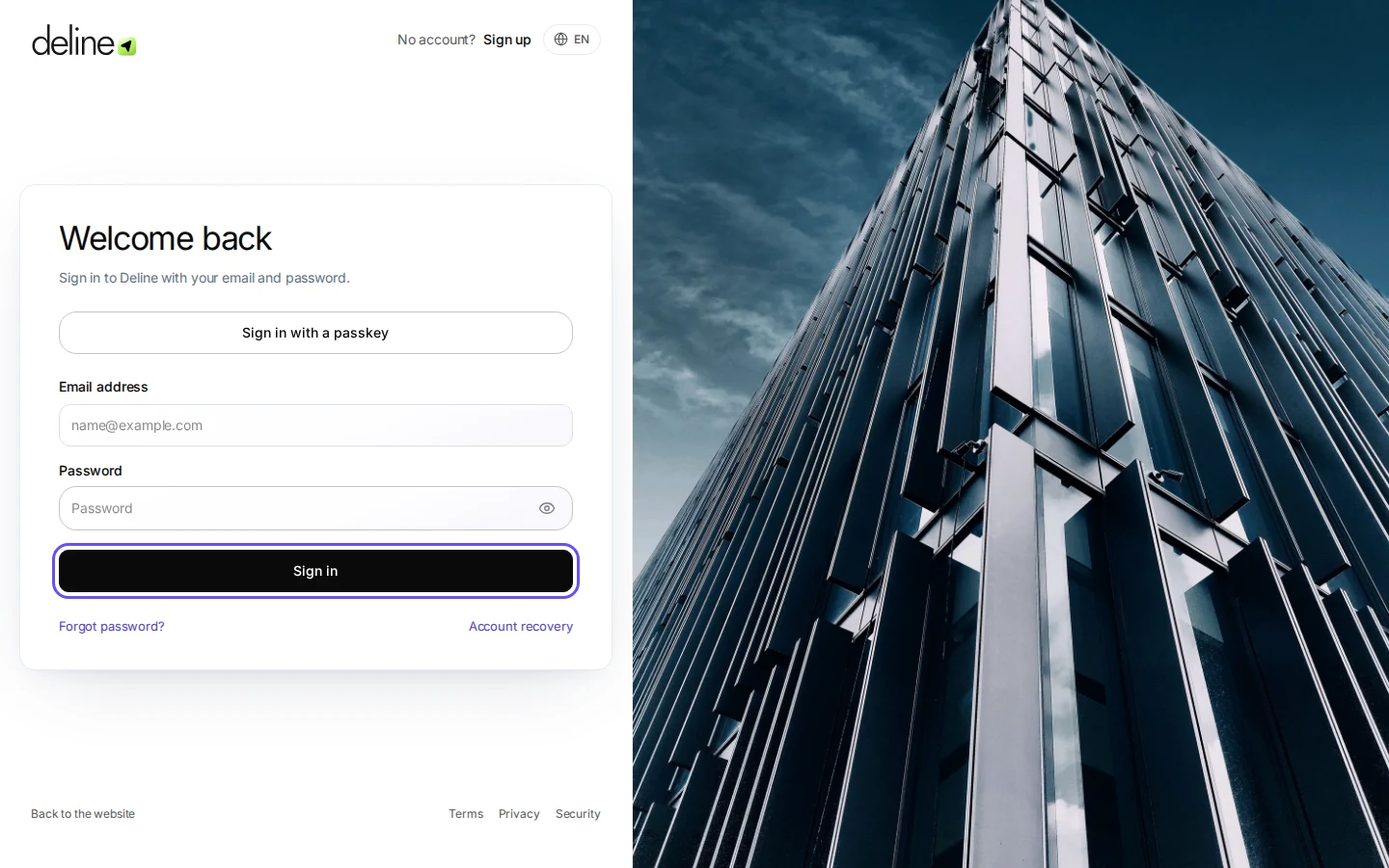
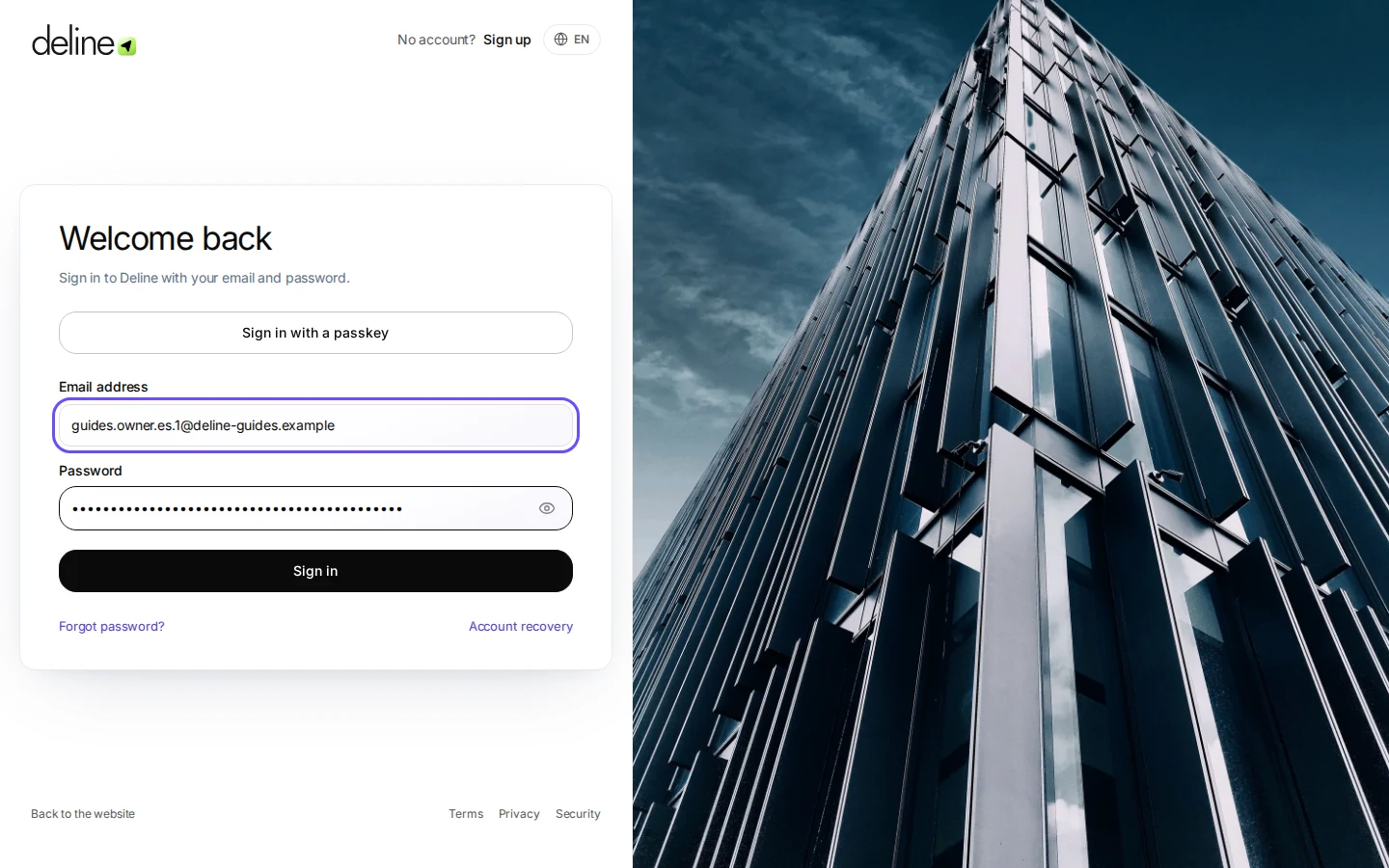
Open the sign-in page.
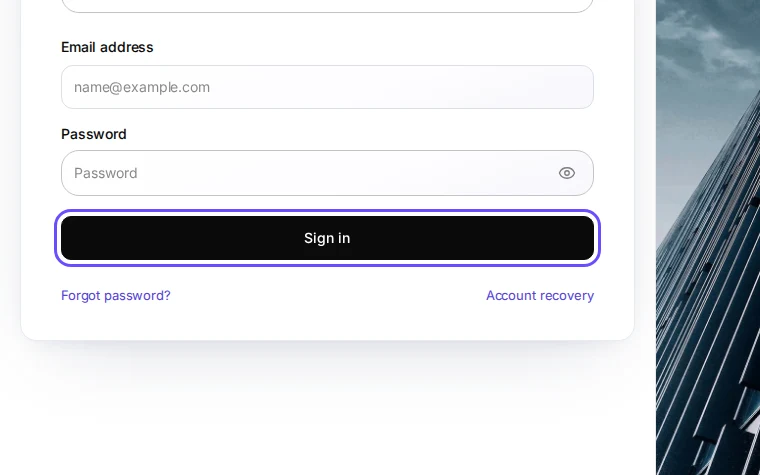
Step 1 in Deline (Spain business, fictional data) · See the whole screen Enter your email address and password.
With two-factor sign-in on, Deline then asks for the code from your authenticator app.
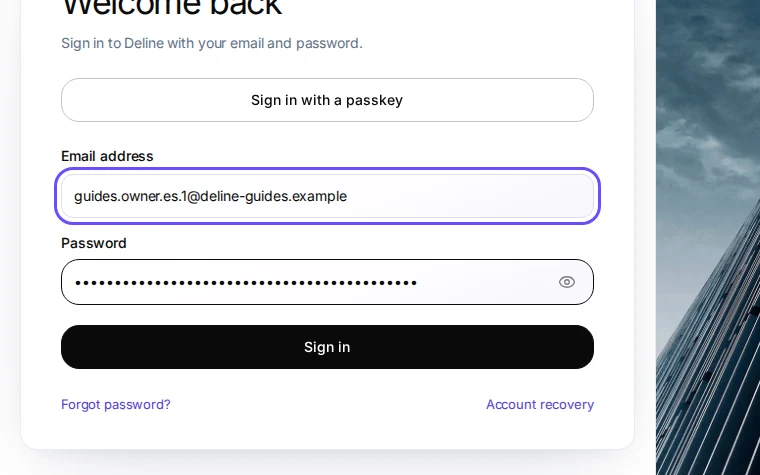
Step 2 in Deline (Spain business, fictional data) · See the whole screen Press Sign in.
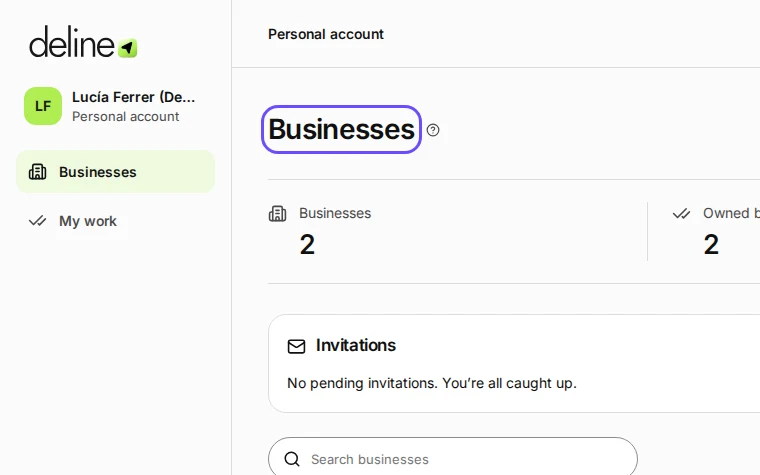
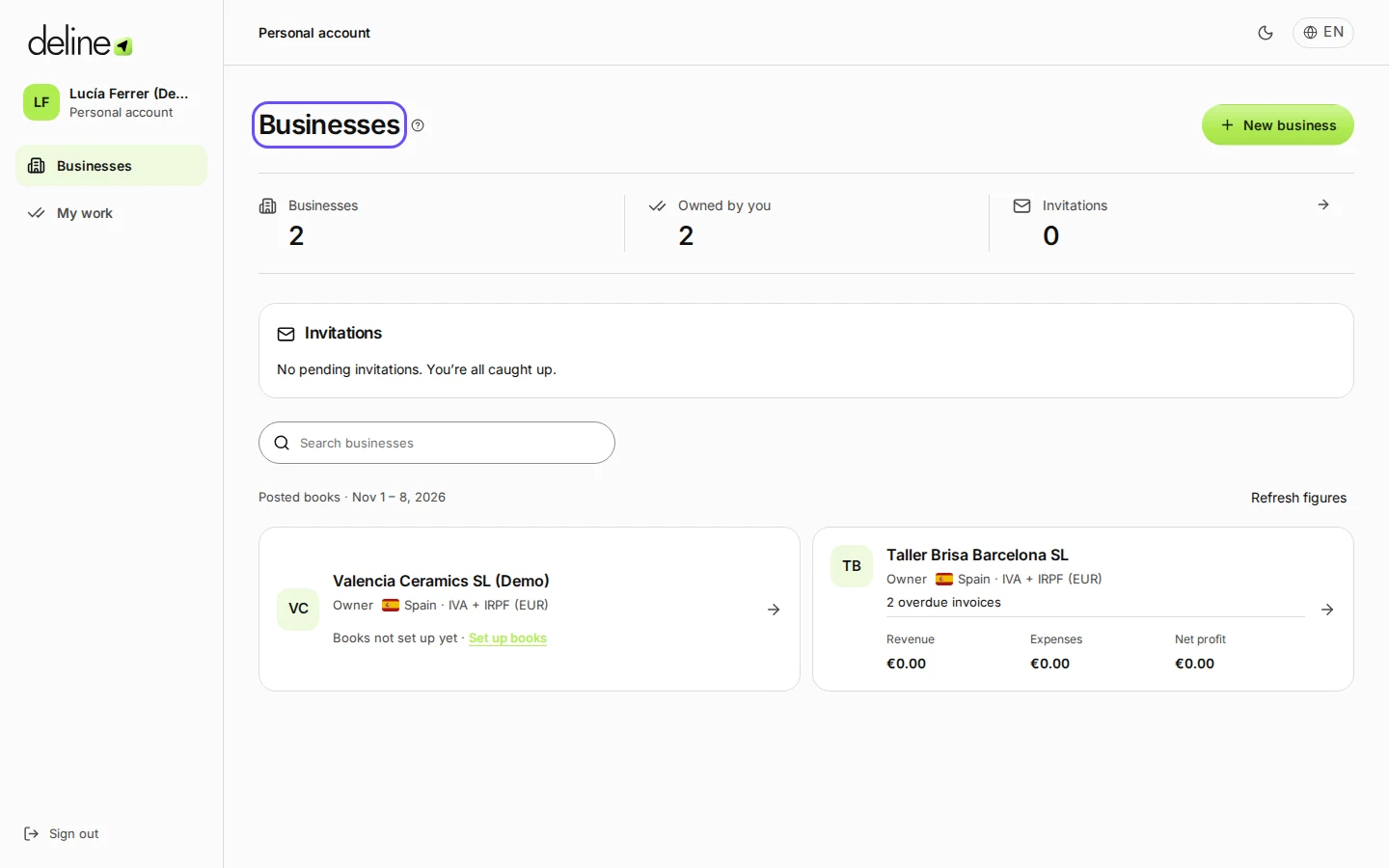
Step 3 in Deline (Spain business, fictional data) · See the whole screen
If something goes wrong
- You forgot your password: press Forgot password? on the sign-in page.
Last checked 2026-11-08 by the guide runner on build 5bcaf3a46 (Deline 06cb5749b) (local Deline stack).