Resend or cancel an invitation

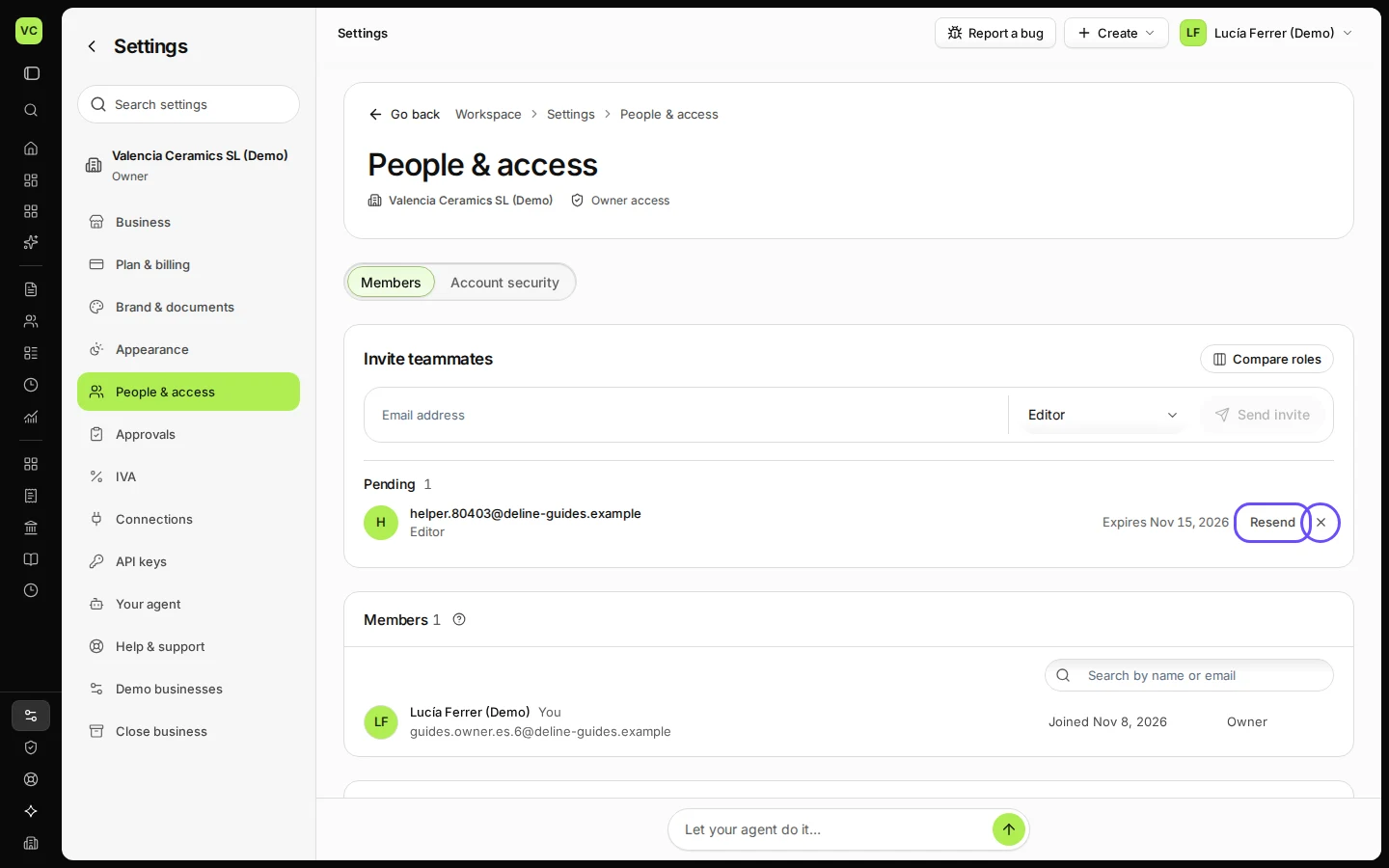
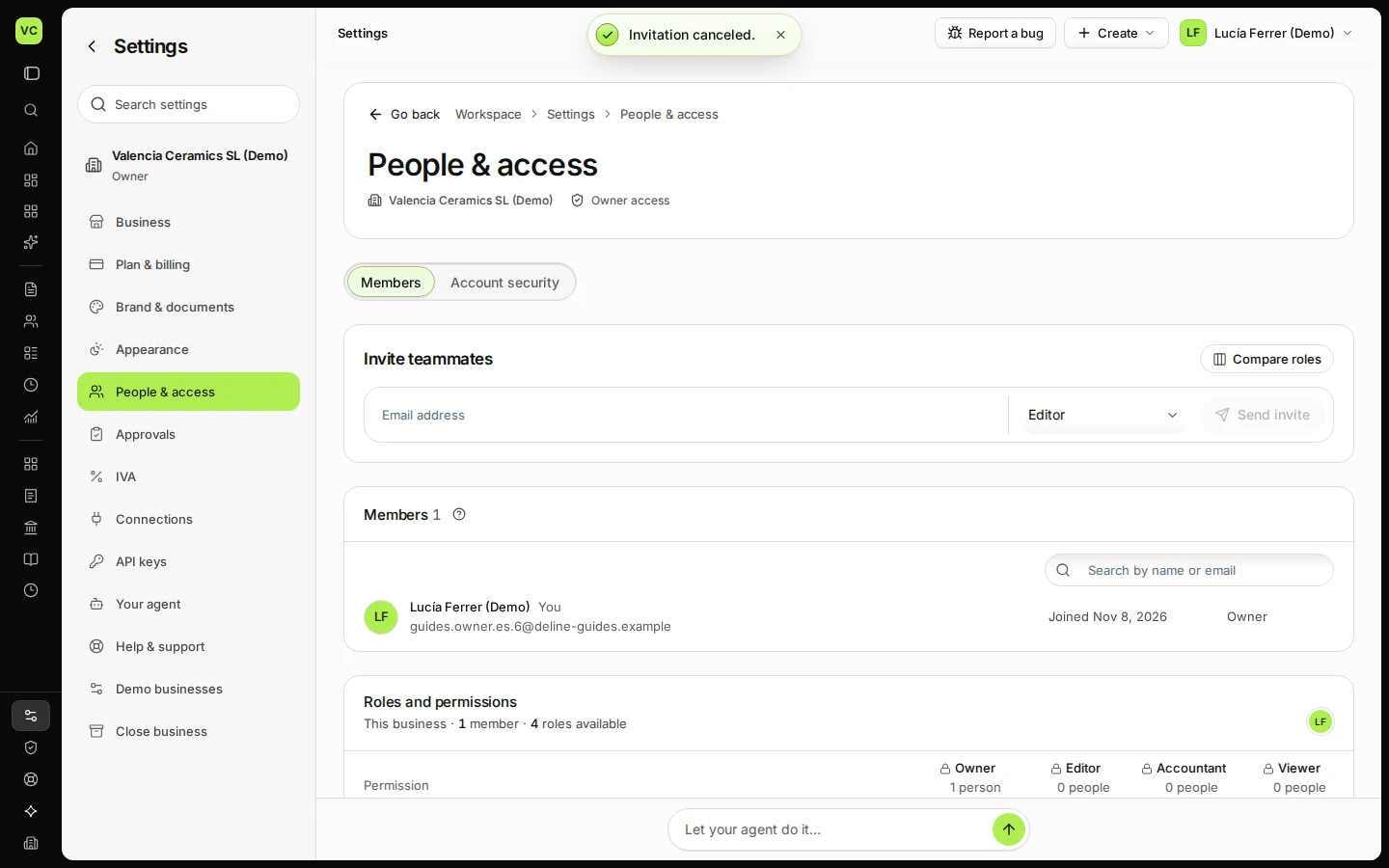
In Settings → People & access, under Pending, press Resend to send an invitation again, or the revoke button and Cancel invitation to cancel it. A cancelled invitation link no longer works.

  • L1 · Everyday
  • WhereAll countries
  • WhoOwner
  • PlanBasic and up
  • Timeabout 1 min

Steps

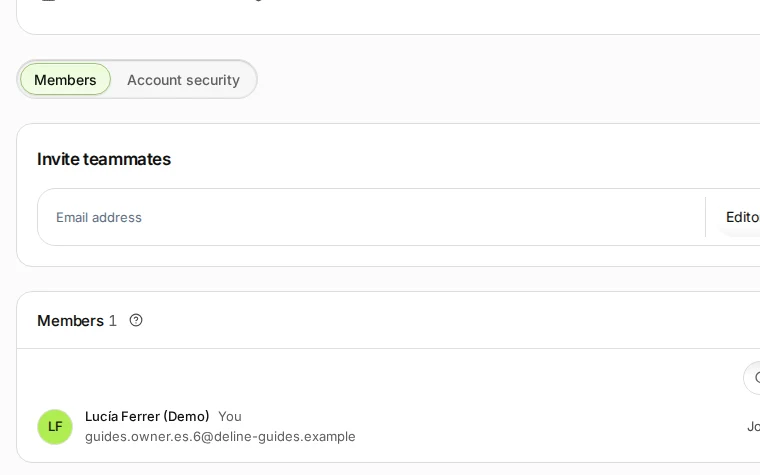
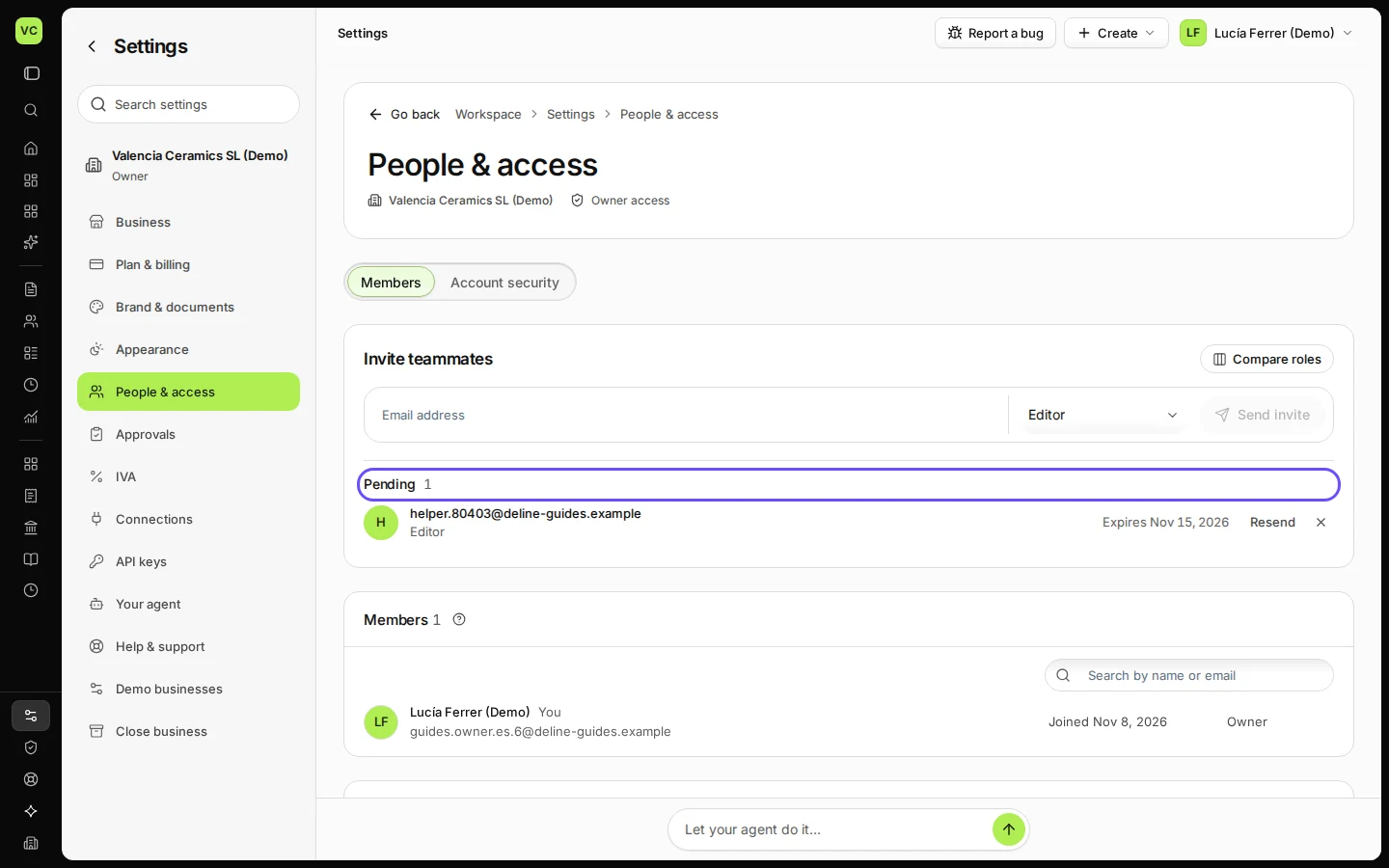
  1. Open Settings and choose People & access.
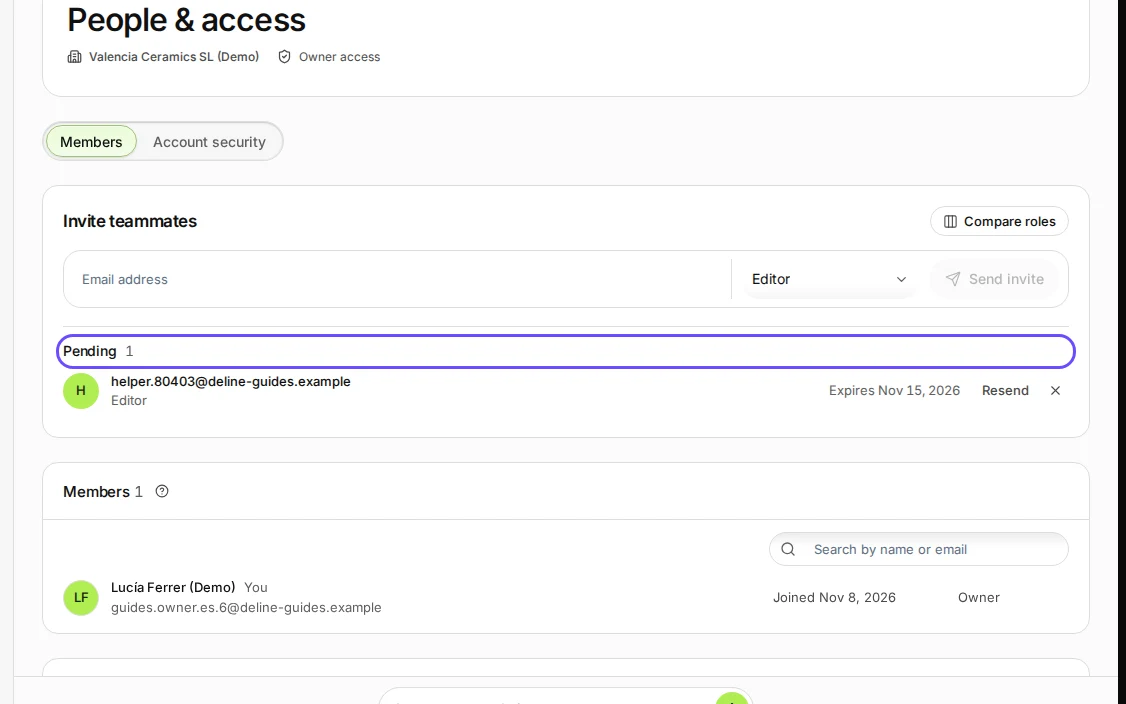
    Step 1: Open Settings and choose People & access.
    Step 1 in Deline (Spain business, fictional data) · See the whole screen
  2. Under Pending, find the invitation: press Resend to send it again, or Revoke to cancel it.
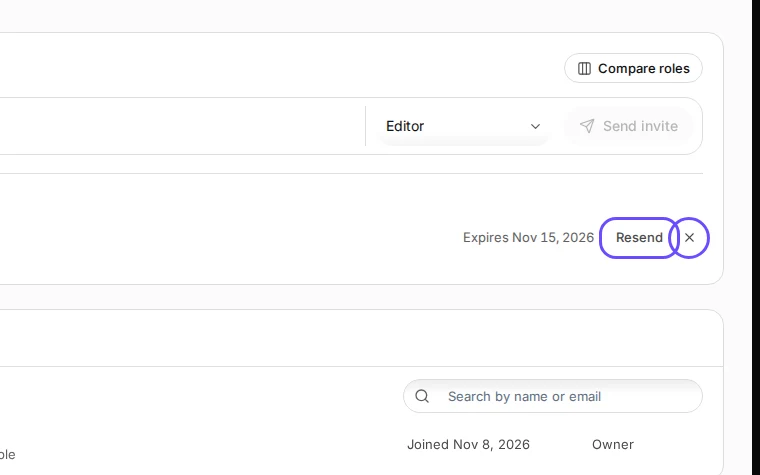
    Step 2: Under Pending, find the invitation: press Resend to send it again, or Revoke to cancel it.
    Step 2 in Deline (Spain business, fictional data) · See the whole screen
  3. Press Cancel invitation to confirm.

    Step 3: Press Cancel invitation to confirm.
    Step 3 in Deline (Spain business, fictional data) · See the whole screen
Last checked 2026-11-08 by the guide runner on build 950c928ab (Deline cf14680cd) (local Deline stack).