
Before you start
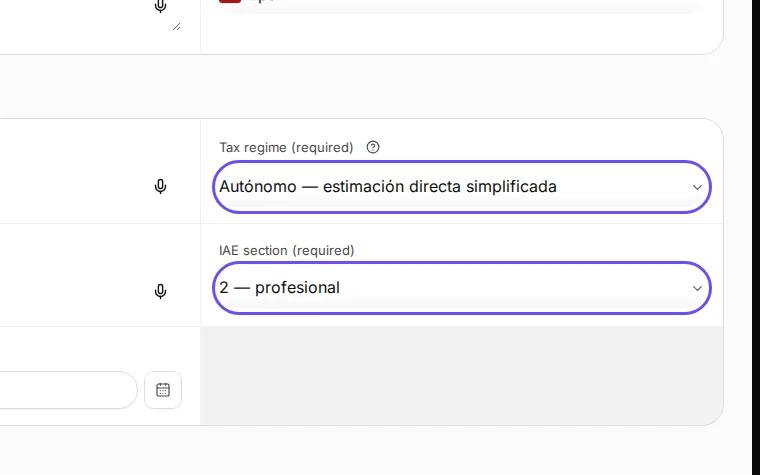
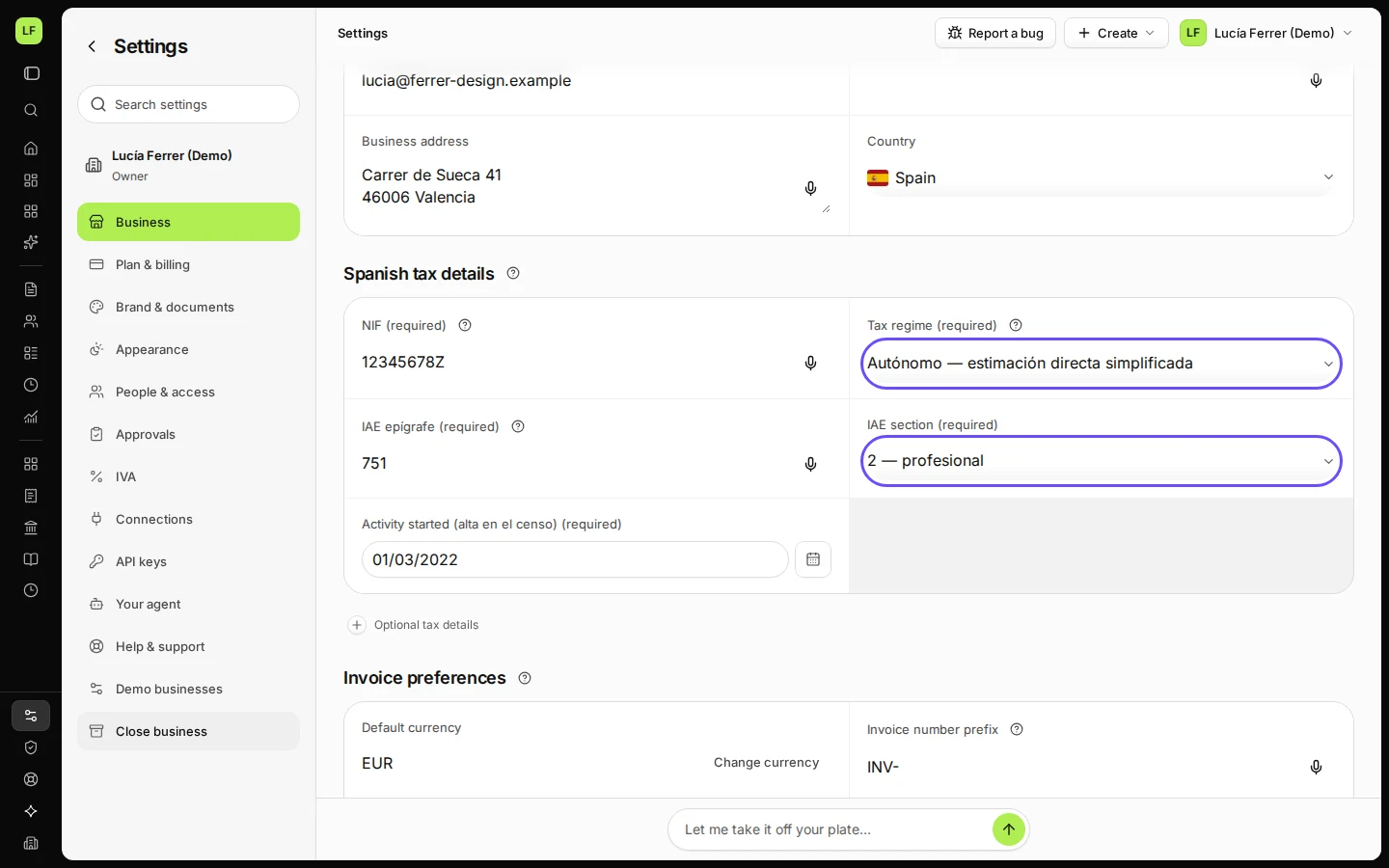
- In Settings → Business, the legal structure is Autónomo (self-employed), the tax regime is an autónomo regime and the IAE section is 2 — profesional or 3 — artística. Deline says: "Section 2 (profesional) and 3 (artística) invoices carry IRPF withholding."
- The 7 % rate for new professionals appears only when 7 % withholding: customers told in writing on is filled in under Optional tax details, and only in your start year and the next two.
Steps
In Settings, check that the tax regime is an Autónomo regime and the IAE section is 2 — profesional.
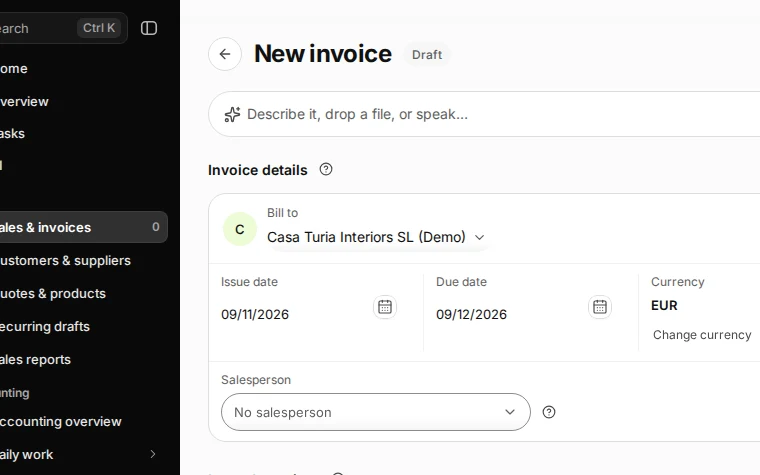
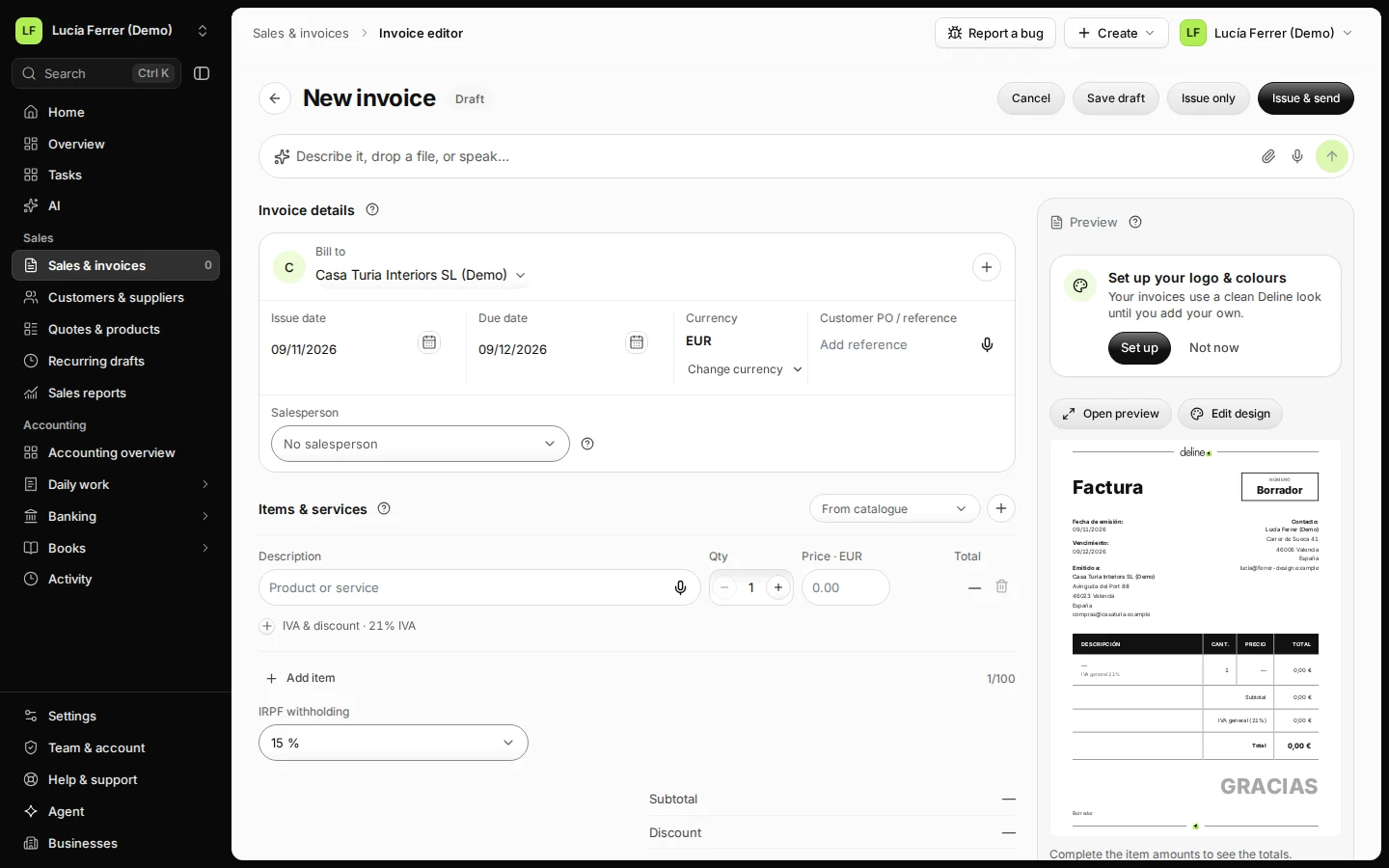
Step 1 in Deline (Spain business, fictional data) · See the whole screen Open Sales & invoices, press New invoice and choose the customer.
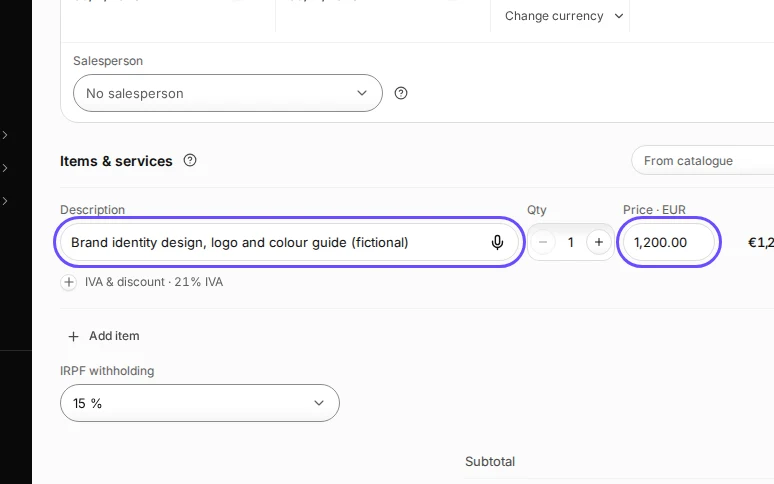
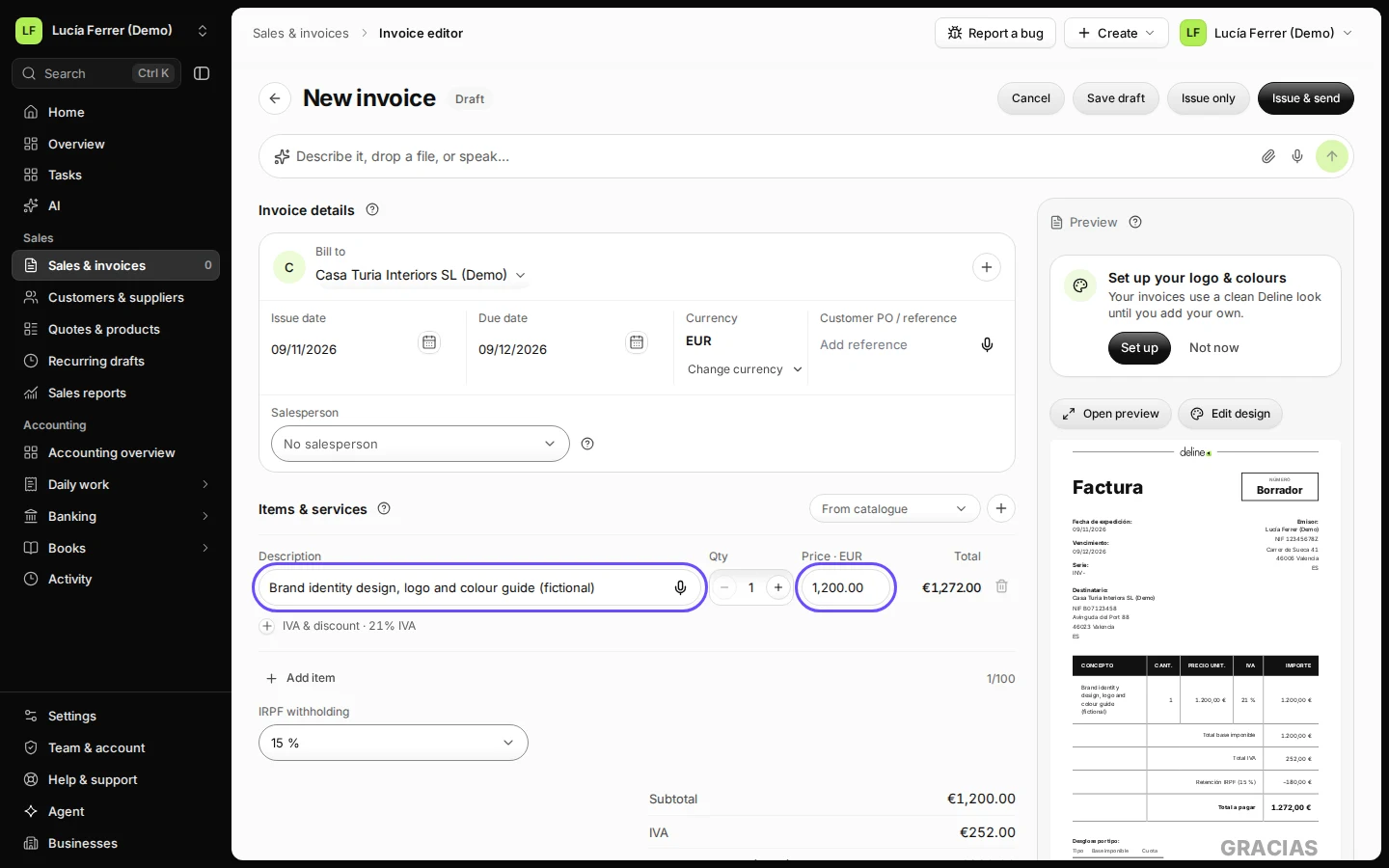
Step 2 in Deline (Spain business, fictional data) · See the whole screen Add the items and their prices.
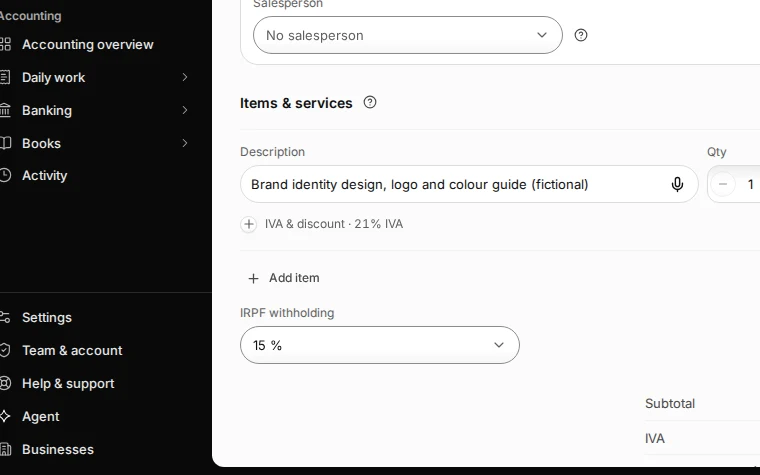
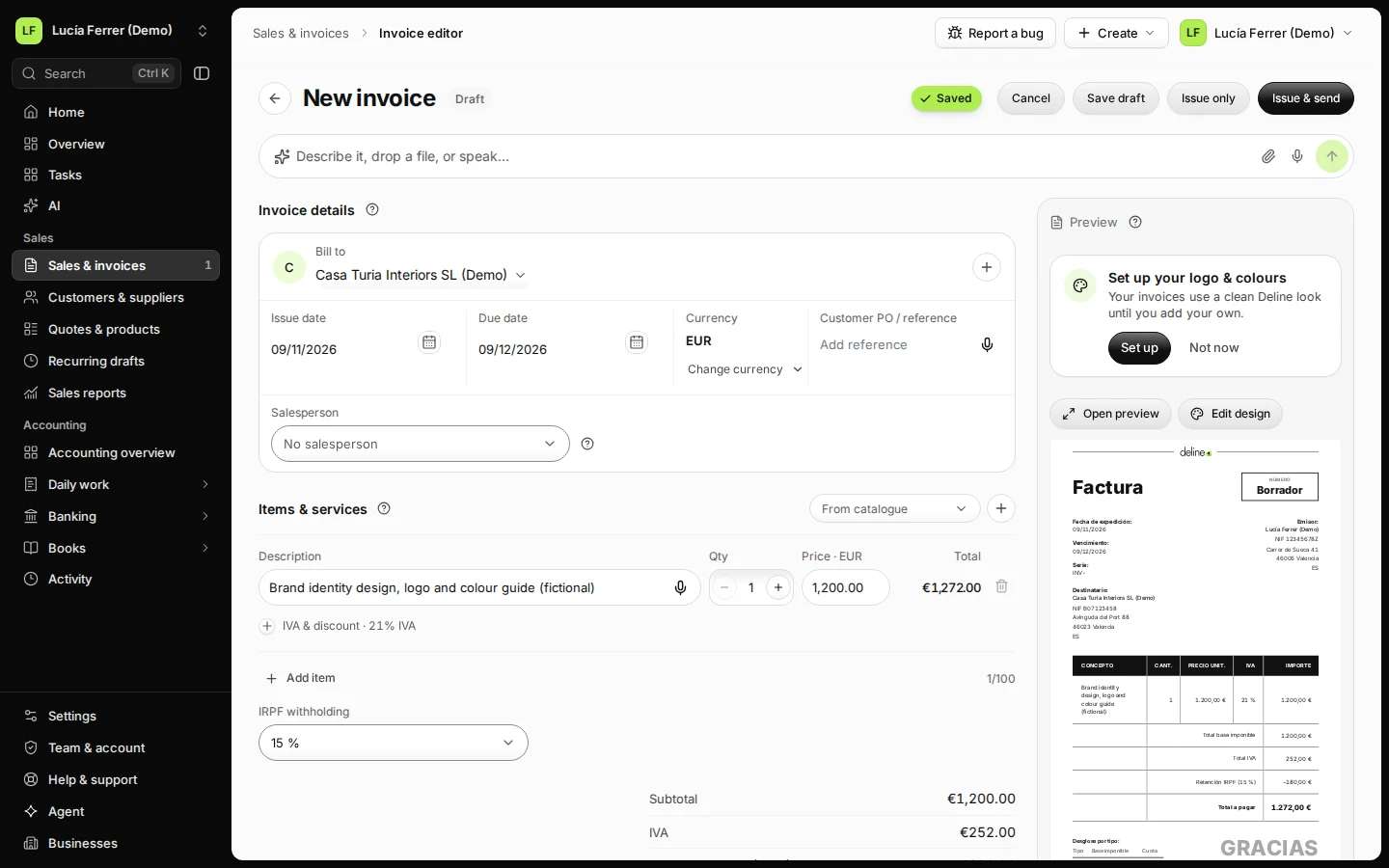
Step 3 in Deline (Spain business, fictional data) · See the whole screen Under IRPF withholding, choose 15 %.
Choose No withholding for a customer that does not withhold, for example a private person or a customer outside Spain.
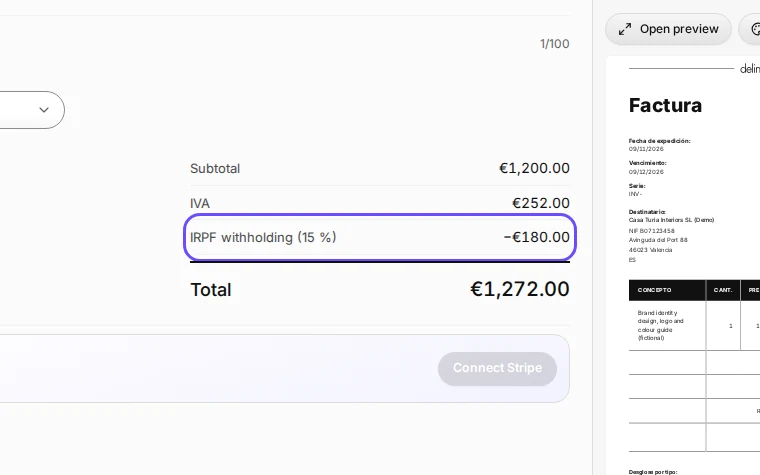
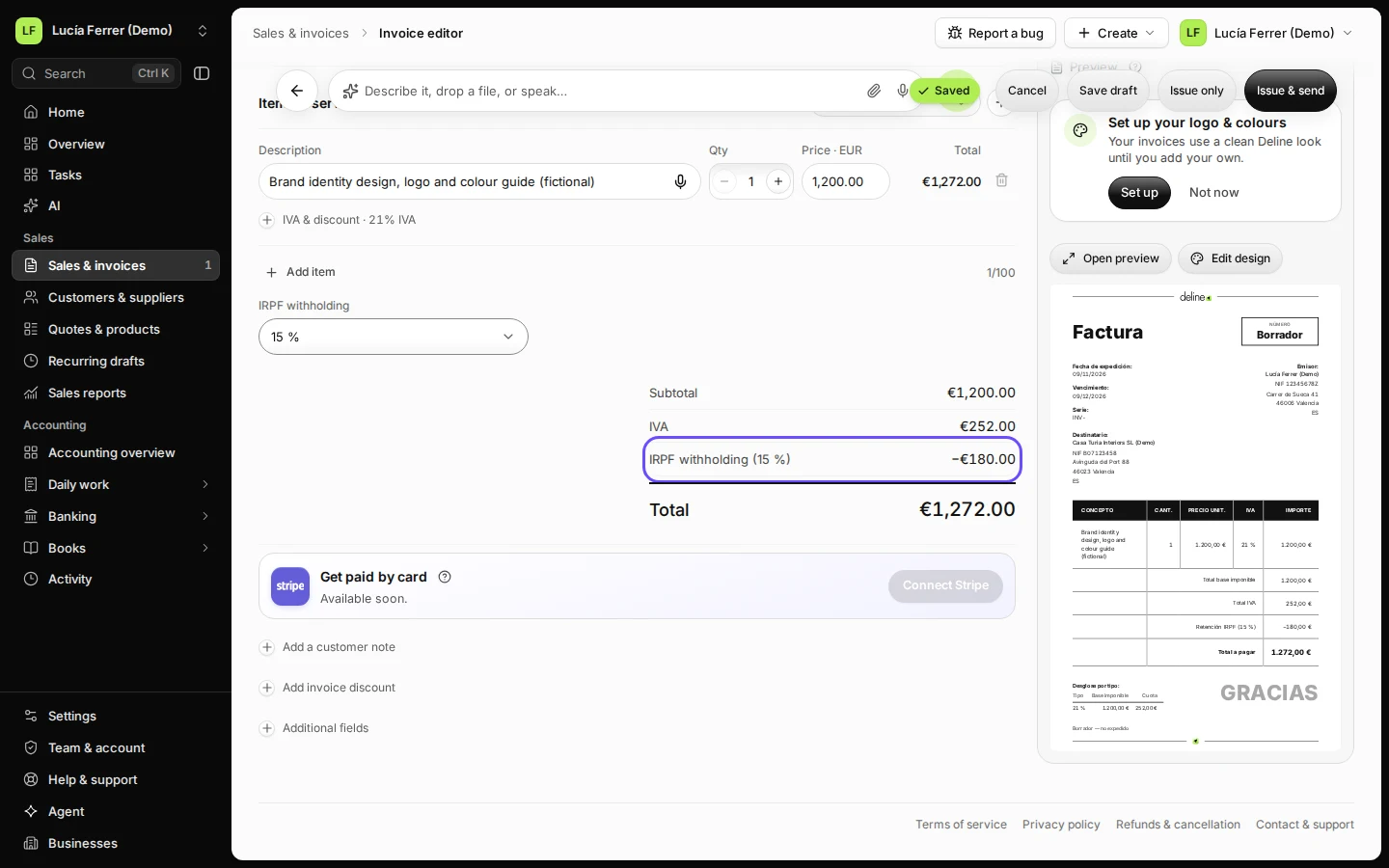
Step 4 in Deline (Spain business, fictional data) · See the whole screen Check the totals: the withholding is taken off the total to pay.
You see Subtotal, IVA, IRPF withholding (15 %) as a minus amount and the Total. For 1,200.00 € with 21 % IVA: 252.00 € IVA, −180.00 € withholding, 1,272.00 € to pay.
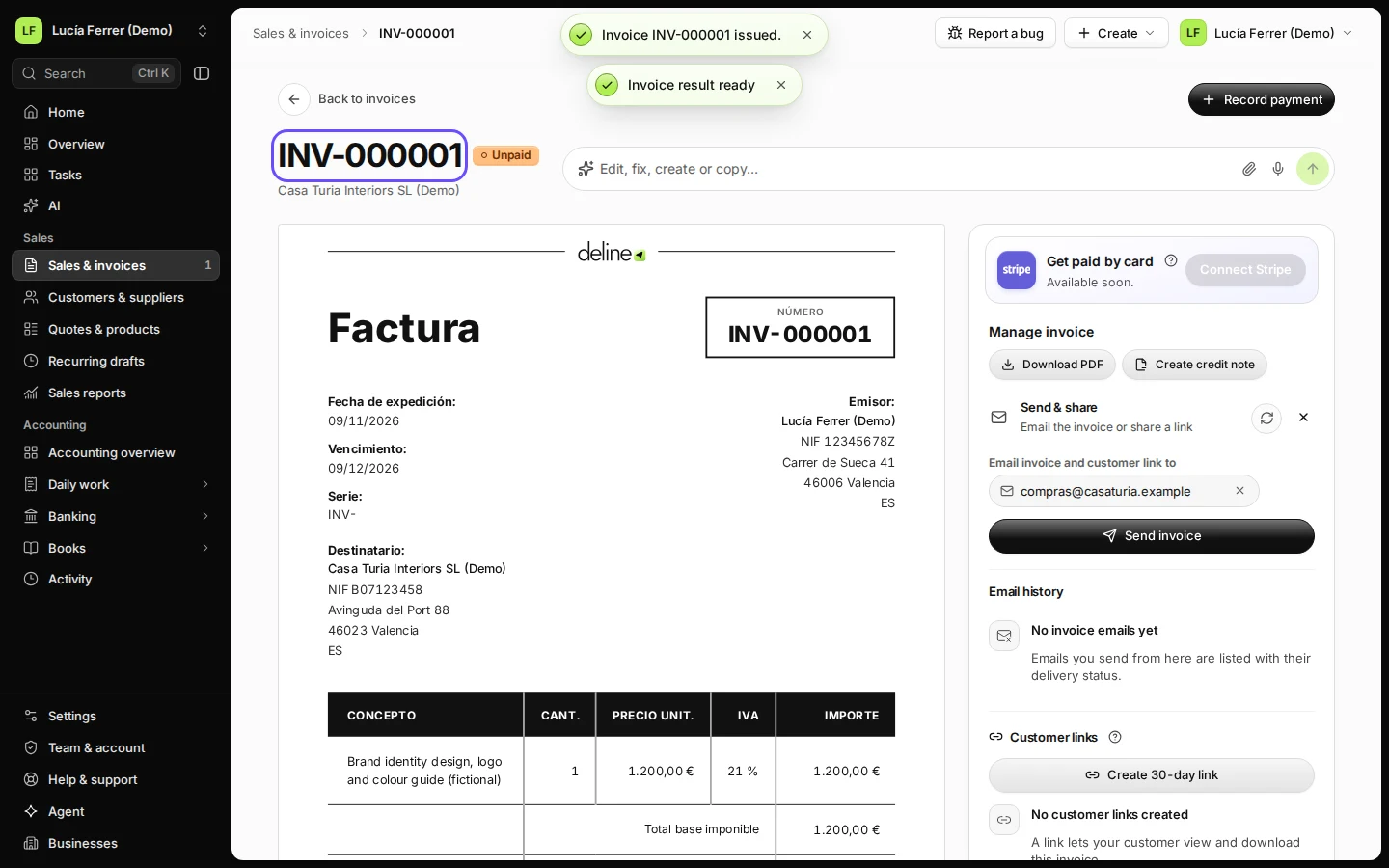
Step 5 in Deline (Spain business, fictional data) · See the whole screen Press Issue only and confirm with Issue only.
The issued invoice shows Retención IRPF (15 %). Your customer pays the withholding to the tax office for you; Deline files nothing.
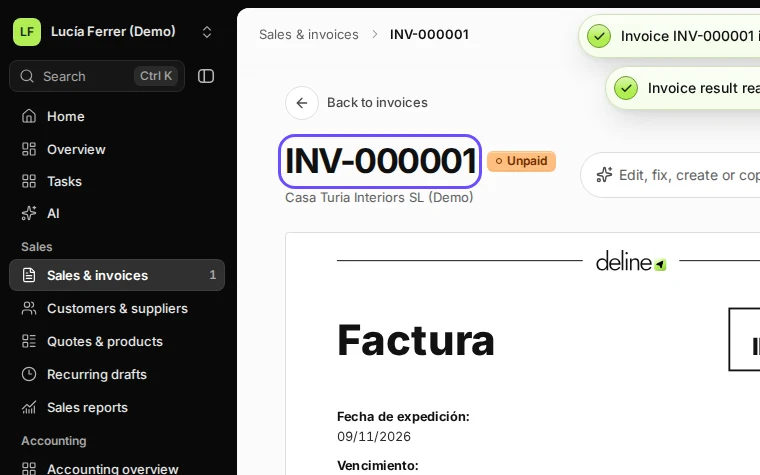
Step 6 in Deline (Spain business, fictional data) · See the whole screen
If something goes wrong
- You don't see IRPF withholding: your legal structure is a company, or the IAE section is 1 — empresarial. Check Settings → Business.
- "The legal structure is autónomo, but the tax regime is Sociedad. An autónomo is taxed by estimación directa: choose an autónomo regime, or correct the legal structure.": choose an autónomo regime under Tax regime and save.
Last checked 2026-11-09 by the guide runner on build 857993047 (Deline 05d39ca07) (local Deline stack).