
Before you start
- The statement is kept in Card statements (see Keep a credit card statement in your books).
- Your books are in US dollars and the chart has a credit card liability account. Otherwise Deline says "Add a credit-card liability in Chart of accounts first."
- The card charges are in your books on that account, for example from bills or journals.
- You are the owner: only the owner links a card and accepts a statement.
Steps
In Card statements, press Link to card account next to the statement.
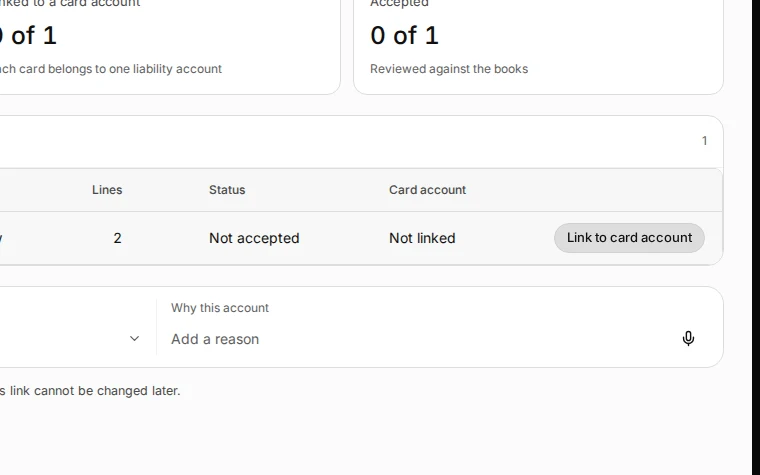
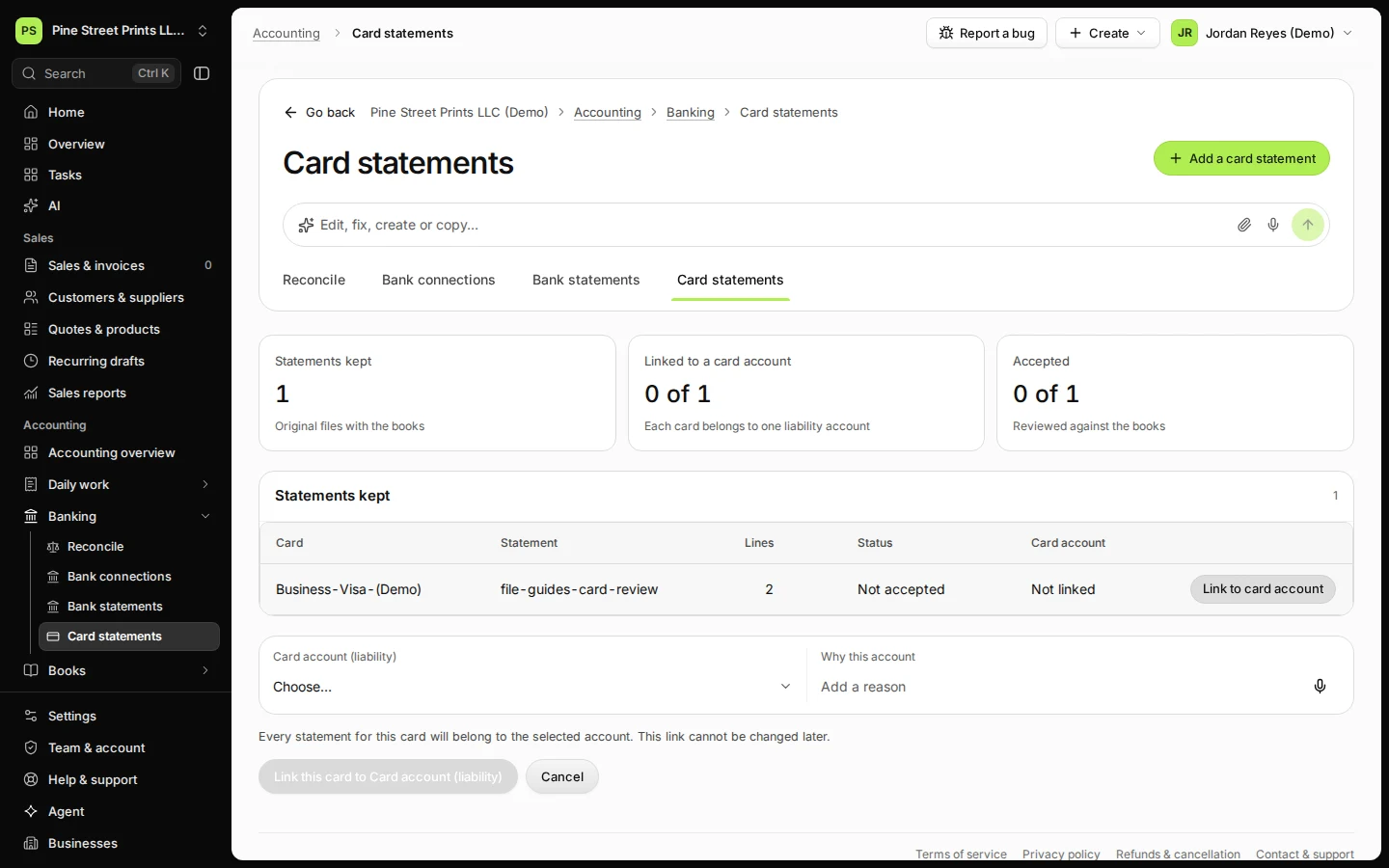
Step 1 in Deline (United States business, fictional data) · See the whole screen Choose the card account, say why and press Link this card.
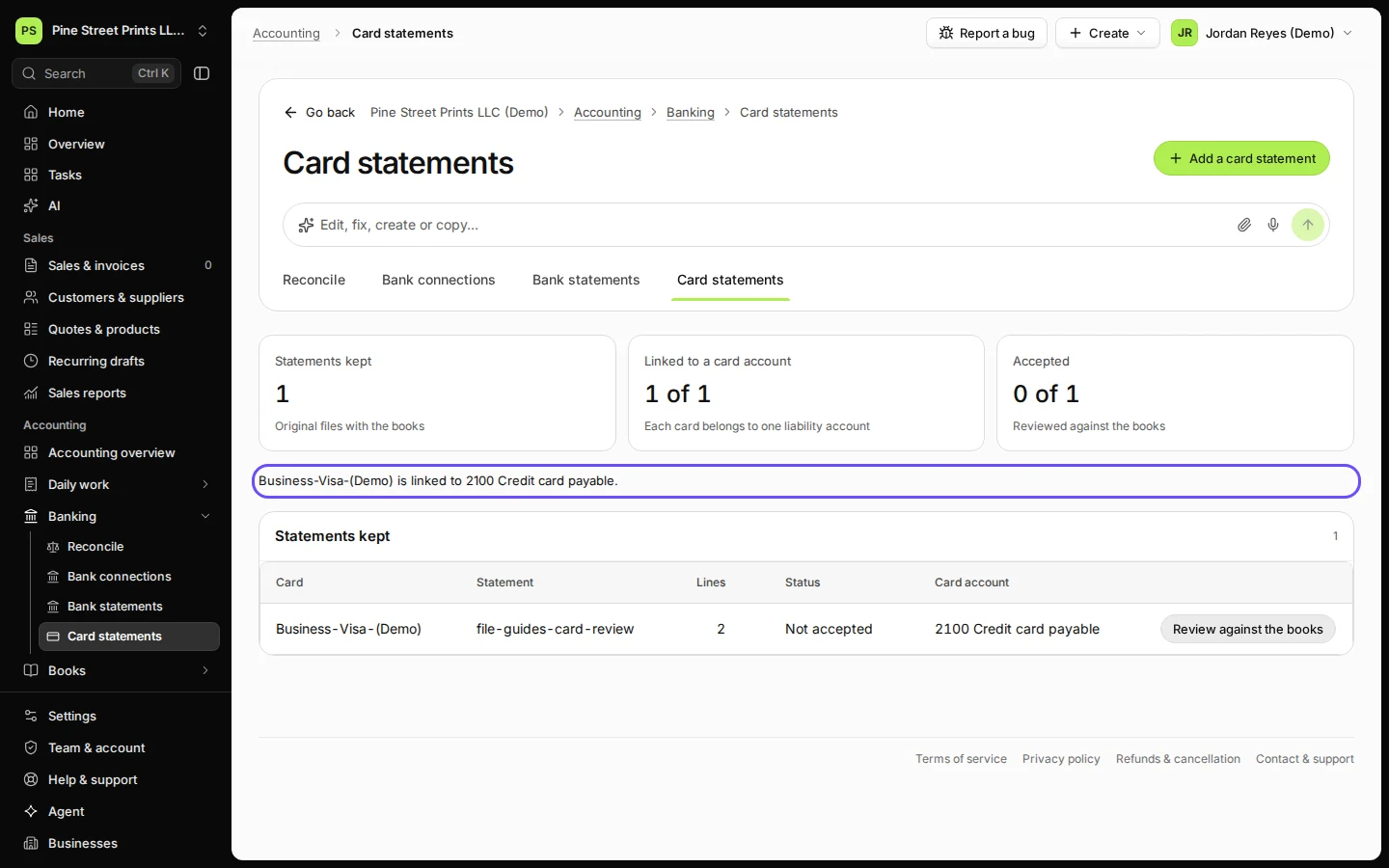
"Every statement for this card will belong to the selected account. This link cannot be changed later." Deline confirms that the card is linked to the account.
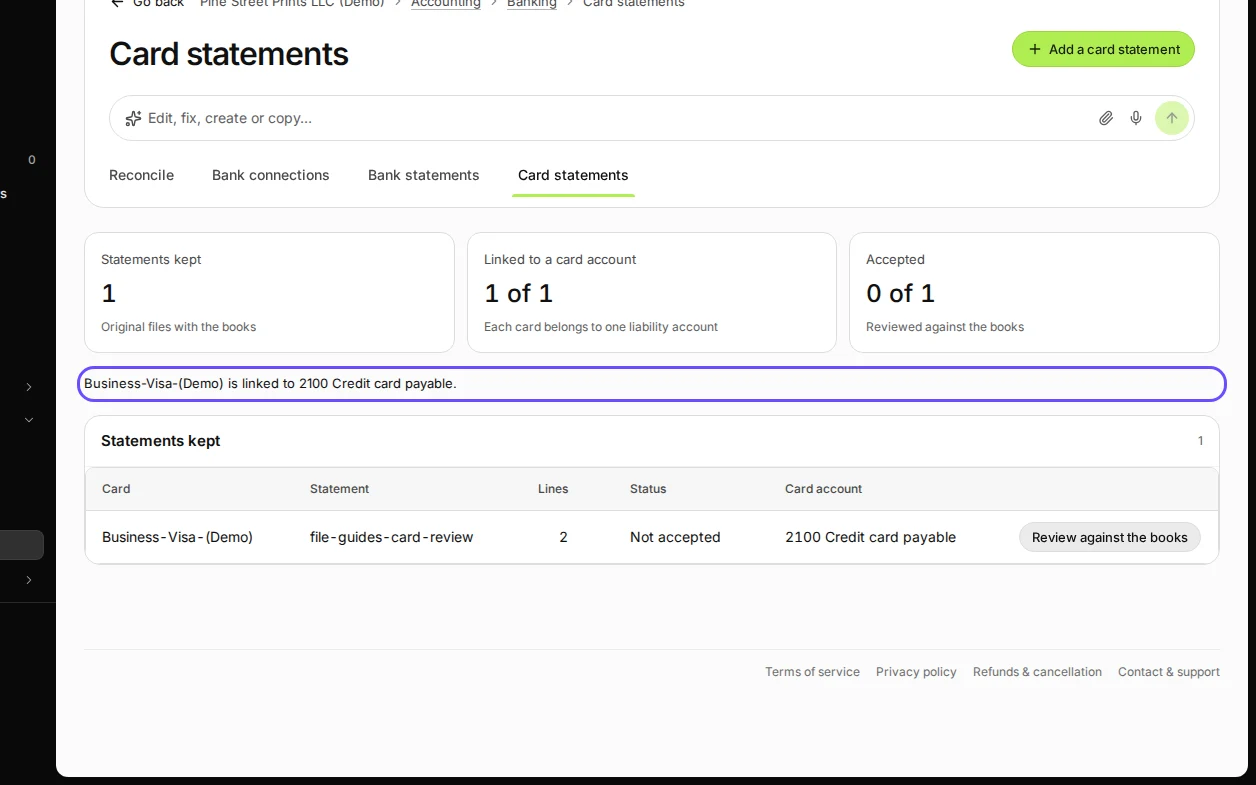
Step 2 in Deline (United States business, fictional data) · See the whole screen Press Review against the books.
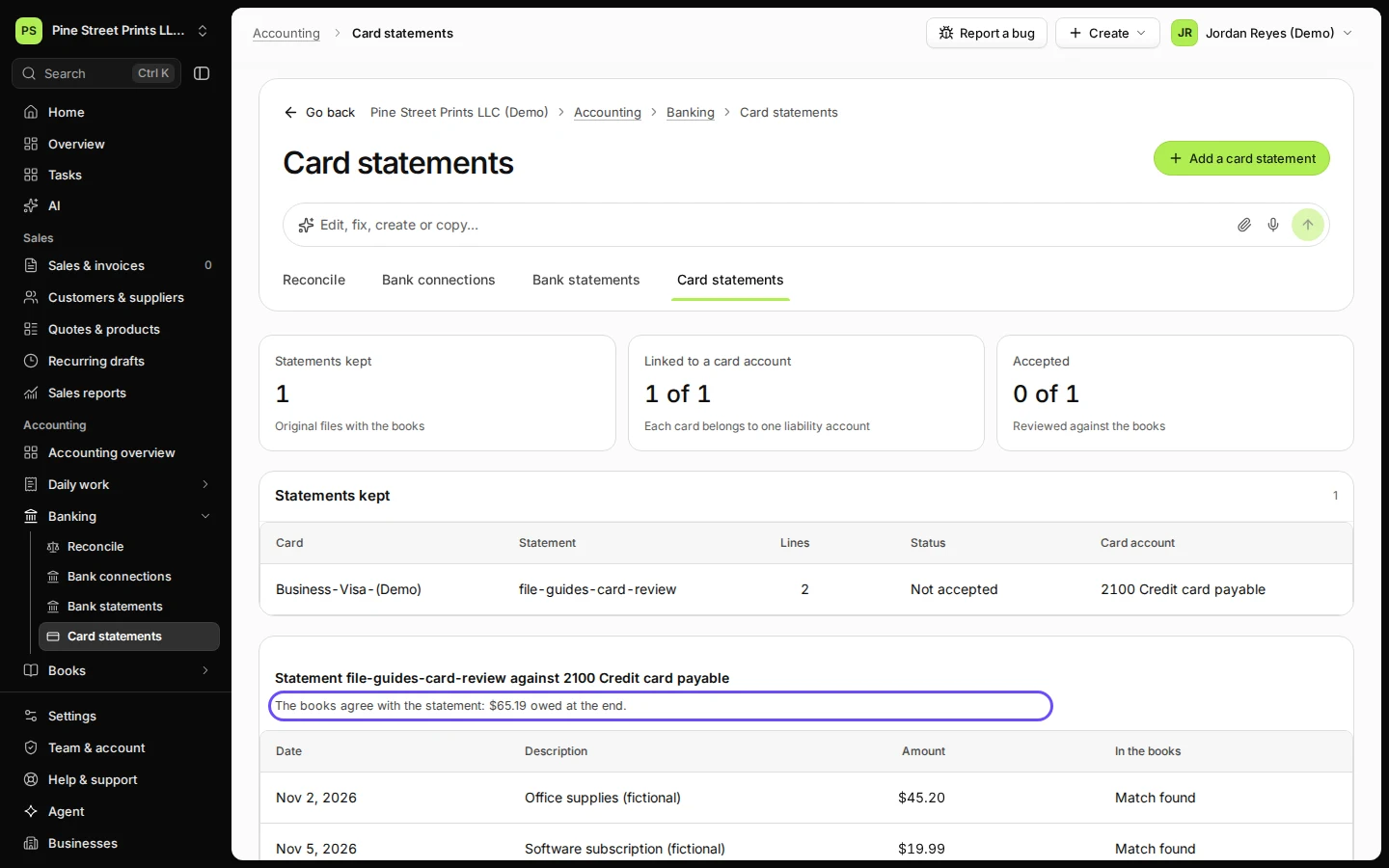
Deline compares the statement with the card account: "The books agree with the statement: … owed at the end." Each line shows what was found in the books, such as Match found.
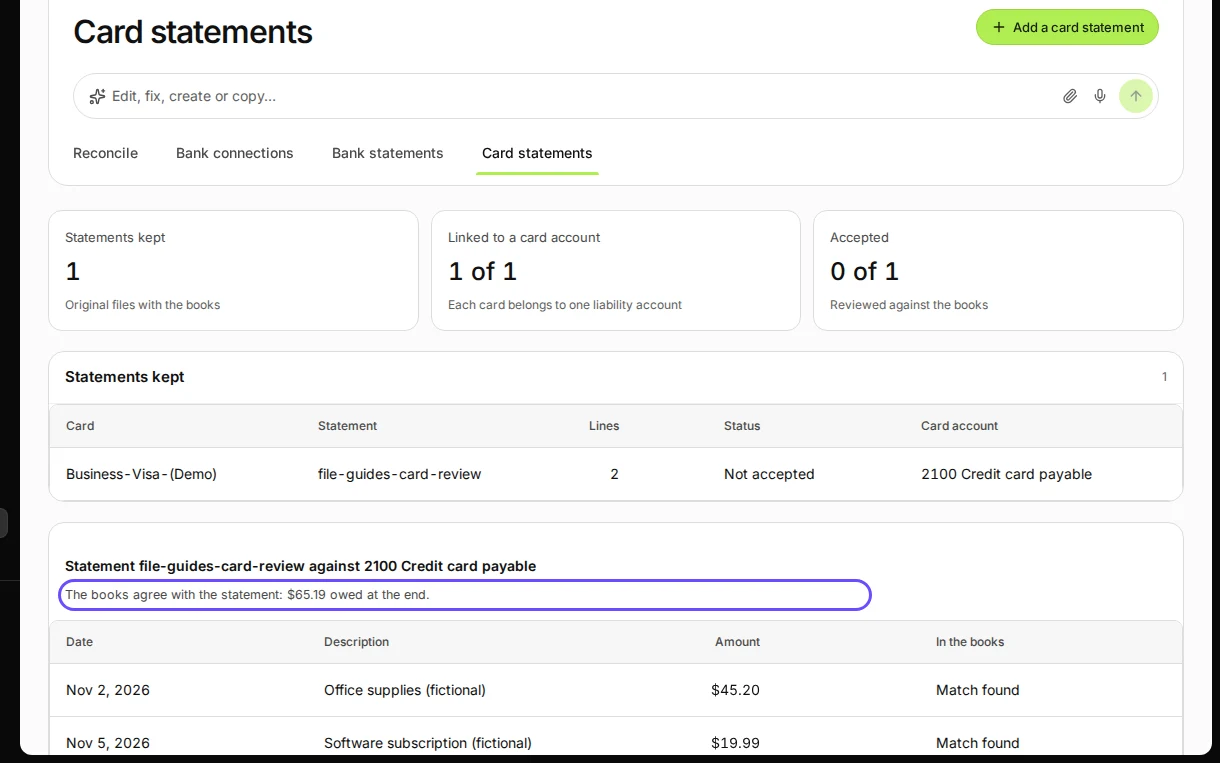
Step 3 in Deline (United States business, fictional data) · See the whole screen Check that each line has a match in the books and press Record the matches.
Recording a match says that the statement line and the book line are the same; nothing is posted. Each line then shows Matched.
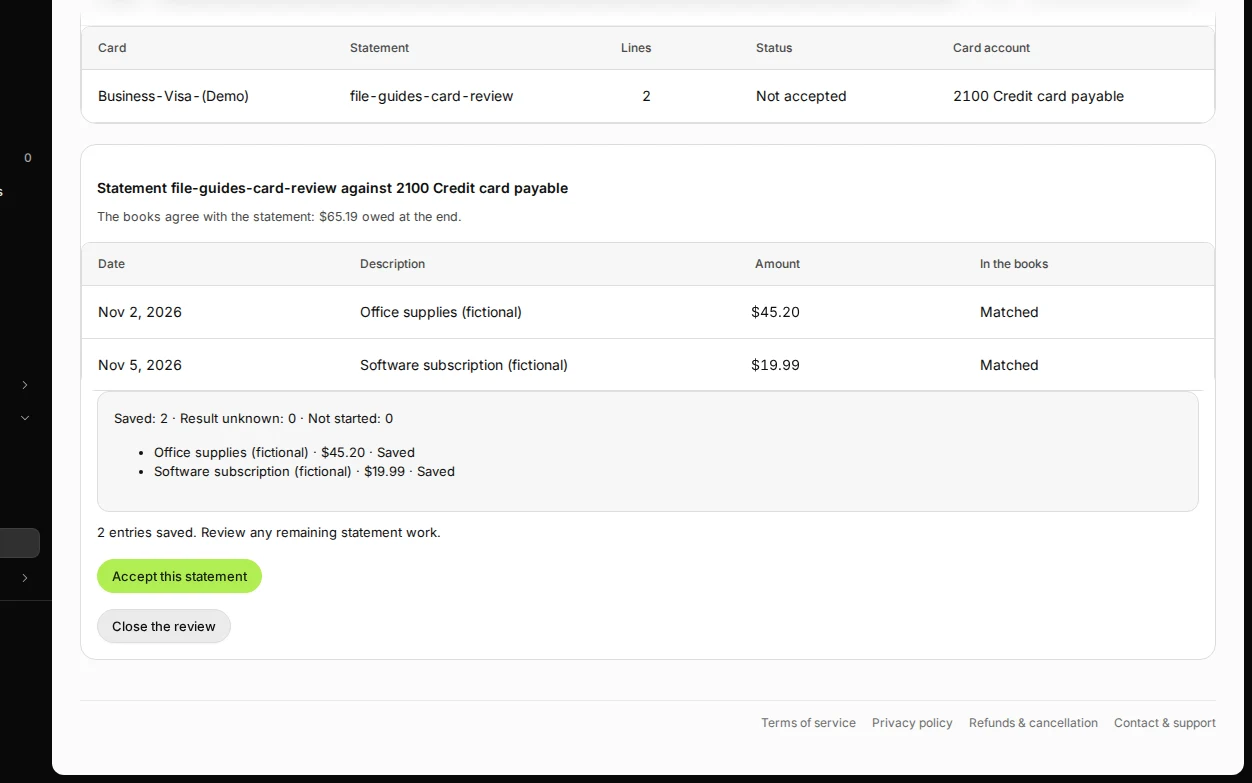
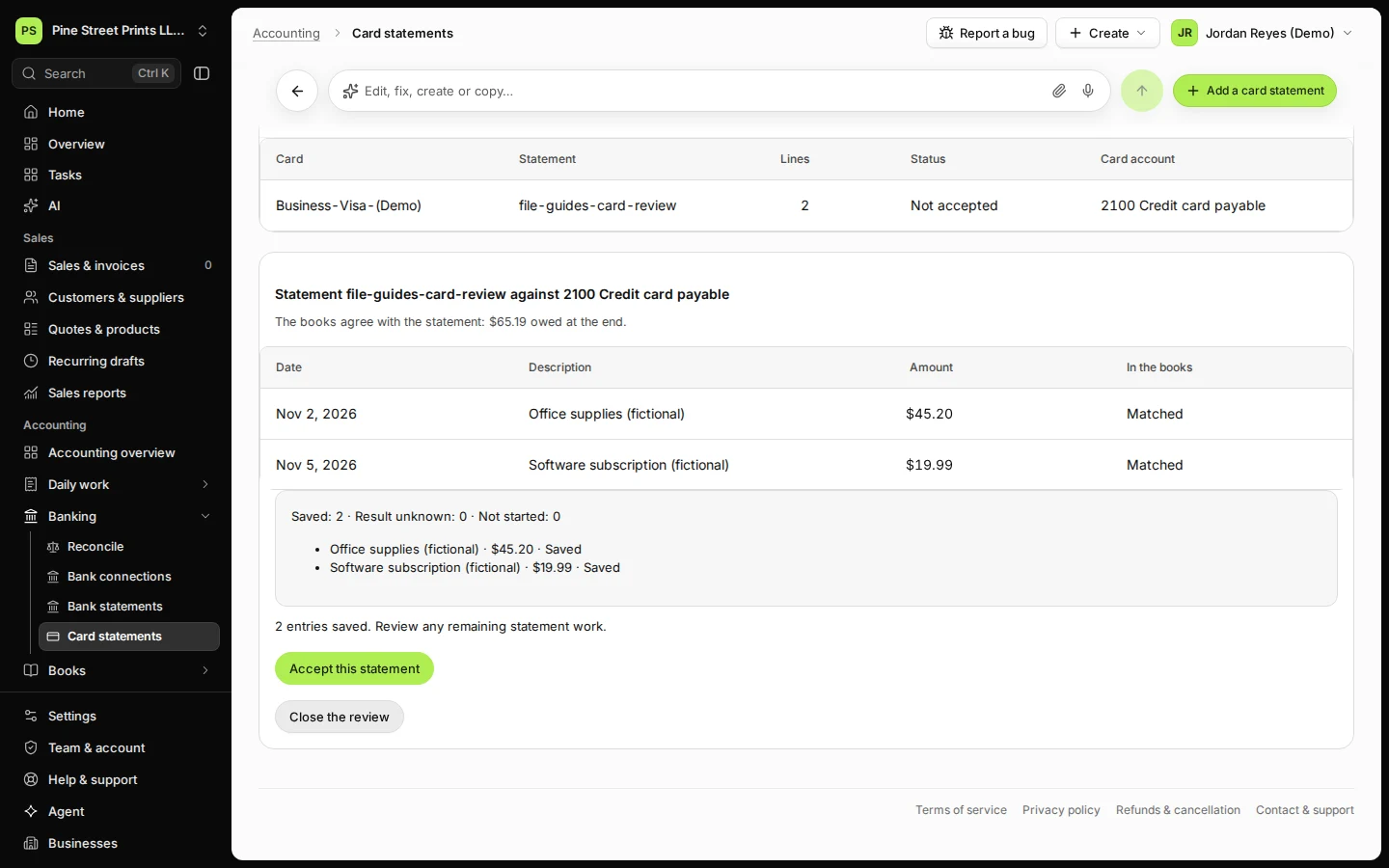
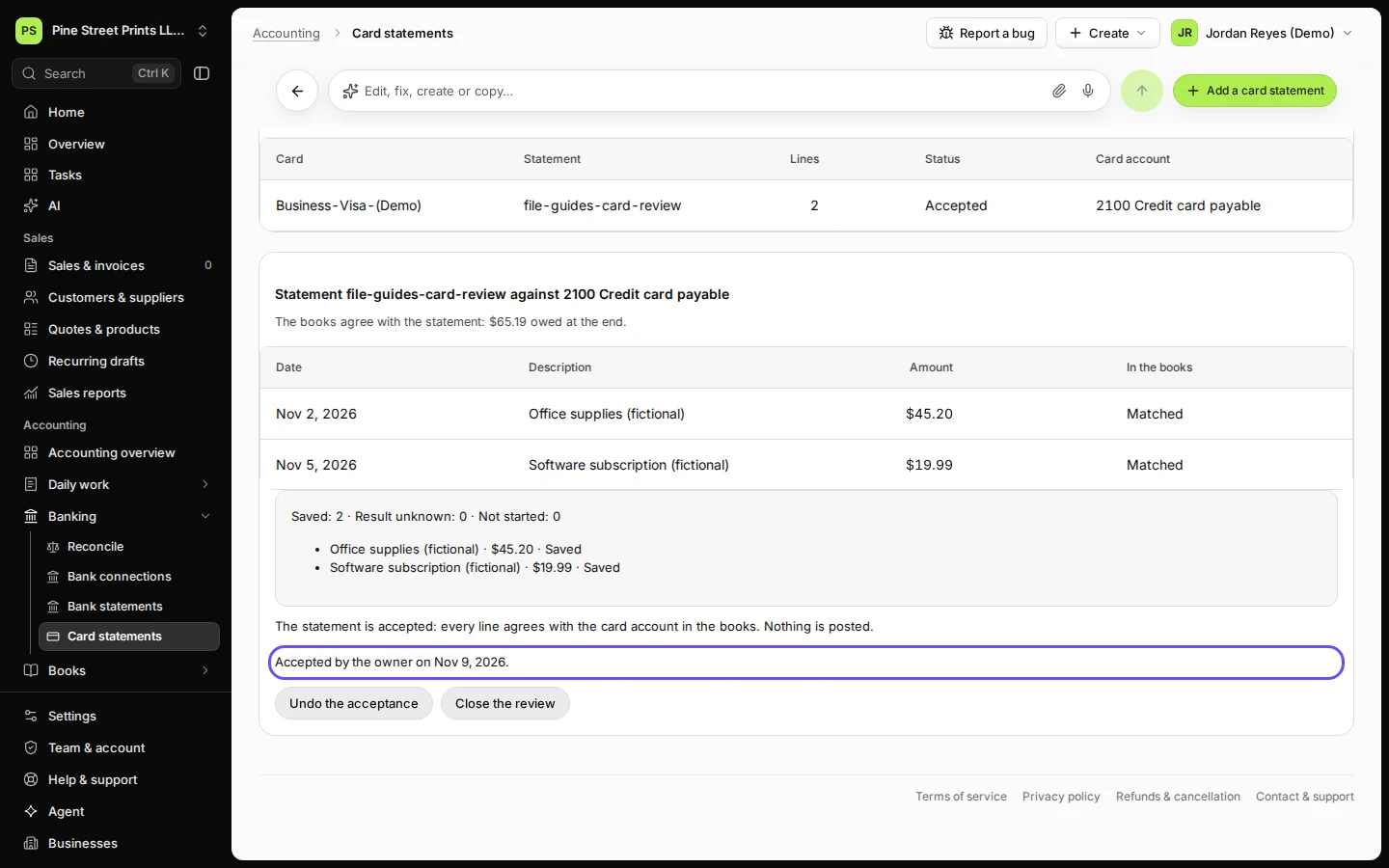
Step 4 in Deline (United States business, fictional data) · See the whole screen Press Accept this statement, check the note for the record and press Accept the statement.
"Every line matches the card account and the balances agree." Deline shows Accepted by the owner on the date, and the statement's status becomes Accepted. Undo the acceptance reverses it if you find a mistake.
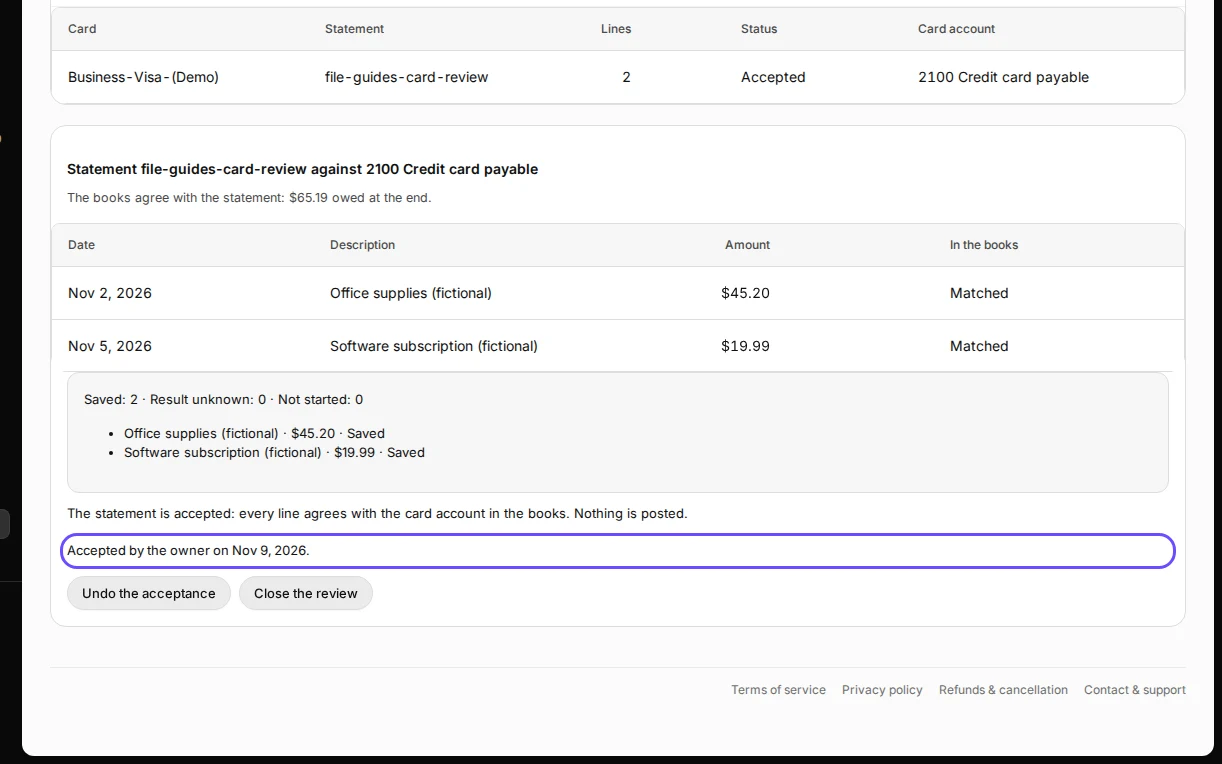
Step 5 in Deline (United States business, fictional data) · See the whole screen
If something goes wrong
- "Books show … owed at the end; the statement shows …": a line is missing in the books. Its status says Not in the books: prepare the missing entry from the review (it becomes a draft to approve in Journals), approve it, then review again.
- "The statement cannot be accepted yet:": Deline lists what is still open, such as a line without a match.
- More than one possible match: two book lines have the same date and amount. Check them in Journals first.
Last checked 2026-11-09 by the guide runner on build 857993047 (Deline 05d39ca07) (local Deline stack).